1080 Snowboarding: Recompiled
1080 Snowboarding: Recompiled is a native PC port of the Nintendo 64 snowboarding game.
- Type: PC port
- Game: 1080° Snowboarding
- Runs on Windows and Linux
- By Vibe Slop Studios
- Latest release 1.0, 2026-10-24
- Source: https://github.com/thebradshaw/1080-Snowboarding-decomp
README
1080° Snowboarding: Recompiled
A native PC port of the 1998 N64 snowboarding game 1080° Snowboarding, built with static recompilation, with widescreen, 60 and 120 fps, longer draw distance, HD boards, RetroAchievements and more, all optional.
Made by Vibe Slop Studios.
-2a6fe8?style=for-the-badge&logo=windows&logoColor=white)
-555555?style=for-the-badge&logo=linux&logoColor=white)

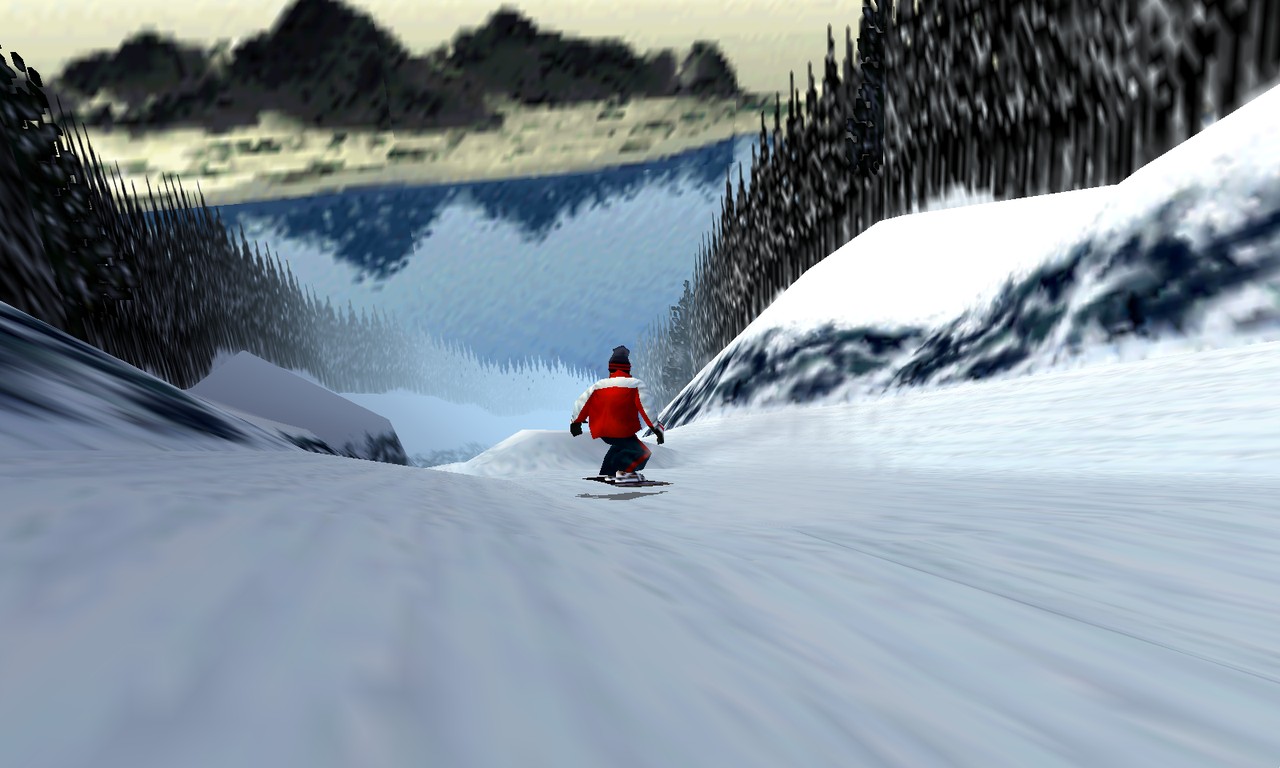
To play: download, unzip, run 1080SnowboardingRecompiled.exe (on Linux, 1080SnowboardingRecompiled.sh), choose Load ROM and pick your 1080° Snowboarding (USA) ROM, set the options and choose Start Game.
You need your own ROM. The ROM isn't in this repository or its downloads. The game's code is recompiled to C here and runs only alongside an unmodified 1080° Snowboarding (USA) ROM in .z64 format:
- MD5
fa27089c425dbab99f19245c5c997613
A fan project, not affiliated with or endorsed by Nintendo. 1080° Snowboarding is a trademark of Nintendo.
The downloads above are always the latest release; older ones are on the releases page. Windows needs Windows 10 or 11 (64-bit) and a GPU with Vulkan or Direct3D 12. The Linux build is new and untested on real machines, so it may not be stable; it needs a distribution about as new as Ubuntu 24.04, Vulkan drivers, SDL2 and GTK 3.
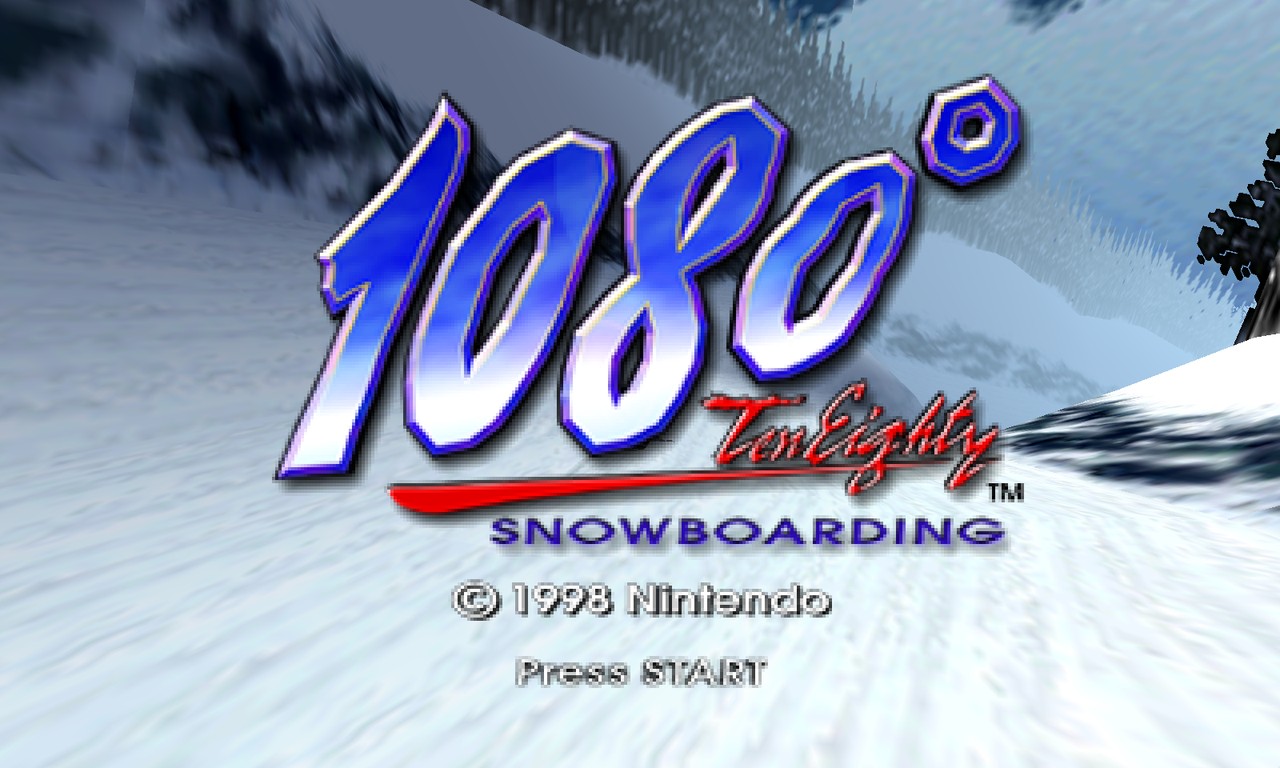 | 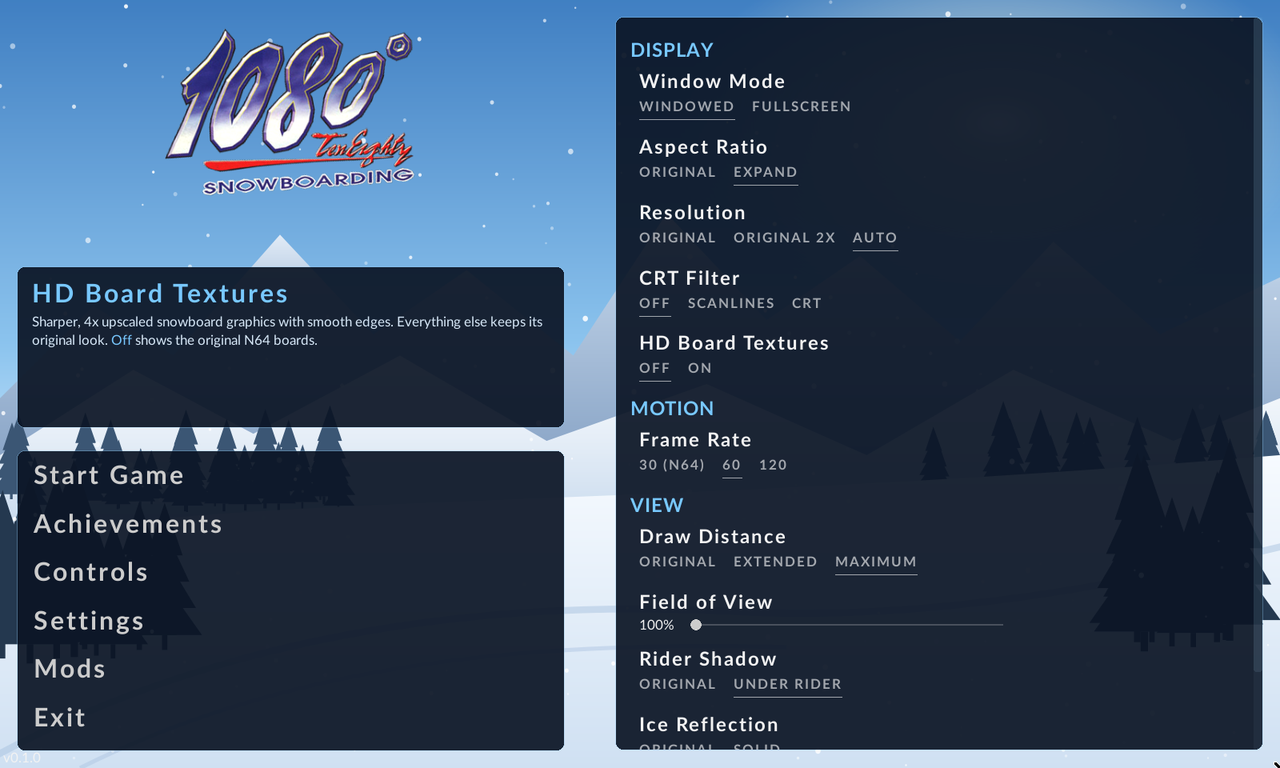 |
| The title screen | The launcher |
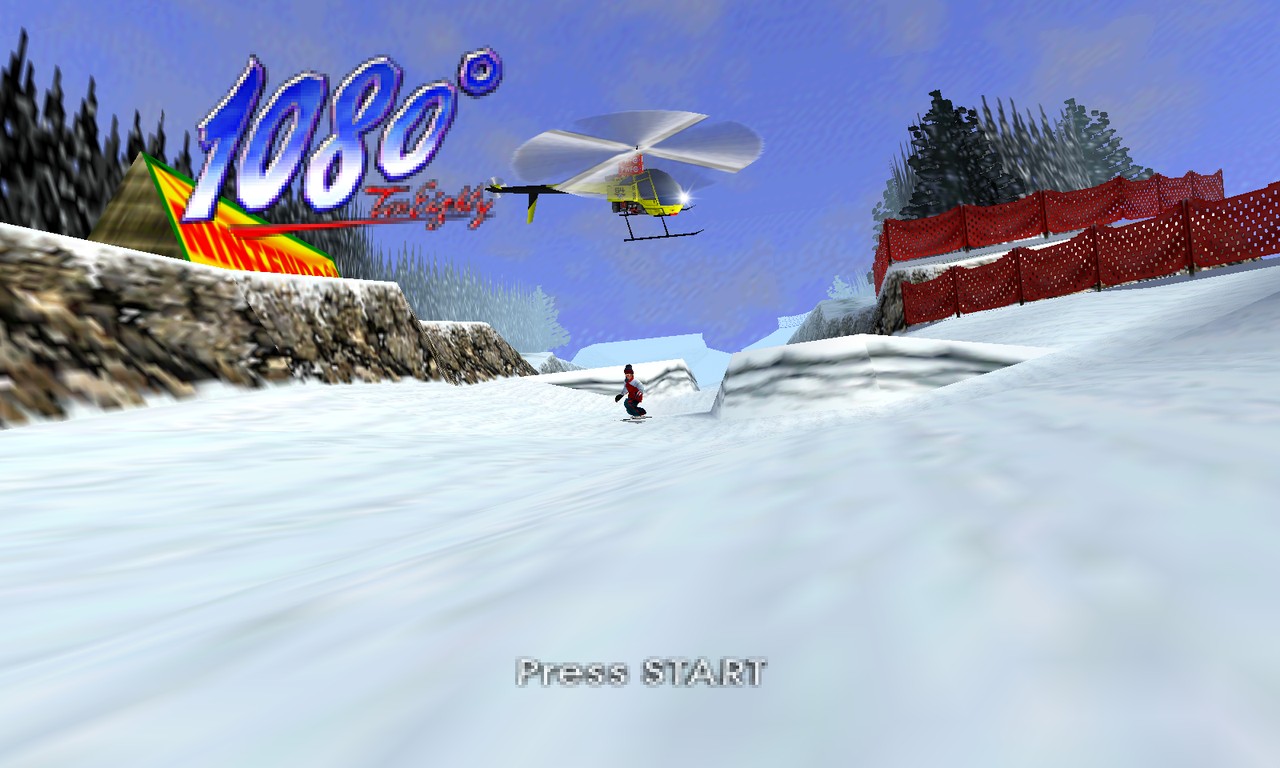 | 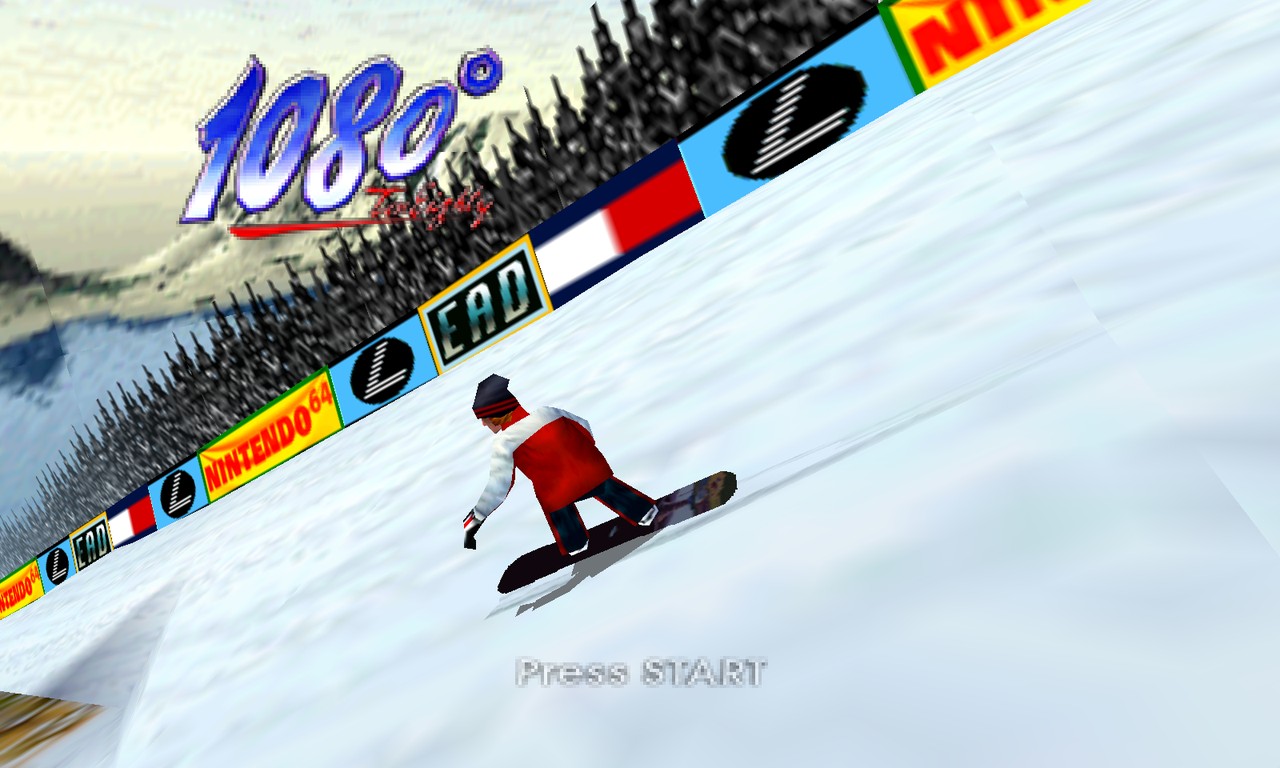 |
| The helicopter | By the banners |
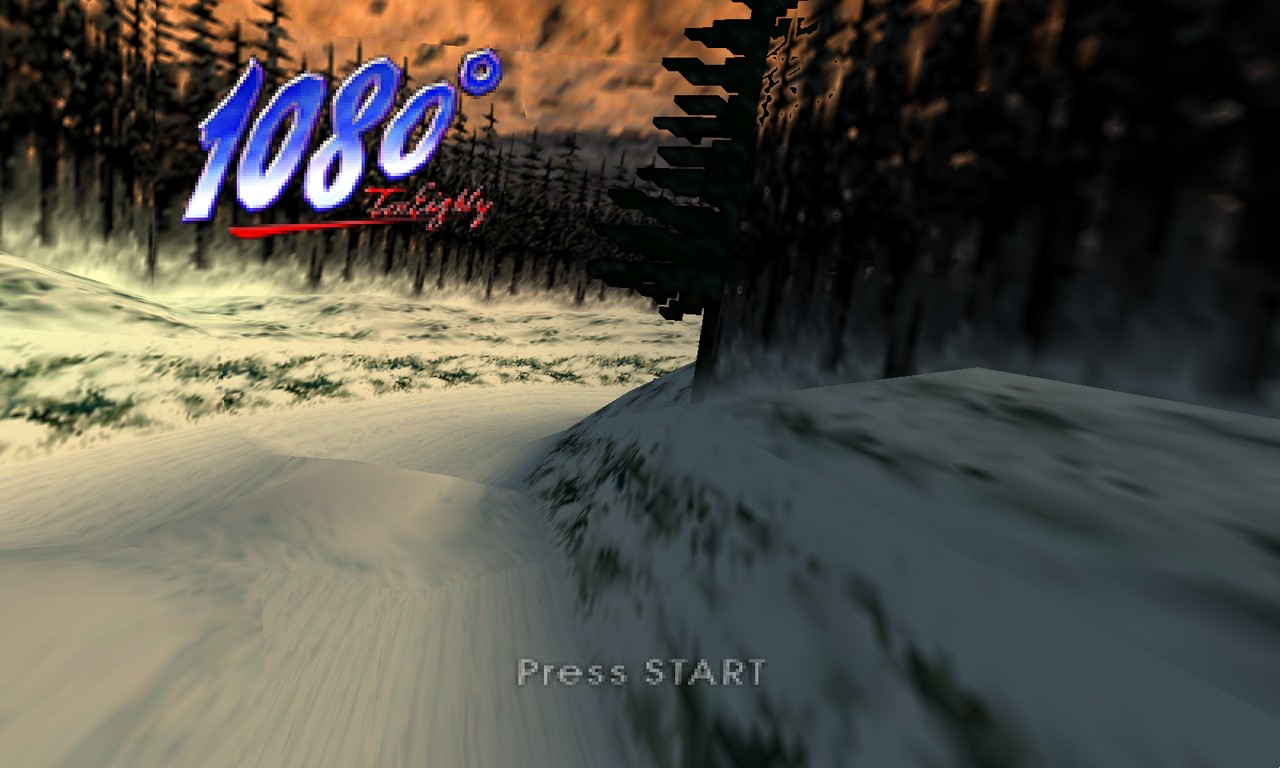
Options
Every enhancement can be turned off to get the N64 look back. All of them are on the launcher's main page and in Settings > Graphics.
| Option | What it does |
|---|---|
| Aspect Ratio | Expand draws the game as wide as your window (widescreen); Original keeps 4:3 |
| Resolution | Up to your display's resolution, with MSAA |
| Frame Rate | 60 (the default), 120, or 30 like the N64 |
| Draw Distance | Original, Extended (about three times as far) or Maximum (the whole course at once, the default) |
| Field of View | 100% matches the N64; higher shows more of the course |
| HD Board Textures | Sharper, 4x upscaled snowboard graphics with smooth edges (on by default) |
| Board Thickness | Thick gives the boards on the board select screen a solid edge; Original keeps them paper thin |
| Rider Shadow | Original casts it along the sun; Under Rider keeps it under the rider |
| Ice Reflection | Solid draws the rider's reflection as one see-through figure; Original keeps the N64's patchy look |
| CRT Filter | Scanlines or a full CRT look (off by default) |
Keyboard, mouse and gamepads all work, and controls can be remapped in Controls. The Mods menu loads RT64 texture packs and code mods.
RetroAchievements
Choose Achievements on the launcher and sign in with your RetroAchievements account to play for the 1080° Snowboarding achievement set. Only the session token is kept, never your password, and the achievement list is downloaded from RetroAchievements when you play. Until RetroAchievements approves this port, unlocks are saved on your PC only and are not sent to the site.
Settings, controls and saves live in %LOCALAPPDATA%\1080SnowboardingRecompiled (on Linux, ~/.config/1080SnowboardingRecompiled). To keep everything next to the exe instead, create an empty file named portable.txt there. Each run writes log.txt to the same folder; send it along when you report a problem.
Building
Clone with submodules (git clone --recursive), then:
tools/recompile.sh path/to/1080.z64
cmake -S . -B build/pc -G Ninja -DCMAKE_C_COMPILER=clang -DCMAKE_CXX_COMPILER=clang++
cmake --build build/pc
tools/recompile.sh builds a patched N64Recomp, generates its input from your
ROM into build/recomp-input/, and writes the recompiled game to
build/RecompiledFuncs/ and its audio microcode to build/rsp/. CMake then
builds the game with N64ModernRuntime,
RT64 and RecompFrontend.
On first launch the game asks for your ROM. tools/package-linux.sh turns build/pc into a ready-to-tar folder in build/linux-package/.
Windows (cross-compiled from Linux)
After tools/recompile.sh, with llvm-mingw,
DirectX-Headers and wine64 installed:
LLVM_MINGW=/opt/llvm-mingw DIRECTX_HEADERS=/opt/DirectX-Headers tools/build-windows.sh
The script applies the small MinGW fixes in patches/windows-cross/ to the renderer
submodules and leaves a ready-to-zip folder in build/win/package/. The HD board
texture pack and the launcher logo are made from the game's own art, so they are
not in this repository; set HD_TEXTURE_PACK and LAUNCHER_LOGO to bundle them.
How it works
- The game's code ships as relocatable USO modules; their format is documented in docs/USO_FORMAT.md
- The whole game (3,421 functions) is recompiled to C with N64Recomp, and its audio microcode with RSPRecomp
- Its libultra 2.0I functions (213) and RSP microcode (F3DEX 1.23 family + audio) are identified
- N64ModernRuntime, RT64 and RecompFrontend run it, kept in sync with the game's own module loader
- Enhancements hook the recompiled code in
src/game/; renderer changes are kept as patches inpatches/runtime/
Credits
- Snowboard Kids 2: Recompiled by cdlewis (GPL-3), whose runtime setup this port started from
- Zelda64Recomp (GPL-3), for menu fonts and icons
- N64Recomp by Mr-Wiseguy (MIT)
- djsaunde/1080-decomp, used as a reference while working out the module format
License
GPL-3.0 (see LICENSE), because the runtime code it builds on is GPL-3.