Adventure Mods
Adventure Mods is a tool for Linux that finds and downloads community mods for Sonic Adventure DX and Sonic Adventure 2, handling mod managers and settings.
- Type: tool
- Game: Sonic Adventure, Sonic Adventure 2
- Runs on Linux
- By astrovm
- Latest release v1.3.2, 2026-10-28
- Source: https://github.com/astrovm/AdventureMods
README
Adventure Mods
The easiest way to mod Sonic Adventure DX and Sonic Adventure 2 on Linux.
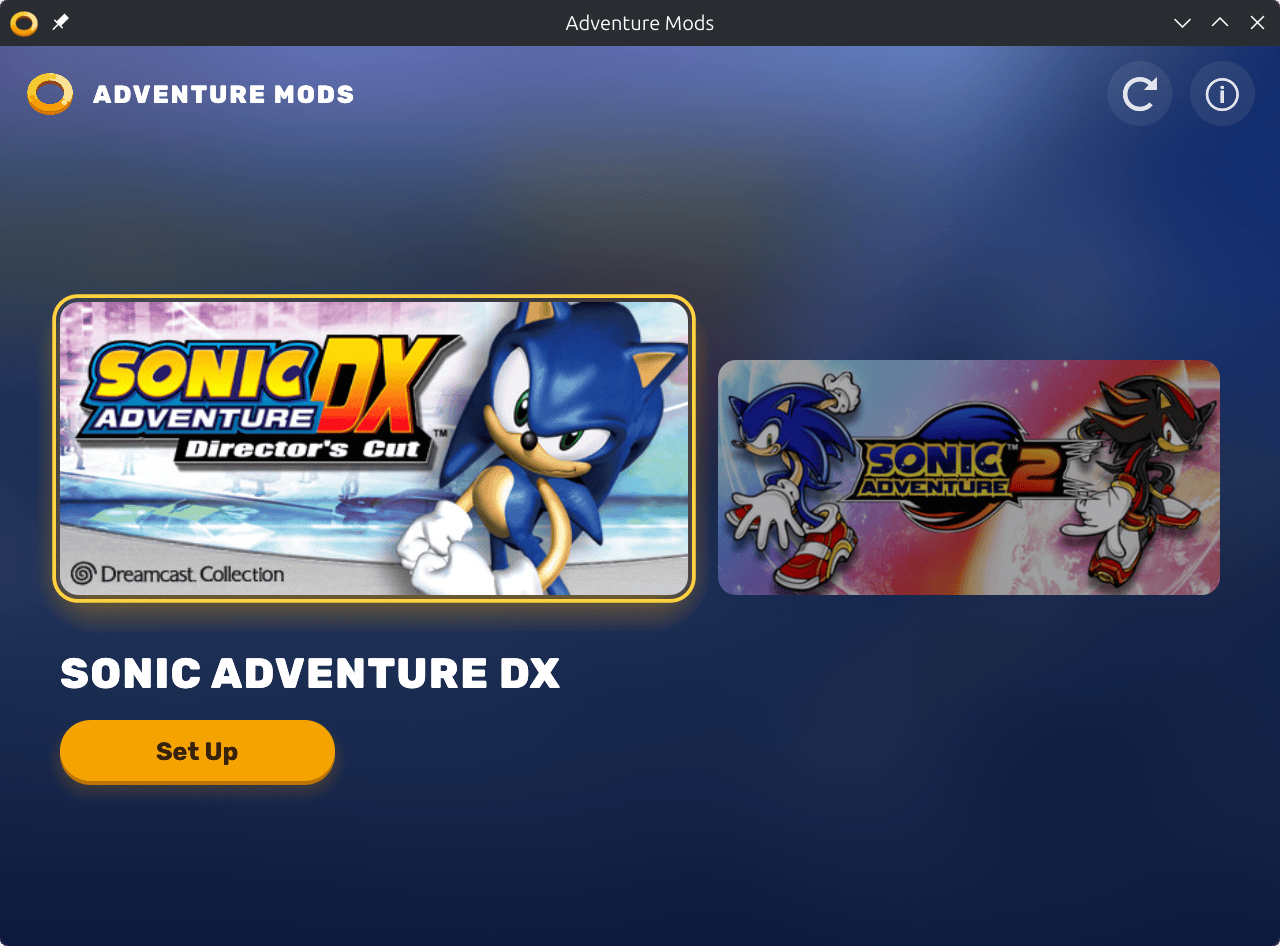
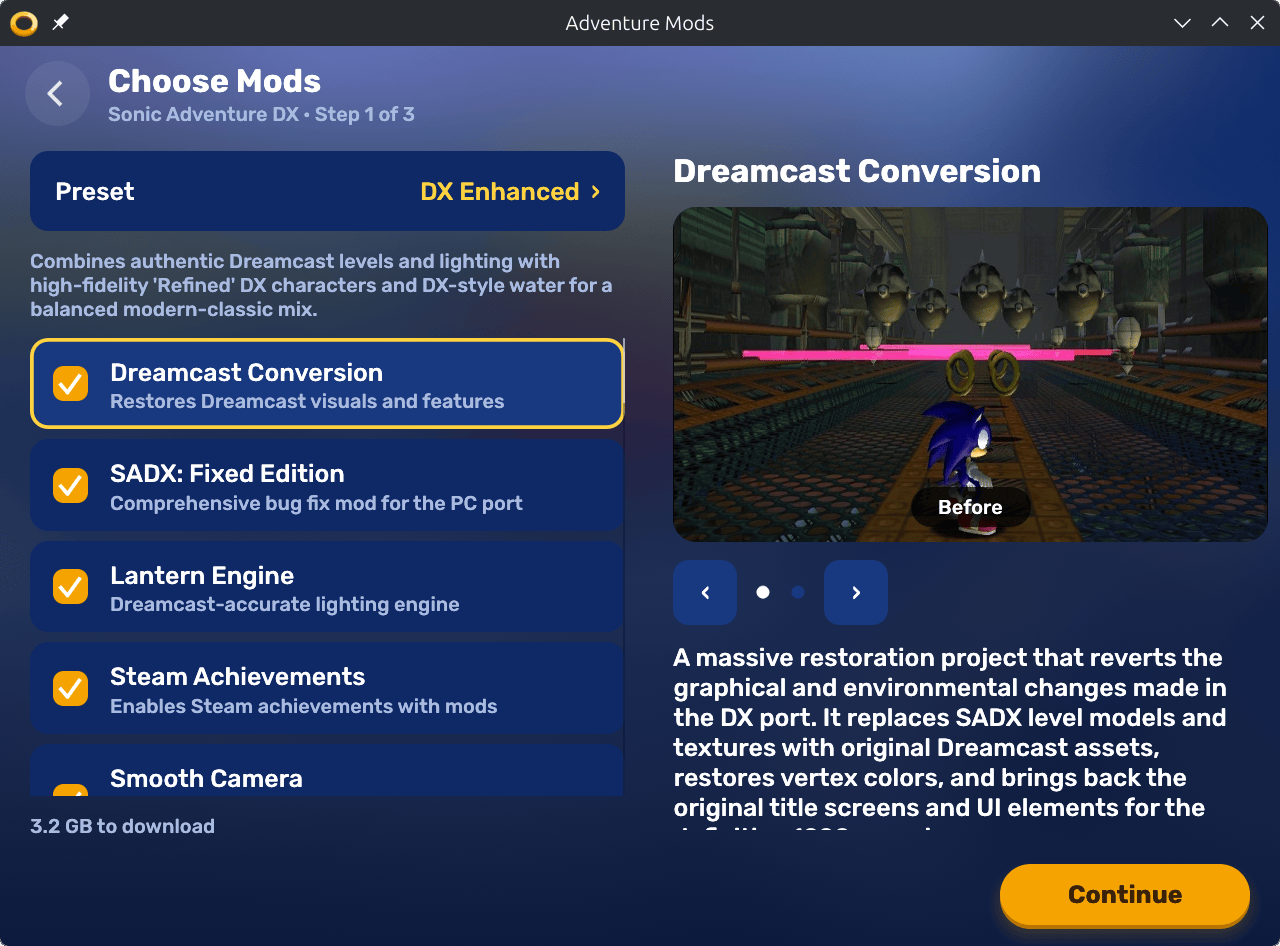
It finds your Steam installs and downloads community mods. It also handles mod managers, runtimes, resolution, load order and language settings, so you can play right away.
Before you start
- Steam with Sonic Adventure DX (app 71250) and/or Sonic Adventure 2 (app 213610).
- Proton 10.0. Force it for each game under Properties → Compatibility.
Why Proton 10.0: Proton 11 and tools based on it (Hotfix, Experimental, many custom builds such as CachyOS) currently can't keep SA Mod Manager running.
⬇️ Install
Flatpak (recommended)
Install Adventure Mods, or use the terminal:
flatpak install https://flatpak.4st.li/io.github.astrovm.AdventureMods.flatpakref
AppImage
Download the latest AppImage from GitHub Releases.
Snap
Download the .snap for your computer from GitHub Releases, then install it:
sudo snap install --dangerous AdventureMods-*.snap
The snap can't open your Steam folder on its own. The first time, press Grant Access and select the folder it opens, or connect it in a terminal:
snap connect adventure-mods:steam-config && snap connect adventure-mods:steam-games
🚀 Use
Open Adventure Mods from your application menu and follow the setup wizard.
It works with a controller too, so you can use it from the couch or in Steam Deck's Game Mode (add it to Steam as a non-Steam game). The D-pad or left stick moves, A selects, B goes back and Start continues.
Features
- Finds your games. Detects SADX and SA2 across all Steam library folders.
- Lots of mods. Includes 30 SADX mods and 16 SA2 mods.
- SADX presets. DX Enhanced and Dreamcast Restoration.
- One step. Installs mod managers, mods and dependencies together.
- Good settings. Sets your screen resolution, window mode and recommended settings.
- Your languages. Saves subtitle and voice language per game.
- Couch friendly. Big text and buttons, with full controller support.
- Speaks your language. English, Spanish, French, German, Italian and Japanese, following your system language.
CLI (optional)
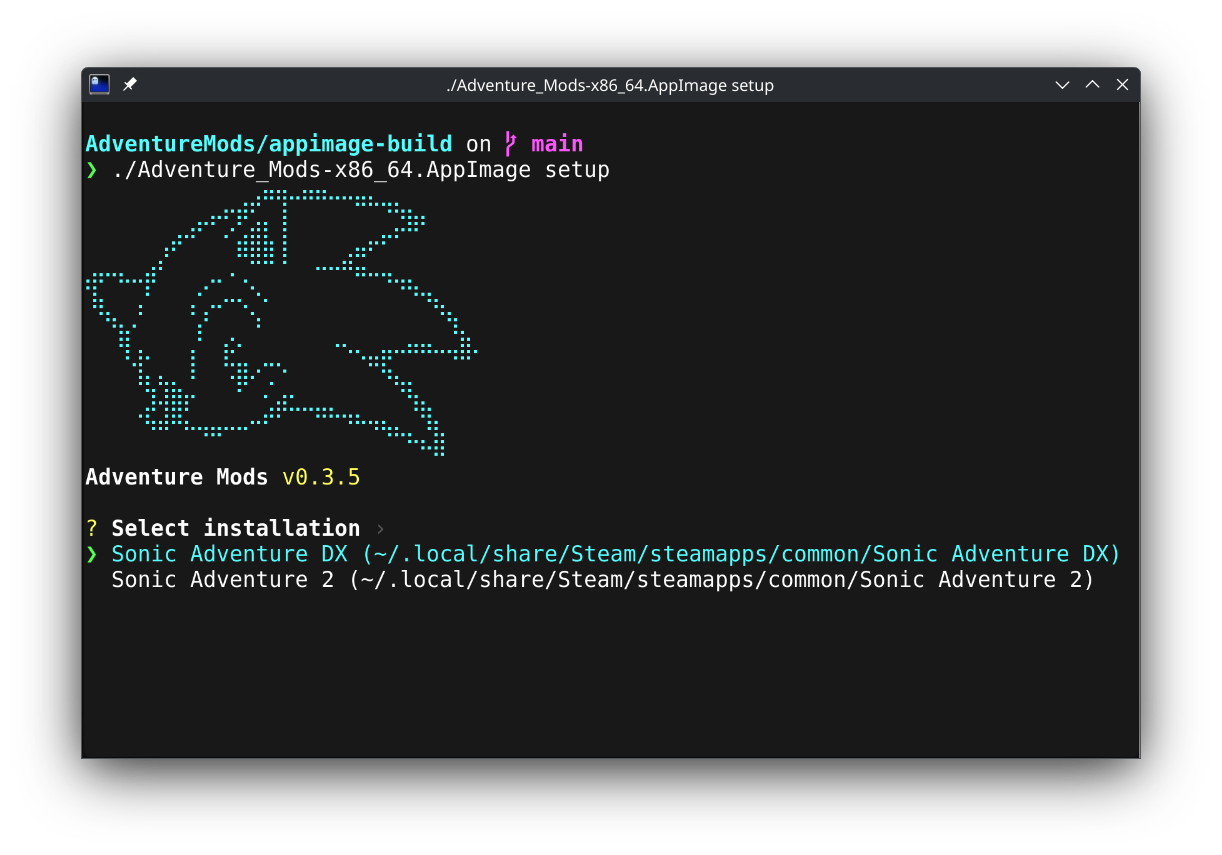
The graphical app is recommended for most people. From a terminal, start with the interactive setup wizard:
flatpak run io.github.astrovm.AdventureMods setup
- Interactive by default. It walks you through game selection, mods and install steps.
- Scriptable. Leave out game or mod flags to stay interactive. Pass them only for a fully non-interactive run.
Other commands
| Command | What it does |
|---|---|
detect | Show detected game installs and inaccessible Steam libraries |
list-mods --game sadx|sa2 | List available presets and mods for a game |
flatpak run io.github.astrovm.AdventureMods detect
flatpak run io.github.astrovm.AdventureMods list-mods --game sadx
flatpak run io.github.astrovm.AdventureMods --help
Non-interactive setup options
Use these with setup for scripting. When game, path or mod selection is left out, setup stays interactive.
| Flag | What it does |
|---|---|
--game sadx|sa2 | Select the game |
--game-path /path | Override Steam detection |
--preset "Name" | Named preset (SADX only) |
--all-mods | Install all recommended mods |
--mods slug1,slug2 | Install specific mods by slug |
--subtitle-language | Select subtitles |
--voice-language | Select japanese or english voices |
--width, --height | Override the detected resolution |
--libraryfolders-vdf /path | Use a specific libraryfolders.vdf file |
--steam-library /path | Add an extra Steam library root (repeatable) |
Subtitle languages:
| Game | Languages |
|---|---|
| SADX | japanese, english, french, spanish, german |
| SA2 | english, german, spanish, french, italian, japanese |
flatpak run io.github.astrovm.AdventureMods setup --game sadx --preset "DX Enhanced"
flatpak run io.github.astrovm.AdventureMods setup --help
Development
Flatpak (Devel manifest, installs for the current user)
make flatpak
Production manifest: make flatpak FLATPAK_MANIFEST=build-aux/io.github.astrovm.AdventureMods.json (needs Flatpak 1.18 or newer for its controller permission)
It builds offline, like Flathub: build-aux/flatpak/cargo-sources.sh first lists every crate in Cargo.lock (it needs uv), and 7-Zip and HDiffPatch build from source.
AppImage (Podman + ubuntu:26.04, matching the CI runner)
make appimage
Output: appimage-build/AdventureMods-v<version>-<arch>.AppImage and .zsync.
Builds match the host architecture (x86_64 or aarch64). GitHub Releases publish both.
From source (cargo run)
Every package bundles two tools that cargo run needs on your PATH:
7zzfrom 7-Zip. Distro packages often name it7zand leave out RAR support, which some mods need.hpatchzfrom HDiffPatch. SADX setup uses it to make the 2004 version.
build-aux/build-tools.sh ~/.local/bin builds both from source, the same way every package does (needs make and a C++ compiler). To use copies elsewhere, set ADVENTURE_MODS_7ZZ and ADVENTURE_MODS_HPATCHZ to their paths.
Fuzzing (needs nightly Rust and cargo install cargo-fuzz)
cd fuzz && cargo +nightly fuzz run vdf
It feeds random text to the parser for Steam's .vdf files.
Translations
The app's text lives in gettext catalogs in po/, built into the binary.
- Fix a translation. Edit
po/<language>.po. - Add a language. Add its code to
po/LINGUAS, runmsginit -i po/adventure-mods.pot -l <code> -o po/<code>.po --no-translator, then add it toLANGUAGESinsrc/i18n.rswith its plural rule. - Changed the app's text? Run
sh build-aux/update-po.sh(GNU gettext 0.24 or newer). CI fails if the catalogs are out of date. - Japanese text changed? Run
sh build-aux/subset-japanese-fonts.shso the font has every character.
Mark text in code with tr!, trc! (with a context), trf! (with {name} values) or trn! (with a count).