Army of Two: The Devil's Cartel Recomp
Army of Two: The Devil's Cartel Recomp is a native Windows port of Army of Two: The Devil's Cartel with a player settings window and keyboard and mouse support.
- Type: PC port
- Game: Army of Two: The Devil's Cartel
- Runs on Windows
- By BrewSparrow
- Latest release 1.0, 2026-11-04
- Source: https://github.com/BrewSparrow/ArmyOfTwoTDC-Recomp
README
Army of Two: The Devil's Cartel - Xbox 360 recompilation
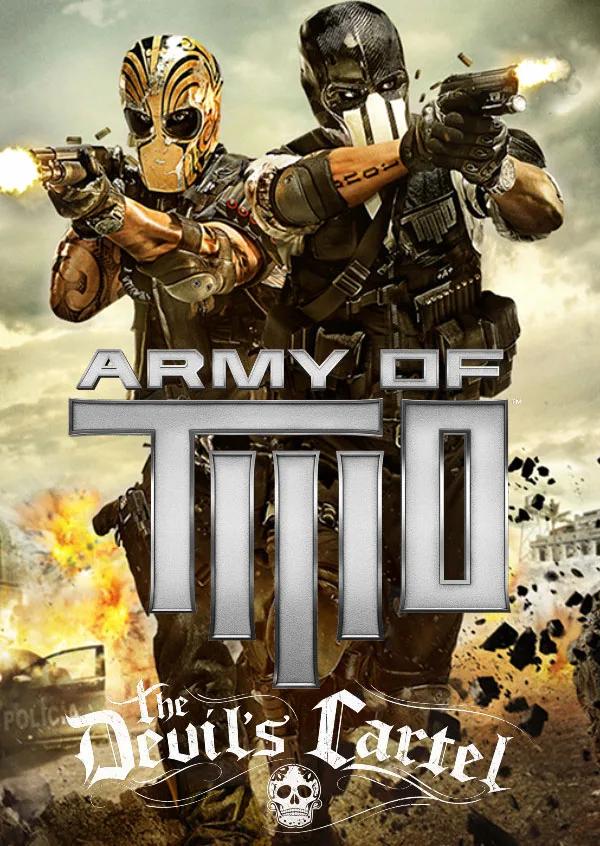
Image notice: I do not own this image. The Army of Two: The Devil's Cartel cover art is the property of its respective owners (Electronic Arts Inc.) and is included here for identification purposes only.
A static recompilation of the Xbox 360 version of Army of Two: The Devil's Cartel to a native Windows executable, built on the ReXGlue SDK. The game's PowerPC code is translated to C++ at build time from your own disc dump; the SDK provides the Xbox 360 kernel, GPU (Direct3D 12), audio and input.
This repository contains no game code or data. You need a legally owned copy of the game.
Project-side additions
On top of the plain recompilation:
- Player settings window (
F4) - a themed settings page with only what players need: key bindings (with the game's action names), mouse sensitivity and invert Y, fullscreen, V-Sync, aspect ratio, image filter, texture filtering, mute. "Advanced settings" shows every SDK option. - Keyboard and mouse - WASD movement, mouse look, LMB fire, RMB aim, Shift dash; all
rebindable in the settings window or
settings/hardware.toml. - Rendering fixes for this game (see
thirdparty/patches/):- HDR scene resolved and sampled as integers (the integer number format of 16-bit fixed textures, unsupported upstream) - without it the game renders almost black.
- Memexport (GPU-written data) is copied back to game memory per changed value, queued instead of stalling - the game's GPU particles otherwise corrupt the job system or stutter.
- Only the render results the CPU actually reads are copied back (the lighting input and the small exposure buffers), instead of every resolve.
- The screen-space ambient occlusion pass renders as horizontal stripes under emulation and
is replaced with "no occlusion" (
ao2dc_disable_ssao). - Delayed render readbacks no longer overwrite the GPU's newer copy (smoke and other half-resolution effects were cut into 32-pixel blocks).
- Recompiler fixes - PowerPC memory barriers (
sync,lwsync,eieio) are emitted as fences instead of nothing, so the compiler cannot reorder the game's lock-free thread handoffs; the vector 2^x estimate (vexptefp) no longer wraps to huge values for very negative inputs (the audio mixer's decibel-to-gain conversions use it). - Audio - a look-ahead limiter (
audio_limiter, on by default) keeps the game's mix from hard-clipping when gunfire stacks several copies of a sound, and underruns fade instead of clicking.ao2dc_audio_recordsaves the last 90 s of the game's mix and of the device signal tologs/and enables the XMA diagnostics in the log. - Kernel fixes - stale dispatch objects in reused memory (crash on
KeSetEvent), instant storage-device selection. - Crash report - a crash writes the faulting call stack, with recompiled function names, to
logs/crash.txtnext to the executable.
Requirements
- Windows 10/11, a Direct3D 12 GPU with rasterizer-ordered views (any recent AMD/NVIDIA/Intel)
- CMake 3.25+
- Git (SDK submodule + patches)
- Ninja
- Clang / LLVM (
winget install LLVM.LLVM), plus the Visual Studio 2022 Build Tools (C++ workload) for the Windows SDK and linker environment - About 16 GB of free RAM for the code generation step
- ABGX360 to dump the Xbox 360 disc, or extract-xiso to unpack an existing ISO
- Your own legally owned copy of Army of Two: The Devil's Cartel (Xbox 360)
Getting the SDK
The ReXGlue SDK is pinned as a git submodule in thirdparty/rexglue-sdk and built together with
the game:
git clone --recursive <this repo>
# or, in an existing clone:
git submodule update --init --recursive
Local SDK fixes live in thirdparty/patches/ and are applied to the submodule at configure time
by cmake/apply_sdk_patches.cmake (idempotent; the submodule's commit is never changed).
Getting the game data
- Dump the Xbox 360 disc with ABGX360 (verify it against the values below) or extract an existing ISO with extract-xiso, which unpacks the disc's file tree.
- Copy the extracted contents directly into
assets/, sodefault.xexsits atassets/default.xexalongside the rest of the disc's files ($SystemUpdate/,Content/,Data/,Movies/,AO4.Main.xex,AO4.Splash.xex,Engine.BuildInfo.xex,NxeArt). Some tools extract it asDefault.xex; either spelling works on Windows. assets/is gitignored (assets/*in.gitignore, withassets/README.mdas the only tracked file) - nothing from the disc is, or should be, committed to this repo.
The game files are never copied into the build output either: the recompiler reads the three
XEX files from assets/ at build time, and the game reads its data from assets/ at run time.
Target retail release (verify your dump matches):
| Field | Value |
|---|---|
| Title ID | 454109AB |
| Media ID | 60F8EF51 |
| Version | 0.0.0.11 (disc 1/1, no title update) |
| File | SHA-1 |
|---|---|
default.xex | b7f987b19a6f392d6c74b65444bd4b3e4eb8d924 |
AO4.Main.xex | 64da993ea47798252dd580c8625afac45b64df27 |
Engine.BuildInfo.xex | 3ad0e5f5913d68c927a67439e833538e613b0558 |
default.xex, AO4.Main.xex and Engine.BuildInfo.xex all carry the Title ID, Media ID and
version above. The build also prints them for every XEX it recompiles. Check the hashes with
certutil -hashfile assets\AO4.Main.xex SHA1 (Windows) or sha1sum assets/*.xex.
Building
From a "x64 Native Tools Command Prompt for VS 2022" (or after running vcvars64.bat), with
LLVM first on PATH:
cmake --preset win-amd64-release
cmake --build out/build/win-amd64-release
The first build compiles the SDK, recompiles the game from assets/ (this takes a while and a
lot of memory) and compiles the generated code. Later builds only redo what changed.
Running
Run out/build/win-amd64-release/ArmyOfTwoTDC X360 Recomp.exe. Saves, the shader cache and logs stay inside the
project (user/, cache/, out/build/.../logs/).
Default controls: WASD move, mouse look, LMB fire, RMB aim, Shift dash, Space/Enter A, Backspace/F
B, R/E X, Q Y, G LB, V RB, Esc Start, Tab Back, 1-4 or arrows D-pad. Press F4 for settings;
Alt+Tab releases the mouse.
Settings
settings/hardware.toml holds the runtime settings (graphics, input, the game-specific fixes).
The F4 window edits and saves the same file.
Legal
This project does not include any part of the game. Army of Two is a trademark of Electronic Arts Inc. This project is not affiliated with or endorsed by Electronic Arts.