Bakugan: Battle Brawlers PS3 Recomp
Bakugan: Battle Brawlers PS3 Recomp is a native Windows port of Bakugan: Battle Brawlers for PlayStation 3 with Direct3D 12 graphics and hybrid controls.
- Type: PC port
- Game: Bakugan: Battle Brawlers
- Runs on Windows
- By Bakugan: Battle Brawlers PS3 Recomp
- Latest release v1.2.0, 2026-11-12
- Source: https://github.com/Mauryln/Bakugan-Battle-Brawlers-PS3-recomp
README
Bakugan: Battle Brawlers — Native PS3 Recompilation for Windows
The PlayStation 3 release (BLES00758), statically recompiled into a native Windows x64 executable.






Versión en Español · System Requirements · Installation Guide · Controls & Sixaxis · Credits
Showcase
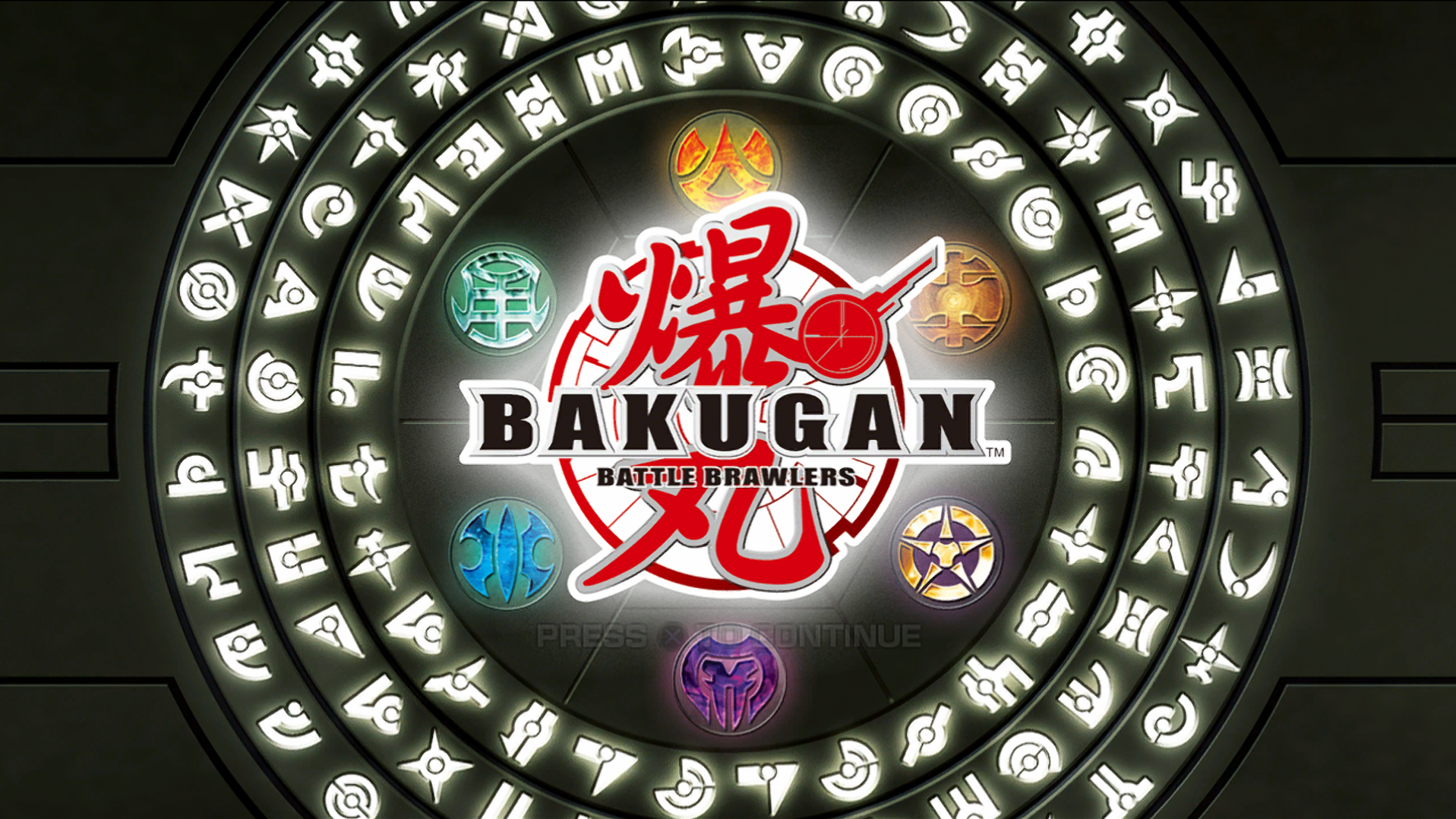
Title Screen
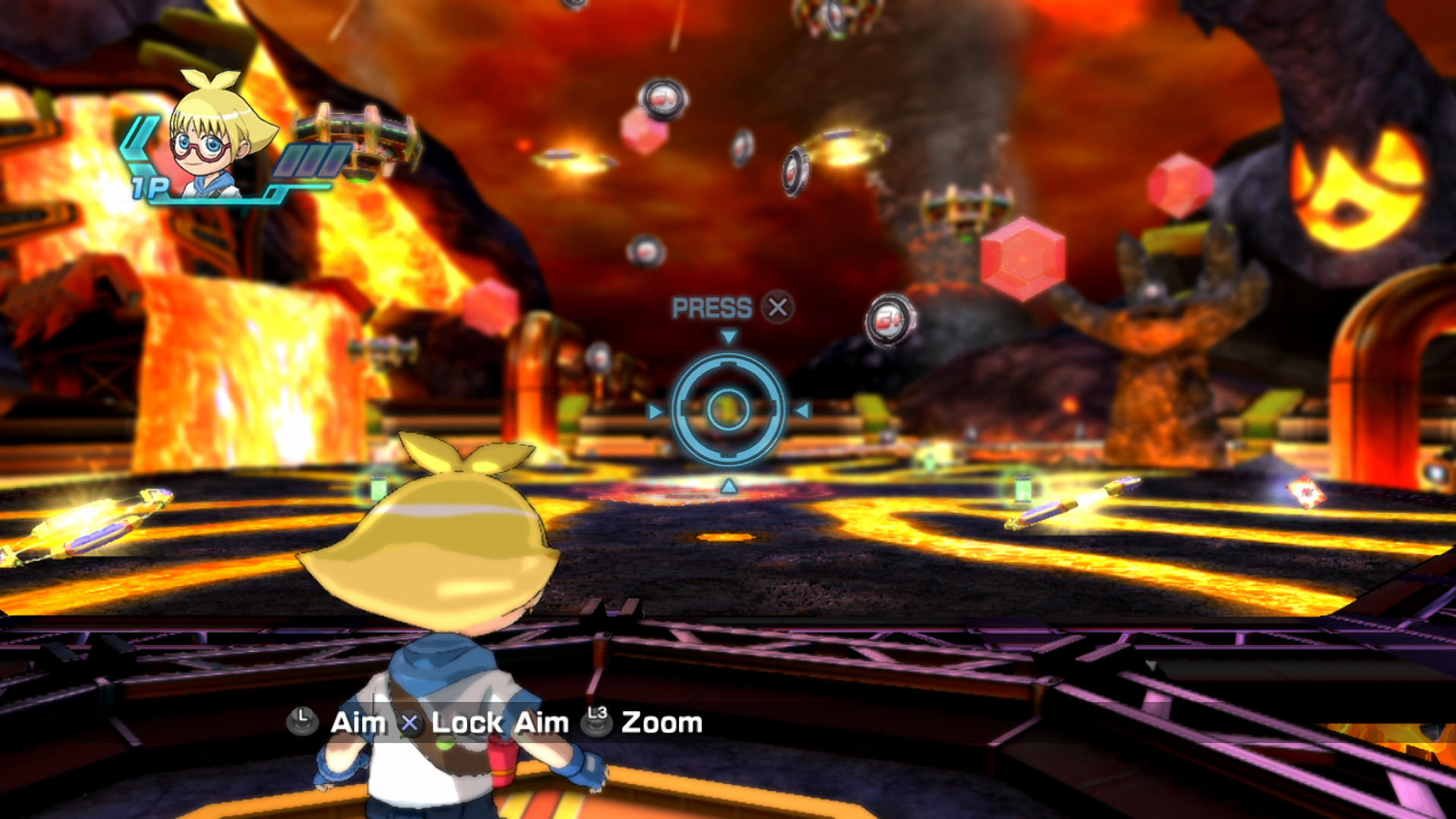
Battle Arena — Pyrus
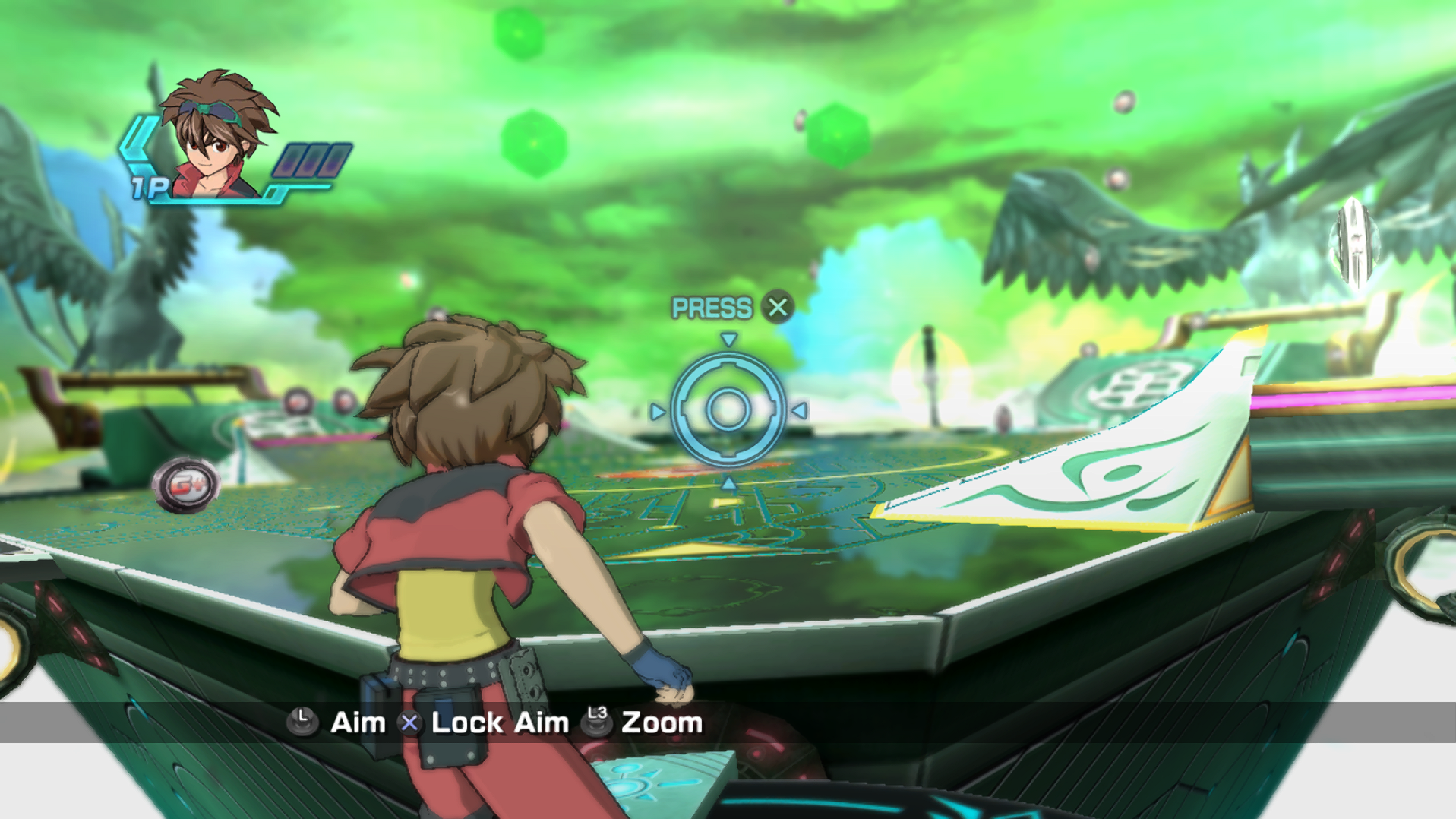
Battle Arena — Ventus
Overview
Bakugan: Battle Brawlers (2009) was originally released on consoles and never ported to PC. This project statically recompiles the PlayStation 3 version's PPU (CPU) and SPU (DSP) code directly into optimized 64-bit Windows C++ code using the PS3Recomp toolkit, linking against a lightweight High-Level Emulation (HLE) runtime that translates system calls to Direct3D 12, WASAPI, and Windows threads.
The game is fully playable from start to finish: story mode, tutorials, battle arenas, card minigames, cutscenes, FMVs, and saving/loading function natively.
Key Features & What's New (v1.2.0)
See the full changelog in docs/RELEASE_1.2.0.md.
- Multiplayer Game Enabled (Up to 7 Ports): Connect multiple controllers simultaneously (PS4 DualShock 4, Nintendo Switch Pro Controller, Xbox/XInput, generic SDL3 controllers) alongside a dedicated Keyboard & Mouse port. Works seamlessly both from
BakuganLauncher.exeand direct launches (BakuganBrawlers.cmd/BakuganRecomp.exe). - Story Mode Player Portrait & Graphics Fixes: Fixed custom player avatar portraits missing or glitching during the first session via offscreen render-target pinning + LRU eviction, alias EA tracking,
NV309Epage stamping, thread-safe texture generation tracking, expanded depth surface pool (32), and battle duel brightness compositing. - Full 360° Analog Stick Minigame Control: 2D radial deadzone with angle-preserving circular-to-square stick shaping lets left/right stick spins register every direction smoothly instead of locking to 4 cardinal axes.
- Native Direct3D 12 Engine: Hardware-accelerated rendering with borderless windowed mode enabled by default at 1080p, plus upscaling presets (720p, 1080p, 1440p, 4K) powered by official AMD FidelityFX Super Resolution 1.0 (FSR1) and Contrast Adaptive Sharpening (RCAS).
- Simultaneous Hybrid Controls: Seamlessly play with Gamepad (Xbox, PlayStation DualShock 4/DualSense, Switch Pro, generic DirectInput/XInput) or Keyboard & Mouse at any time without changing modes.
- Tri-Modal Sixaxis Simulation: Ball steering during battles supports 3 simultaneous input methods:
- Mouse Motion: Move your mouse naturally to tilt and steer the Bakugan ball in battles. Features spring-to-center physics, low-noise deadzone filtering, and seamless cursor re-centering.
- Right Analog Stick: Intuitive stick tilting for traditional gamepad users.
- Physical Gyroscope: Native motion sensor support on DualShock 4, DualSense, and compatible gamepads via SDL3.
- Modernized Bilingual Launcher: Includes an interactive graphical controller remapper, graphics presets, game language selection (English/Spanish), and automatic resource cleanup when the game starts.
- Automated Bilingual Installer: Detects system language (Spanish/English), verifies your retail European disc dump (
BLES00758), and automatically decryptsEBOOT.BINvia bundled portable RPCS3 tools. - Pre-warmed Shader Container (
fp_v3.cache): Eliminates shader compilation stuttering during battle arena entries. - Robust Save System: Native multi-slot save data stored in
%LOCALAPPDATA%\BakuganRecomp.
System Requirements
| Component | Minimum Requirements | Recommended Specifications |
|---|---|---|
| Operating System | Windows 10 64-bit (Version 1909+) or Windows 11 | Windows 10/11 64-bit (latest update) |
| Processor (CPU) | x86-64 with AVX and SSE4.2 support (Intel Core 6th Gen / AMD Ryzen 1000 series) | 6-Core / 12-Thread CPU or better (Intel Core i5-10400 / AMD Ryzen 5 3600 or newer) |
| Memory (RAM) | 4 GB RAM | 8 GB RAM or more |
| Graphics (GPU) | Direct3D 12 Feature Level 11_0 (NVIDIA GeForce GTX 960 / AMD Radeon RX 460 / Intel Iris Xe) | Direct3D 12 Feature Level 12_0 (NVIDIA GeForce RTX 2060/3050 / AMD Radeon RX 6600 or better) |
| Storage | 6 GB available space (HDD supported) | 6 GB available space on high-speed SSD |
| Audio | Windows-compatible WASAPI audio device | Stereo / Multi-channel headphones or speakers |
| Game Media | Legally owned European retail PS3 disc dump (BLES00758) | .iso image or extracted PS3_GAME folder |
Game Requirements (European Edition)
Important
This recompilation requires assets from the European retail disc release of Bakugan: Battle Brawlers (BLES00758).
Other regional releases (such as US BLUS30409) have distinct binary layouts and are not compatible with this lift.
You must provide your own legally dumped European disc image as an ISO file (.iso) or an extracted folder structure containing PS3_GAME/USRDIR/EBOOT.BIN.
How to Install and Play
- Download the complete release archive
Bakugan-Battle-Brawlers-Recomp-1.2.0-win64.zipfrom the Latest Release. - Extract the entire ZIP archive into a folder of your choice (ensure that the
payloadfolder remains adjacent toBakuganSetup.exe). - Run
BakuganSetup.exefrom the extracted directory. - Browse and select your European Disc ISO (
BLES00758) or game directory. - Choose your desired installation folder and shortcut preferences (Desktop / Start Menu).
- Click Install. The installer will copy application files, extract disc data, and decrypt
EBOOT.BINautomatically. - Launch the game from the created desktop shortcut or
BakuganLauncher.exe. - Customize your display resolution, graphics, and controls in the launcher, then click Play!
Controls and Sixaxis
The input bridge operates with full simultaneous support for Keyboard, Mouse, and Gamepads.
Default Keyboard & Mouse Controls
| PS3 Action | Keyboard / Mouse Key | Game Function |
|---|---|---|
| Cross (✕) | X or Space | Confirm / Jump / Action |
| Circle (○) | C | Cancel / Back |
| Square (□) | Z | Attack / Ability card |
| Triangle (△) | S | Special / Gate card |
| D-Pad | Arrow Keys (↑, ↓, ←, →) | Menu Navigation |
| Start | Enter | Pause Menu |
| Select | Backspace or Tab | Status / Map / Details |
| L1 / R1 | Q / E | Switch cards / Camera zoom |
| L2 / R2 | 1 / 2 | Secondary actions / Card preview |
| Left Stick | W, A, S, D (or hold Right Mouse Button) | Character Movement / Aiming |
| Sixaxis (Steering) | Mouse Motion (or Arrow Keys / Numpad 4,8,6,2) | Steer Bakugan ball in arena battles |
Sixaxis Motion Implementation Details
In the original PS3 title, ball navigation across battle arenas relies heavily on the Sixaxis tilt sensor. In this PC port, three independent methods are active at all times without requiring any mode toggling:
- Mouse Steering: Move the mouse left/right to roll and up/down to pitch. Built-in exponential return-to-center physics automatically stabilizes the ball when you stop moving the mouse, preventing camera drifting or oversteering. Cursor capture is active during gameplay and automatically released when you Alt-Tab.
- Right Analog Stick: Gamepad users without gyroscopes can smoothly steer using the right analog stick.
- Hardware Gyroscope: Players with a DualShock 4, DualSense, or Nintendo Switch Pro controller enjoy true 1:1 motion steering via SDL3 sensor polling.
Technical Details
- Ahead-of-Time Static Recompilation: 15,682 PPU functions and 1,331 SPU functions compiled to native x64 assembly with LLVM clang-cl
/O2. - Parallel Upload Architecture: Dedicated CPU worker threads handle vertex staging and packaging concurrently with material preparation, reducing serial frame clock bottlenecks.
- Direct3D 12 HLE: Custom RSX command buffer translator with native swapchains, resource barrier tracking, and fast NV3089 blit paths.
- Low-Latency WASAPI Audio: Multi-stream mixing synchronized with host audio clocks.
- Save Data Location: Saves are stored in
%LOCALAPPDATA%\BakuganRecomp\dev_hdd0\home\00000001\savedata.
Credits and Acknowledgments
This port would not exist without the open-source emulation and recompilation community:
- PS3Recomp Team & Ned Heller (sp00nznet / arnold9401):
Heartfelt thanks to the creators of the PS3Recomp static recompilation framework. Their groundbreaking research into PPU/SPU translation and PS3 HLE runtime design made this native Windows port achievable. - RPCS3 Developers (rpcs3.net):
For their exceptional PS3 emulator and portable decryption utilities used for disc asset extraction. - libsdl-org (SDL3):
For reliable cross-platform controller enumeration and physical motion sensor handling. - AMD FidelityFX:
For official FSR 1.0 (EASU) and Robust Contrast-Adaptive Sharpening (RCAS).
Legal & Disclaimers
Bakugan: Battle Brawlers is © Activision, Nowpro, Nelvana, Spin Master, and Sega Sammy.
This project is an independent open-source recreation and is not affiliated with, endorsed by, or sponsored by Sony Interactive Entertainment, Activision, or copyright holders.
NO COPYRIGHTED ASSETS, CODE, CIPHER KEYS, DISC IMAGES, OR LIFTED GAME DATA ARE DISTRIBUTED HERE.
Users must legally acquire and provide their own retail European PlayStation 3 disc (BLES00758).