Baroque-Decomp
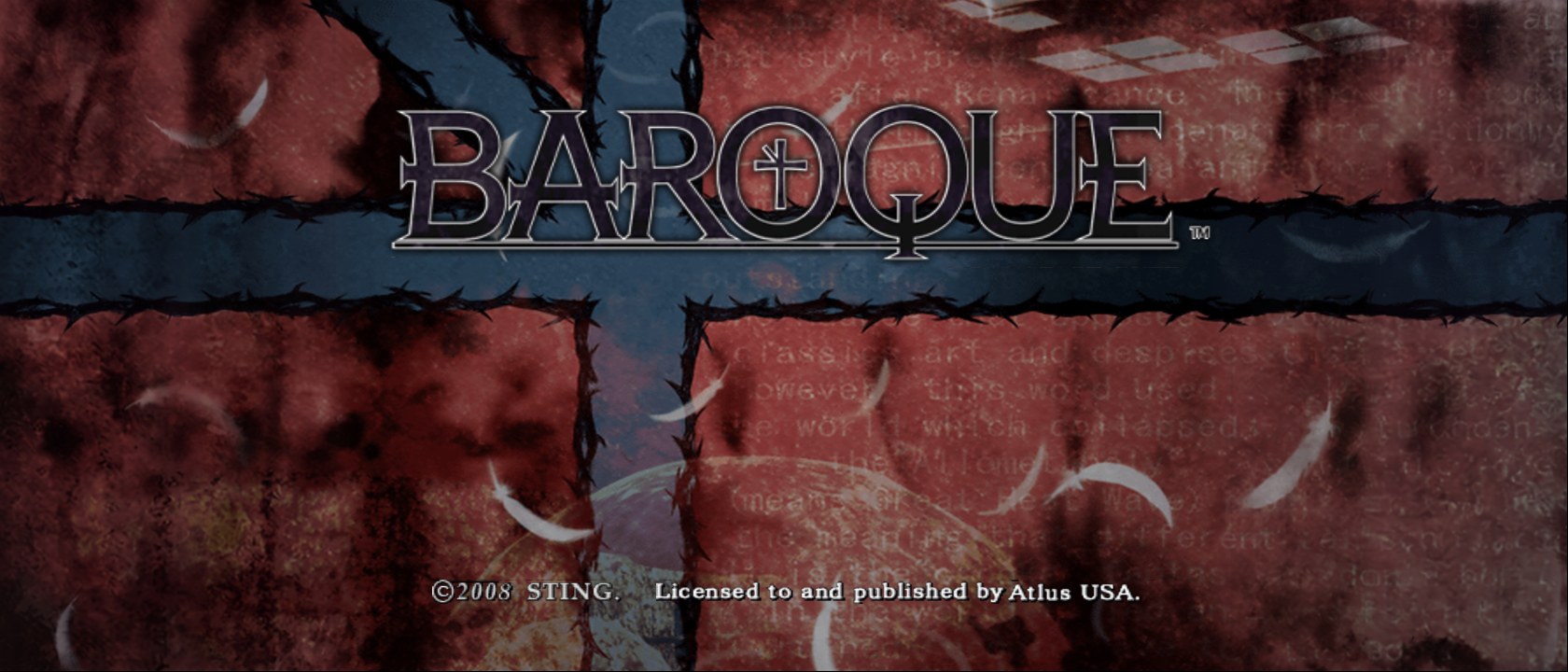
Baroque-Decomp is a native Windows port of Baroque for PlayStation 2 that supports widescreen, unlimited fps, and mouse controls.
- Type: PC port
- Game: Baroque
- Runs on Windows
- By Arch61s
- Latest release v0.3.1, 2026-10-18
- Source: https://github.com/Arch61s/Baroque-Decomp
README
Baroque — native PC port
An unofficial native Windows port of Baroque (PlayStation 2, Sting / Atlus, 2008), translated function by function from the original game code. It is not an emulator: the game runs as a normal Windows program.
No game data is included. You need your own copy of Baroque (USA). The game copies what it needs from your disc image the first time it starts.
This is an AI-assisted decompilation, made with Claude Opus 5.5.
Features
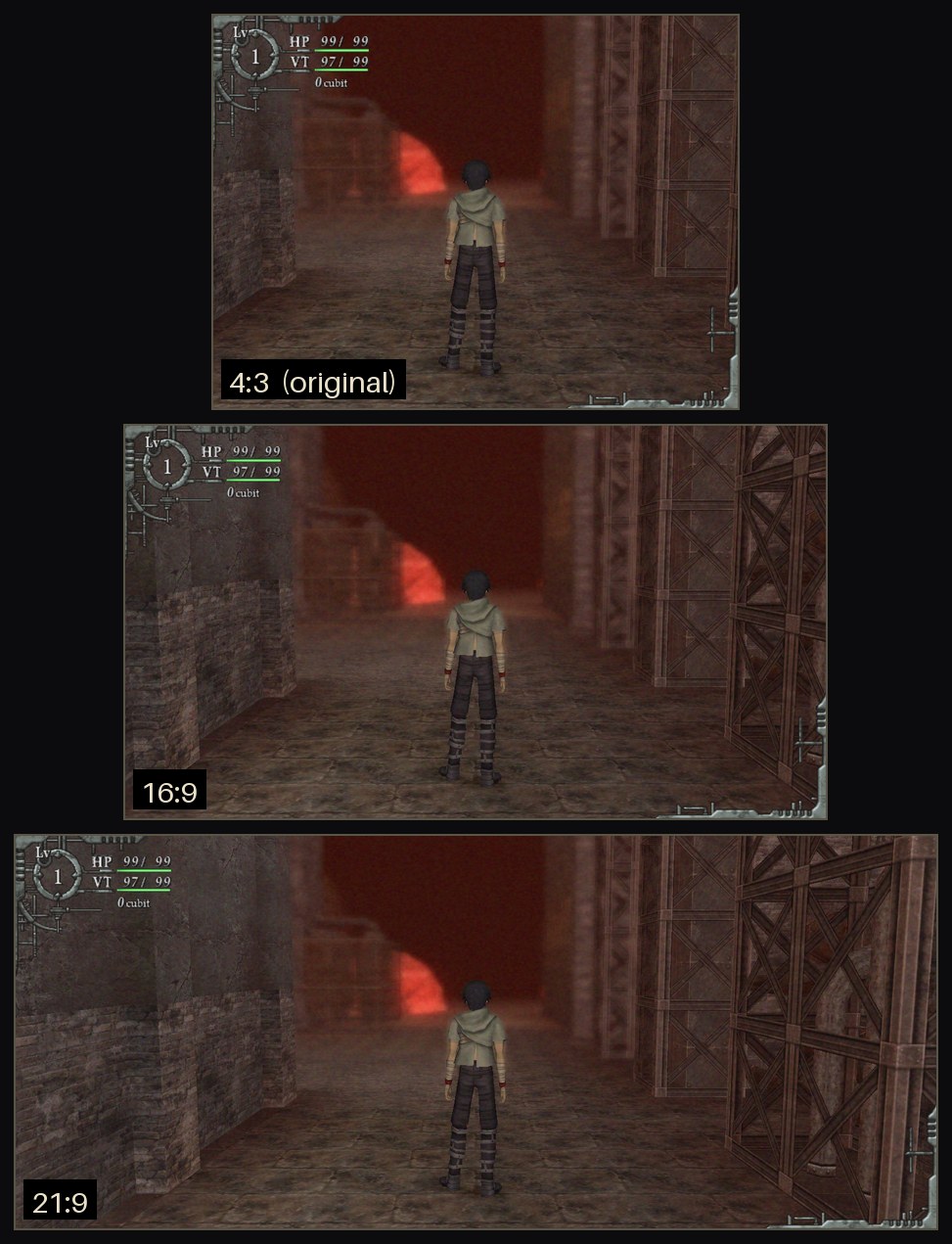
- Widescreen 16:9 and 21:9
- 60 / 120 / 144 / unlimited fps (game logic stays at 30)
- Free mouse camera, rebindable keys, mouse menus
- Button prompts switch between keyboard and controller
- PC Settings in the game, borderless fullscreen
| Mouse camera | Button prompts |
|---|---|
 |  |
| PC Settings | |
 |
In-game screenshots
 |  |
|---|---|
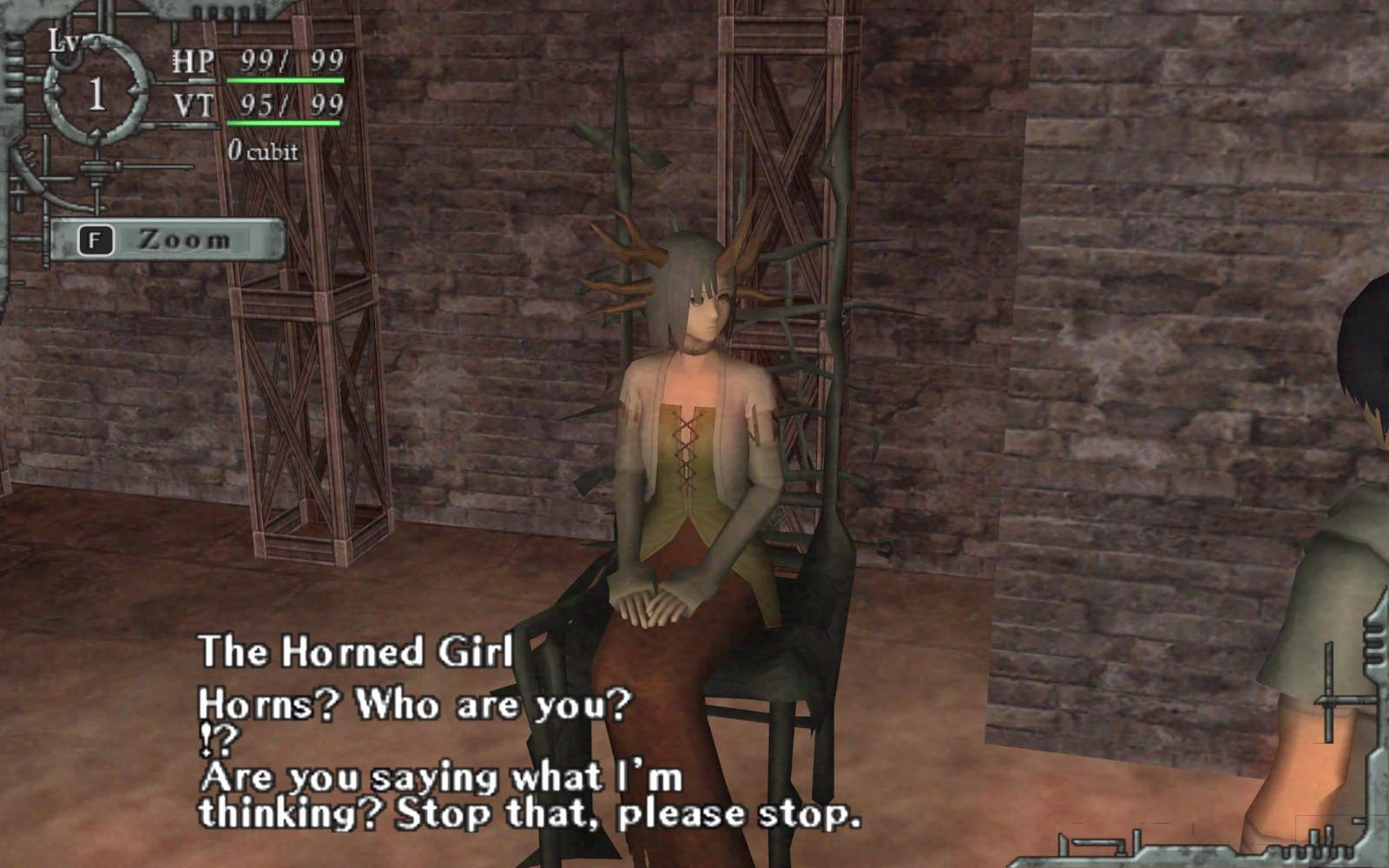 | 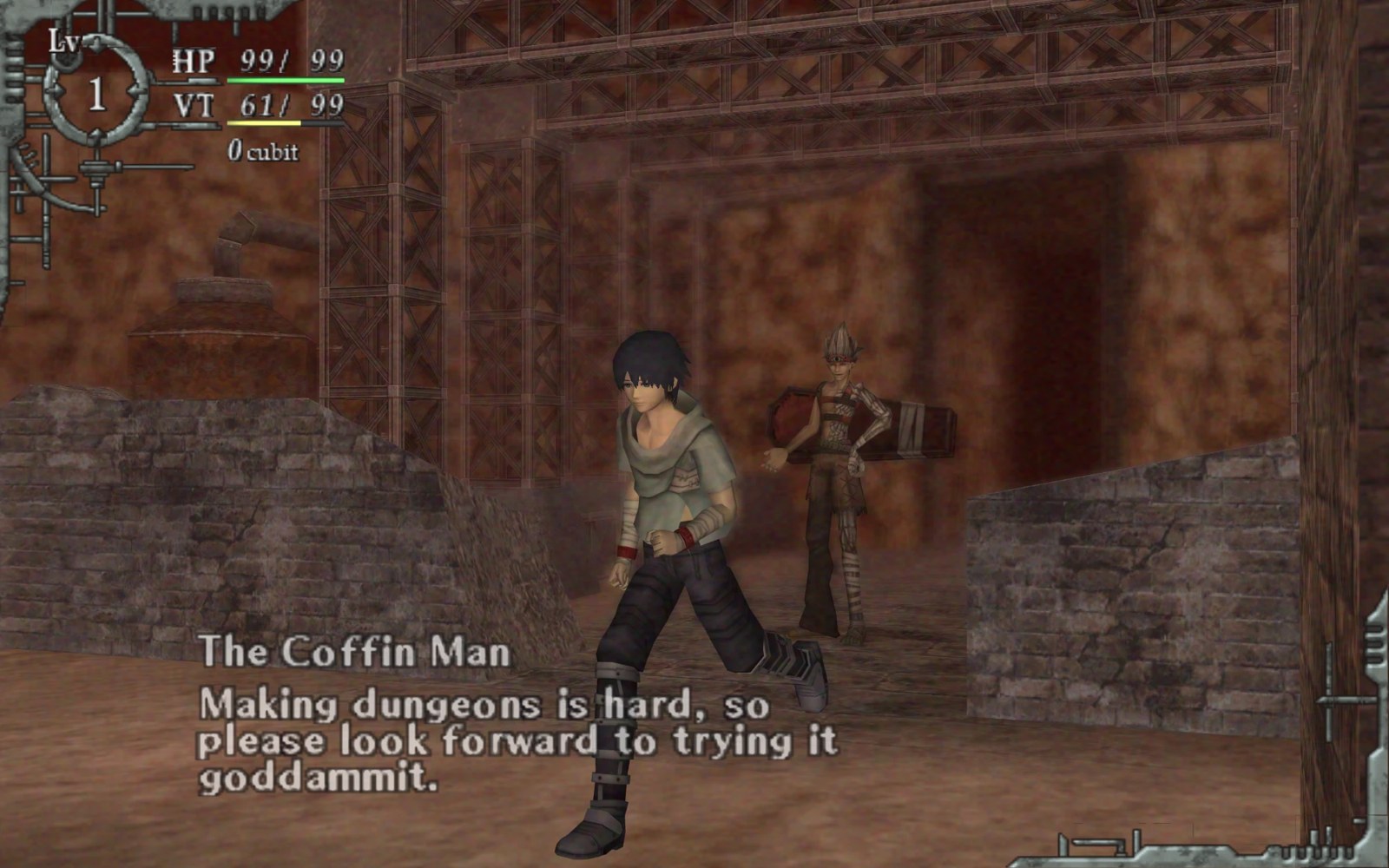 |
Aspect ratios: 4:3 (original), 16:9, 21:9
Playing
- Download the latest zip from Releases and unzip it into a normal folder (not Program Files).
- Make an
.isoof your Baroque (USA) disc (SLUS-21714) and put it next toBaroque.exe. - Start
Baroque.exe. The first start copies the game data out of the image (about 2.5 GB, once). After that you can delete the.iso.
No decompiling, no extra tools: unzip, add your disc image, play.
Voices
- The USA disc gives you the English voices.
- For the Japanese voices, also put your Baroque (Japan)
.iso(SLPM-66747) next toBaroque.exeand start the game again. Then pick PC Settings → Voices → Japanese. The text stays English, and the cut-scenes use the Japanese timing so lines aren't cut off. - Got an undubbed USA image? It works too: it starts with Japanese voices, and a Baroque (Europe)
.isoadds the English ones.
What the port adds
All optional, in PC Settings (title screen → Option, or in game: item screen → Game Config):
- Widescreen: 16:9 and 21:9 (or the original 4:3), with the HUD at the screen edges or in its original place.
- Frame rate: 60 / 120 / 144 / unlimited / VSync, with smooth in-between frames. The game itself still runs at its original 30 ticks per second.
- Keyboard and mouse: a free mouse camera, rebindable keys and mouse buttons, and optional aim assist for mouse attacks.
- Button prompts follow your input. Use the keyboard and every on-screen button shows your key. Touch the controller and the original PS2 buttons come back right away.
- Mouse menus: hover and click in the menus.
- Window: windowed or borderless fullscreen (Alt+Enter), pause and mute while the game is in the background.
- Saves are files next to the game, not a memory card.
A controller works just like on the PS2. The mouse camera turns itself off while you play with a controller.
Building from source
Requirements: Windows 10/11, Visual Studio 2022 (C++), CMake 3.20 or newer, and a prebuilt FFmpeg 7.x shared LGPL build for Windows (used for the cut-scene movies). raylib 5.5 is downloaded automatically.
cmake -S native -B build/release -G "Visual Studio 17 2022" -A x64 -DBAROQUE_FFMPEG_ROOT=C:/path/to/ffmpeg-7.1-win64-lgpl-shared
cmake --build build/release --config Release --target Baroque-Native
The game is build/release/Release/Baroque.exe. Put your USA .iso next to it and start it, as above. tools/package_release.ps1 builds the release zip.
Optional, made from your own extracted data: the window icon (python tools/make_icon.py).
Repository layout
| Folder | Contents |
|---|---|
native/ | The port (C++20). CONVENTIONS.md and DESIGN.md explain how the original code is translated. |
native/alchemy/ | Intrinsic Alchemy (IGB) model loader, renderer and Enbaya animation |
native/game/ | Game logic: player, enemies, items, dungeon generation, events, menus, HUD |
native/audio/, native/video/ | Sound system (IOP / SPU model) and PSS movie playback |
native/platform/ | Windows host: window, input, first-start setup from your disc image |
tools/ | Python tools for the game's file formats, used during development |
Legal
Baroque is © Sting / Atlus. This is an unofficial fan project, not affiliated with or endorsed by the rights holders. It contains no game assets, text, audio or video. Everything is read from your own disc image at run time. The code is a re-implementation written from analysis of the original program. Please buy and dump your own copy.
Third-party components: raylib (zlib license) and FFmpeg (LGPL, dynamically linked). See tools/package/THIRD_PARTY_NOTICES.txt.