BlinxRecomp
BlinxRecomp is a PC port of Blinx: The Time Sweeper for Windows and Linux with adaptive widescreen and higher resolution.
- Type: PC port
- Game: Blinx: The Time Sweeper
- Runs on Windows and Linux
- By mstan
- Latest release v0.5.4, 2026-11-13
- Source: https://github.com/mstan/BlinxRecomp
README
Playable public beta: Tested through World 2. End-to-end completion is not guaranteed. Expect bugs and please file GitHub issues with the release version, mods and steps to reproduce.
Blinx: The Time Sweeper Recompiled
Play Blinx on Windows or Linux with adaptive widescreen, higher internal resolution, controller support and optional gameplay mods through an Xbox-themed launcher. Built on XboxLLR, the early low-level Xbox recompiler ecosystem.
Download the Windows or Linux beta — no compiler needed. Supply your own supported NTSC-U game files.
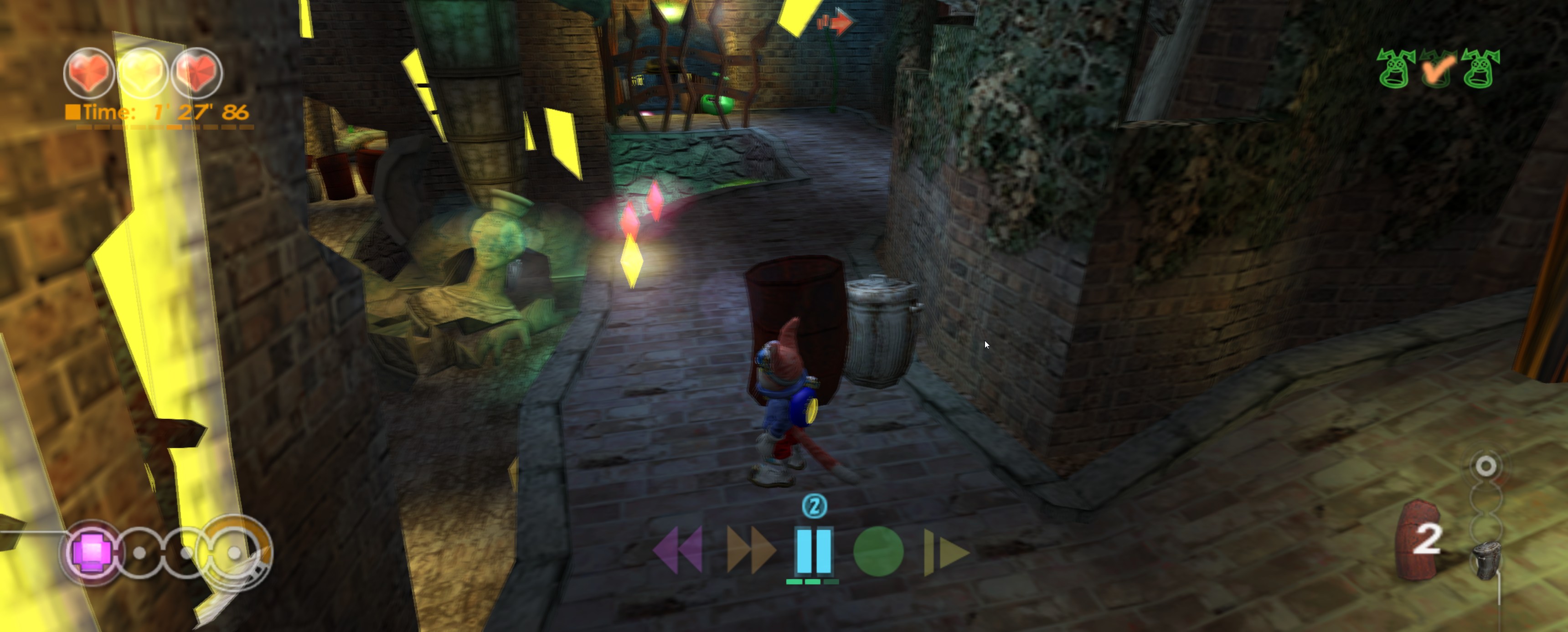
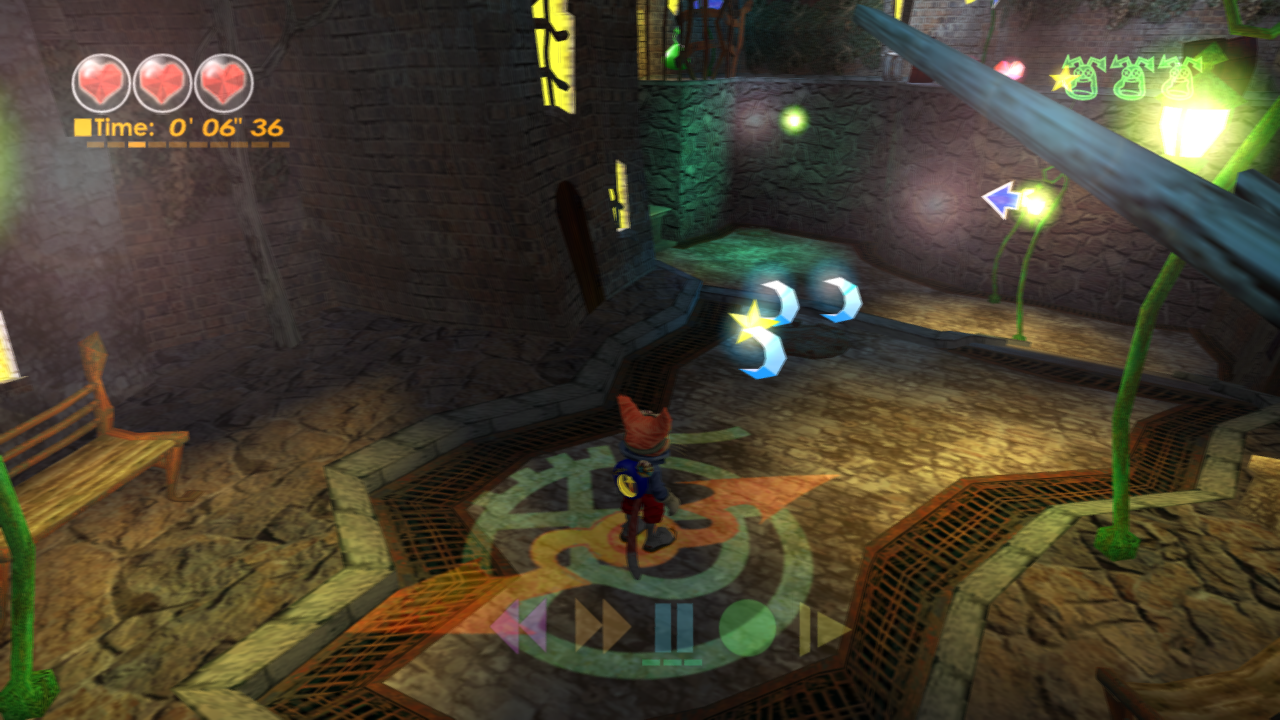
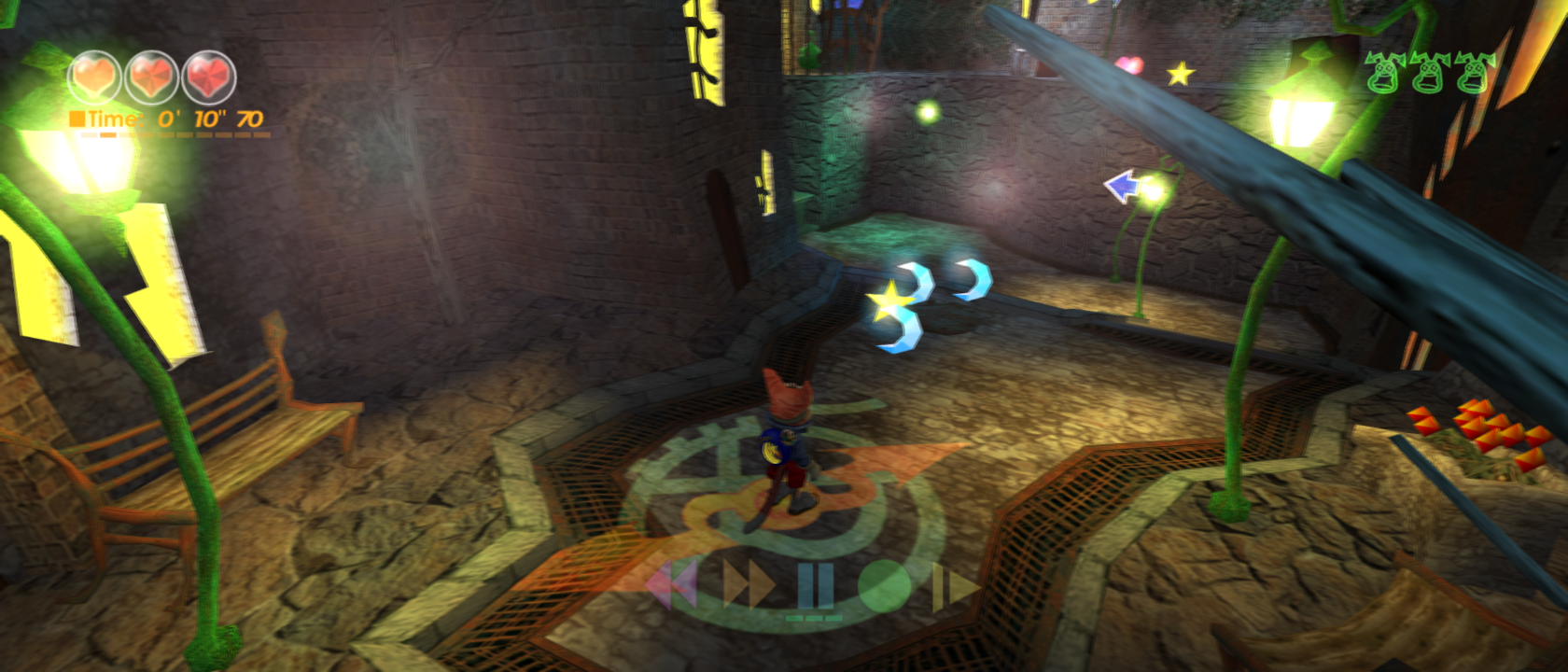
Features
| Feature | Public beta |
|---|---|
| Adaptive widescreen | Fit to screen, or fixed aspects from 4:3 through 32:9. The camera expands and gameplay HUD elements follow the appropriate edges. Menus and the Results overlay retain their centered 4:3 layout. |
| Higher resolution | Original internal resolution or height overrides up to 2160p, independent of window size. |
| Image quality | Optional FXAA, supersampling from 1x through 8x and anisotropic filtering. Higher settings cost GPU time. |
| Smoother presentation | Optional blended 60/120 Hz presentation at original simulation speed. It can add double edges and one source frame of latency; actual faster simulation is unavailable. |
| Input | Remembered Player 1 controller selection, keyboard input and independent horizontal/vertical camera-invert toggles. |
| Native saves | Persistent in-game progress and loading across process restarts. Keep your console identity with your saves. |
| RAM-backed game cache | Disposable utility-cache contents stay in process memory, allocated on demand within a 750 MiB volume. Native saves remain on disk. |
| Original time controls | PAUSE, SLOW, FAST FORWARD, REWIND and RECORD use the original game logic. Beta coverage is bounded; report failures. |
Fresh launchers default to adaptive Fit to screen, Original internal resolution, 3x supersampling, FXAA, 8x filtering and blended 60 FPS presentation. Supersampling choices run from 1x through 8x; higher settings are optional and are not a full-speed guarantee. Change these individually under Mods. See graphics options and costs.
The 0.5.4 beta reduces rendering overhead above 1x supersampling by rendering the scaled colour image once. Original-resolution rendering and a selectable exact reference path remain available. Visibility counts and CPU image readbacks may be approximate above 1x. Tested Windows gameplay reaches approximately 30 updates per second at 3x; performance varies with the scene and hardware.
Crystal and time-control modes
These optional Gameplay mods are independent and off by default:
| Mod | What changes |
|---|---|
| No stage time limit | Removes the ten-minute failure limit and final 30-second warning. The elapsed clock and Results continue to track real time; the clock is not frozen. |
| More time-control stock | Hold up to 20 controls: the original ten slots plus a ten-control reserve, which refills free slots when no control is active. Only the original ten slots persist in native saves; the reserve lasts for the current process. HUD badge art tops out at ten per icon. |
| Infinite time controls | Start each stage with one of each of the five controls and keep them after use. Non-heart crystals, including enemy drops, are suppressed except in the final boss stage. Heart crystals remain unchanged. |
Leave those mods off for the original crystal collection and stock rules. Enabling More stock and Infinite together is supported. None of these modes changes hearts. Detailed behavior and validation.
Getting started
- Extract the entire Windows beta ZIP into a writable folder and open Start Game.exe. The launcher, Python and runtime DLLs are included. On Linux, make the AppImage executable and run it.
- Choose Skip in the optional console-files setup for a new local console identity and automatic private save folders. No BIOS, kernel dump, EEPROM or large HDD image is needed for new local play.
- Select your supported NTSC-U
.iso,.xisoor extracteddefault.xbe. Disc images import once with progress and Cancel, then reusedata/discs. An extracted XBE needs its complete game asset folder beside it. - Select your controller in Player 1, choose Mods, then start.
The supported original default.xbe SHA-256 is
e6b7cd8a5527dd001e05bb3e881d9b24ffc58824ff67def394215ddbc8009249.
Other revisions are unsupported. Original game data is not included.
The native Linux AppImage includes the November 2 rendering changes. It targets
x86_64, Ubuntu 24.04 or newer and Vulkan 1.3. Settings and saves stay outside
the AppImage; see Linux configuration.
Keep the complete data folder, imported-disc cache, selected external save
storage and any <image>.xboxllr profile when updating. A virtual identity
is different from your physical Xbox's identity. Original-console save imports
may require the original signing inputs and matching EEPROM in Settings.
An explicitly selected raw/QCOW2 FATX HDD image takes priority over folder
storage; close xemu or other writers before sharing it. Xbox Live is unavailable.
See console and save setup.
Beta coverage and bug reports
The public playtest scope is through World 2. The game is not guaranteed to work from beginning to end. Internal assisted routes, time-control checks and save/reload tests do not establish every natural puzzle, encounter or later level. Unreached paths may still stop with diagnostics. This is an early playable beta.
Please open a GitHub issue with the release version, world/stage, selected mods, Windows/GPU/controller details and steps to reproduce. Attach a screenshot and the launcher's crash report where useful, after reviewing it for private information. Do not attach original game files, console keys or EEPROMs.
Diagnostic recording
In Mods, enable Crash and input logs before starting the game. Fresh installations enable it by default; an existing saved choice is preserved. Play normally and reproduce the problem. If the game crashes, Linux 0.5.2 and newer automatically prepare a shareable diagnostic ZIP and show its exact path. On Windows, choose Copy diagnostic ZIP in the crash dialog. Attach that ZIP to the issue with the stage and steps you took. It includes selected runtime diagnostics, graphics options and recorded controller inputs. Console keys, EEPROM and native saves remain private; never upload the PRIVATE-DO-NOT-SHARE folder. Input recordings can help repeat a route, but host timing and thread scheduling can still produce a different outcome.
Developers: build instructions, current technical status, beta release notes.
Linux configuration and updates
The native Linux package keeps the AppImage immutable. Writable settings,
console identity, imported discs and native saves are stored outside it in
${XDG_DATA_HOME:-~/.local/share}/xboxllr/xbox-4d530013/data/.
For a custom location, launch with an absolute XDG_DATA_HOME path and
keep using that same path after replacing or moving the AppImage:
XDG_DATA_HOME="$HOME/Games/xboxllr-data" ./BlinxRecomp-linux-x86_64.AppImage
setup.json remembers the selected game; mod-selection.json stores
enhancement and controller choices. Preserve the complete data/ folder,
including console identities, rather than copying settings alone. Selected
external save folders and HDD images stay in their chosen locations.
A FUSE-less host can use --appimage-extract-and-run. Ubuntu 24.04/glibc
and Vulkan 1.3 are the current build baseline; older distributions and
full-speed WSL gameplay are not qualified by the package check.
Credits and license
Development and integration: Matthew Stanley. Thanks to sp00nz / sp00nznet, Phobos, NoRain, the xemu contributors and apexJCL. The RAM-cache design was inspired by apexJCL's Blinx project; our implementation uses XboxLLR's FATX storage. See Credits and component attribution.
Owner-original source uses GPL version 3 or later, subject to license scope. Other components retain their own terms. The native executable contains ahead-of-time translated execution code; original title bodies are generated from the user's matching input. Corresponding project and prepared dependency source accompany the ZIP. Blinx and its original assets belong to their respective rights holders. Original rights notice.