Bloodborne Mac
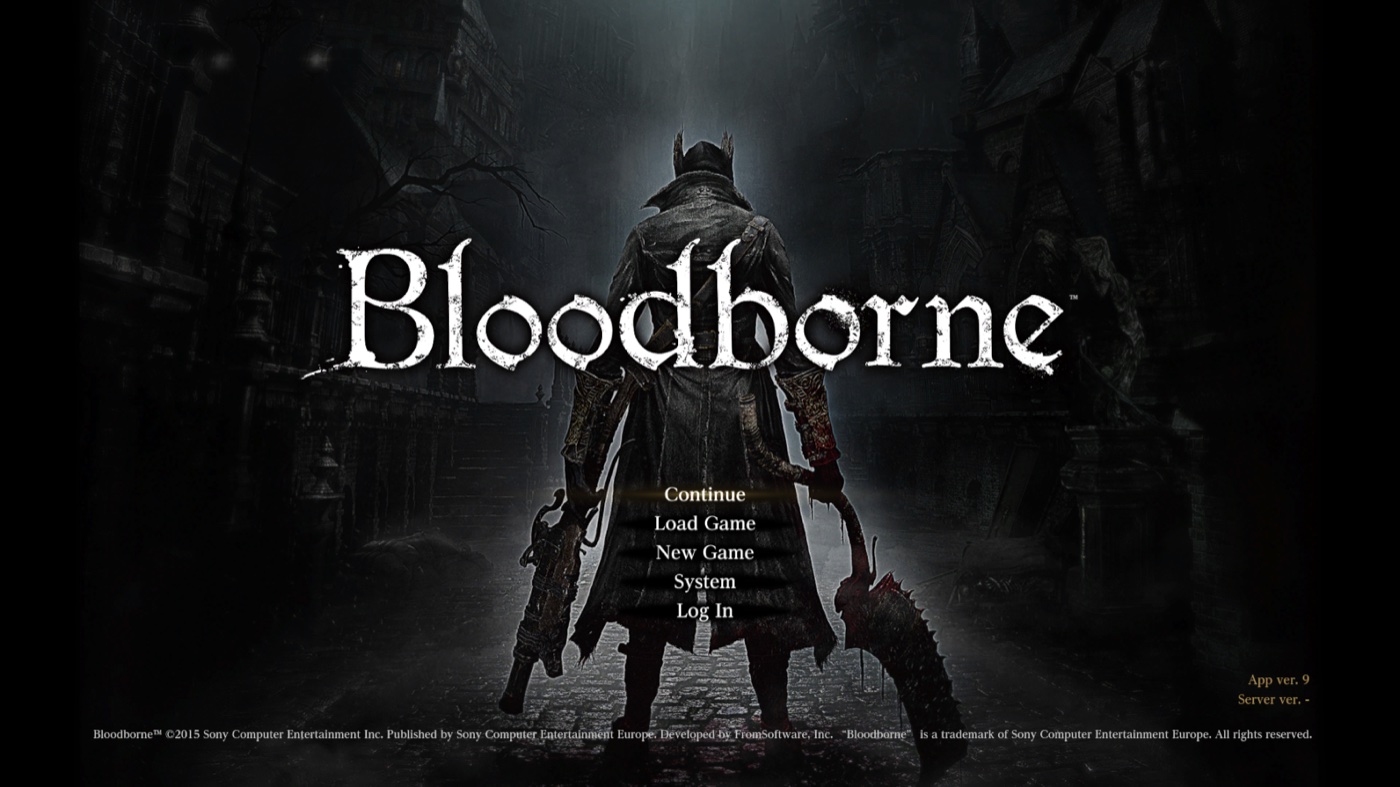
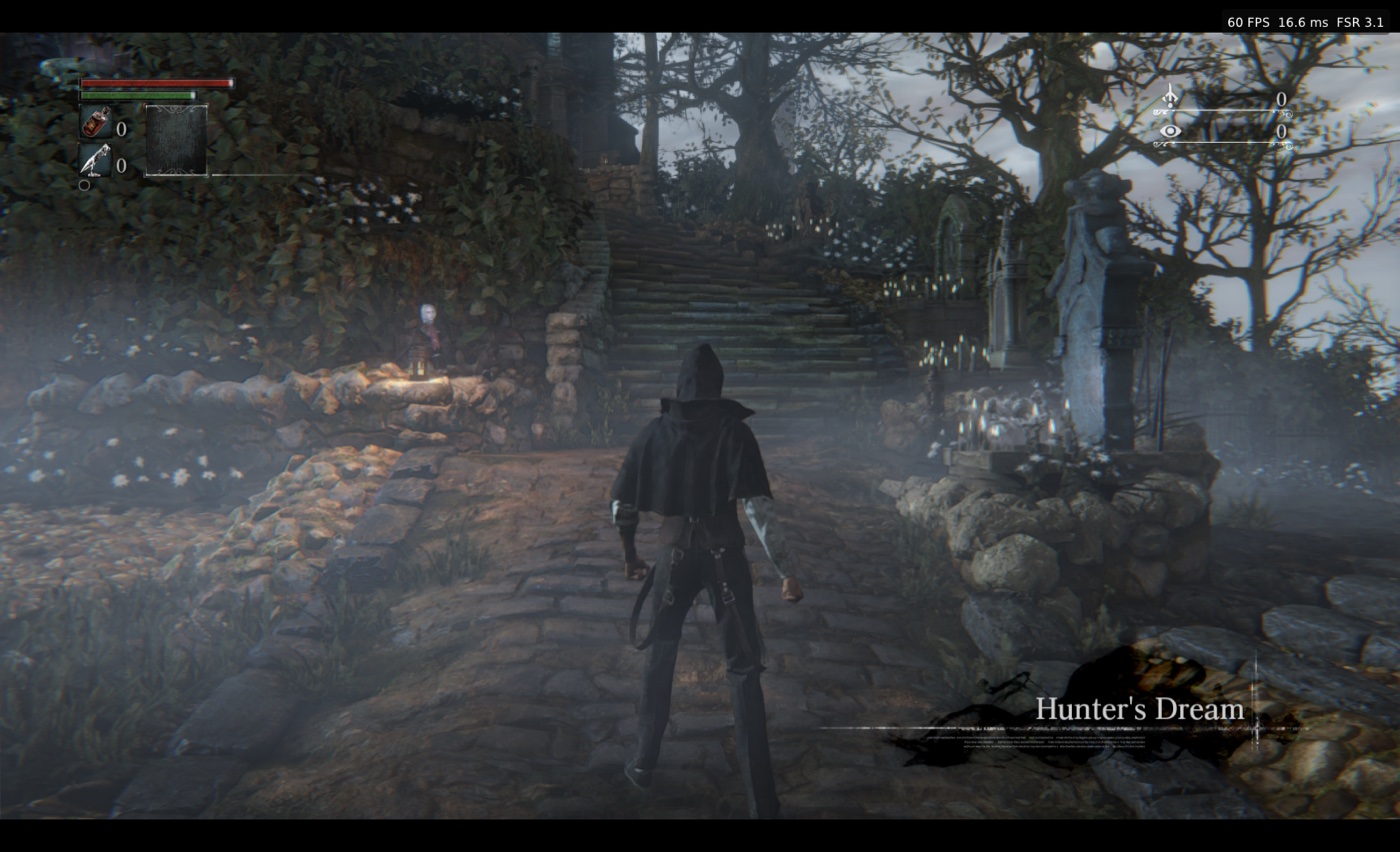
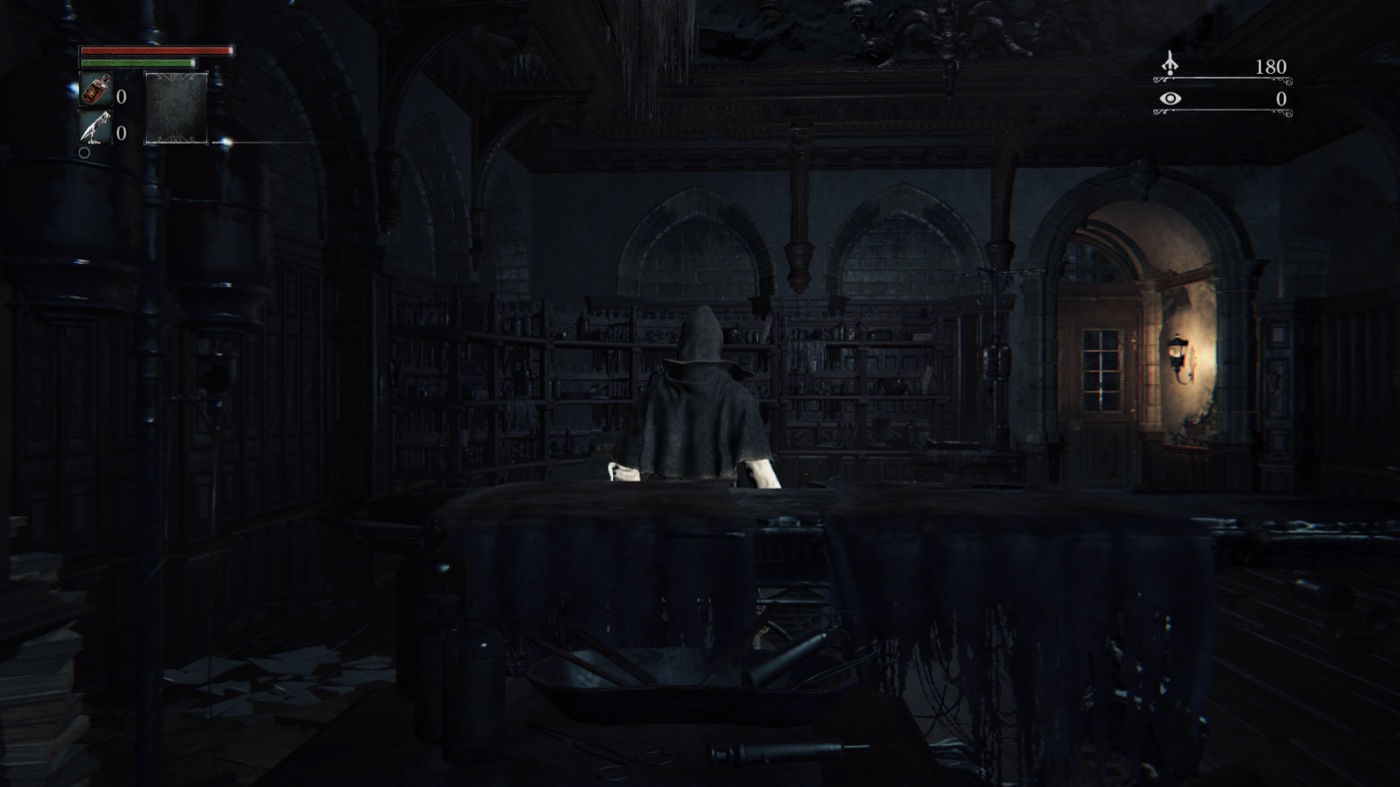
Bloodborne Mac is a native macOS port of the PlayStation 4 game Bloodborne with a launcher and in-game settings menu.
- Type: PC port
- Game: Bloodborne
- Runs on macOS
- By bloodborne-native
- Latest release v0.10.1, 2026-11-10
- Source: https://github.com/bloodborne-native/bloodborne-mac
- Website: https://github.com/bloodborne-native/bloodborne-mac/releases/latest
README
bloodborne-mac

Bloodborne on Apple Silicon, on the way to truly native.
A macOS port of the PS4 game, with a launcher app and an in-game settings menu. No Rosetta 2.
Built on bbport by deadinside28, the native Linux port it started from, and on shadPS4.
Important
This is an experimental project. Expect bugs and regressions.
We are developing our own CPU recompiler and renderer, with many approaches and changes that diverge from the original bbport. These experiments can make this project less stable than other Bloodborne projects. Crashes, loading hangs and graphical corruption are known risks during development.
Our goal is to make Bloodborne truly native on any platform, removing every layer that stands in for a PS4. This is an independent development effort beyond porting bbport to macOS.
For other Bloodborne ports on the Mac, see Wooloomooloo2/bloodborne_mac_port (actively maintained: the game's own code under Rosetta 2, rendered natively with Metal) and bmy/bbport-mac (the dedicated macOS port of bbport). Both are separate projects and describe themselves as experimental or a work in progress. Please report problems with bloodborne-native here.
Download · Installation · Documentation · Report a problem
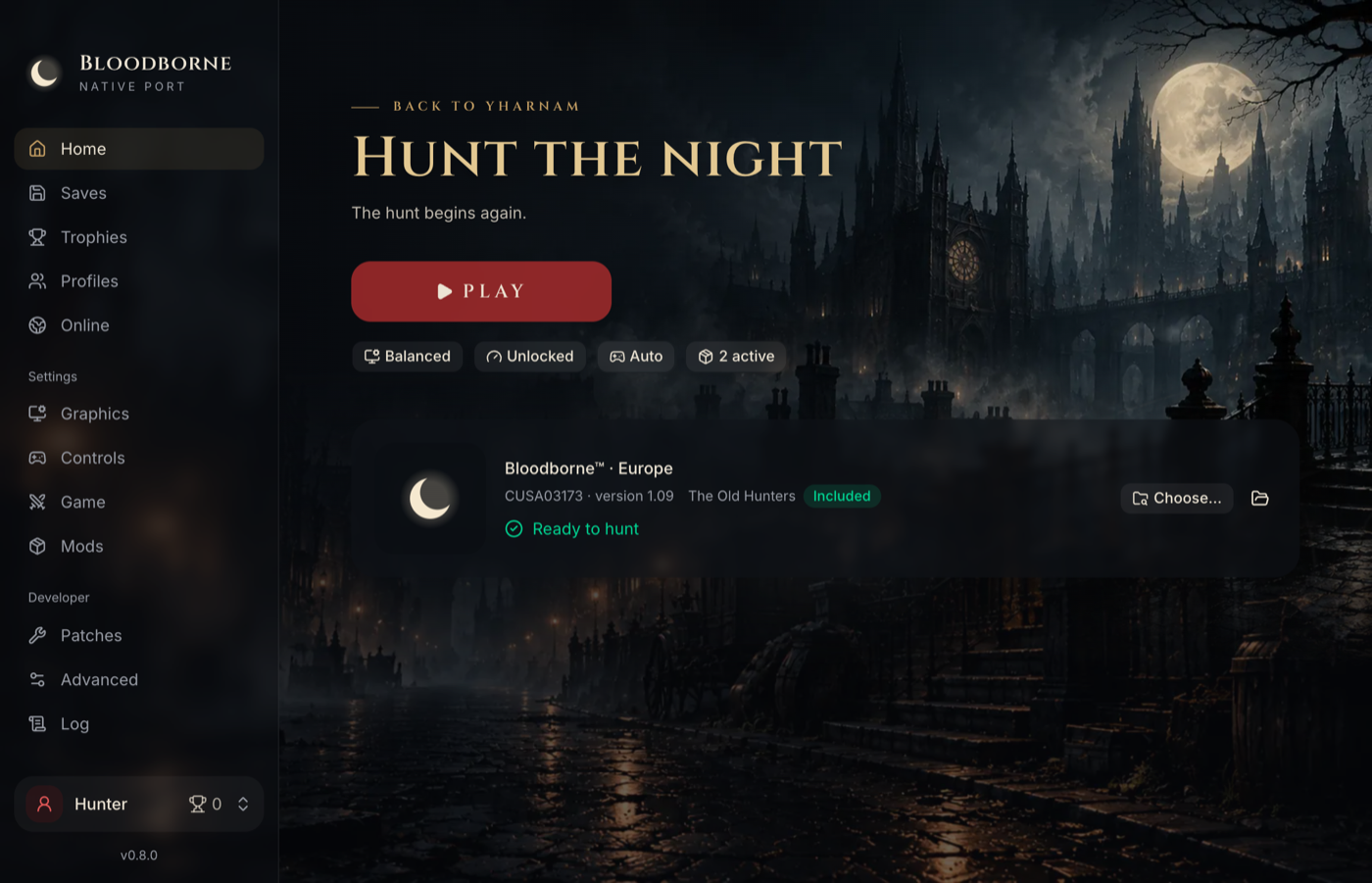
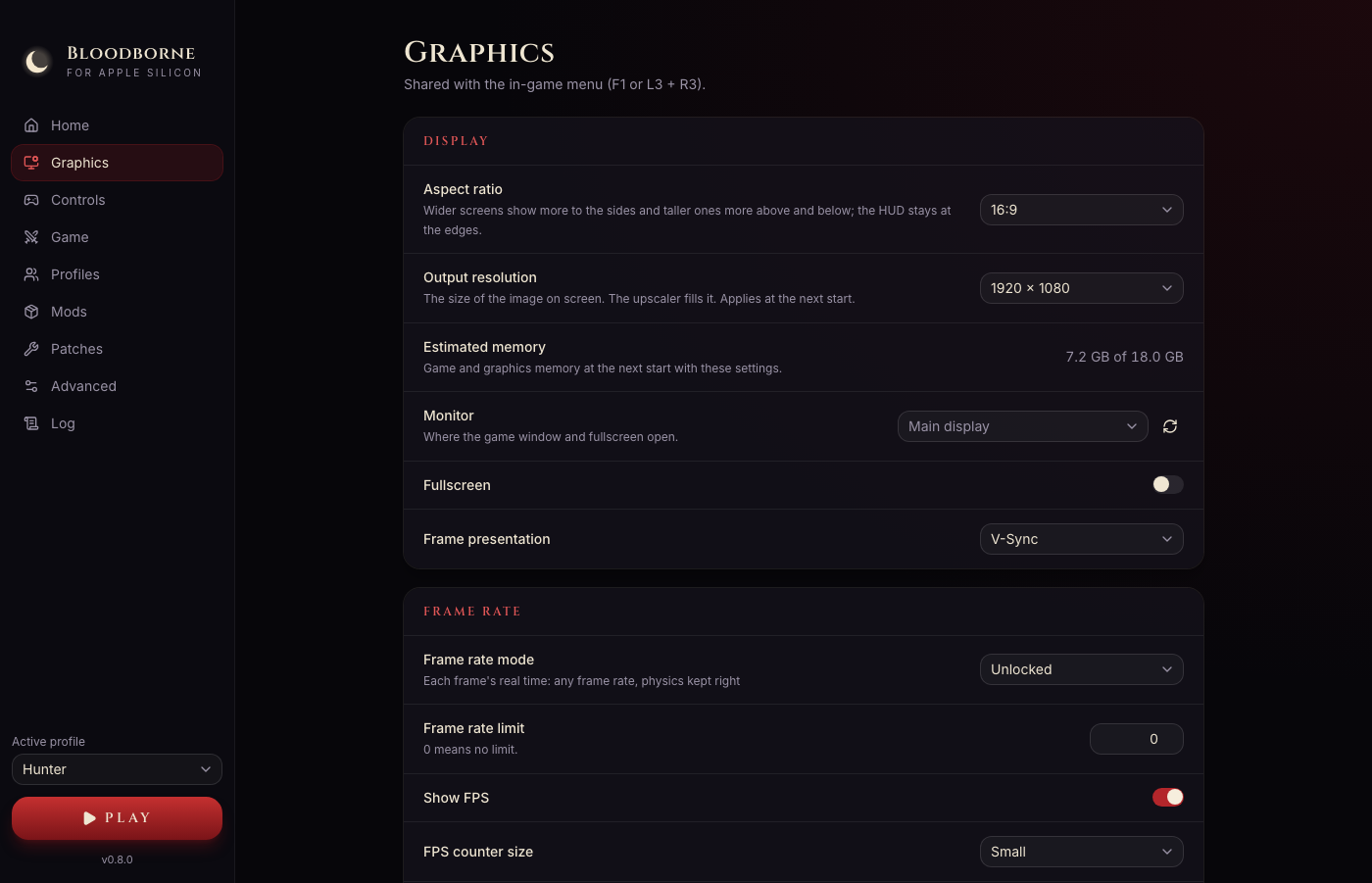
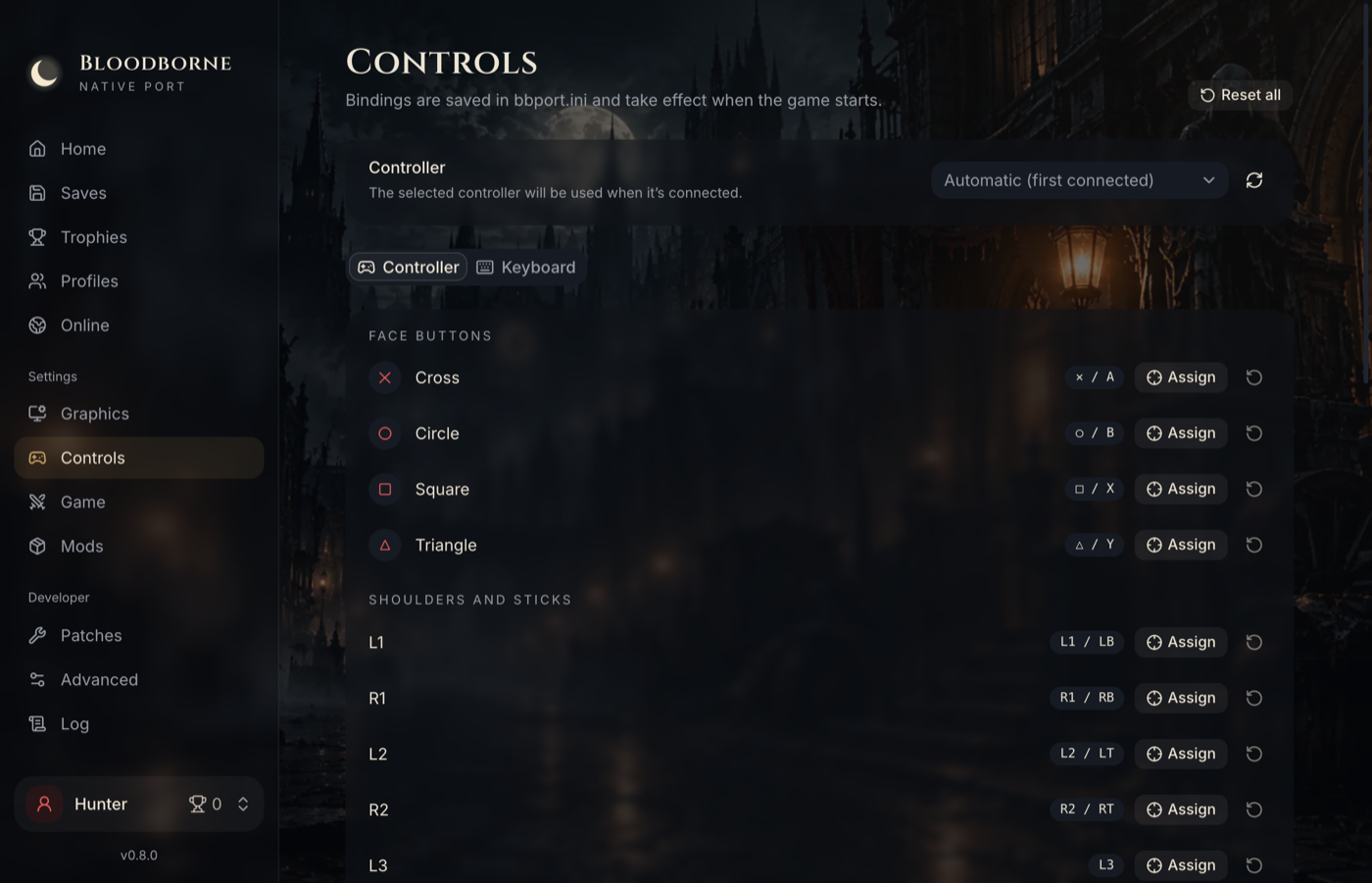
Important
No game files are included. You need your own dump of Bloodborne with the 1.09 update. See Game files.
Features
- Made for Apple Silicon: the game's x86-64 code runs as arm64, translated as it runs or, on request, compiled ahead of time for your Mac from your own copy (no Rosetta 2). The renderer reaches Metal directly.
- One app, nothing else to install: download, open, choose your game folder, play.
- A launcher (bloodborne-launcher) with graphics, controls, game options, mods, patches and the game's log.
- Upscalers, optional: Apple MetalFX with the Metal renderer; AMD FSR 3.1 and FSR 4.1.1 with the MoltenVK renderer.
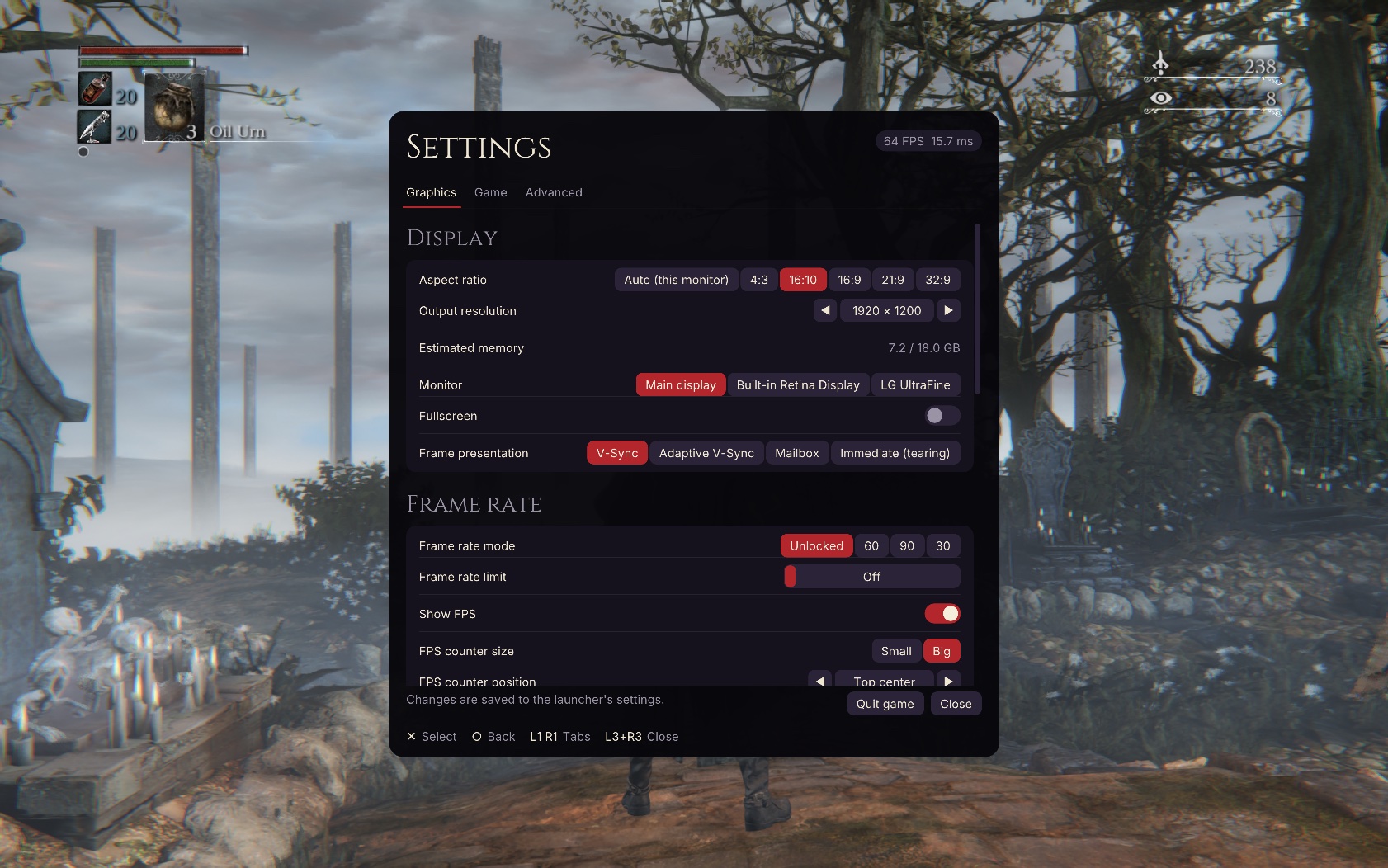
- An in-game settings menu (F1, or L3 + R3 on a controller).
- Controllers, keyboard and mouse, with mapping for all three; the mouse turns the camera and points in the game's menus.
- Any aspect ratio: 16:10, 21:9, 32:9 and 4:3 without stretching or black bars.
- Mods and patches, with load order. The game folder is never changed.
- 20 languages for the launcher and the menu, the same as the PS4 game.
Getting started
- Download the latest release and drag Bloodborne to Applications.
- The first time, right-click the app and choose Open (the app is not signed with an Apple Developer ID).
- Choose your game folder and press Play.
The installation guide has the details.
The goal
Bloodborne was written for the PS4, and today it still runs as a PS4 game: layers stand in for the console around it. Each of them costs time and memory, and limits what can be done with the game.
The goal is a game that is truly native: nothing between it and the platform pretends to be a PS4, whatever that platform is. A layer counts as native only when nothing in it is translated any more, so this is where the project stands:
| Layer | Native | |
|---|---|---|
| The game's code | ███████████████████░ 96% | Instructions recompiled; opt-in, the translator is the default |
| Shaders compiled during play | █████████████████░░░ 86% | Sources built ahead in one area; opt-in |
| The PS4's system | ░░░░░░░░░░░░░░░░░░░░ 0% | No firmware runs, but the game's PS4 calls are still translated |
| The renderer | ░░░░░░░░░░░░░░░░░░░░ 0% | Metal directly, but every frame is translated from PS4 commands |
| PS4 GPU commands | ░░░░░░░░░░░░░░░░░░░░ 0% | The engine's draws are found; all of them are still decoded |
| PS4 user data | ░░░░░░░░░░░░░░░░░░░░ 0% | Developer switch only |
| PS4 textures and memory | ░░░░░░░░░░░░░░░░░░░░ 0% | Not started |
| The PS4's C and file libraries | ██████████████████░░ 94% | Functions recompiled; opt-in with the library |
| x86 memory ordering | ░░░░░░░░░░░░░░░░░░░░ 0% | Not started; only arm64 needs this layer |
| The PS4 executable | ░░░░░░░░░░░░░░░░░░░░ 0% | The game still starts from it |
What each number counts: the PS4 layers.
Status
Experimental, playable. The latest release has the Metal renderer by default, online play, the save editor and the game's code compiled for your Mac on request. On an Apple M3 Pro at 1080p it reads 48–49 FPS standing in Iosefka's Clinic (performance). Only one Mac has been measured so far: results on other Macs are welcome.
Next: the renderer (taking draws from the engine, and the game's shaders built ahead of time), and less memory for Macs with 8 and 16 GB. Details: Status and Roadmap.
Known issues: blood on already killed enemies can look pale after a save reload. See Troubleshooting.
Documentation
| Installation | Download, first start, where your data lives |
| Game files | Preparing your dump, supported editions, The Old Hunters |
| Settings | The launcher, the in-game menu, languages, controllers |
| Mods and patches | Installing mods and third-party patches |
| Performance | What to expect, and the settings that matter |
| Profiles and saves | Profiles, backups, trophies |
| Troubleshooting | Common problems and known issues |
Under the hood
The app is built from five repositories; a sixth, bloodborne-ios, runs the game on the iPhone:
| Repository | |
|---|---|
| bloodborne-mac (this one) | The macOS app: packaging, releases, player guides |
| bloodborne-launcher | The independent launcher source, included here as launcher/ |
| bloodborne-runtime | Loads the game, answers its PS4 system calls and renders it, with Metal by default on macOS, here as runtime/ |
| bbcpu | Translates the game's x86-64 code to arm64 as it runs: a project of its own, usable by other PS4 ports |
| bloodborne-recomp | The recompiler (runtime/recomp/) |
| bloodborne-ios | The iPhone app, a proof of concept built and installed from your own Mac: the launcher with the game inside |
The recompiler turns the game's code, from the player's own copy, into native code ahead of time, checked against calls recorded from the original. It takes less CPU time than the translator, and the launcher builds the library on the player's Mac. Only the tool is published, never the game's code (how it works). It is how the game leaves the PS4 behind on any platform, not only on arm64.
Architecture · Building and releasing · Status
Credits
Built on bbport by deadinside28, the native Linux port this project started from as a fork, and on shadPS4: the loader, the PS4 runtime, the renderer and its extensions, the upscalers and the game patches come from them; bbport's releases are merged up to 0.51 and ported in parts from 0.6 and 0.7. The Metal renderer also uses shader and pipeline work first published by Huax-1839/bloodborne-macos, adapted through Wooloomooloo2/bloodborne_mac_port. Metal FSR 4.1.1 upscaling is based on fsr4-native-macos by UzenUPoZiTiV4ik. This work adds the macOS platform layer, the arm64 translator, the app and the recompiler. None of it would exist without the projects it is built on. Full list: Credits and licenses.
Licensed under the GNU GPL v2 or later. The online module (the runtime's gpu/bbnet20) includes droogie/bbhost's
GPL-3.0-or-later code, so that module, and the app that ships it, are under the
GNU GPL v3 or later.
Not affiliated with shadPS4, Sony Interactive Entertainment, FromSoftware or AMD. Please do not report problems with this project to shadPS4 or to bbport.