Crash Twinsanity for Windows
Crash Twinsanity for Windows is a native PC port of the PlayStation 2 game that runs at a steady 60 fps and fixes crashes.
- Type: PC port
- Game: Crash Twinsanity
- Runs on Windows
- By GioPixelGH
- Latest release v1.0.17, 2026-10-25
- Source: https://github.com/GioPixelGH/Crash-Twinsanity-Windows
- Website: https://github.com/GioPixelGH/Crash-Twinsanity-Windows/releases/latest
README
Crash Twinsanity for Windows
Crash Twinsanity (PlayStation 2, PAL) running natively on 64-bit Windows, without an emulator.
This is a Windows port of HAB3X's Crash Twinsanity for Mac. The Mac port runs Smartkin's complete C++ decompilation of the game on a native platform layer (SDL3, an OpenGL renderer for the PS2's graphics, sound, movies, saves and a new options screen). This repository adds what Windows needs, makes it run at a steady 60 fps, and fixes the crashes found by playing it.
Important
No game data is included. You need your own copy of the PAL game (Europe/Australia, SLES-52568) as a disc image. Crash Twinsanity and Crash Bandicoot are trademarks of Activision. PlayStation is a trademark of Sony Interactive Entertainment. This is a fan project, not affiliated with or endorsed by either.
Download
The latest release has
Crash-Twinsanity-Windows.zip for 64-bit Windows 10 and 11: unzip it anywhere, run CrashTwinsanity.exe in the
Crash Twinsanity folder and pick your disc image. Version 1.0.8 is the first full release, now that the game has been
played from the start to the credits; the ones before were previews. Linux has no download yet: build it yourself
(native/LINUX.md).
Is it safe?
- The zip holds only the program built from this repository's code, the SDL 3 and FFmpeg libraries, two fonts and the licences. There's no installer, and the program has no network code.
- The release page shows the zip's SHA-256, so you can check your download with
Get-FileHash. Here is VirusTotal's report on 1.0.12's download. - The program isn't code-signed, so Windows may say "Windows protected your PC" the first time: choose More info, then Run anyway.
- You can also build it yourself (below).
More in SECURITY.md, including how to report a security problem privately.
Status
- Tested on Windows 11 with an NVIDIA GeForce RTX 4070 SUPER, keyboard and mouse, and an Xbox One controller.
- Played by hand from the start to the credits, in Italian with an Xbox One controller, on the releases up to 1.0.7. Every crash found on the way is fixed (the last ones: Slip Slide Icecapades' mines in 1.0.5, after beating Dingodile in 1.0.7).
- All 131 of the game's areas were tried with scripted input for 30 seconds each, with no unexpected crash (native/sweep/results_windows.md). 108 played (7 of them until a game over); the other 23 can't be started on their own, because they are parts of hubs or tunnels only entered from a neighbouring area.
- Known issue: a cutscene in the level after the caverns (Cortex running with the bees) froze once when it was played again after dying, in an early version. It hasn't happened since 1.0.3, and it was never reproduced.
- Linux: builds and plays on x86-64 (tried on Debian 13), and packs into an AppImage: see native/LINUX.md.
- macOS: the platform code is HAB3X's and the Windows changes are kept apart (
_WIN32), but this fork isn't built or tested on macOS.
What this port adds
On top of HAB3X's port (GPU renderer up to 8x the PS2's resolution, widescreen and 21:9, HD texture packs, remappable keyboard, mouse and controller, saves, cutscene skipping, community fixes):
- Windows support:
- Windows' calling convention, which passes float arguments differently from the PS2's.
- The retail code's reads of address 0, emulated on Windows.
- Frame pacing and file access.
- A crash report with a backtrace and the area the player was in.
- Speed: a steady 60 fps everywhere tested. The game, the PS2's vector unit (VU1) and the graphics now run on three threads, and the renderer's hot paths are faster.
- Frame rates: 50, 60, 120 and 144 Hz, or unlimited, at the same game speed.
- Language option: English, French, German, Italian or Spanish texts, voices and movies, chosen in Options.
- Mods: files in
%APPDATA%\Crash Twinsanity\modsreplace the disc's, including files inside the game's archive.--list-filesand--extracthelp to start one. - Portable mode (Options > Gameplay, off by default): settings, saves and mods in a
Userfolder beside the game, and the disc image found in the game's folder, to carry it on a USB stick. - Fixes:
- The crash entering the first boss's area (a level title picture read wrongly).
- The crash during the Mecha-Bandicoot fight (a float argument on Windows).
- Crashes in the caverns (a reference to an object already freed, an animation of zero length).
- VU1 programs that ran away (two copies of the same data declared with different sizes).
- Controllers: a modern controller's round stick is mapped to the PS2 stick's square, so Crash runs on diagonals too.
- The game's data from your disc: the program carries none of the game's data. It reads the data from your disc image's executable when it starts, checks that it's the PAL release, and says so clearly when the disc image is wrong.
native/WINDOWS.md explains each change, with the reasons and how they were tested. native/PLAYING_WINDOWS.md is the player's guide: options, controls, saves, mods.
Building on Windows
You need about 3 GB of disk space, your PAL disc image and an internet connection for the first build.
-
Install the tools (PowerShell):
winget install MartinStorsjo.LLVM-MinGW.UCRT Kitware.CMake Ninja-build.Ninja Python.Python.3.13 Git.Git -
Get the PS2 toolchain: download
ps2dev-windows-latest.tar.gzfrom ps2dev's latest release and extract it intoC:\, which makesC:\ps2dev. The native build uses its headers to lay out the game's data.tar -xzf "$HOME\Downloads\ps2dev-windows-latest.tar.gz" -C C:\ -
Clone this repository and make the Python environment (in a new PowerShell, so the tools above are found):
git clone https://github.com/GioPixelGH/Crash-Twinsanity-Windows.git cd Crash-Twinsanity-Windows py -3 -m venv .venv .venv\Scripts\python.exe -m pip install -r requirements.txt .venv\Scripts\python.exe tools\toolchain_dlls.py -
Take the game's executable out of your disc image, check it, and split it:
tar -xf "C:\path\to\Crash Twinsanity (Europe).iso" SLES_525.68 Get-FileHash -Algorithm SHA1 SLES_525.68 # D41B8D53F733F930CF03D8EA944BEC24429FE57C .venv\Scripts\python.exe tools\split.py -
Build (the first time it also downloads SDL3 and builds a small FFmpeg; Git for Windows' Git Bash is used for that):
.venv\Scripts\python.exe native\tools\build_windows.py -
Play:
build\native\cmake\CrashTwinsanity.exeThe first time, it asks for your disc image and remembers it. Settings, saves and texture packs are in
%APPDATA%\Crash Twinsanity\.
More on the Windows build: native/WINDOWS.md. The decompilation itself (the PS2 build that matches the retail executable, and its tools): README_DECOMP.md and docs/DEVELOPMENT.md. HAB3X's native layer: native/NATIVE.md, native/GRAPHICS.md, native/AUDIO.md.
Texture packs
PCSX2's texture packs for this game work as they are. Put the pack's SLES-52568 folder into
%APPDATA%\Crash Twinsanity\textures\ and turn texture packs on in Options. The HD texture pack by CRASHARKI that HAB3X's
repository shipped isn't included here: get it from its author.
Credits
Upstream projects (most of the work):
- Smartkin and everyone behind the Crash Twinsanity decompilation: every function of the game rewritten in C++, with the tools that build and test it.
- HAB3X: the native port for Mac. This includes the platform layer, the emulation of the PS2's graphics (GS, VIF, VU) and its OpenGL renderer, audio and movies, saves, the options screen and the community fixes.
- Crash Twinsanity Improved by AlexMollard: the Mac port's optional fixes come from this mod. Its 21:9 mode is TechieSaru's fix, from the mod's PCSX2 patches.
- CRASHARKI, for the HD texture pack the Mac port was tested with.
Contributors and testers of the Windows port:
- Gabriel-TwoBits: the Linux build, with its fixes and low memory emulation, named backtraces, and the build script with its AppImage (#1, #2, #3).
- The players whose reports and tests made it better: NitorikoSkye (the ROG Ally and AMD graphics, the physics past 60 Hz, many suggestions), SSStylishh (played it to the end), APerson7778 (mouse look) and VenezuelanHell (older AMD drivers).
Bug reports, suggestions and pull requests are welcome: see CONTRIBUTING.md.
References:
- PCSX2: how the PS2's VU, VIF and GS behave, the model of its float maths, and the design of its hardware renderers.
- Microsoft's documentation of the x64 calling convention, and the System V and MIPS EABI conventions.
Tools:
- splat, spimdisasm and rabbitizer: split the executable.
- ps2dev: the PS2 toolchain, GCC 15.2 with PS2SDK.
- Ghidra: used upstream for the decompilation's symbols.
- LLVM-MinGW by Martin Storsjö (clang 22, UCRT), CMake and Ninja: build the Windows program.
- Python 3.13 and Pillow: build tools and test scripts.
- Git for Windows, MSYS2's
makeand winget: build FFmpeg and install the tools.
Libraries and fonts bundled with the program:
| What | Licence |
|---|---|
| SDL 3.4.18 | zlib |
| FFmpeg 9.0.2 (libavcodec and libavutil, built with only the MPEG-2 video decoder) | LGPL 2.1 or later (native/third_party/ffmpeg) |
| stb_truetype (one fix of ours, marked in the file) | public domain or MIT |
| Luckiest Guy | Apache 2.0 |
| Fredoka | SIL Open Font Licence 1.1 |
The icon is our own drawing (native/tools/draw_icon.py draws it), under this repository's licence.
AI assistance: this port was written with the help of Claude Code (Anthropic). As the developer, I reviewed and supervised the work. Each commit made with it says so.
Licence
- Upstream code: Smartkin's decompilation and HAB3X's Mac port are published without a licence: all their rights stay with their authors. They are included here, unchanged in the first commit, with the credit above.
- This repository's own changes (the commits after the first) are under the MIT licence: see LICENSE.
- Third-party libraries and fonts keep their own licences (table above).
- The game (its code, data, art and sound) belongs to Activision. None of the game's files are in this repository: the executable, data, art and sound come from your own disc image.
Gallery
 |  |
 |  |
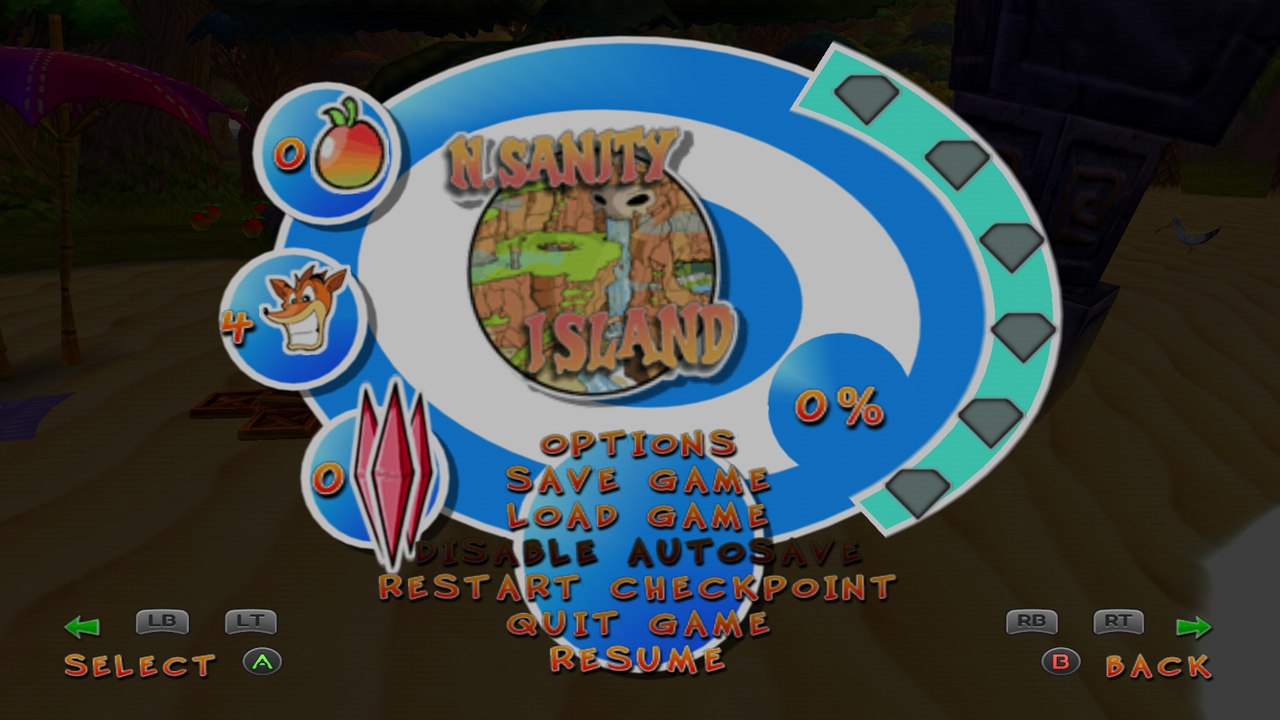 | 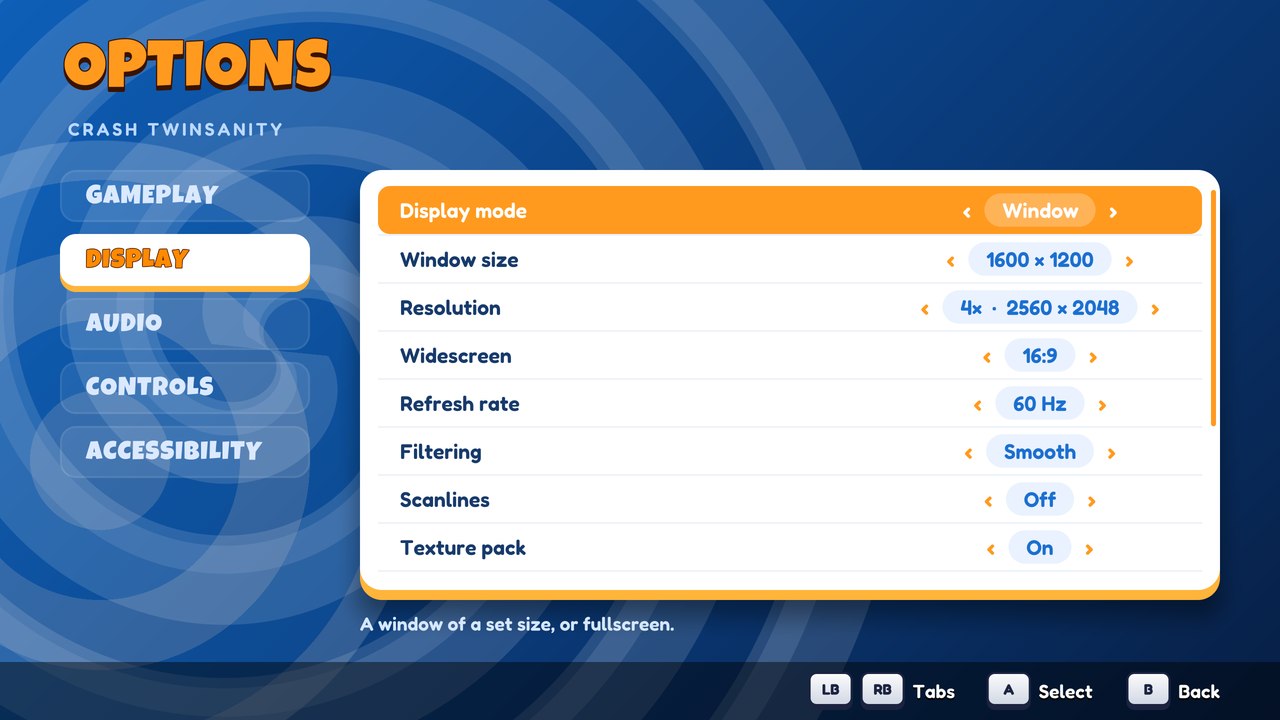 |
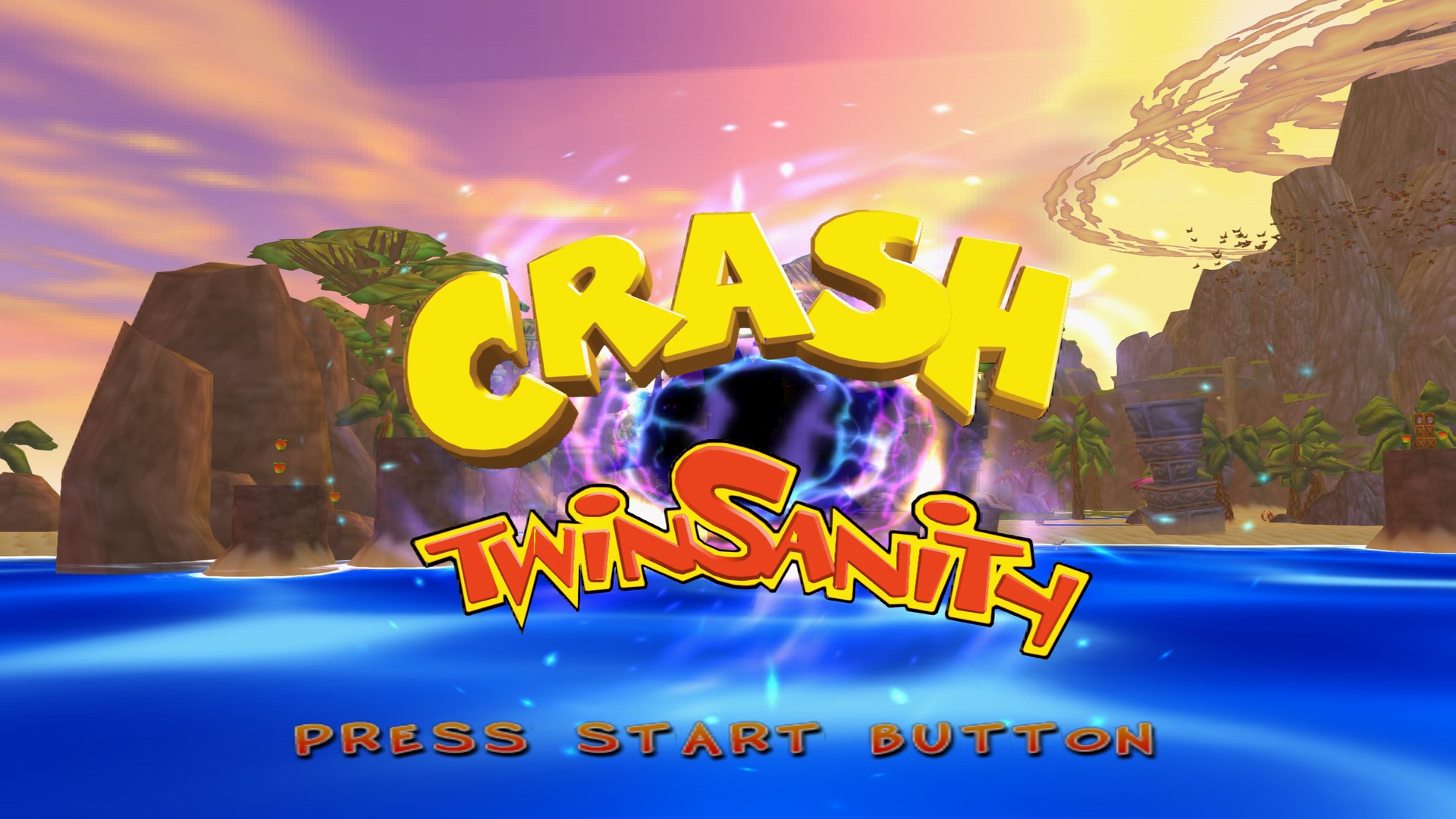
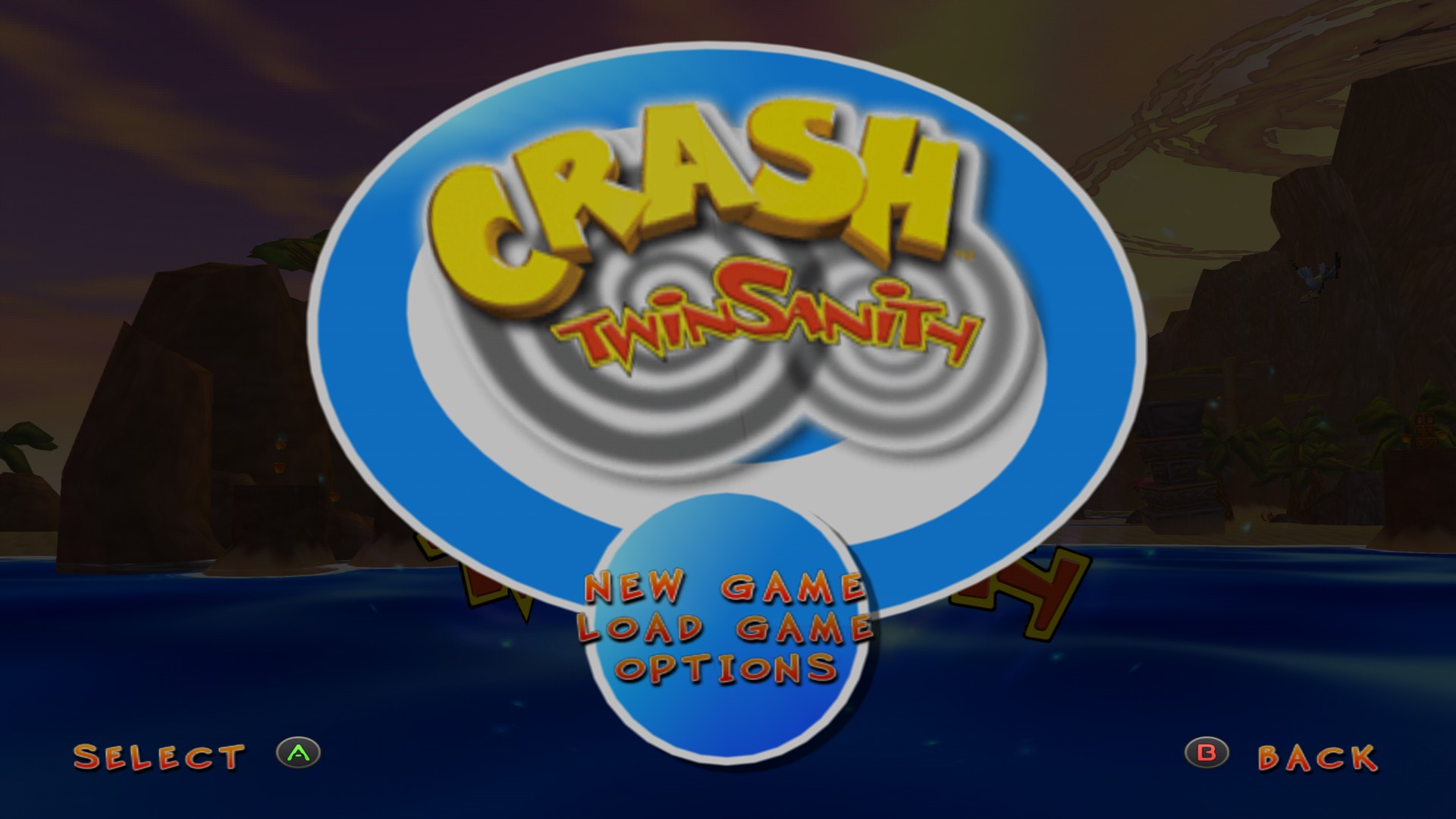
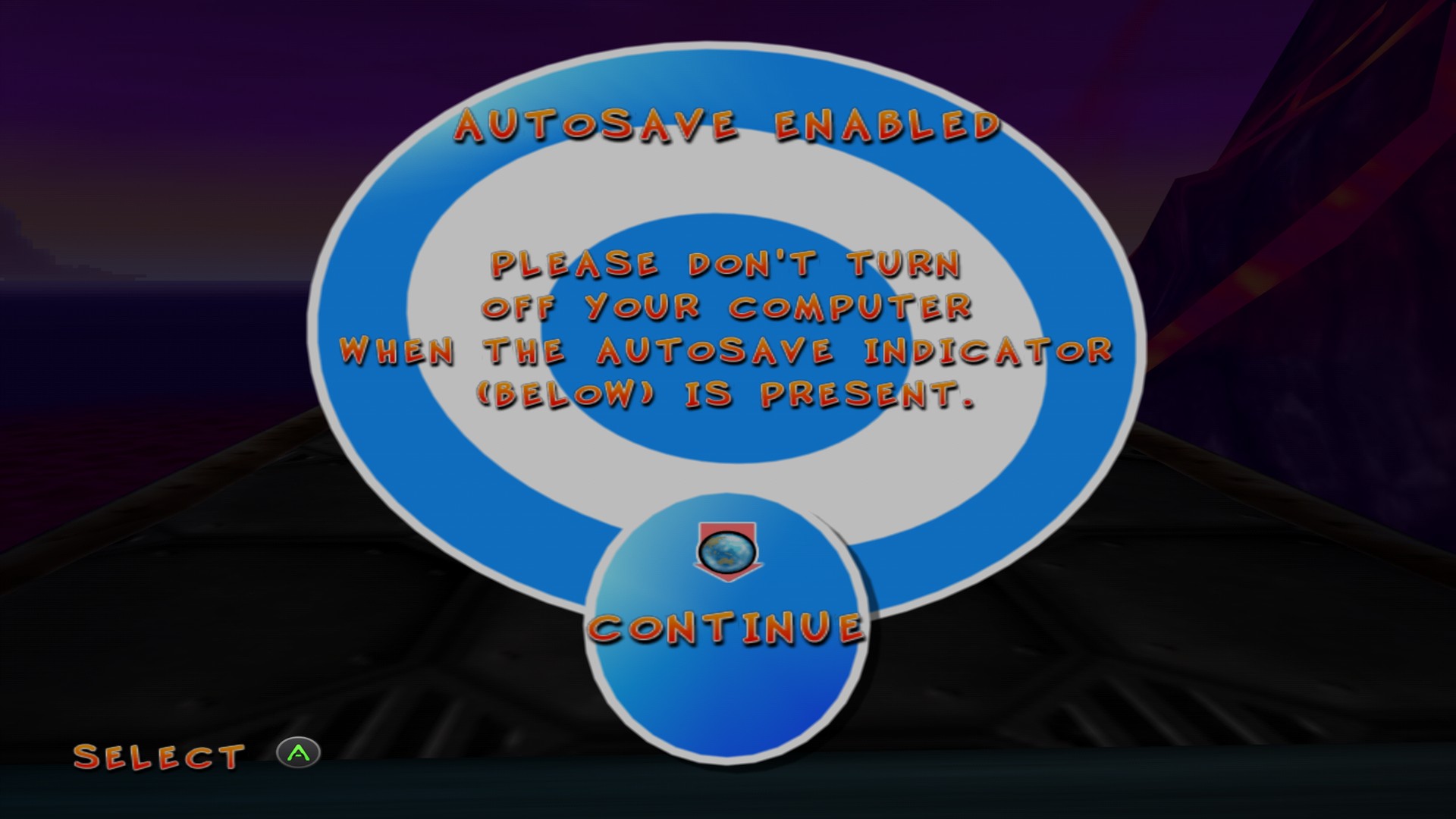
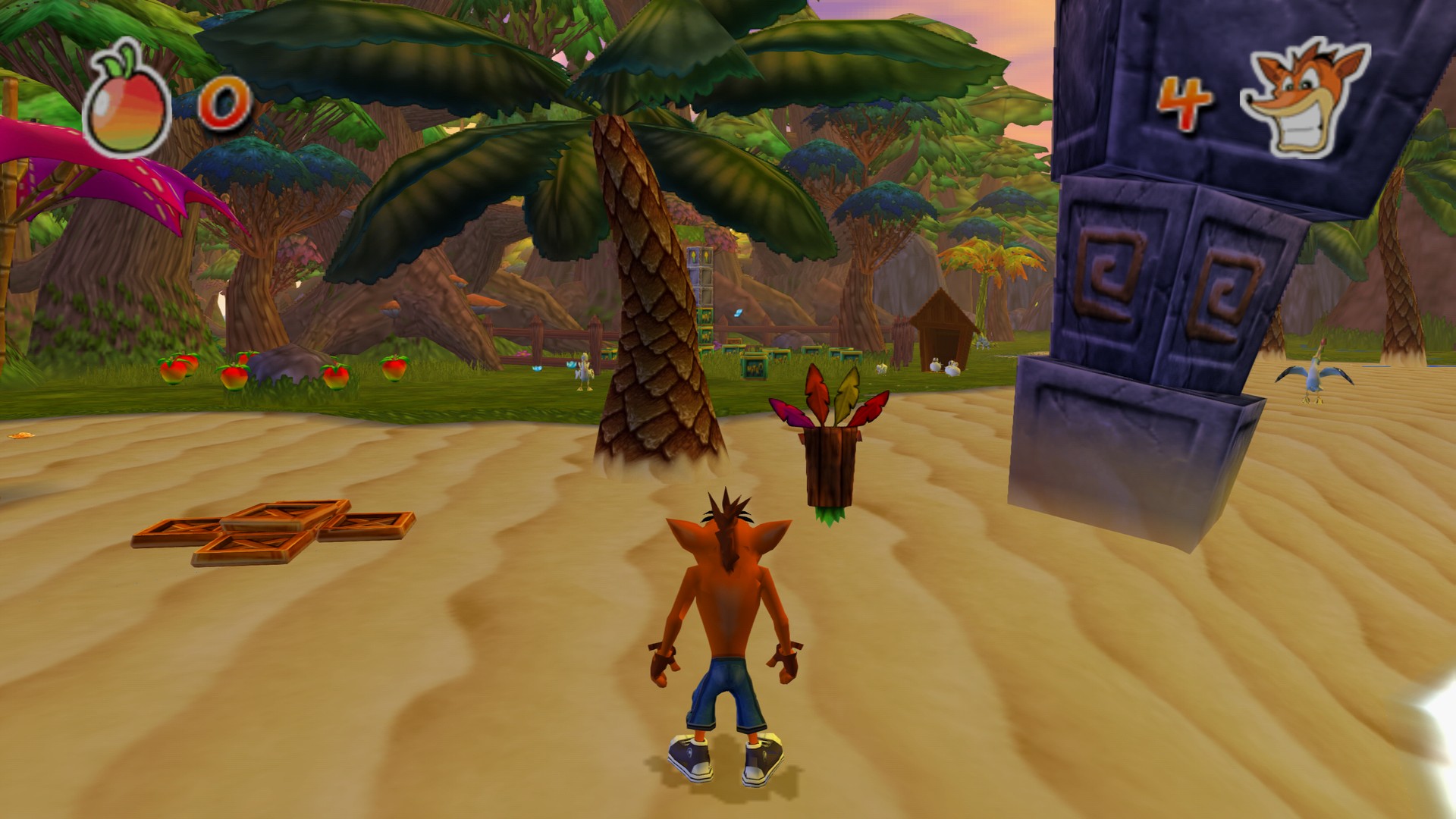
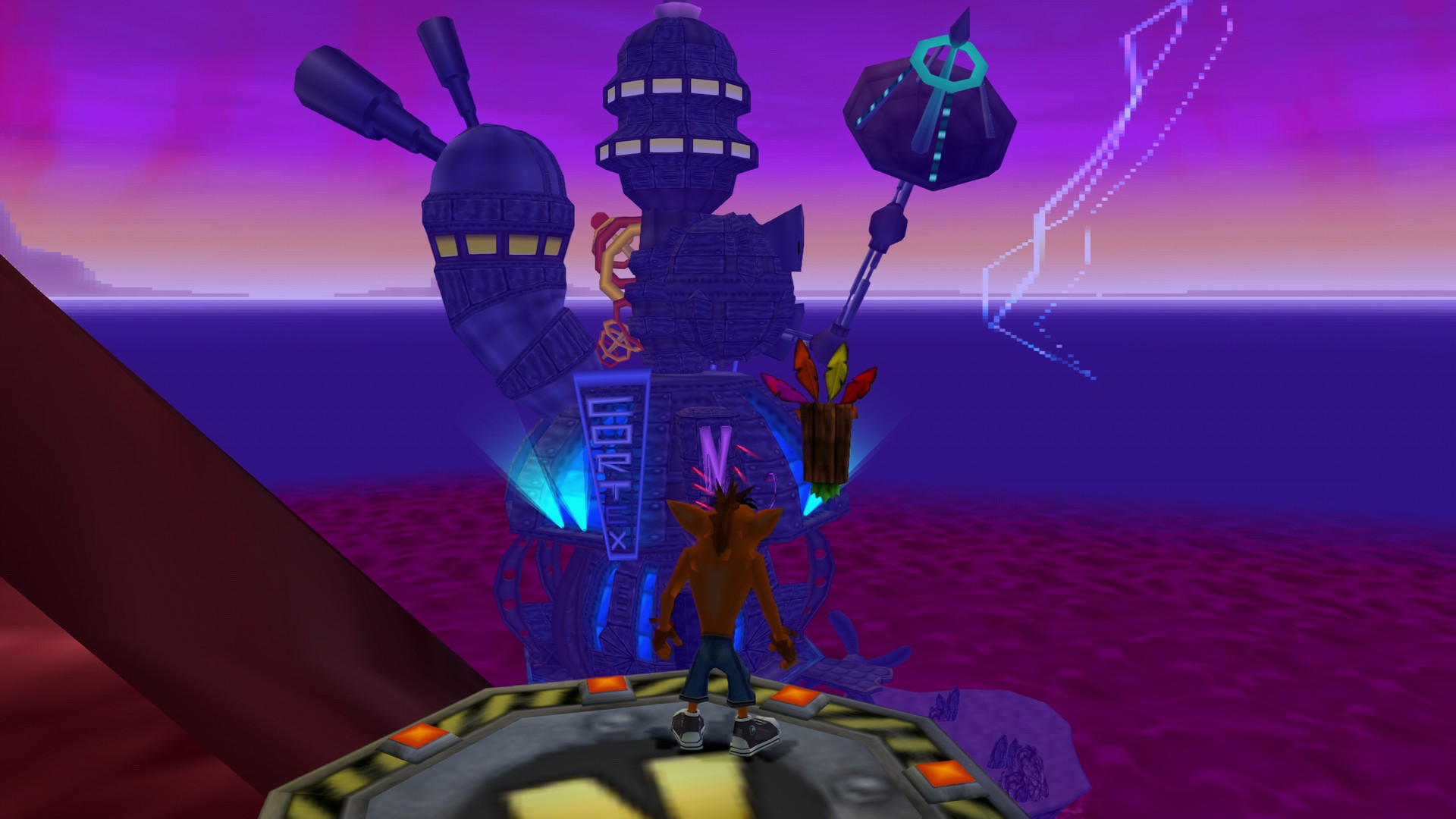
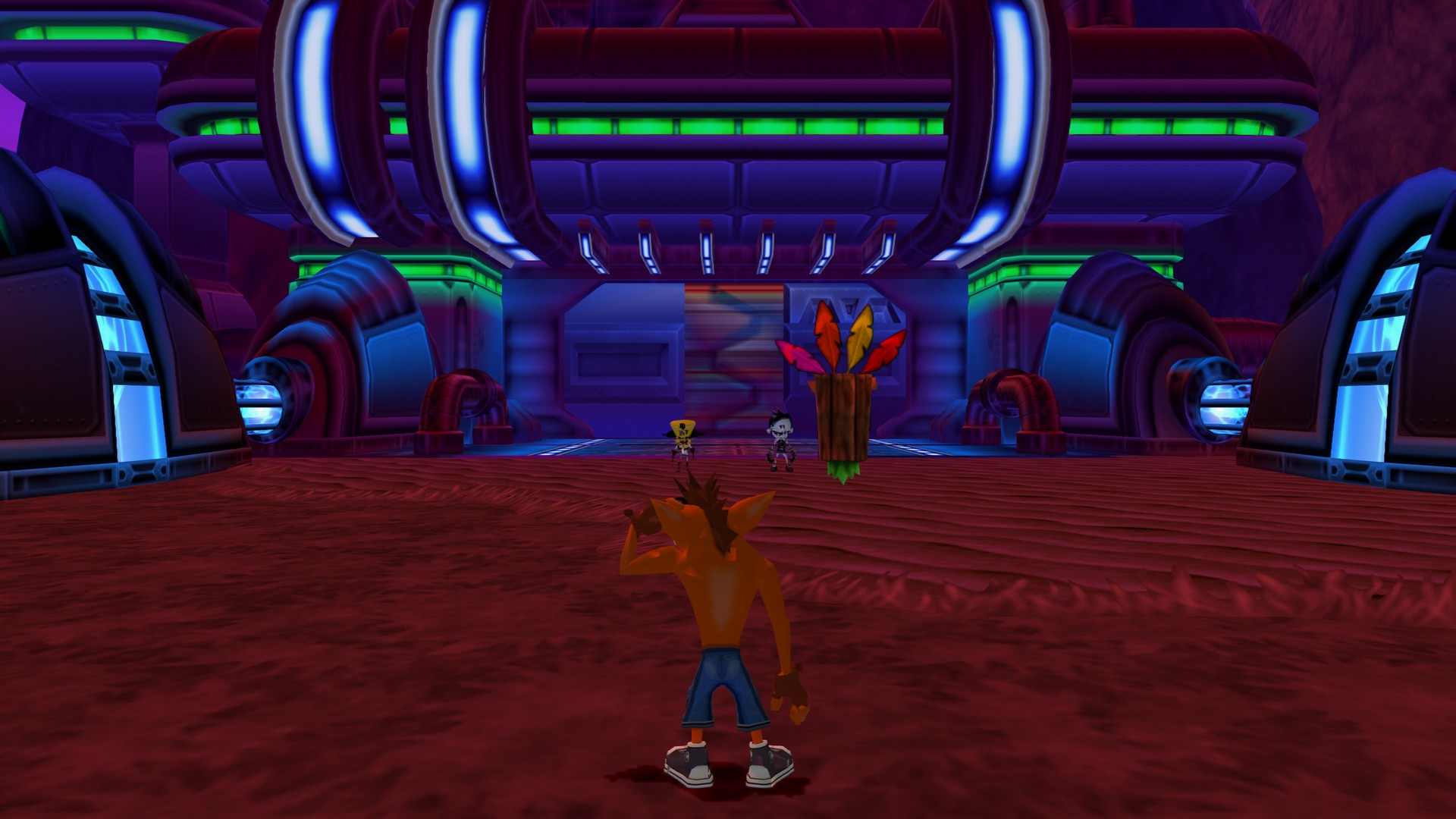
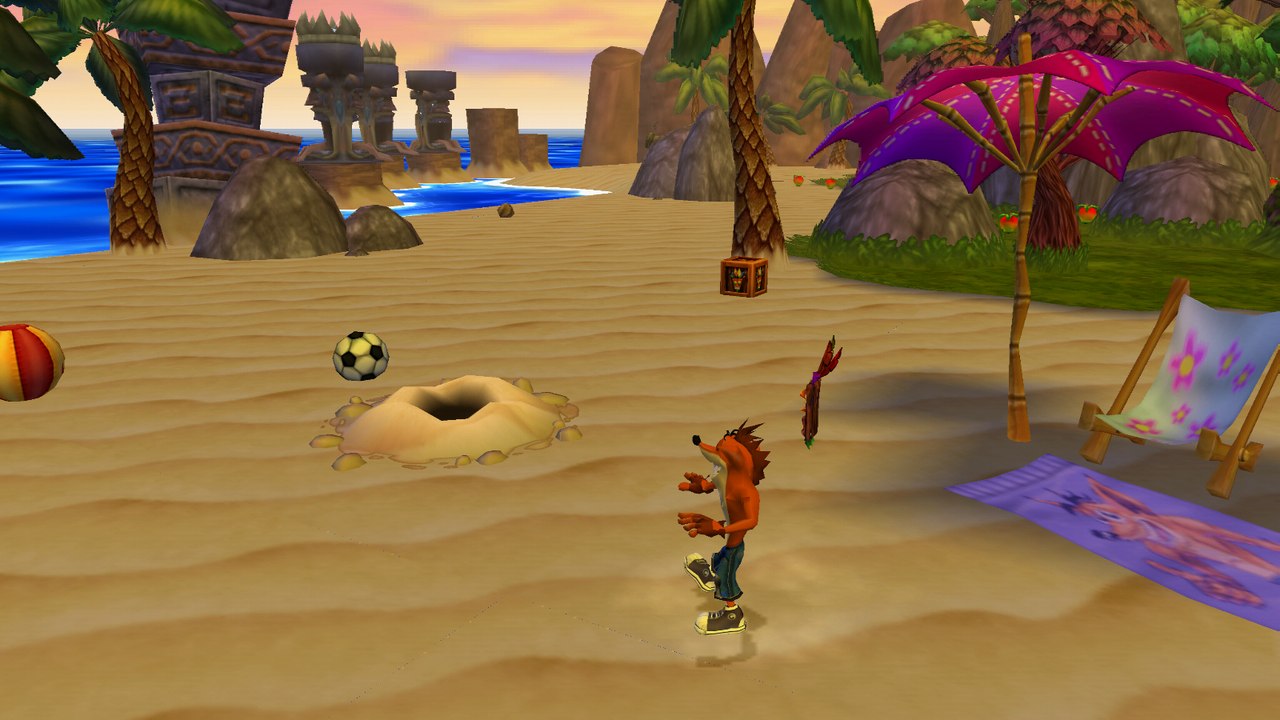
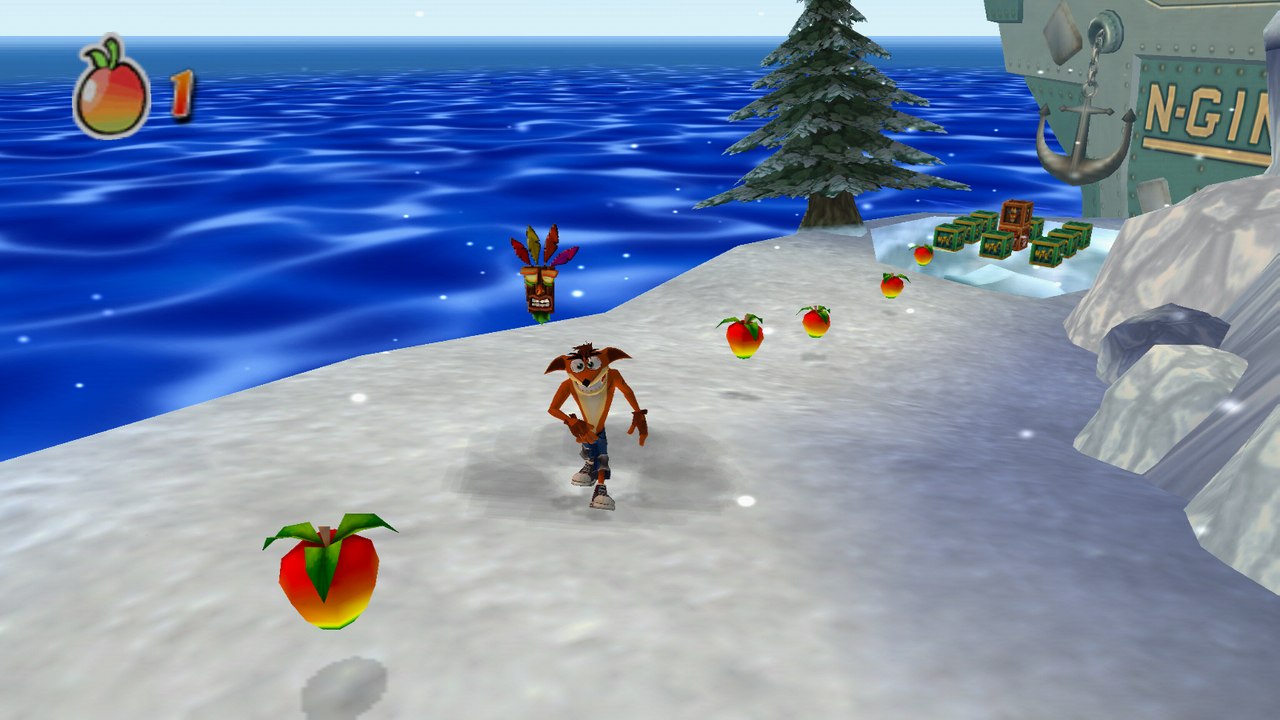
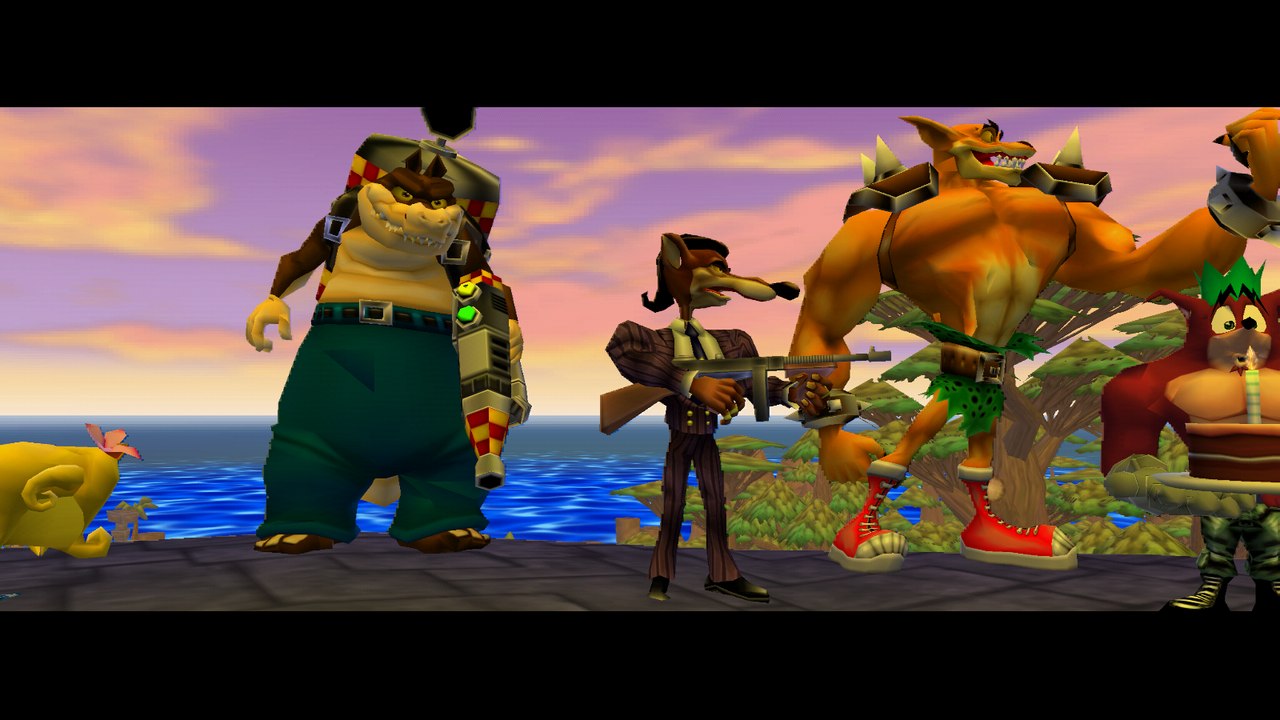
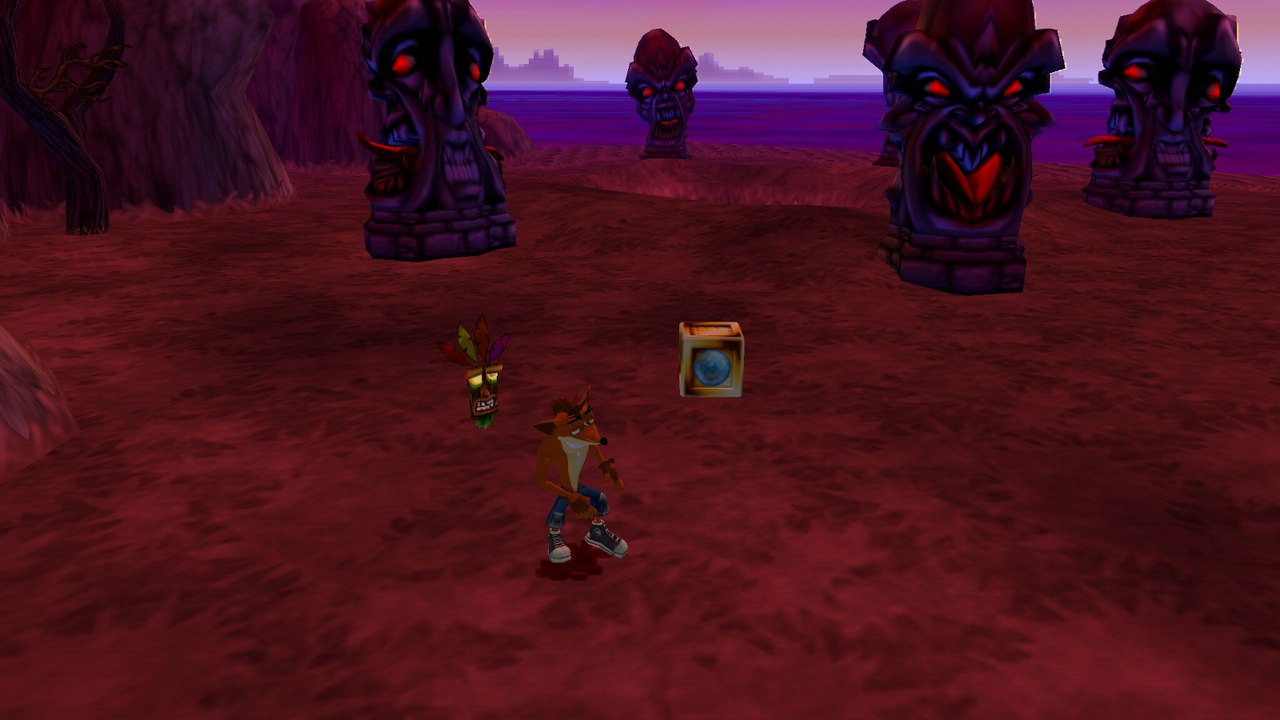
Taken from the Windows program at 4× the PS2's resolution, without texture packs. The menus show the buttons of the controller in use, and the PC options have their own screen.