D PC Port
D PSX PC Port is a native Windows port of the PlayStation horror adventure D that adds save states and pause anywhere.
- Type: PC port
- Game: D
- Runs on Windows
- By Bits and Breakpoints
- Latest release v1.0.1, 2026-10-19
- Source: https://github.com/Bitsandbreakpoints/d-psx-pc-recomp
README
Classic games, recompiled for today. Easy to play, with optional enhancements, for everyone.
D PC port
A native Windows version of the PlayStation horror adventure D (WARP / Acclaim, 1995). It runs the game's own logic natively on Windows, with no emulator and no BIOS, and adds save states, pause anywhere, sharper pictures and a number of quality-of-life improvements.
You need your own copy of the game. The port reads the movies, pictures, sound and data from disc images that you make from your own three original discs.
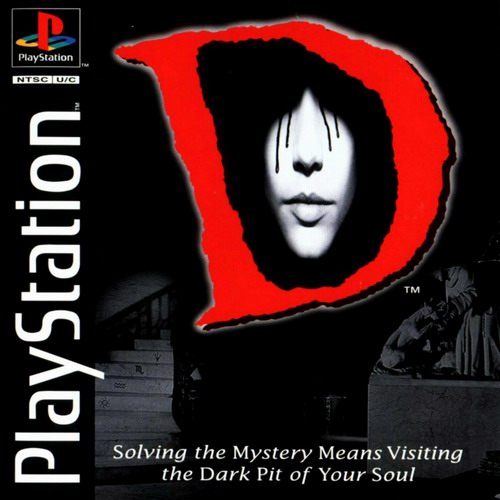
The game this port needs: D (USA), SLUS-00128 / 00173 / 00174. Cover © its respective owners.
Download
⬇ Download the latest release (d-pc.zip)
All releases are on the Releases page.
- Download
d-pc.zipand unzip it anywhere. Keepd.exeandgame.dlltogether. - Start
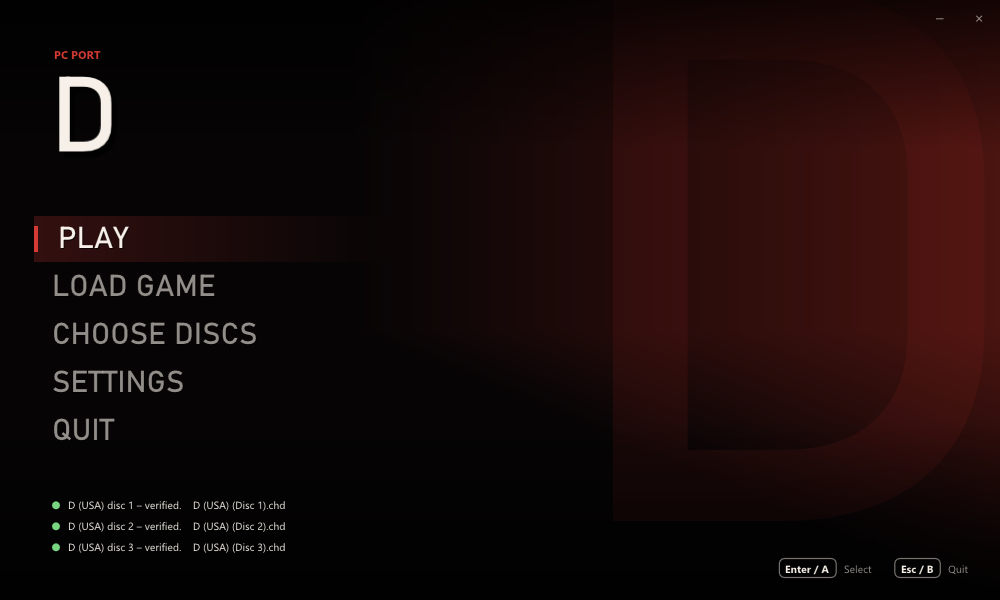
d.exe(Windows 10 or later; no installation). - Click CHOOSE DISCS and pick your three disc images at once
(Ctrl/Shift-click), or drop them on the window.
.bin/.cueand.chdwork. If you choose only one, the others are found next to it. Each disc is checked against the known dump of D (USA) the first time. - Click PLAY. When the game asks for the next disc, it is put in by itself, so there is no swapping.
Save anywhere: a first for D
The original D has no way to save. It wants to be finished in one sitting: two hours of real time in Laura's nightmare, and if you have to stop, you start over. This port changes that.
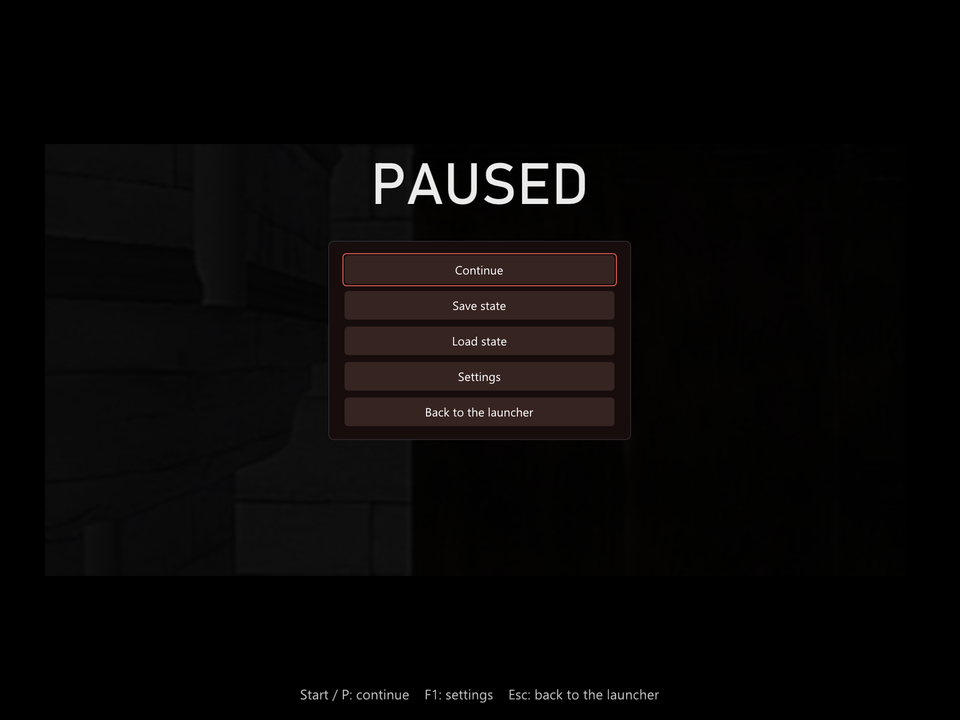
- Pause at any moment with Start or P, even in the middle of a movie. The picture freezes, and the movie and its sound go on exactly where they stopped.
- Save states in 8 slots, each with a picture of the moment, the disc, the time played and the date. Save while you explore the castle, in a movie or in the inventory, and pick up exactly where you left off: the same room, the same clock, the same movie frame.
- Load from the pause menu, or start the game straight from a save with LOAD GAME in the launcher. The right disc is put in by itself.
- Delete the saves you no longer need, from the same list.
- Saves are made to survive updates of the port: the game's code lives
in its own
game.dll, which stays the same between releases. If a save ever cannot be loaded, the list says why instead of failing.
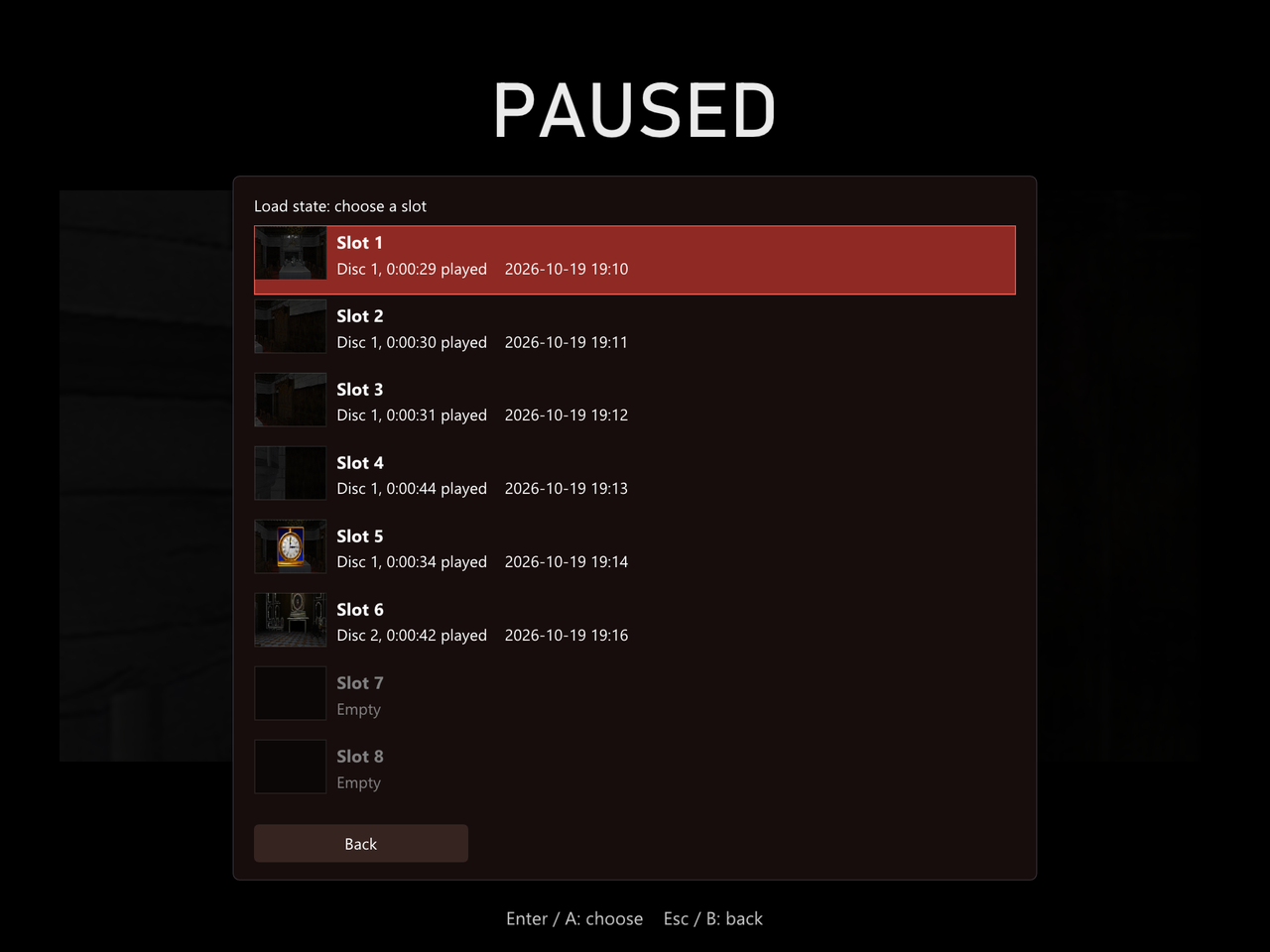
The pause menu's list of save states: one picture per slot, with the disc, the time played and when it was saved.
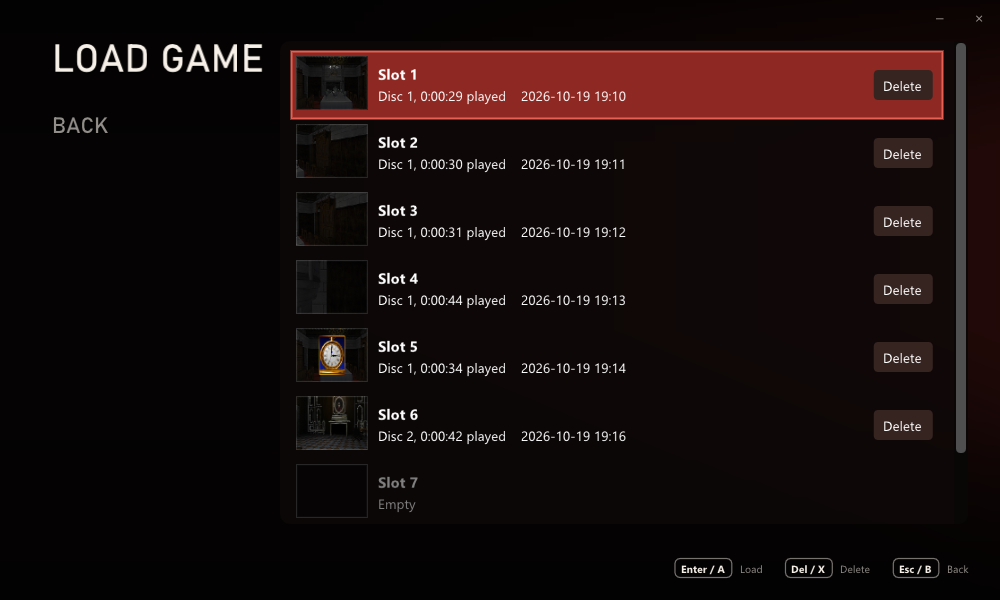
LOAD GAME in the launcher: start from any save, or delete it.
Pictures
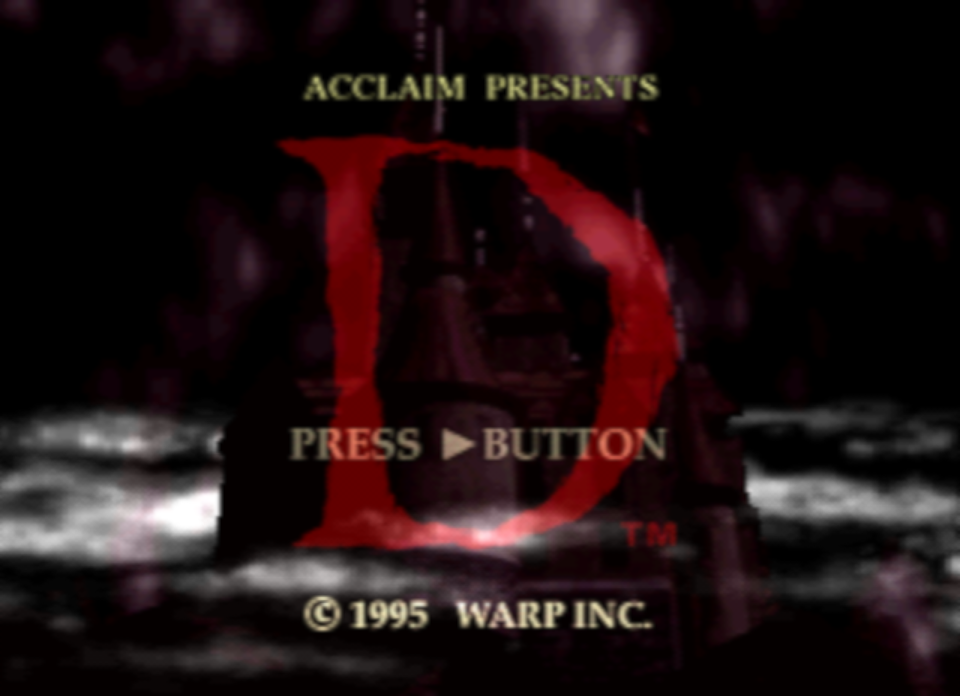
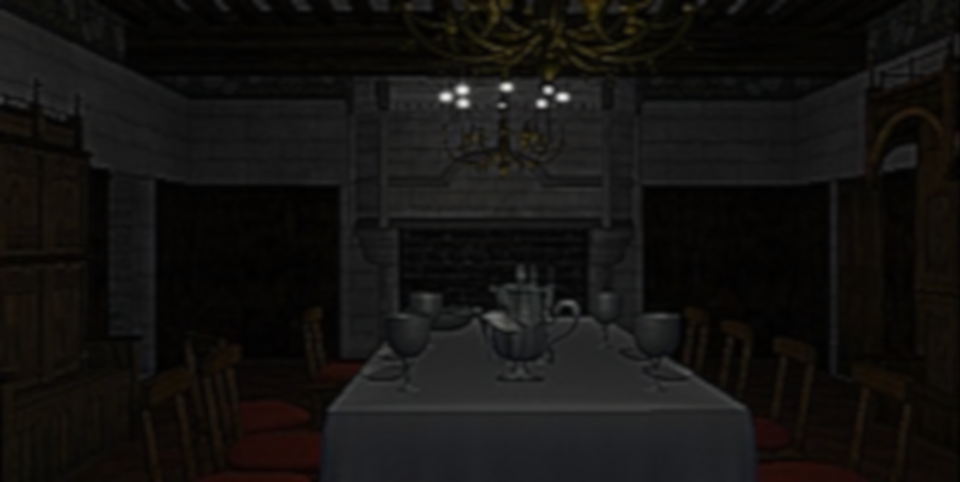
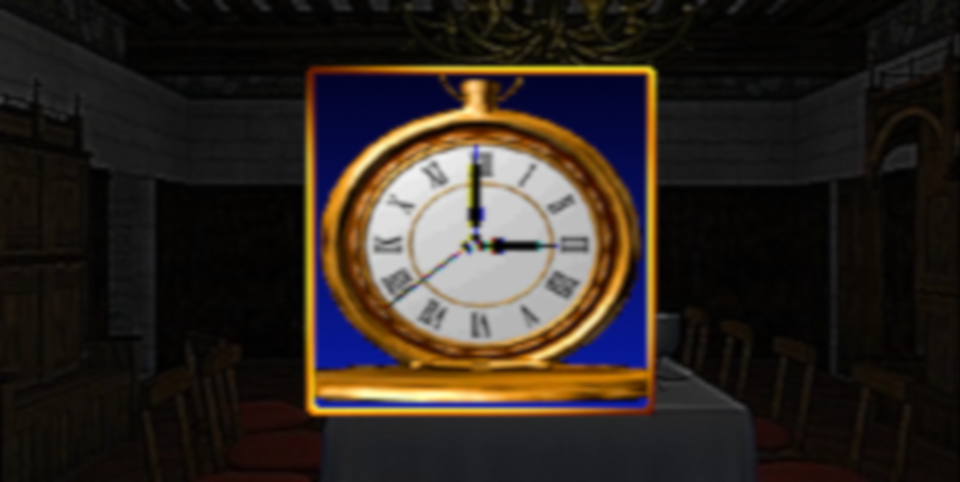
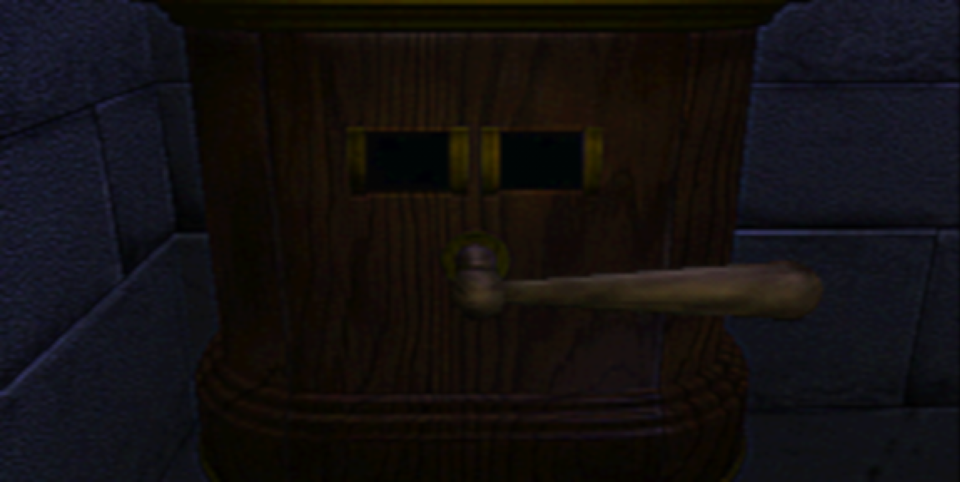
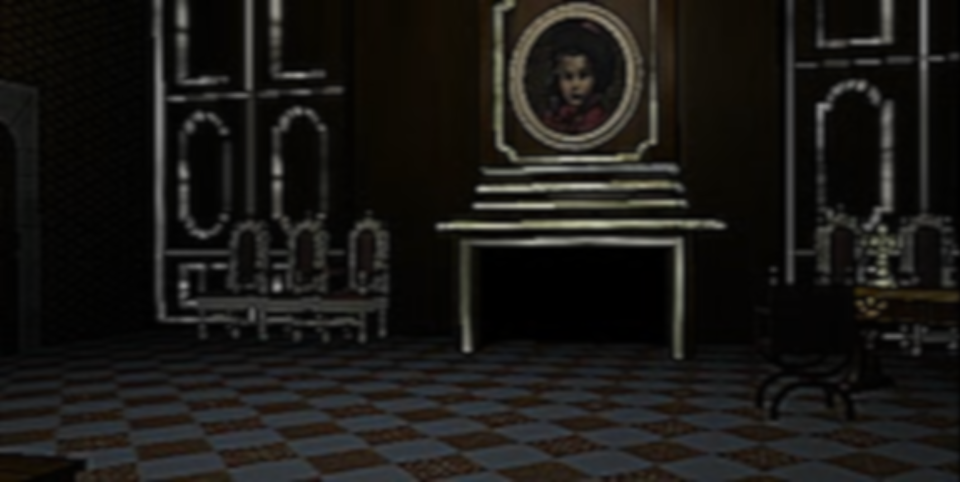
In-game pictures: D running in this port (4:3, soft-TV filter). The game's pictures shown here are © their respective owners.
Disclaimer
- You must own the game. To play, you need dumps (disc images) of your own three original D (USA) discs. This project does not provide, and will not help you find, game files.
- This repository contains no game files: no code, movies, graphics, sound, music or data files from the game, and no BIOS. It holds this README, the third-party licence list, the source code of the port's own program (see Source code) and pictures: our banner, the launcher and its lists (our own), plus the box cover and in-game pictures, which are © their respective owners and shown only to identify the game.
- No game assets are distributed. The release contains the port's own program and the licences of the open-source libraries it uses. Every movie, picture and sound is read at run time from your own disc images. The program is the game's logic rebuilt for Windows; it includes the small tables the code needs (texts, the layout of rooms and movies: about 3 KB that also appear on the disc) but none of the game's assets.
- D is a trademark of its owner. This is a non-commercial fan project and is not affiliated with or endorsed by WARP, Acclaim or Sony.
Improvements over the original
All of these can be changed under SETTINGS (and most of them in the game with F1).
Saving and pausing
- Save states: 8 slots with pictures, from the pause menu; LOAD GAME in the launcher; delete with a confirmation.
- Pause anywhere, movies included (Start, P, Pause or R3).
Pictures and movies
- Movies decoded like the console: the PlayStation's MDEC decoding rewritten to match it (the same integer IDCT), with an optional smoother colour mode that removes the blocky colour edges.
- Higher internal resolution, up to 4×: the turning views and the scaled pictures of the puzzles are drawn sharper.
- Picture filters: sharp pixels, bilinear, CRT, or a soft-TV filter (GTU-like).
- Window or borderless full screen, any window size, 4:3 or stretched, vsync.
Sound
- Master, movies and music, and sound effects volume.
- Softer bass: some effects (scrolling in the inventory) are a deep thump that can make speakers rattle; this takes the deepest bass out, as the TV speaker the game was made for did. Off: exactly the console's sound.
- No hitches: the disc is read ahead on its own thread, so the sound never stutters when a new movie starts.
Comfort
- Launcher: a resizable splash window that remembers its size; choose all three discs at once and have them verified, change every setting, with mouse, keyboard or controller.
- Automatic disc change: the next disc goes in by itself.
- Skip the intro logos, and quit from the title screen with B / Esc.
- In-game settings with F1 (or Select + Start).
- Controls: keyboard or XInput controllers (Xbox and compatible), every button remappable, automatic mapping.
- Disc images:
.bin/.cueand.chd(compressed).
Controls
Plug-and-play with modern controllers!
| PS1 | Keyboard | Controller |
|---|---|---|
| D-pad | Arrow keys | D-pad or left stick |
| Cross | X | A |
| Circle | C | B |
| Square | Z | X |
| Triangle | S | Y |
| L1 / R1 | Q / E | LB / RB |
| L2 / R2 | 1 / 3 | LT / RT |
| Start | Enter | Start |
| Select | Backspace | Back |
Everything can be changed under SETTINGS → CONTROLS.
In the game: Start (or P) pauses and opens the menu: continue, save state, load state, settings, back to the launcher. Esc goes back to the launcher, F1 (or Select + Start) shows the settings. (In the intro and on the title screen, Start keeps its own job in the game.)
Files
Everything stays in the program's folder:
settings.ini: the settings.saves/slot1.state…slot8.state: the save states (under 1.5 MB each).d.log: a log for troubleshooting.
FAQ
Do I need a BIOS? No. Everything the BIOS and Sony's libraries do on a PlayStation is written anew in the port.
Which version of the game? D (USA), the three discs SLUS-00128, SLUS-00173 and SLUS-00174. Other dumps of the same game may work; the launcher tells you if your image is not the known one.
Why not .iso? The movies and their sound are stored in raw CD sectors
that an .iso cannot hold. Use .bin/.cue or .chd.
Is the source code available? The port's own code is, in
source/. The decompiled game code is not published, so the
source cannot be built on its own (see Source code).
Source code
The source/ folder holds the source code of the port's own
program, d.exe: the launcher, the window, picture and sound output, the
disc reader, the save states, and the PlayStation's libraries written anew
for Windows (graphics, sound chip, MDEC movies, CD streaming, controllers).
It also holds the build scripts, the tests and the open-source libraries
the port uses, with their licences.
Disclaimer: this is not a complete, buildable project. The game's own
logic (the decompilation of D, which game.dll is built from) is not
published, and the build needs it: the source refers to the game's
headers and code in a folder next to it that is not part of this
repository. The source is shared so that people can read how the port
works and learn from it. To play, download the release.
Credits
- Built with Dear ImGui and
libchdr (with zstd, LZMA SDK,
miniz and dr_flac). Their licences are in THIRD_PARTY.md
and in the
licensesfolder of the release.