Darkest Fear libgdx
Darkest Fear libgdx is a port of the J2ME game Darkest Fear to Android, Linux, and Windows using the libGDX framework.
- Type: PC port
- Game: Darkest Fear
- Runs on Windows, Linux and Android
- By nitanmarcel
- Latest release v1.1, 2026-11-21
- Source: https://github.com/nitanmarcel/darkest-fear-libgdx
README
Darkest Fear
A libGDX desktop and Android port of the J2ME game Darkest Fear, running the original game code on top of a small J2ME → libGDX compatibility layer.
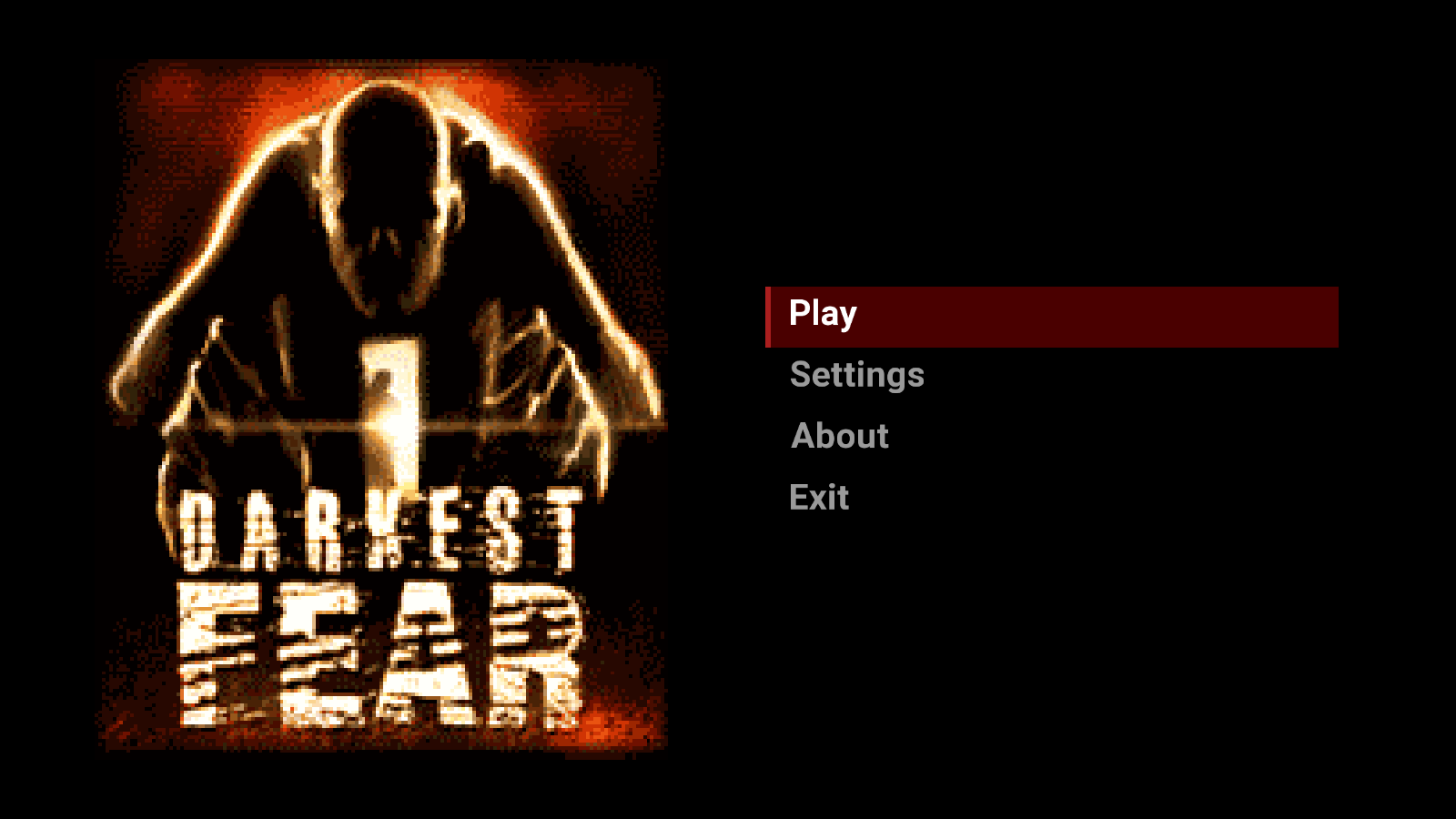
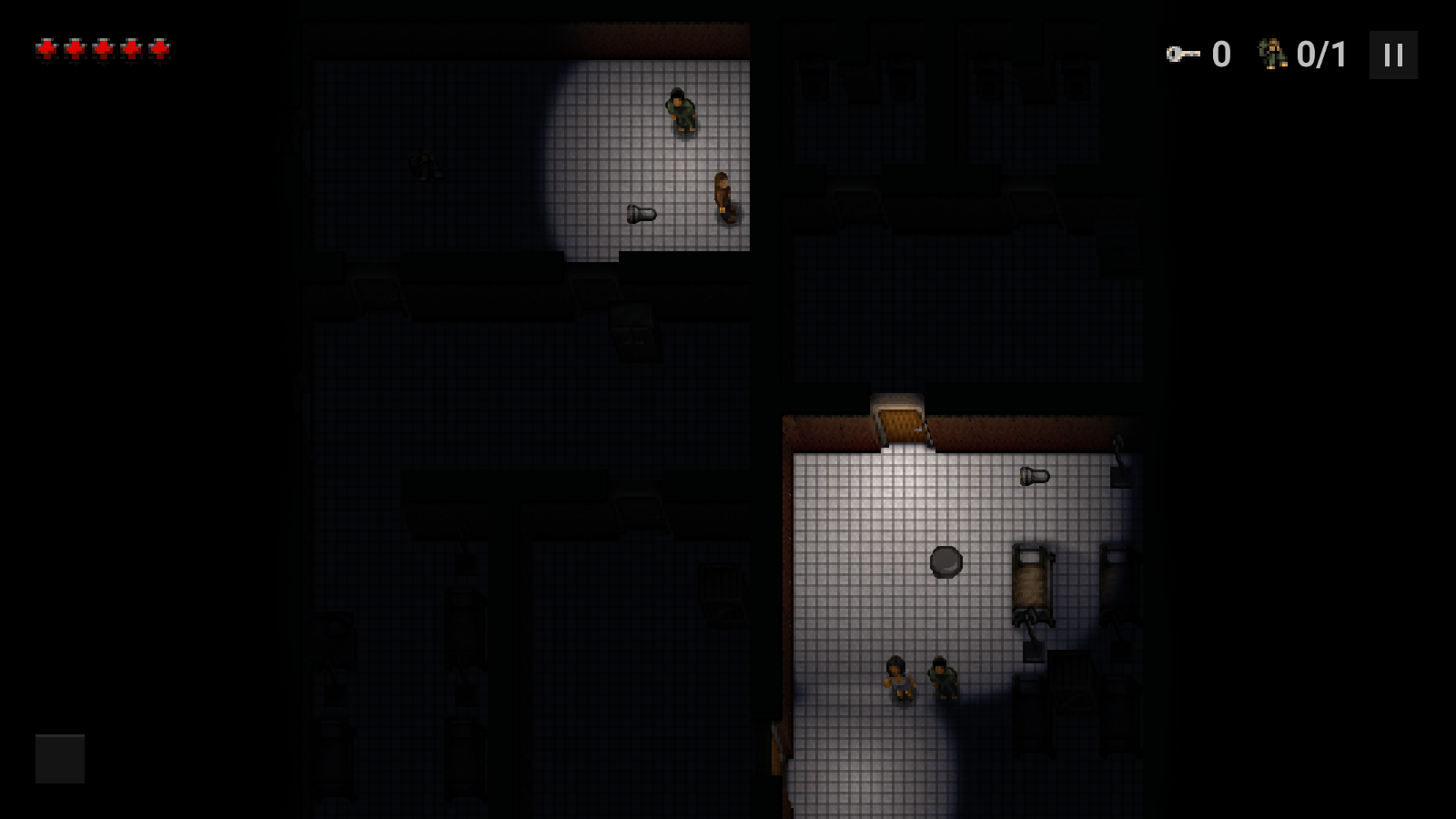
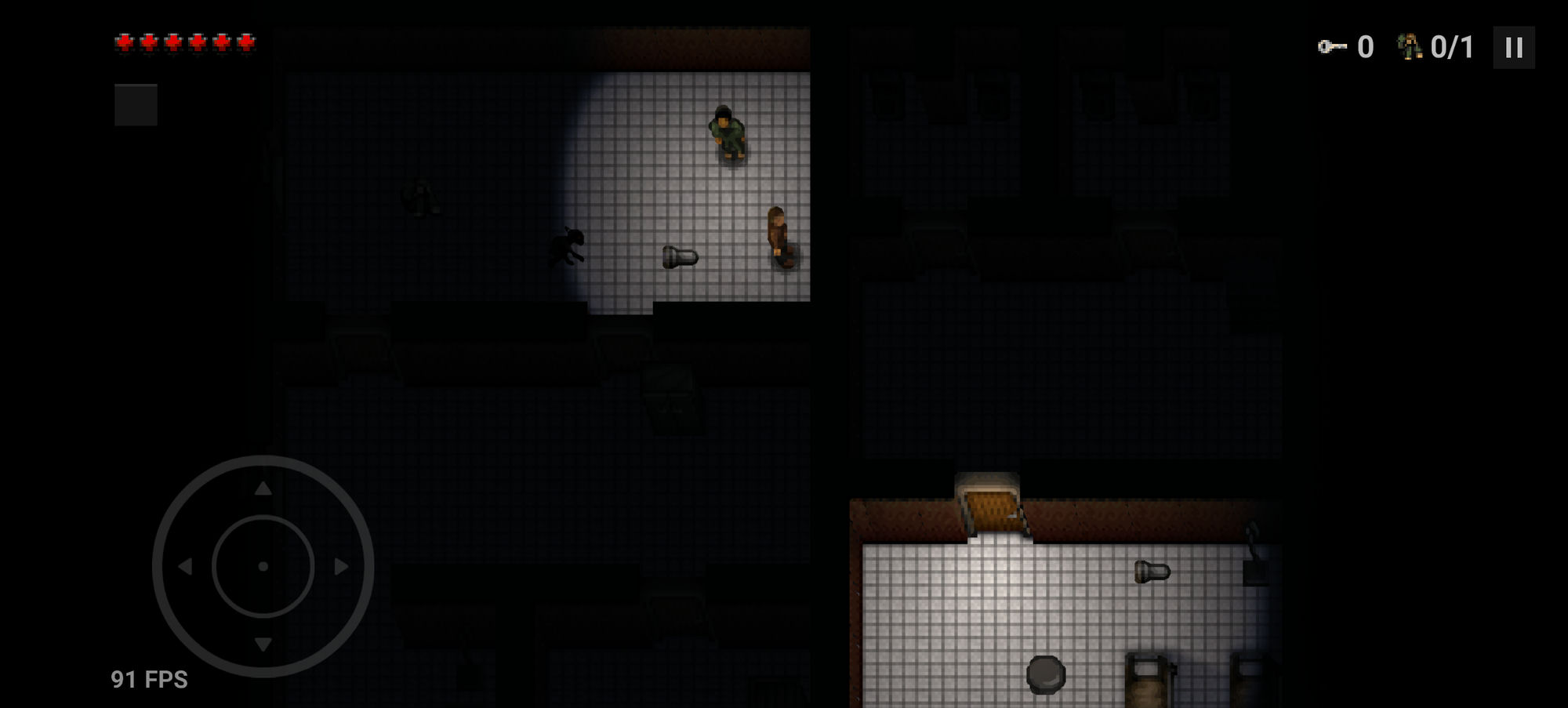
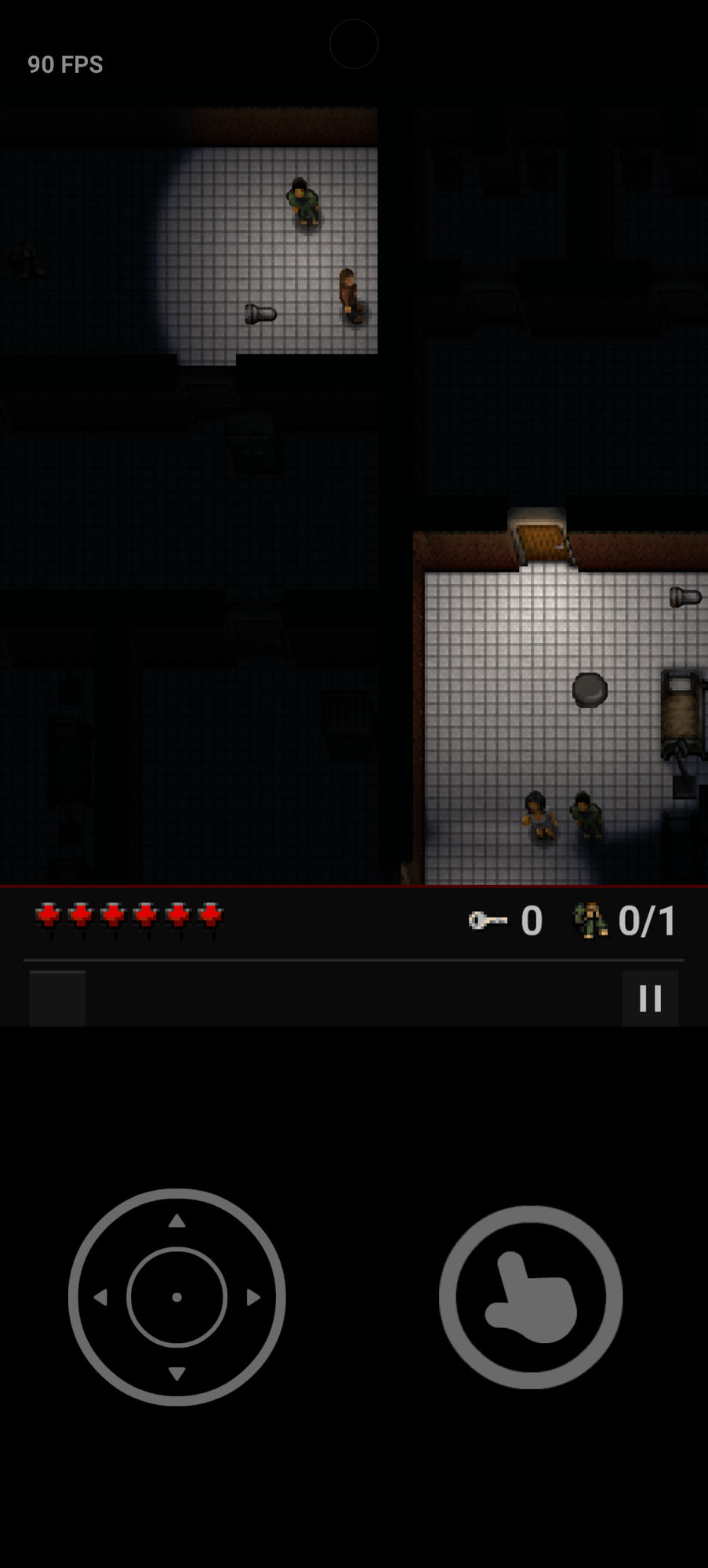
Play
The original game is not included. You must supply the v1.55 JAR (240x320) yourself. The game asks for it the first time it starts.
Builds for Linux, Windows, macOS and Android are on the Releases page.
Controls
| Action | Keyboard | Gamepad | Touch |
|---|---|---|---|
| Move | WASD / Arrow keys | Stick / D-pad | Stick |
| Interact | E / Space / Enter | A | Tap |
| Pause / Back | Q / Esc | B / Start | Pause button |
Keys can be changed in Settings.
Resource packs
iPhone graphics and sounds
You can convert the IPhone version of the game to a resource pack (sprites and audio only)
./gradlew converter:jar
java -jar converter/build/libs/df-convert.jar <source>.ipa pack.zip
Then add pack.zip in the Resource packs screen.
Format
A zip with a pack.json:
{
  "format": 1,                // format version
  "id": "my-pack",            // pack id
  "name": "My pack",          // name shown in the menu
  "scale": 2,                 // pack pixels per game pixel

  "sprites": {
    "0": {                    // sprite id
      "file": "art.png",              // image
      "rect": [462, 384, 35, 33],     // x, y, width, height in the image
      "anchor": [17, 26],             // origin inside the rect
      "normal": "art_n.png"           // normal map
    }
  },
  "floors": {
    "wood": [                 // level theme: wood, stone or tile
      { "file": "art.png", "rect": [351, 507, 34, 34] }   // floor tile
    ]
  },
  "sounds": {
    "24": {                   // sound id
      "file": "music.mp3"             // mp3, ogg or wav
    }
  },
  "events": {
    "door_open": {            // extra sound
      "volume": 1.0,                  // loudness
      "files": ["door.wav"]           // one is picked at random
    }
  }
}
Build
Requirements
- JDK 21
- Android SDK, for the Android build (set
ANDROID_HOME, or add ansdk.direntry tolocal.properties)
Launch in debug mode
./gradlew lwjgl3:run
Package a standalone build
Linux:
./gradlew lwjgl3:packageLinuxX64
Windows:
./gradlew lwjgl3:packageWinX64
macOS (Intel):
./gradlew lwjgl3:packageMacX64
macOS (Apple Silicon):
./gradlew lwjgl3:packageMacM1
The zips are written to lwjgl3/build/construo/dist/.
Android:
./gradlew android:assembleRelease
The APK is written to android/build/outputs/apk/release/.
Status
- Boot
- Main menu
- Text rendering
- Input
- Save data
- Sound
- Gameplay
- Android
- Resource packs
How does it work
J2ME apps are compiled to ordinary JVM bytecode (with CLDC preverification and a restricted class library). Any modern JVM can still load and run that bytecode — what's missing is the platform layer, javax.microedition.*, which on a real device bridged the app to the handset's screen, input, and sound.
This project reimplements that platform layer so the original game runs unmodified outside a J2ME environment.
Emulator vs port
An emulator reproduces a whole device — CPU, hardware, and all — and runs the app as a guest inside it. This does neither. The original bytecode executes natively on the host's Java runtime, and its graphics and input calls are mapped directly onto libGDX.
So it's a port rather than an emulator: one game, running on its own code, with a thin compatibility layer standing in for the phone.