Digimon Super Xros Wars Recomp
Digimon Super Xros Wars Recomp is a native Windows PC port of Digimon Story: Super Xros Wars Red that runs the original game logic natively with higher-resolution 3D and a settings menu.
- Type: PC port
- Game: Digimon Story: Super Xros Wars Red
- Runs on Windows
- By aoxzh
- Latest release v0.1.1, 2026-11-16
- Source: https://github.com/aoxzh/digimon-super-xros-wars-recomp
README
Digimon Super Xros Wars Recomp
A native Windows PC port of Digimon Story: Super Xros Wars Red (Nintendo DS, Japan) made by static recompilation. It is not an emulator. You bring your own ROM, and the game is built on your PC the first time you start it.




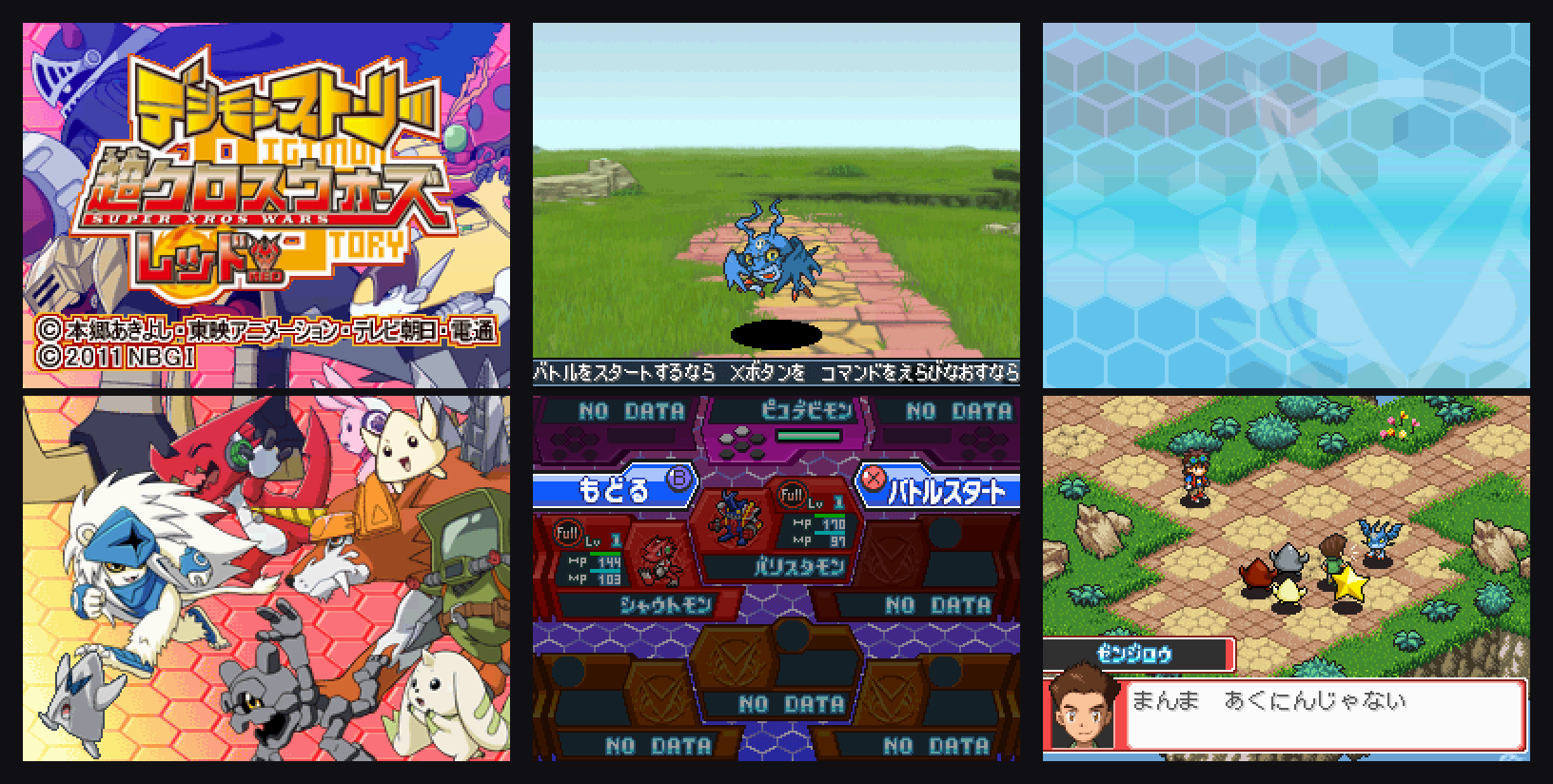
Digimon Story: Super Xros Wars Red (デジモンストーリー スーパークロスウォーズ レッド, Bandai Namco Games, 2011) is a tactical RPG for the Nintendo DS. It was released only in Japan. This project translates the game's ARM9 and ARM7 machine code into C ahead of time and compiles it into a normal Windows program. The result runs the original game logic natively, with a modern window, gamepad support, higher-resolution 3D, save states and a settings menu.
Unofficial fan project. Not affiliated with or endorsed by Bandai Namco Entertainment, Toei Animation or Nintendo. No copyrighted game data is in this repository or in the releases. You need your own legally obtained copy of the game. Do not share the
rom\orgame\folders that the launcher creates: they contain the game.
Play on Windows
- Download
DigimonSuperXrosWarsRecomp-win64-<version>.zipfrom Releases. - Unzip the whole folder to a place you can write to, such as
Documents\Games. Do not useProgram Files. - Run
Digimon Super Xros Wars Recomp.exeand select your ROM. - The first start checks the ROM and builds the game, with a progress bar. This takes about 2–5 minutes: 1.5 minutes on a 16-thread laptop CPU. Later starts are instant.
Everything the build needs ships in the zip's kit\ folder: Python, the clang/LLVM compiler (llvm-mingw), CMake, Ninja, SDL3 and the framework source. You do not need to install anything, nothing is downloaded, and no DS BIOS or firmware dump is needed: the game runs on the open-source FreeBIOS.
Windows SmartScreen may warn about an unsigned program. Choose More info → Run anyway.
| Folder | What it holds |
|---|---|
kit\ | Bundled toolchain and source (shipped) |
rom\ | Your ROM copy, SXW.nds (private) |
game\ | The built game, build.log, runner.log (private) |
save\ | Cartridge save SXW.sav, settings, save states |
android-tools\ | Java, Gradle and the Android SDK/NDK, downloaded once (private) |
android\ | The built APK, and android-build.log (private) |
To rebuild, for example after an update, run the exe with --rebuild or delete game\. To change the ROM, delete rom\SXW.nds. Your save is kept.
Android (experimental)
The Windows download can also build an Android APK for your own phone or tablet:
- Do the normal first start once, so the game is built.
- Run
Build Android APK.cmd, or start the exe with--android. - The first time, it downloads Java 17, Gradle and the Android SDK/NDK from their official sources (about 3 GB, kept in
android-tools\) and asks you to accept the Android SDK License. Expect 10–20 minutes. Later builds are faster. - Copy
android\DigimonSuperXrosWarsRecomp.apkand your ROM to the device, install the APK and pick the ROM when the app asks.
The APK contains the game, so it is built on your PC and never offered for download. Do not share it. It needs Android 9 or newer on 64-bit ARM, and uses software 3D, FreeBIOS and the touch screen as the DS bottom screen. Foldables and two-screen layouts are supported. The Android build is newer and less tested than Windows.
Your ROM
Only this exact dump is supported. The launcher checks it before building.
| Field | Value |
|---|---|
| Game | Digimon Story: Super Xros Wars Red (Japan) |
| Game code | TLTJ, revision 0 |
| Size | 67,108,864 bytes (64 MiB) |
| SHA-1 | aee7dadd31becf0b33c5ac857a2c13978cb16bec |
Super Xros Wars Blue (TLUJ) and fan translations are not supported yet.
Screenshots
| Title | Opening | Battle (3D) |
|---|---|---|
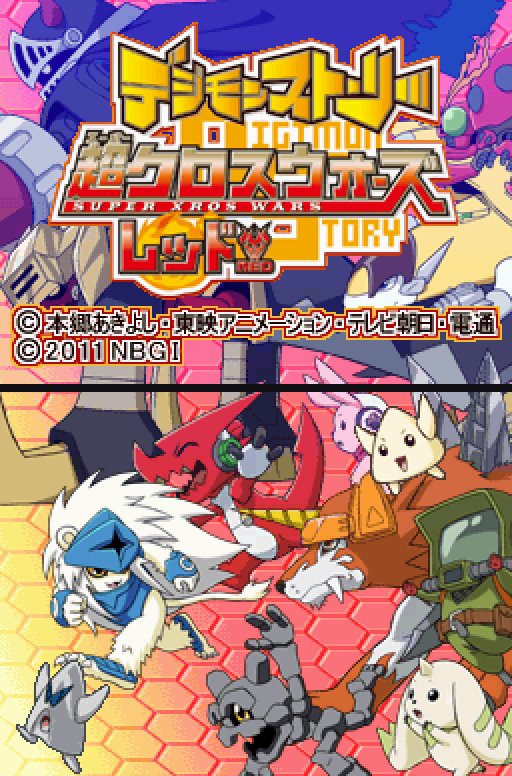 | 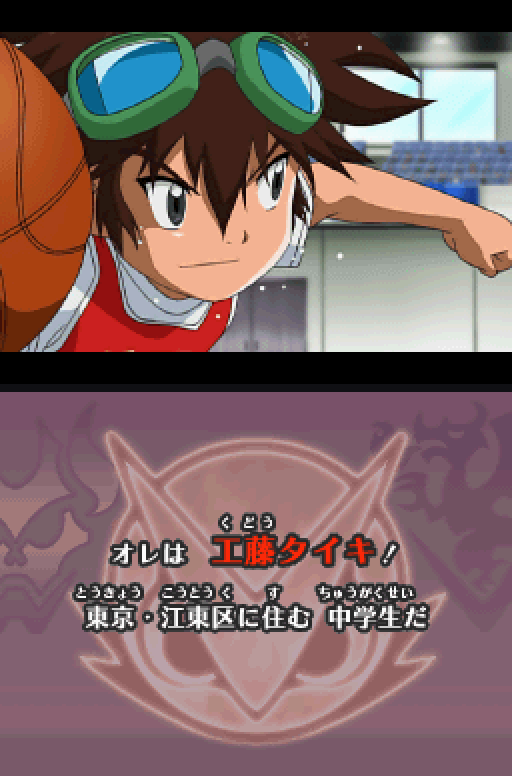 | 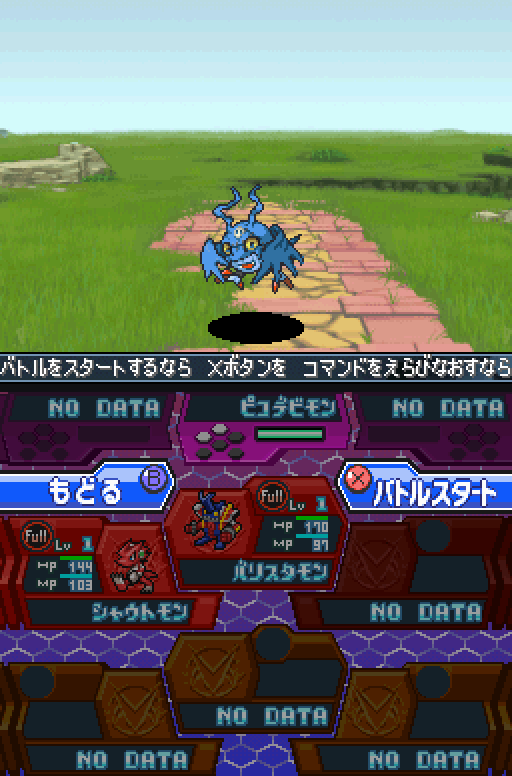 |
| Field and story | Jungle | Settings menu (Esc) |
|---|---|---|
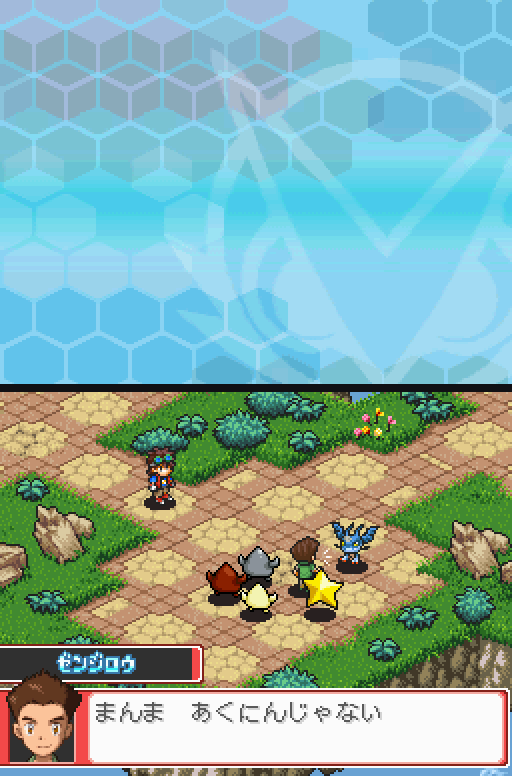 | 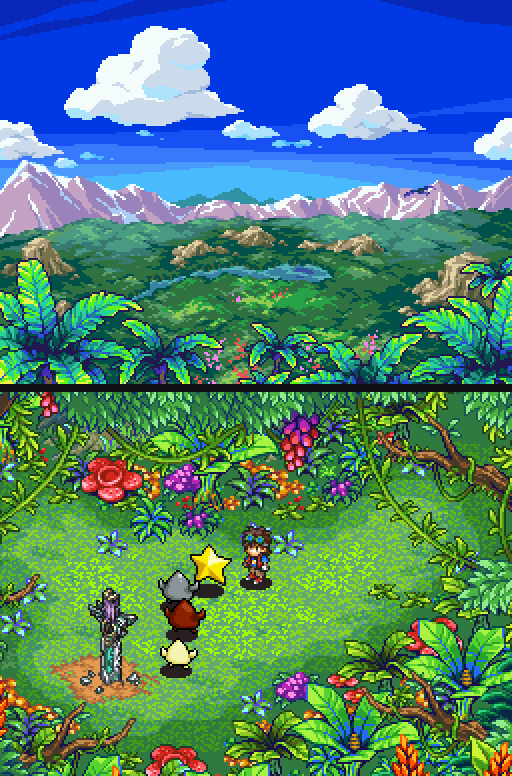 | 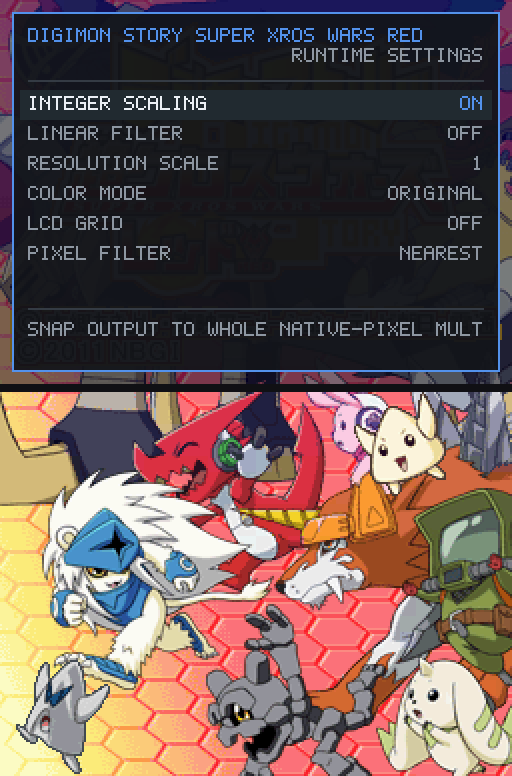 |
Features
- Native code: the main ARM9 and ARM7 programs run as compiled x86-64 code, not through an emulated CPU.
- Settings menu (
Esc): windowed, borderless or fullscreen; window scale 1–4×; integer scaling; internal 3D resolution 1–4×; pixel filters (Nearest, Smooth, Sharp); DS colour modes; LCD grid; V-Sync; volume. Settings are saved automatically. - Save states: 12 slots.
Shift+F1…F12saves andF1…F12loads. - Fast forward: hold
Tab. - Controls: remap all 12 DS buttons on keyboard and gamepad from the menu. Gamepads are hot-pluggable.
- Touch screen: the mouse acts as the stylus on the bottom screen.
- Screenshots and audio recording from the menu.
- Cartridge saves use the real 64 KiB EEPROM format, so in-game saving works as on hardware.
Controls
| Keyboard | DS | Keyboard | DS | |
|---|---|---|---|---|
Z | A | Q | L | |
X | B | W | R | |
A | Y | Enter | Start | |
S | X | Backspace | Select | |
| Arrow keys | D-pad | Mouse (bottom screen) | Touch |
| Key | Action |
|---|---|
Esc | Settings menu |
Tab (hold) | Fast forward |
Shift+F1…F12 / F1…F12 | Save state / load state |
Gamepads use the usual layout: buttons by position, D-pad or left stick.
Status
Playable early access. The following has been played and checked on Windows:
- boot, opening cutscenes and title screen
- new game through the prologue: field maps, story dialogue, the first battles (including 3D battle scenes) and the post-battle results
- saving at the in-game terminal, then quitting, restarting and continuing from that save
- the same frames with FreeBIOS and with a real BIOS dump: identical output at every checkpoint we compared
Not yet verified or not implemented:
- Later chapters have not been played through, and the game has not been completed start to finish. Please report problems.
- The game's six ARM9 overlays still run on a built-in interpreter. They make up about 2% of executed instructions on the tested route. The game loader rewrites this code at run time, so it cannot be compiled ahead of time from the ROM. See How it works.
- Touch accuracy has not been measured.
- Save files have not been tested for compatibility with emulators such as melonDS.
- Android is experimental (see above). Linux and macOS releases do not exist yet.
- Wi-Fi and the microphone are not supported.
How it works
- The launcher checks your ROM (size and SHA-1) and unpacks the ARM9 and ARM7 programs.
- The ndsrecomp recompiler turns every function it finds into C. That is about 18,000 functions for ARM9, including code paths confirmed by recorded play. Each translated function checks that the bytes it was built from are still in memory, and falls back to the interpreter if they are not.
- clang compiles that C together with the framework's DS hardware runtime into
nds_runner.exe. The runtime provides the 2D engines, a melonDS-derived 3D renderer, sound, timers, DMA and the cartridge.
More detail: docs/HOW_IT_WORKS.md. To build without the release kit, see docs/BUILDING.md.
FAQ
Is this an emulator? No. The game's own code is translated into native x86-64 code before it runs. Only the hardware around the CPU is reproduced: graphics, sound, timers and similar. That is why the game must be built from your ROM on your machine.
Do I need a Nintendo DS BIOS or firmware? No. The port boots with FreeBIOS, an open replacement that is bundled. In testing it gave output identical to a real BIOS dump.
Why does the first start take a few minutes?
The release cannot contain the game, so your PC compiles it from your ROM once. The result is kept in game\.
Is there an English translation?
Not yet. The game is in Japanese. Only the original Japanese TLTJ ROM is supported.
Does it support Super Xros Wars Blue? Not yet. Red and Blue are separate ROMs, and each one needs its own verified build data.
Where are my saves?
In save\SXW.sav, which is a standard 64 KiB DS EEPROM save. Settings and save states are stored next to it.
Is there an Android version? Yes, experimental. The Windows download builds an APK for your own device from your ROM. See Android. No ready-made APK is offered, because it would contain the game.
Can I share the built game?
No. game\, rom\ and the APK contain copyrighted code. Share the link to this page instead.
Is it free? Can I sell it? It is free and noncommercial. The framework it depends on is licensed for noncommercial use only.
License
The code in this repository (launcher, build tools, configuration, documentation) is MIT. The bundled framework is mainly PolyForm Noncommercial 1.0.0, with MIT and GPL-3.0 parts, so the port as a whole is noncommercial. The game you build links GPL-3.0 code, and its complete source is in kit\src\. See THIRD_PARTY_NOTICES.md.
Digimon is a trademark of Bandai Co., Ltd. and Toei Animation. All game content belongs to its owners.
Credits
- ndsrecomp, recomp-ui, arm-recomp-core and FreeBIOS: the recompiler and DS runtime this port is built on
- melonDS: 3D renderer and hardware reference
- Egg of Time: the "bring your own ROM, build on first start" model
- GBATEK, ndspy, SDL3, llvm-mingw, CMake, Ninja and python-build-standalone
The porting work, tools and documentation were written with the help of Claude (Anthropic), under the maintainer's direction.