EnchantedArmsPC
EnchantedArmsPC is a fan-made PC port of the Xbox 360 RPG Enchanted Arms with smoother gameplay and clearer visuals.
- Type: PC port
- Game: Enchanted Arms
- Runs on Windows
- By Andrew J
- Latest release v0.5.4, 2026-10-23
- Source: https://github.com/IAndrewJJ/EnchantedArmsRecomp
- Website: https://github.com/IAndrewJJ/EnchantedArmsRecomp/releases
README

EnchantedArmsPC
Revisit Enchanted Arms on PC with clearer graphics and smoother gameplay.
A fan-made PC version of the Xbox 360 RPG, built from your own copy of the game.
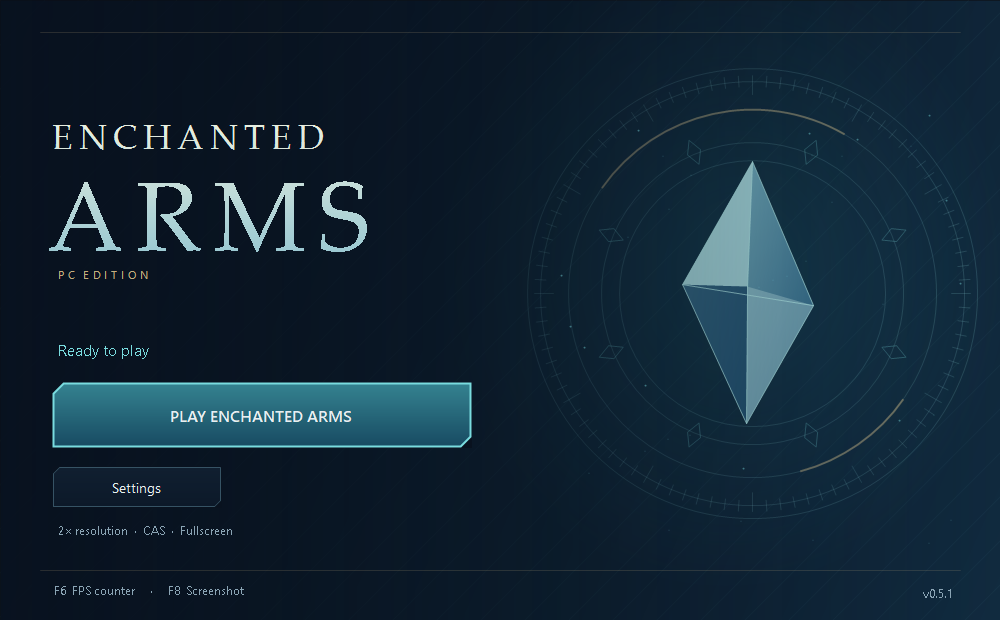
What’s better on PC?
- Smoother gameplay. Choose 30 or 60 FPS.
- Clearer visuals. Turn up the resolution, sharpen the picture, and smooth rough edges.
- Your choice of controls. Use a controller or keyboard and mouse, with customizable buttons and camera settings.
- A simple launcher. Adjust your settings, check for updates, and press Play when you’re ready.
- Handy extras. Take screenshots, show an FPS counter, and create a desktop shortcut.
Get started
- Download EnchantedArmsPC-0.5.4-windows-x64.zip from the release page and extract it into its own folder.
- Open EnchantedArmsLauncher.exe, select your game ISO, and choose Build game.
- Choose your settings and click Play Enchanted Arms.
You’ll need Windows 10 or 11, your own supported USA/Europe Xbox 360 ISO, and around 20 GB of free space beyond the ISO. First setup needs an internet connection and takes several minutes. See setup help and requirements if you need a hand.
Updating an existing game? Update the launcher, then choose Update Game to rebuild from your ISO and apply the latest fixes. Your saves and settings are kept.
Still being tested
Saving, loading, menus, and early gameplay have been tested. A full playthrough is still in progress. Some characters may be invisible or shaded incorrectly, and brief stutters can occur. Check the known issues or report a problem to help improve the game.
An unofficial fan project, unaffiliated with the game’s creators or publishers. Game files are not included. License · Credits and notices