F-ZERO GLINUX
F-ZERO GLINUX is a port of F-Zero GX to Linux and Windows with a controller-friendly launcher that offers resolution presets and mod support.
- Type: PC port
- Game: F-Zero GX
- Runs on Windows and Linux
- By Mabec Games
- Latest release v0.9, 2026-10-25
- Source: https://github.com/Mabec-games/F-ZERO-GLINUX
README
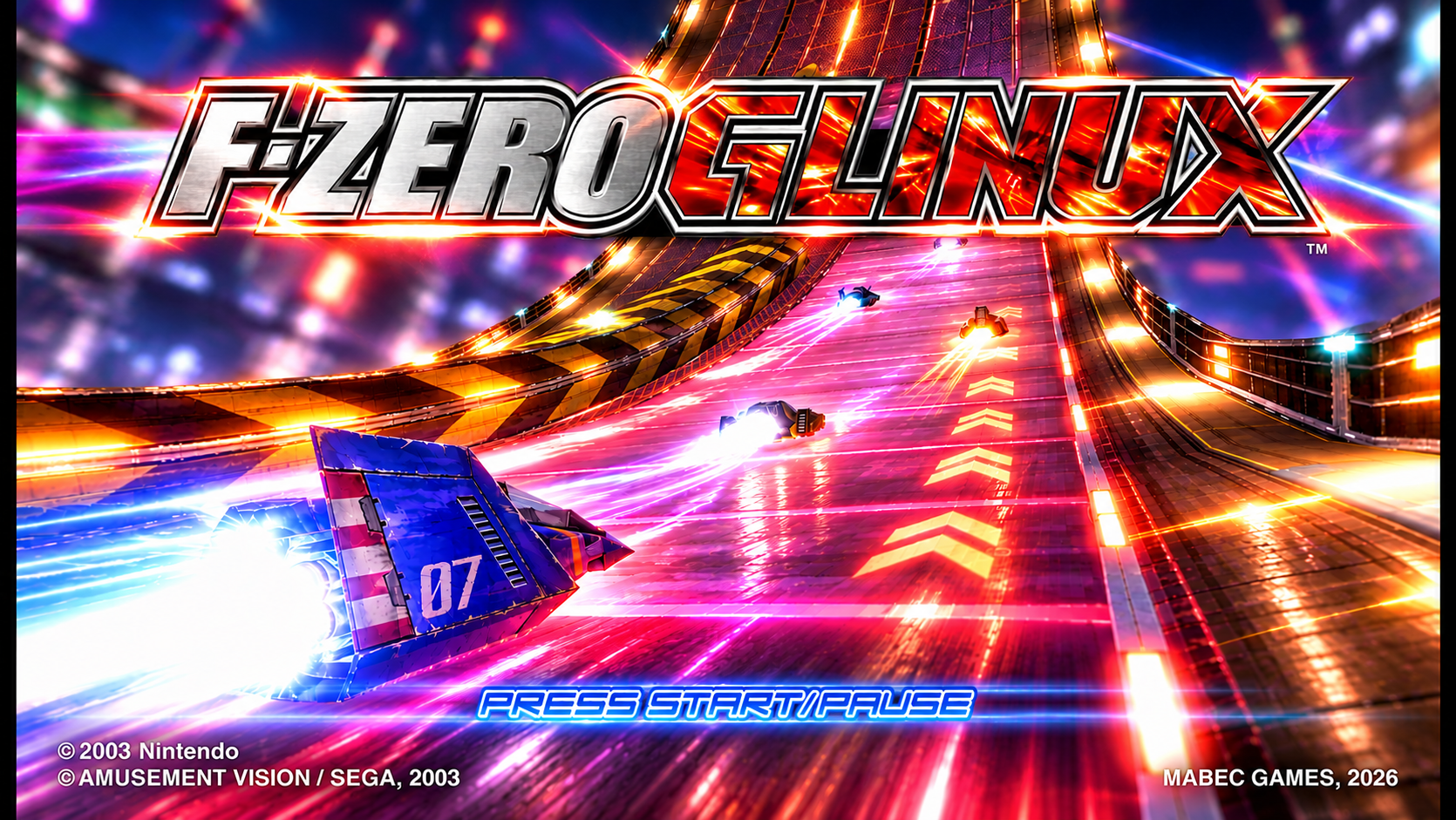
F-ZERO GLINUX
Choose your machine. Set your resolution. Hit the track.
F-ZERO GX on Linux and Windows, with a controller-friendly launcher.
AppImage, Flatpak & Windows · Start playing · Unlockables · Mods · Play online · Build from source · Project status
F-ZERO GLINUX brings together a custom launcher, graphics settings and modern controller options around a Dolphin-derived runtime. Static recompilation with JIT through ModernGekko remains experimental; these packages are not a completed static recompilation release.
Bring your own F-ZERO GX USA (GFZE01) image in ISO or RVZ format. Game disc contents and personal memory-card saves are not included in the packages. WIP, Issues may occur, blame the robots... but if it works its all thanks to me.
Built for the starting grid
- Controller-friendly launcher with racing artwork, gamepad navigation and clear loading feedback.
- Six resolution presets: 480p, Steam Deck-sized 800p, 720p, 1080p, 1440p and 4K.
- Graphics options: VSync, FXAA or 4× MSAA, texture filtering and fullscreen.
- Boost on X: optional X/Y swap for modern four-button gamepads.
- Native widescreen: use GX's own Screen Mode setting, saved on your memory card.
- Exit confirmation: Escape opens a prompt; D-pad selects, A confirms and B resumes.
- Separate user data: saves and settings survive package updates.
- Mods: add HD texture packs and Dolphin graphics mods from any folder.
- Online play: host a room and share a 4-word room code; no IP addresses needed.
- Unlock everything: one switch gives 99,999 tickets and unlocks every cup, machine, Gold Part and shop song, with no button codes.
- Windows build: a portable zip for Windows 10/11, with the same launcher and features.
The current target is the game's normal 60 FPS operation. Performance and available AA modes depend on your hardware.
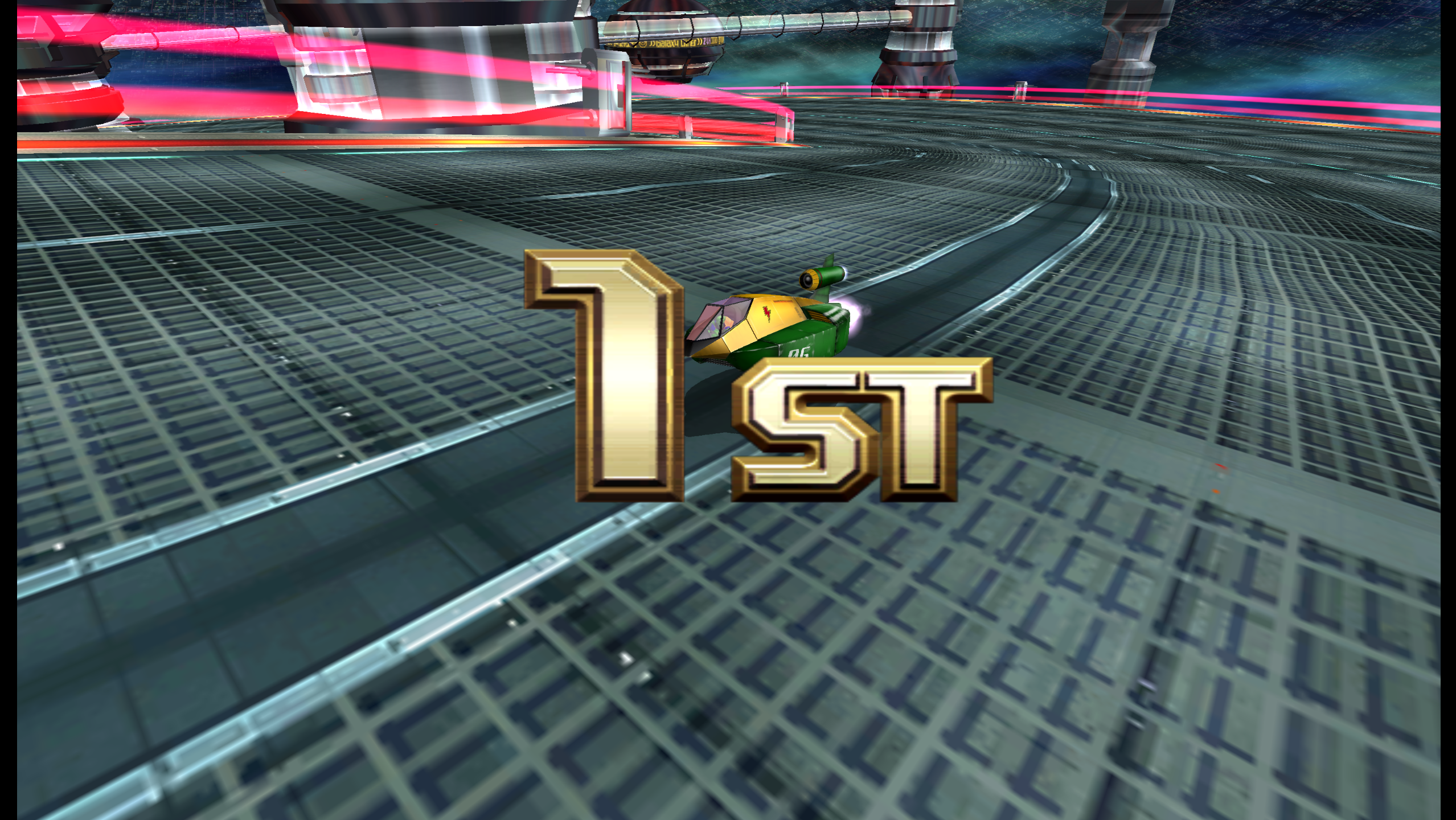
Alright, First place!
Unlock everything
Open CHEATS & UNLOCKS in the launcher and switch on Unlock Everything & Max Tickets (99,999). The unlocks are applied automatically every time the game starts; there are no button codes to enter:
-
99,999 tickets to spend in the F-Zero Shop.
-
All cups, including the AX Cup and its tracks.
-
Every machine, including the AX machines and Dark Schneider.
-
Every custom part, including the 15 Gold Parts from the hidden shop codes discovered in 2026. They are listed under F-Zero Shop > Custom Parts at 15 tickets each, under their part names:
Gold machine Body Cockpit Booster Thunderstorm Rage Knight Hyper Stream Velocity -J El Dorado Metal Shell Round Disk Shuttle -M2 Chrono Symphony Blood Raven Maximum Star Crown -77 Bahamut Mad Bull Crazy Buffalo Mars -EX Gladiator Galaxy Falcon Rush Cyclone Hornet -FX Buy the three parts, then assemble them as a new machine in the Garage.
-
Sounds of MUTE CITY and Sounds of BIG BLUE for sale under F-Zero Shop > Items (99 tickets). Press Z when choosing a Mute City or Big Blue course to race with the remix; the normal music stays.
Unlocked content is written to your memory card the next time the game saves, so it stays after the switch is turned off. Back up your save first if you want to keep an untouched one. The original button codes are still listed in the launcher, and the Gold Parts codes work with a single controller.
Mods & HD textures
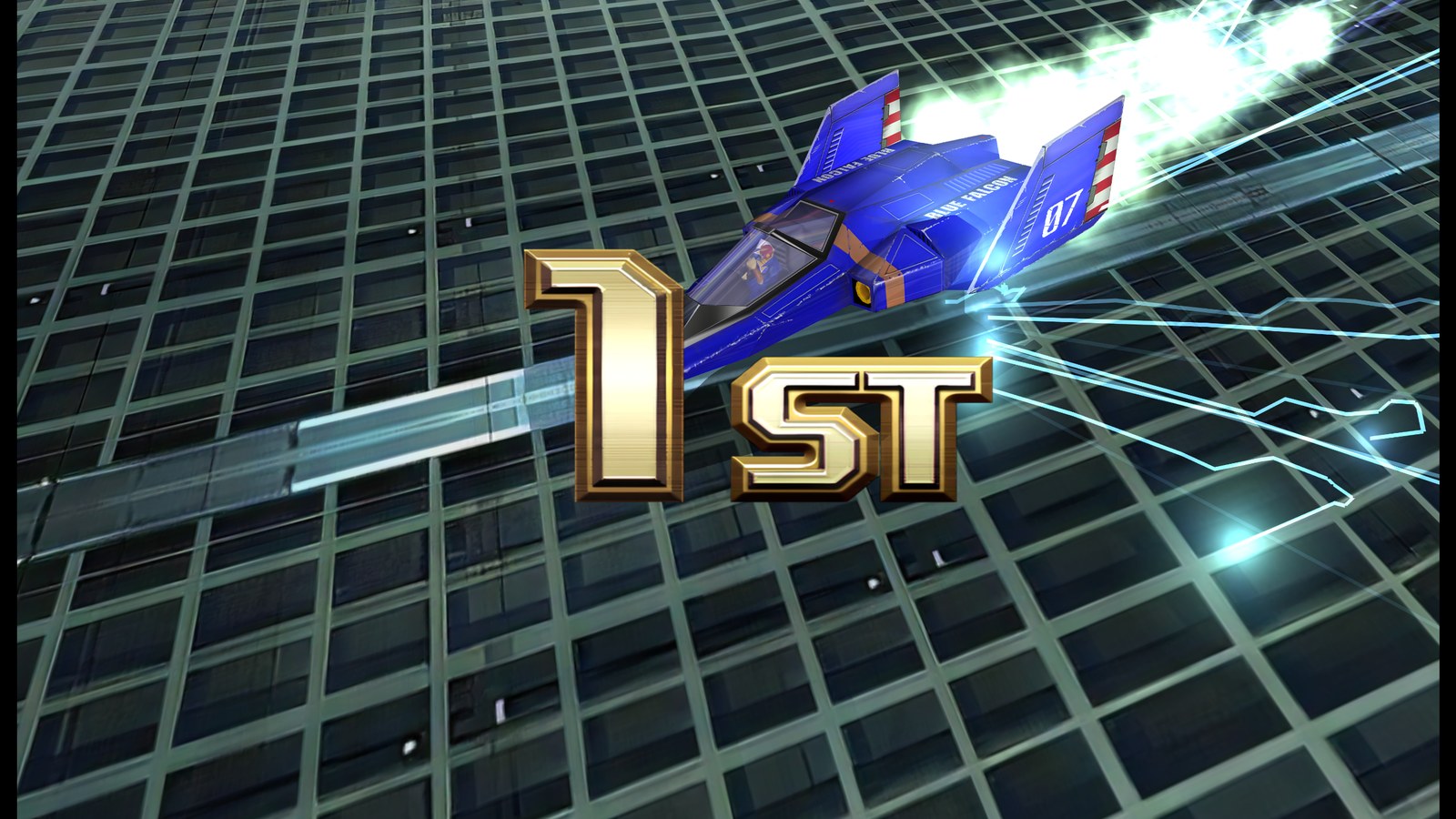
The F-ZERO GX HD texture pack running in F-ZERO GLINUX.
The launcher's MODS section supports Dolphin texture packs and graphics mods:
- Download a mod, for example the F-ZERO GX HD texture pack , and unpack it anywhere.
- Open MODS, choose Add mod folder… and pick the mod's folder.
- Start the game.
The launcher detects the mod type on its own: texture packs contain .dds/.png
files, graphics mods a metadata.json. Each mod can be switched on or off, and your
files stay where you put them. Mods only change what your own screen shows, so they
also work in online play. Mods are made by their own authors and are not included
with F-ZERO GLINUX.
Play online
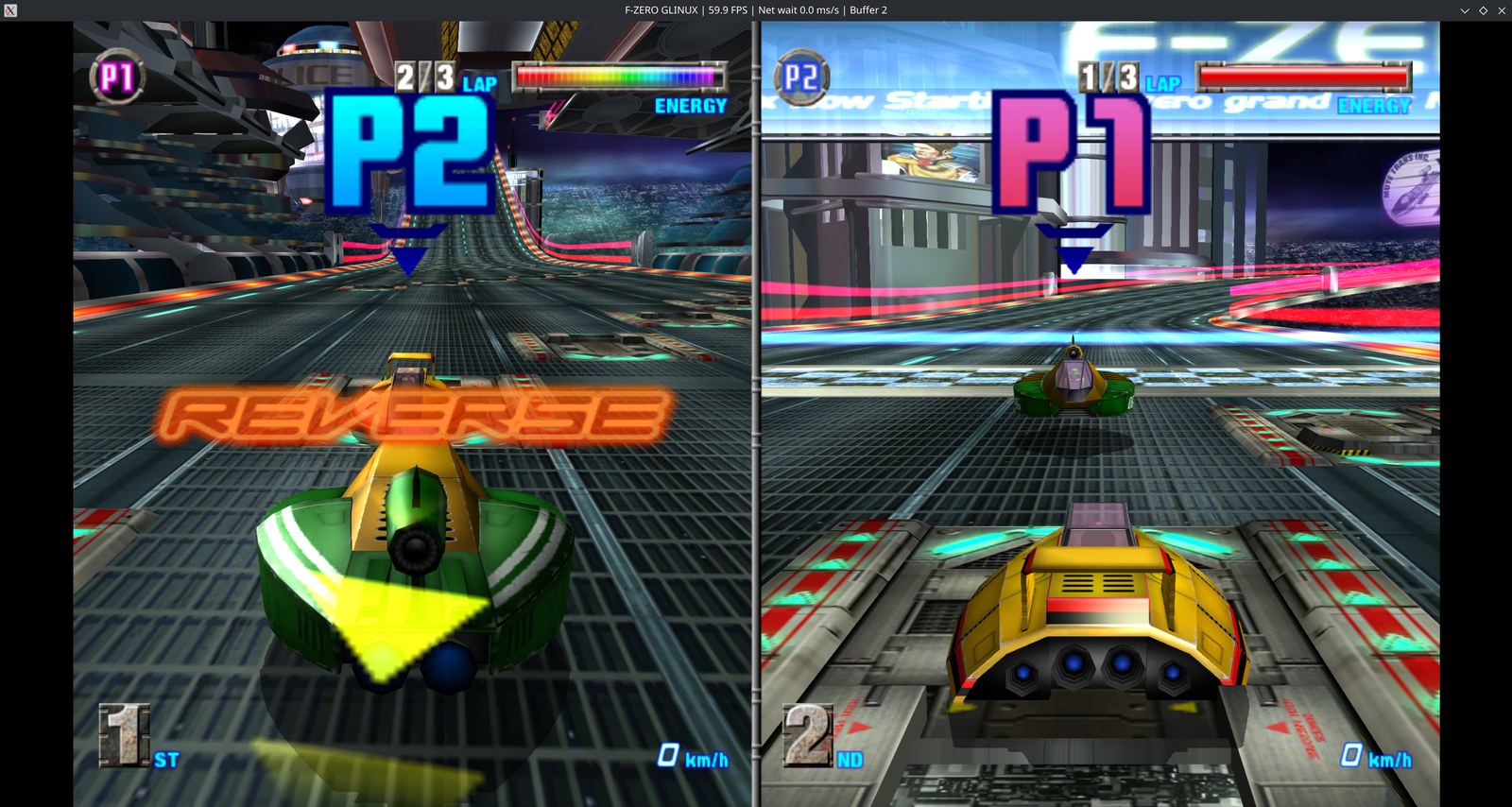
Two players racing online, at full speed.
Open PLAY ONLINE in the launcher. One player chooses Host a room and gets a
4-word room code such as FALCON-PICO-SAMURAI-ZERO; the others paste that code and
choose Join room. No IP addresses to share. Then pick VS Battle in the game.
Online play is built on Dolphin netplay, so it currently works like local multiplayer:
- Split screen for up to 4 players. Every player sees the same shared split-screen picture, not their own full-screen view (yet).
- VS Battle only. Grand Prix and Time Attack have a single player.
- No CPU racers in VS Battle.
- The slowest machine sets the pace for everyone, so a quick connection and similar hardware give the smoothest races.
Choose your package
| AppImage | Flatpak | |
|---|---|---|
| Start | Make executable, then open the file | Install once, then open from your app menu |
| Dependencies | Bundled libraries plus the host's base system | Application built inside a matching Freedesktop SDK; uses its Platform runtime |
| Current compatibility | Release build requires glibc 2.35+ (Ubuntu 22.04, Debian 12 or newer) | Avoids that host-glibc dependency by using Freedesktop 26.08 |
| Best fit | Compatible, recent Linux systems; portable single-file launch | The preferred candidate for older distros and Bazzite testing |
| Game import | Browse to your own ISO/RVZ | Put the ISO/RVZ in Downloads, which the sandbox can read |
| Save location | ~/.local/share/fzero-glinux by default | ~/.var/app/io.github.mabecgames.FZeroGLinux/data/fzero-glinux |
The two packages keep separate profiles. Switching package formats does not automatically transfer your saves.
Windows (10/11, x64) uses a portable zip: unpack it anywhere and run it, no
installer or extra runtime needed. Saves are stored in %LOCALAPPDATA%\fzero-glinux.
Start playing
The filenames below are those of the v0.9 release. When building locally,
find them in dist/. See Releases
for any published downloads; source publication does not automatically publish binaries.
AppImage
chmod +x F-ZERO-GLINUX-0.9-glibc2.35-x86_64.AppImage
./F-ZERO-GLINUX-0.9-glibc2.35-x86_64.AppImage
If FUSE is unavailable, run:
./F-ZERO-GLINUX-0.9-glibc2.35-x86_64.AppImage --appimage-extract-and-run
The release AppImage is smoke-tested on Ubuntu 22.04 and 24.04, Debian 12 and Fedora 40. Builds made on a newer host can need a newer glibc. See AppImage packaging and compatibility.
Flatpak
With Flatpak and the Flathub remote available:
flatpak install --user ./F-ZERO-GLINUX-0.9-x86_64.flatpak
flatpak run io.github.mabecgames.FZeroGLinux
The app also appears in your desktop application menu after installation. This is a locally distributed bundle, not a Flathub store listing. To configure the runtime source if needed:
flatpak remote-add --user --if-not-exists flathub https://dl.flathub.org/repo/flathub.flatpakrepo
Windows
- Download
F-ZERO-GLINUX-0.9-windows-x64.zipand unpack it to any folder. - Run
F-ZERO GLINUX.exe. If SmartScreen warns about an unknown publisher, choose More info → Run anyway; the preview is not code-signed.
Direct3D 11 is the default graphics backend; Vulkan and Direct3D 12 are available in the launcher. The first start of the game compiles shaders and can take a few minutes on slower GPUs; later starts are fast.
First launch
- Select Browse for ISO / RVZ and import your USA game image. For Flatpak, use Downloads.
- Open Controller, choose your gamepad and optionally enable Boost on X.
- Choose your graphics settings, then press PLAY. The loading screen stays visible while the game starts.
- Create your own player name in-game. For widescreen, enable the game's native Screen Mode option and select the matching 16:9 display setting in the launcher.
To exit a race, press Escape, then use the D-pad and A/B on the confirmation window. Offline play pauses while the prompt is open; an online session keeps running. A controller shortcut to open this prompt is not currently documented as supported—Steam Deck users can map a button to Escape through Steam Input.
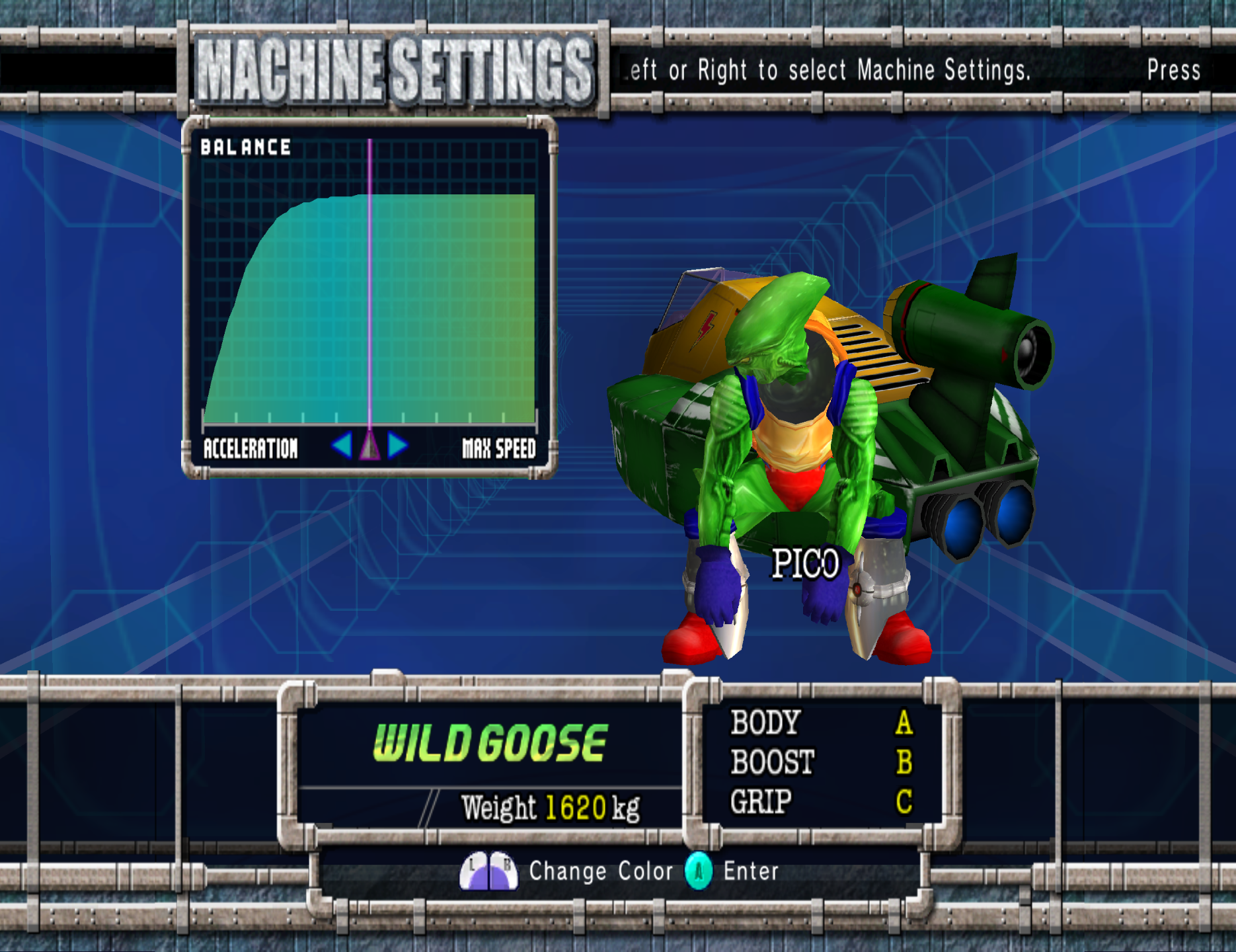
Fine-tune your machine before the race.
Build from source
git clone --recurse-submodules https://github.com/Mabec-games/F-ZERO-GLINUX.git
cd F-ZERO-GLINUX
The project pins upstream submodules and carries its changes as patches. The build scripts apply those patches; generated game modules are not committed.
Flatpak: install flatpak, flatpak-builder, Python 3 and Git, then:
flatpak install --user flathub org.freedesktop.Sdk//26.08 org.freedesktop.Platform//26.08
JOBS=4 bash scripts/build-flatpak.sh
This compiles inside the SDK rather than reusing host binaries. See the Flatpak build guide for permissions and troubleshooting.
AppImage: with a C++23 toolchain, CMake, Ninja and the development dependencies
installed, build the runtime and package it using linuxdeploy:
bash scripts/build-glinux.sh
bash scripts/package-appimage.sh
See the AppImage build guide and upstream template's dependency notes. Building on a newer host can raise the resulting AppImage's minimum system requirements.
Windows: install Visual Studio 2022 Build Tools with
"Desktop development with C++", CMake and Ninja. Clone to a short path such as
C:\dev: the nested submodules exceed Windows' 260-character path limit in deep
folders. Then, in PowerShell:
winget install --id Microsoft.VisualStudio.2022.BuildTools -e --override "--wait --passive --add Microsoft.VisualStudio.Workload.VCTools --includeRecommended"
winget install --id Kitware.CMake -e
winget install --id Ninja-build.Ninja -e
powershell -ExecutionPolicy Bypass -File scripts\build-windows.ps1
powershell -ExecutionPolicy Bypass -File scripts\package-windows.ps1
The package is a portable zip in dist\; run F-ZERO GLINUX.exe. Saves and the
imported game are stored in %LOCALAPPDATA%\fzero-glinux.
Project status
| Area | Status |
|---|---|
| AppImage and Flatpak | Working on the project owner's development machine |
| JIT gameplay | Playable; smooth 60 FPS reported on that machine |
| Static recompilation | Experimental; performance work remains |
| Native widescreen | In-game setting; remembered in the player's save |
| Steam Deck / Bazzite / Debian | Target testing remains; 800p preset is available |
| Windows | Working: portable zip built with MSVC; launcher, gamepad and audio confirmed with Direct3D 11 and Vulkan. Online play not yet tested on Windows |
| Online play | Working between two machines with 4-word room codes; split screen, up to 4 players |
| Mods | HD texture packs and Dolphin graphics mods from any folder |
| Unlockables | Automatic; tickets, cups, machines, Gold Parts and shop songs confirmed in game |
Report problems with your package type, distro, graphics backend, GPU and gamepad, along with the relevant log.
Credits
Project presentation and Linux launcher work by Mabec Games.
Built on ModernGekko, DolRecomp and Dolphin, starting from ModernGekko-Template. Upstream components retain their respective licenses and attribution; see their submodules and the notices included with packaged builds. F-ZERO GX, its imagery and related trademarks belong to their respective owners. This is an independent fan project, not an official Nintendo or SEGA release.
See you on the starting grid.