Fracture Recomp
Fracture Recomp is a Windows port of Fracture for Xbox 360 that supports up to 4K resolution and 60 FPS with an in-game settings screen.
- Type: PC port
- Game: Fracture
- Runs on Windows
- By ASarafanov
- Latest release v0.4.0, 2026-10-29
- Source: https://github.com/ASarafanov/fracturerecomp
README
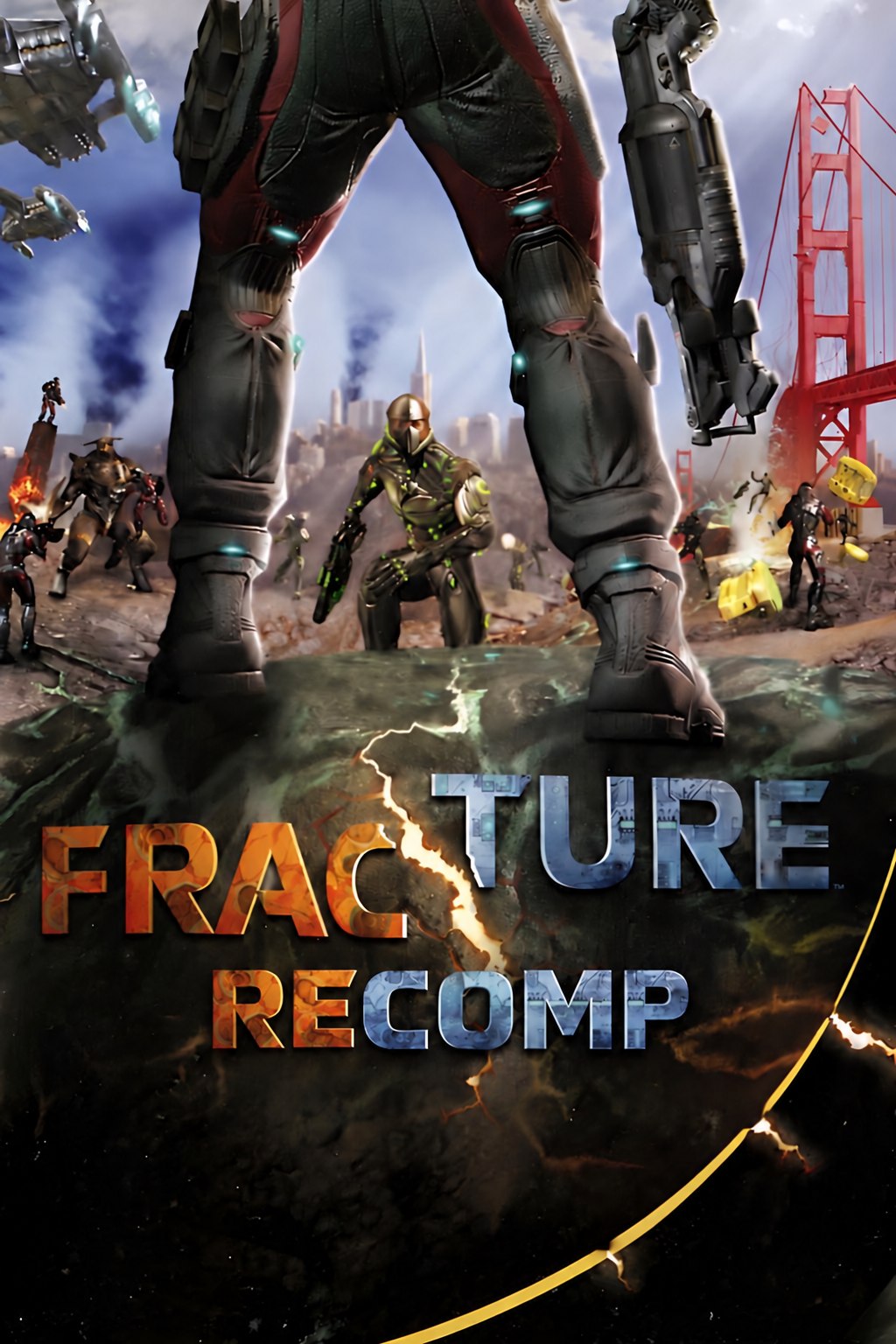
Fracture for the Xbox 360, recompiled to run natively on Windows: up to 4K, 60 FPS and a settings screen right in the game.




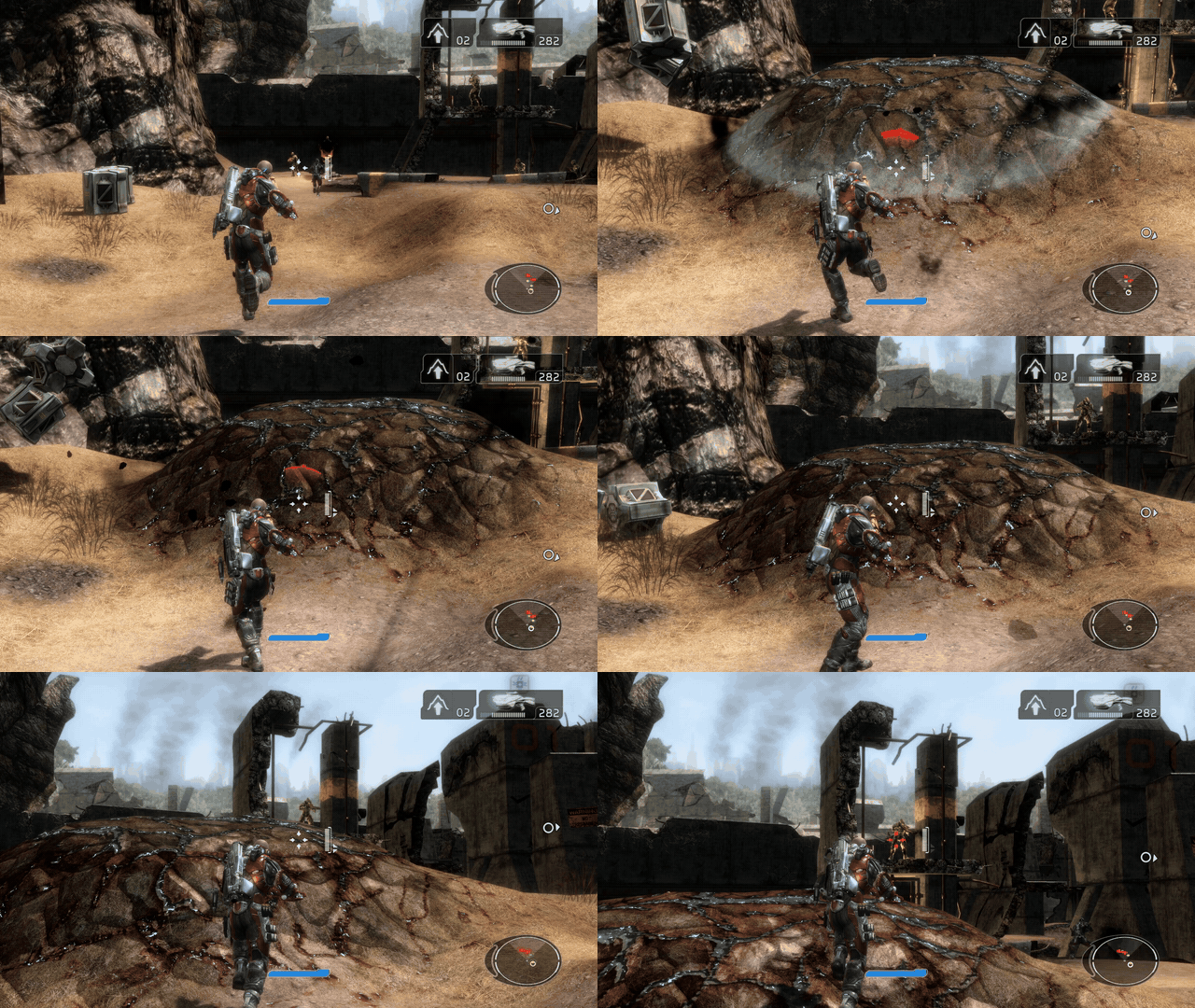
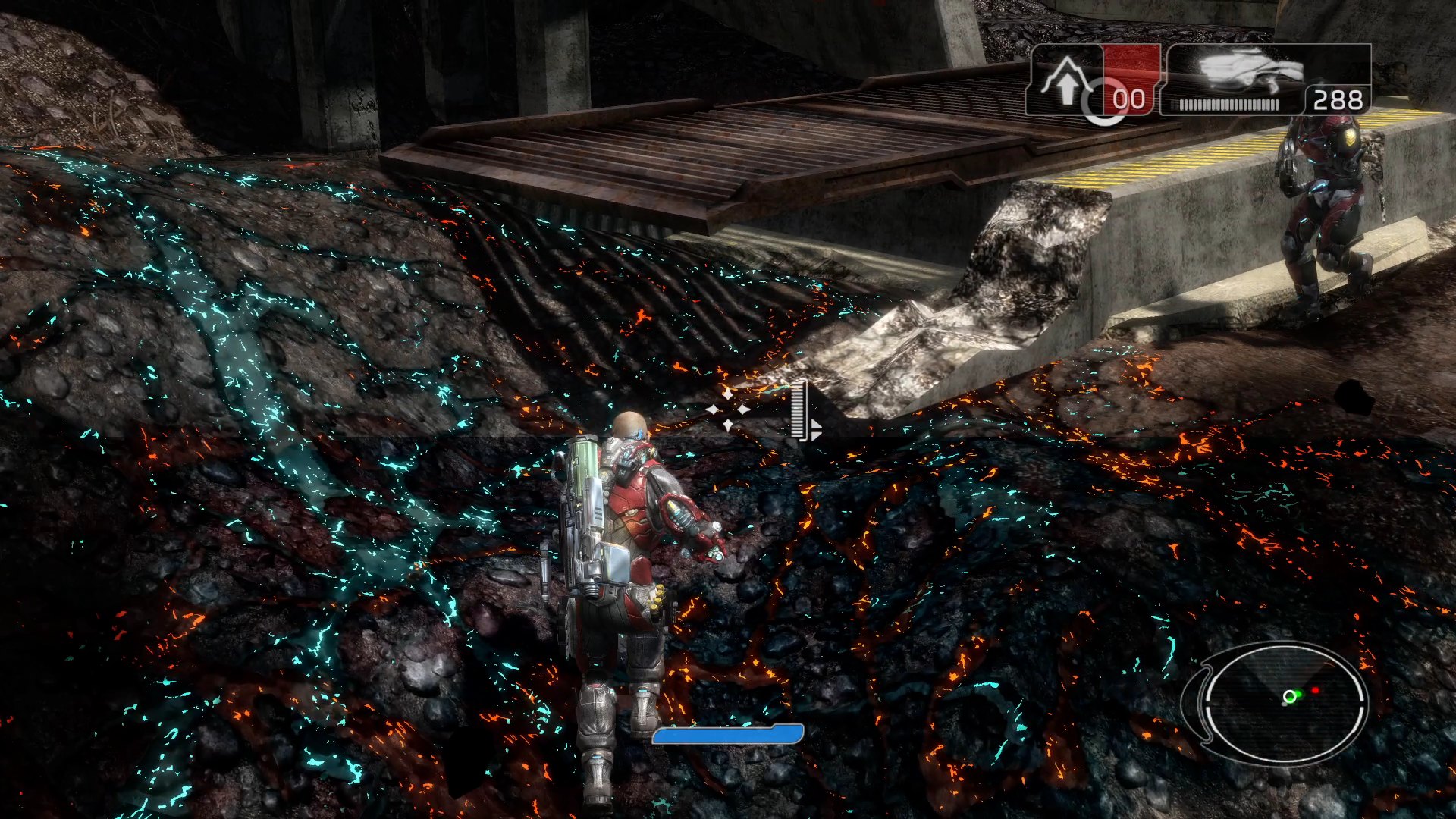
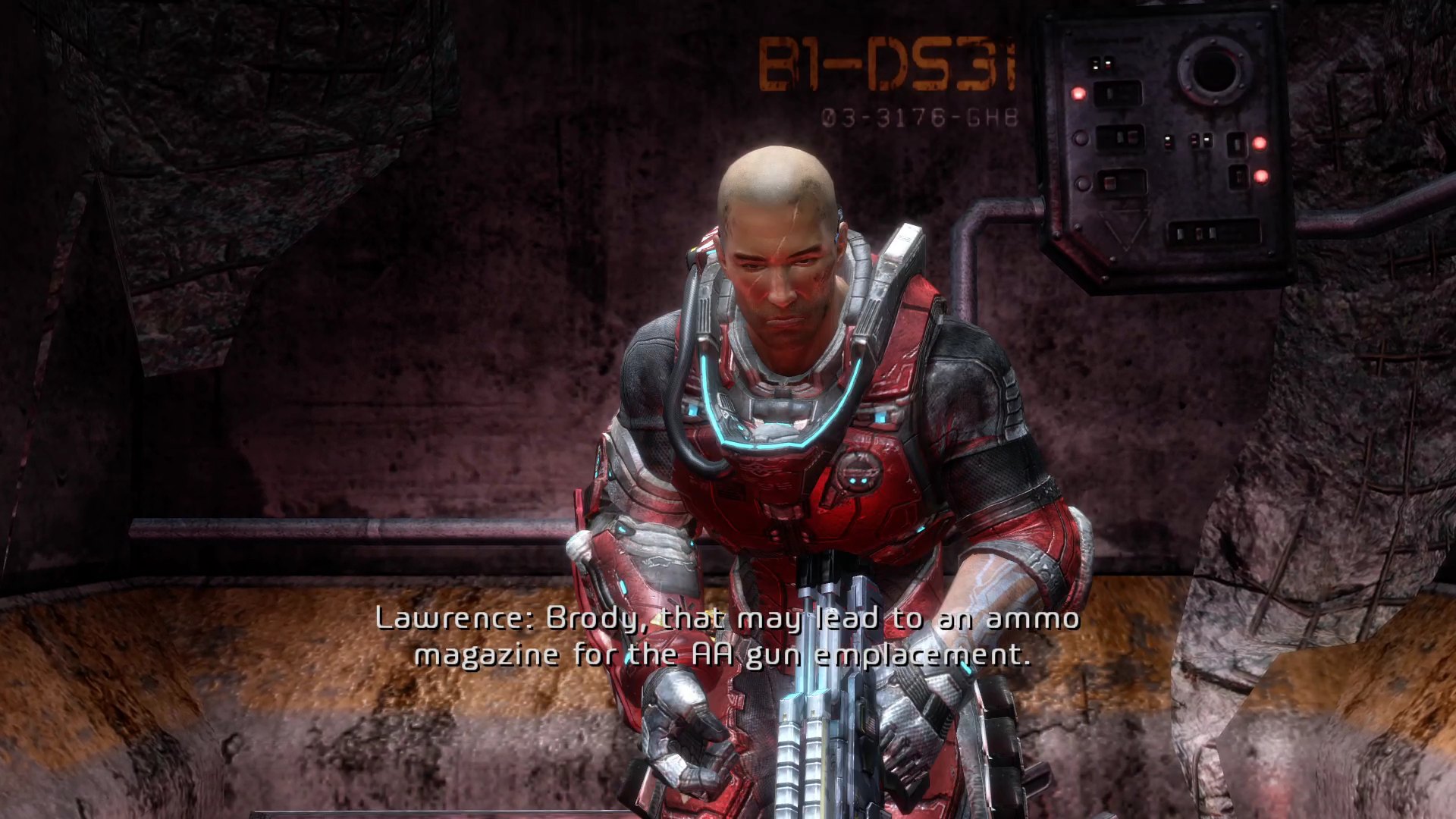
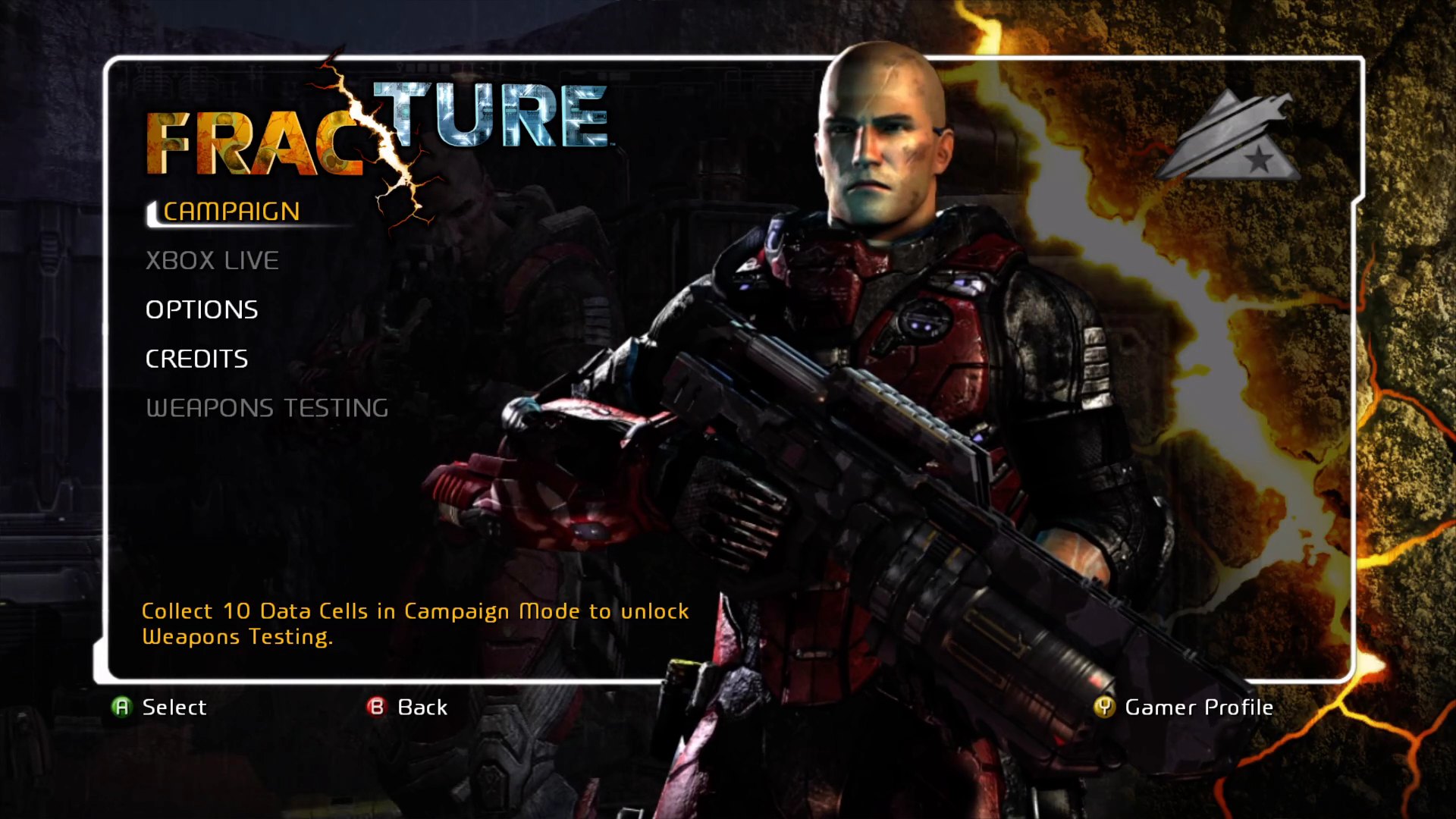
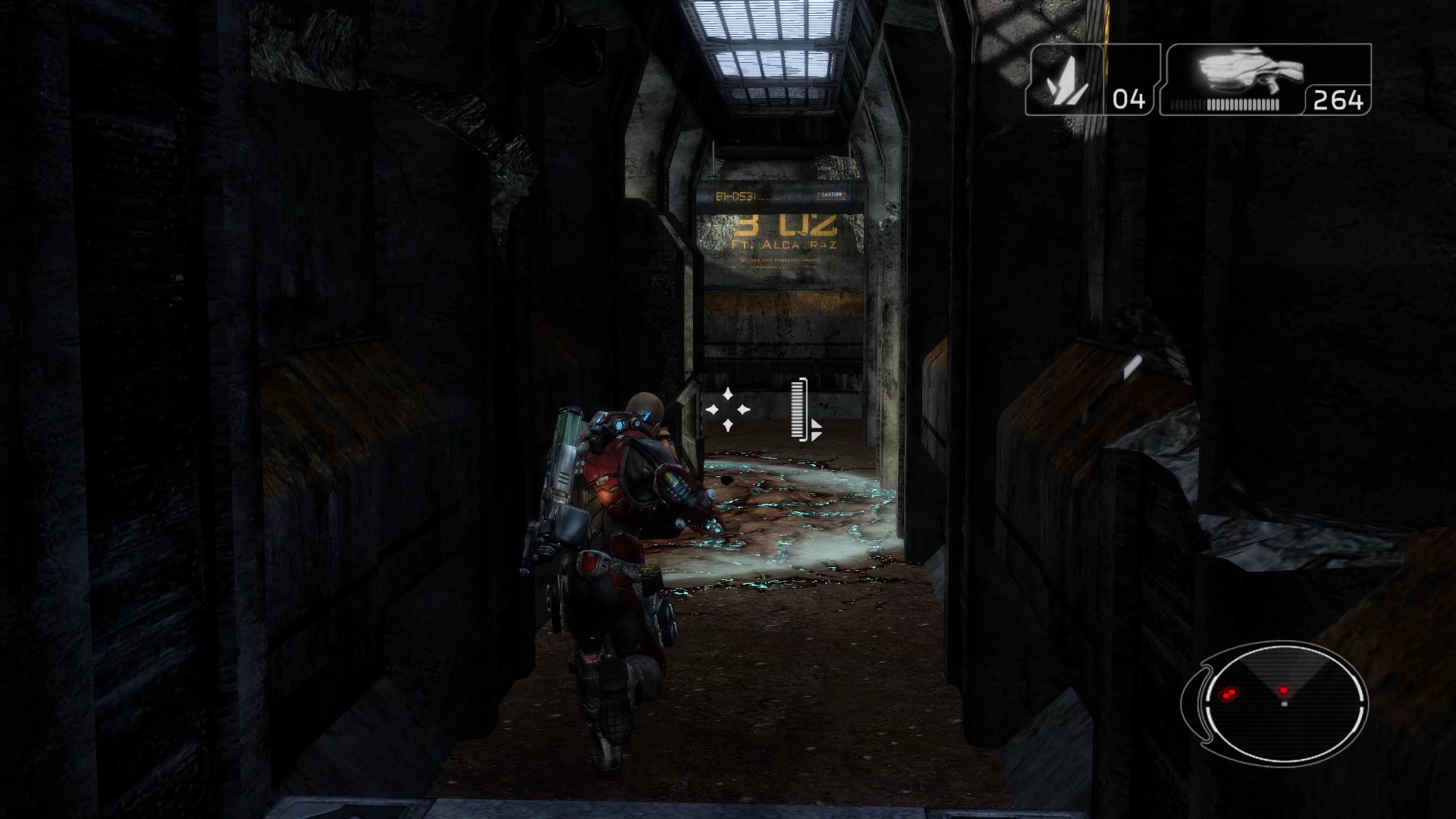
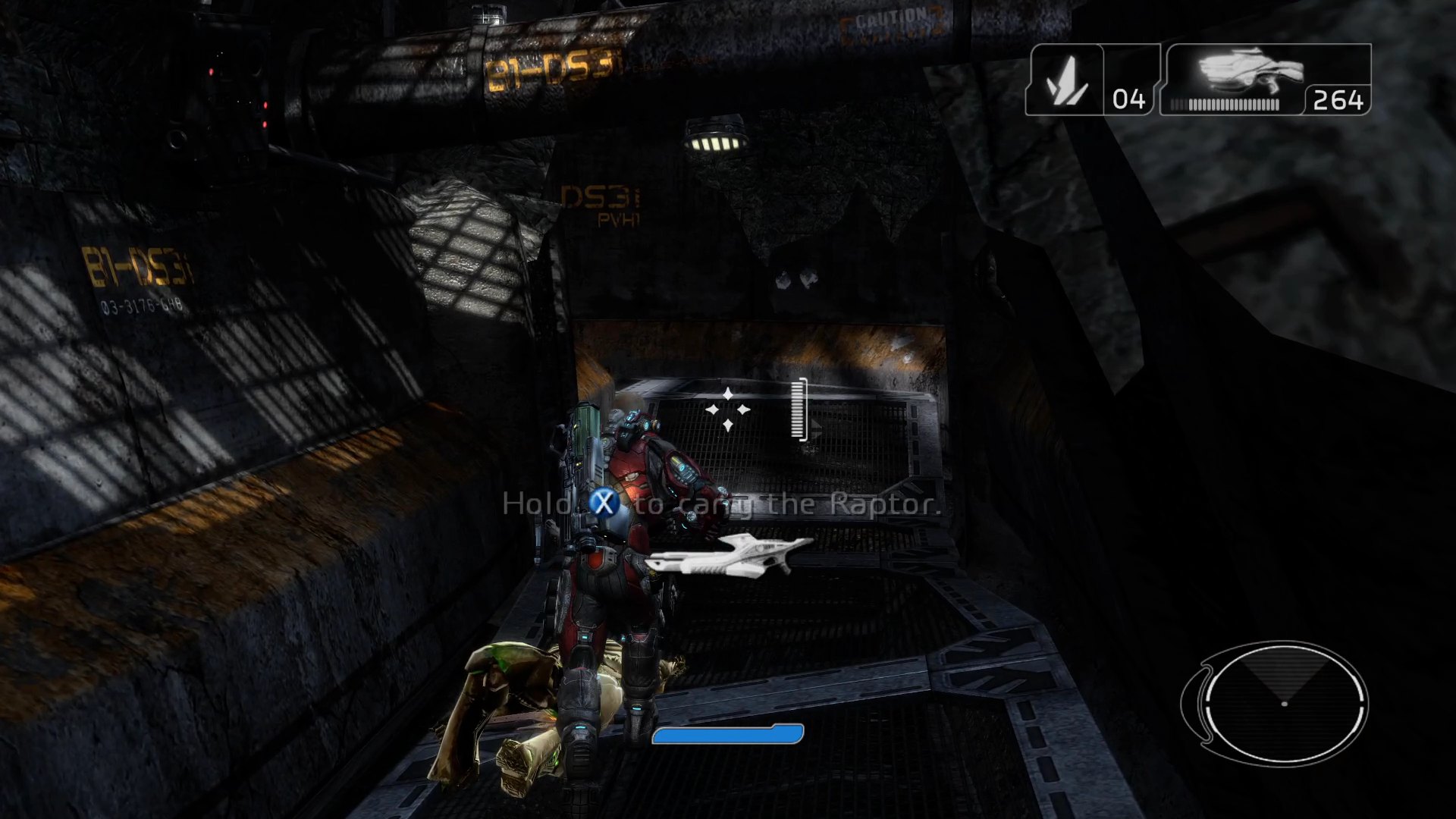
Recorded on Windows 11 with Internal Resolution 3x (2160p) and 60 FPS. No game files included: you need your own Xbox 360 disc image.
At a glance
| 💿 Unzip and play The first start copies the game from your .iso; nothing else to install. | 🖥️ Up to 4K and beyond Render at 1x to 4x the console's 720p. | 🎞️ 60 FPS Twice the original 30, switchable while you play. |
| ⚙️ Settings in the game Esc, F1 or RB + Start, no config files to edit. | 🎮 Controller, keyboard and mouse Xbox and PlayStation pads work out of the box. | 🔀 Direct3D 12 or Vulkan Pick the graphics API and the GPU. |
| 🏆 Achievements Pop up as on the console and stay unlocked. | 📀 Two disc releases Two Xbox 360 releases of the game are supported. | 🕹️ Steam Deck Runs well under Proton. |
Note
Early days. Fracture is playable from the start (the footage on this page is from the first mission), but the whole campaign has not been played through yet. If the game stops with an error, please report it.
In motion
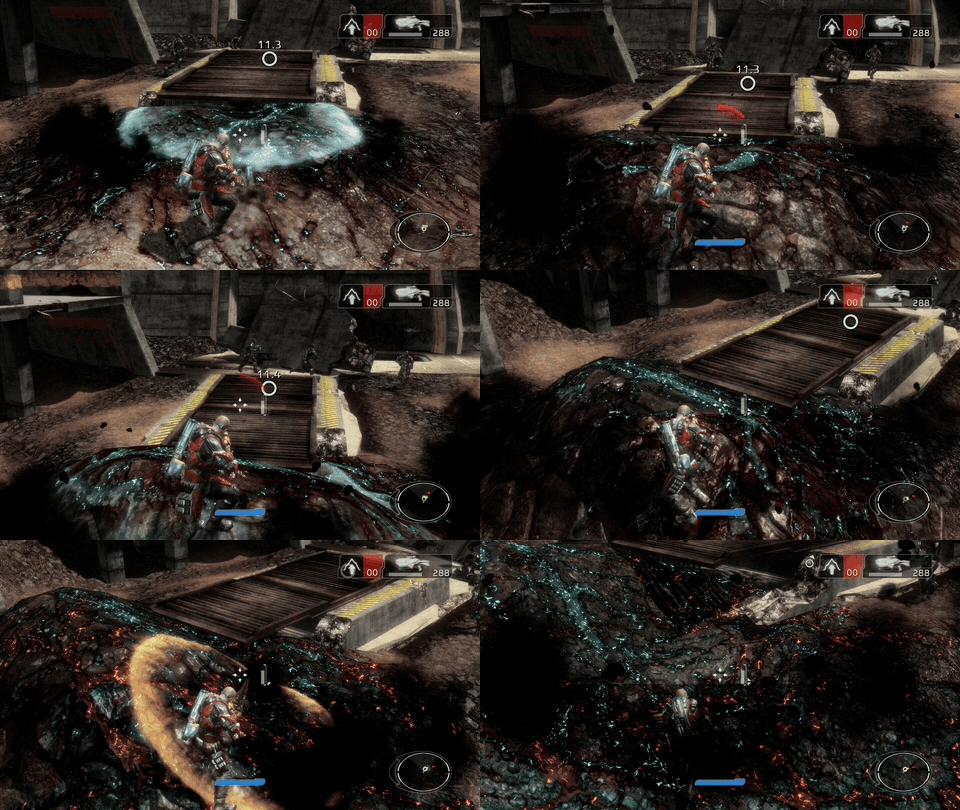
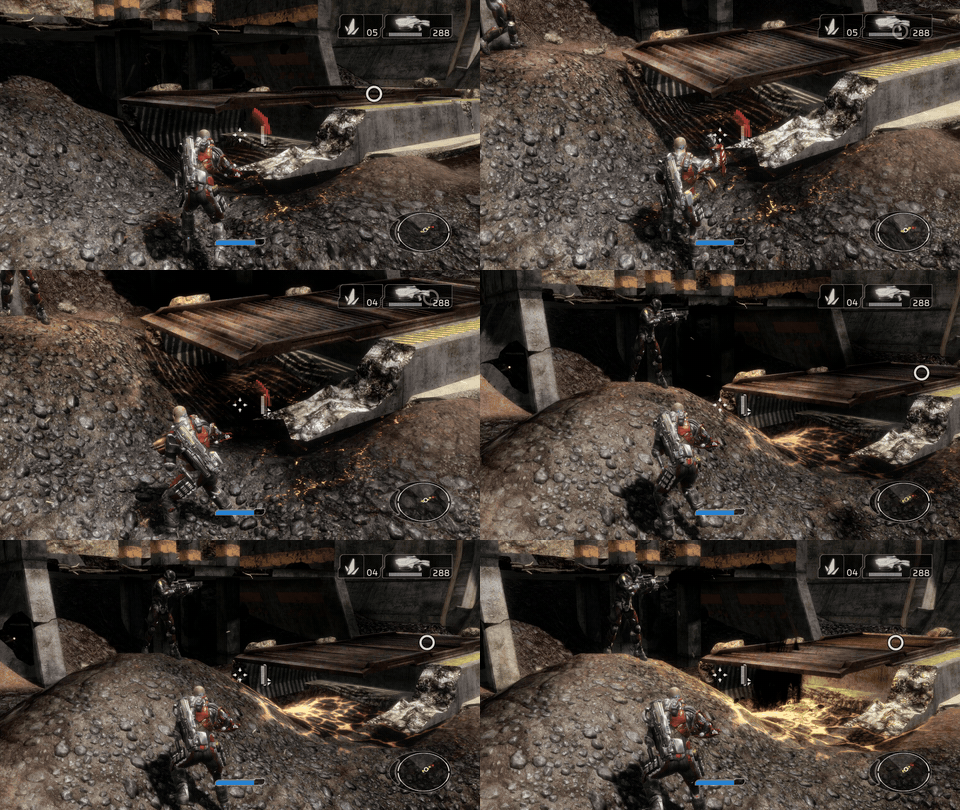
Raise and lower the ground with the entrencher · Grenades that tear the terrain apart
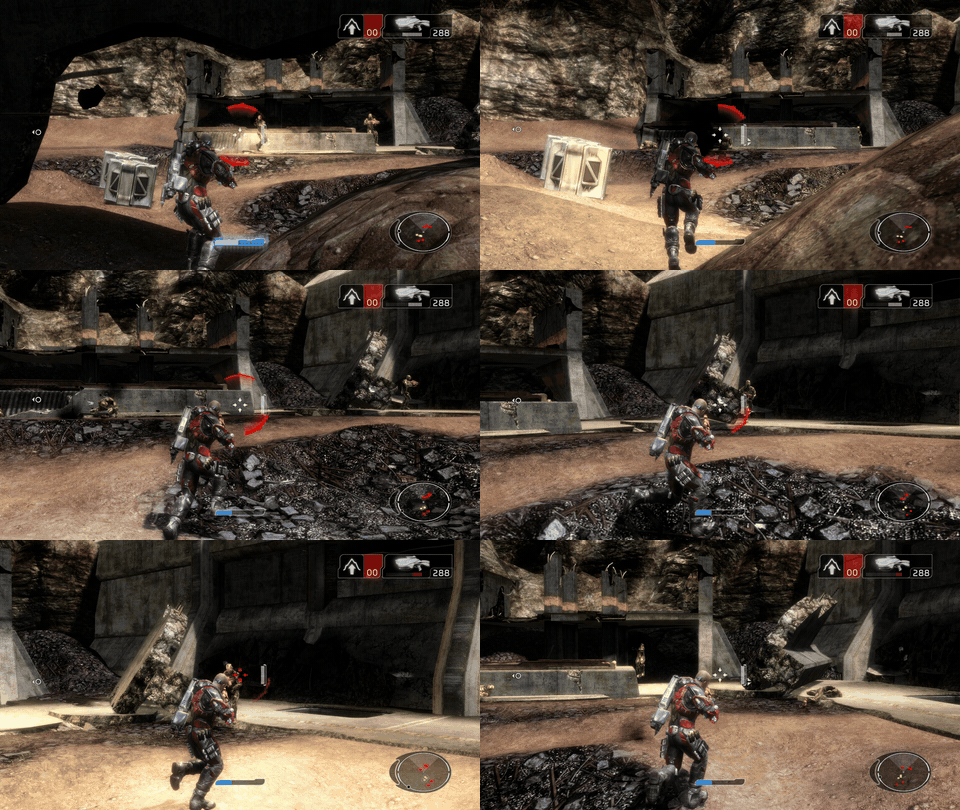
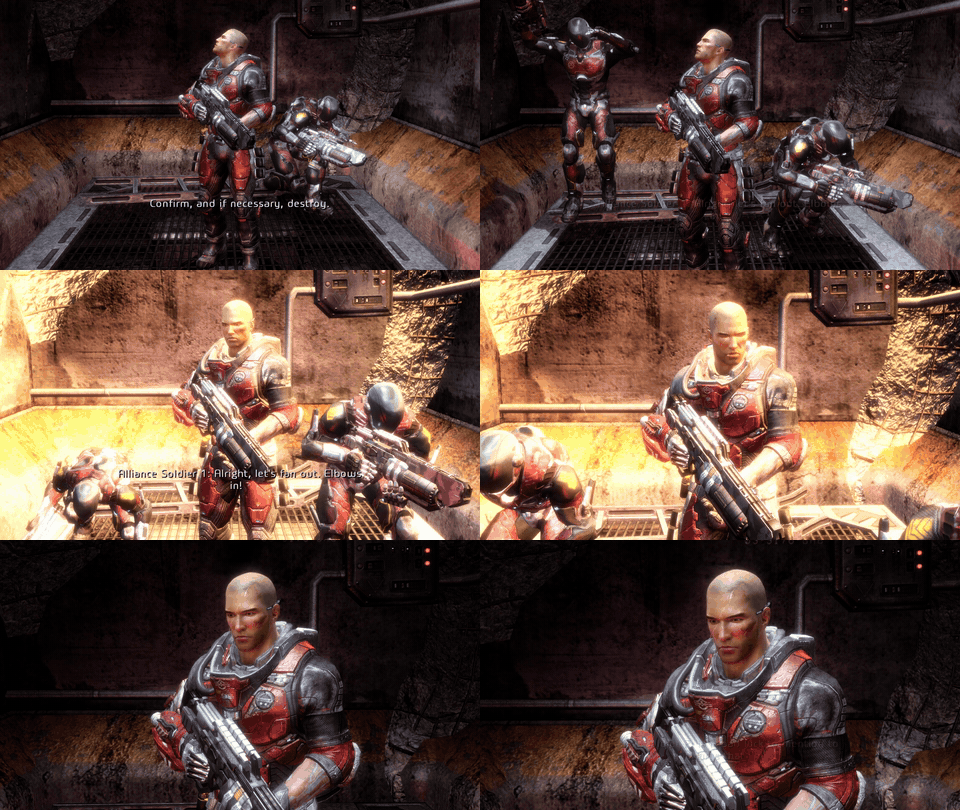
Firefights in the bunker yard · Cutscenes rendered in 4K like the rest of the game
720p vs 4K
Internal Resolution draws the game at a multiple of the Xbox 360's 1280 × 720 picture and scales it to your screen. The same spot at the start of the first mission, at 1x and at 3x:
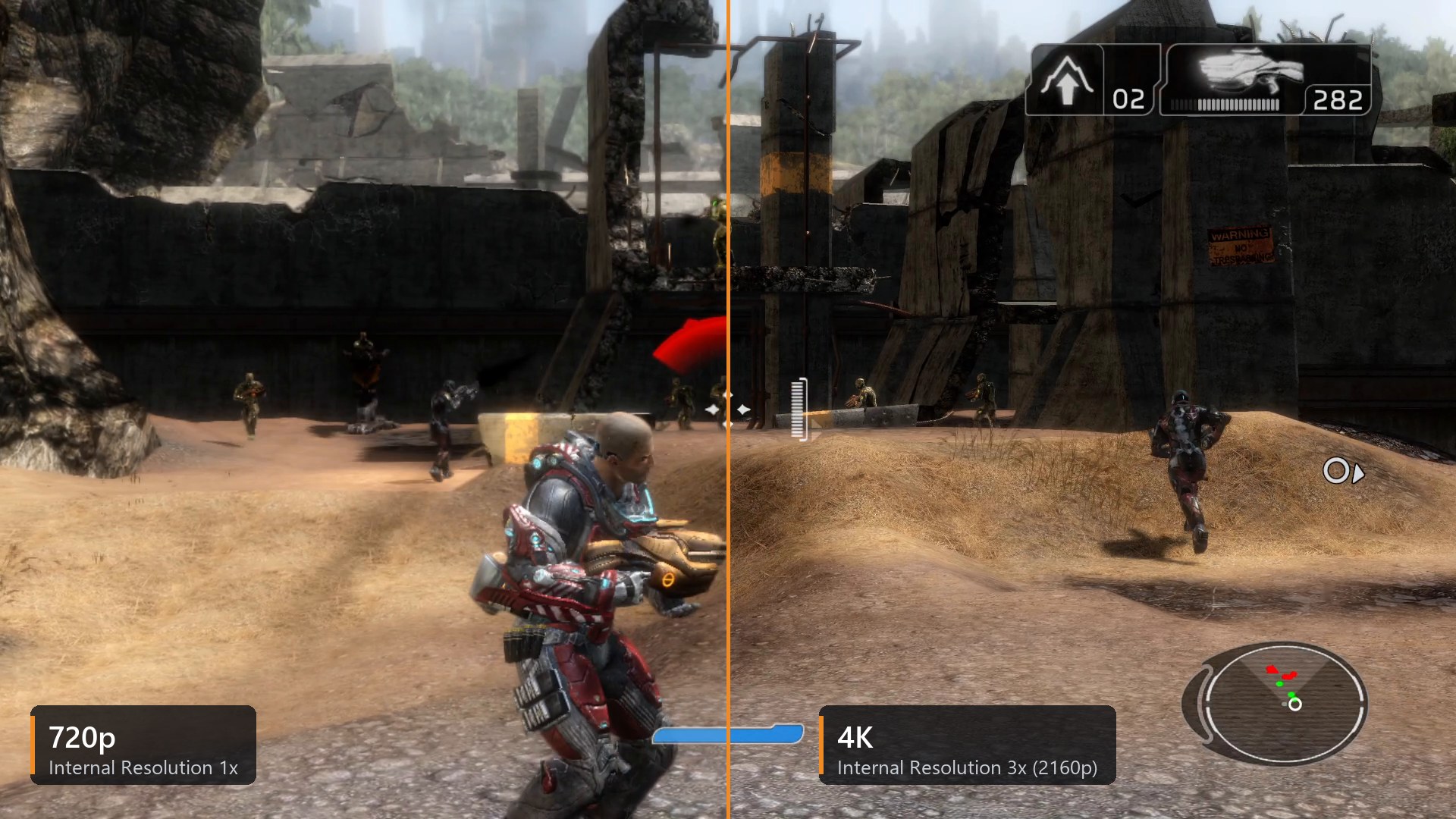
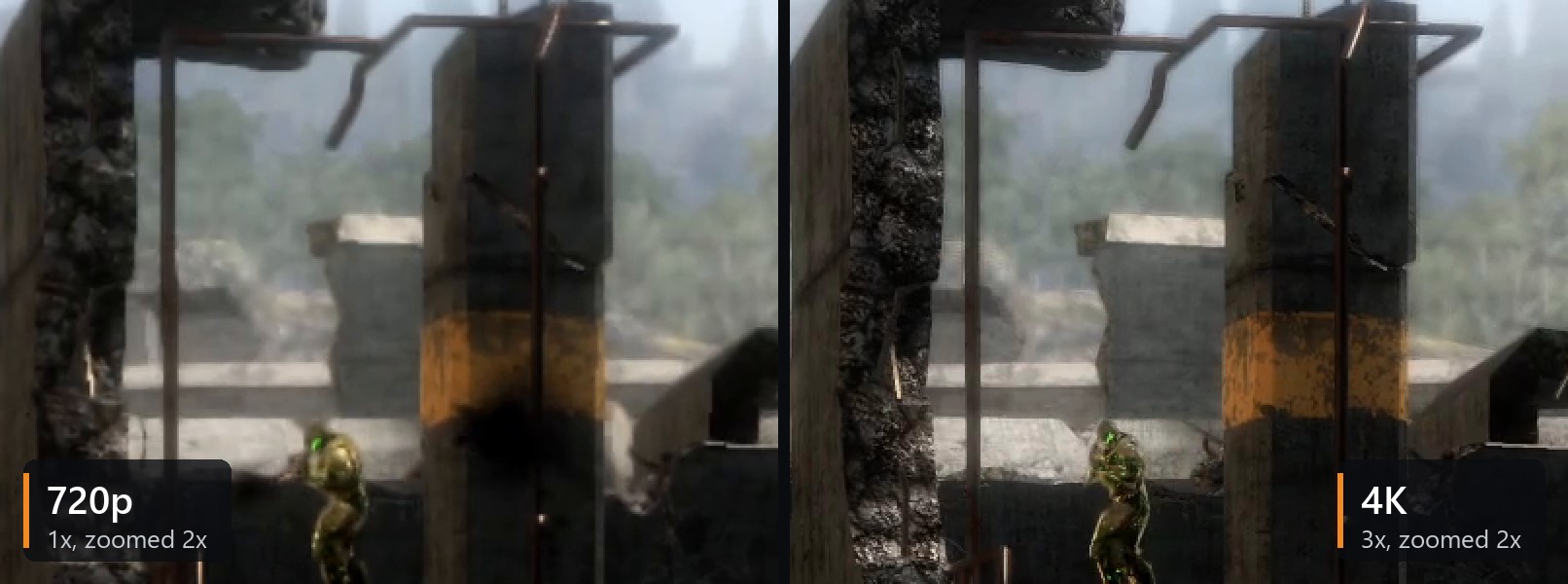
Both recorded at 1920 × 1080 with anti-aliasing off and 4x texture filtering. The close-up shows the same part of each frame zoomed 2x: at 3x the rock, the rust and the pipes keep their detail instead of turning to blur.
| Setting | The game renders at | |
|---|---|---|
| 1x (720p) | 1280 × 720 | Like the console |
| 2x (1440p) | 2560 × 1440 | Sharp on a 1080p or 1440p screen |
| 3x (2160p) | 3840 × 2160 | 4K; used for every shot on this page |
| 4x (2880p) | 5120 × 2880 | For the strongest graphics cards |
On the test PC (GeForce RTX 4080 SUPER) 3x runs at a steady 60 FPS.
Getting started
You need: Windows 10 (version 1903 or later) or 11, 64-bit, or a
Steam Deck · a graphics card with Direct3D 12 or Vulkan · about 4 GB of free space · a disc image (.iso) of your own Xbox 360 copy of Fracture.
- Download
FractureRecomp-v…-windows-x64.zipfrom Releases and unpack it to a folder you can write to, for exampleDocuments\Games\FractureRecomp. Not intoProgram Files: settings and logs are saved next to the game. - Start
fracture.exe. The program is not code-signed, so Windows may say "Windows protected your PC": click More info, then Run anyway. - On the install screen choose your disc image with Browse... (or drop the
.isoonto the window) and press Install. The image is only read, never changed. Copying takes a minute or two. - Press Play. From now on the game starts straight away and the
.isois no longer needed.
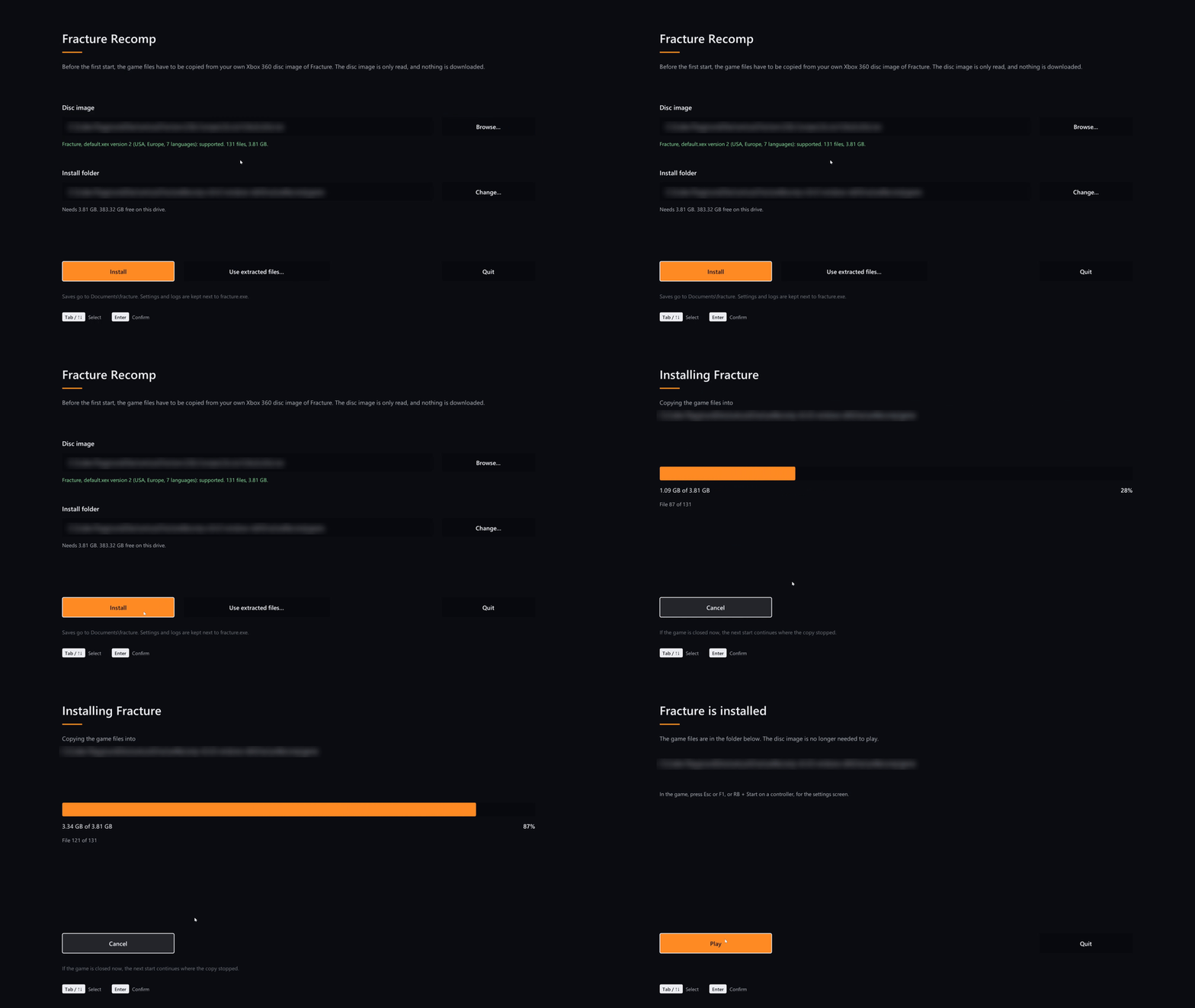
- Already have the game files extracted (a folder with
default.xexandresources)? Press Use extracted files... or drop that folder onto the window. - If the copy is interrupted (window closed, PC turned off), the next start continues where it stopped.
- The install screen works with the mouse, the keyboard (Tab, arrows, Enter) and a controller (D-pad, A).
Which disc works
| Release | Media ID | |
|---|---|---|
| ✅ | Version 1 | 20E2A1F5 |
| ✅ | Version 2, USA / Europe, 7 languages | 43445F92 |
You don't need to know which one you have: the install screen checks the disc and says if it is not supported. Other versions are refused, because the recompiled game is made from these two exact releases.
SHA-256 of default.xex for each release
| Release | default.xex SHA-256 |
|---|---|
| Version 1 | 13fa6817089233d6d2b30adeca5c8bf74871ea28d0c620253aade6ee89557db2 |
| Version 2 | 6e1f8972281e02175617eb94bb9bde8baea1a1f767768dbfb0b4bed11b7bafee |
Updating
Unpack the new version over the old folder. Your game files, settings and saves stay.
Steam Deck
Tested: the game runs well on the Steam Deck under Proton. Set it up in Desktop Mode:
- Unpack the archive somewhere in your home folder, together with your
.iso(or copy a folder that already hasgame\from your PC). - In Steam choose Games > Add a Non-Steam Game to My Library and add
fracture.exe. - Open its Properties > Compatibility, turn on Proton and start the game. The first start opens the install screen, as on Windows.
Afterwards it starts from Game Mode like any other game in your library. With Graphics API on Automatic, the game uses Vulkan under Proton. Other Linux PCs with Proton should work the same way, but have not been tried yet.
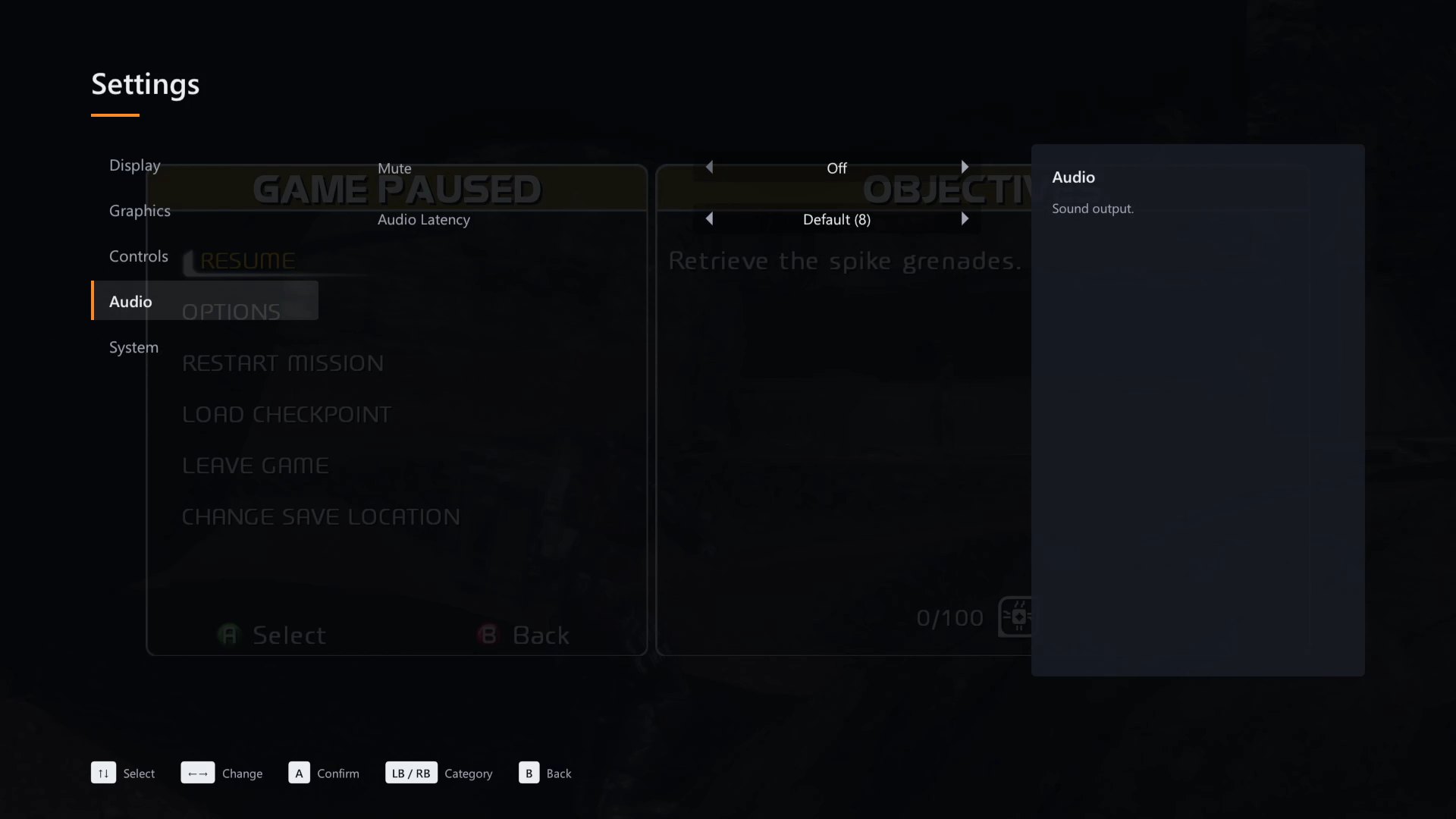
The settings screen
Press Esc or F1 in the game, or RB + Start on a controller (R1 + Options on a DualSense). The screen works with the keyboard, the mouse and a controller; the game gets no input while it is open.
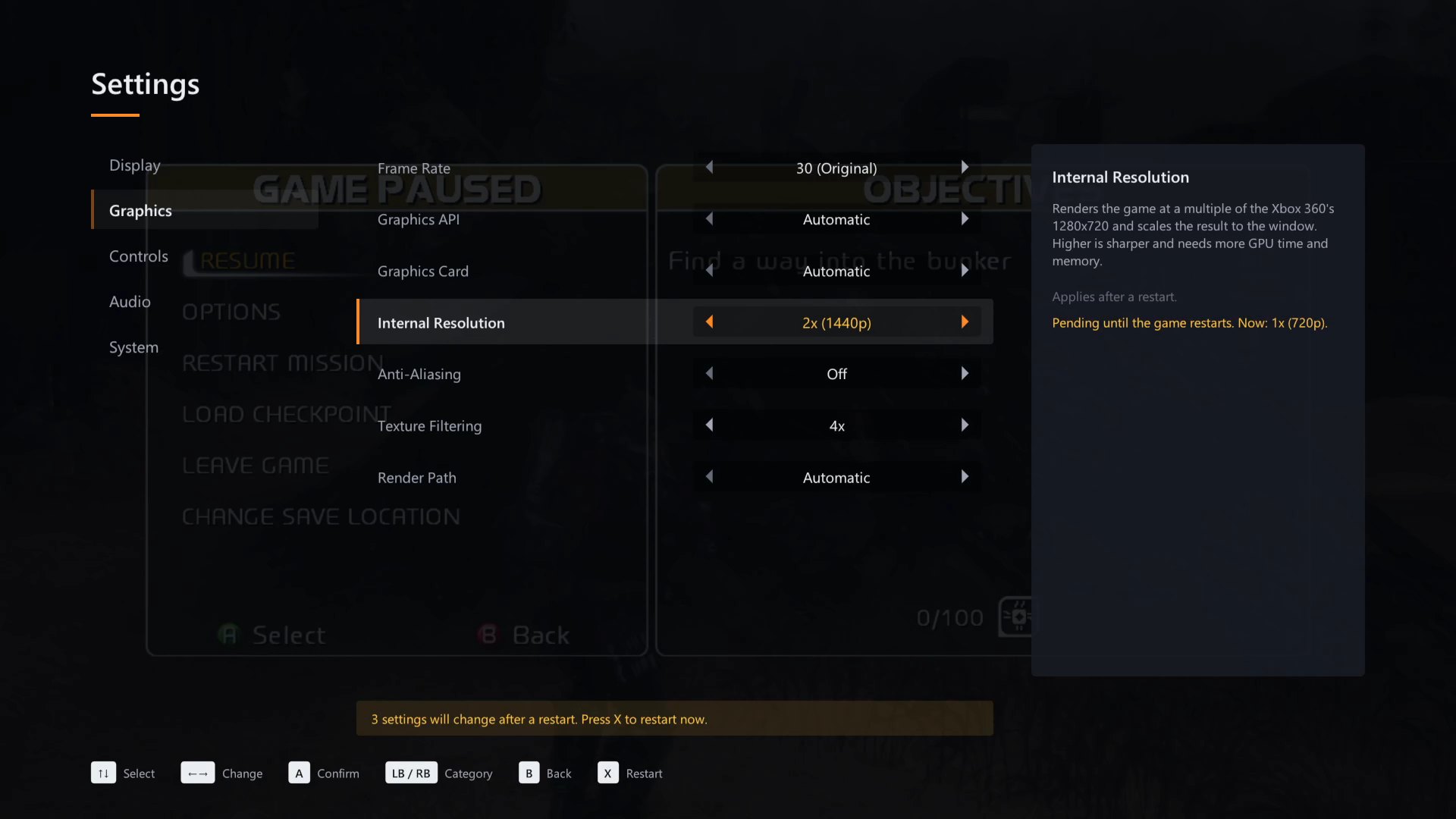
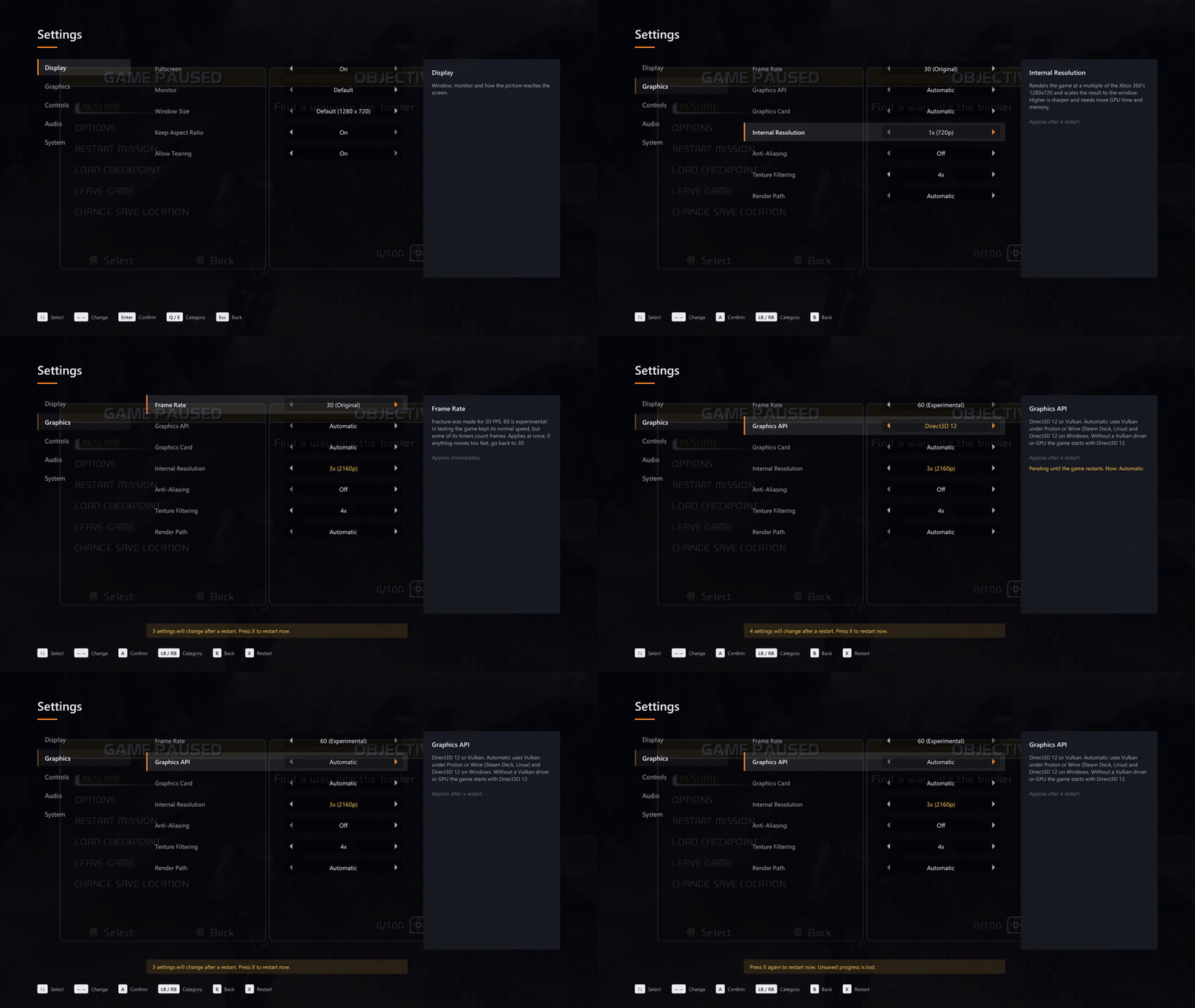 Switching to 4K and 60 FPS. Settings that need a restart turn yellow, and two presses of X restart the game on the spot.
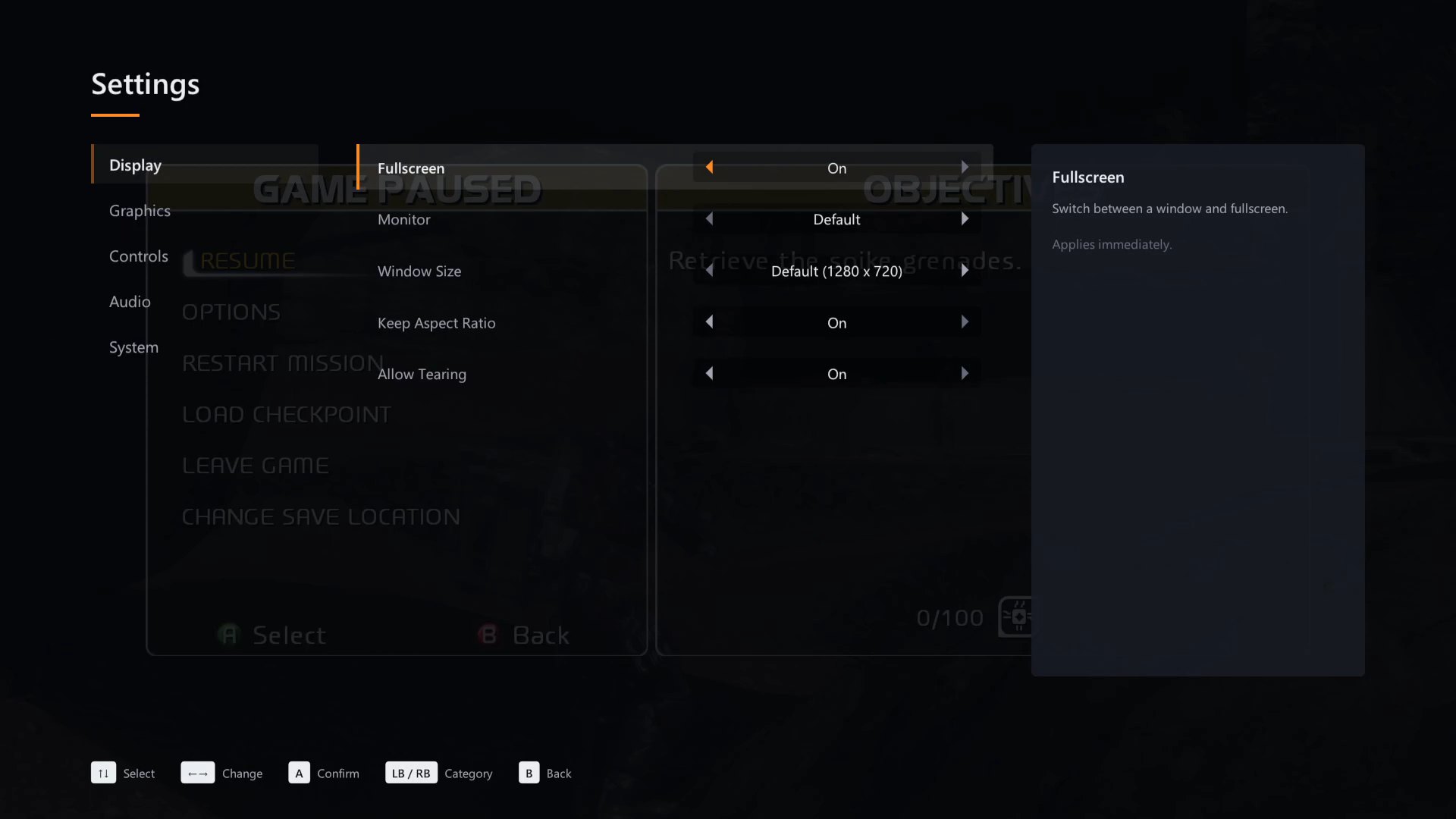 |
Display
|
Graphics
|  |
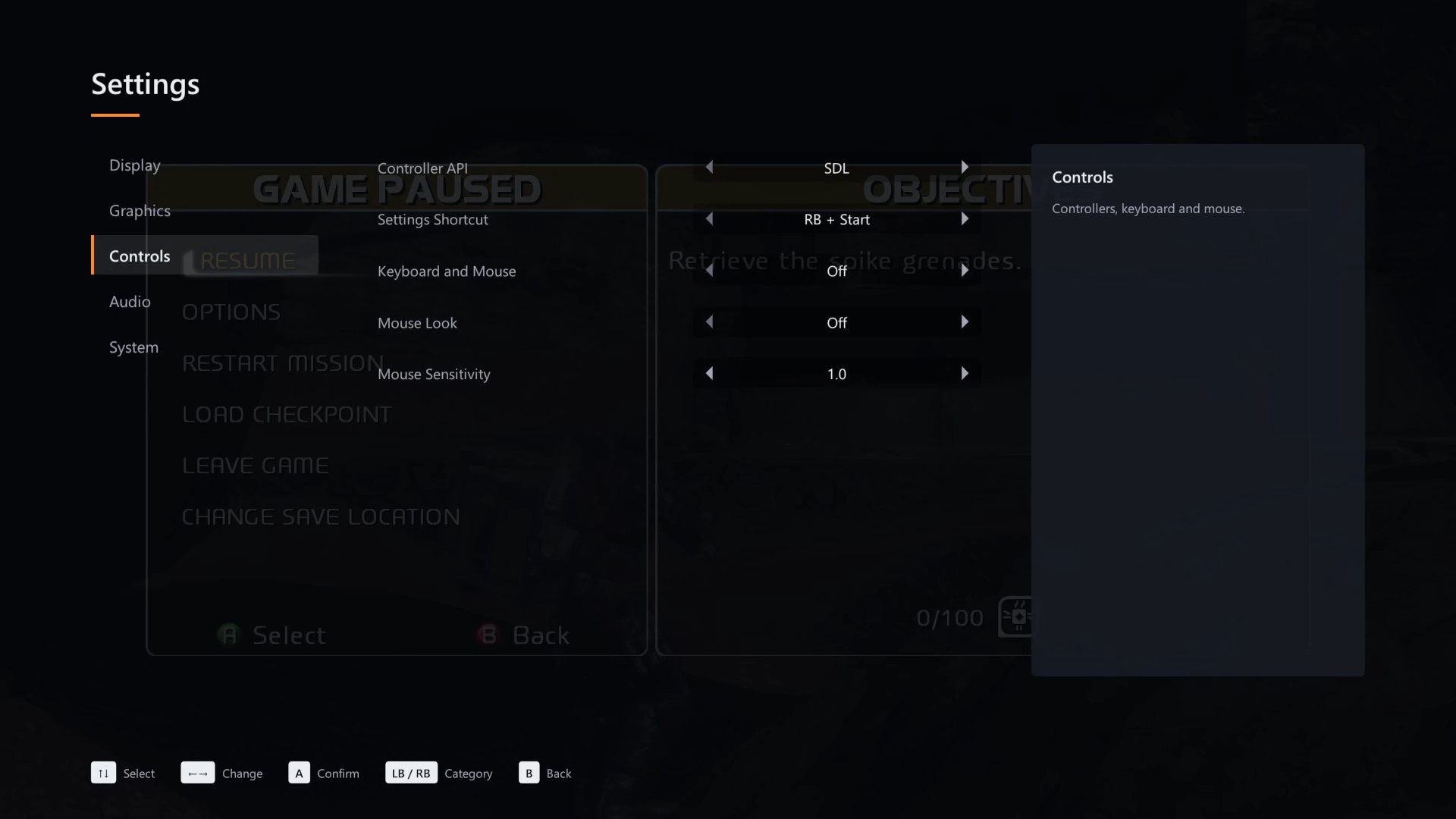 |
Controls
|
Audio
|  |
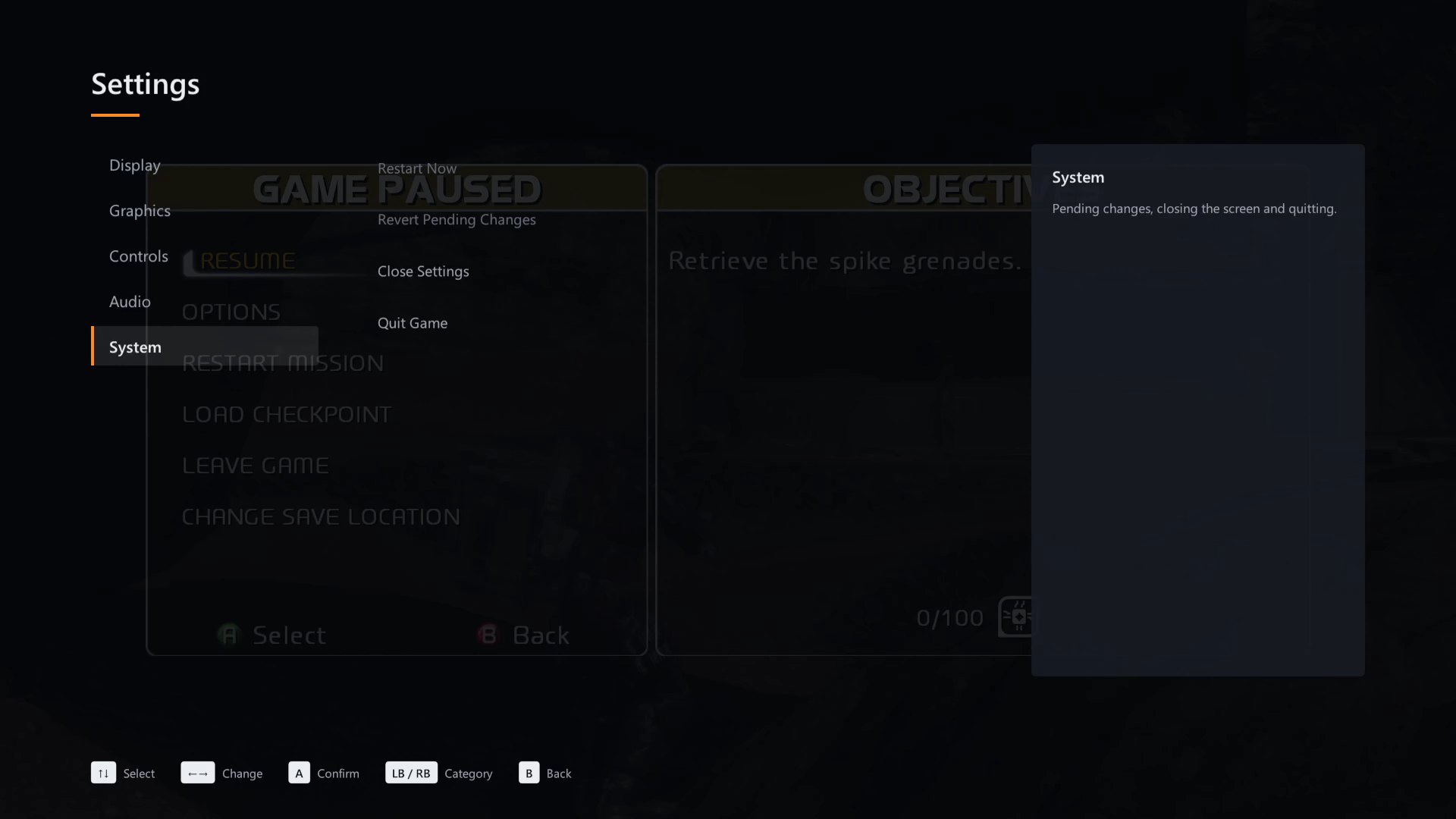 |
System
|
| Keyboard | Controller | Action |
|---|---|---|
| ↑ ↓ | D-pad, left stick | Choose a setting |
| ← → | D-pad, left stick | Change its value |
| Enter or Space | A | Confirm |
| Q / E | LB / RB | Previous / next category |
| Esc or Backspace | B | Back, then close |
| R twice | X twice | Restart now (when changes are waiting) |
With the mouse, point at a setting and click the arrows next to its value.
How changes apply. Some settings, such as Frame Rate and Fullscreen, take effect at once. The
others turn yellow and wait for a restart: press R (X on a controller) twice
or use System > Restart Now. The game
closes and starts again with the new settings, so save your progress first. Your choices are kept
in settings.toml next to fracture.exe; delete that file to go back to the defaults.
More screenshots
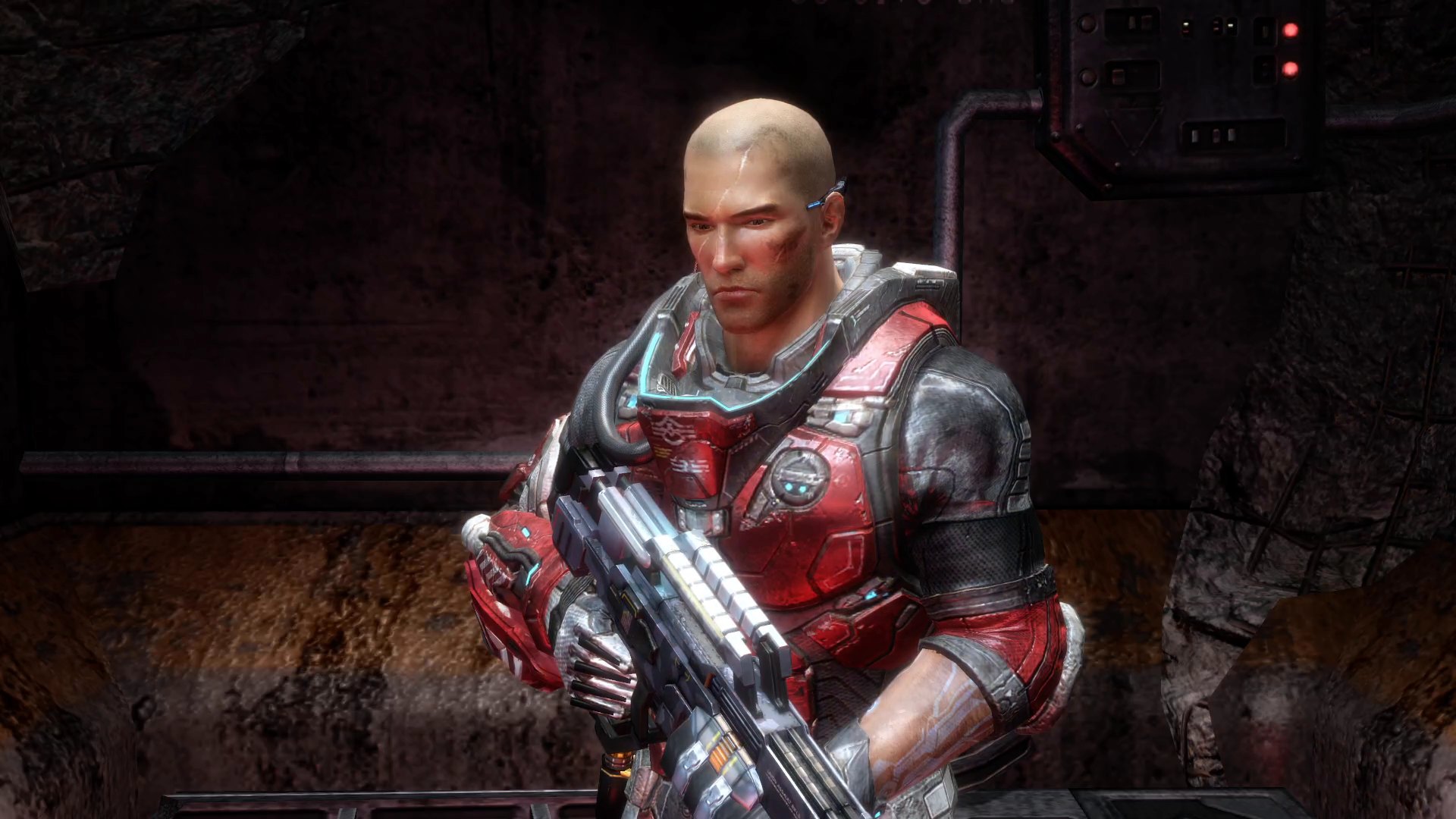
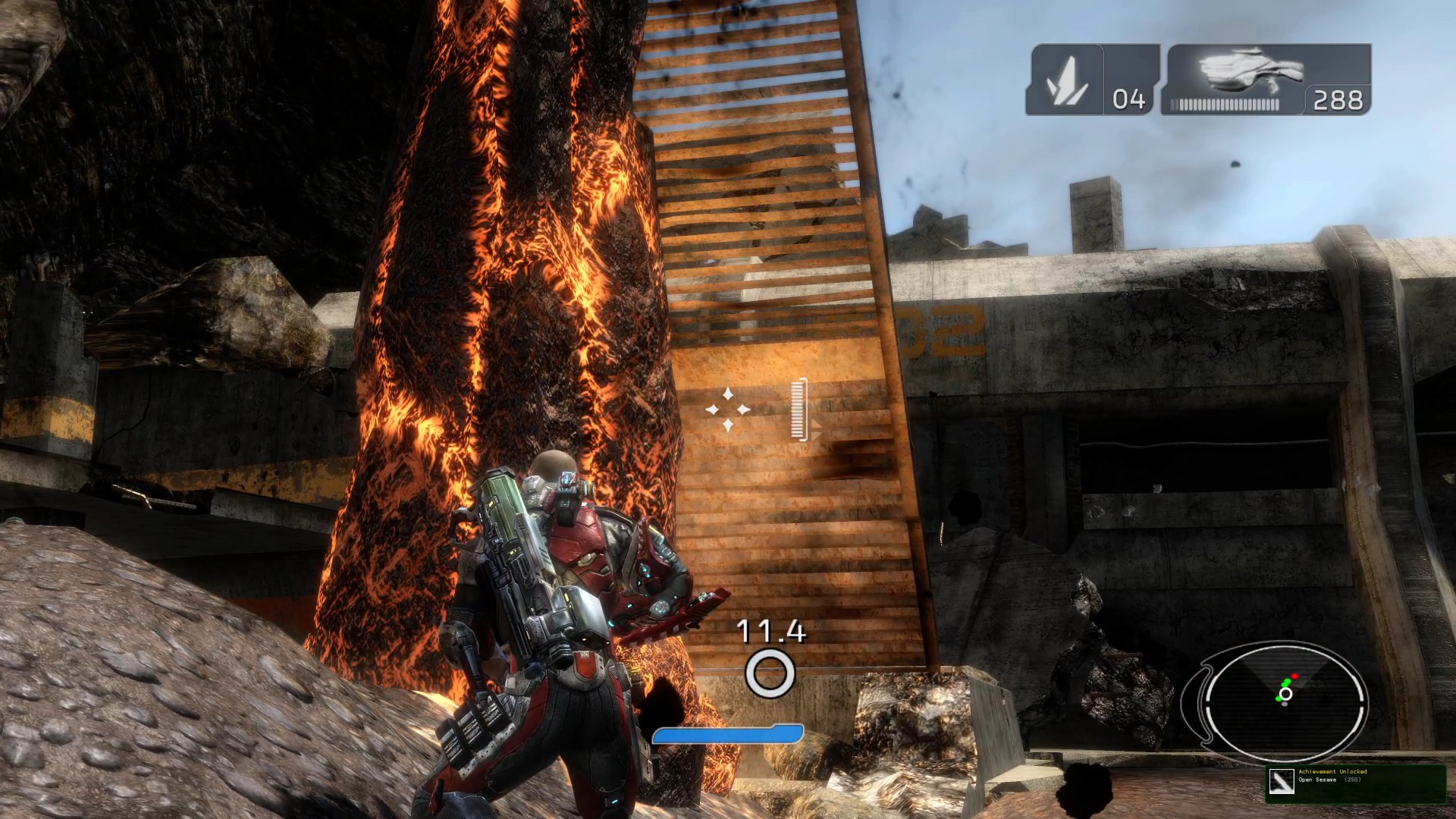
Cutscenes · Achievements pop up in the corner, as on the console
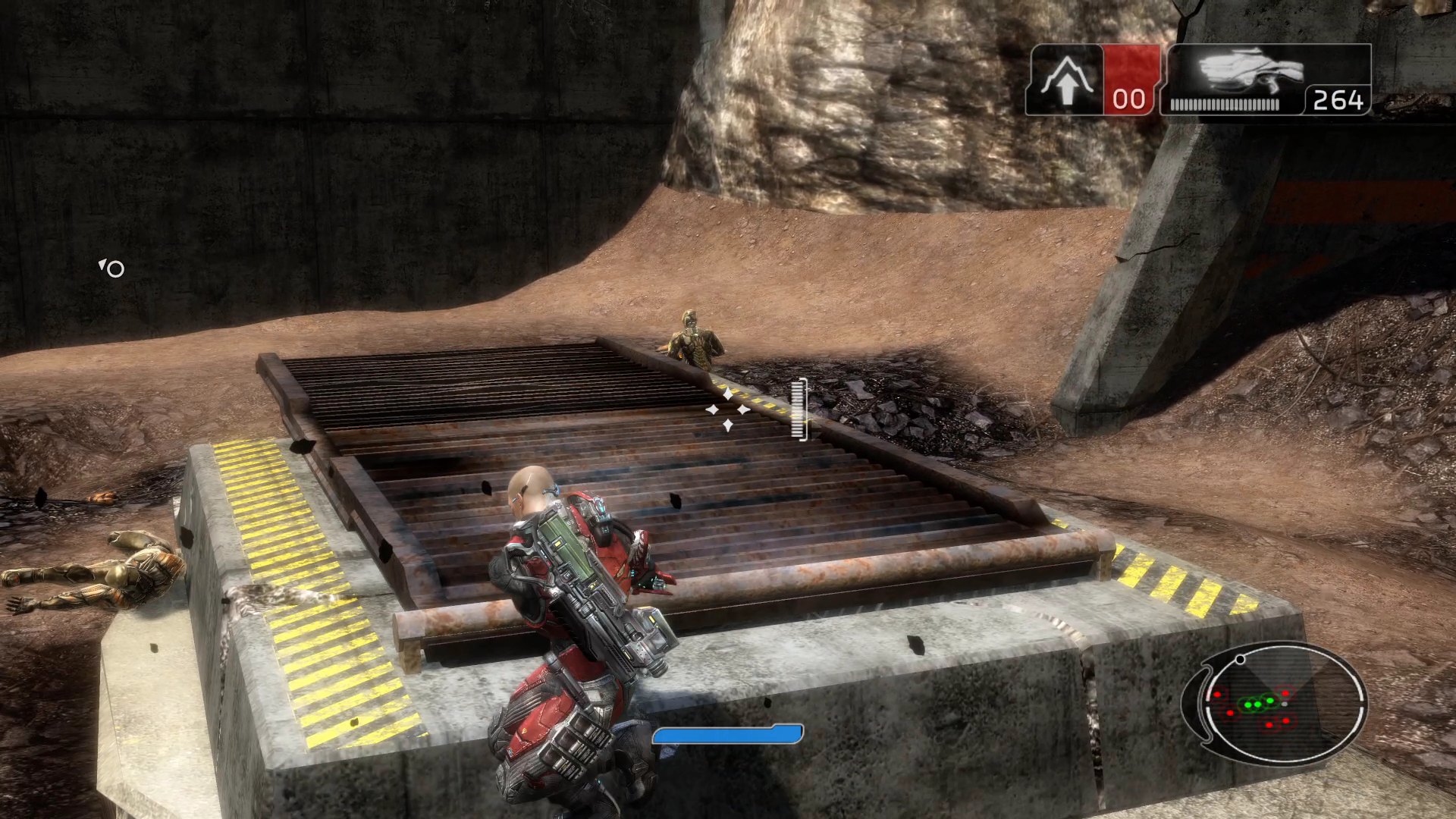
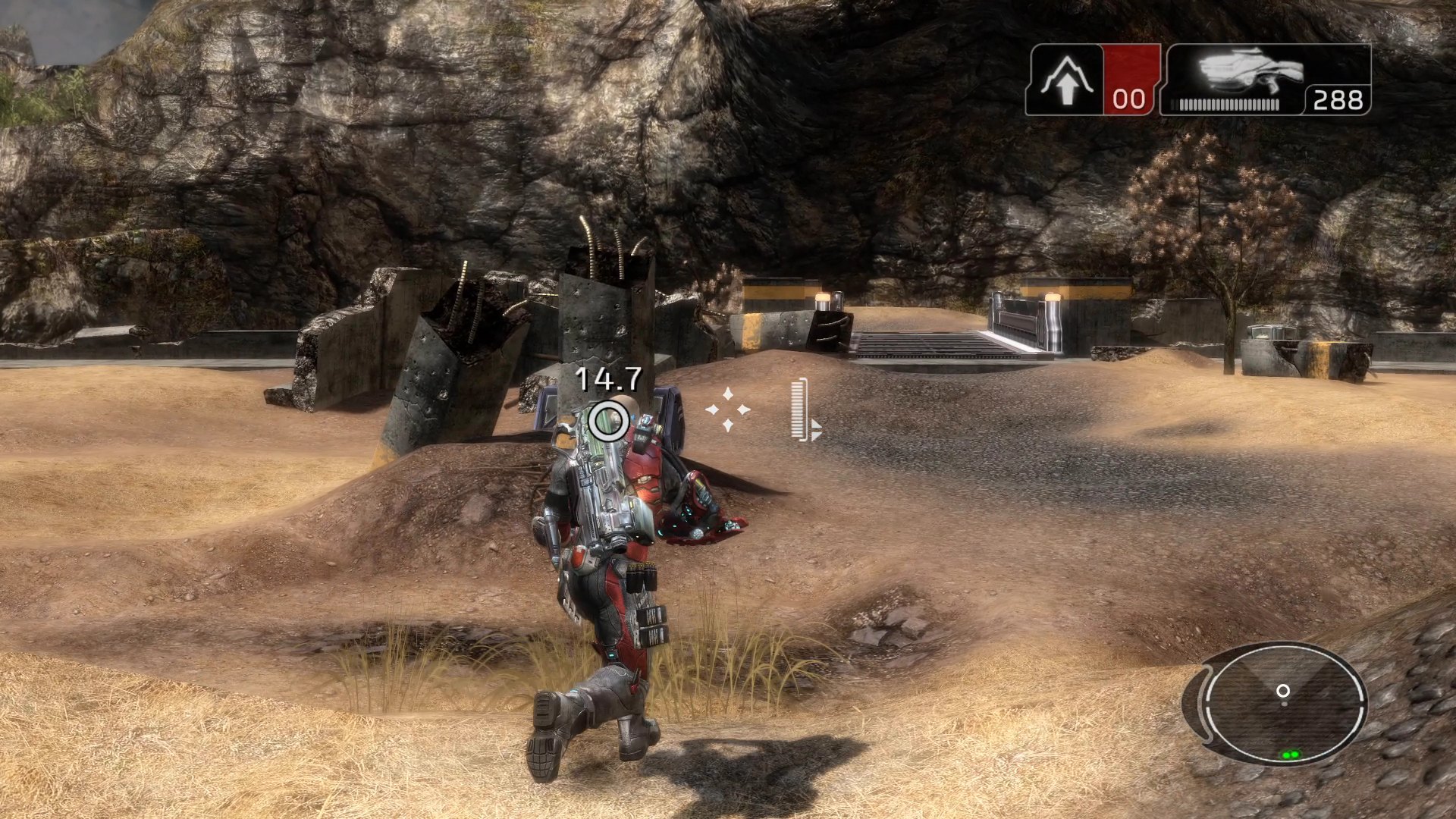
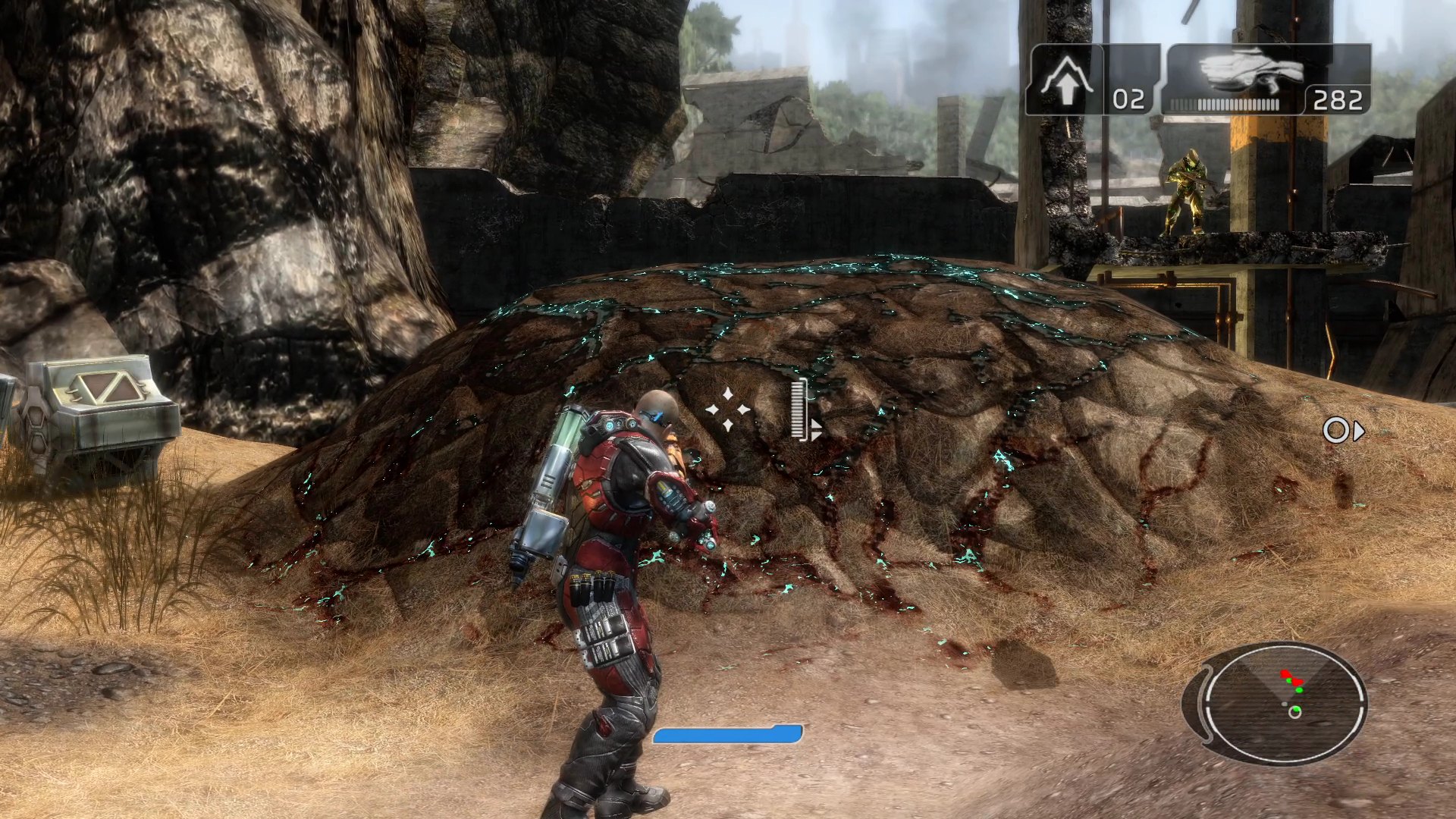
Good to know
Where things are
| What | Where |
|---|---|
| Game files | game\ next to fracture.exe, or the folder you chose |
| Settings | settings.toml next to fracture.exe |
| Saves, achievements, shader cache | Documents\fracture |
| Log files | logs\ next to fracture.exe |
Known issues
- 60 FPS is experimental. Fracture was made for 30. In testing the game kept its normal speed at 60, but some of its timers count frames. If anything moves too fast, set Frame Rate back to 30.
- The game keeps running behind the settings screen. Pause it first (Start) if you are in the middle of a fight.
- Vulkan does not start? Delete the
fracture_graphics_apiline fromsettings.tomlto go back to Direct3D 12. - Antivirus warnings. New, unsigned programs are sometimes flagged. If yours blocks
fracture.exeor its DLLs, whether to allow them (Windows Security > Protection history) is your decision; the full source is here to check or build yourself.
Reporting a problem
Open an issue and include what you were
doing, your Windows version and graphics card, which disc release you have, and the newest file
from the logs\ folder.
About the port
Fracture's PowerPC code was translated to C++ ahead of time with the ReXGlue SDK and compiled into a regular Windows program. The Xbox 360 graphics chip is emulated on Direct3D 12 or Vulkan.
This repository contains no game files and no code generated from them. The release downloads
contain the recompiled program (fracture.exe) but no game data: the program copies the game from
your own disc image on its first start.
Building from source (for developers)
You need Windows 10/11 x64, Python 3.9 or newer, Visual Studio 2022 Build Tools with the C++
workload, LLVM/Clang 20 or newer, Git, your Fracture .iso and about 8 GB of free space.
winget install --id Microsoft.VisualStudio.2022.BuildTools --override "--passive --wait --add Microsoft.VisualStudio.Workload.VCTools --includeRecommended"
winget install --id LLVM.LLVM
winget install --id Git.Git
Then drag your .iso onto setup.bat, or run it from the repository folder:
.\setup.bat path\to\Fracture.iso
Setup checks the disc, extracts the game into game\, builds the ReXGlue SDK 0.10.0 from source
with Direct3D 12 and Vulkan, recompiles the game and builds fracture.exe (about 10 minutes the
first time on a 16-thread CPU; running it again skips finished steps). Start the result with:
& .\out\build\win-amd64-relwithdebinfo\fracture.exe
python tools/package_release.py --version X.Y.Z makes the release archive. It needs both
releases' default.xex, so run setup once with each disc first.
Credits
- ReXGlue SDK, the recompilation SDK this project is built on
- Xenia, for Xbox 360 research
- skate3recomp, whose layout this project follows
Important
Fracture is a trademark of its respective owners. This project is not affiliated with or endorsed by them or by Microsoft.