FNF Mono Engine
A from-scratch C# / MonoGame port of the official Friday Night Funkin' (v0.8.1). Built to match the original game, running natively on Windows and Linux — with built-in support for Psych Engine and V-Slice mods as an extra.
- Type: PC port
- Game: Friday Night Funkin'
- Runs on Windows and Linux
- By Mohammad Aljafari
- Latest release alpha-2.3, 2026-10-30
- Source: https://github.com/dgamermohammad09/friday-night-at-funkin-mono-engine
README
FNF Mono Engine
A from-scratch C# / MonoGame port of the official Friday Night Funkin' (v0.8.1). Built to match the original game, running natively on Windows, Linux and Xbox — with built-in support for Psych Engine and V-Slice mods as an extra.







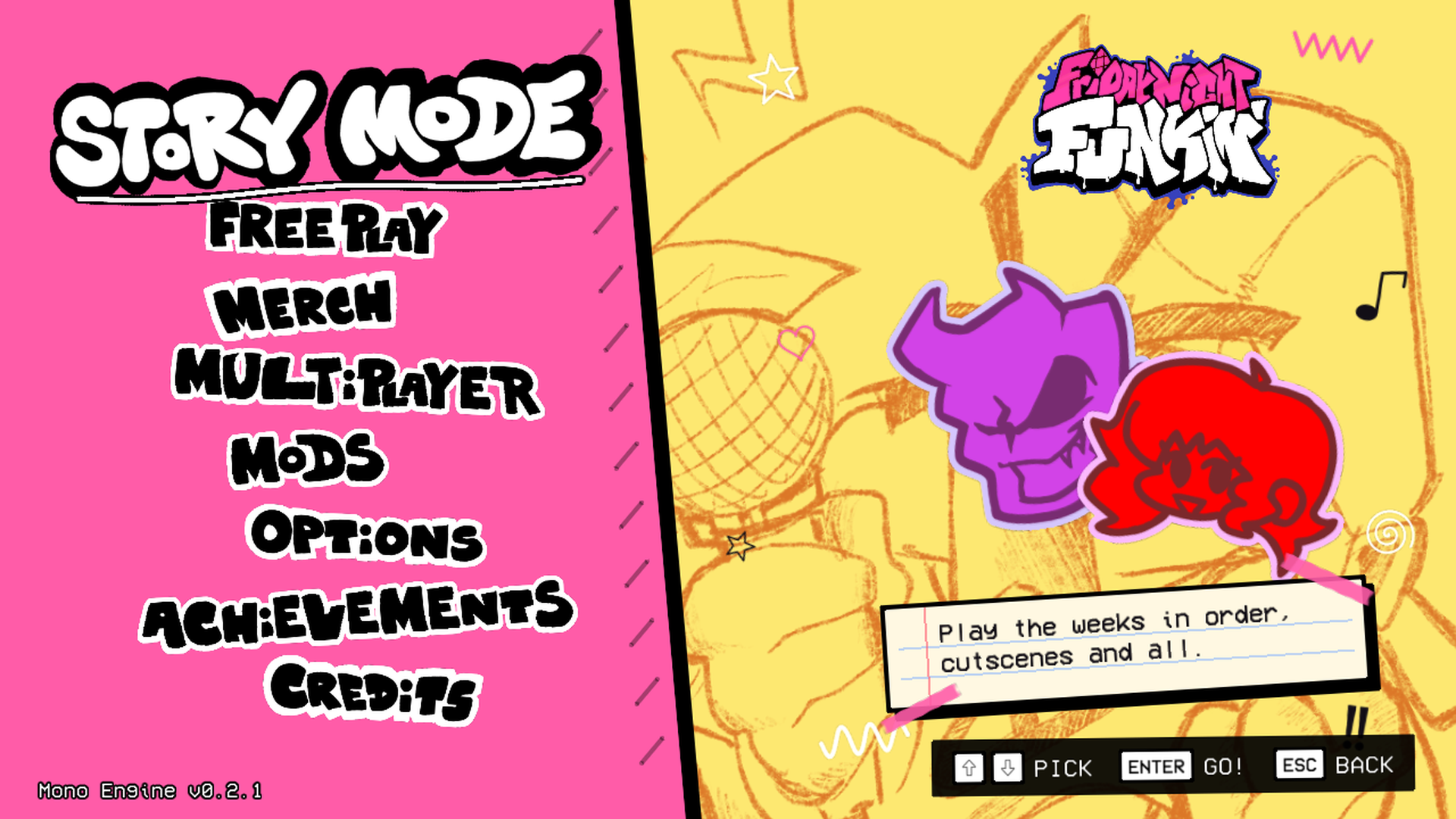
Not based on Psych Engine. The engine is a new C# port of the official Friday Night Funkin' source code (the V-Slice version by The Funkin' Crew), running on MonoGame instead of HaxeFlixel. Psych Engine mods are supported through a compatibility layer, the same way the game supports V-Slice mods.
FNF Mono Engine is a fan-made port. I am not the original developer of Friday Night Funkin'. Friday Night Funkin' is made by The Funkin' Crew — the original game is at github.com/FunkinCrew/Funkin. This project is free and not affiliated with The Funkin' Crew, Newgrounds, Microsoft or Sony.
Screenshots
| Gameplay | Freeplay |
|---|---|
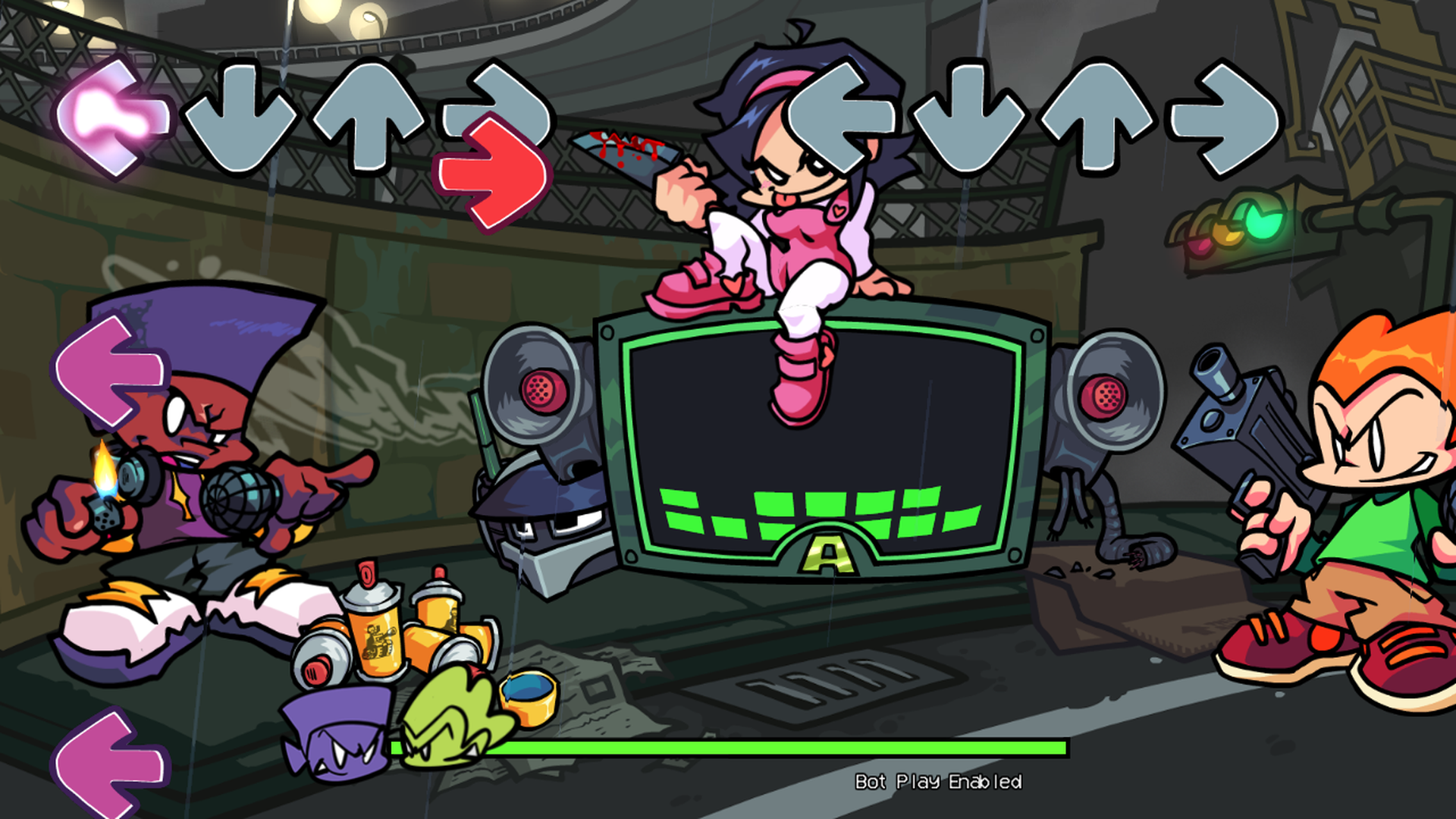 | 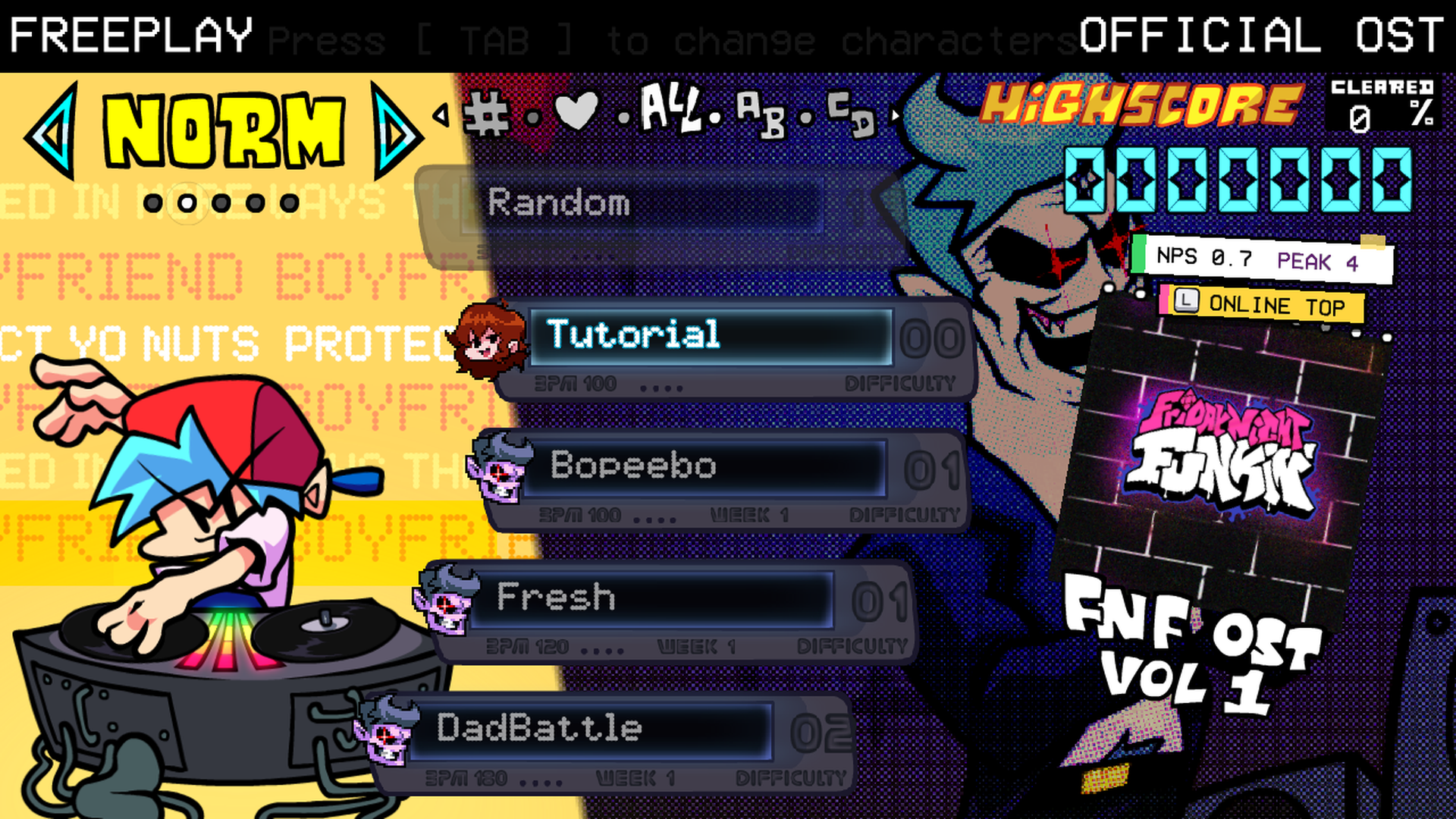 |
| Psych Online | Mod browser |
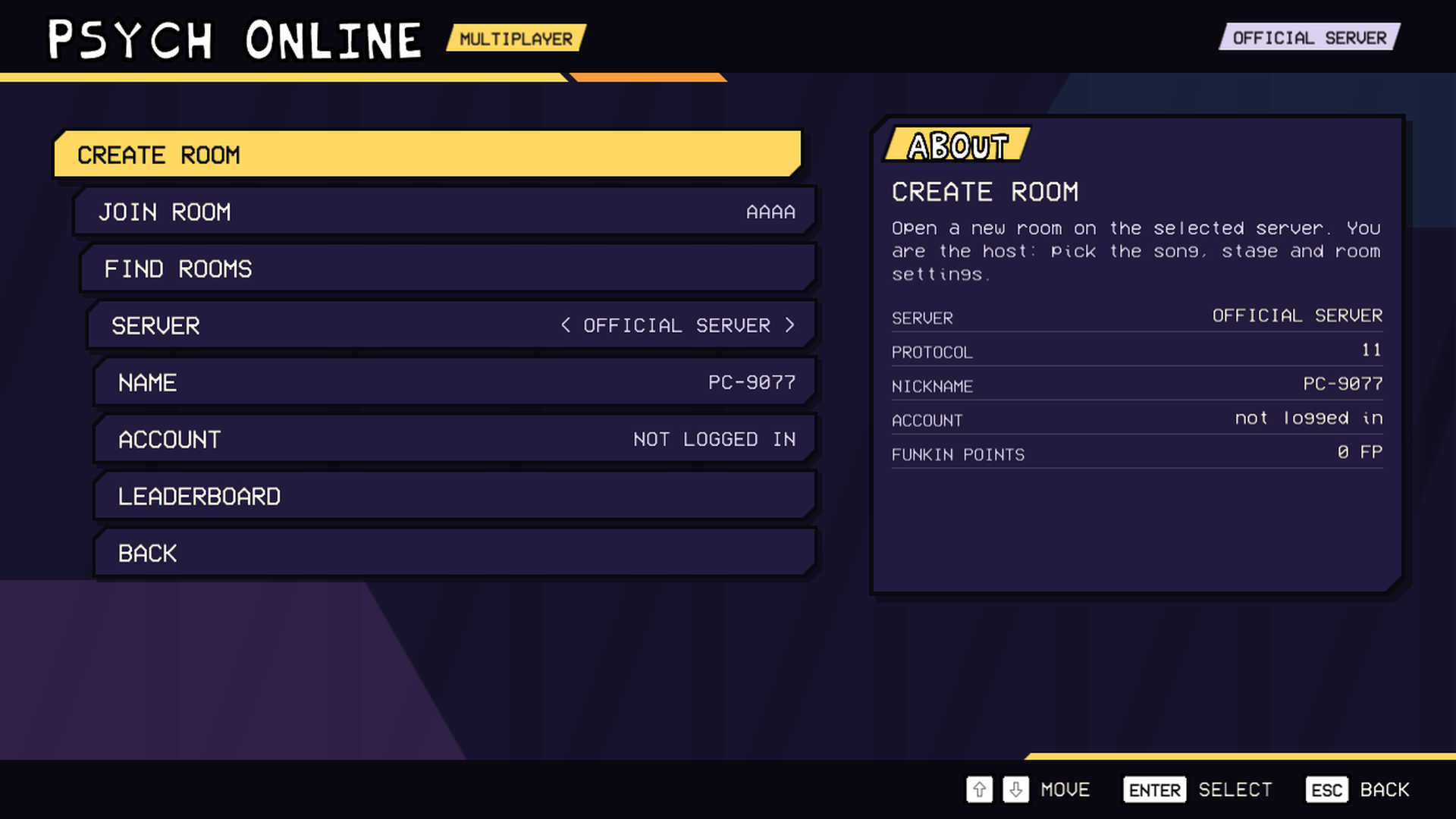 | 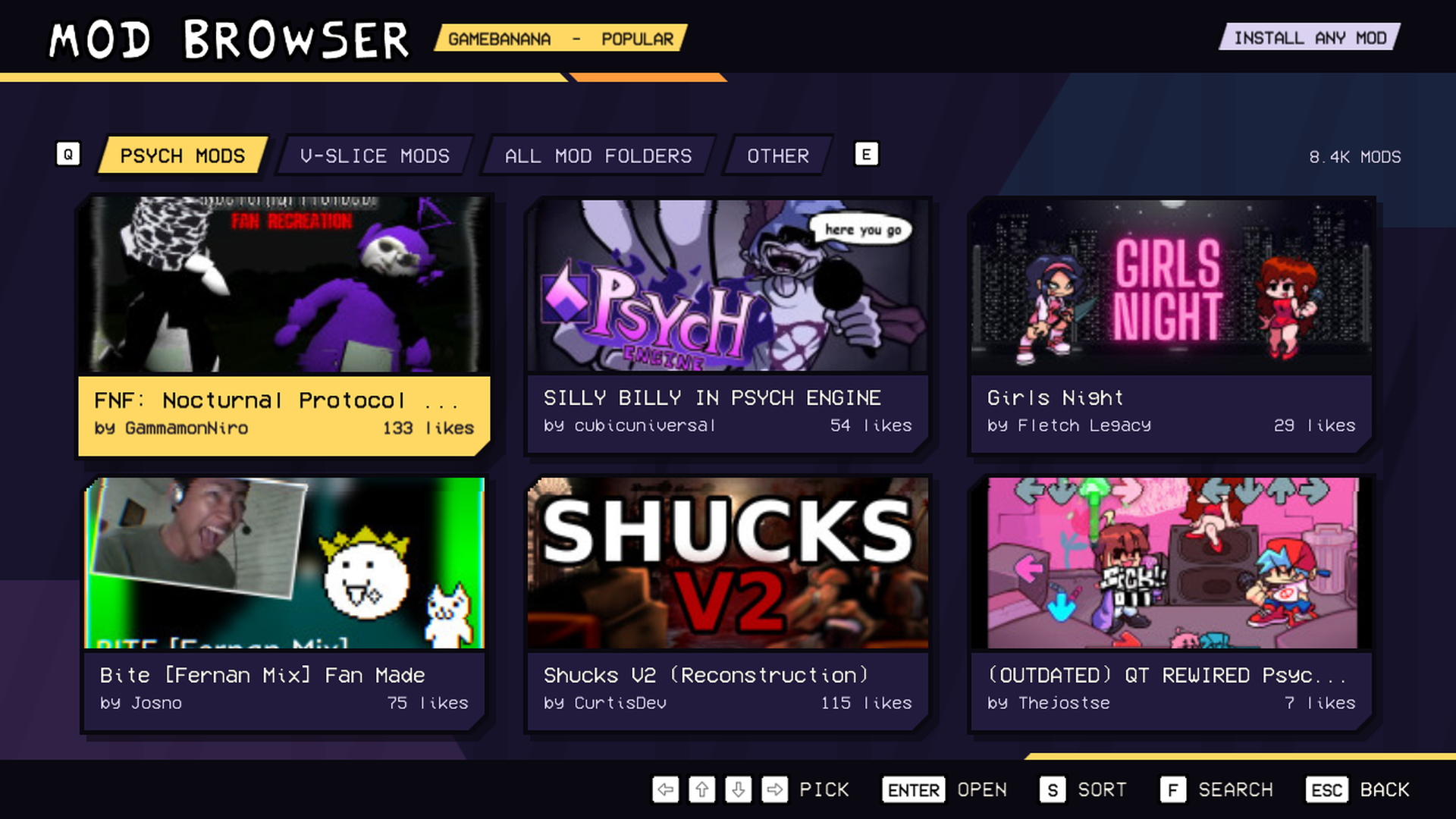 |
| Psych mod (Silly Billy) on Xbox | |
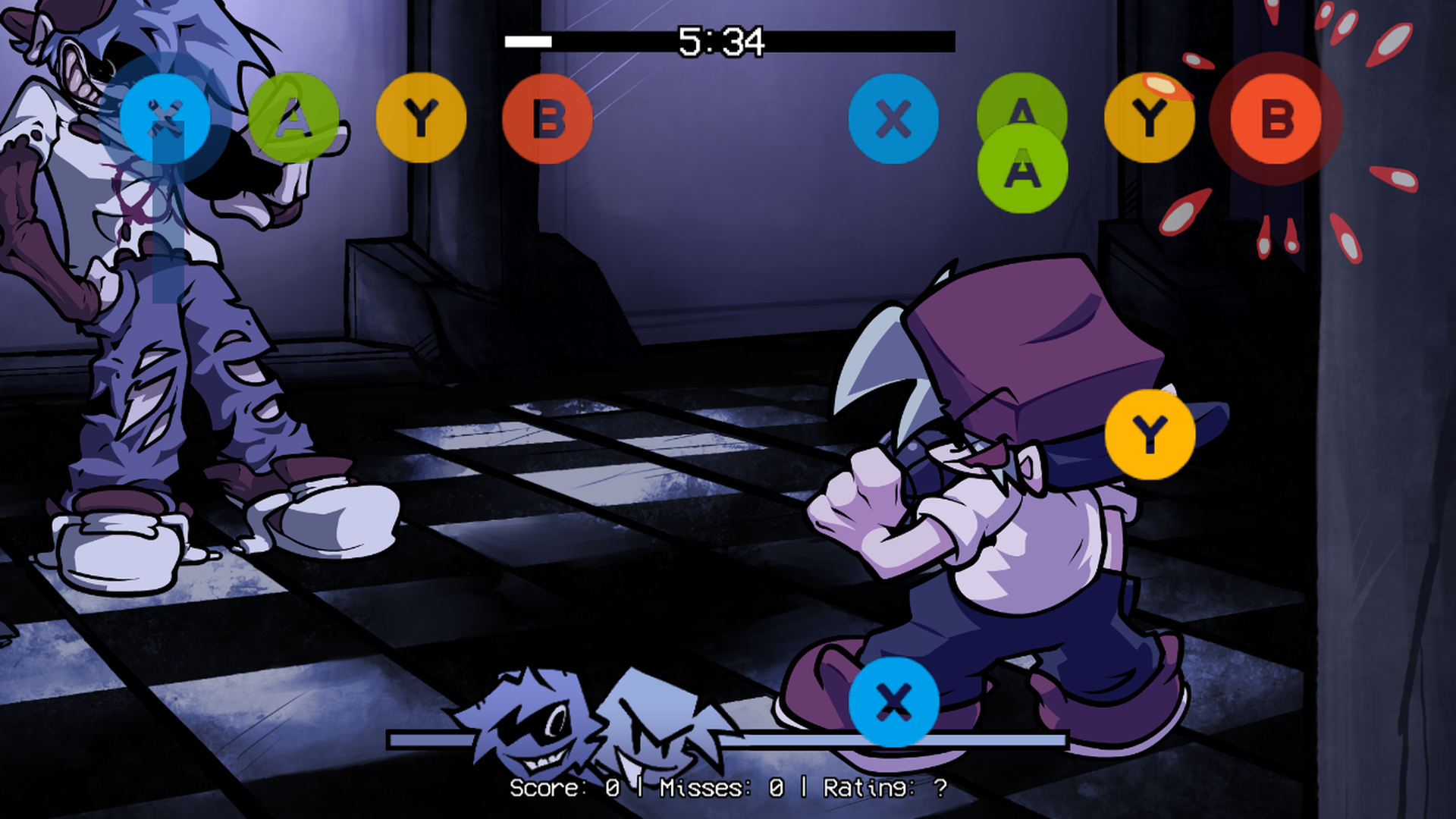 |
Features
- The full official game — Weeks 1–7, Weekend 1, Freeplay, Erect / Nightmare and Pico mixes, character select, results and cutscenes, matched to the original v0.8.1.
- Mod support — Psych Engine mods (Lua + HScript) and V-Slice (Polymod) mods, plus an in-game GameBanana mod browser.
- Multiplayer — Psych Online, local 2-player and LAN versus.
- Controllers first — full controller support, rebinding, and controller button notes in 6 styles with Xbox and PlayStation icons.
- Skins — character skins and note skins.
Supported platforms
| Platform | Status | Download | Notes |
|---|---|---|---|
 Windows 10 / 11 (64-bit) | ✅ Supported | FNF_MonoEngine-Alpha2.3-windows-x64.zip | DirectX 11. Unzip and run FNF_MonoGame.exe. |
 Linux (64-bit) | ✅ Supported | FNF_MonoEngine-Alpha2.3-linux-x64.tar.gz | OpenGL. Ubuntu, Debian, Mint, Pop!_OS, Fedora, Arch, Manjaro, openSUSE, SteamOS (Steam Deck) and other glibc distros. |
 Xbox Series X|S / Xbox One | ✅ Supported (Developer Mode) | FNF_MonoEngine-Alpha2.3-xbox.msix | Installed through Xbox Device Portal. |
 Microsoft Store (Xbox + PC) | ⏳ Coming soon | Store page | Free. Game data downloads from The Funkin' Crew's GitHub on first start. |
 macOS (Intel + Apple Silicon) | 🟡 In progress | — | Builds, not tested on real Macs yet. |
 Android | 🟡 In progress | — | Builds, touch controls not finished. |
Install
Windows
- Download the Windows zip from Releases.
- Unzip it anywhere and run
FNF_MonoGame.exe.
Linux
tar -xzf FNF_MonoEngine-Alpha2.3-linux-x64.tar.gz
cd FNF_MonoEngine
./FNF_DesktopGL
Optional: install ffmpeg for the cutscene videos (sudo apt install ffmpeg, sudo dnf install ffmpeg, sudo pacman -S ffmpeg).
Microsoft Store
In progress — FNF Mono Engine on the Microsoft Store.
Xbox (Developer Mode)
- Put your Xbox in Developer Mode.
- Open Xbox Device Portal in your browser → Add → choose
FNF_MonoEngine-Alpha2.3-xbox.msix. - Start the game from Dev Home.
Adding mods
- Easiest: open Mods in the main menu and download mods from GameBanana inside the game.
- By hand: put the mod folder into
mods/next to the game (Xbox:LocalState\modsthrough Device Portal). - Psych Engine mods and V-Slice (Polymod) mods both work.
Controls
| Action | Keyboard | Controller |
|---|---|---|
| Notes | ← ↓ ↑ → / D F J K | D-pad / X A Y B |
| Confirm | Enter | A |
| Back | Esc | B |
| Pause | Enter / Esc | Menu |
Everything can be rebound in Options → Controls.
Building from source
Requirements: .NET 8 SDK, and Visual Studio 2022 with the UWP workload for the Xbox build.
git clone https://github.com/dgamermohammad09/friday-night-at-funkin-mono-engine.git
cd friday-night-at-funkin-mono-engine

# Windows (DirectX)
dotnet build FNF_MonoGame_Full/FNF_MonoGame.csproj -c Release

# Linux / macOS (OpenGL)
dotnet publish Platforms/DesktopGL/FNF_DesktopGL.csproj -c Release -r linux-x64 --self-contained
The game data (Content folder) is not in this repository — copy it from a release package into
FNF_MonoGame_Full/Content.
Community
- 💬 Discord: discord.gg/JBMPPHTVjK — bug reports, help and news
- ☕ Support the project: buymeacoffee.com/dgamermohammad
- 🐞 Bugs: open an issue with your
game_log.txt
Credits
FNF Mono Engine — ported and developed by Mohammad Aljafari.
Friday Night Funkin' by The Funkin' Crew — ninjamuffin99, PhantomArcade, evilsk8r, Kawai Sprite and everyone in the original credits.
Projects used
| Project | Used for |
|---|---|
| Friday Night Funkin' (The Funkin' Crew) | The original game source (v0.8.1) the engine is ported from |
| funkin.assets (The Funkin' Crew) | Official game data, charts and scripts |
| MonoGame | Game framework: graphics, audio, input on every platform |
| flixel-animate | Reference for Adobe Animate texture-atlas playback |
| Psych Engine (Shadow Mario) | Reference for Psych mod compatibility |
| Psych Online (Snirozu) | Online multiplayer protocol and features |
| hscript-iris | HScript interpreter for mods (compiled from Haxe to C#) |
| MoonSharp | Lua scripting for mods |
| FontStashSharp | Text rendering |
| NVorbis / NAudio | OGG music and sound decoding |
| Newtonsoft.Json | Charts, characters and save files |
| SharpCompress | Unpacking downloaded mods (zip / rar / 7z) |
| discord-rpc-csharp | Discord Rich Presence |
| GameBanana API | In-game mod browser |
| Kenney Input Prompts · Xelu's Controller Prompts · Simple Icons | Controller and logo icons (CC0) |
| Quantico · Inconsolata | UI fonts (SIL Open Font License) |
License
The engine source code in this repository is free to read, learn from and build. Friday Night Funkin' art, music and characters belong to The Funkin' Crew Inc. and follow their license. Mods belong to their own creators.