GRport
GRport is a Windows port of Gravity Rush Remastered and Gravity Rush 2 that supports FSR 4, DLSS, and frame rates up to 144 FPS.
- Type: PC port
- Game: Gravity Rush Remastered, Gravity Rush 2
- Runs on Windows
- By qnfn
- Latest release v0.1.3, 2026-10-29
- Source: https://github.com/qnfn/GRport
README
GRport
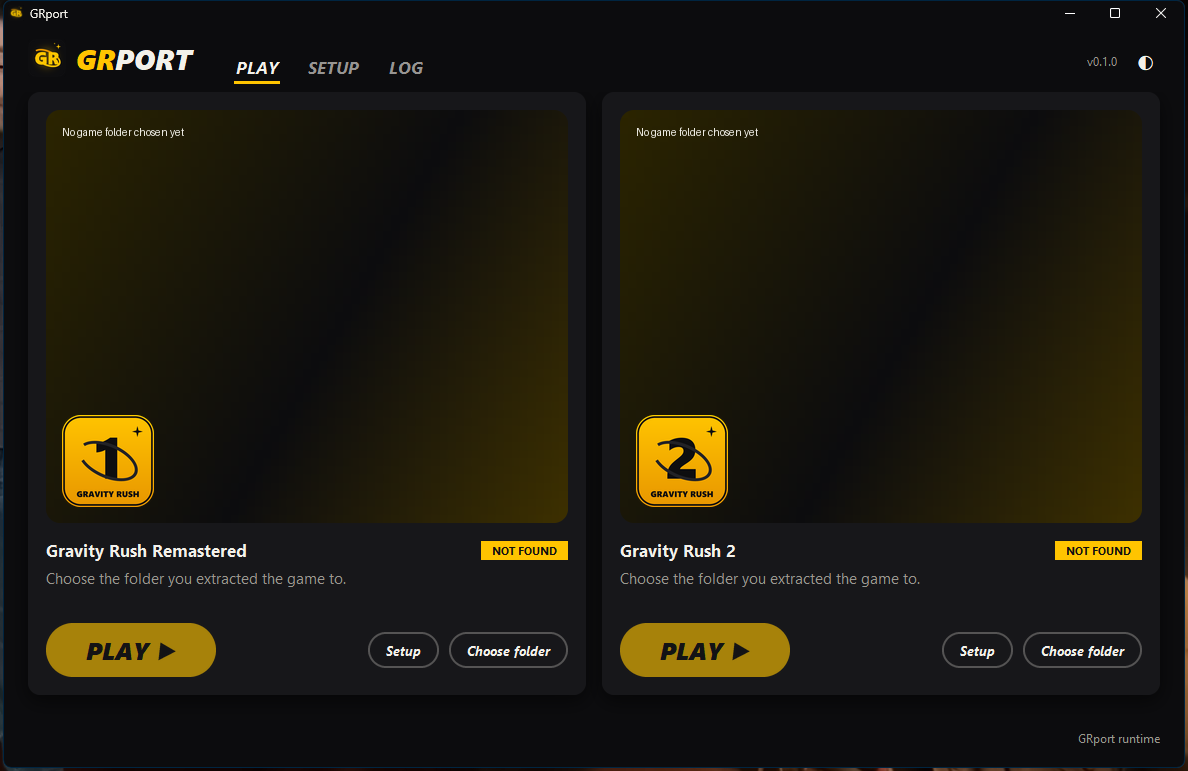
Gravity Rush Remastered and Gravity Rush 2 on Windows, from one launcher.
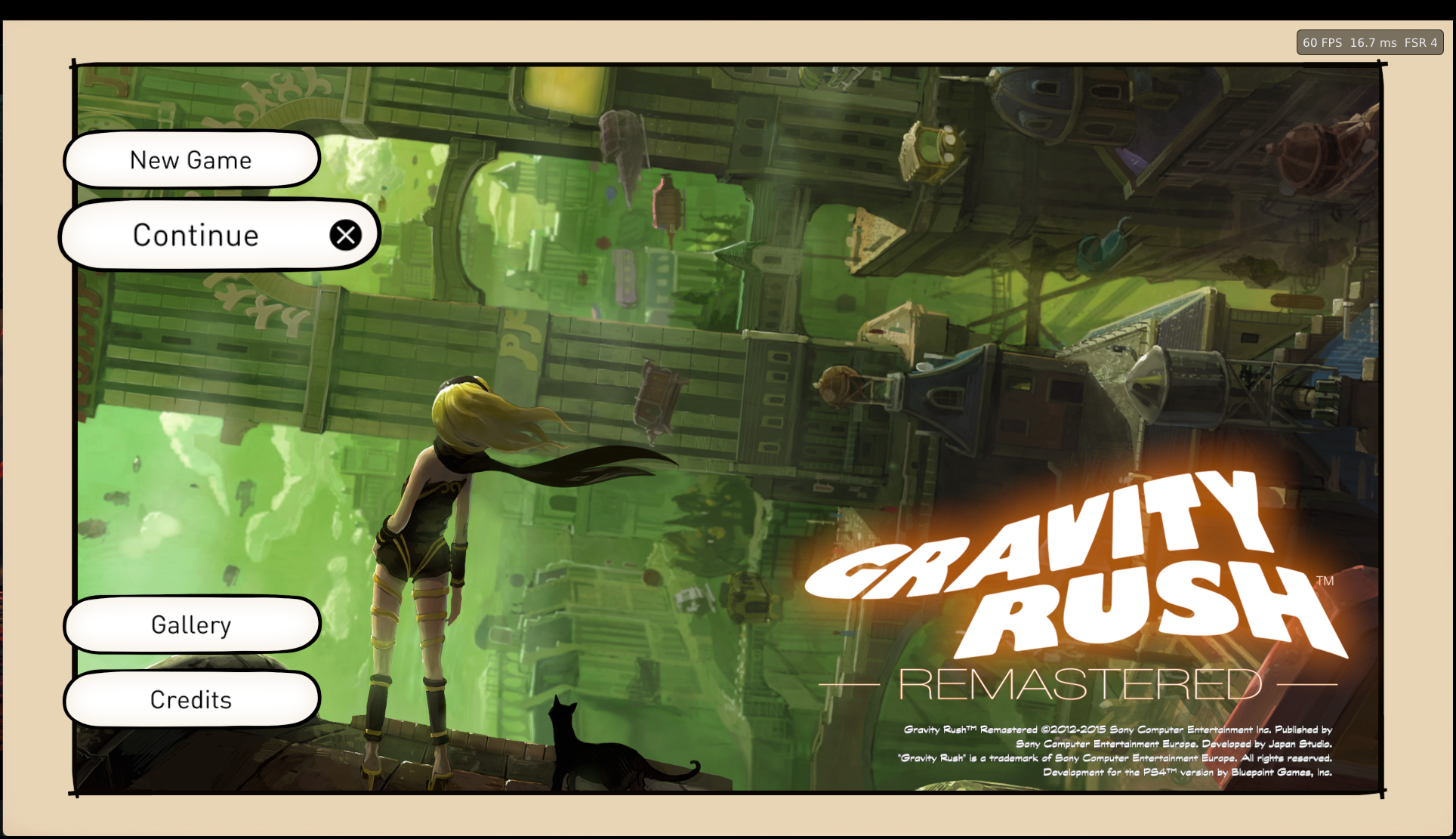
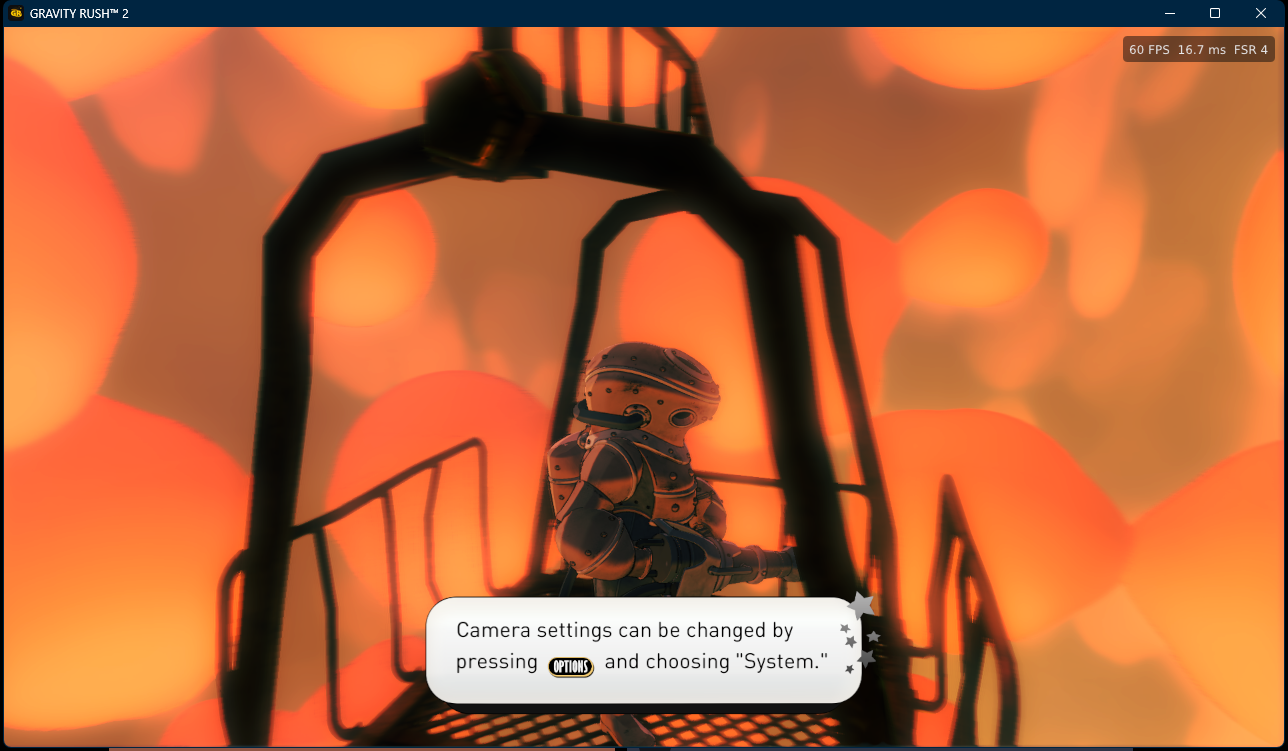
GRport runs your own PS4 copies of the games natively on Windows: its own runtime, its own audio, FSR 4 / DLSS anti-aliasing, Gravity Rush Remastered at up to 144 FPS and Gravity Rush 2 at up to 120 FPS.
| Gravity Rush Remastered | Gravity Rush 2 |
|---|---|
 |  |
GRport is an unofficial, free fan project. It is not affiliated with, endorsed by or sponsored by Sony Interactive Entertainment. "Gravity Rush", "PlayStation" and "PS4" are trademarks of their owners. GRport contains no game files: you need your own copy of the games, dumped from your own PS4. Please don't ask for game files.
Download
Get the latest release from the Releases page:
GRport-<version>-windows.zip: everything except FSR 4.GRport-<version>-windows-fsr.zip: the same plus FSR 4.
Unzip it anywhere (not inside Program Files), start GRport.exe, choose each game's dumped
folder (the one with eboot.bin) and press PLAY. The first PLAY prepares the game for
GRport (about a minute). Later versions install from the launcher: CHECK FOR UPDATES (next
to LOG) finds them, and your saves and settings stay.
Supported games
| Game | Tested | Also expected to work |
|---|---|---|
| Gravity Rush Remastered | Europe (CUSA01113), version 1.00 | USA (CUSA01130) |
| Gravity Rush 2 | USA (CUSA03694), version 1.11 | Europe, version 1.11 |
The launcher reads each copy's region from the game itself. Gravity Rush 2's frame rate patches are for version 1.11; if they don't fit a copy, it plays at 30 FPS.
Features
- Native runtime: no PS4 firmware or system files needed.
- Sound: GRport's own audio engine for the games' music, voices and effects.
- Anti-aliasing: FSR 3.1, FSR 4 (FSR edition), DLSS (NVIDIA RTX) or TAA, with sharpening; FSR 1 for screens above 1080p. Open GRport's menu in the game with Insert or L3+R3.
- Gravity Rush Remastered at 60, 90, 120 or 144 FPS and Gravity Rush 2 at 60, 90 or 120 FPS (launcher SETUP), with Junmin Lee's frame rate patches and gravity kick camera fix, which the launcher downloads from his repository at the first PLAY.
- Patches (launcher SETUP), also by Junmin Lee: Gravity Rush 2 motion blur off, ambient occlusion trail fix, auto-exposure fix, skip intro, Cross confirms, cheats and unlocks; Gravity Rush Remastered skip intro.
- Window: Fullscreen (exclusive), Borderless (best for streaming / screen sharing) or Window.
- Threading (Auto, On, Off per game) and desktop / Start menu shortcuts (launcher SETUP).
- Saves, Continue and Gallery; language of menus and subtitles; keyboard, mouse and controllers; FPS counter.
Known problems
- Sound can stop after Alt+Tab.
- Tested so far: the openings and the early game of both games.
- DLSS has not been tested on an NVIDIA card yet.
If something goes wrong, use LOG > Copy for bug report in the launcher and open an issue.
Source
launcher/: the launcher (Python, Tkinter);bash build.shbuildsGRport.exe.prepare/: the prepare step that links the game for the runtime (gr-prepare.exe).runtime/: the runtime's source, as a patch to the GPL runtime it is based on (seeruntime/README.md).
Credits
- The Windows PS4 runtime by Supermedo and the shadPS4 project, on which GRport's runtime is built (GPL).
- Junmin Lee: Gravity Rush 2 frame rate patches and crash fix (downloaded from his repository, not included).
- AMD FidelityFX (FSR), NVIDIA DLSS SDK, LibAtrac9 and the other libraries listed in the
release's
licensesfolder.
License
GPL-2.0-or-later (see LICENSE); bundled libraries keep their own licenses.