ReKHCoM
ReKHCoM is a Windows port of Kingdom Hearts: Chain of Memories for Game Boy Advance with widescreen support and optional HD text.
- Type: PC port
- Game: Kingdom Hearts: Chain of Memories
- Runs on Windows
- By MatyMeatBoy
- Latest release v1.8.3, 2026-10-16
- Source: https://github.com/MatyMeatBoy/ReKHCom
- Website: https://matymeatboy.github.io/ReKHCom/
README
ReKHCoM
PC and browser port of Kingdom Hearts: Chain of Memories (Game Boy Advance), built on top of the matching decompilation by Pheenoh/khcom.
The decompiled game runs as a real Windows program, with its own renderer, audio and launcher, with widescreen and ultrawide support at the cartridge's original speed.
⬇ Download ReKHCoM v1.8.3 for Windows · ▶ Play in your browser · Alpha 2 · Changelog · Previous version tags
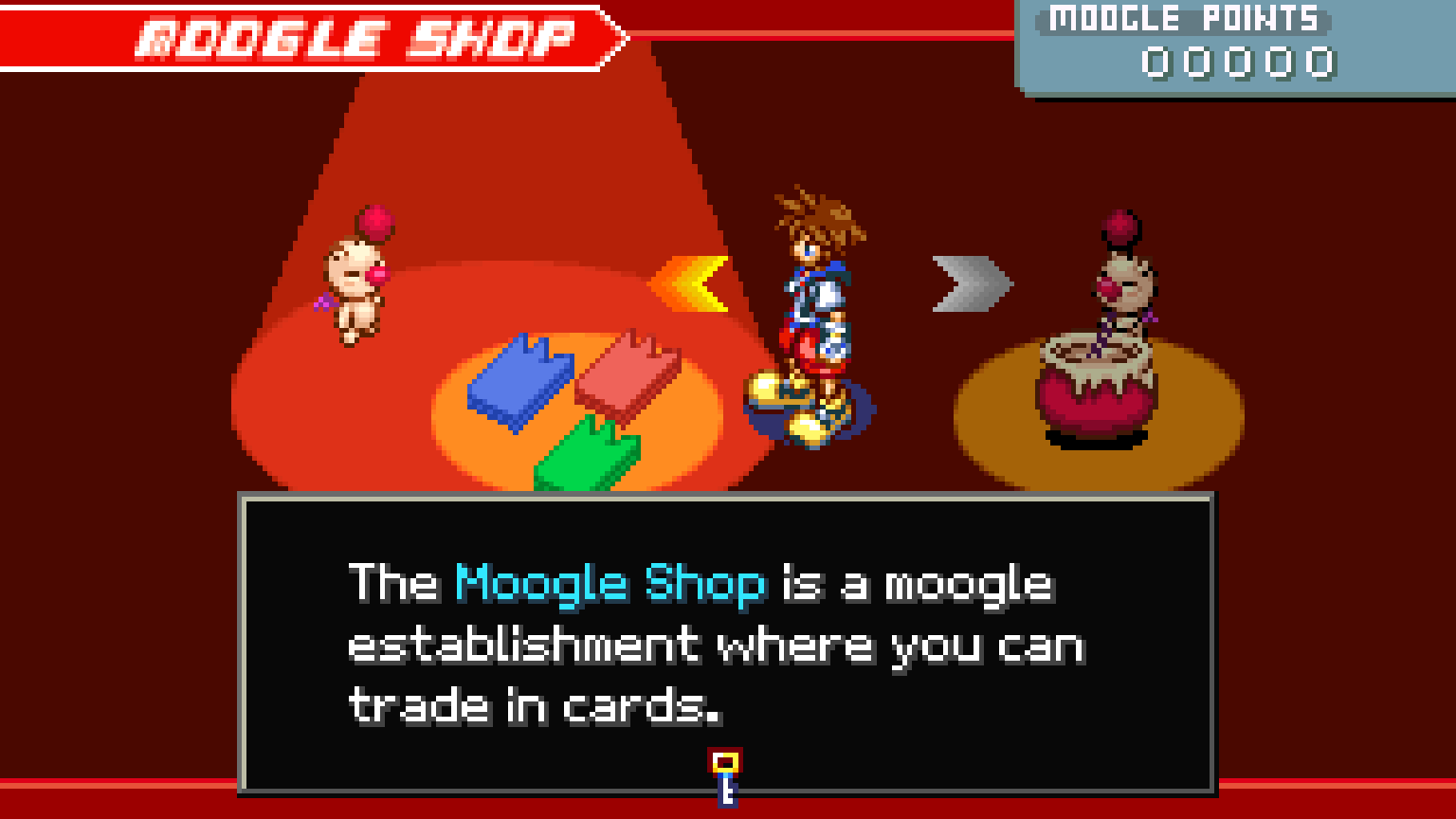
Works with the European, US and Japanese cartridges (your own dump; no ROM is included), in all five European languages, English (US) and Japanese.
What's new in v1.8.3
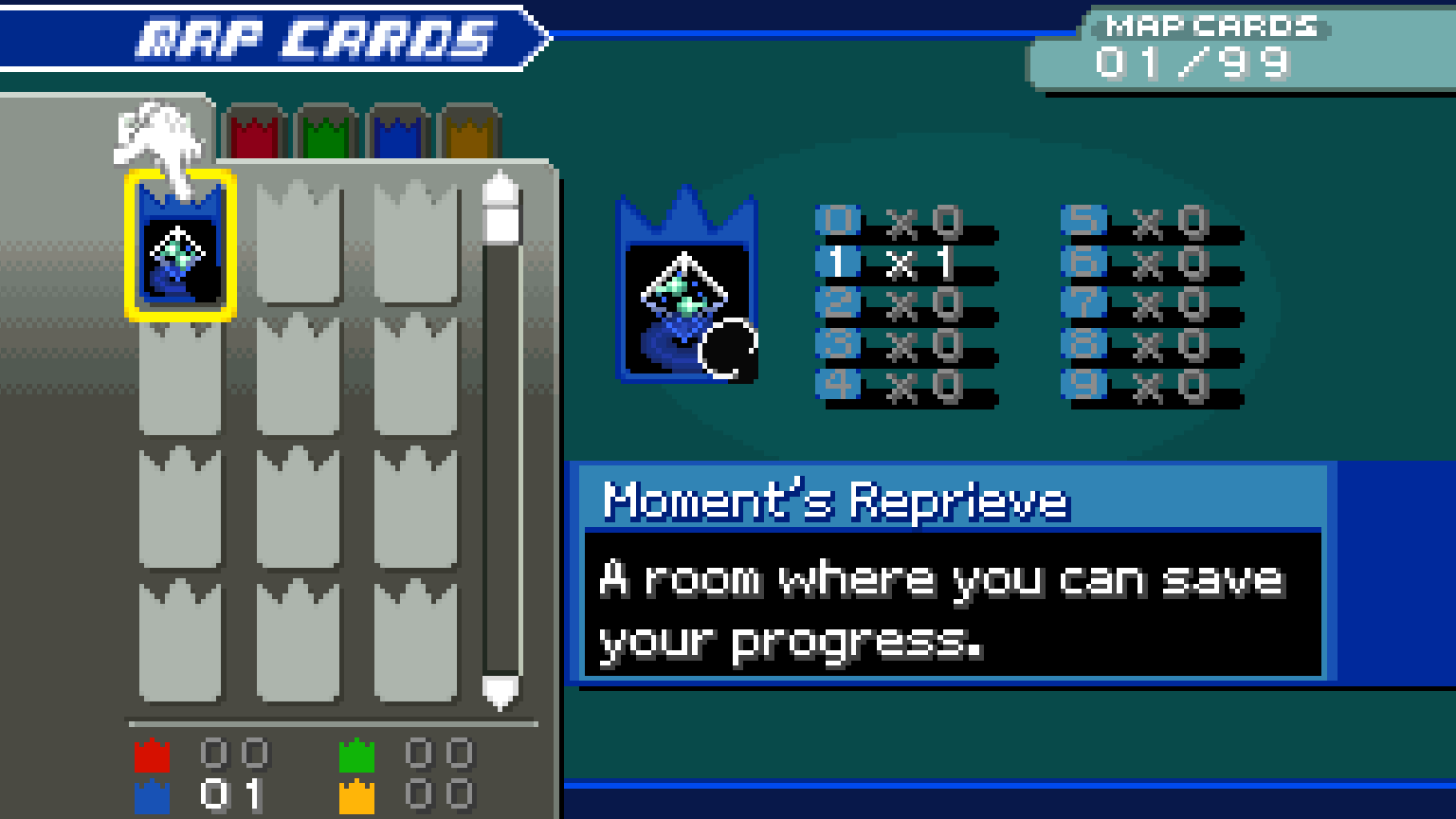
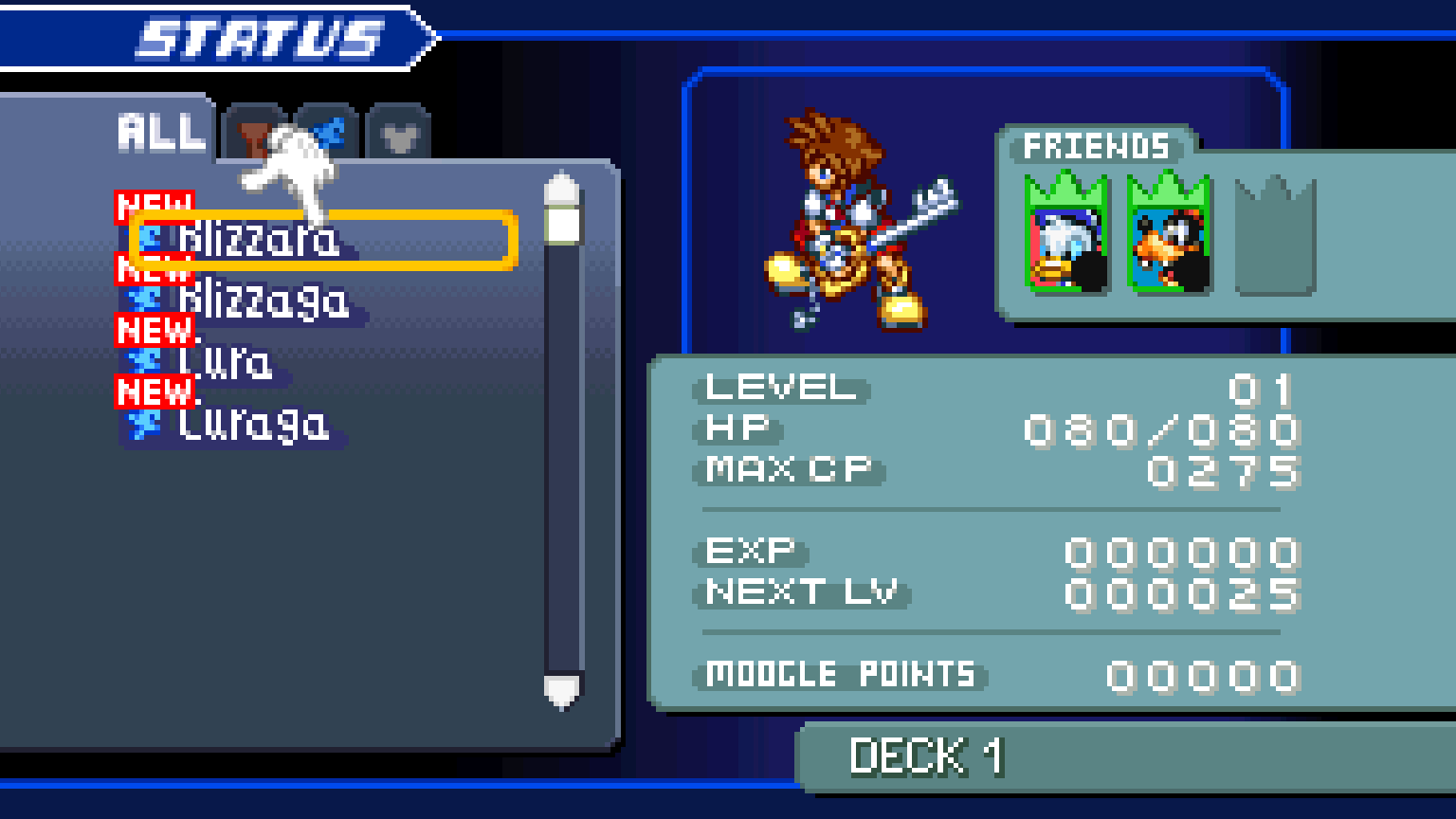
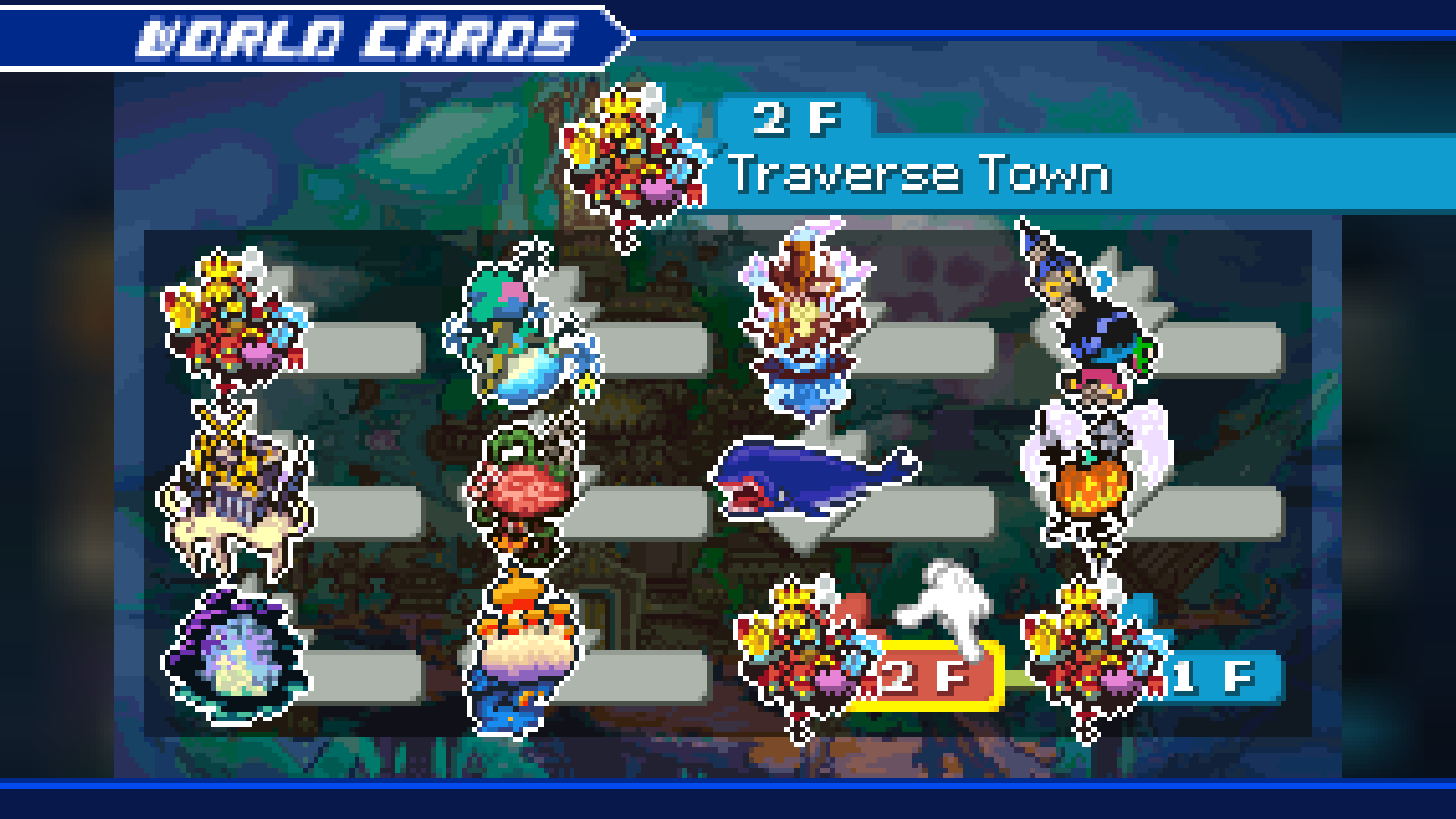
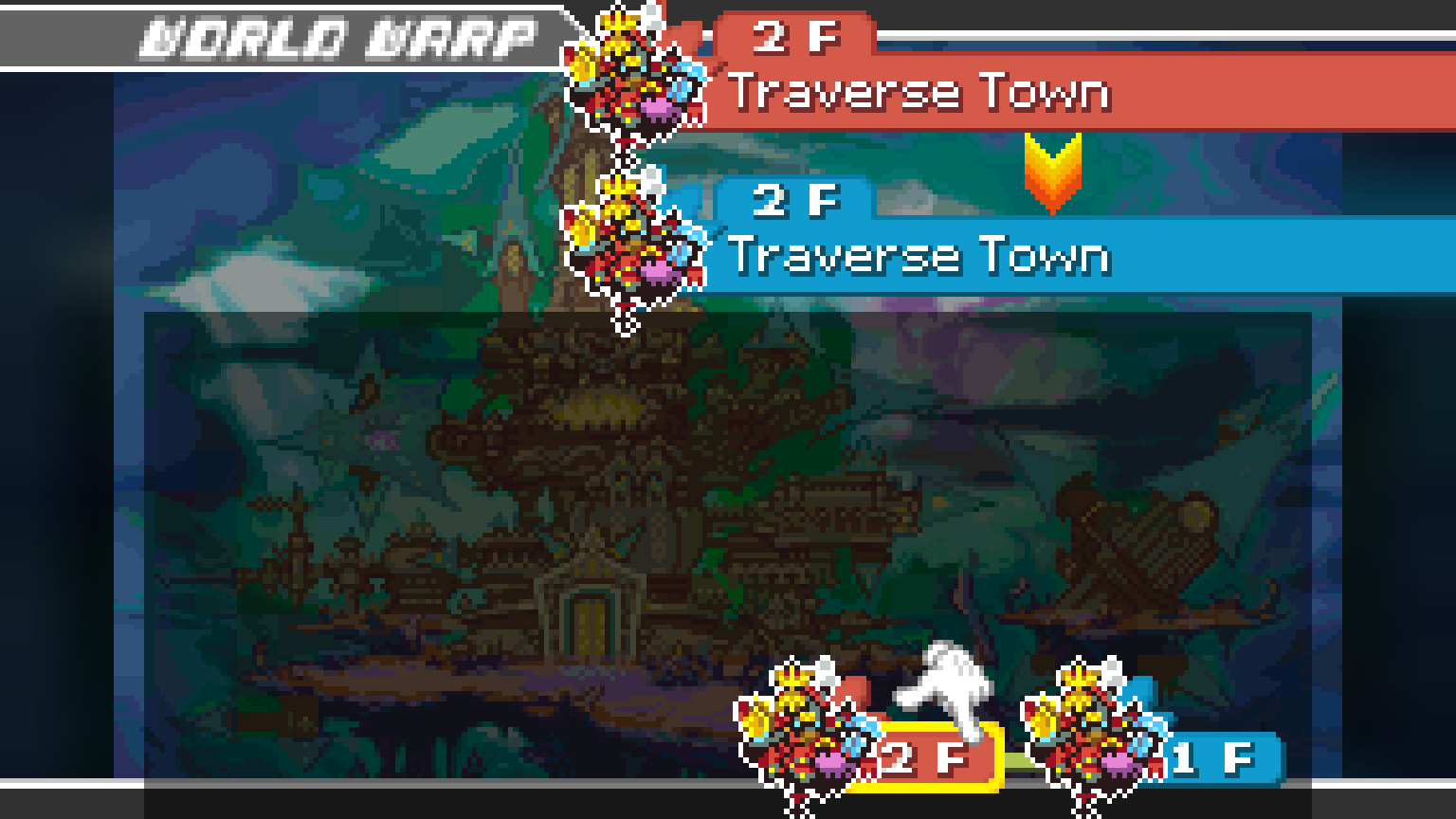
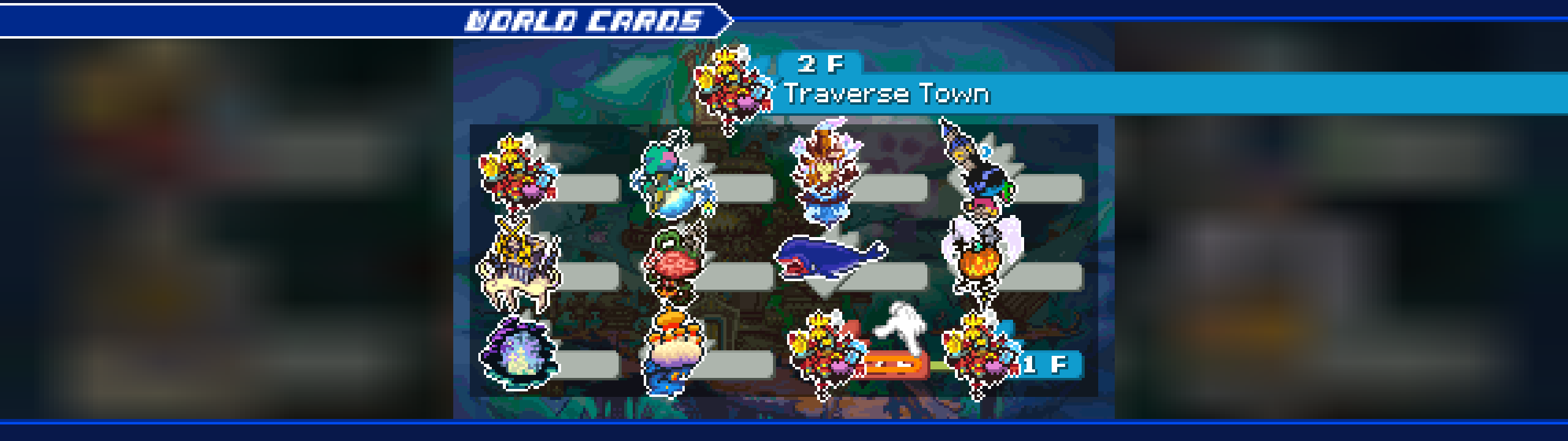
- Cleaner menu animations. The pointing glove no longer turns into a white stripe when opening or closing Map Cards. Status screens keep their corrected transitions too, including on ultrawide monitors.
- All recent fixes included. Smoother audio without the reported buzz, cleaner room changes and title fades, and correctly filled cinematic borders.
- x4 zoom by default. Choose your preferred numbered scale in the launcher or in-game options. No intermediate steps clutter the selector.
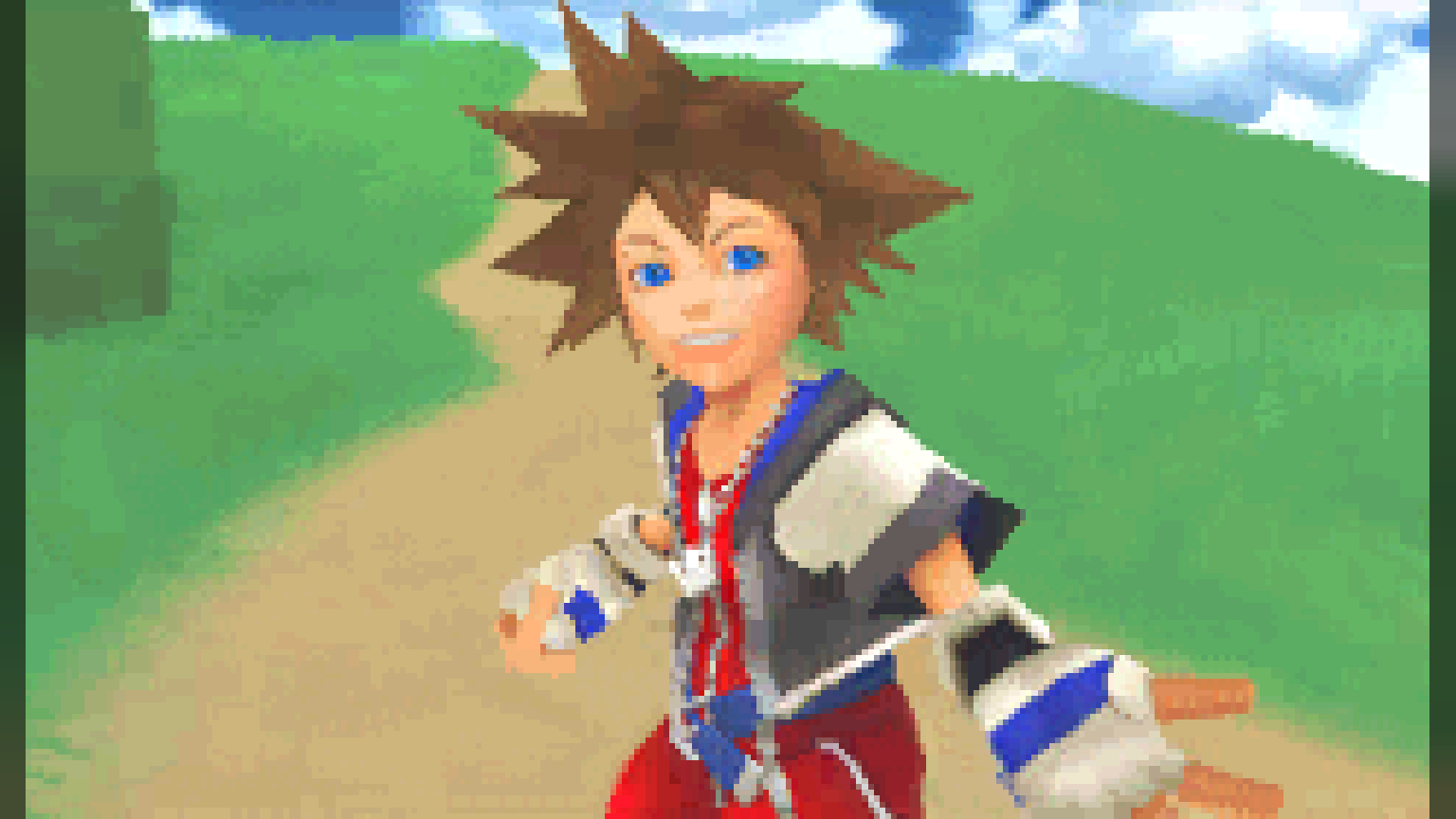
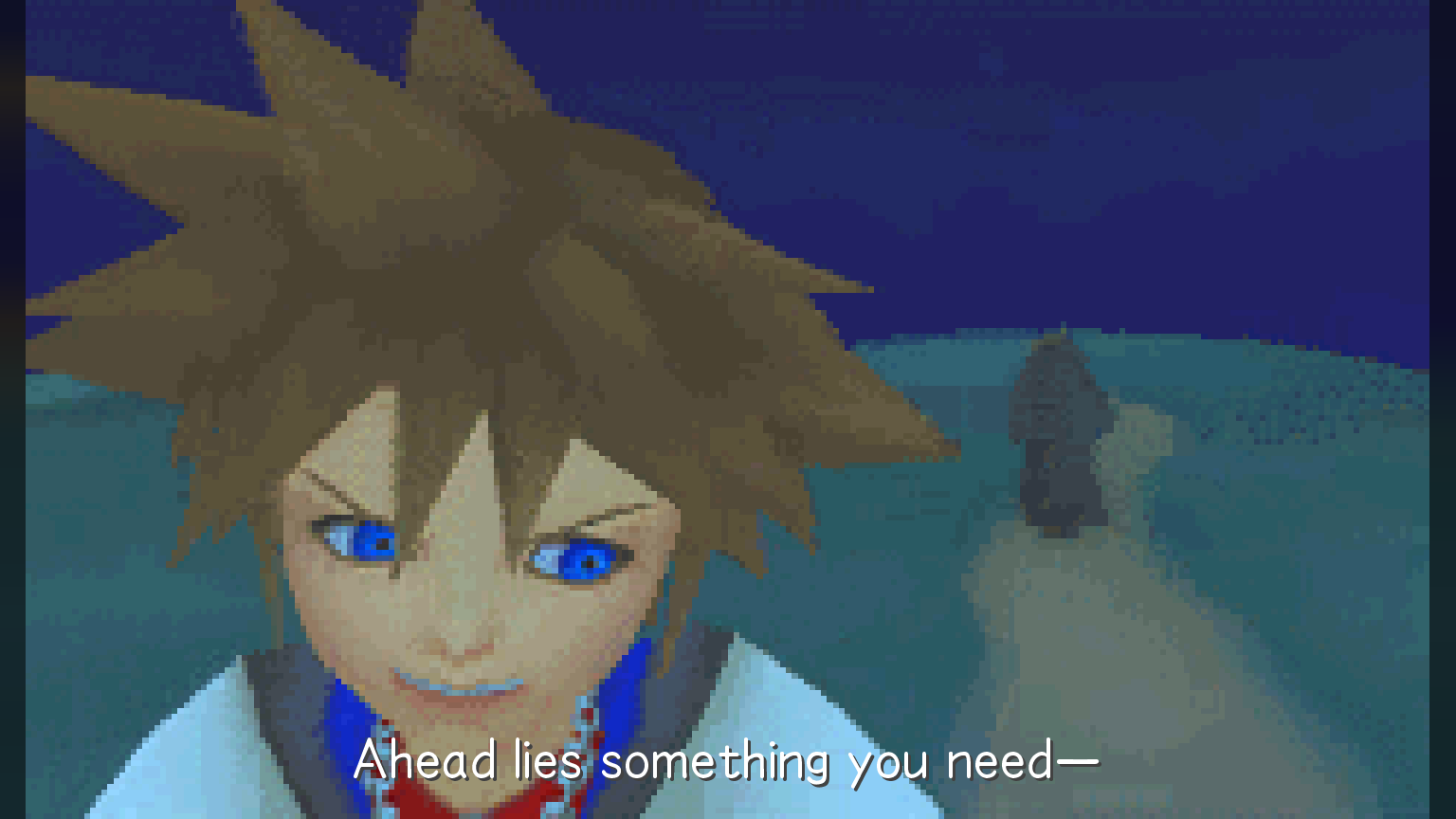
- Crisp text where it helps. Optional HD dialogue, subtitles and menus; experience and level-up numbers keep their original pixel art.
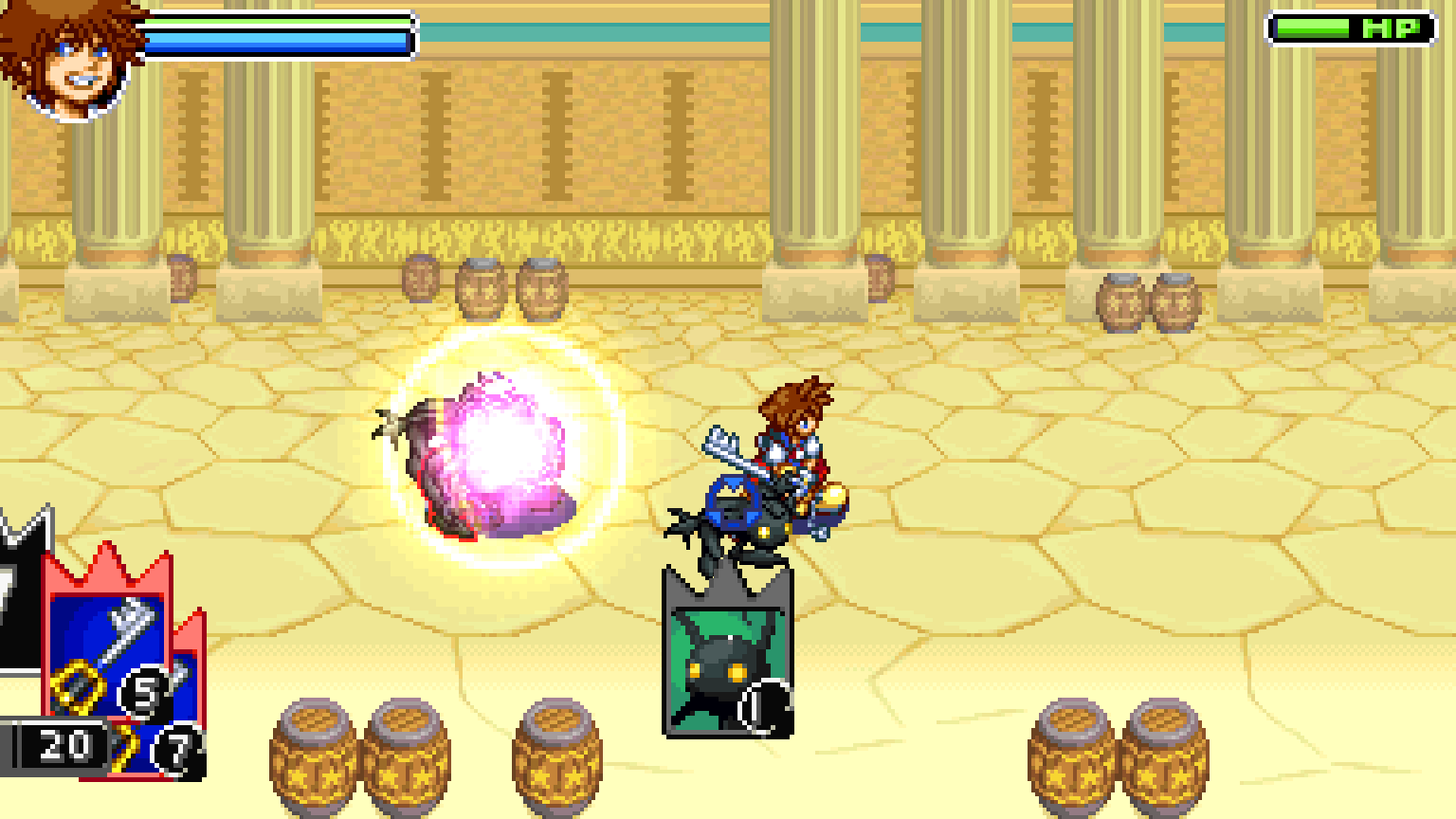
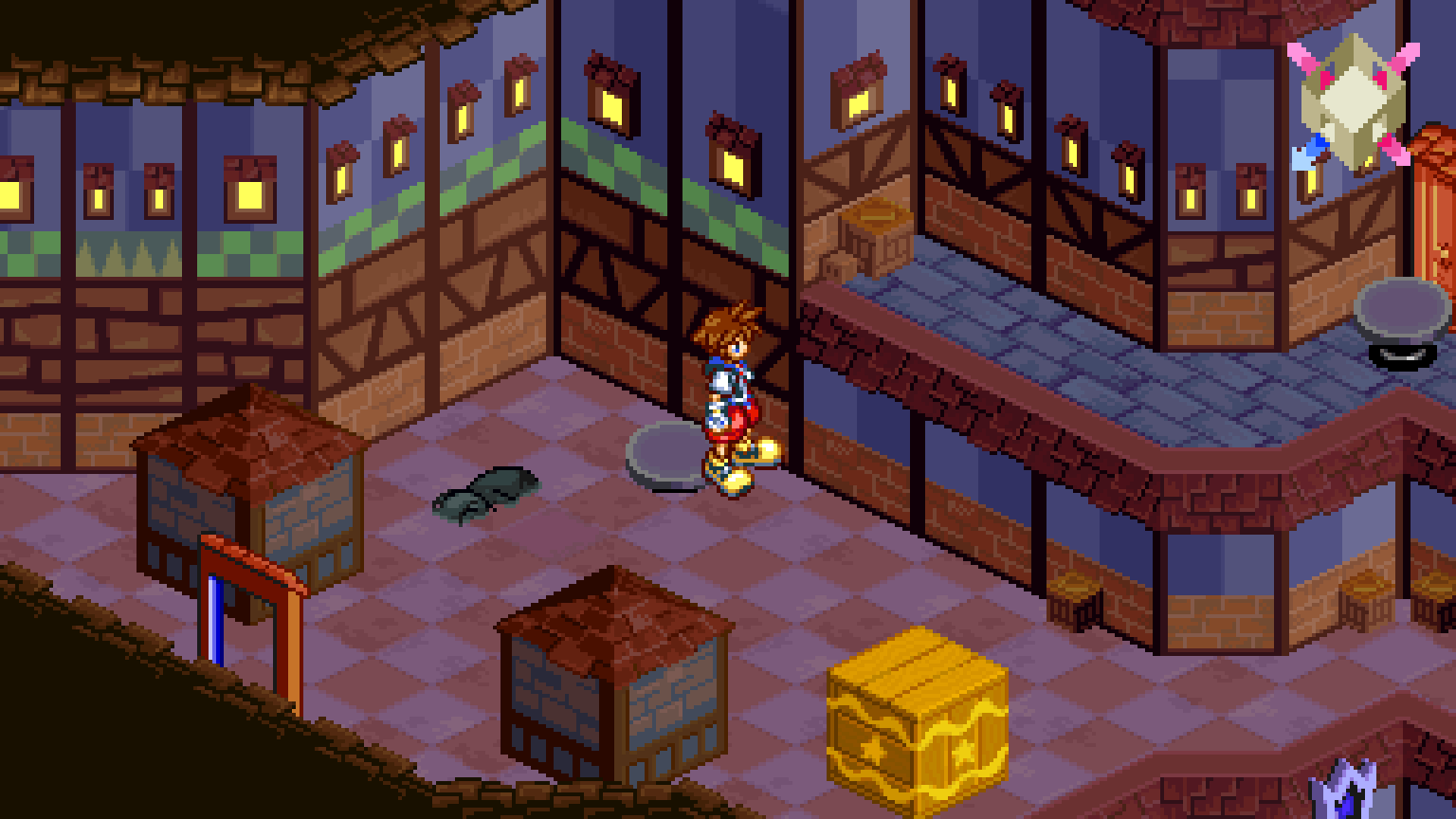
The gameplay, menu, language and launcher screenshots below were captured from v1.8.3. The unchanged new-game selection screens remain reference images.
Highlights
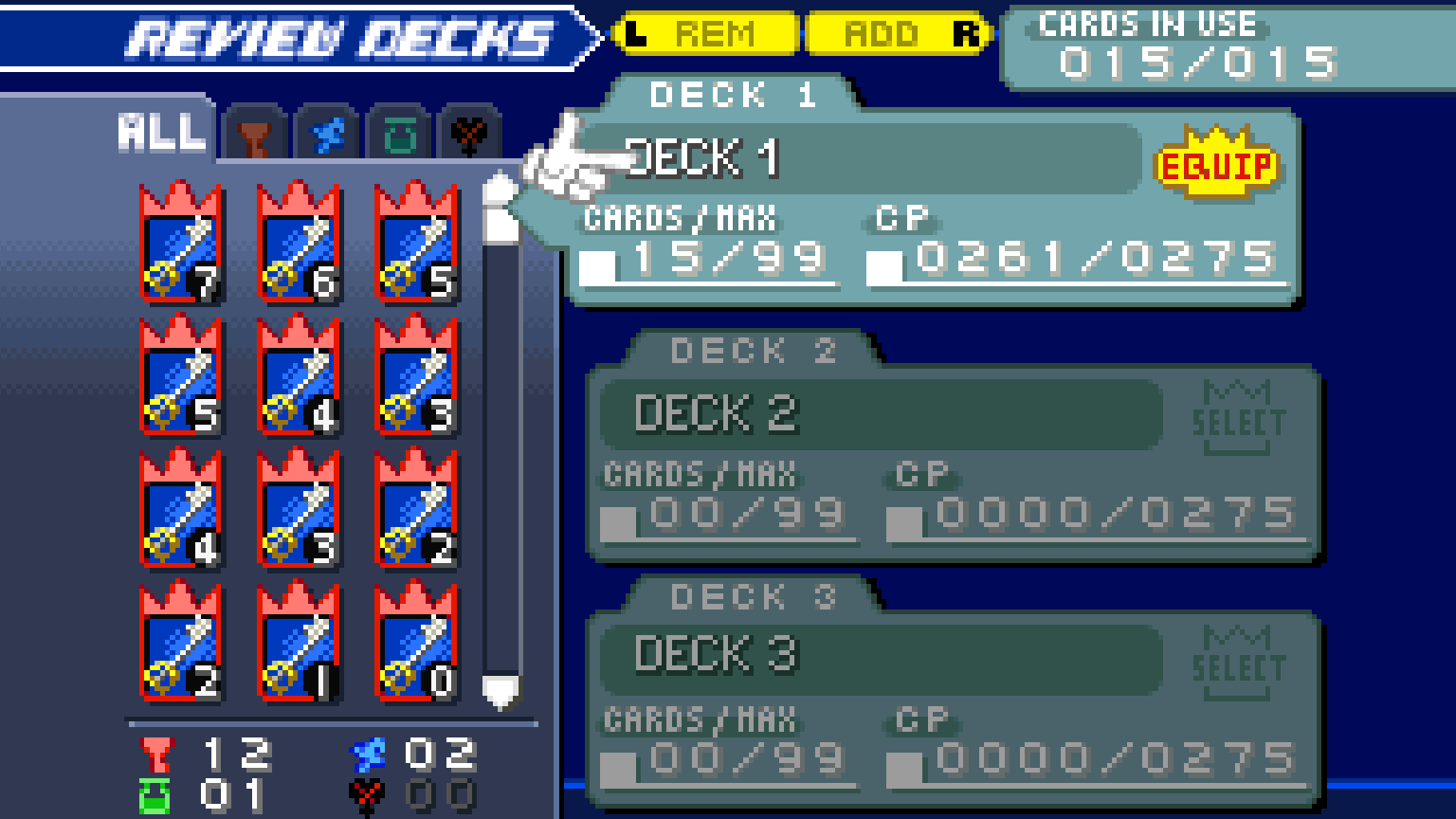
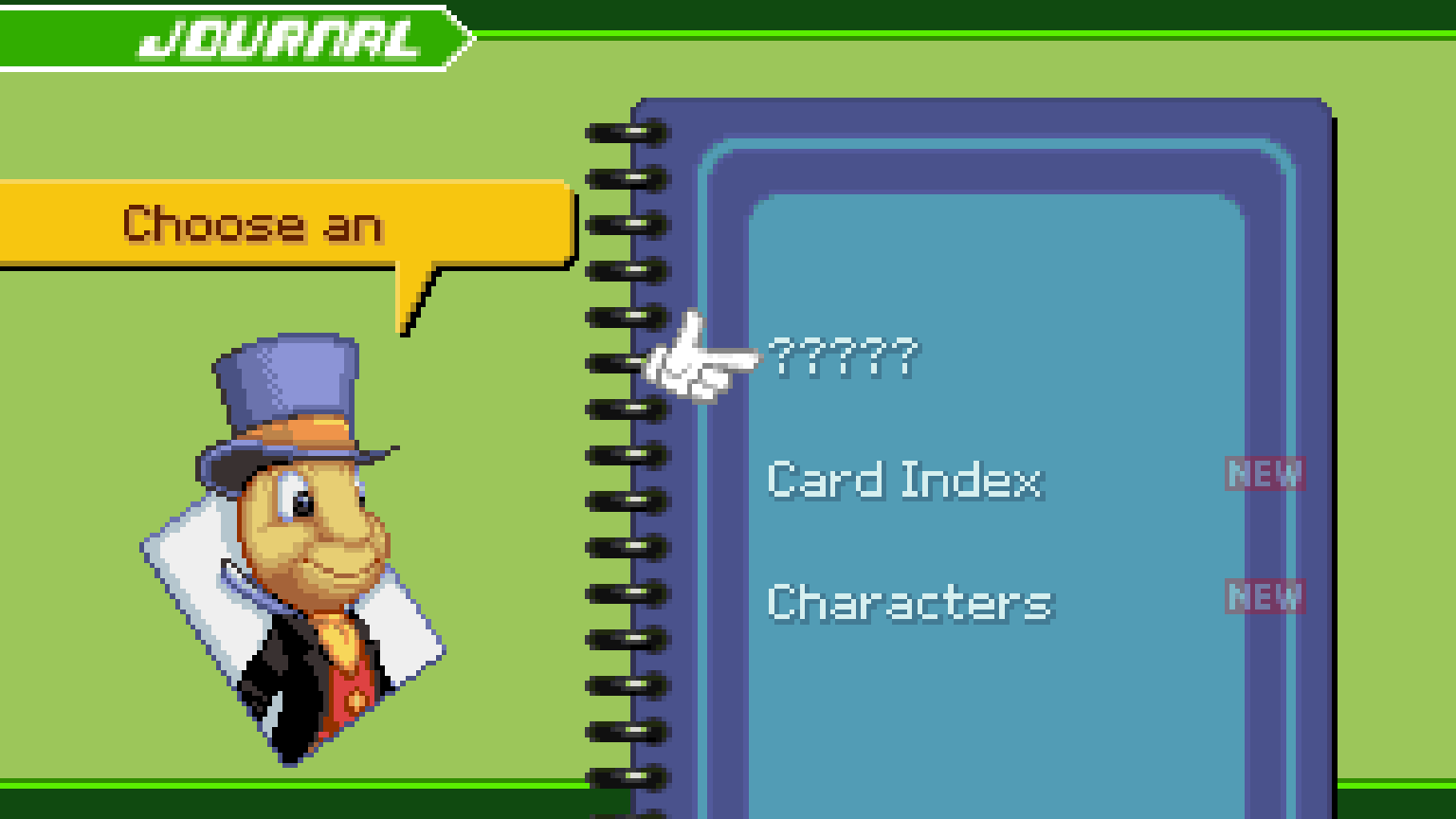
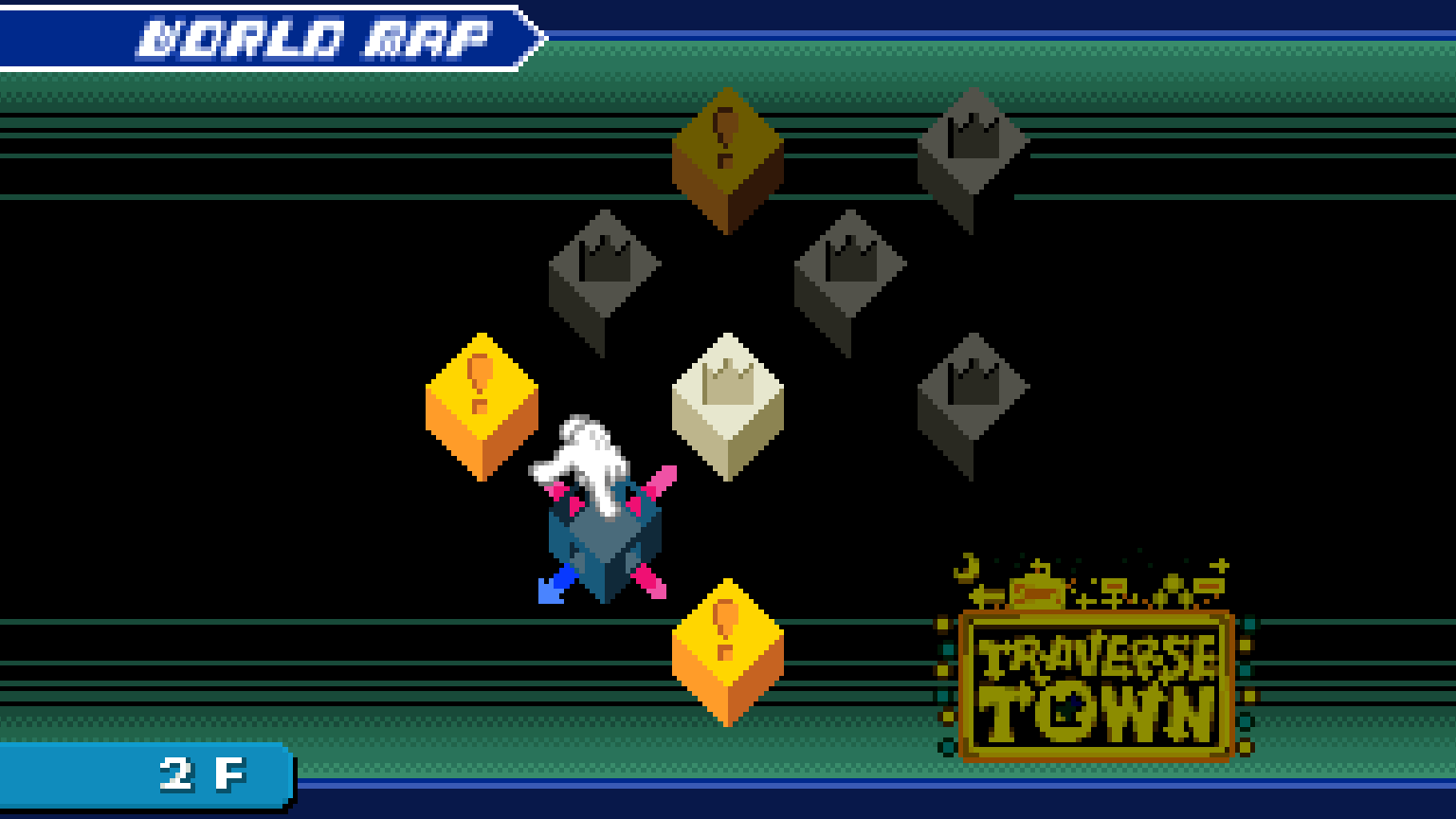
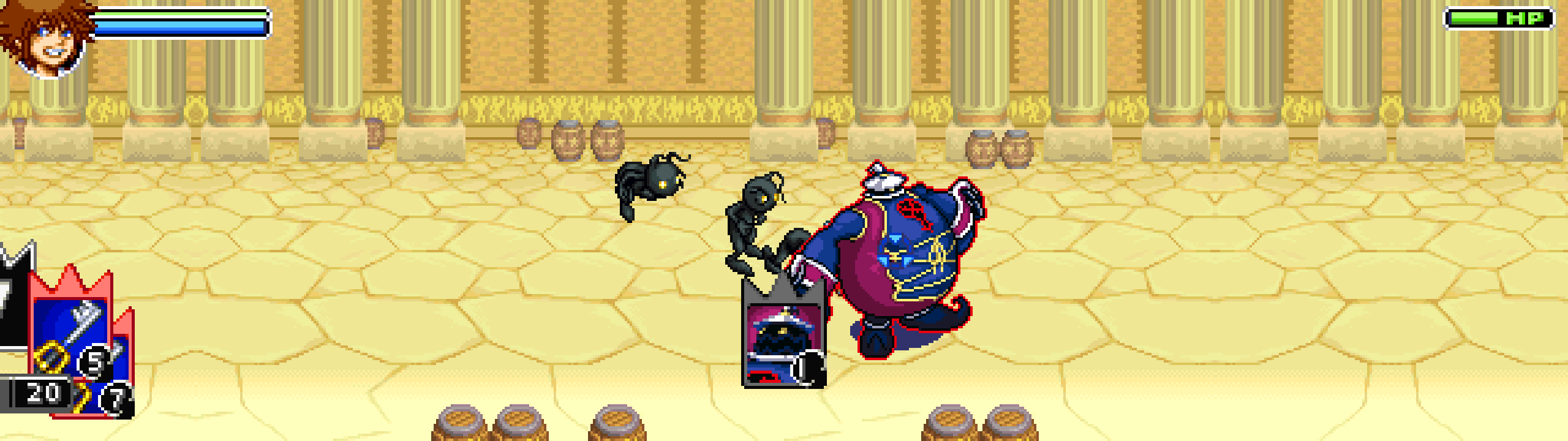
- 16:9 and ultrawide without stretching. Fields and battles show more of the world on any window shape, 16:10 to 32:9; the menus that stay GBA-sized get margins drawn from the screen's own art (bars, boxes, panels, stipple, checkerboards) on the picture's exact pixel grid at any scale. An Aspect ratio option keeps the picture at 16:9 or 21:9 on wider monitors.
- Original pace, smoother sound. Play at the cartridge's original speed, with optional audio smoothing and native movie playback.
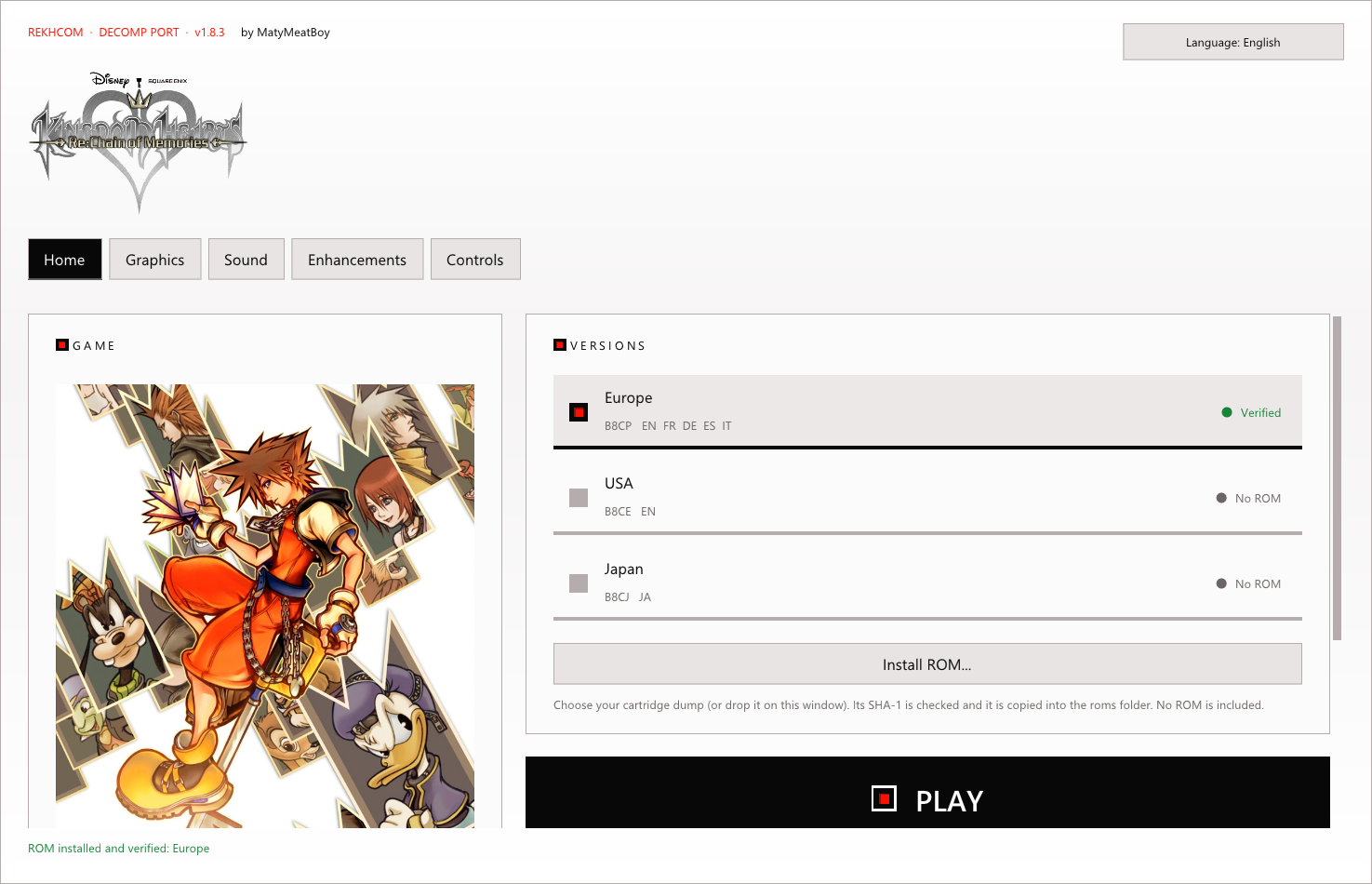
- Launcher. Installs and checks your dump (SHA-1), picks the version, language, graphics, sound, controls and saves; imports GBA saves.
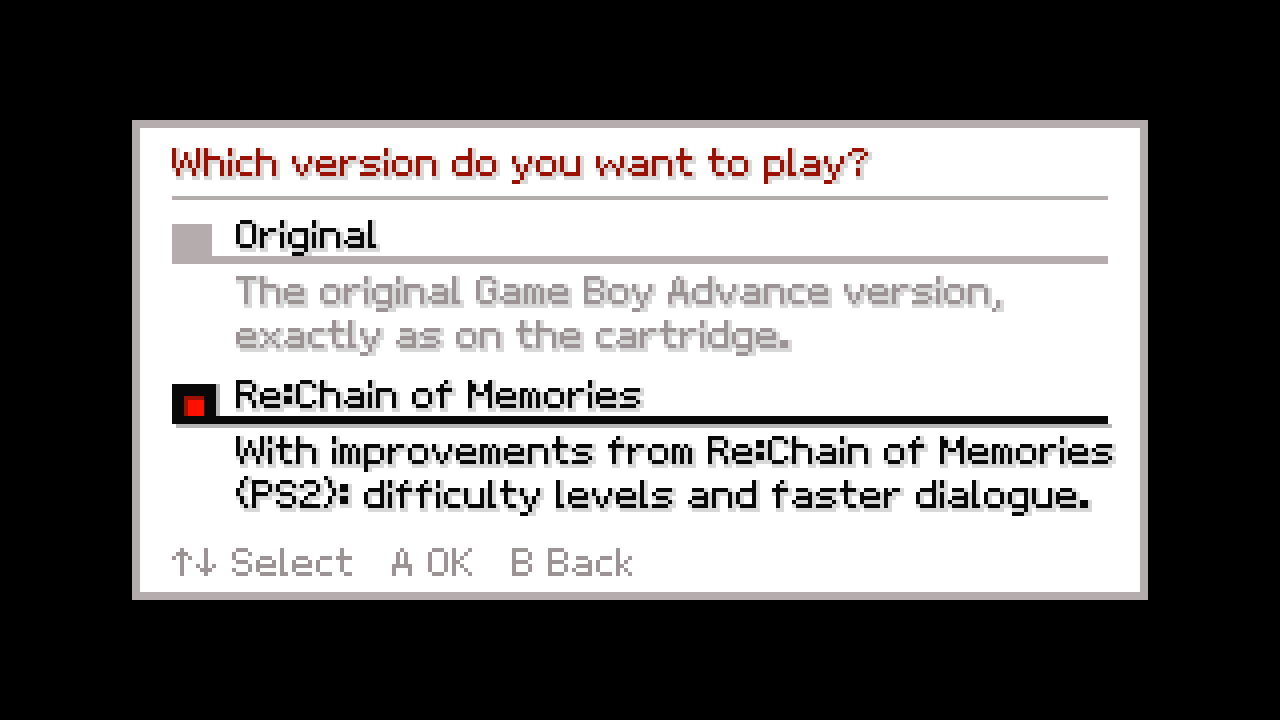
- Two ways to play. New Game asks for the version: the original, exactly as on the cartridge, or Re:Chain of Memories, with PS2-inspired difficulty levels, HD text and one-button dodge and stock.
- HD text and smooth audio as optional enhancements.
Ultrawide monitors
The view expands to 21:9 and 32:9 screens: the world gets wider, the HUD stays in the corners and the menus carry their own art out to the edges.
Original or Re:Chain of Memories
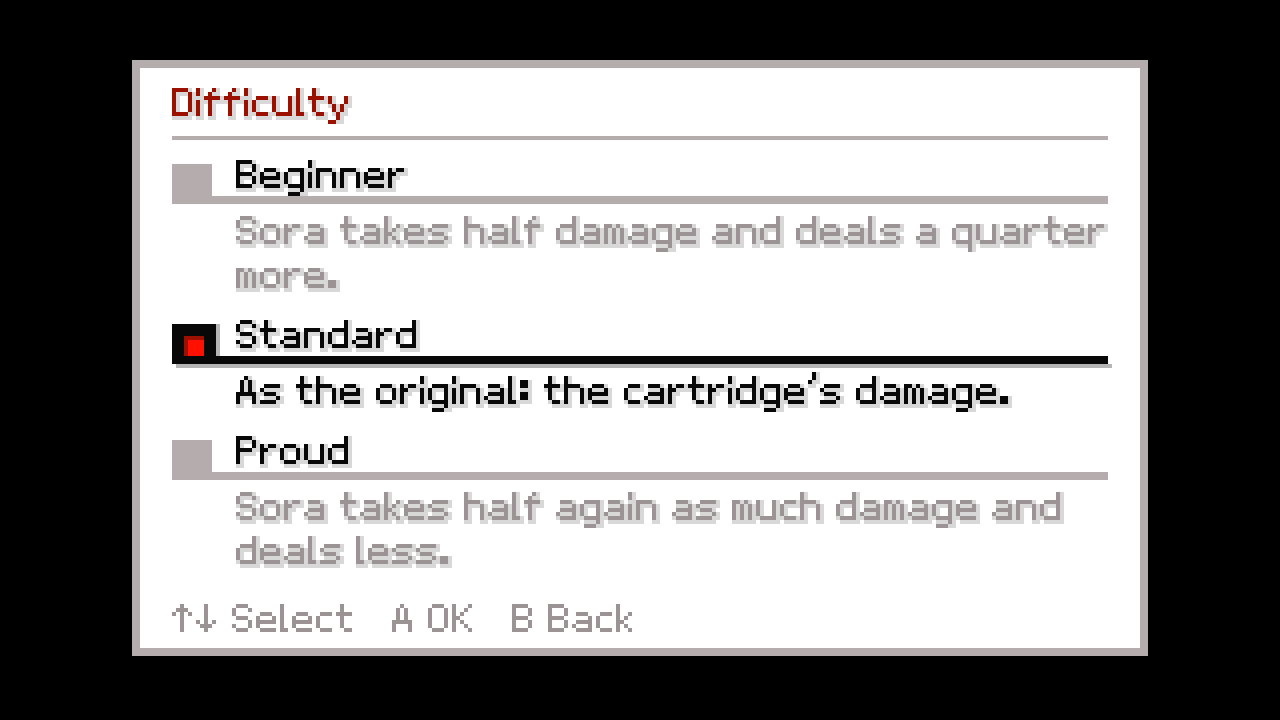
Every new game starts by asking which version to play. Original is the Game Boy Advance game exactly as on the cartridge. Re:Chain of Memories brings improvements from the PS2 remake: a choice of difficulty, faster dialogue, HD text and one-button dodge and stock. Each save remembers its version, and everything can be changed later with START + SELECT.
| Difficulty | Effect |
|---|---|
| Beginner | Sora takes half damage and deals a quarter more. |
| Standard | As the original: the cartridge's damage. |
| Proud | Sora takes half again as much damage and deals less. |
Movies, as large as your screen allows
In Fill height mode the movies are cropped to the video, without their letterbox, and scaled up at their own proportions. With HD text on, the subtitles use a crisp font at the window's resolution.
Pixel text or HD text
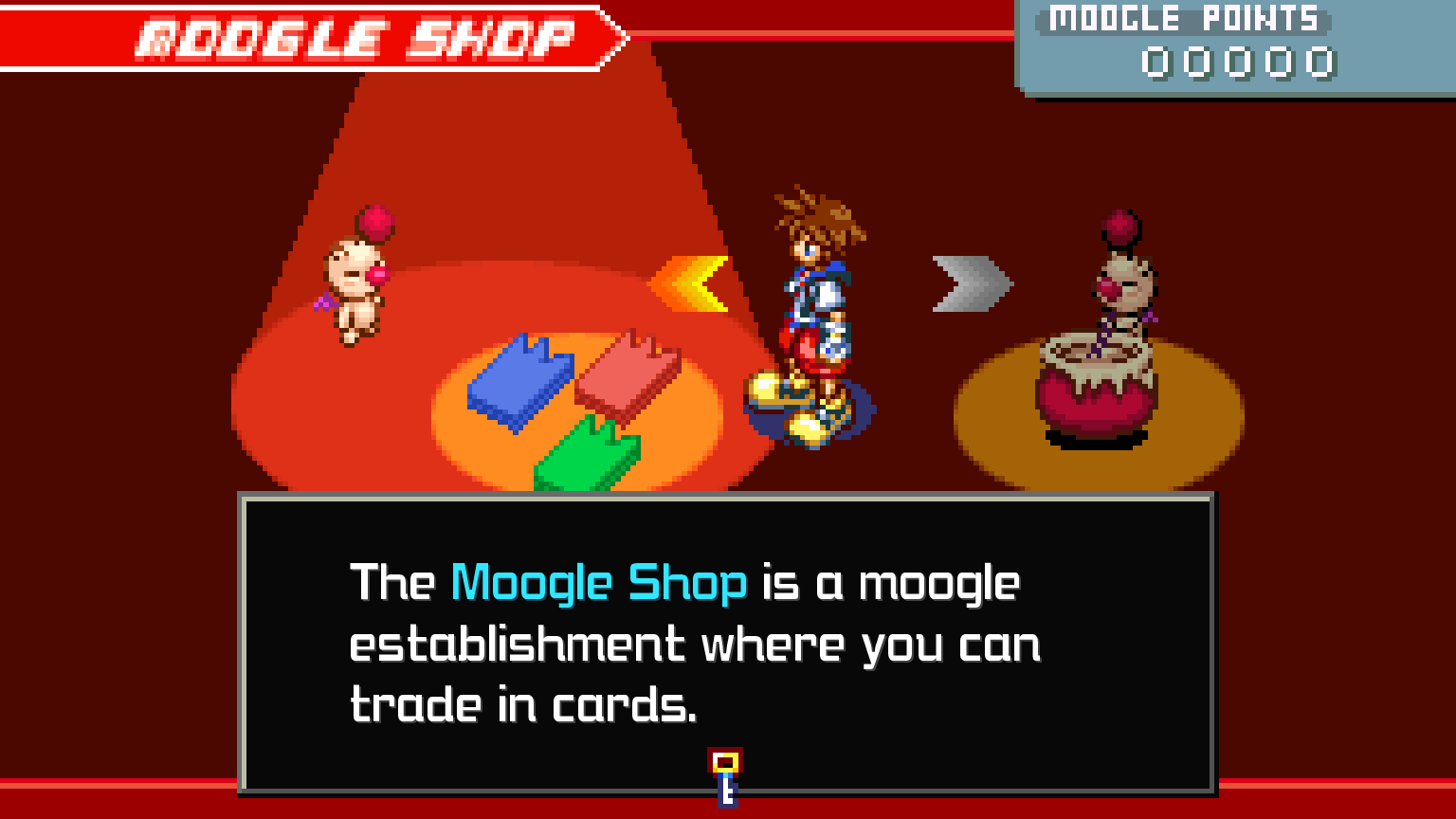
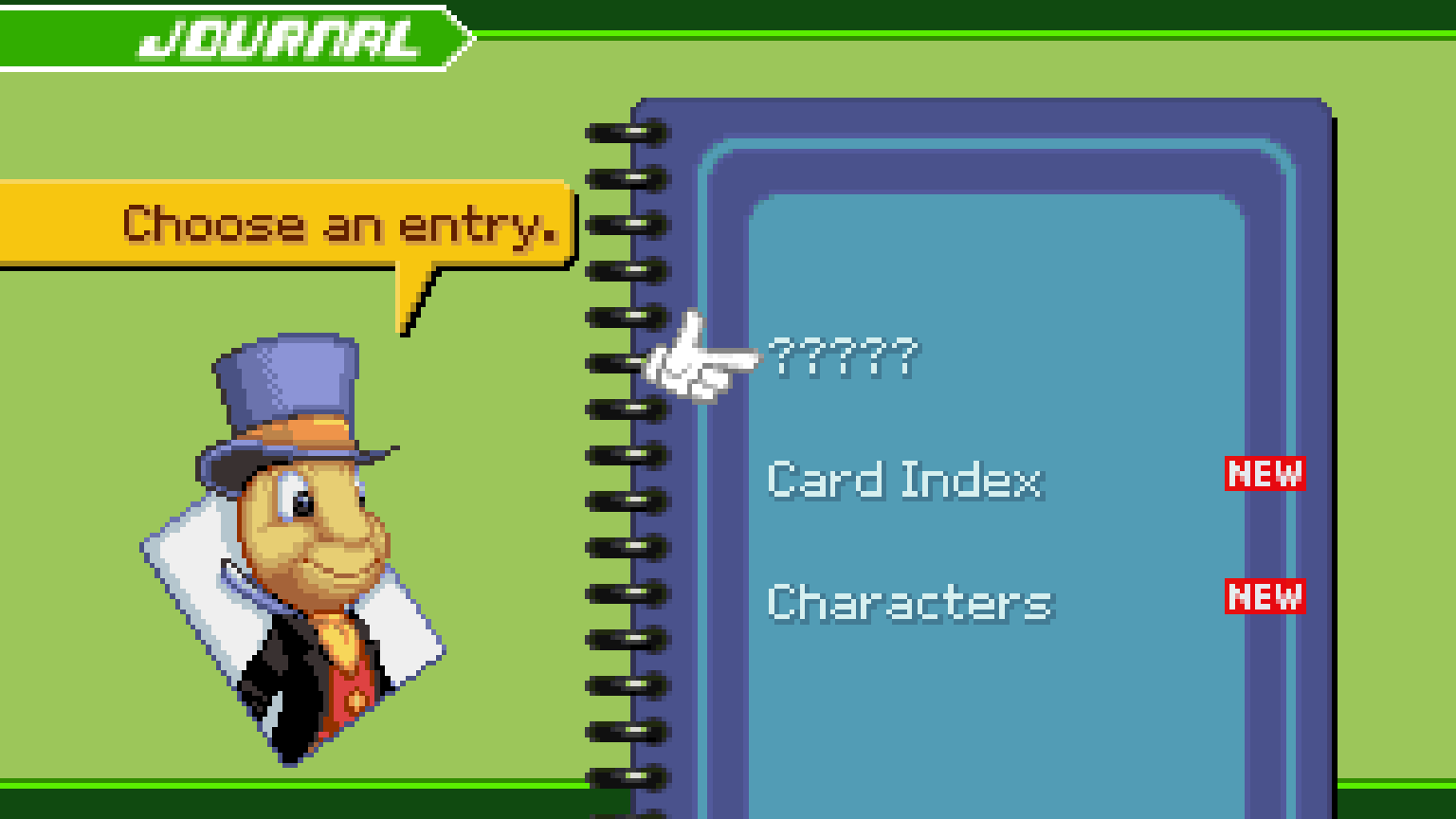
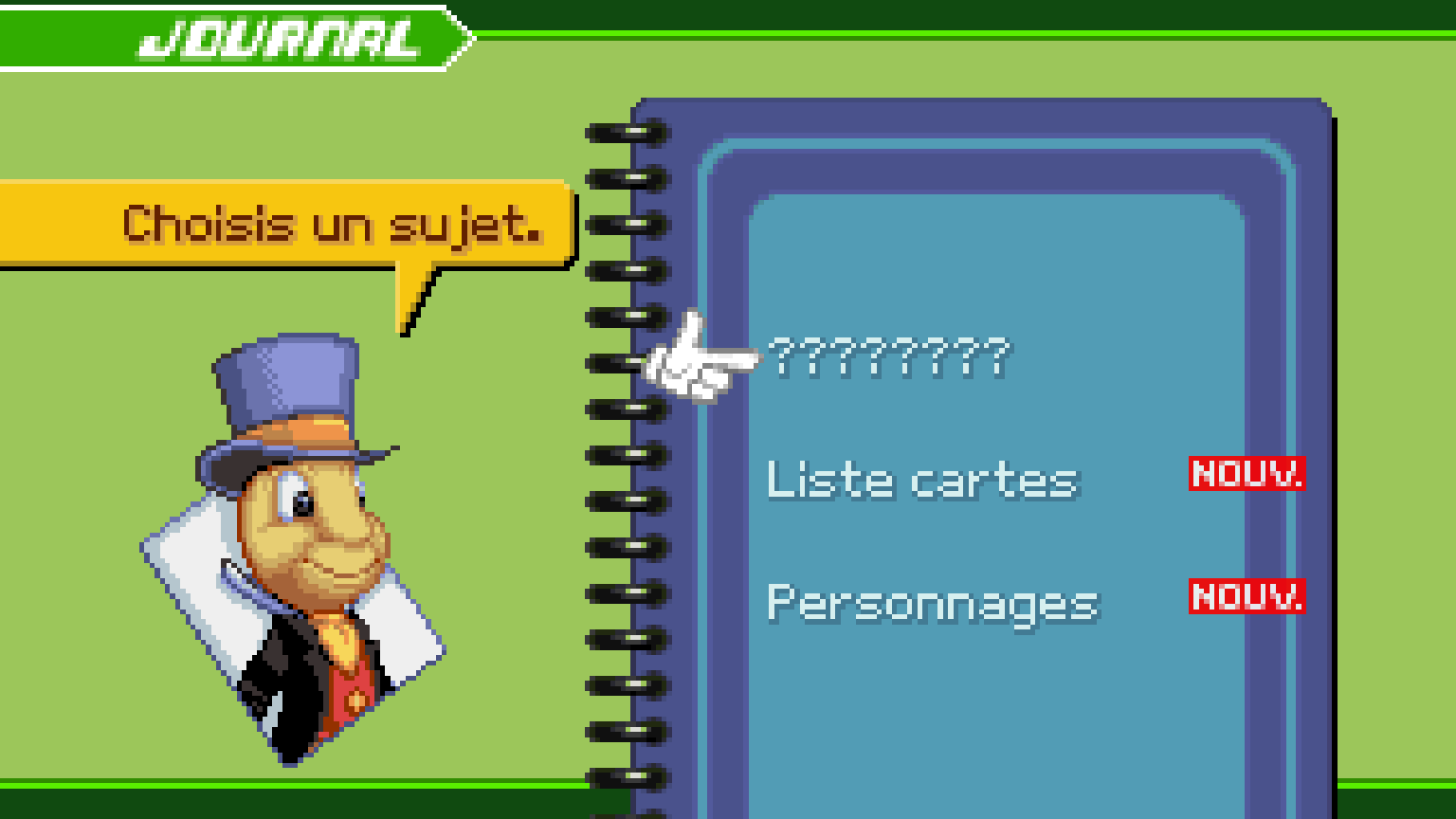
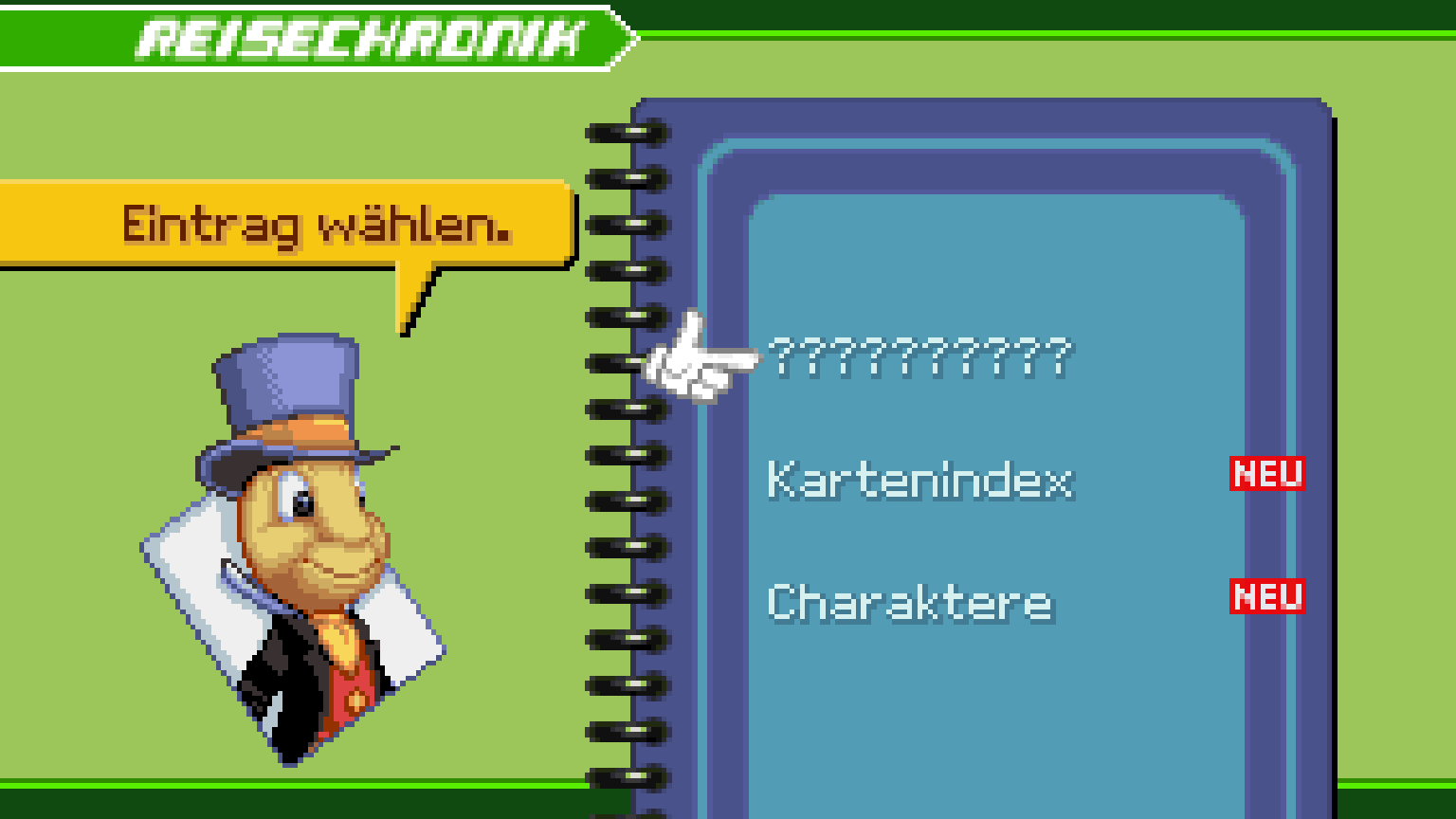
Every language of every cartridge
| English (US) | Français | Deutsch |
|---|---|---|
 |  |  |
| Español | Italiano | 日本語 |
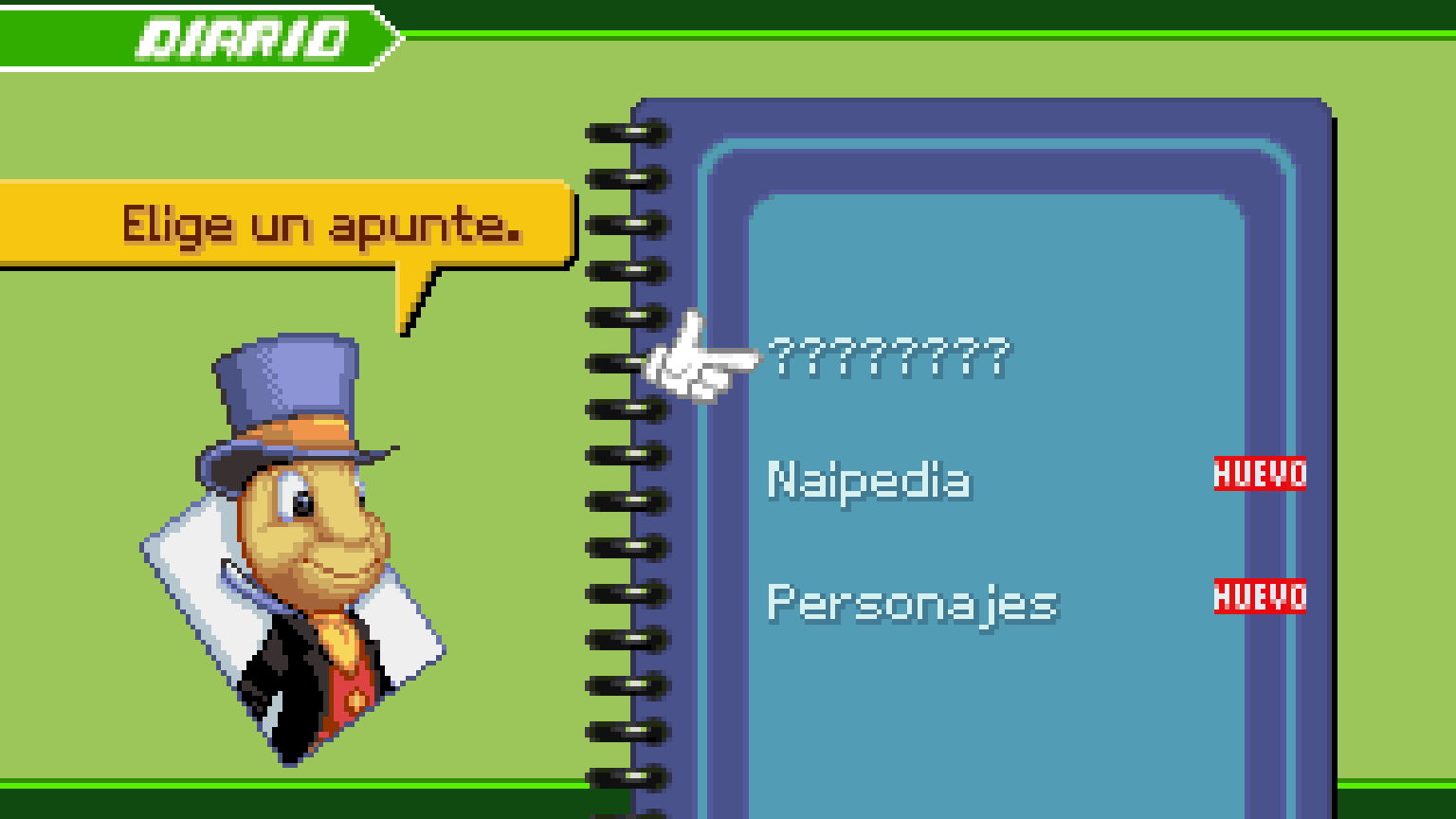 | 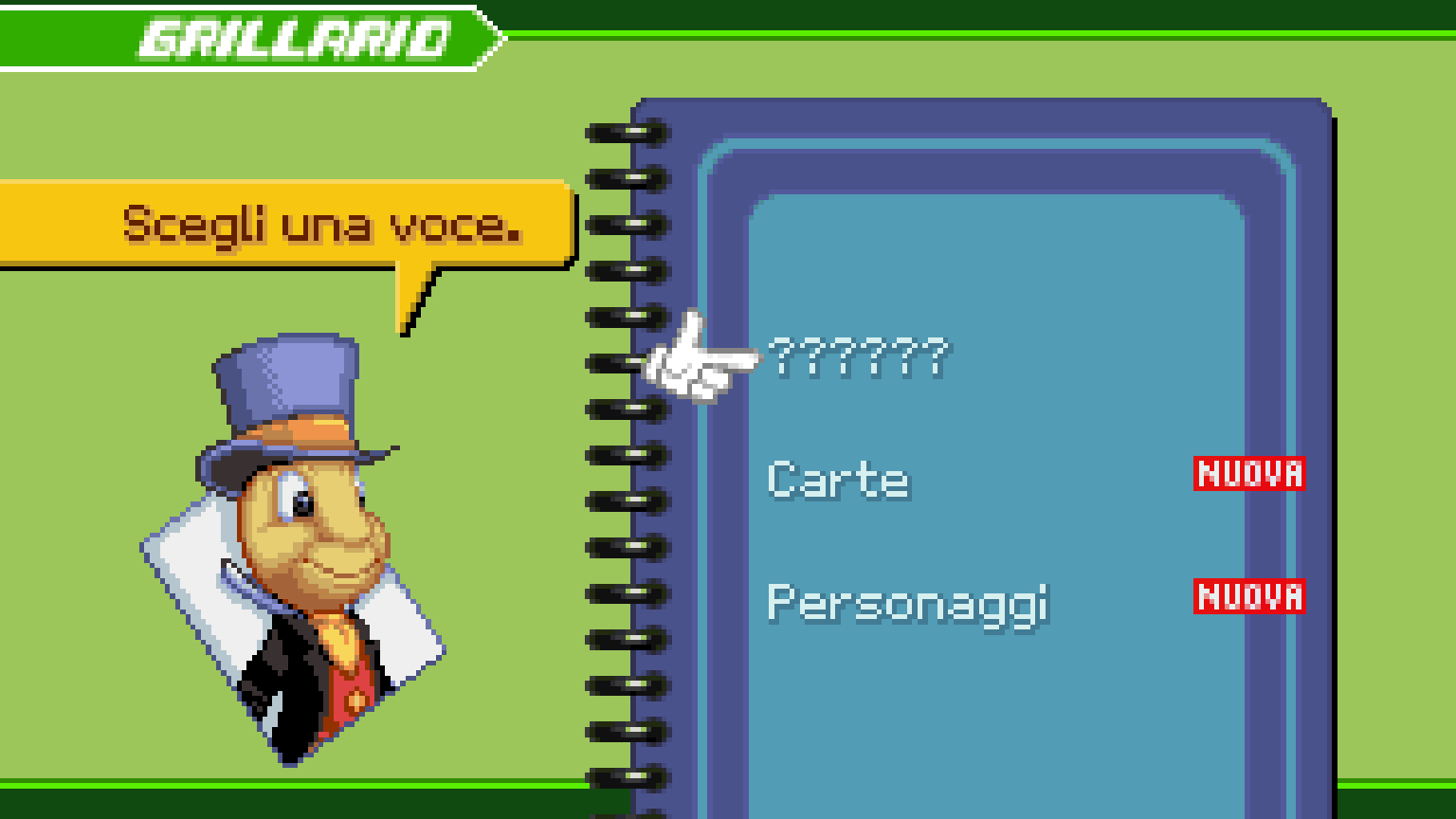 | 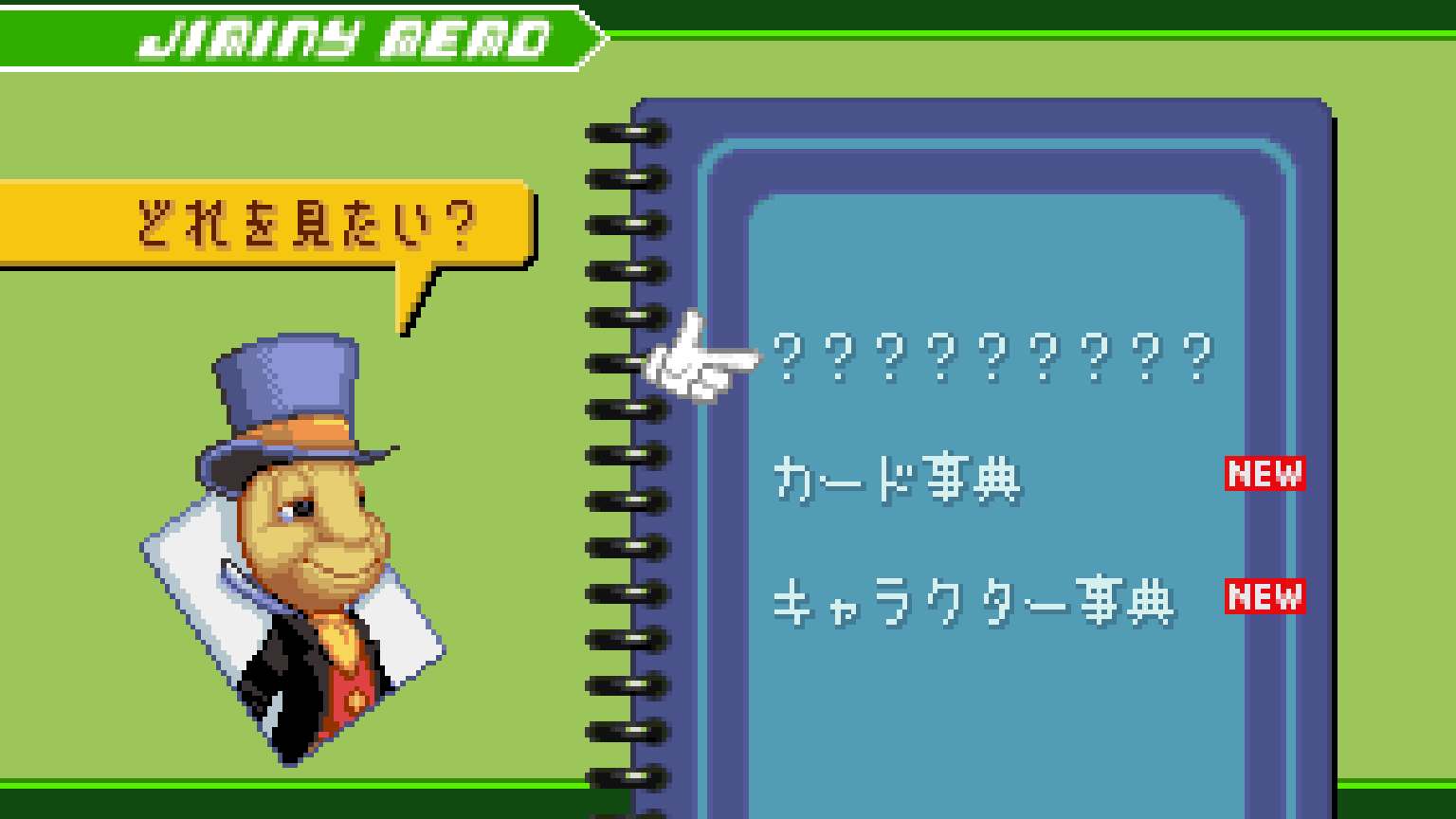 |
Launcher and in-game options
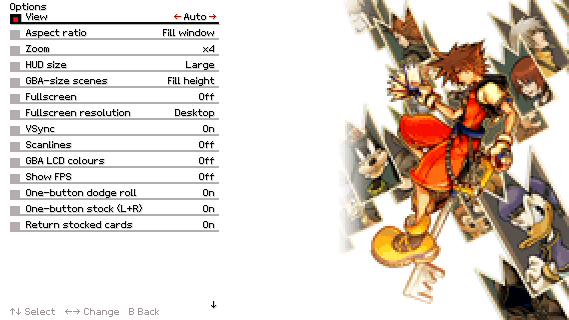
Compatible cartridges
Use your own cartridge dump with the launcher or the browser player:
| Version | Code | SHA-1 |
|---|---|---|
| Europe (EN, FR, DE, ES, IT) | B8CP | 8db73586cdb11b3795907edebf43228dbcd3e6b2 |
| USA | B8CE | 10729bd884f8fdca7a310b6d606c52e46657aa48 |
| Japan | B8CJ | 59ec0a0a4ccd1e6acb3bbd7bfb21d63988958cfa |
Each region uses its own save file; the launcher picks the matching version.
How it works
- The 269 decompiled C units are compiled for 32-bit x86, so pointers keep their GBA size.
- The GBA address space (work RAM, I/O, palette, VRAM, OAM, ROM, SRAM) lives at its original addresses inside the executable image; register writes and ROM pointers work unchanged.
- Asset data is read straight from your ROM: 61k data symbols are pinned to their ROM addresses, and the few ROM tables that point at code are patched at start-up.
port/holds the platform layer: software PPU (all modes, affine, windows, blending, mosaic, HBlank effects), m4a sequencer/mixer in C, PSG emulation, BIOS, DMA, input, settings and the wide-view renderer.
Play in your browser
Open ReKHCoM Web · Alpha 2, select your ROM and press Play. Your ROM stays on your device. The web alpha supports keyboard, gamepad and centered touch controls, optional HD text with the PC fonts, and normal save import and export. The website starts in English and also offers Spanish; game language is selected separately. Fullscreen and embedded views readjust automatically. Export a backup before clearing browser data.
Web alpha downloads and release notes.
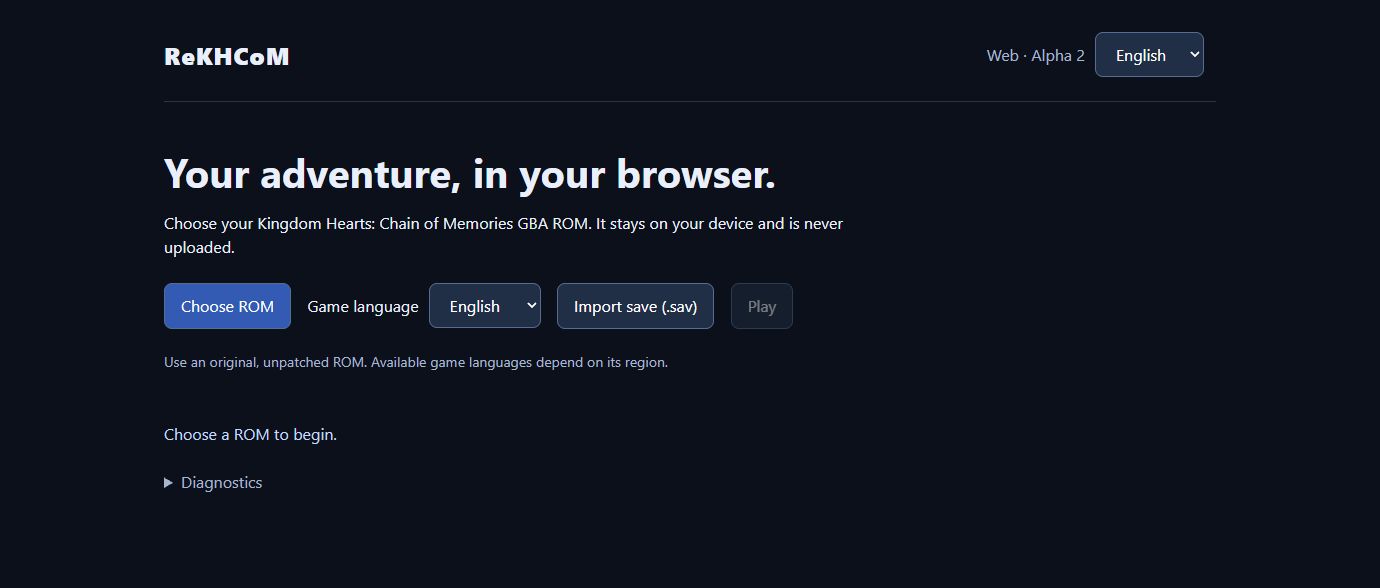
Running (Windows)
- Download the stable v1.8.3 ZIP
and extract
ReKHCoM-v1.8.3-windows-x86.zipinto a writable folder. - Run
ReKHCoM.exeand install your cartridge dump with Install ROM... (or drag the file onto the window). The dump is checked by SHA-1 and copied toroms/. - Press Play. The launcher starts
khcom_eu.exe,khcom_us.exeorkhcom_jp.exefor the version you chose.
The launcher also sets the European game's language, shows each version's save
(open its folder, or back it up to backups/ with a date stamp), and edits the
graphics, sound, enhancement and control settings shared with the game.
The ZIP includes SDL3; you do not need to install it separately. The executables are 32-bit x86 and have been tested locally on Windows only.
Settings (kh_com.ini), your cartridge saves (kh_com.sav, kh_com_us.sav,
kh_com_jp.sav), and the diagnostic log (kh_com.log) are stored next to the
executables. Back up your saves before trying new builds. Save states are specific
to the build that created them.
Known limitations
- Some HD text can overlap the Deck View submenu; that separate issue is still open.
- Movie transitions during events and the ending still need verification.
- Neither Sora's story nor Reverse/Rebirth has a verified full playthrough.
- Some rendering, audio streaming, and widescreen scenes still need verification.
- Linux and macOS builds are not available.
Building (Windows)
Requirements: Python 3 with PyYAML, llvm-mingw,
SDL3 mingw devel and ninja.
By default the tools are looked up in ../toolchain/.
git clone https://github.com/MatyMeatBoy/ReKHCom.git
cd ReKHCom
python -m pip install pyyaml
# Copy your dumps to roms/B8CP.gba, roms/B8CE.gba and/or roms/B8CJ.gba first.
python port/configure_pc.py              # European game + launcher, build/pc; --debug for a console build
python port/configure_pc.py --version us # USA game, build/pc-us
python port/configure_pc.py --version jp # Japanese game, build/pc-jp
ninja -f build/pc/build.ninja
build/pc/ReKHCoM.exe                     # launcher (decompui); or run a khcom.exe directly
The launcher, ReKHCoM.exe (source in port/decompui, Dear ImGui), installs your
dumps after checking their SHA-1, edits the game's settings and enhancements
and starts the executable built for the chosen version.
Use --toolchain PATH --sdl PATH when your dependencies are outside
../toolchain/. The SDL package must include i686-w64-mingw32/.
Build from the repository root. Asset glue and text are generated locally from
your dump during the first configure step.
To make a distributable ZIP without ROMs, saves or local settings:
python port/tools/package_release.py --version v1.7.1 --sdl ../toolchain/SDL3-3.4.18
Controls
| GBA | Keyboard | Gamepad |
|---|---|---|
| A | X / K | A (south) |
| B | Z / J | B (east) |
| L / R | A / S | LB / RB, triggers |
| L + R (stock a card / sleight) | D | Y (north) |
| Dodge roll | C | X (west) |
| Start / Select | Enter / Backspace | Start / Back |
| D-pad | Arrows, W | D-pad, left stick |
| Change card / stock | Right stick: left / right = L / R, up = L + R |
These are the defaults; every action takes two keys and a gamepad button, edited
on the launcher's Controls page (or kb_* / pad_* in kh_com.ini). The one-button
stock and dodge roll can be turned off in the options; their gamepad buttons then
act as A and B.
F11 or Alt+Enter toggles fullscreen.
F1, Esc, or Start + Select (keyboard or controller, as bound) opens the options overlay anywhere; at the title screen Select alone opens it. F5 saves a state, F9 loads a state, and F6/F7 change the state slot. Save states do not include cartridge SRAM.
During the opening movie, A shows a prompt; A again skips the movie.
Development
See CONTRIBUTING.md for the project layout and verification workflow.
Credits
- Decompilation: Pheenoh/khcom and contributors (CC0).
- Third-party asset credits: NOTICE.md.
- PC port: ReKHCoM contributors.
The original decompilation README is kept in docs/README.decomp.md.
This is an independent fan project, unaffiliated with Square Enix, Disney or Nintendo. Their game content and trademarks are not covered by the source code's CC0 license. SDL3 is distributed under its own license, included in the Windows package.