Knack II — Native PC Port
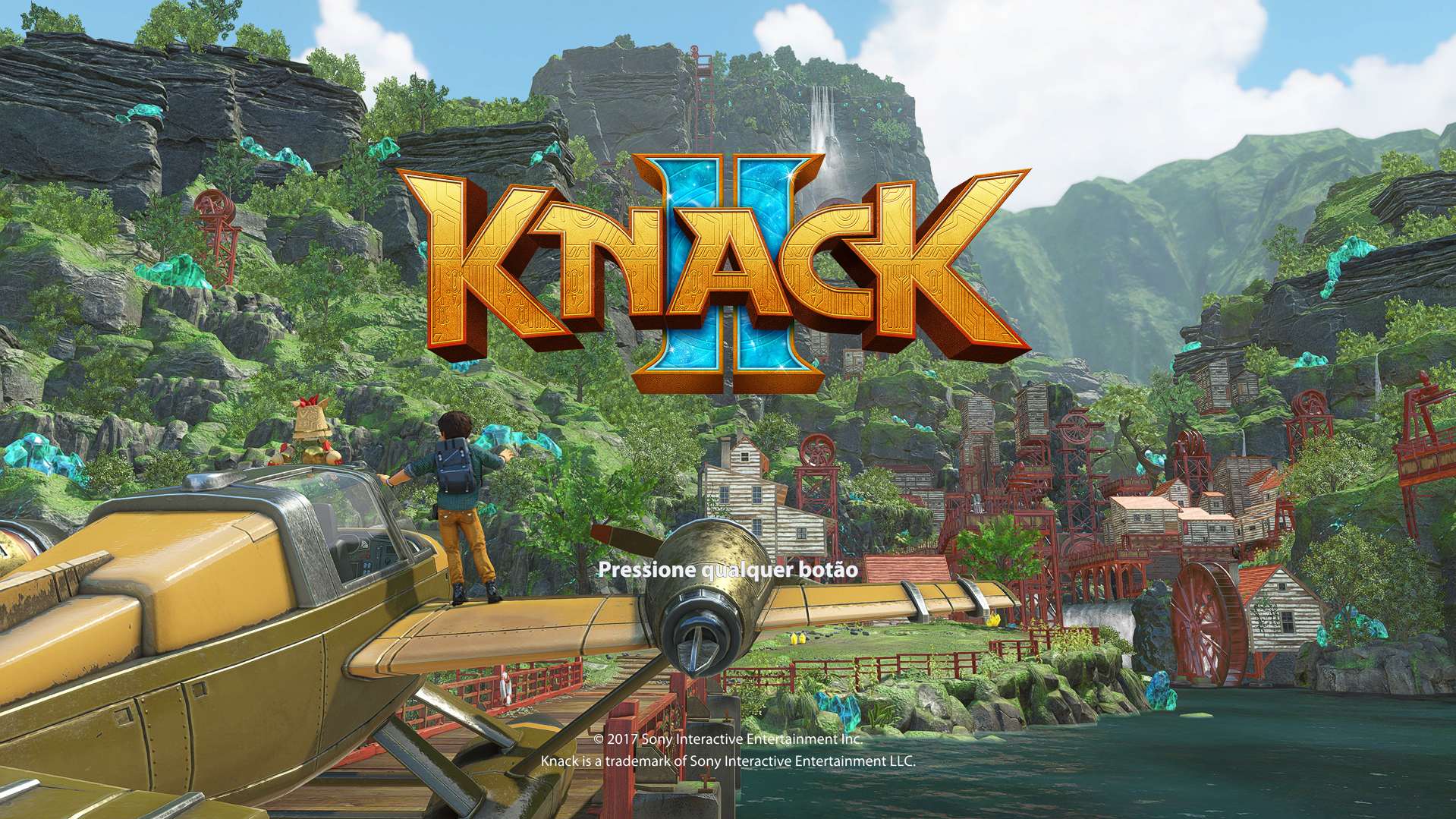
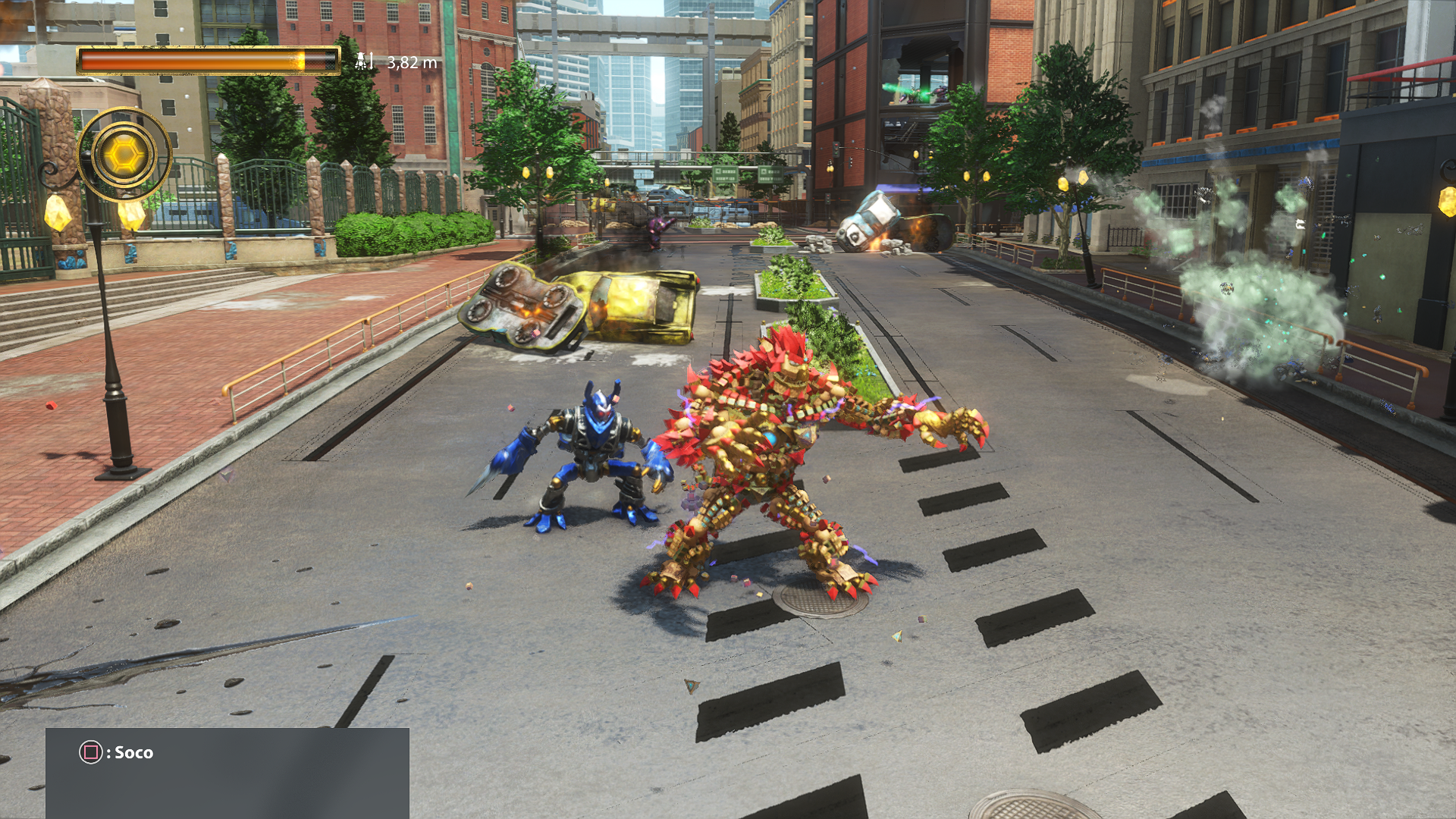
Knack II — Native PC Port is a native PC port of Knack II for Windows and Linux that supports higher resolutions and FSR.
- Type: PC port
- Game: Knack 2
- Runs on Windows and Linux
- By Hyant4
- Latest release knack2-Version-0.18.2, 2026-10-30
- Source: https://github.com/Hyant4/Knack-II-pc-port
- Website: https://hyant4.github.io/Knack-II-pc-port/
README
Knack II — Native PC Port
An independent, experimental native port of Knack II for Windows and Linux (x86-64).





Download the latest release · What's new in v0.18 · Report an issue
English · Português (Brasil)
Important
This is an unofficial, experimental community project, not a game download. You must provide your own complete, legally obtained Knack II dump. No game, firmware or save files are included. Hardware and campaign-wide compatibility have not been fully certified.
What's new in v0.18
- Linux support: native launcher and runtime, plus an experimental x86-64 AppImage.
- Windows installation tools: extract a base-game
.pkgand install an update.pkgfrom the launcher's Installation tab, with validation, update backup and restore. - US base version 01.00: runs through the normal launcher workflow without requiring the 01.01 update.
- More GPU compatibility work: interpolation fallback for GPUs without native barycentric support; additional graphics diagnostics; GTX 1060 performance and experimental RX 580 presets.
- More graphics control: toggle native antialiasing independently of FSR and internal rendering resolution.
- Better multilingual errors: more launcher errors and messages now follow the selected interface language (Portuguese, English or Russian). Some messages may still be untranslated.
- Optional audio path: firmware-backed NGS2 via
--firmware-ngs2with a module supplied by the user; HLE remains the default.
Existing features include independent window/internal resolutions, native QHD/4K rendering, FSR, experimental ultrawide, local two-player co-op, controller guide, shader preloading and validated direct launch.
See the complete v0.18 release notes for details and limitations.
Download & set up
Windows (x64)
- Download
Knack-II-Windows-x64-V0.18.zipfrom Releases and extract the entire ZIP into a new folder. - Launch
Knack II.exe(do not run it from inside the ZIP). Python, Qt and the required runtime are bundled; you do not need to install Python or MSYS2. - Select the folder of your extracted game containing
eboot.bin,game.elf,sce_sysandsce_module. - Click Validate, configure your preferences and click Play.
Need to extract your own PKG? Use Installation → Extract base game (.pkg). The files are extracted beside the selected PKG, without overwriting an existing installation. Installation → Install update (.pkg) includes version/region checks and update backup/restore. See the PKG extraction guide (Portuguese).
After the first setup, Play Knack II.exe can launch using saved preferences while retaining installation validation.
Linux (experimental, x86-64)
Download Knack-II-x86_64-0.18.0.AppImage from Releases, then run:
chmod +x Knack-II-x86_64-0.18.0.AppImage
./Knack-II-x86_64-0.18.0.AppImage
Without FUSE, use ./Knack-II-x86_64-0.18.0.AppImage --appimage-extract-and-run.
Linux requirements: Vulkan 1.3+ and glibc 2.43+. This AppImage is built on Ubuntu 26.04; it does not bundle glibc or graphics drivers and does not support older-glibc systems. Linux Mint compatibility has not been certified. The Linux package opens the launcher but does not include the Windows PKG extractor: select your own already-extracted game dump.
See the Linux development guide and AppImage notes.
Supported game versions
| Region | Title ID | Game version | Status |
|---|---|---|---|
| US | CUSA08014 | 01.00 | Supported; update not required |
| US | CUSA08014 | 01.01 | Supported |
| Europe | CUSA07670 | 01.01 | Supported |
Europe 01.00 and unverified versions are not supported. The launcher validates the region, version, executables and required modules. Do not mix updates from different regions. All builds require a GPU driver supporting Vulkan 1.3+.
For details, see regional compatibility and validation evidence.
Settings, saves & troubleshooting
- The launcher lets you configure rendering resolution, FSR, antialiasing, experimental ultrawide and local co-op. The GTX 1060 preset targets performance; the RX 580 compatibility preset is experimental, with optional barrier merging disabled by default. It is not a confirmed universal fix for
Device lost. - Choose your preferred launcher language in the interface. Additional error messages and installation prompts are localized, helping English-speaking users avoid Portuguese-only errors.
- Saves and preferences live outside the extracted package:
- Windows:
%LOCALAPPDATA%\KnackII-PC - Linux:
$XDG_DATA_HOME/knack-ii-pcor~/.local/share/knack-ii-pc
- Windows:
- To update the port, extract the new release to another folder, keep your user data and validate the game installation again. You do not need to delete caches.
- If something fails, open Logs & Diagnostics, then submit an issue with your GPU, OS, game region/version, steps to reproduce and relevant sanitized logs. Remove personal paths before sharing; do not upload game files, firmware or memory dumps.
Compatibility note: automated tests and successful launcher startup are not proof of full-campaign support on every GPU. Linux and hardware-specific fixes remain experimental.
Credits & development
This port builds on HayatoG/iss_pc and includes a graphics backend derived from shadPS4. Thanks to SkippySteve for the Linux contributions in PR #19, with original commits preserved.
Full credits, provenance & licenses · Build on Windows · Build on Linux
This project is not affiliated with Sony. Knack II and its assets belong to their respective owners.
If you would like to support continued development: Buy Me a Coffee.