Magical Blocks
Magical Blocks is a Windows PC port of the Nintendo 64 game Magical Tetris Challenge that includes retro shaders and supports keyboard and controller input.
- Type: PC port
- Game: Magical Tetris Challenge
- Runs on Windows
- By rac08241988
- Latest release v0.1.4, 2026-10-28
- Source: https://github.com/rac08241988/MagicalBlocks
README
Magical Blocks
Game: Magical Tetris Challenge (USA)
System: Nintendo 64 (N64)
Runs on: Windows PC
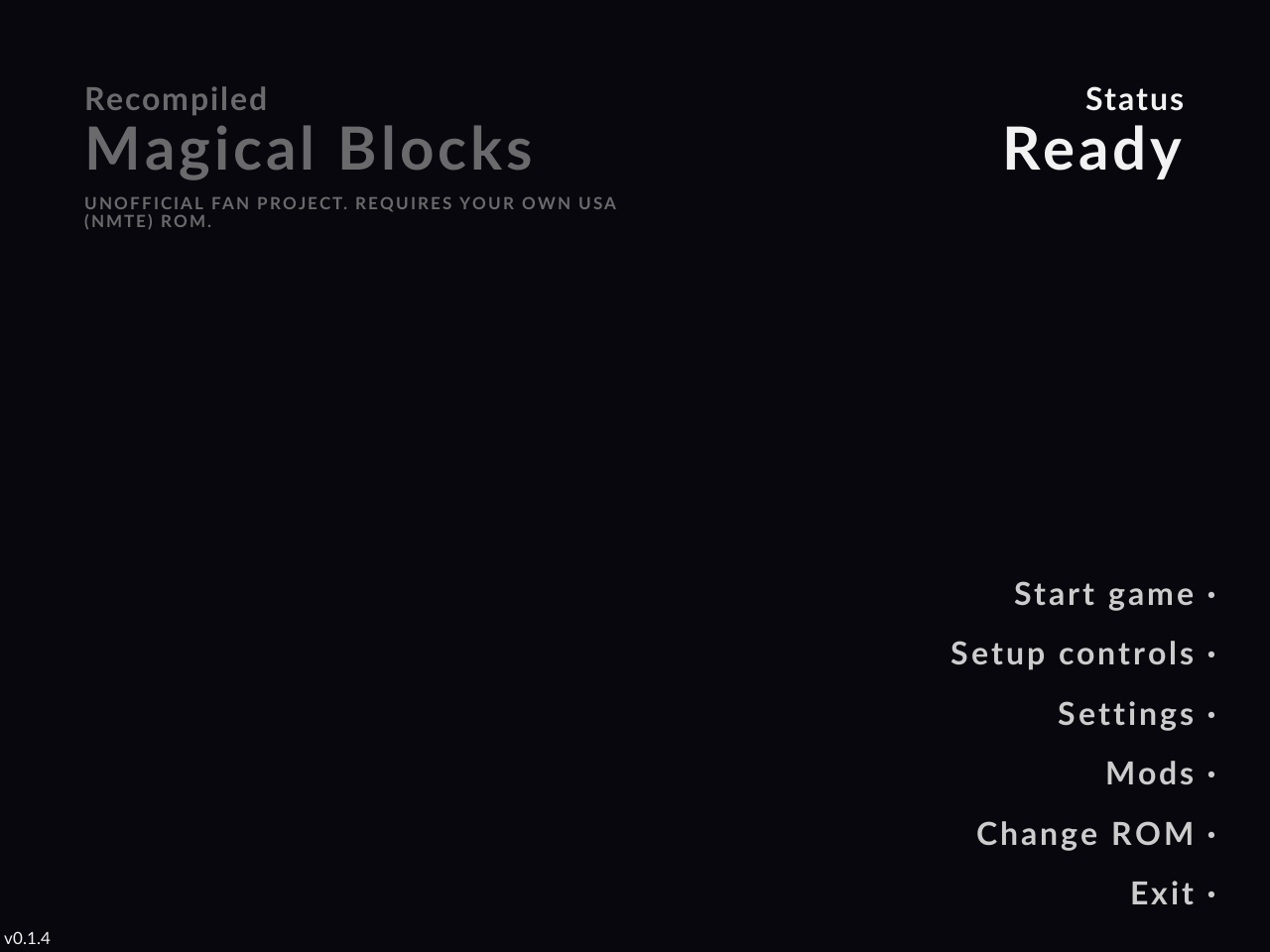
An unofficial Windows PC port of the Nintendo 64 game Magical Tetris Challenge, made with N64Recomp.
Requires your own legally dumped Magical Tetris Challenge (USA) N64 ROM. No game files are included. The game is built on your own PC from your ROM the first time you start it (this takes a few seconds).
How to install
- Go to the Releases page and download
MagicalBlocks-0.1.4-win64-setup.exe. - Run it. (Windows may warn about an unknown publisher: click More info, then Run anyway.)
- When the installer asks for your ROM, pick your own ROM file, dumped from your own cartridge. The installer checks it and prepares the game. This takes a few seconds.
- Start Magical Blocks from the Start menu or the desktop shortcut.
Only the USA version of the game works. If your file is the wrong version, a hack, or a bad dump, the game tells you so.
Portable version (no installer)
Download MagicalBlocks-0.1.4-win64-portable.zip instead, unzip it anywhere and run MagicalBlocks.exe.
It asks for your ROM the first time. Settings, saves and logs are kept in the same folder.
Shaders
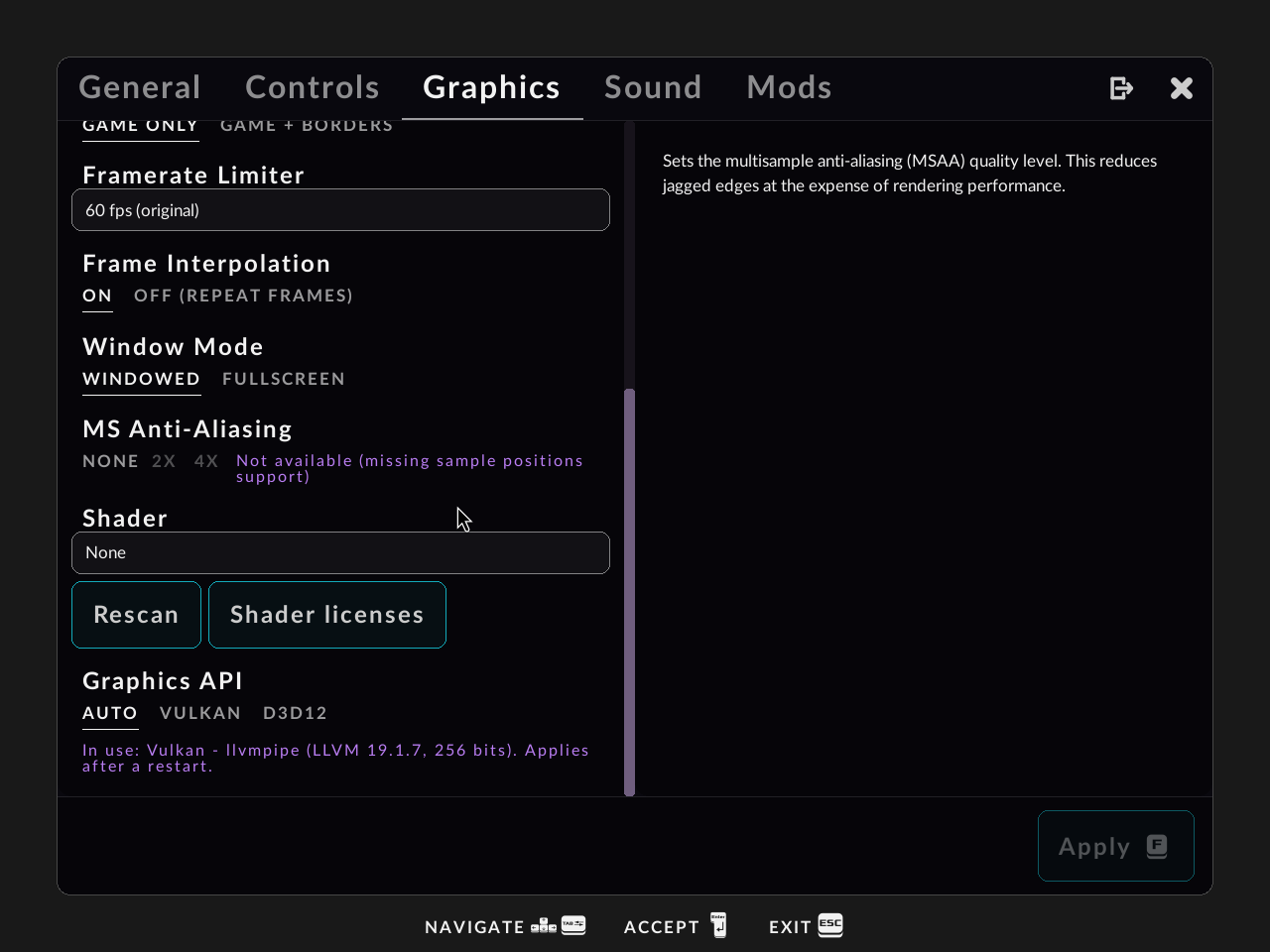
Retro shaders (CRT and others) are included. Choose one in Settings → Graphics → Shader.
If you have extra .slangp / .slang shader files, put them (or a shaders folder) next to the setup file
before you run it, and the installer copies them in too.
Controls
Keyboard and controllers both work. Change them in Settings → Controls. In the settings menu, use LB / RB on a controller to switch tabs.
Troubleshooting
- Black screen, crash at start, or graphics problems: open Settings → Graphics → Graphics API and try Vulkan or D3D12, then restart the game. Updating your graphics driver also helps.
- "Not the supported version": your ROM is not the USA version, or it is modified or a bad dump.
- The game moved from an older version: your settings and saves from older versions are copied over automatically the first time you start it.
Logs, crash reports and reporting a bug
- Installed version: press Win + R, type
%LOCALAPPDATA%\MagicalBlocks\logsand press Enter. - Portable version: the
logsfolder next toMagicalBlocks.exe.
latest.log is the log of the last session. If the game crashes, it shows a message with the path
of the crash report (crash-....txt).
To report a bug, open an issue and say what you did and what happened.
Attach latest.log and any crash-....txt file. Please never attach or link a ROM.
Legal
- This project does not include any game files, game code, or ROM. You must own the original game and use your own dumped ROM.
- This is an unofficial fan project. It is not affiliated with, endorsed by, or connected to Nintendo, Capcom, Disney, or The Tetris Company. All trademarks belong to their owners.
- The source code of this project is licensed under the GPL version 3 (see LICENSE).
Credits and licenses
- N64Recomp by Wiseguy and contributors (MIT)
- N64ModernRuntime (librecomp and ultramodern) (MIT)
- RT64 renderer by Darío and contributors (MIT)
- RmlUi user interface library (MIT)
- Project layout based on Zelda64Recomp (GPL-3.0)
- Shaders from libretro slang-shaders (each shader keeps its own license, see
shaders/LICENSESin the installed game) - Fonts: Lato, Noto Emoji and PromptFont (SIL Open Font License, see
licenses/) - LLVM / clang (Apache-2.0 with LLVM exception), used on your PC to build the game code
- SDL2 (zlib)
The full list is in THIRD-PARTY-NOTICES.txt in the installed game.
Building from source
See BUILDING.md.