MLB 2K7 Recomp
MLB 2K7 Recomp is a native PC port of Major League Baseball 2K7 for Windows that supports up to 4K resolution and 60 FPS.
- Type: PC port
- Game: Major League Baseball 2K7
- Runs on Windows
- By elripalda
- Latest release v1.0.0, 2026-11-07
- Source: https://github.com/elripalda/mlb2k7-recomp
README
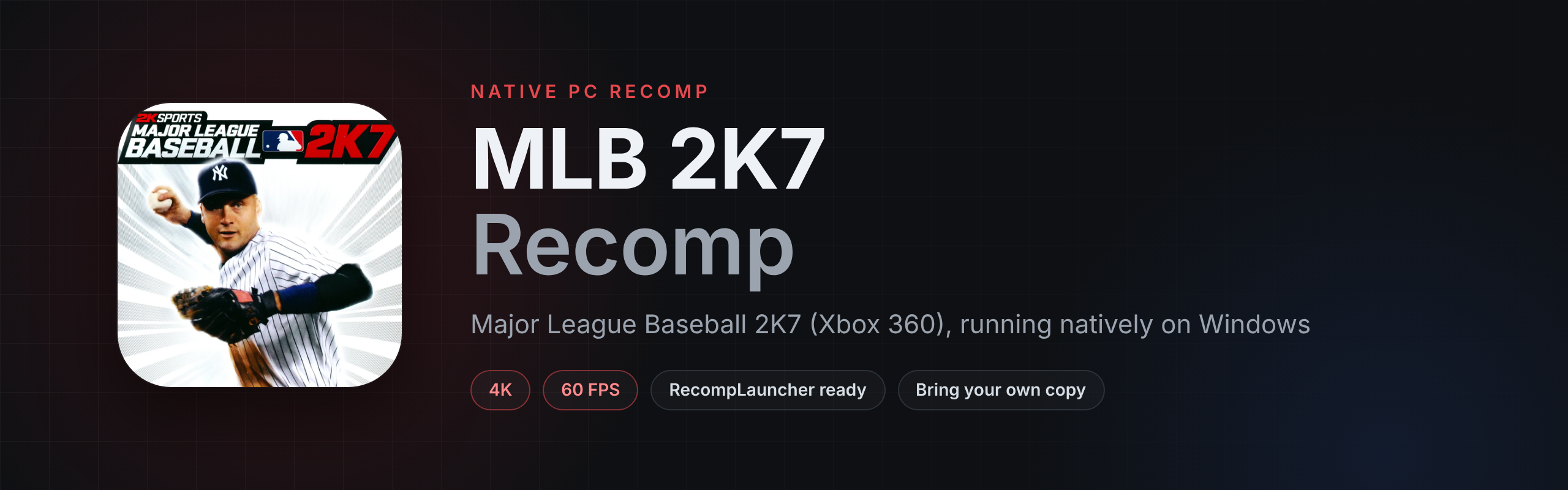
MLB 2K7 Recomp
Major League Baseball 2K7 (Xbox 360) running natively on Windows, recompiled from the Xbox 360 game with ReXGlue. 1440p at a locked 60 FPS, up to 4K, set up from your own copy in a couple of clicks.
Get it on RecompLauncher
The easiest way to play is RecompLauncher. It installs the recomp, finds your copy, sets it up and keeps it updated, with every setting on the game's page.
What's in it
- The Xbox 360 game recompiled to native PC code, not emulated
- 720p, 1440p or 4K, with 60 FPS held at 1440p on most graphics cards
- Colors and brightness corrected for PC monitors
- Sharpening, FSR upscaling for 4K screens, anti-aliasing and 16x texture filtering
- The licensed menu soundtrack
- A setup screen on first launch: drop in your disc image or game folder and it's ready
- Escape switches between fullscreen and a window
- Works with Xbox, PlayStation and most other controllers
- Full RecompLauncher support: Easy Setup, settings in the launcher and save backups
What you need
- Windows 10 or 11 (64-bit) and a DirectX 12 graphics card
- Your own copy of Major League Baseball 2K7 for Xbox 360 (USA). No game files are included.
Which copies work
| What to pick | |
|---|---|
| Disc image | The .iso of your disc. It's unpacked once into the game folder (about 7 GB). |
| Game folder | A folder with default.xex and the game's files, from an extracted disc. It's used where it is. |
Tip
💙 Enjoying the recomp?
If you've gotten some enjoyment out of this project, donations and love are always appreciated. Every bit helps keep these projects growing. Thank you!

Install by hand
- Download
MLB2K7Recomp-v1.0.0-Windows-x64.zipfrom Releases and unzip it anywhere. - Run
MLB2K7Recomp.exe. - On the setup screen, drop in your disc image or game folder, or use Choose file / Choose folder. The game starts once it's ready.
To update, unzip the new version over the old one. Your game files, saves and settings stay.
Controls
| Key | Does |
|---|---|
| Controller | Same as the Xbox 360 version |
| Escape | Fullscreen or windowed |
| F3 | Performance overlay |
Settings
Change them on the game's page in RecompLauncher, or in MLB2K7Recomp.toml next to the exe:
| Setting | Values |
|---|---|
resolution_scale | 1 720p, 2 1440p, 3 4K |
present_effect | "cas" sharpen, "fsr" upscale for 4K screens, "bilinear" plain |
swap_post_effect | "none", "fxaa", "fxaa_extreme" |
anisotropic_override | -1 game's own, 2 to 5 (5 is 16x) |
display_gamma | "srgb" PC monitor, "tv" how it looked on an old TV |
music_volume | 0 to 100 |
fullscreen, vsync, show_fps | true or false |
Saves are in Documents\MLB2K7Recomp.
Reporting a problem
Report bugs on the RIPALDA Discord. Send the newest file from the logs folder next to the exe, with what you were doing and your settings.
Building from source
The whole source is in this repository. See BUILDING.md. You need your own copy of the game to build it, and nothing from the game is stored here.
Credits
- elripalda: the recomp, the graphics fixes, the setup screen, the RecompLauncher support and the art
- ReXGlue: the static recompiler and runtime, which builds on Xenia and XenonRecomp
- SDL3, Dear ImGui and AMD FidelityFX CAS and FSR
- Major League Baseball 2K7 was developed by Kush Games and published by 2K Sports
License
This recomp's own code is under the GPL-3.0. ReXGlue keeps its own BSD-style license. Neither covers the game, its artwork or its music.
An unofficial fan project, not affiliated with or endorsed by 2K, Take-Two Interactive, Major League Baseball or Microsoft. No game files are included.