Persona Digital Collection Recomp
Persona Digital Collection Recomp is a native PC port of Megami Ibunroku Persona Digital Collection with an English translation.
- Type: PC port
- Game: Megami Ibunroku Persona Digital Collection
- Runs on Windows, Linux and macOS
- By second-save
- Latest release v1.0.0, 2026-11-18
- Source: https://github.com/second-save/persona-digital-collection-recomp
README
Megami Ibunroku Persona Digital Collection — English translation & native port
A static recompilation of the 1998 Windows CD-ROM 女神異聞録ペルソナ デジタルコレクション
(ASCII / Digital Famitsu) for macOS, Linux and Windows, with an English translation of its
pre-rendered text. The collection is built with Macromedia Director 5.0J; this project recompiles
the Director projector (PS.exe) to C and runs it on a Win32 emulation layer over SDL3. The
game's own movies and scripts run unmodified; translated movies are read from an overlay folder.
No game data is included. You need your own copy of the original Japanese disc.
Download: latest release (macOS, Windows, Linux).
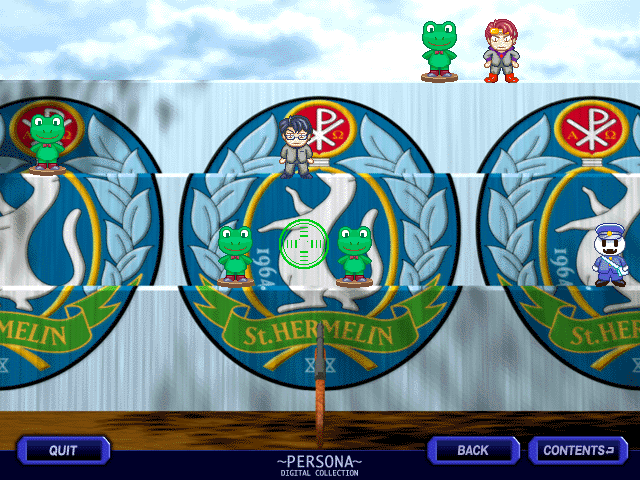
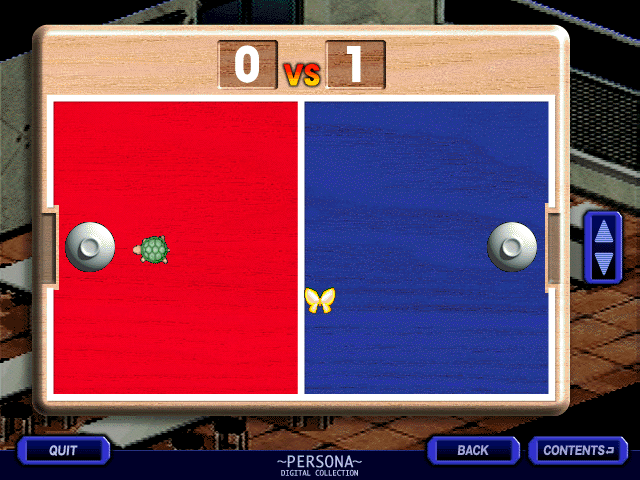
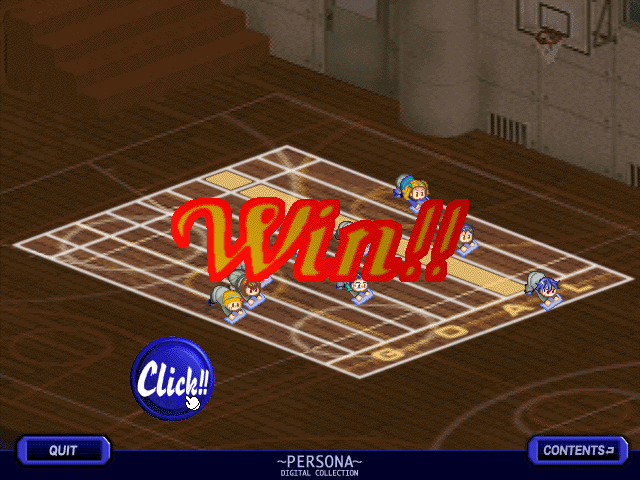
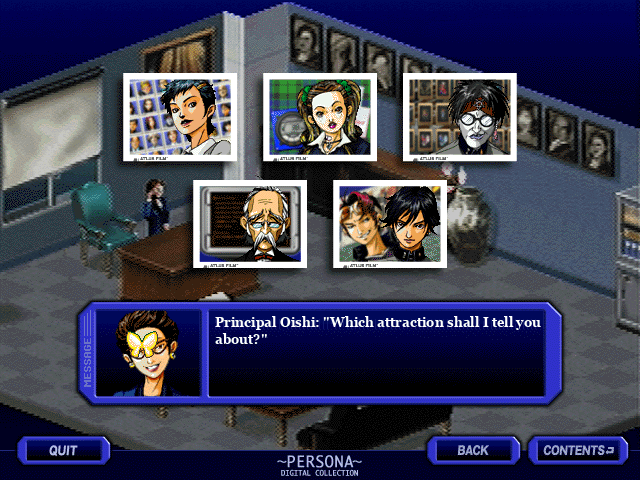
Screenshots
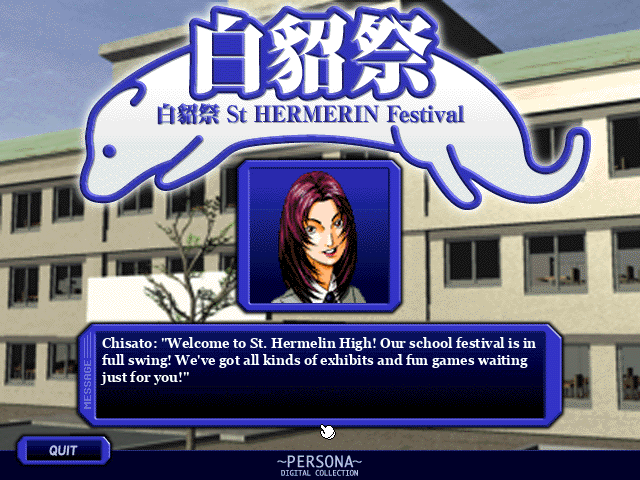 | 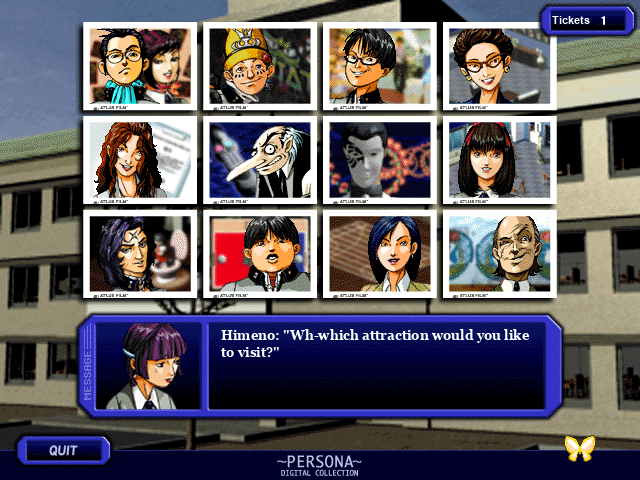 |
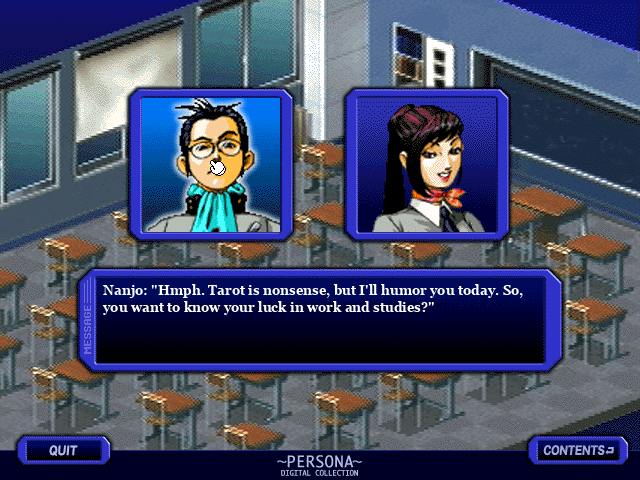 | 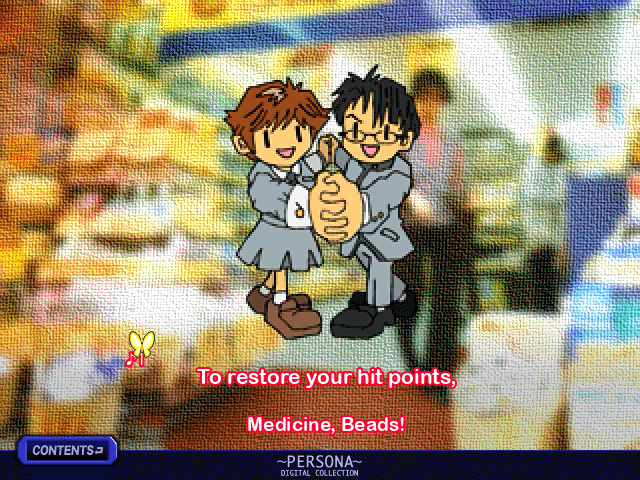 |
 |  |
 |  |
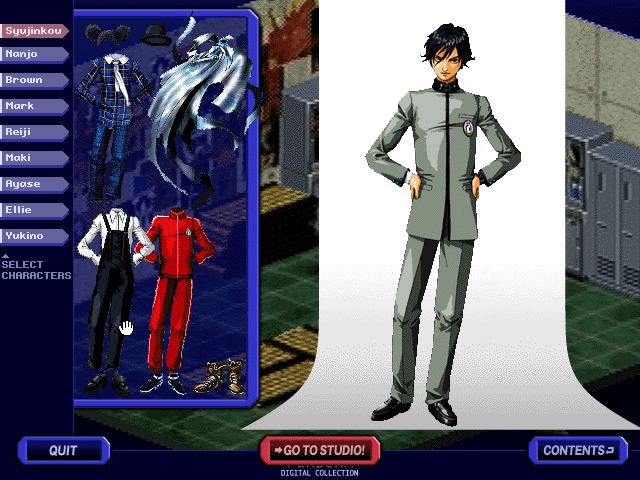 | 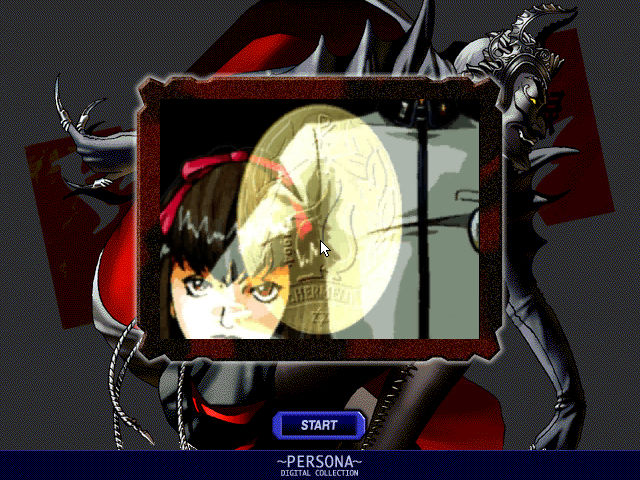 |
Playing
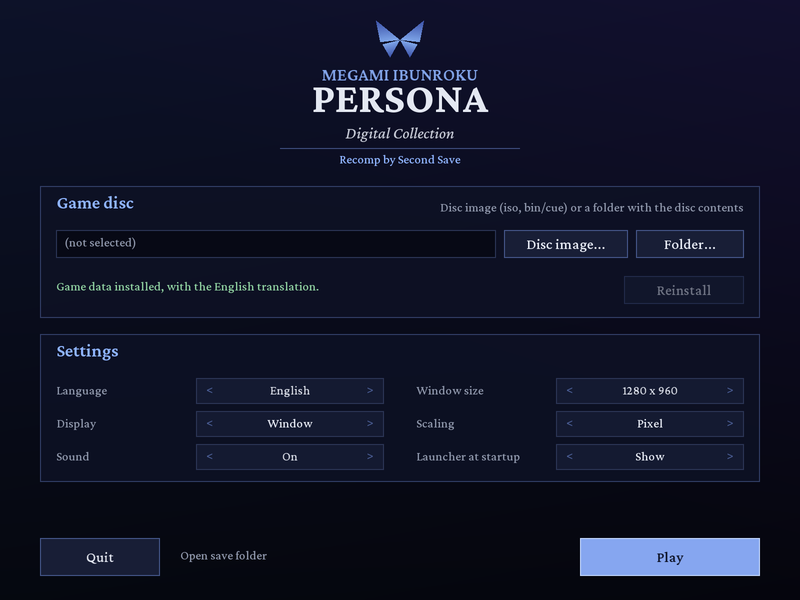
Download the package for your system (macOS universal app, Windows x64, Linux x64), start it, and the launcher opens:
- Disc image... or Folder...: choose your disc (
.iso,.bin/.cue, the CD itself or a copy of its files; you can also drop it on the window), then Install. The game files (about 480 MB) are copied to your user folder and the English patch (persona_en.patch, shipped next to the program) is applied to them. - Pick the settings: language (English or the original Japanese), window size, fullscreen, pixel or smooth scaling, sound, launcher at startup.
- Play. Aim with the butterfly: it is the game's cursor. Alt+Enter toggles fullscreen.
How to win tickets and open the hidden attractions: see GUIDE.md.
--play starts the game directly, --launcher shows the launcher even when it is set to Skip.
Installed files, saves and persona.cfg live in the per-user folder
(~/Library/Application Support/Second Save/Persona Digital Collection on macOS,
%APPDATA%\Second Save\Persona Digital Collection on Windows, ~/.local/share/Second Save/Persona Digital Collection on Linux).
The program checks that the disc's PS.exe is the one it was recompiled from (the 1998 Japanese
release) and maps it into memory at startup: no game code or data is compiled into the program.
Build
Requirements: clang or gcc, make, SDL3, Python 3 (for the generator and translation tools), bsdtar.
python3 -m venv build/venv && build/venv/bin/pip install pefile capstone==5.0.7 pillow
make data ISO="Megami Ibunroku Persona Digital Collection.iso"   # extracts the disc into data/
make gen                                                         # recompiles data/dc/PS.exe into gen/
make -j                                                          # builds ./persona
for f in translation/gen/*.py; do build/venv/bin/python -I $f; done            # translation scripts -> translation/en
build/venv/bin/python -I tools/apply_translation.py data translation/en data_en   # English overlay
build/venv/bin/python -I tools/make_subs.py data translation/en/movies.json data_en  # movie subtitles (needs ffmpeg)
make patch                                                       # build/persona_en.patch for the launcher
./persona
With a data/ folder in the current directory the program runs from it (development layout: data_en/
is the overlay, files written by the game go to save/). Release packages: release/build-macos.sh
(universal app), release/build-windows.sh and release/build-linux.sh (Docker); they need gen/
and build/persona_en.patch. CI builds the runtime on all three systems against a stand-in gen/
(make ci-stub) and runs ci/smoke.sh.
The translation scripts hold the English text and drawing instructions; the Japanese source lines are left out of this repository.
Environment
PERSONA_DATA,PERSONA_SAVE,PERSONA_CONFIG: data folder, save folder, settings file.PERSONA_LANG=jaorPERSONA_OVERLAY=runs the original Japanese;PERSONA_OVERLAY=dirpicks an overlay.PERSONA_SCALE=n,PERSONA_FULLSCREEN=1,PERSONA_SMOOTH=1,PERSONA_NOAUDIO=1,PERSONA_LAUNCHER=0.
Status
- Engine: boots, runs the opening, the festival hub and all 12 attractions with sound (rendering, palette, cursors, Lingo, mouse, QuickTime movies).
- Translation: complete for all 20 movies (hub, 12 attractions, 5 hidden contents, staff roll; the opening needs none). 621 bitmaps redrawn, plus English subtitles over the Japanese text burned into two videos.
- QuickTime: emulated (Cinepak video + PCM audio); the opening, the karaoke and Yamaoka's VTRs play.
- Launcher: installs from a disc image or folder and applies the English patch; tested on macOS, Linux (Ubuntu 22.04) and Windows (Wine, including a non-ASCII data path).
See NOTES.md for the technical details and the debugging tools.