mc3port
mc3port is a Windows port of Midnight Club 3: DUB Edition Remix for Xbox, featuring 16:9 widescreen and up to 60 fps.
- Type: PC port
- Game: Midnight Club 3: DUB Edition Remix
- Runs on Windows
- By SickSartori
- Latest release v0.1.1, 2026-10-26
- Source: https://github.com/SickSartori/mc3port
README
mc3port
An unofficial native Windows port of Midnight Club 3: DUB Edition Remix for the original Xbox (European release). It runs the game from your own disc image, with 16:9 widescreen, up to 60 fps, a higher internal resolution and optional modern effects.
Important
mc3port is an unofficial, non-commercial fan project. It is not affiliated with, endorsed by or sponsored by Rockstar Games, Take-Two Interactive or Microsoft. Midnight Club is a trademark of Take-Two Interactive Software.
No game data is included or distributed: no disc images, no executables, no textures, sounds, music or films. To play you need your own, legally obtained copy of the game. mc3port reads everything it needs from your disc image while it runs. Please do not ask for game files or disc images, and do not share them.
Screenshots
 |  |
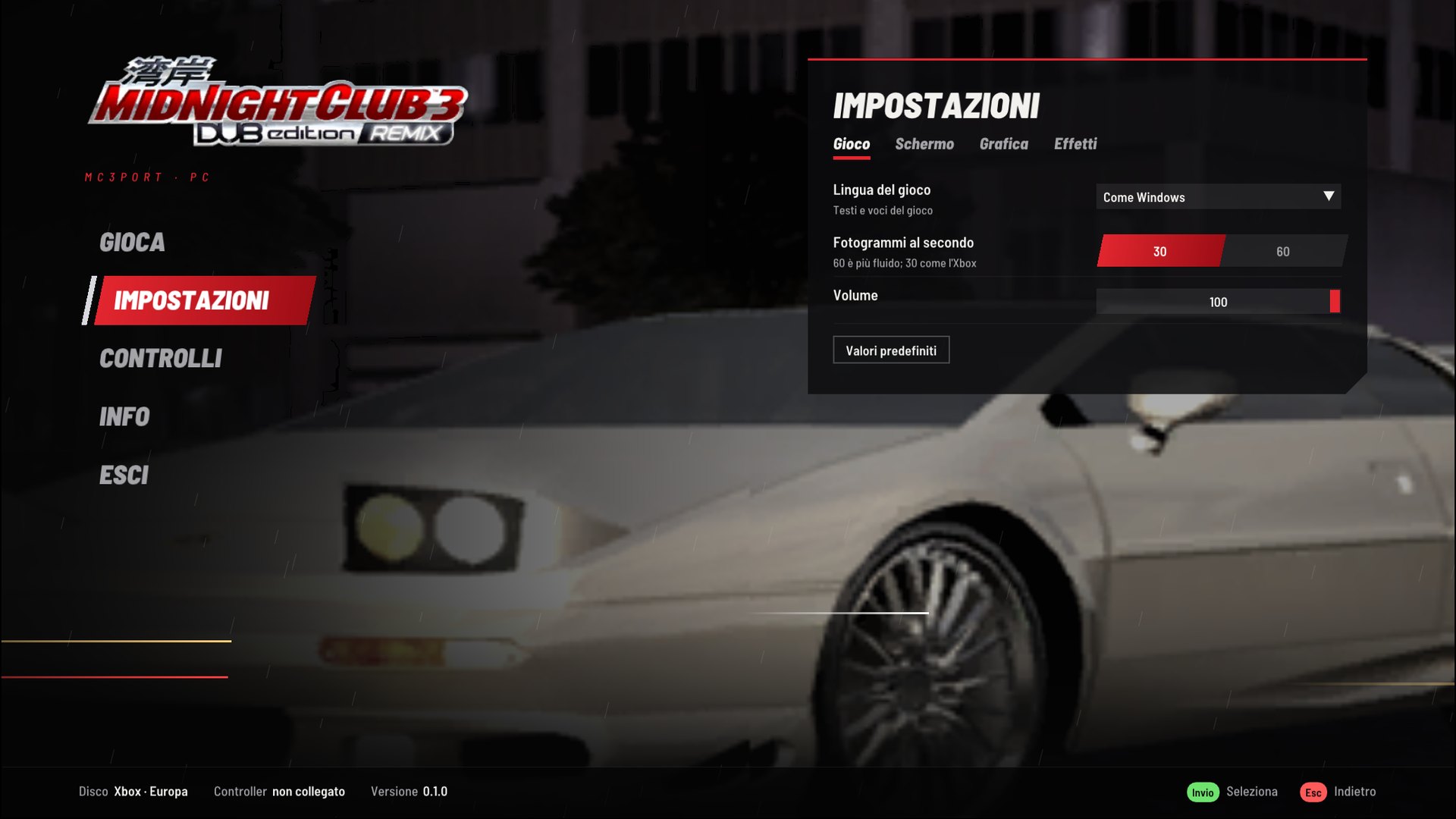 | 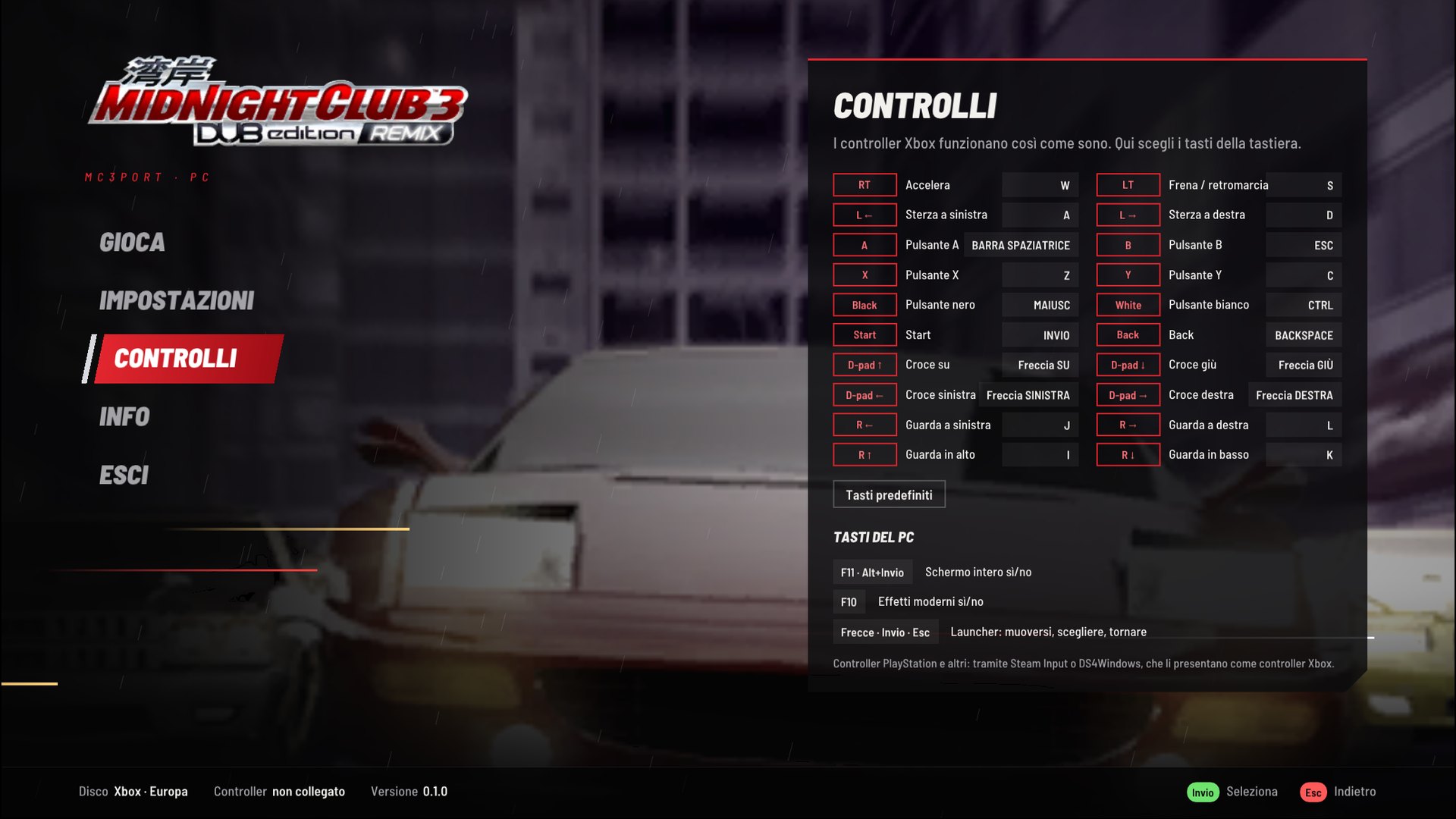 |
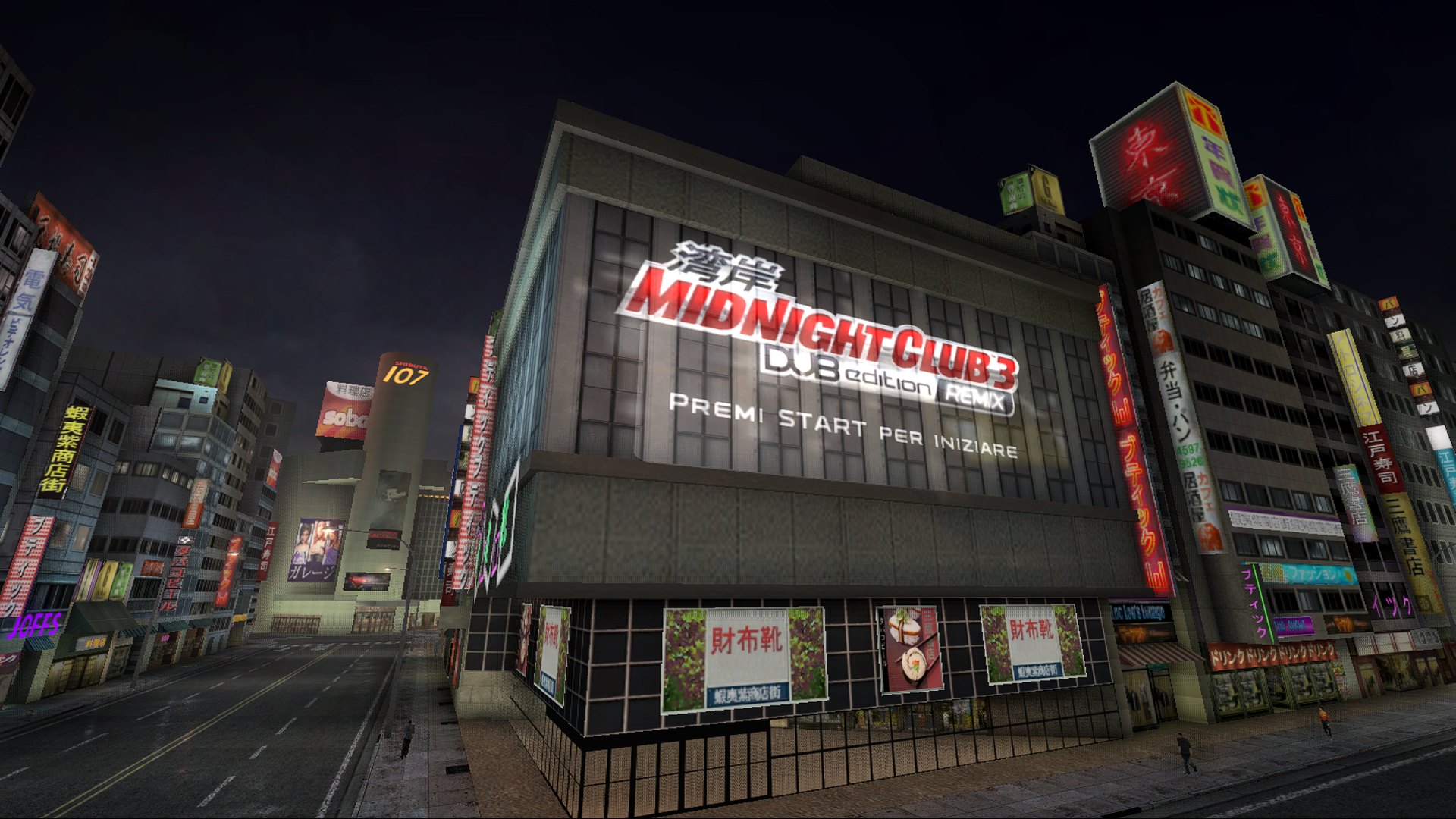
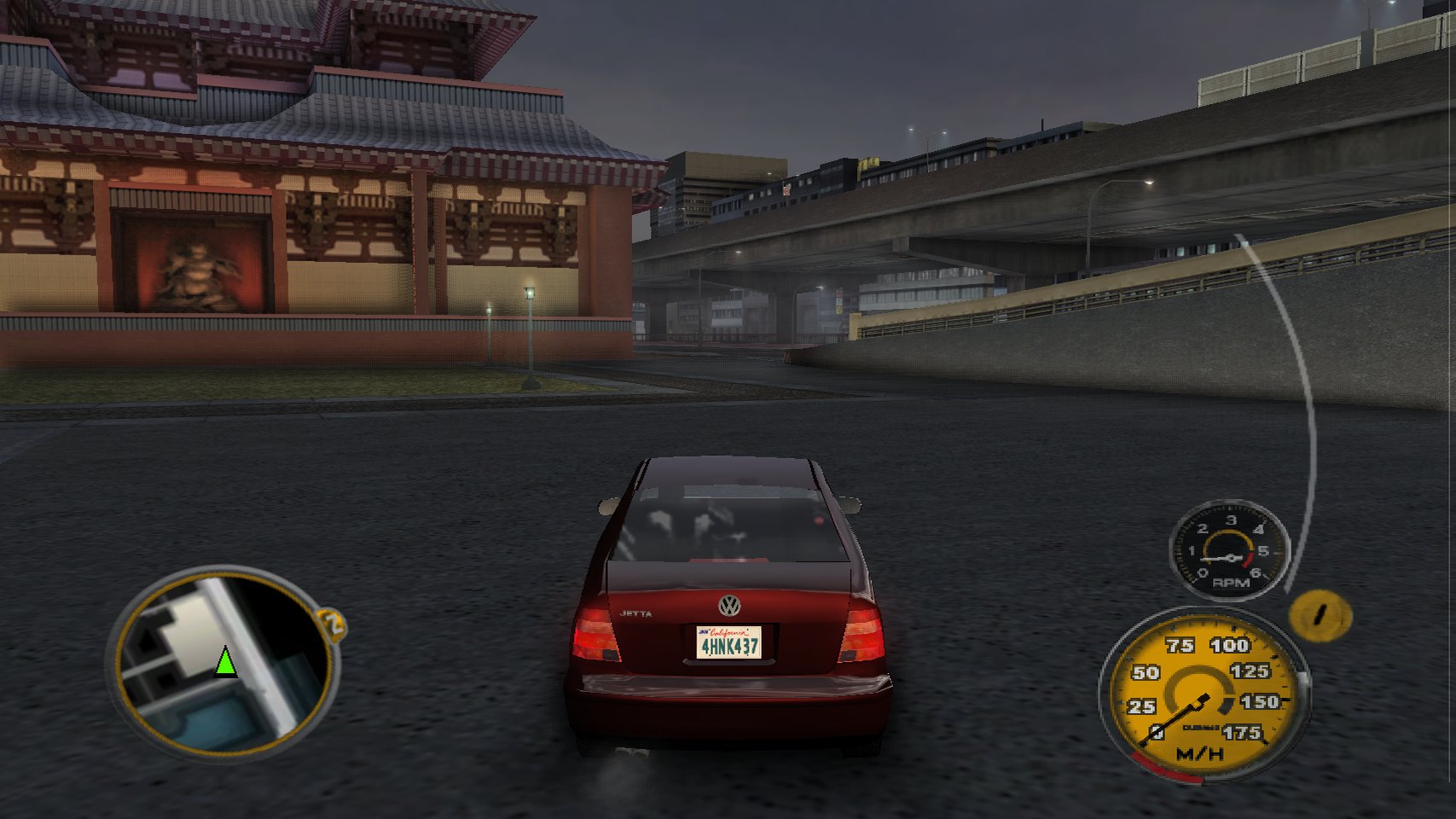
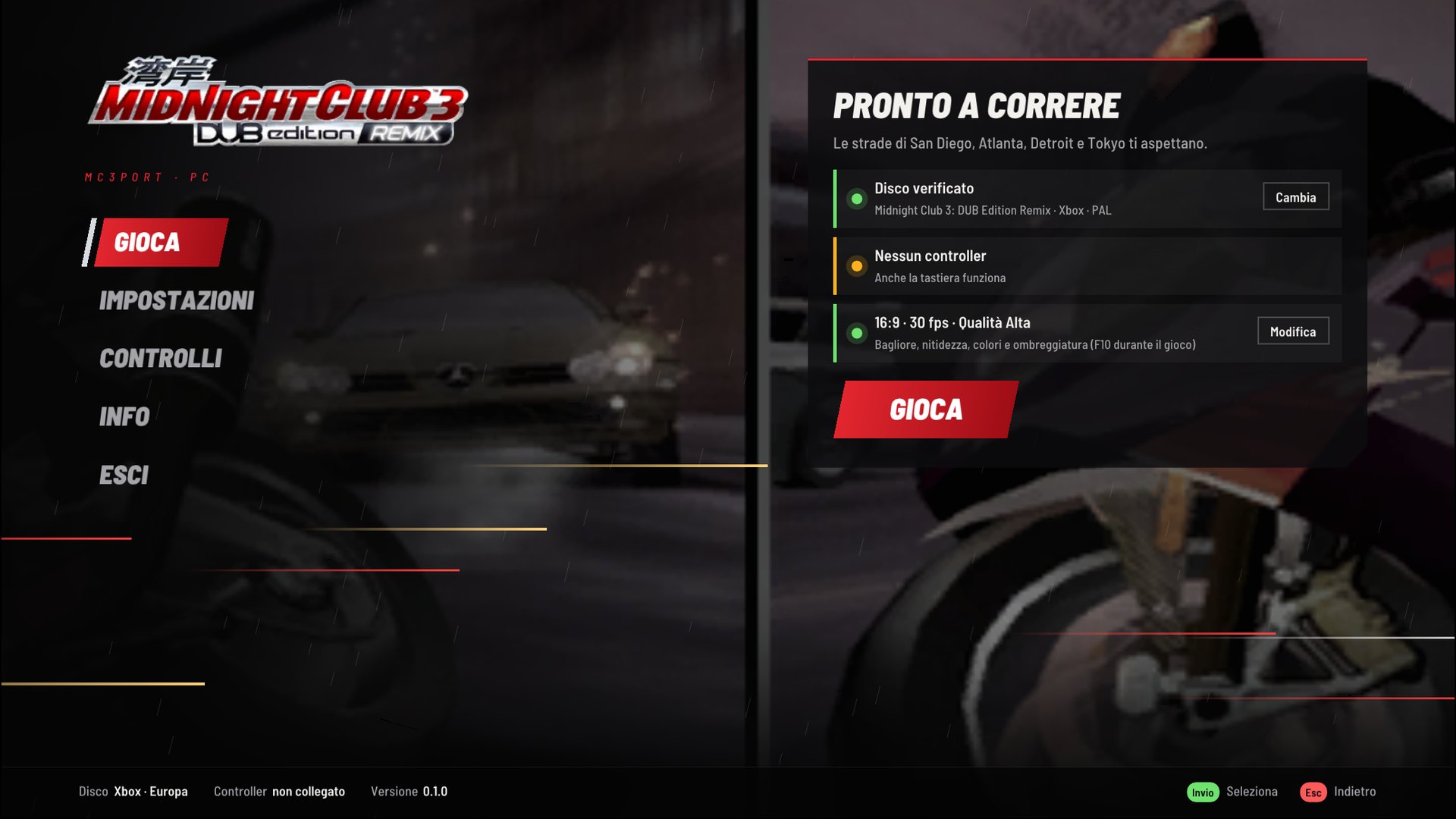
The launcher speaks English or Italian, following Windows; these captures come from an Italian Windows. Its logo and pictures are read from the player's disc. The game content in the screenshots belongs to its owners.
What it is
mc3port is a port, not a remaster. It runs the original 2005 game, with its own cars, cities, physics and soundtrack. The game's x86 code runs natively on your PC; mc3port replaces the Xbox around it: its kernel, the NV2A graphics chip (on Direct3D 11), the sound chip (on XAudio2) and the controllers (on XInput).
Compared with the console:
- True 16:9: the game's own widescreen mode, with a wider view and no stretching or black bars.
- 60 fps, or 30 like the Xbox.
- Higher internal resolution (up to 4x) with anisotropic filtering, for smooth edges and sharp textures.
- Modern effects, all optional: light glow, adaptive sharpening, colour, vignette and ambient occlusion (F10 switches them on and off to compare).
- A launcher that checks your disc, sets everything up on the first start and holds all the settings.
- Keyboard support with rebindable keys, and Xbox controllers for up to four players.
Requirements
- Windows 10 or 11, 64-bit.
- A graphics card with Direct3D 11.
- A disc image (
.iso) of Midnight Club 3: DUB Edition Remix, Xbox, Europe (En, Fr, De, Es, It). XISO and full Redump dumps both work. Other releases (for example the North American one) are not supported yet: mc3port checks the game's executable (default.xbe, SHA-25629d866afda9c54590a854fdfa98cf6e69d871dd3fc02da20bbbf76c3582c7b09) and tells you if the disc is a different version.
Installing
With Quiver Launcher: find mc3port in the catalog and install it. Quiver keeps it up to date.
With the installer: download mc3port-<version>-windows-x86-setup.exe from the
releases page and run it. It installs for your user only (no
administrator rights), adds Start menu and desktop shortcuts, and can be removed from Windows' installed apps. When a
new version comes out, the launcher offers to update: it downloads the new installer, checks its SHA-256 and installs
it, then reopens the game.
Portable: download mc3port-<version>-windows-x86.zip, extract it into a folder of your choice and start
mc3.exe. To update, extract the new version over the old one.
To check a download, compare its SHA-256 with the SHA256SUMS file of the release. The files are not code signed,
so Windows SmartScreen may ask once whether you trust them ("More info", then "Run anyway").
Your settings (mc3port.ini), saves (xbox_hdd), log and shader cache live in %LOCALAPPDATA%\mc3port, so updates
and uninstalling never touch them. To keep them next to mc3.exe instead (a USB stick, say), create an empty file
named portable.txt there.
First start
The launcher opens and asks for your disc image. Choose the .iso file: mc3port checks it and remembers where it is.
Then pick a quality preset, the aspect ratio and the frame rate, and press PLAY. Next time the launcher opens on
its main page; PLAY (or Enter, or A on a controller) starts the game.
Controls
Xbox controllers (Xbox 360, One and Series, or anything XInput) work as on the console, on ports 1 to 4. PlayStation and other controllers work through Steam Input or DS4Windows, which present them as Xbox controllers.
Without a controller, the keyboard is controller 1. Every key can be changed in the launcher's Controls page.
| Key | Xbox controller |
|---|---|
| W / S | right trigger (accelerate) / left trigger (brake, reverse) |
| A / D | left stick (steer) |
| Space / Esc / Z / C | A / B / X / Y |
| Left Shift / Left Ctrl | Black / White |
| Enter / Backspace | Start / Back |
| Arrow keys | D-pad |
| I / J / K / L | right stick |
| PC key | Action |
|---|---|
| F11 or Alt+Enter | full screen on and off |
| F10 | modern effects on and off |
Settings
Everything is in the launcher's Settings page, and in mc3port.ini next to mc3.exe (each key is explained
there). The main ones:
| Setting | What it does |
|---|---|
| Game language | English, French, German, Spanish or Italian; by default like Windows |
| Frames per second | 60, or 30 like the Xbox |
| Aspect ratio | 16:9 (the game's widescreen mode) or 4:3 |
| Quality | Original (like the Xbox), Balanced or High: resolution, filtering and effects together |
| Internal resolution | 1x (640x480) to 4x |
| Modern effects | glow, sharpening, saturation, contrast, vignette, ambient occlusion, each adjustable |
| Vertices on the graphics card | on by default; switch it off only to troubleshoot |
Performance
The game itself is light; most of the work goes into turning the Xbox's graphics commands into Direct3D 11, much of it on the graphics card. So far mc3port has been tested on few machines: if the game is not smooth on yours, choose the Balanced or Original preset, or 30 fps, and please report how it runs.
The first time each graphics shader is needed it is compiled in the background (meanwhile the processor does that
work); the results are kept in the shader_cache folder, so later runs start without hitches.
Known issues
- Only the European release is supported.
- In 16:9 the game stretches its HUD (radar, speedometer) to the wider screen, as it did on a widescreen TV: round dials look slightly oval.
- Online play (Xbox Live) is not available. Split screen works.
- On monitors wider than 16:9 there are thin black bars at the sides (full screen on a 16:9 monitor has none).
Reporting a problem
Open the launcher's About page and press Log folder: attach mc3port.log from that folder (normally
%LOCALAPPDATA%\mc3port) to an
issue, with your Windows version, graphics card and what you were doing.
Building from source
Visual Studio 2022 or newer with "Desktop development with C++" (MSVC x86 tools, Windows SDK, CMake tools). From a Developer PowerShell in the project folder:
cmake -S . -B build/pc-x86 -A Win32
cmake --build build/pc-x86 --config Release
tools/package.ps1 builds the release zip, the installer (with Inno Setup 6.6 or
newer) and their SHA256SUMS in dist/. Technical notes, test switches and
debugging tools are in docs/DEVELOPMENT.md (in Italian).
How this was made
mc3port was written with heavy use of AI (Anthropic's Claude), directed and tested by the author on real hardware. xemu and other open-source Xbox projects were studied as references only; no code was copied from them.
Credits
- Dear ImGui by Omar Cornut, MIT licence: the launcher's interface.
- Barlow by Jeremy Tribby, SIL Open Font License: the launcher's font.
- The launcher's background music was generated for mc3port with ElevenLabs Music (through Magnific).
- The program icon and logo are mc3port's own, drawn with Barlow Semi Condensed (
tools/make_icon.py). - The launcher's logo and pictures are the game's own, read from your disc while it runs; they are not part of mc3port.
Licence
mc3port's code is released under the MIT licence. Third-party parts keep their own licences, listed in THIRD_PARTY.md. The game itself, and everything read from your disc, belongs to its owners.