MLBPowerPros2008Recomp
MLBPowerPros2008Recomp is a Windows PC port of MLB Power Pros 2008 that includes a launcher, mods, and tools to edit textures, rosters, and stadiums.
- Type: PC port
- Game: MLB Power Pros 2008
- Runs on Windows
- By HopeAero
- Latest release v0.1.2, 2026-10-19
- Source: https://github.com/HopeAero/MLBPowerPros2008Recomp
README
MLB Power Pros 2008 Recomp
Versión en español: README.es.md
A static recompilation of MLB Power Pros 2008 (Wii, USA, RL8E54) into a native Windows x64 program, built on the translator and runtime of Wiicompiled, with its own launcher, mods and tools to edit textures, rosters and stadiums.
It is not an emulator: there is no CPU interpreter and no JIT. The game's PowerPC code (main.dol and ovl_main.rel) is translated to C++ ahead of time and compiled for the PC; what the console provided (operating system, graphics, audio, disc, NAND memory, controllers) is re-implemented by the runtime.
[!IMPORTANT] This repository contains nothing from the game: no disc image, no executable, no assets (textures, models, audio, video, fonts), no translated code and no saves. You need your own legal copy of the game. The Setup translates and compiles the game on your PC from your copy, and none of it leaves your PC. Do not ask for or share game files.
[!NOTE] Made almost entirely with AI. Nearly all of the code, tools, reverse engineering and documentation were written by Claude (Anthropic) through Claude Code, directed, tested and reviewed by a person. See How this was made.
Status (October 2026)
Beta, Windows only. What this table says was measured on the development PC; what was not checked, it says so.
| Area | State |
|---|---|
| Boot → strap screen → menus | works, at 60 FPS |
| Matches (Exhibition), Home Run, lineups | work; full matches are played. Automated test match: 60 FPS with Direct3D 12 and with Vulkan |
| Season, League, MLB Life | reachable (MLB Life also with modded rosters); no systematic tests of each mode |
| Graphics | Direct3D 12 or Vulkan (picked automatically), internal resolution 1x to 4x, true 16:9 widescreen, fill screen without black strips, AMD FSR 1, anisotropic filtering up to 16x, frame interpolation to 120 or 180 FPS (experimental), quality presets |
| Audio | complete, commentator included |
| Controllers | any controller through SDL3, or keyboard and mouse, as a GameCube controller; up to 4 players; Dolphin-style remapping; PlayStation or Xbox button names |
| Mods | textures (HD too), project.bin files (uniforms, for example), 2008 rosters, stadiums edited in Blender and new stadiums in Exhibition. Untested: riivolution/ |
| Installation | the Setup verifies your copy, extracts, translates and compiles it: about 4.5 minutes (12 threads). Verified clean, in Spanish and English, on the development PC; not yet tested on another PC |
| Translated code | 48,219 functions from main.dol and ovl_main.rel, none unsupported; 314 system functions bound to native code |
| Languages | launcher, Setup, Texture Studio and Blender add-on in Spanish and English (system language, or your choice); documentation in both languages |
| Discord Rich Presence | inactive until it has its own application ID (see Configuration) |
| Linux, Switch (homebrew) | planned, not started |
Known issues
- New stadiums: the "Home of the…" line is the base stadium's, they only appear in Exhibition (not in Season, League or MLB Life) and a hand-made crowd is not drawn.
- 4x internal resolution renders at almost 4K: on modest GPUs (an RX 5500, for example) it takes the GPU to 80% or more. "Match window" is recommended.
- Changing the graphics API or the mods while the game is open needs a restart (the launcher does it for you).
- Automated tests saw 2 silent exits at startup (out of about 9, on October 13); after a fix they did not happen again, but the cause is not proven.
Install and play
Requirements: Windows 10/11 64-bit, a GPU with Direct3D 12 or Vulkan, your copy of MLB Power Pros 2008 for Wii (USA, RL8E54) and about 2.5 GB free (900 MB for the Setup, 1.5 GB for the installed game).
- Download
MLB-Power-Pros-2008-Setup-v0.1.2.zipfrom Releases (latest:v0.1.2beta) and unzip it into a folder of yours (not Program Files). - Open
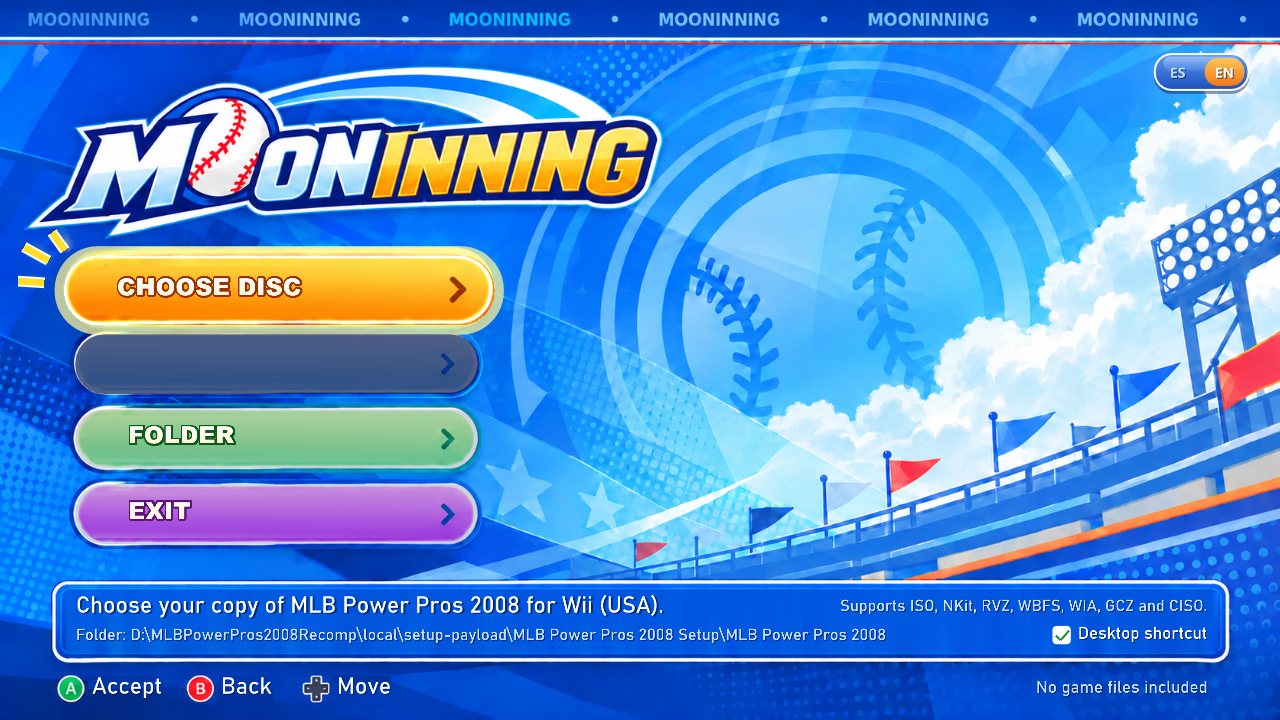
MLBPowerPros2008-Setup.exe, press CHOOSE DISC and pick your copy (ISO, NKit, RVZ, WBFS, WIA, GCZ or CISO). - Press INSTALL. The Setup checks that it is a clean
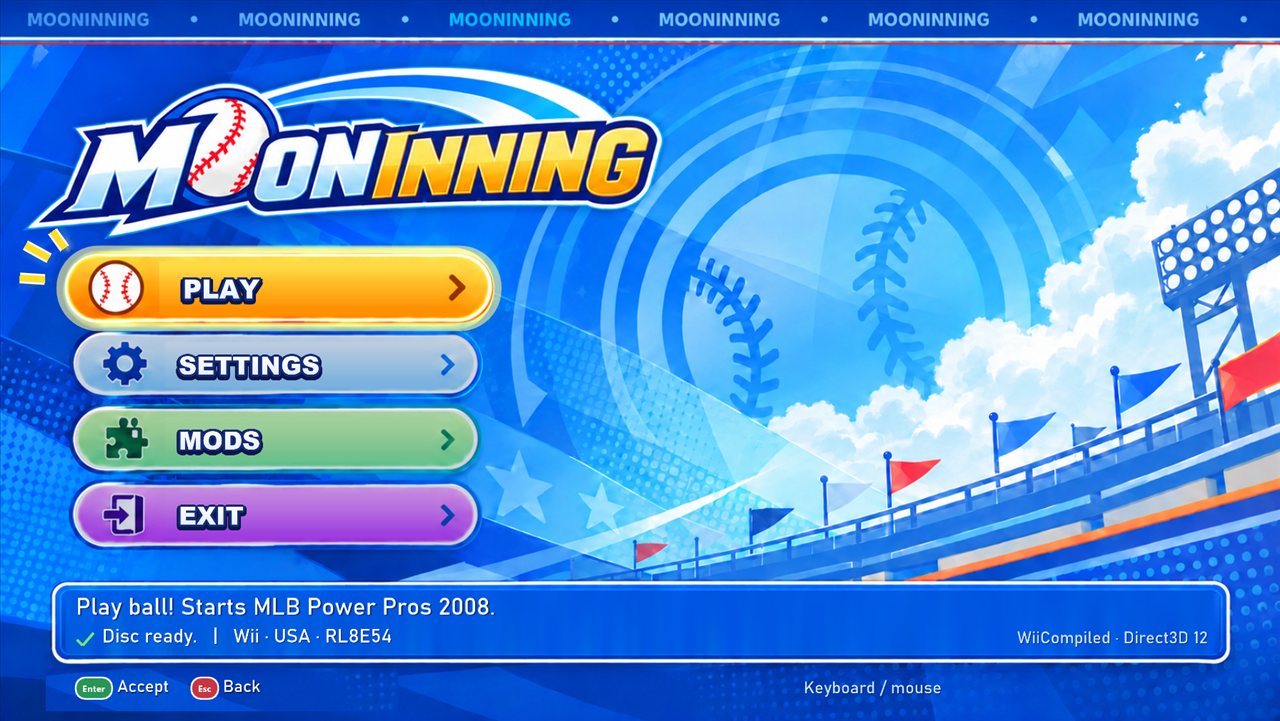
RL8E54dump, extracts it, translates the code and compiles it on your PC. - Press PLAY or use the desktop shortcut. The launcher opens before each session: graphics API, display, resolution, audio, controls, mods and tools.
How it works
your copy of the game ──► nodtool ──► main.dol + ovl_main.rel (+ the disc files)
                                          │
                                          ▼
                 Translator.Cli (Wiicompiled)      PowerPC ─► C++, one C++ function per game function
                                          │
                                          ▼
                 clang (llvm-mingw) ──► MLBPowerPros2008.exe
                                          │
                 runtime (Wiicompiled + this project's patches):
                   Wii SDK HLE               OS, threads, alarms, DVD, NAND, IOS, AX/DSP audio, VI, controllers
                   aurora                    GX ─► WebGPU (Dawn) ─► Direct3D 12 / Vulkan
                   MLB natives               REL loader, launcher, mods, roster, new stadiums
Three layers of a different nature:
- The game code is recompiled, not emulated. It is a mechanical translation: complete and faithful, but not readable source code.
- The Wii's system calls are re-implemented on Windows. Wiicompiled was made for Mario Kart Wii; here its 314 native functions are rebound to MLB's addresses with this project's own function map (
config/wiicompiled/rl8e54-functions.map), and MLB's own failures are fixed with patches. - Graphics are translated at the API level (GX), not at the hardware level: aurora draws with WebGPU on Direct3D 12 or Vulkan.
Every change to the runtime is a reproducible patch on Wiicompiled's pinned commit (tools/patches/wiicompiled-*.patch, see config/tools.lock.json).
Features
Own launcher (before each session, controller-friendly)
- Video: graphics API, window or fullscreen, internal resolution, AMD FSR 1, anisotropic filtering, force 16:9, fill screen, frame interpolation, quality presets.
- Audio, Dolphin-style controls (stick gates, dead zone, stick test) and interface options.
- Mods: one switch per folder.
- Tools: opens the roster editor and Texture Studio.
- Original art from the MoonInning UI pack (not game content).
Included tools
- Roster editor (PowerUp+ adapted to 2008): imports and exports 2008 rosters. See docs/en/roster-2008.md.
- Power Pros Wii 2008 Texture Studio: makes texture mods, HD too, and captures textures from the running game. See docs/en/texture-studio.md.
- Blender add-on (4.2 LTS or later): imports and exports stadiums, with their collision, and creates new stadiums. See docs/en/stadiums.md.
Mods: textures, project.bin files, rosters and stadiums in mods/<folder>; saves made with a modded roster are kept apart. See docs/en/mods.md.
Configuration
Settings live in UserData/Config.toml, next to the game. The launcher changes almost all of them; the ones without an option:
[discord]
enabled = true
client_id = "" # Your own Discord application ID. Without it, Rich Presence stays inactive.

[ui]
language = "auto" # "auto" (Windows' language), "es" or "en"
No Discord ID is included, and the one inherited from Wiicompiled is ignored so that the game does not announce another application.
Building from source (Windows)
For developers. Requirements: PowerShell 5.1, Git, the .NET 8 SDK and Python 3.12. The rest (llvm-mingw, CMake, Ninja, aurora's dependencies) is downloaded and verified by the scripts inside local/.
.\tools\bootstrap.ps1                                   # dtk and NKit, verified by SHA-256
.\tools\phase0.ps1 -Image '<your copy>.iso' -DolphinTool '<Dolphin>\DolphinTool.exe'   # extracts to local/disc
.\tools\wiicompiled-translate.ps1 -Build                # clones Wiicompiled at the pinned commit, applies the patches, translates
.\tools\wiicompiled-build.ps1 -RunSeconds 30            # builds and tests
.\tools\wiicompiled-bench.ps1 -Api vulkan               # frame time in the title demo
- Release:
tools/setup/Make-Release.ps1 -Zipbuilds the Setup package from a clean clone, using only what is in git (about 20 minutes).tools/setup/LocalBuild.ps1is what the Setup runs on the player's PC. - Content guard:
python tools/check_no_game_data.py --install-hookinstalls the pre-commit hook that rejects game files, binary content, large files and data dumps.
Documentation
| Document | Contents |
|---|---|
| docs/en/wiicompiled-feasibility.md | From the first translation to a playable game: every patch, every failure and every measurement |
| docs/en/reverse-engineering.md | Reference of the game by system: memory, threads, project.bin, roster, textures, stadiums (PDF with tools/build_re_pdf.py) |
| docs/en/launcher-controls.md | Launcher, controls and language |
| docs/en/mods.md | Kinds of mods and how to install them |
| docs/en/roster-2008.md | 2008 rosters and the PowerUp+ editor |
| docs/en/texture-studio.md | Texture Studio |
| docs/en/stadiums.md | Stadiums with Blender and how to make one from scratch |
| docs/en/reverse-engineering-tools.md | Ghidra and dtk |
The Spanish originals are in docs/.
Repository layout
| Folder | Contents |
|---|---|
tools/ | translation, building, Setup, launcher, mods and analysis |
tools/patches/ | reproducible patches on Wiicompiled and PowerUp+ |
tools/setup/ | the Setup (setup.cpp), what runs on the player's PC (LocalBuild.ps1) and packaging |
tools/texture-studio/, tools/blender/, tools/roster/ | Texture Studio, the Blender add-on and roster conversion |
config/ | game identity, function map and pinned versions |
assets/launcher/ | the launcher's own art (not game content) |
docs/ | technical notes and verifiable results; docs/en/ in English |
local/ | disc, downloaded tools, generated code, builds and saves; excluded from git |
The previous runtime (DolRecomp and ModernGekko, their patches and reports) is at git tag moderngekko-era.
Credits
- Wiicompiled (patchzyy): the PowerPC → C++ translator, the runtime and its packaging scripts, on which this whole project is built.
- aurora (encounter), included in Wiicompiled: GX on WebGPU. It uses Dawn, SDL3 and Dear ImGui.
- nod and decomp-toolkit (encounter): reading the disc and analysing the DOL and REL.
- PowerUp (CSho27) and PowerUp+ (ogura-connection): the 2007 roster format and the editor adapted here to 2008.
- Dolphin: behaviour comparison and its SDK signature database, used to name functions. DolRecomp and ModernGekko: the project's first stage.
- llvm-mingw, CMake and Ninja: compile the game on the player's PC.
- AMD FidelityFX Super Resolution 1 (MIT): the upscaling option.
- MoonInning UI pack: the art of the launcher and the Setup, contributed by the project's author.
- Blender and OpenSKP: editing and importing stadiums.
Versions, licenses and what is redistributed: THIRD_PARTY.en.md.
How this was made
This project was made with AI. Nearly all of the code was written by Claude (Anthropic) agents through Claude Code: the person decides what to try, plays, tests and reviews; the AI implements, measures and documents.
Two rules keep it honest:
- every claim comes from a test or a measurement, and this README says what was measured and what was not;
- nothing derived from the game goes into the repository, and a pre-commit hook watches for it.
It is a study project: expect rough edges, and mistakes a specialist would not have made.
Contributing
Contributions are very welcome: bug reports, testing on other GPUs and controllers, code, reverse engineering, docs and translations. Read CONTRIBUTING.md first: nothing from the game goes into the repository, runtime changes are patches, and every claim says how it was checked.
Legal
A fan project, not affiliated with, endorsed or sponsored by Konami, 2K, Major League Baseball, the MLBPA or Nintendo. MLB Power Pros, Wii and the team and player names are trademarks of their owners and are named only to say what this software works with. The repository and its releases contain no copyrighted game data, keys or firmware, and do not help anyone obtain them: you need your own copy of the game.
License
GNU General Public License v3 (see LICENSE). Third-party components keep their own licenses (THIRD_PARTY.en.md). The license covers this project's code; it grants nothing for the game.