Nitrogen Squared
Nitrogen Squared is a Windows and Linux port of N2O: Nitrous Oxide for PlayStation that supports widescreen and windowed rendering.
- Type: PC port
- Game: N2O: Nitrous Oxide
- Runs on Windows and Linux
- By TheEelYT
- Latest release v0.2.1, 2026-11-10
- Source: https://github.com/TheEelYT/Nitrogen-Squared
README

N2O: Nitrous Oxide (PlayStation), recompiled for Windows and Linux.




Releases · Controls · Building from source · Roadmap · Credits & dependencies · Issues
Important
Bring your own game. You need the supported USA CUE/BIN of N2O: Nitrous Oxide. The launcher verifies your disc and compiles the game privately on your computer. Releases include no game code, game assets, music, saves or Sony BIOS. Keep the matching CUE and BIN together and available after setup.
Screenshots
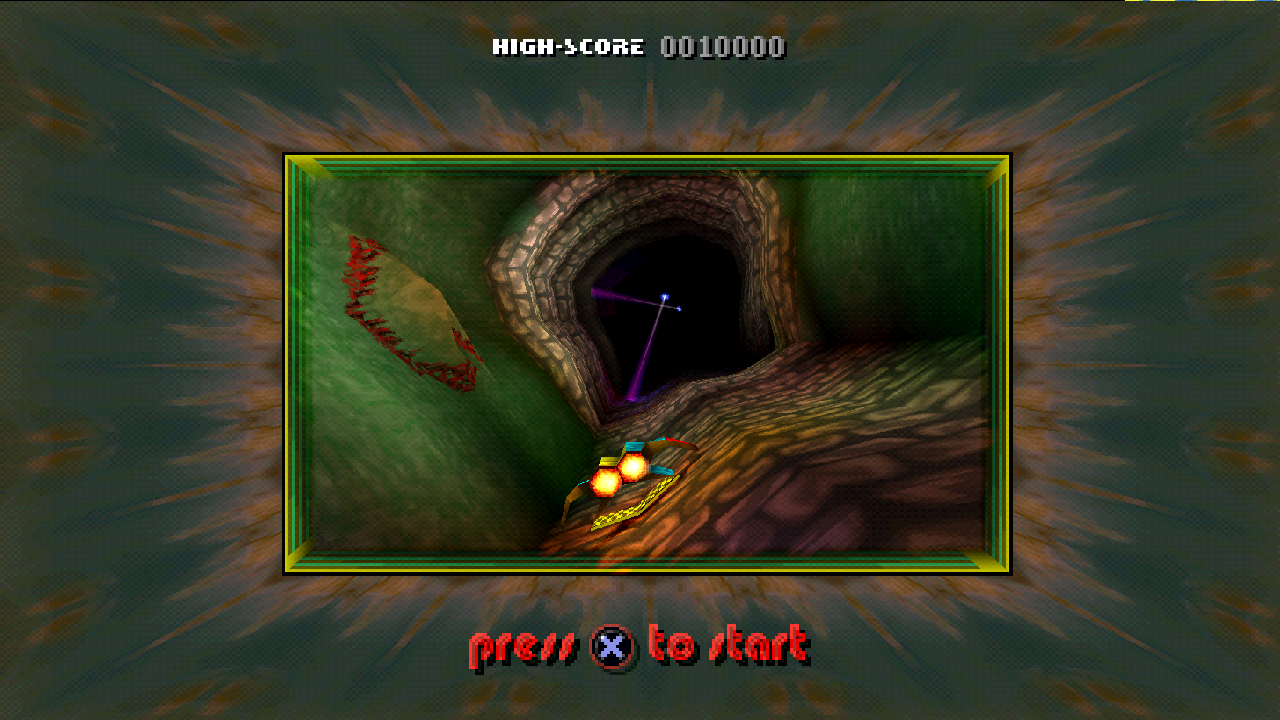 | 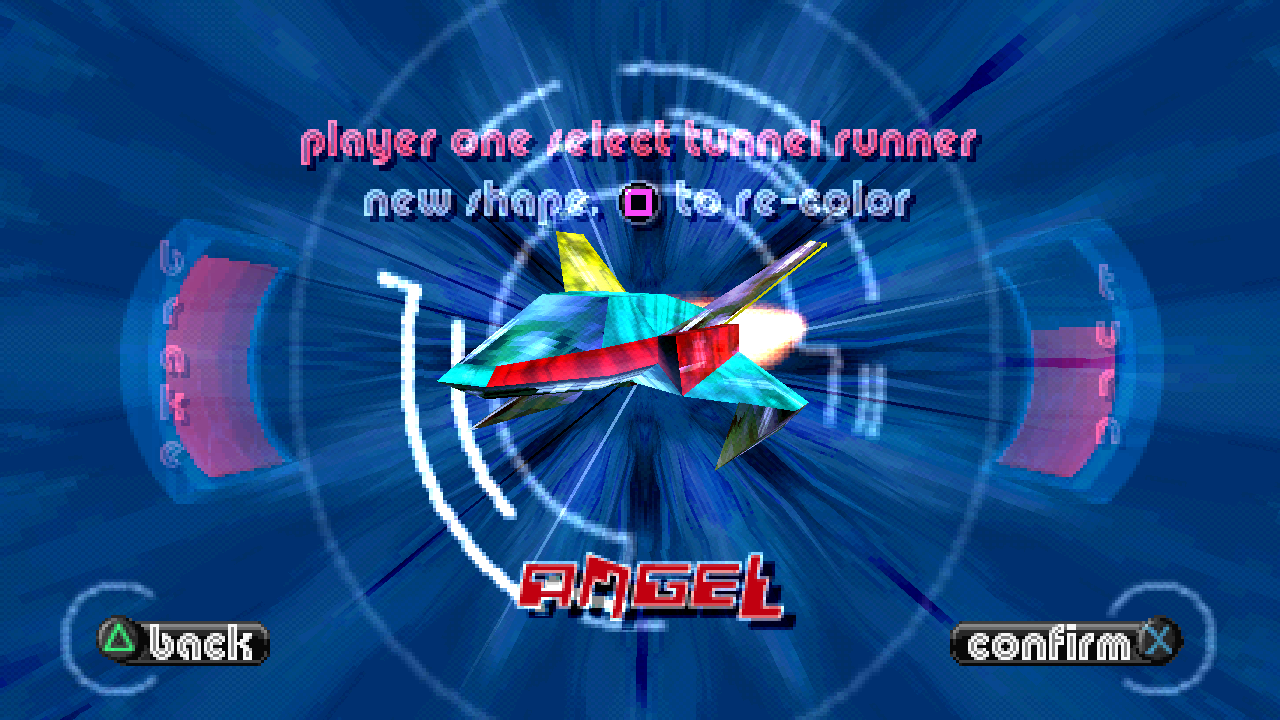 |
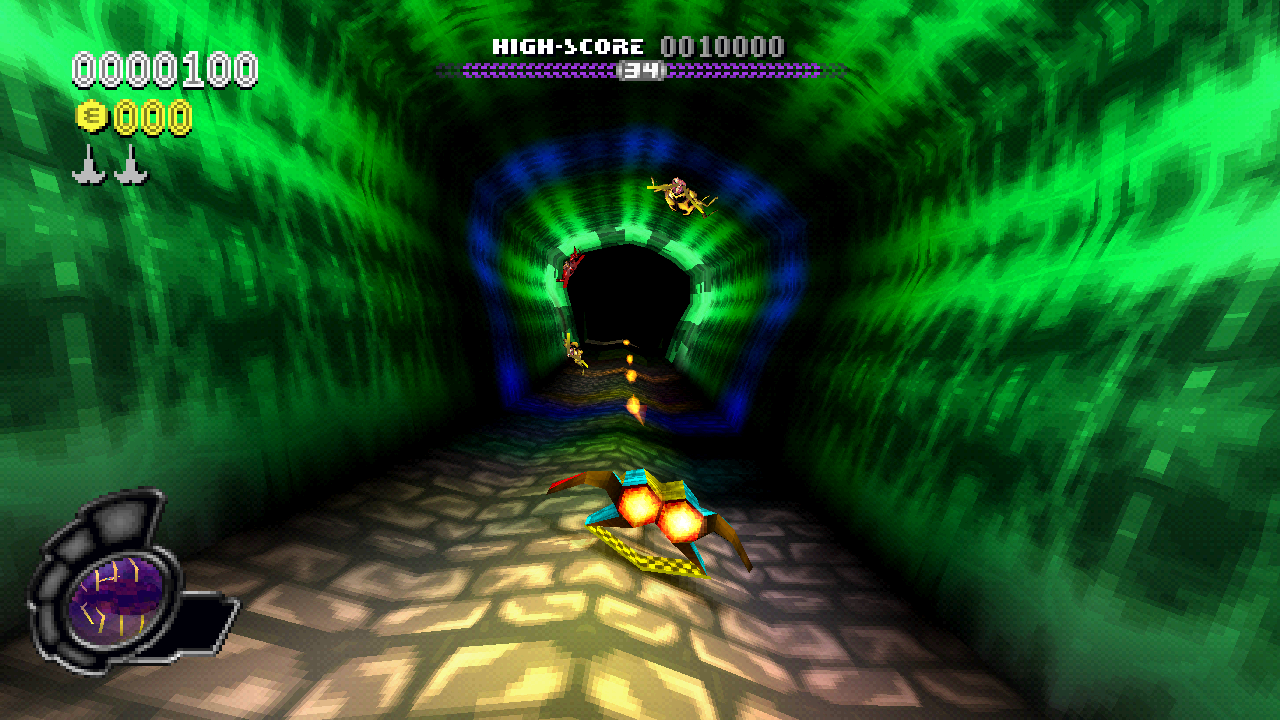 | 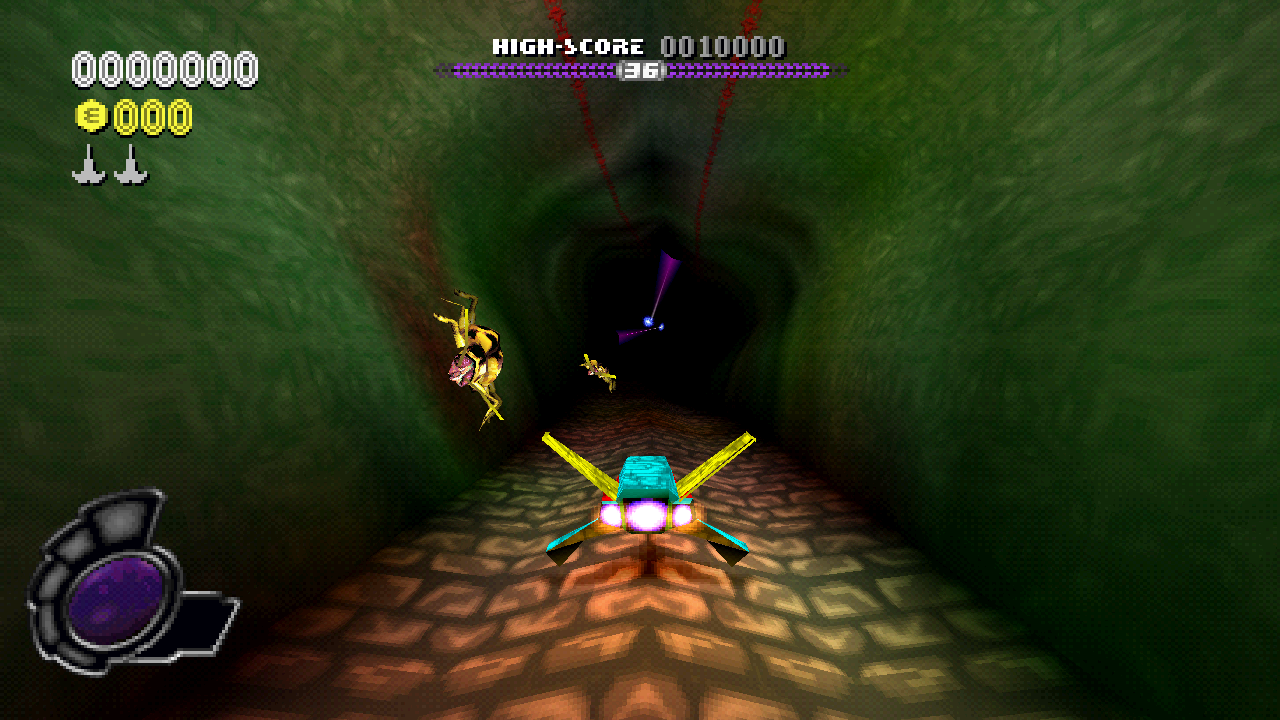 |
Features
Desktop presentation
- Widescreen and window-sized rendering, with square pixels and nearest-neighbor presentation.
- Independent HUD and text scaling: AUTO or 2X, 3X, 4X and 6X. AUTO keeps a 2X minimum.
- Windowed, borderless fullscreen or fullscreen in the in-game Video menu.
- Render resolution from 25% to 200% of the window size, separate from the interface.
Sound and controls
- Native playback of all three opening movies, with audio and skip controls.
- Keyboard and SDL gamepad input, including analog controllers.
- In-game Audio, Video, Controls and Extras menus. Audio includes master, SFX, ambient and music volume.
- Hold Back on the title screen for two seconds to close. A fading closing... caption shows progress; release to cancel. On keyboard, use Backspace with the mapping below.
Portable setup and saves
- The launcher verifies your disc, downloads pinned build dependencies and prepares your private game.
- Check for updates installs updates while preserving local files and saves.
- Downloaded tools, extracted files, builds, logs and saves stay inside the installation's
.localfolder. - Asset folders optionally organizes your own textures, models, maps, sound banks, movies and CD music for inspection. Runtime still uses the disc; replacement packs and folder-backed loading are future work.
Quick start
Get the latest release from the Releases tab and choose the ZIP for your platform. Extract the complete Nitrogen-Squared folder somewhere writable before starting the launcher.
Windows 10/11 x64
- Extract
Nitrogen-Squared-Windows-x64.zipand run launcher.exe. - Select your supported USA CUE file, with its matching BIN beside it. Selecting the BIN also works when its matching CUE can be found beside it.
- Let preparation finish, then play. First setup needs internet access and can take several minutes; later launches reuse the prepared game.
No separate Python, Node.js, Rust or Visual Studio installation is required. The launcher uses Microsoft Edge WebView2, normally present on Windows 10/11. The Windows package includes portable Python and downloads its pinned preparation tools.
Linux x86_64
- Install Python 3.11+, GTK 3, WebKitGTK 4.1, Git, CMake 3.20+, Make, a C11/C++17 compiler, pkg-config and the graphics/audio development libraries listed in the package's README-FIRST.txt.
- Extract
Nitrogen-Squared-Linux-x64.zip, open a terminal in the extracted Nitrogen-Squared folder and runsh launcher.sh. - Select the supported USA CUE/BIN and let preparation finish. First setup needs internet access; the launcher uses your system compiler and Python.
Linux runs the game through OpenGL. Keep Windows and Linux installations in separate folders. PS Vita is planned; no Vita package is available yet.
The Tauri launcher, adapted from Dittobyte/Recompia, has Home, What's New and Settings pages. Settings includes window mode, HUD scale, scene resolution and master volume; these apply on the next game launch. Bundled/cached release notes remain available offline. Play shows disc verification before the game starts and changes to Running after the runtime confirms its process; launcher-only fixes retain the compatible game build.
Controls
Keyboard — Digital Pad
Version 0.1.3 applies these defaults in the compiled game, including upgrades
from the original stock layout. After updating, use Play to rebuild.
The 0.2.1 launcher/workflow changes leave native coverage at 38.4156% linked / 61.5844% outside.
Existing custom keyboard profiles remain unchanged; keybinds.ini beside the
game executable stores them. The S key intentionally drives both D-pad Down
and L1 for menu navigation and braking. Gamepad bindings are unchanged.
| PlayStation input | Key |
|---|---|
| D-pad Up | W |
| D-pad Right | D |
| D-pad Down | S |
| D-pad Left | A |
| Cross | Enter |
| Circle | Right Shift |
| Triangle | Backspace |
| Square | E |
| Start | P |
| Select | O |
| L1 | S |
| R1 | Space |
| L2 | Minus (-) |
| R2 | Equals (=) |
Menus
Use WASD to move, Enter to select and Backspace to go back.
Gameplay
| Action | Key |
|---|---|
| Move left / right | A / D |
| Brake | S |
| Jump | Space |
| Fire main weapon | Enter |
| Fire secondary weapon | Right Shift |
| Switch secondary weapon | W |
| Activate firewall | E |
| Activate shield | Backspace |
| Pause / resume without a menu | P |
| Open the pause menu | O |
| Zoom out / in | Minus (-) / Equals (=) |
The in-game Controls screen selects the game's controller configuration.
Desktop shortcuts
| Action | Key |
|---|---|
| Hide / show the System and Debug menu bar | F1 |
| Toggle fullscreen | F11 |
| Close from the title screen | Hold Backspace for 2 seconds; release to cancel |
Holding Tab does not speed up the game.
Updating
New work and test candidates live on dev. Releases are published only after the owner verifies and explicitly clears them. Test candidates are available as GitHub Actions artifacts; see the release process.
Use Check for updates for published releases. Starting with 0.2.1, Play rebuilds when game/runtime build inputs change and reuses your existing compatible game for launcher-only updates. The first upgrade from 0.1.x prepares once to establish this compatibility check. Opening the launcher also applies the shared-save configuration repair for direct EXE shortcuts. Keep the complete installation folder together and preserve .local; it holds your saves, settings and private build. Moving the folder may require a fresh build cache while retaining saves. Do not delete .local to update.
If an older launcher cannot install an update, get the latest platform ZIP from Releases and follow its release notes. Both ZIPs have checksums in SHA256SUMS.txt. GitHub provides source archives automatically.
Saves, settings and logs
Paths below are relative to the extracted Nitrogen-Squared folder.
| What | Where |
|---|---|
| Portable saves and memory cards | .local/saves |
| In-game Video and Audio settings | .local/nitrogen-options.ini |
| Launcher state | .local/launcher-state.json |
| Setup log | .local/setup.log |
| Game startup / runtime log | .local/runtime-dev/runtime.log |
| Optional extracted asset folders | .local/game |
| Private build and caches | .local/runtime-dev and other folders inside .local |
Portable direct EXE launches and launcher play share .local/saves after the launcher repairs their configuration. If an older direct launch created .local/runtime-dev/saves, that folder is preserved; when both folders exist, cards are not merged or overwritten. Developer builds use their own save location; see development. Back up your saves before experimenting with builds or moving them between installations.
Current status and known issues
Windows and Linux launcher packages are available. The project combines native translations and host implementations with interpreter fallback; it is still in development.
Linked native range coverage: 38.4156%; outside linked ranges: 61.5844%. This measures 324,928 of 845,824 executable-payload bytes, including embedded data. It is neither overall completion nor the proportion of CPU time running natively. See native progress for the breakdown and method.
- An intermittent stutter when entering a new level remains open.
- Broader Linux desktop, Wayland and audio-device compatibility still needs player testing.
- Only the verified USA disc layout is supported. Other dump layouts and EU support need separate verification; rejection does not mean your disc is bad.
- Gameplay audio and simulation/render clock separation, mod-pack loading and Vita support remain future work.
Player checks · Validation record · Roadmap
Reporting problems
Open an issue with your release version, operating system, GPU, steps to reproduce and the relevant setup or runtime log. On Linux, include your distribution and whether you use X11 or Wayland.
Do not attach disc images, game executables, generated C, private build caches or saves. For disc-verification errors, include the error message and dump layout rather than uploading the disc.
Development and credits
Build and analysis commands are in Development. Technical details live in Disc analysis, Native progress, Display policy and Game options.
Nitrogen Squared uses the pinned PSXRecomp framework, SDL3, Dear ImGui and PCSX-Redux OpenBIOS. The project's original code is licensed under GPL-3.0-or-later (see COPYRIGHT); previously distributed MIT versions retain their permissions; dependencies retain their own terms, including PSXRecomp's PolyForm Noncommercial license. See THIRD_PARTY.md and the distribution policy.
The Nitrogen Squared logo is original artwork made by the project owner in GIMP. N2O: Nitrous Oxide and the game imagery belong to their respective rights holders. This is an independent fan project, not an official release.