Namco 22 Decompile
Namco 22 Decompile is a native PC port of Namco System 21, 22, and 23 arcade games, offering online play for Rave Racer, Cyber Sled, Time Crisis II, and Crisis Zone.
- Type: PC port
- Runs on Windows and Linux
- By spacestate1
- Latest release 0.9.1, 2026-10-22
- Source: https://github.com/spacestate1/namco22-decompile
README
Namco 2x Systems: Namco System 21 / 22 / 23 games for PC
Namco arcade games from the 1990s, rebuilt so they run on a normal computer. You need your own copy of each game's files (the MAME versions); they are not included here. A ROM set from MAME 0.271 or later is supported; the chip unpacker also accepts a few older chip-name spellings where a MAME set has since renamed one (see docs/ROM_CHECKSUMS.md).
System 22 / Super System 22
| Game | Year | Status | Online play | Game files you need | Linux | Windows |
|---|---|---|---|---|---|---|
| Prop Cycle | 1996 | Playable, start to finish | no | propcycl.zip | yes | yes |
| Rave Racer | 1995 | Playable | yes, up to 8 (how) | raverace.zip + namcoc74.zip | yes | yes |
| Tokyo Wars | 1996 | Playable | no | tokyowar.zip | yes | yes |
| Dirt Dash | 1995 | Playable, all five stages; optional no time limit | no | dirtdash.zip | yes | yes |
| Armadillo Racing | 1997 | Playable; the mouse or a USB trackball is the trackball | no | adillor.zip | yes | yes |
| Time Crisis | 1995 | Playable; mouse or light gun | no | timecris.zip | yes | yes |
| Ace Driver | 1994 | Playable; force feedback, developer screens | no | acedrive.zip + namcoc74.zip | yes | yes |
| Cyber Commando | 1994 | Playable; Japanese version | no | cybrcomm.zip + namcoc74.zip | yes | yes |
System 21
| Game | Year | Status | Online play | Game files you need | Linux | Windows |
|---|---|---|---|---|---|---|
| Cyber Sled | 1993 | Playable; developer test mode, widescreen with the HUD at the edges | yes, 2 players (how) | cybsled.zip + namcoc67.zip + namcoc68.zip | yes | yes |
System 23
| Game | Year | Status | Online play | Game files you need | Linux | Windows |
|---|---|---|---|---|---|---|
| Time Crisis II | 1997 | Playable; mouse or light gun, gun recoil output, play either character (its own README) | yes, 2 players, LINK PLAY (how) | timecrs2.zip | yes | yes |
| Crisis Zone | 1999 | Playable; mouse or light gun, gun recoil output (its own README) | no | crszone.zip | yes | yes |
Are you running the same ROMs as the authors? The checksums of every ROM file the games use are in
docs/ROM_CHECKSUMS.md, with a list in md5sum format for each game.
No extra BIOS file. Earlier instructions asked for c71.bin or MAME's namcoc71.zip (the DSP's BIOS). The games have it built in now, so you never need it; if you have it, ignore it.
Pictures
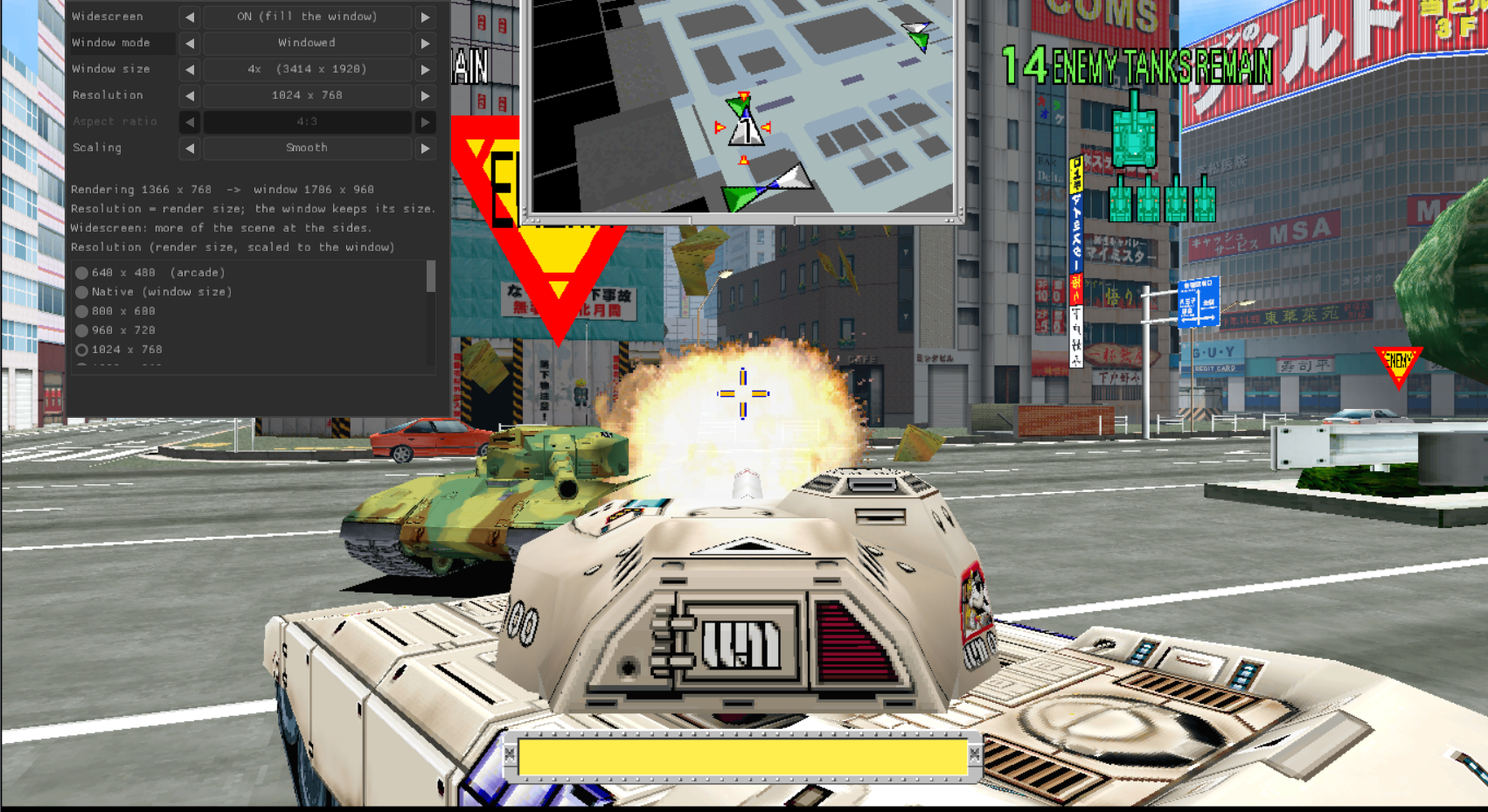
Tokyo Wars:
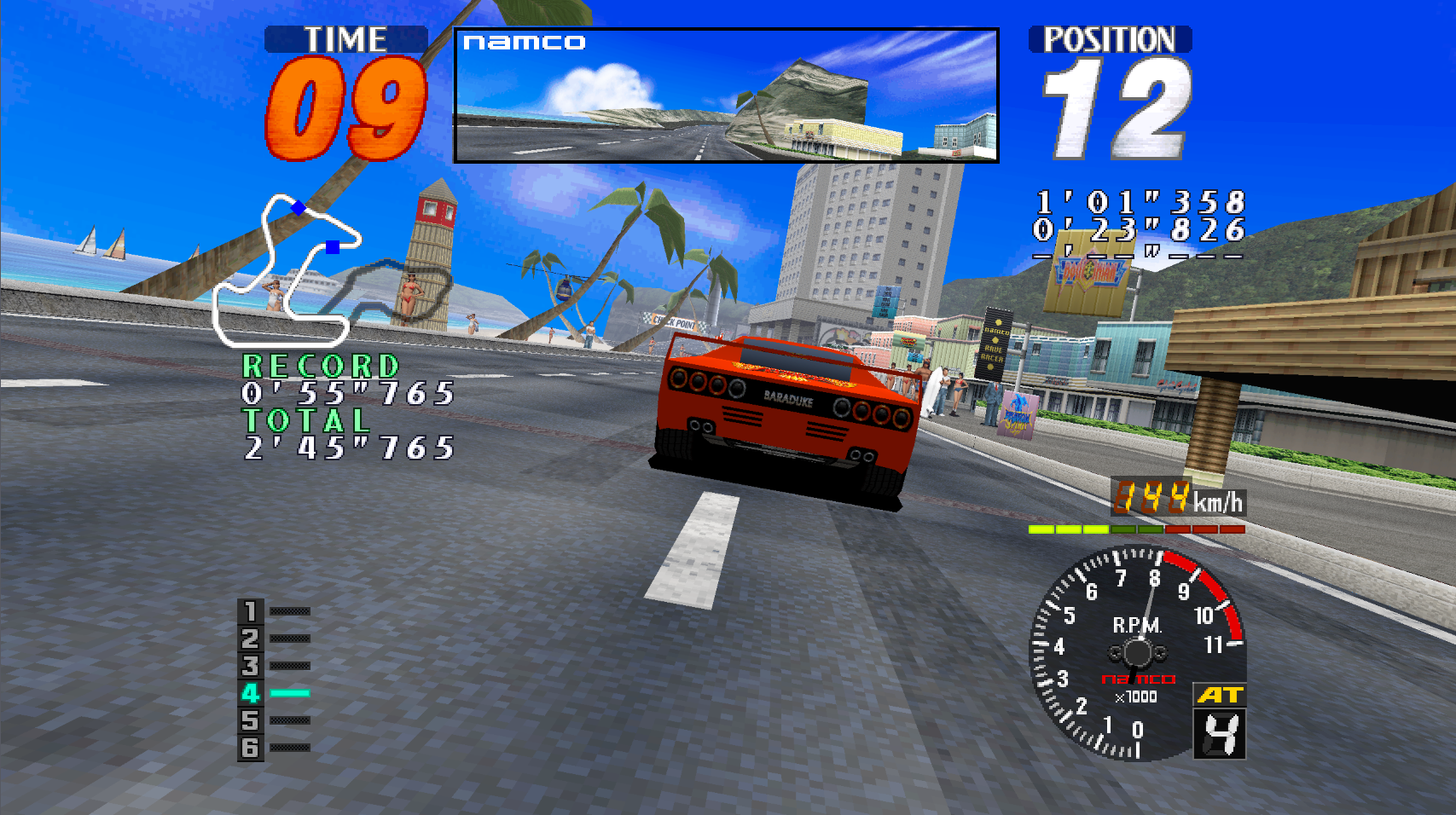
Rave Racer:
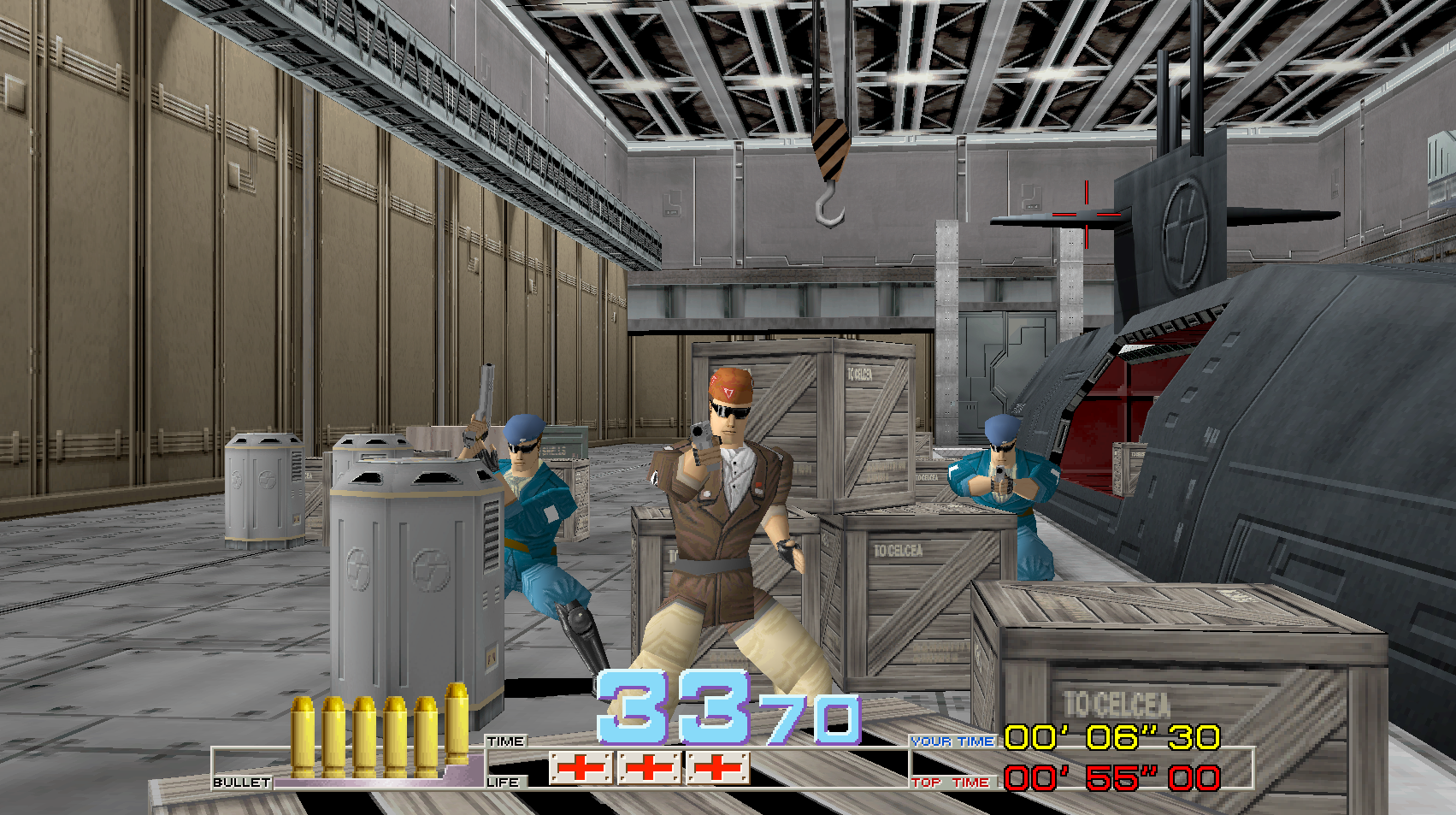
Time Crisis:
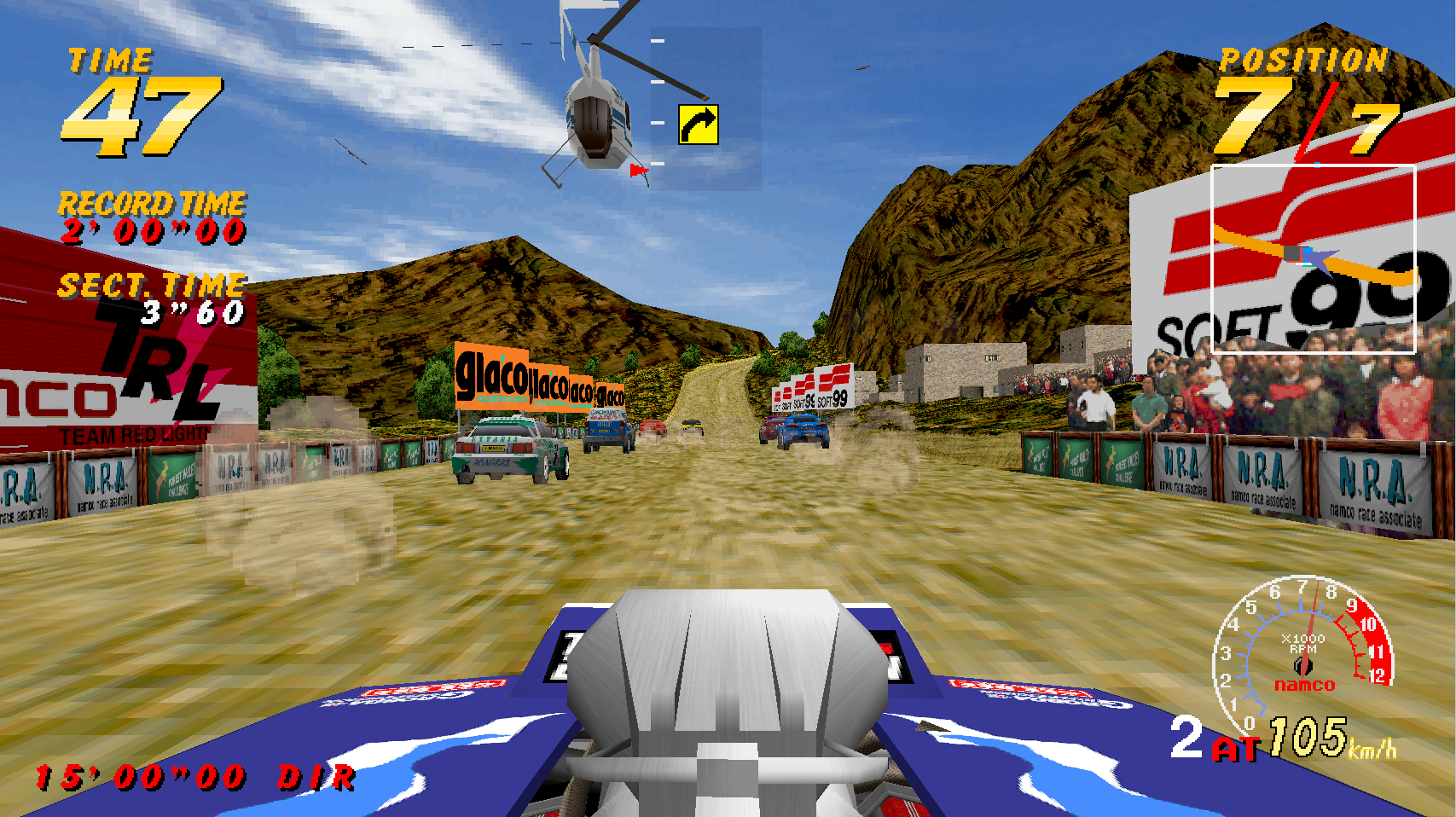
Dirt Dash:
Ace Driver:
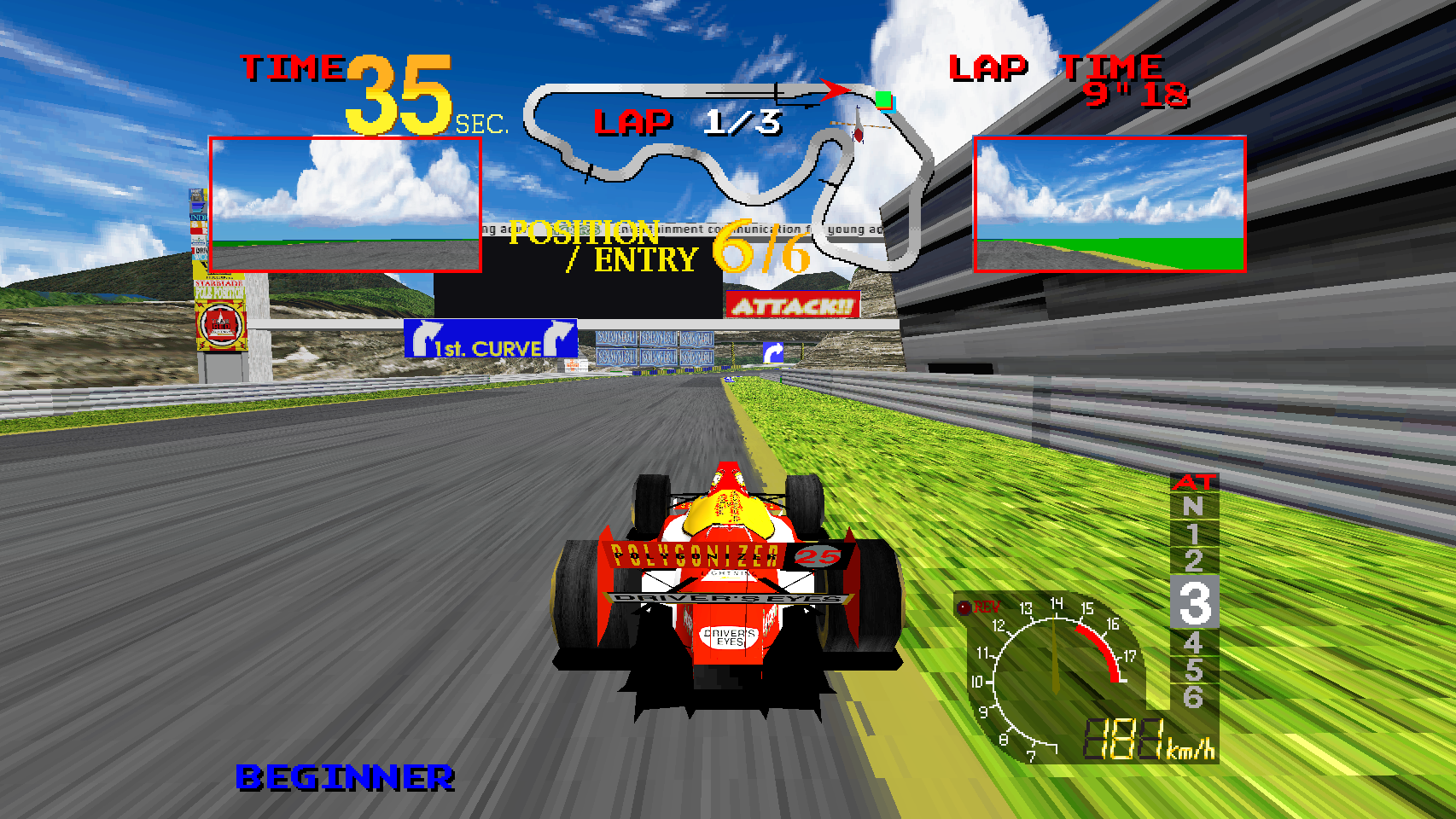
Cyber Commando:
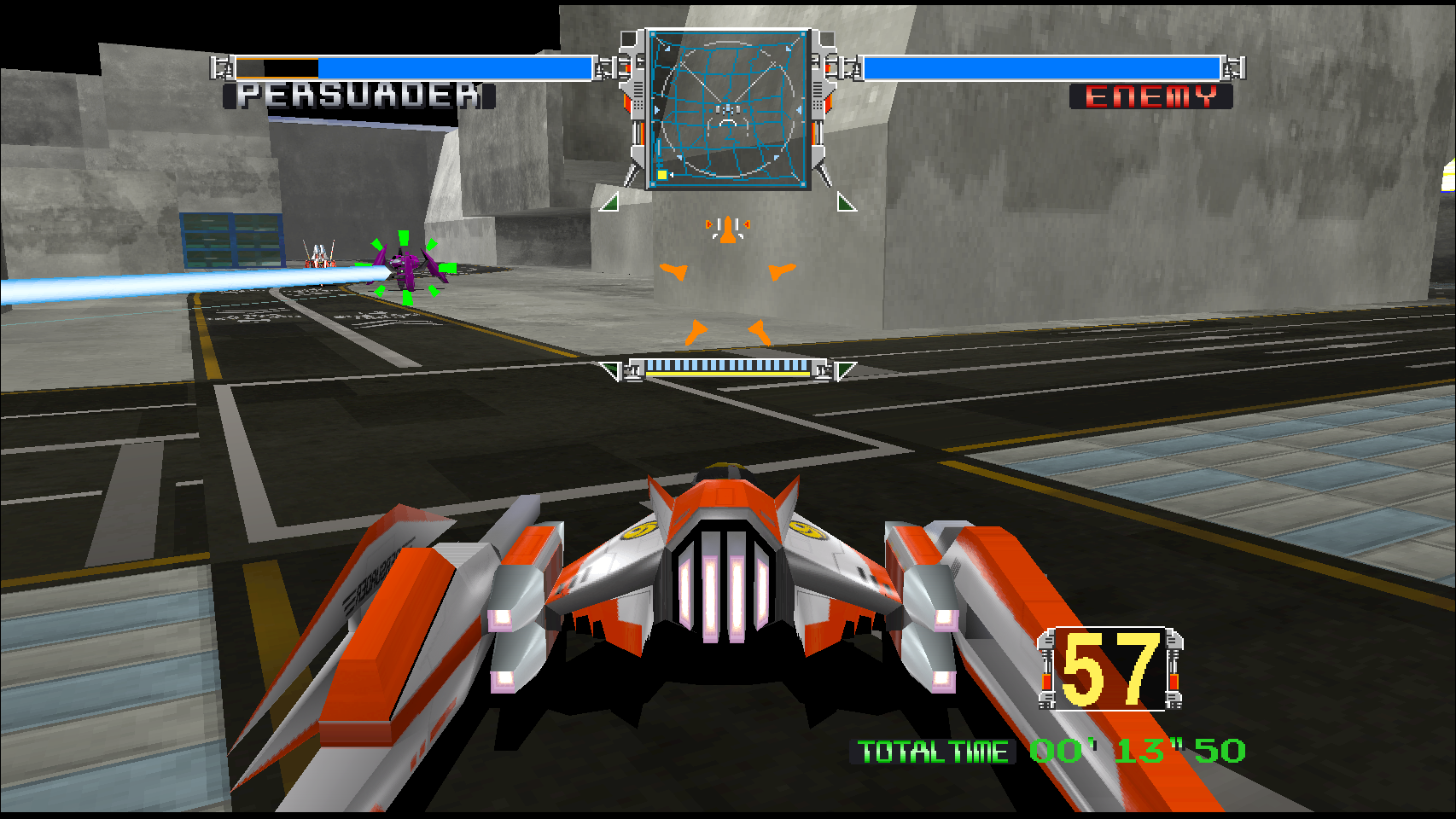
Cyber Sled:
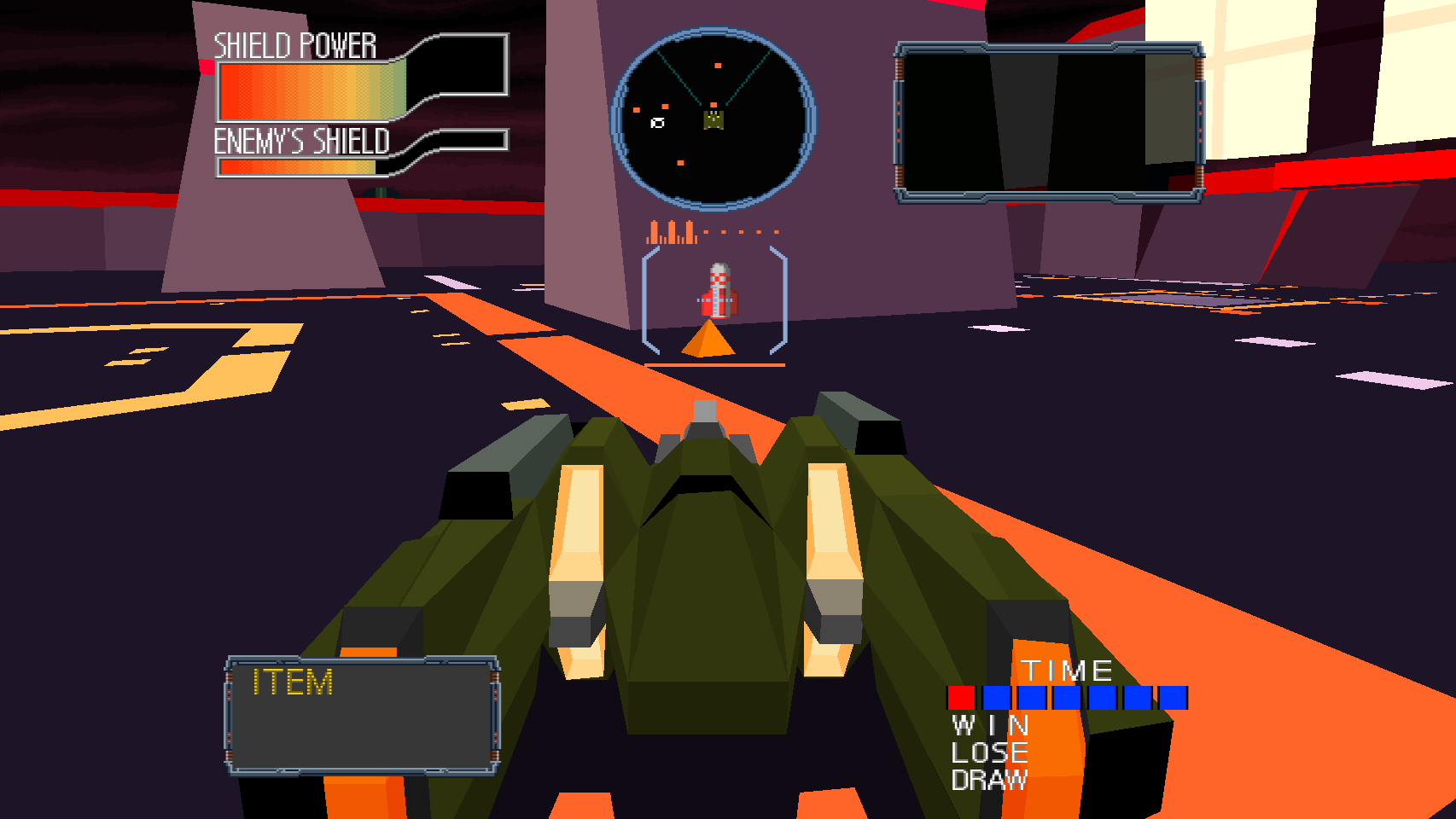
Time Crisis II:
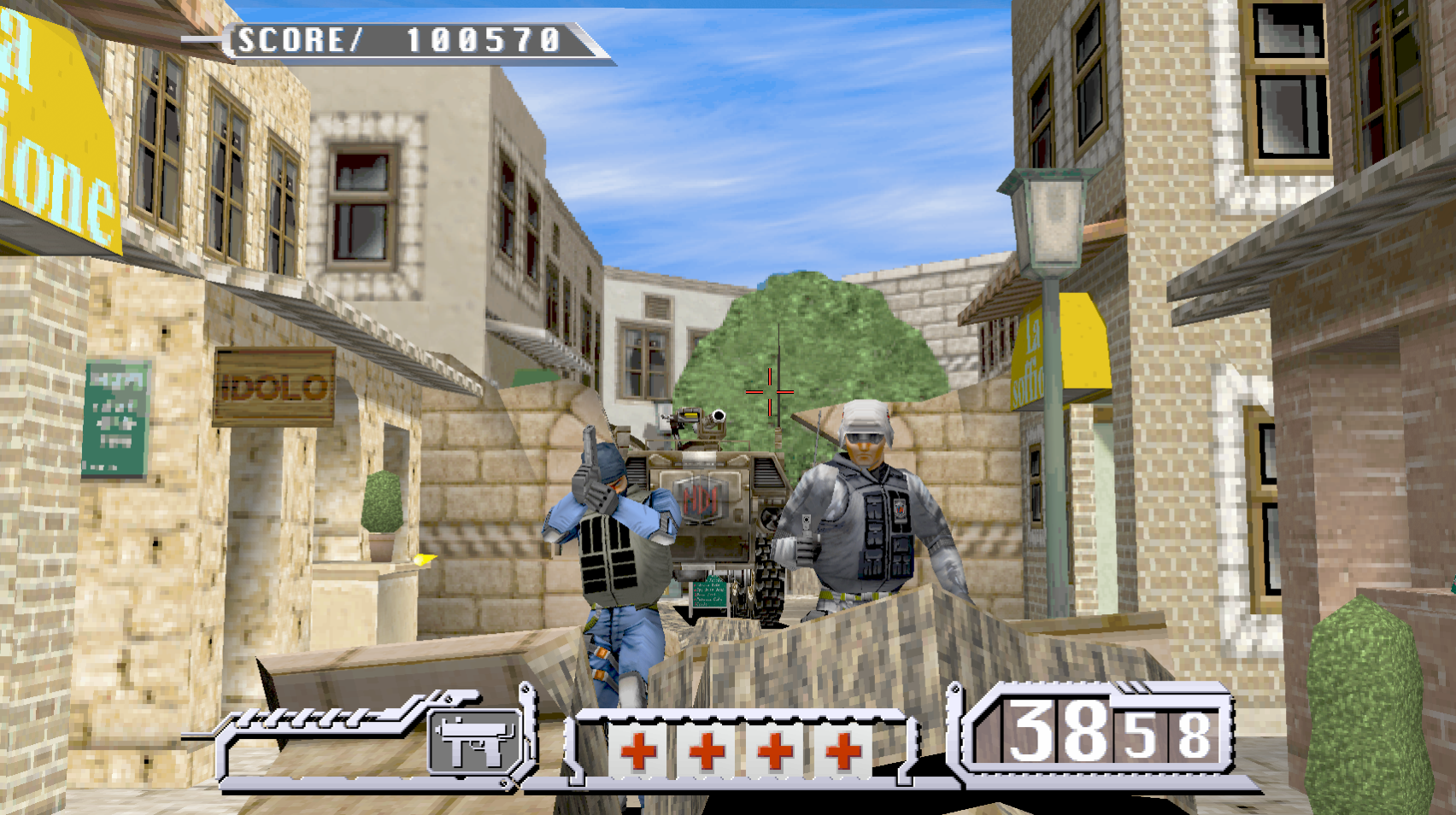
Prop Cycle:
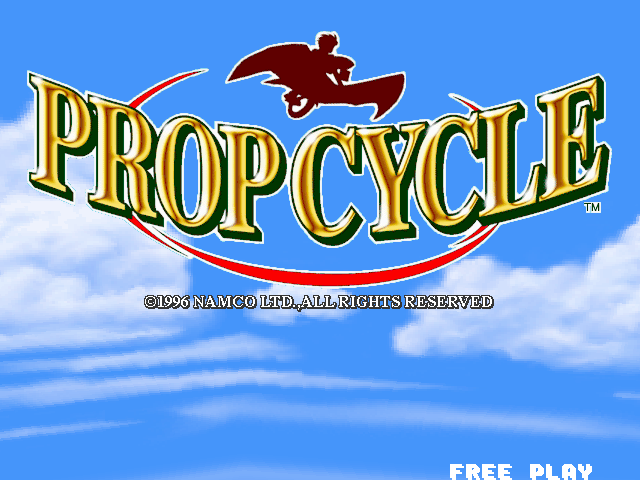
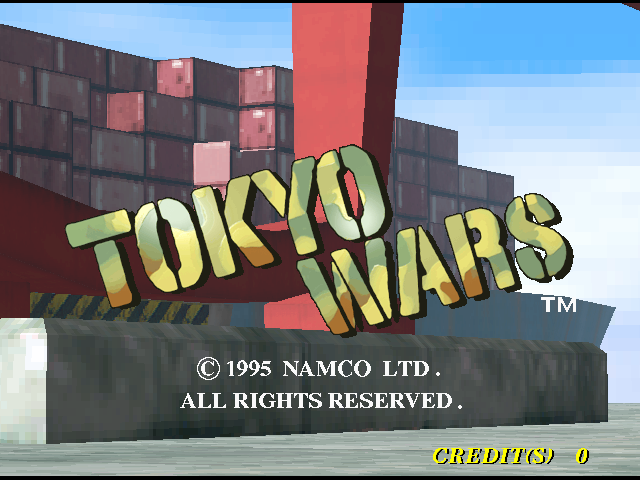
Tokyo Wars, the title screen:
Download (nothing to build)
Each release on the Releases page has ready-made packages.
None of them contains game files: after installing, you put your own zips in a folder (the INSTALL.txt next to the packages says where).
| Package | For | How to install |
|---|---|---|
namco-2x-systems_VERSION_amd64.deb | Ubuntu 22.04 or newer, Linux Mint 21 or newer, LMDE 6, Debian 12 or newer | sudo apt install ./namco-2x-systems_*_amd64.deb |
PropCycle-x86_64.AppImage, RaveRacer-..., TokyoWars-..., DirtDash-..., ArmadilloRacing-..., TimeCrisis-..., AceDriver-..., CyberCommando-..., CyberSled-..., TimeCrisis2-..., CrisisZone-... | The Steam Deck, and any 64-bit Linux without installing anything | chmod +x the file and run it (on a Deck: Desktop Mode, right-click it > Add to Steam) |
windows-release-VERSION.zip | Windows 10 or 11, 64-bit | Unzip it anywhere, put the game zips in its roms folder, double-click the game's .exe |
On Linux, start a game from the applications menu (or type propcycle, raveracer, tokyowars, dirtdash, armadilloracing, timecrisis, acedriver, cybercommando, cybersled, timecrisis2 or crisiszone). The first time, it makes the folder
~/.local/share/namco-2x-systems/<game>/roms, tells you which zip is missing and copies any it finds in ~/Downloads. To uninstall: sudo apt remove namco-2x-systems
your game files, settings and scores stay in ~/.local/share/namco-2x-systems/.
Upgrading from 0.6 or older: the package was called namco22; the new one replaces it, and the games keep using your old
~/.local/share/namco22/<game>/ folders (and namco22-data portable folders), so nothing has to be moved.
Steam Deck: download the AppImage of each game you want, put your ROM zips in ~/.local/share/namco-2x-systems/<game>/roms/ (Desktop Mode: Dolphin > Ctrl+H shows the
hidden .local folder; zips in ~/Downloads are found automatically), then in Desktop Mode right-click the AppImage > Add to Steam (or Steam >
Add a Non-Steam Game) and start it from Game Mode. The AppImages use the Deck's own SDL2, so Steam Input works: the menu opens with R3 or by holding
Start for a second. Each AppImage uses the same folders as the .deb, so the ROMs and settings are shared. If an AppImage will not start, run it from a
terminal (./DirtDash-x86_64.AppImage) and read the message; on a system without FUSE, --appimage-extract-and-run works.
The AppImage names carry no version number, so updating is overwriting the file and a Steam shortcut keeps working. ROM zips placed next to the
AppImage (or in a roms folder beside it) are found too. Portable mode: make a folder named namco-2x-systems-data next to the AppImages and each game
keeps everything there (namco-2x-systems-data/<game>/: its roms, the unpacked chips, settings, scores and recordings) instead of ~/.local/share/namco-2x-systems --
one disk, e.g. a microSD card, then works the same on a Steam Deck and another PC. The AppImage standard's own portable folder works too: a folder
named after the AppImage plus .home (TimeCrisis-x86_64.AppImage.home, or TimeCrisis-x86_64.home) keeps that game's data inside it. The Windows zip
is portable already (everything lives in its folder).
Once extracted by the app after a first run, ROM zips are no longer needed and can be removed.
How it was made
Each game's original program was taken apart with Ghidra (the NSA's free reverse-engineering tool) and checked, piece by piece, against the arcade machine running in MAME.
- Prop Cycle: Ghidra's output was turned into C and fixed by hand.
- Rave Racer: the program is translated to C by a tool of this project
(
raverace/gen/rr_lifted.cis its output), and parts are being rewritten by hand. - Tokyo Wars: the program is translated to C by the same tool
(
tokyowar/gen/tw_lifted.c); its master DSP and sound programs are turned into C when you build, from your own copy of the game files. - Dirt Dash: the program is translated to C by the same tool
(
dirtdash/gen/dd_lifted.c); its master DSP and sound programs are turned into C when you build, from your own copy of the game files. - Armadillo Racing: the program is translated to C by the same tool
(
adillor/gen/am_lifted_NN.c, 16 parts) and matches MAME instruction for instruction through the attract; its master DSP and sound programs are turned into C when you build (the sound notes match MAME's). - Time Crisis: the program is translated to C by the same tool
(
timecris/gen/tc_lifted_NN.c, 16 parts); its master DSP and sound programs are turned into C when you build, from your own copy of the game files. It is the newest game here: the program's code was checked against MAME's own coverage of the real game, and the DSP and sound translations against the interpreters they were made from; it has not yet been compared with MAME frame by frame or note by note, so expect small differences. - Ace Driver: the same board as Rave Racer, so it runs on Rave Racer's code with one table of its
own (
acedriver/src/ad_game.c); its program is translated by the same tool (acedriver/gen/rr_lifted.c), its master DSP and sound programs are turned into C when you build. Both translations were checked against the interpreters they were made from; the picture was checked against MAME's on MAME's own video state. The Debug page of its menu launches six developer screens the shipped game never reaches (object, sprite and character viewers, a results-screen test); they run while the test switch is on (F2 leaves). - Cyber Commando: the Rave Racer board again, one table (
cybrcomm/src/cc_game.c) plus a twin-stick mode in the shared code; its program (cybrcomm/gen/rr_lifted.c) was checked instruction by instruction against MAME over a whole played game (162 million instructions), and its DSP and sound translations against the interpreters they were made from. - Cyber Sled: a Namco System 21 board (two 68000s, five C67 DSPs for the 3D, a 6809 sound CPU, a C68 I/O controller).
Both 68000 programs are translated by the same tool (
cybsled/gen/cm_lifted.c,cs_lifted.c) and were checked instruction by instruction against MAME's; the five DSP programs, the sound program and the I/O program are turned into C when you build, each checked against the interpreter it was made from. The sound chip (YM2151) is this project's own code. Online play links two cabinets the way the arcade's own cable did. - Time Crisis II: a Namco System 23 board (a MIPS main CPU, an H8 sound / sub CPU, an H8 on the gun I/O board). The MIPS
program is translated to C (
tc2/gen/tc2_lifted_*.c) and was checked instruction by instruction against MAME's; the two H8 programs are turned into C when you build. The 3D chips, the text layer, the C352 sound chip and the JVS link are its own code (tc2/, a self-contained tree: see tc2/README.md). - Crisis Zone: a Namco System 23 Evolution 2 board, run on the same System 23 code as Time Crisis II. Its MIPS program is
translated to C the same way (
crszone/gen/crszone_lifted_*.c) and its two H8 programs are turned into C when you build (crszone/: see crszone/README.md). - The sound programs of all the games are turned into C when you build, from your own copy of the game files.
This repository has only the code. It has no game files and no Ghidra project or tools. Everything the games show or play is read from your own zips.
What you need to build it yourself
- Your own copy of each game's zip (see the table at the top). They are needed while building, not only while playing: each game's sound program and DSP program is turned into C from them.
- Linux (64-bit): a C compiler (
gcc),make, CMake,pkg-config, the SDL2, OpenGL (Mesa) and zlib development files, and Python 3 with numpy../install-deps.shinstalls all of these on Debian / Ubuntu, Fedora, Arch, openSUSE, Alpine, Void and Gentoo. - Windows programs are built from Linux (
./build-windows.sh): the MinGW-w64 cross compiler (x86_64-w64-mingw32-gcc), CMake,make,curl,7z(p7zip) and Python 3. The first run downloads SDL2, zlib and Mesa (the fallback OpenGL for computers with no graphics driver), so it needs the internet. - Building the
.deb, AppImages and Windows zip the way a release is made is done by the author with a script that is not part of this repository (it needs Podman for the Ubuntu container); you do not need it to build or play.
Linux
Open a terminal in this folder. First, once:
./install-deps.sh
This installs the tools the games need. It asks for your password.
Then build each game you have. Change the paths if your zips are somewhere else:
./build.sh ~/Downloads/propcycl.zip                                       # Prop Cycle
raverace/build.sh ~/Downloads/raverace.zip ~/Downloads/namcoc74.zip        # Rave Racer
tokyowar/build.sh ~/Downloads/tokyowar.zip                                 # Tokyo Wars
dirtdash/build.sh ~/Downloads/dirtdash.zip                                 # Dirt Dash
adillor/build.sh ~/Downloads/adillor.zip                                   # Armadillo Racing
timecris/build.sh ~/Downloads/timecris.zip                                 # Time Crisis
acedriver/build.sh ~/Downloads/acedrive.zip ~/Downloads/namcoc74.zip       # Ace Driver
cybrcomm/build.sh ~/Downloads/cybrcomm.zip ~/Downloads/namcoc74.zip        # Cyber Commando
cybsled/build.sh ~/Downloads/cybsled.zip ~/Downloads/namcoc67.zip ~/Downloads/namcoc68.zip   # Cyber Sled
tc2/build.sh ~/Downloads/timecrs2.zip                                                    # Time Crisis 2 (then tc2/launch.sh)
crszone/build.sh ~/Downloads/crszone.zip                                                 # Crisis Zone (then crszone/launch.sh)
Rave Racer's, Tokyo Wars', Dirt Dash's, Armadillo Racing's, Time Crisis', Ace Driver's, Cyber Commando's and Cyber Sled's first builds take a few minutes (Cyber Commando's needs about 4.5 GB of free memory).
Then play:
./launch.sh prop      # Prop Cycle
./launch.sh rave      # Rave Racer
./launch.sh tokyo     # Tokyo Wars
./launch.sh dirt      # Dirt Dash (`./launch.sh dirt jungle` starts in a stage: city, jungle, hill, mountain, snow)
./launch.sh armadillo # Armadillo Racing (the mouse is the trackball)
./launch.sh tc        # Time Crisis (the mouse is the gun)
./launch.sh ad        # Ace Driver
./launch.sh cc        # Cyber Commando
./launch.sh cs        # Cyber Sled
./launch.sh           # the list of games and options
Windows
All the games run on Windows. The Windows version is built from Linux. Type:
./build-windows.sh
This makes a windows-release folder. Copy it to the Windows computer.
Put the game files in its roms folder: propcycl.zip for Prop Cycle,
raverace.zip and namcoc74.zip for Rave Racer, tokyowar.zip for Tokyo
Wars, dirtdash.zip for Dirt Dash, adillor.zip for Armadillo Racing, timecris.zip for Time Crisis, acedrive.zip and namcoc74.zip for Ace Driver, cybrcomm.zip and namcoc74.zip for Cyber Commando, cybsled.zip, namcoc67.zip and namcoc68.zip for Cyber Sled, timecrs2.zip for Time Crisis II, crszone.zip for Crisis Zone.
Then double-click PropCycle.exe, RaveRacer.exe, TokyoWars.exe, DirtDash.exe, ArmadilloRacing.exe, TimeCrisis.exe, AceDriver.exe, CyberCommando.exe, CyberSled.exe, TimeCrisis2.exe or CrisisZone.exe.
Building on Windows itself, and what in the code is there for Windows only: docs/WINDOWS.md.
How to play
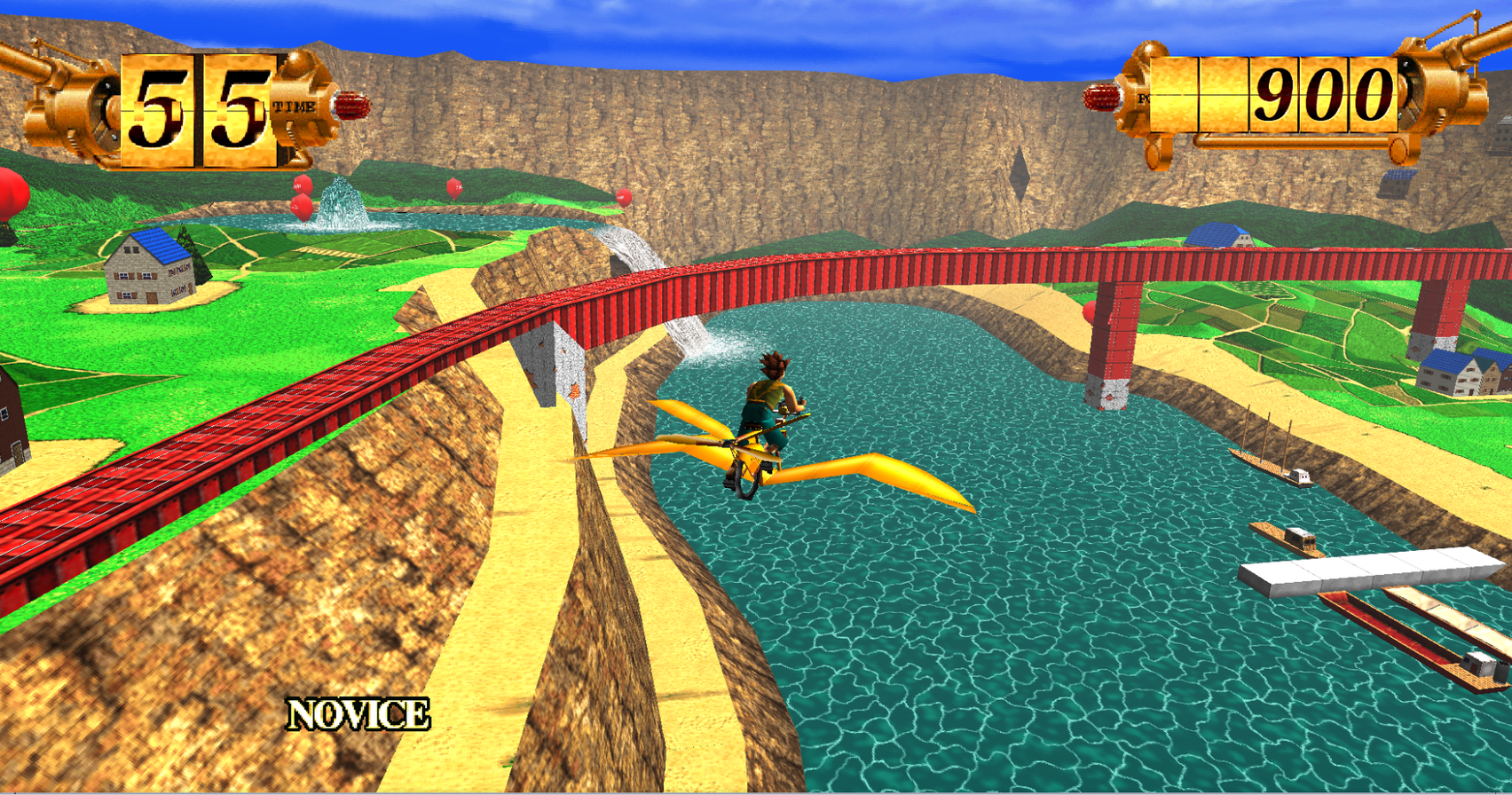
Prop Cycle. You fly a pedal-powered glider and pop balloons.
| Key | What it does |
|---|---|
5 | Put in a coin |
Enter | Start |
| Arrow keys | Steer and tilt |
Space | Pedal |
Esc | Menu (restart, exit, sound, levels, screen) |
P | Pause. While paused, the arrow keys turn the camera around the rider and + / - zoom |
F12 | Take a picture |
Rave Racer. A street race against the clock.
| Key | What it does |
|---|---|
5 | Put in a coin |
X (or Up) | Gas |
Z (or Down) | Brake |
| Left / Right | Steer |
A / S | Shift down / up |
V | Change the view |
F2 | Test mode on / off (press again to leave it) |
9 | Service |
P | Pause |
Esc | Menu |
F12 | Take a picture |
Playing online (Rave Racer, Cyber Sled, Time Crisis II). Up to eight players can race together in Rave Racer
(two in Cyber Sled and Time Crisis II: the arcade linked two cabinets -- in Time Crisis II the two of you play LINK PLAY together,
the first player as Richard (Left / Red), the second as Keith (Right / Blue)), each on
their own computer. Open the menu with Esc and go to the Online page,
then Host / join a game...:
- Local LAN: one player picks Host a LAN game; everyone else picks Find LAN games and clicks the game it finds.
- Internet game: type the address of a server (
hostorhost:port, UDP 27750 by default) and Connect. Anyone can run such a server on a machine that is always on:server/(nmn-server) is a small Rust program for exactly this, one server for every game's online play (see its README; the wire protocol isdocs/NETPLAY.md). It still accepts older Rave Racer releases.
Everyone in the lobby then picks Ready, and anyone can start the race once all players are ready. When the race begins the game turns free play on for you and gives everyone a moment to step on the gas; choose your car and wait for the others at the course select. Your name on the Online page is what the other players see. Chat in the lobby stays on the server for a while: whoever joins later sees the game's last 50 lines.
Playing the other side alone (Time Crisis II). Esc > Cabinet picks which of the two linked cabinets your machine is: Left / Red plays as Richard, Right / Blue as Keith. It takes effect from the next game.
Tokyo Wars. You command a tank in a city battle.
| Key | What it does |
|---|---|
5 | Put in a coin |
Enter | Start |
Left / Right (or A / D) | Steer |
Up / Down (or W / S) | Forward / backward pedal |
X / Z | Right / left trigger |
9 | Service |
F2 | Test mode on / off |
Esc | Menu (screen, sound, keys) |
P | Pause |
F11 | Full screen |
F12 | Take a picture |
Dirt Dash. An off-road race against the clock.
| Key | What it does |
|---|---|
5 | Put in a coin (a game costs two) |
Left / Right (or A / D) | Steer |
X | Gas |
Z | Brake |
Q / E | Shift down / up |
C | Select (change the view, confirm) |
M | Motion stop |
9 | Service |
Esc | Menu (screen, sound, keys) |
P | Pause |
F11 | Full screen |
F12 | Take a picture |
No time limit: Esc > Dirt Dash > Time limit OFF stops the clock, so you can drive a course as long as you like (checkpoints and new stages still set the time; ON is the arcade).
A game controller works in all the games. In Rave Racer the keys can be
changed in raverace/rr_controls.cfg; in Tokyo Wars and Dirt Dash, in the menu
(Controls) or in tokyowar/tw_controls.cfg / dirtdash/dd_controls.cfg.
Armadillo Racing. Roll the trackball to run. The mouse is the trackball: it is captured while you play (Esc
releases it), and a USB trackball is a mouse, so it works as is. The arrow keys and a pad's left stick / D-pad roll the ball too.
5 coin (a game costs four), left click / 1 / Enter start, 9 service, F2 test mode, Esc menu. Controls has the
trackball sensitivity and orientation (natural or direct). Settings live in adillor/am_controls.cfg.
Ace Driver. The keys are Rave Racer's: 5 coin (a game costs two), X / Up gas, Z / Down brake, Left / Right
steer, A / S shift down / up, V view change, F2 test mode, Esc menu. A force-feedback wheel works as in Rave Racer
(Controls: FFB strength and direction). Holding **Serv