MergeShip
MergeShip is a PC port of Ocarina of Time and Majora's Mask that combines them into one game with shared saves and optional features like transformations.
- Type: PC port
- Game: The Legend of Zelda: Ocarina of Time, The Legend of Zelda: Majora's Mask
- Runs on Windows
- By HarbourMasters
- Latest release v1.0.4, 2026-11-13
- Source: https://github.com/sonsegajp/mergeship
README
MergeShip
Ocarina of Time and Majora's Mask as one game on PC. One program, mergeship.exe, runs both
Ship of Harkinian (Hyrule) and
2 Ship 2 Harkinian (Termina). It switches between them through a
door in the Lost Woods, with one shared save: hearts, magic, rupees, items, masks and quest status.
What it adds on top of the two ports:
- All four of Majora's Mask's transformations in Ocarina of Time. The Deku, Goron, Zora and Fierce Deity masks, with their own moves, cutscenes, sounds and items.
- Ocarina of Time's adult Link in Termina. He brings Hyrule's swords, shields, items and equipment.
- A unified randomizer across both worlds, with Anchor multiplayer.
- Quality-of-life features. Sprinting, a shared item tracker, and one settings menu that reaches both games.
Every MergeShip feature is optional, from the Mergeship menu in either game.
Screenshots
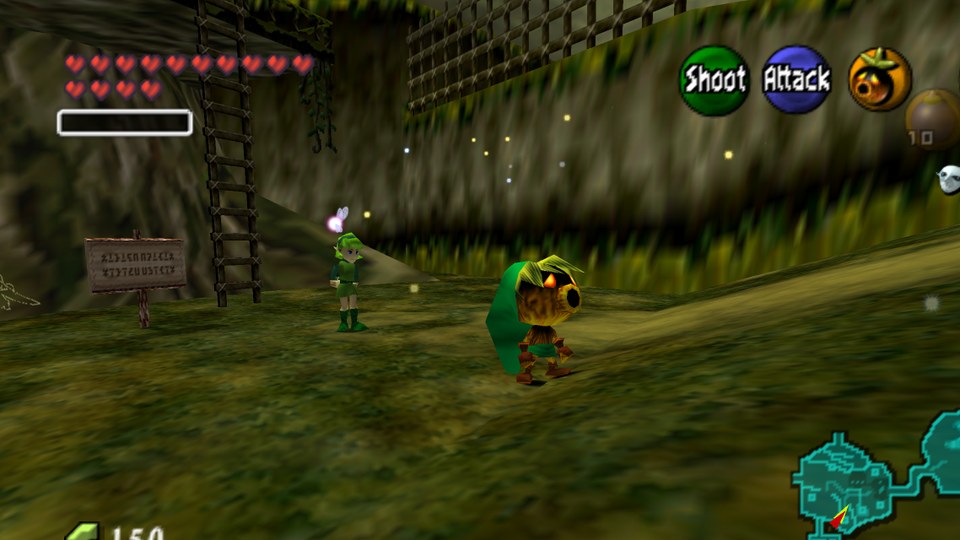 Deku Link in Kokiri Forest. Majora's Mask's masks work in Ocarina of Time. | 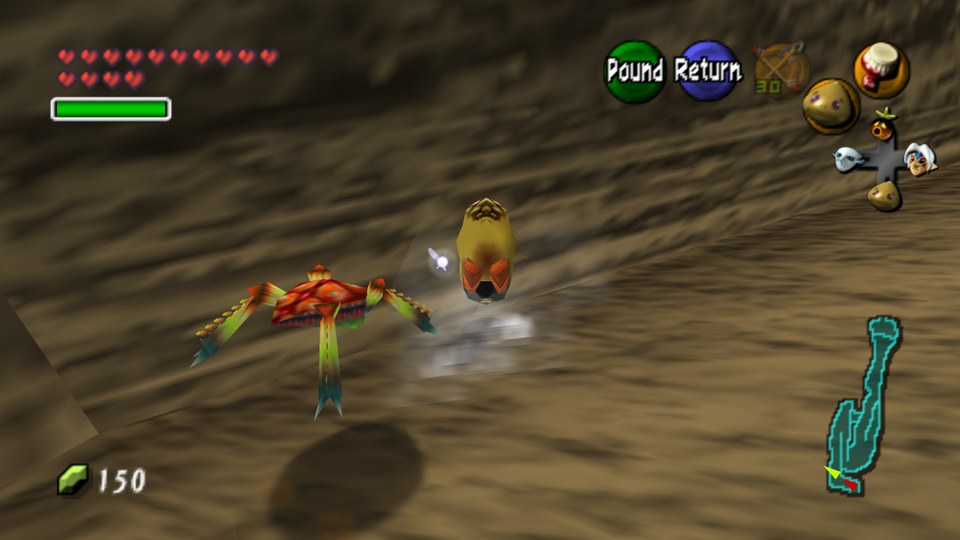 Goron Link rolling up Death Mountain Trail, past a Tektite. |
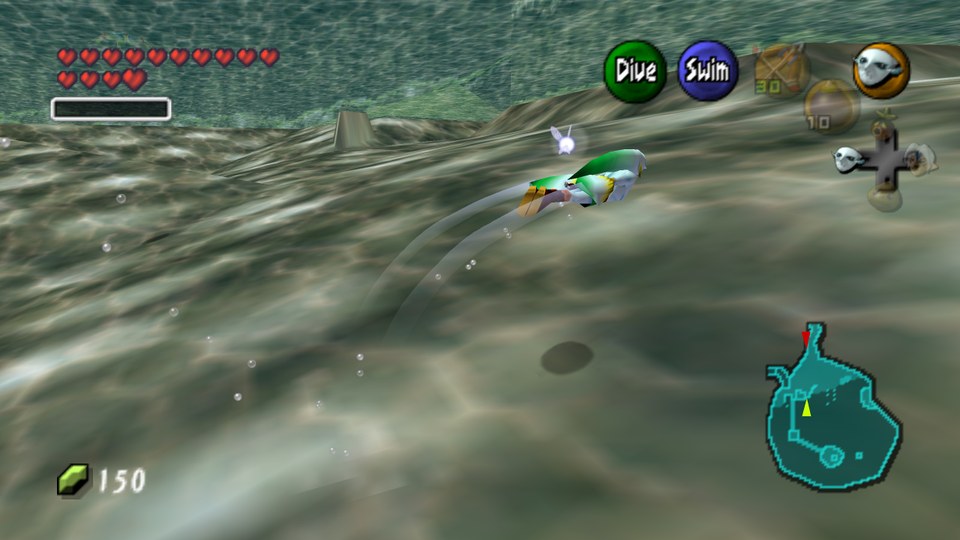 Zora Link swimming through Lake Hylia. | 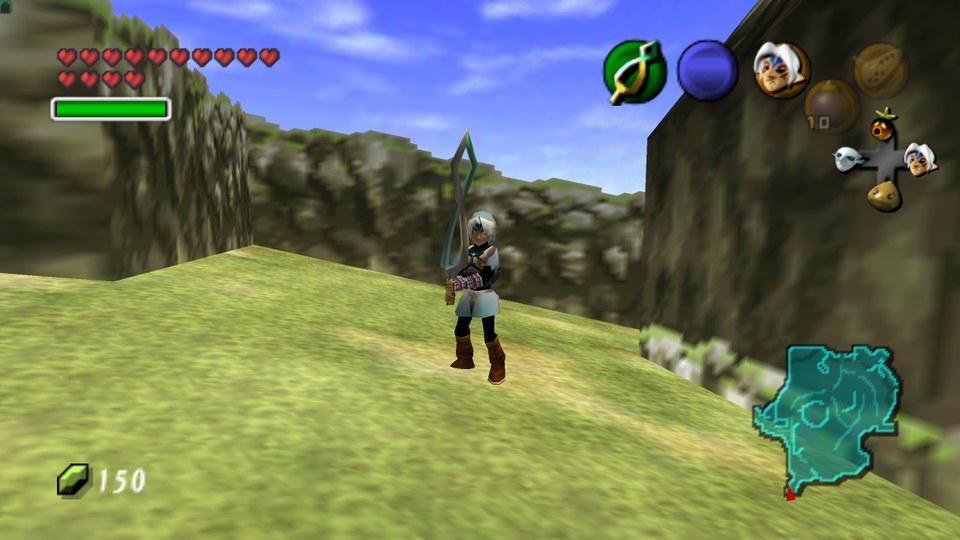 The Fierce Deity in Hyrule Field. |
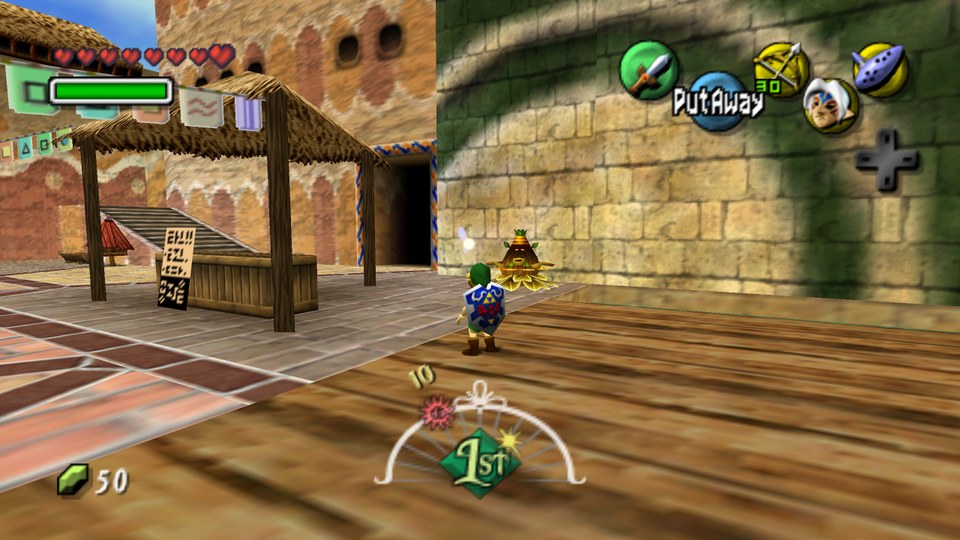 Into Termina through the Lost Woods, with Hyrule's Hylian Shield on his back. | 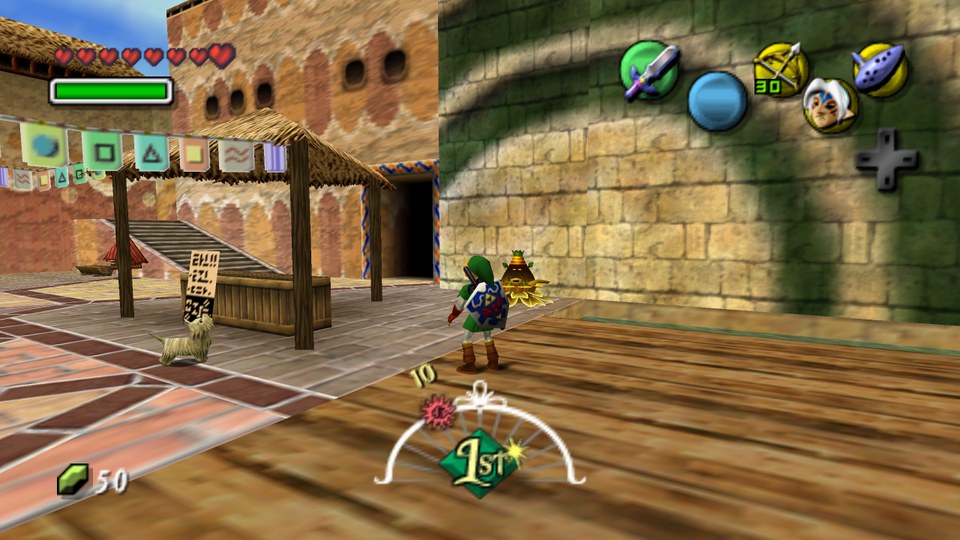 Adult Link in Termina, with the Master Sword and the Hylian Shield. |
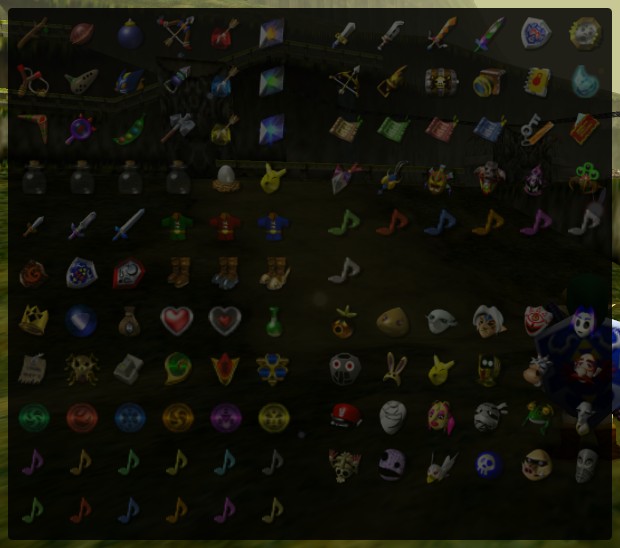 One item tracker for both worlds: Hyrule's items on the left, Termina's on the right. | 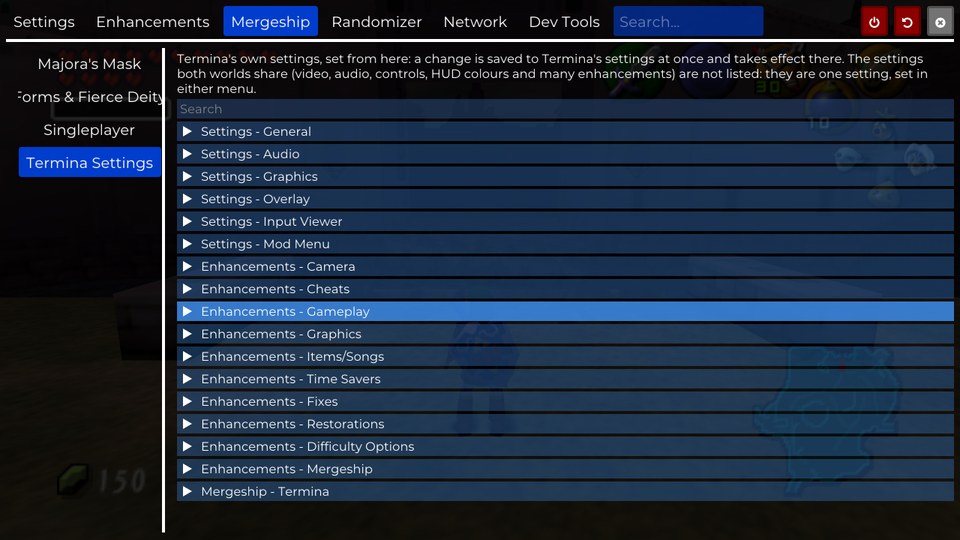 One settings menu: Termina's settings, opened from Ocarina of Time's menu. |
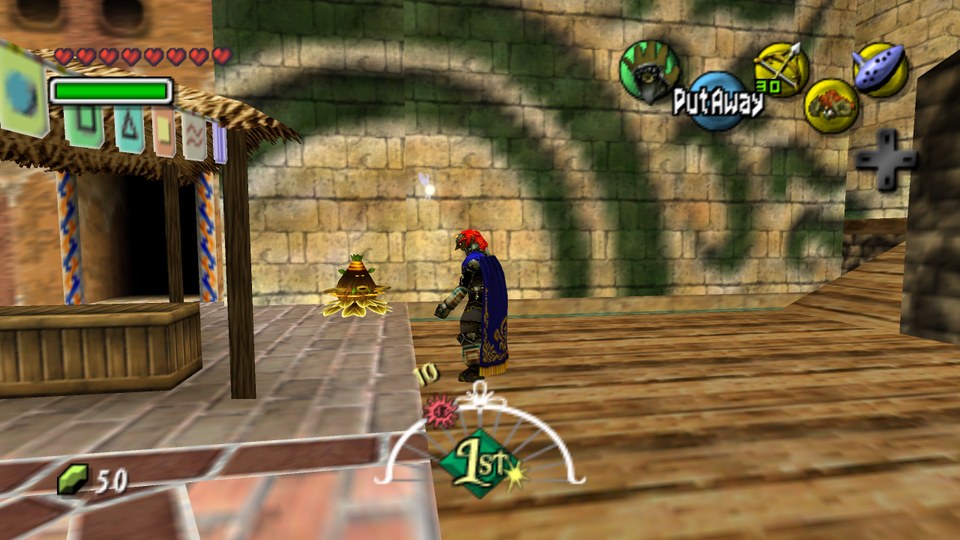 A secret Ganondorf mode, here in Clock Town. |
No game data is included. You need your own Ocarina of Time and Majora's Mask ROMs. On its first run the game
builds oot.o2r and mm.o2r from them.
Player builds: https://odysseyapp.fun/mergeship-dist-latest.zip
Layout
| Folder | What it is |
|---|---|
host/ | mergeship.exe: loads both engines (soh.dll, 2ship.dll) and hands the window, audio, controllers and the shared save between them |
include/mergeship/ | Code both engines share: the engine API, the shared save, the settings map, sprinting, the menu mirror and more |
Shipwright/ | The Ship of Harkinian fork (its mergeship2 branch), with its libultraship and torch |
2ship2harkinian/ | The 2 Ship 2 Harkinian fork (its mergeship2 branch), with its libultraship, ZAPDTR and OTRExporter |
tools/ | Build, test and asset scripts (build_host.ps1, run_final.sh, the settings-map checker, and more) |
assets/ | MergeShip's own assets |
android/ | The Android build |
docs/ | Architecture, status and design notes |
The submodules are included as plain folders, MergeShip's changes and all. Both engines are built against the same libultraship.
Building (Windows)
You need Visual Studio 2022 with C++, CMake and Python 3. The build sets up its own vcpkg.
powershell -ExecutionPolicy Bypass -File tools\build_host.ps1          # configure + build everything, then stage
powershell -ExecutionPolicy Bypass -File tools\build_host.ps1 -Fast    # after a code change
The game is staged into build\latest. Run mergeship.exe from there and point it at your ROMs on its first run.
Keep line endings as they are (git config core.autocrlf false): libultraship's dependency patches need LF.
Credits and licenses
MergeShip contributors:
- Vio (@AgitationSkeleton): the transformation forms and Fierce Deity features from soh_fd, including the Fierce Deity's sword beam, and most of the bug reports and testing.
Ship of Harkinian and 2 Ship 2 Harkinian are by HarbourMasters and their contributors. Each port, and each library under them, keeps its own license file in its folder. MergeShip is built on their work.