OniARM64
OniARM64 is a native Apple Silicon port of Bungie's Oni for macOS, featuring a native Metal renderer and HD texture pack support.
- Type: PC port
- Game: Oni
- Runs on macOS
- By andiyar
- Latest release v1.3.1, 2026-10-03
- Source: https://github.com/andiyar/OniARM64
README

OniARM64
A native Apple Silicon port of Bungie's Oni (2001).




One of my favourite games from university, Oni is the action-brawler from Bungie/Take-Two in 2001 with 3rd person hand-to-hand and gun combat, Syndicate versus the TCTF and an intriguing story with amazing music. The last product from Bungie as they were bought by Microsoft for Halo (via TakeTwo), the mac build (I've always been a Mac player!) was initially OS9 only, with MacOSX ports eventually from the amazing Omni group for PPC, and then by Feral Interactive for Intel. These were all 32-bit only, and when Apple deprecated 32 bit with Catalina, they stopped working.
Fast forward until recently after I discovered the magic of Claude Code, and that there was, floating around on GitHub, forks of the Oni source code for windows from 2021. Two months later, lots of fiddling - I'm definitely not a programmer! - and this is OniARM64, my attempt to create a vanilla Oni experience running on Apple Silicon. No Rosetta, 64 bit, no WINE required. No particular roadmap, things added as they are thought of and done / bugs are encountered as I have life time on weekends when I play with it.
Currently it's playable, and I figure, maybe share! This is a personal project, as I love Oni, have played it too many times, and I want to keep playing it, so if you find bugs/issues please do advise, though time to fix/etc will be as life allows.
Status
The whole campaign is playable. Chapters 1–9 were verified end-to-end by me (combat, AI, weapons, particle effects, audio, save/load) and chapters 10–14 were played through by simX (#90). v1.3.0 is the first stable release; 1.3.0a1 and r1 to r5 were pre-releases. Loads either the original Mac retail or the PC game data (auto-detected). Downloadable and notarized .app in a DMG. The native Metal renderer (pick it in Options under "Sound and Renderer", or hold Option at launch) is now feature-complete with OpenGL; OpenGL remains the default. Continuing to bughunt. HD texture packs are supported: drop a pack into ~/Library/Application Support/OniARM64/TexturePacks and its textures override the originals without touching your game data, or install using the new Oni Texture Installer app! List of stuff done / broken and fixed below. Issues tracking for interest are available, albeit it's more like Claude writing notes for Claude (although you can see the things done as it goes if interested).
Full milestone status
Phase 1 — Boot & init ✅
- Builds as native ARM64 binary on Apple Silicon
- All subsystems initialise end-to-end without SIGSEGV
- Crash handler prevents zombie processes after a SIGSEGV
Phase 2 — Render & UI ✅
- Main menu renders and is interactive
- HiDPI viewport scaling — game renders fullscreen, mouse aligned
- Multi-frame rendering without geometry corruption
- Characters render with correct bone transforms
- In-game UI text renders without left-edge clipping
- In-engine cutscenes frame correctly on widescreen — 4:3-authored shots hold their framing instead of pulling in side geometry (#36)
Phase 3 — Level load & gameplay primitives ✅
- Level 0 (main menu) loads and runs
- Level 1 (tutorial / warehouse) loads from New Game
- Movement (WASD / mouselook) works without crashing
- Doors open in response to triggers
- Trigger volumes fire scripted events
- AI state machines run without crashing
- Resolution / window-size persists across launches
Phase 4 — Audio & effects ✅
- Menu / cutscene / dialogue audio plays
- Intro / outro cinematics play (native AVFoundation, replacing the dead Bink FMV path)
- Footstep impact sounds play
- Combat audio (gunfire, melee, weapon reloads) plays without lag — OpenAL buffer cache
- Looping ambient sounds stop correctly (Daodan health / super ambients no longer leak)
- Particle effects render — screamers, explosions, acid, environmental FX across levels 1–4
- Security-laser tripwire beams render and trip.
-
w10_sni_p01sniper particle fits its size class (non-blocking — class is dropped, game continues; #10 closed as accepted-for-now, reopen if it ever blocks).
Phase 5 — AI behaviour ✅
- NPCs detect the player via sight and sound (Knowledge layer)
- NPCs escalate alert → combat
- AI combat behaviour fires (melee + ranged)
- NPCs close distance to engage the player
- Scripted NPC movement (patrol paths) executes
- NPC-vs-NPC combat completes to first kill; surviving NPCs re-target
Phase 6 — Gameplay completion
- Konoko engages NPCs in combat end-to-end across a full encounter
- Tutorial level completable to next-level transition
- Save / load works across runs
- Chapters 1–9 (levels 1–10) playable with particle effects, combat, AI, level transitions
- All 14 chapters playable: 10–14 played through by simX (#90)
- Level sweep harness — every level's assets, characters, particles, AI and scripts exercised headlessly per renderer and gated against committed baselines; first run surfaced three engine bugs in the unplayed levels (#103)
Phase 7 — Shippable artefact
-
.appbundle + Developer-ID code signing - Notarized + stapled DMG, Gatekeeper-clean, published to Releases
- HD texture-pack support — packs in
~/Library/Application Support/OniARM64/TexturePacksoverride the originals; verified through the chapter 1–9 march (#16, #44, #45, #60, #62, #63) - Crash-recovery dialog — after a crash, the next launch offers a pre-filled GitHub report + log reveal (#74)
- Native texture-pack tooling (onipack) — pack build + verify with no Mono/OniSplit (#88)
- Oni Texture Installer — browse the Mod Depot's texture packs, tick and install, remove, or drop a zip on it (#20, #124)
- Game-controller support — in progress on a branch (#73)
- Anniversary Edition QoL improvements — ongoing, ideas as they come... very much TBD.
- Mac retail
GameDataFolderdrop-and-play (original 2001 Mac disc) — loads + plays natively; engine auto-detects Mac vs PC data by checksum (Apple IMA4 SNDD; OSBD/BINA/TXMP verified through the shared layout) (#37) - First-run guided data-setup picker — locate + install your
GameDataFolderwith no Terminal/rename; resolver content-validates and accepts both folder names (#38) - Resolution menu lists the display's real modes (not a hardcoded table) — curated SDL enumeration; 16:10 / 1440p / ultrawide / 4K / 5K now selectable (#39)
- Update notifier — on launch the app checks GitHub Releases and offers the newer build when one exists (Download opens the release page + quits / Skip This Version / Later + opt-out; ~4 h throttle, silent + non-blocking when offline) (#40)
Phase 8 — Native Metal renderer (experimental, opt-in) (#43)
- M0 — scaffolding: second Motoko draw engine selectable at launch (
-metal/ONI_RENDERER=metal/ hold-Option chooser); device +CAMetalLayer+ clear/present; OpenGL stays the untouched default; non-Apple builds compile zero Metal code - M1 — textured geometry: runtime-compiled shader pipeline, all eight Motoko primitives, full texture-format coverage, depth + alpha/additive blending, HiDPI drawable, mouse-accurate menu — main menu and in-game world render under Metal (user-verified on level 2: combat, particles, HUD, in-game text)
- In-session resolution change under Metal — logical render scale switches correctly (drawable stays native-res, same desktop-fullscreen behaviour as GL)
- M2 — fog + in-game visual parity (in-shader fog, engine-agnostic particle fog query; the additive-glow fog divergence found and fixed later was user-verified at the level-10 shaft, #82; a matched-scene fog look-check rides the #90 march)
- M3 — env-map reflective combine: shiny character armour reflects under Metal again (single-pass two-texture shader matching GL's two-pass
base + env·base_alpha); verified firing + stable in a busy combat run (1.34M env-map triangle draws, no ring overflow, clean exit), no visual anomalies. Per-triangle env draw perf tracked separately (#48) - M4 — feature-complete parity:
screenCapturemade safe (descoped — the in-game screenshot key, superseded by macOS screenshots; no more garbage BMP),pointVisibleparity confirmed (sun-flare soft-occlusion an accepted cosmetic outdoor-only delta), pixel-format soak clean (zero unsupported texels across 19 Metal sessions / ~15 levels incl. the final level), gamma + HiDPI verified — Metal declared feature-complete with OpenGL - M5 — persisted renderer preference, in-game renderer menu (#89; batching dropped — #48 showed the sluggish feel is renderer-independent)
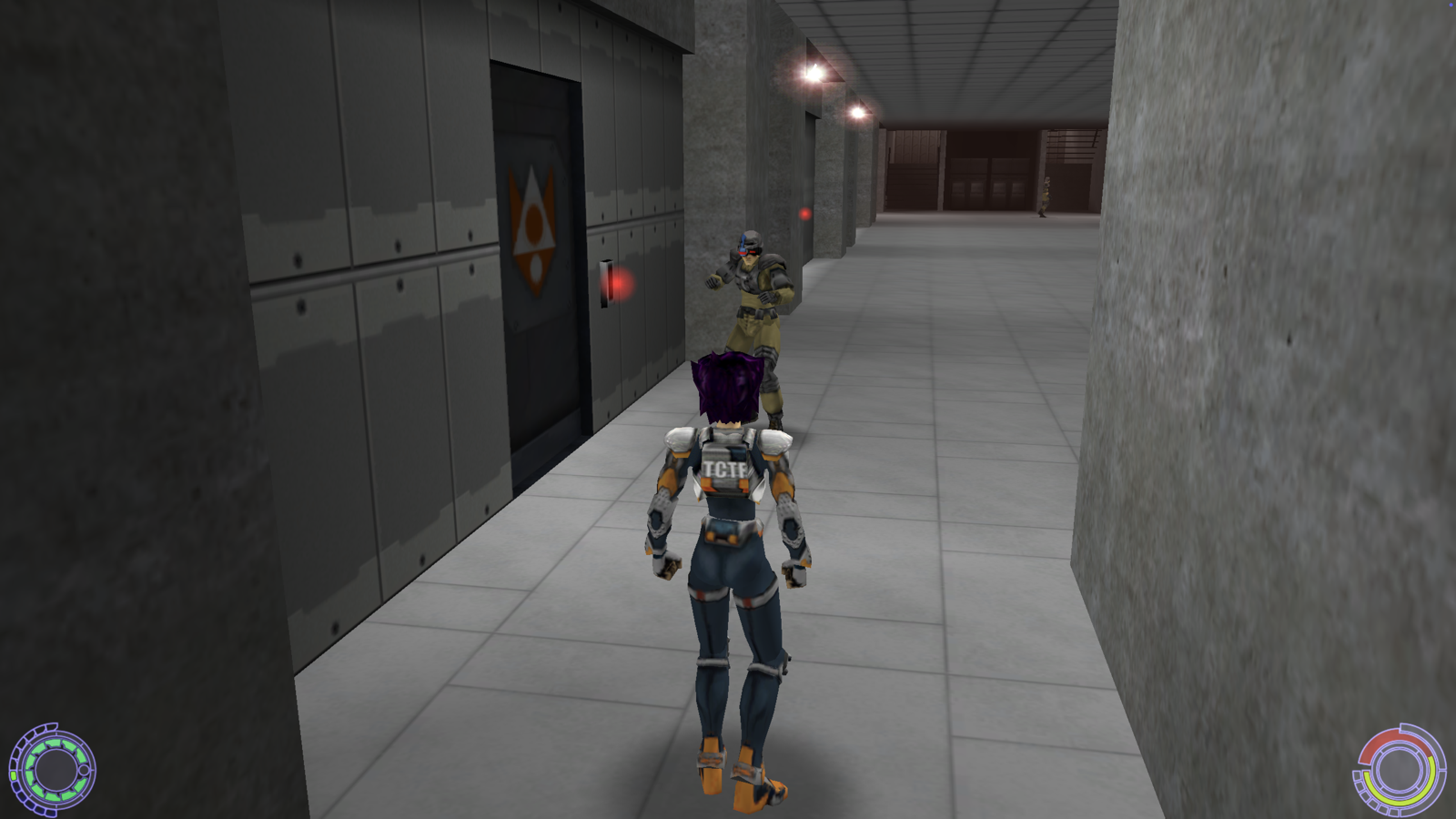
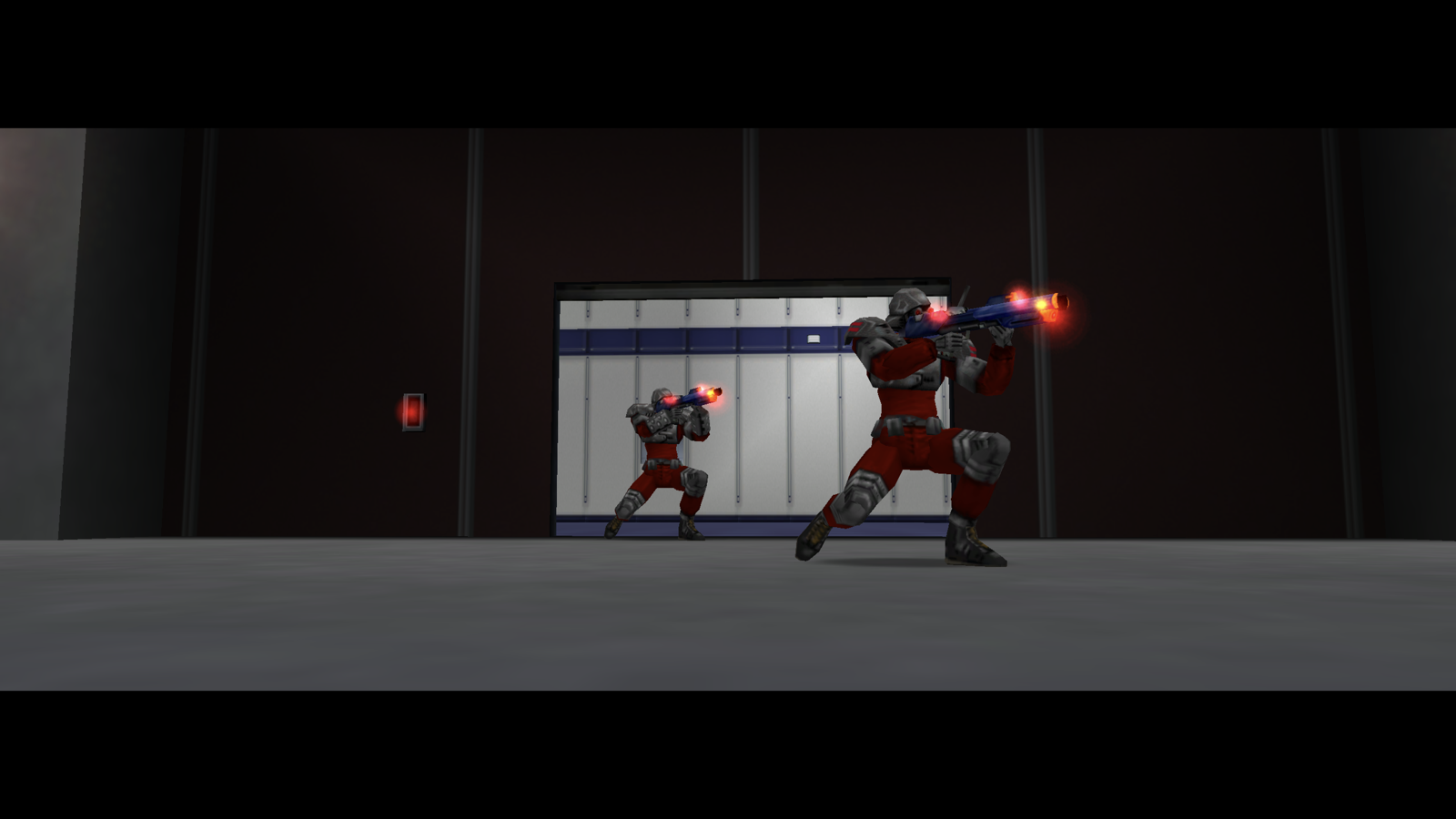
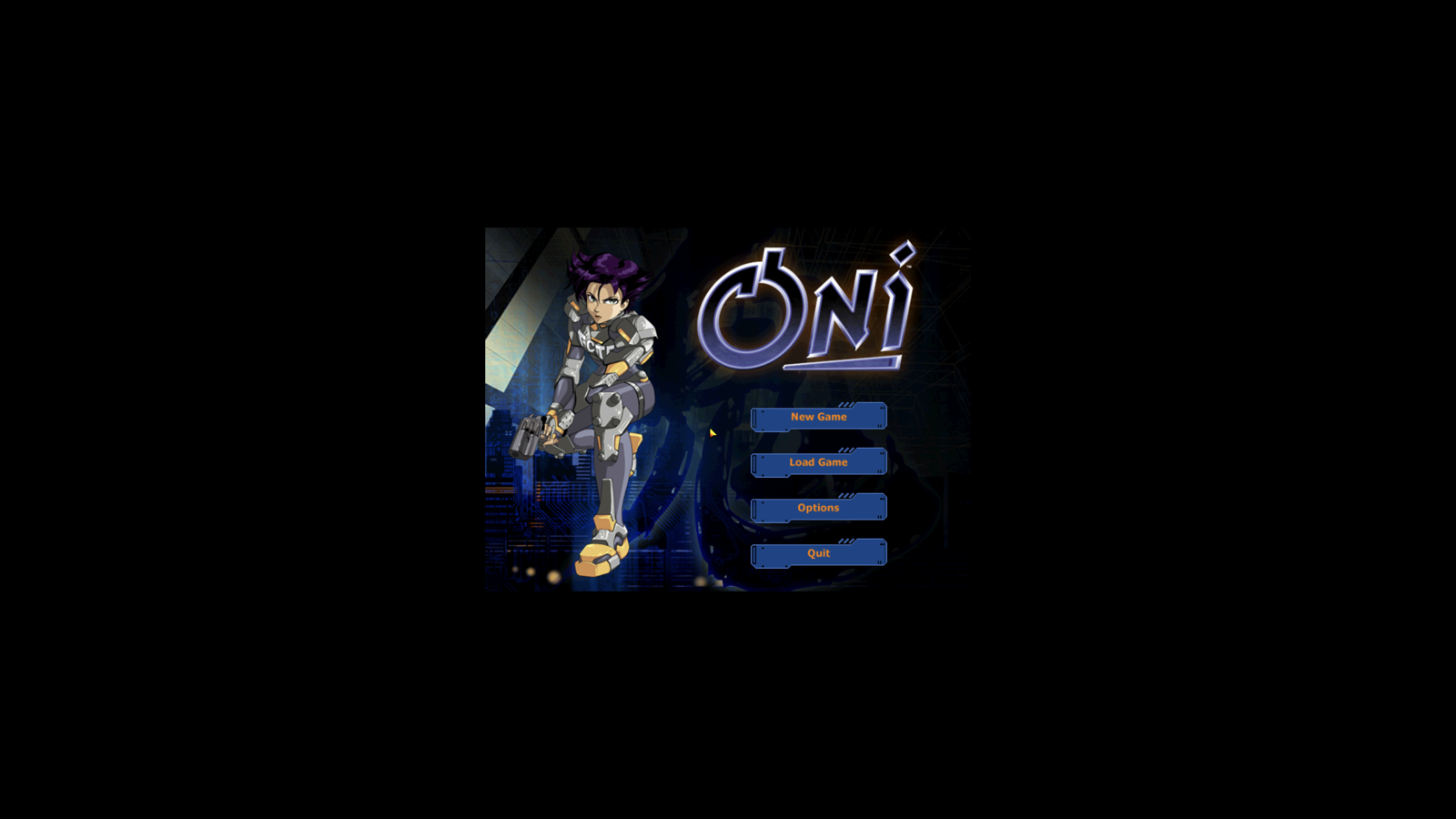
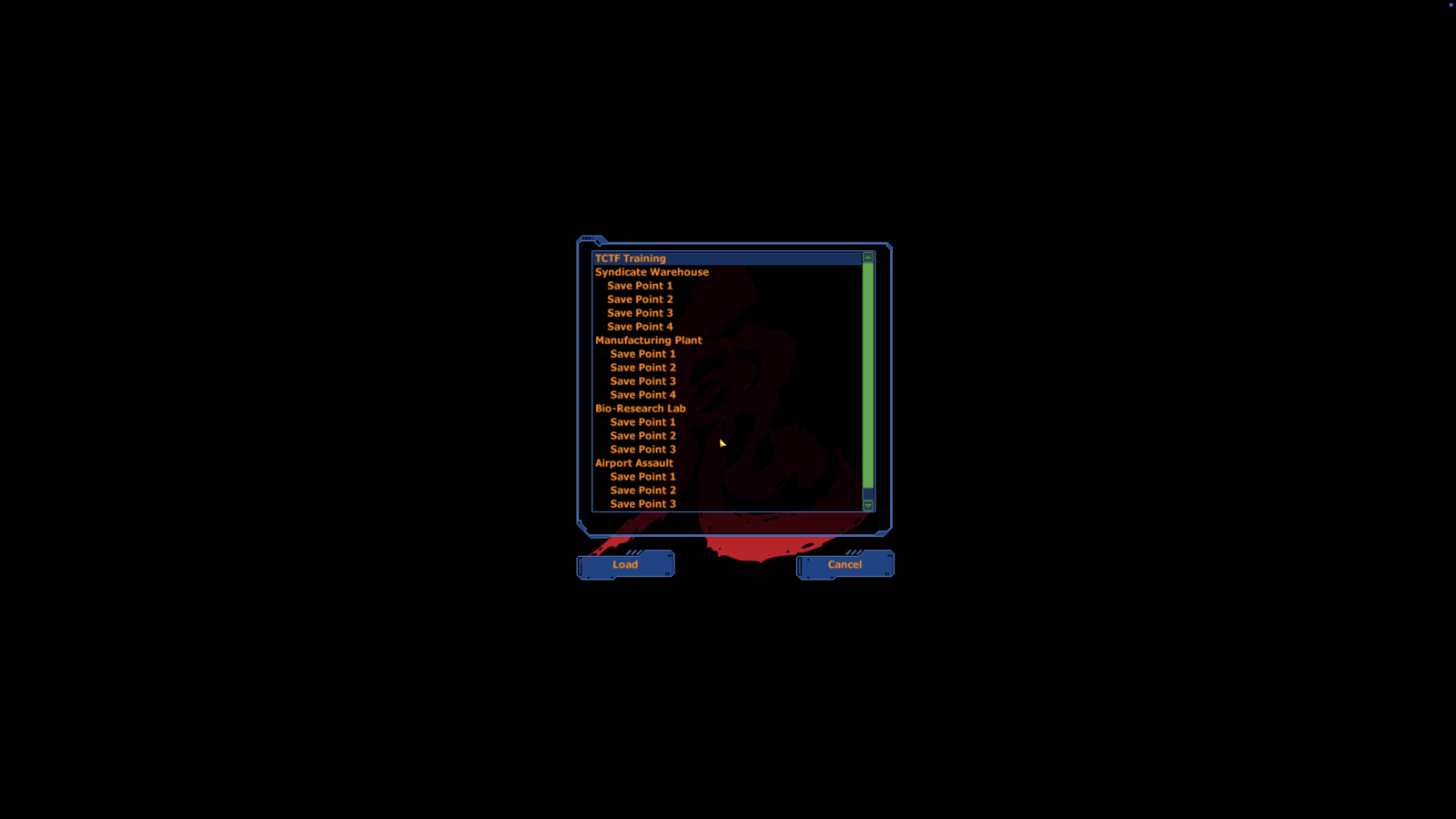
Screenshots
 |  |
 |  |
Get it running
Download a build
-
Grab the latest
OniARM64.dmgfrom Releases. -
Open the DMG and drag
OniARM64.apponto theApplicationsshortcut. -
Double-click
OniARM64.app. On first run, if it can't find your game data it pops up a dialog — click Choose, point it at your OniGameDataFolder, and it copies it into place for you (no Terminal, no renaming). Either the original Mac retail or Windows retail data works — the engine auto-detects.*Prefer to place it yourself? Drop your
GameDataFolderinto~/Library/Application Support/OniARM64/- you'll likely need to create the folder first.Optional: HD texture packs. Open Oni Texture Installer (in the DMG next to the game). It lists the texture packs on the oni2.net mod depot; tick the ones you want and press Install Selected, and it downloads each one, builds the pack and puts it in
~/Library/Application Support/OniARM64/TexturePacks/. Each pack's textures override the originals and your game data is untouched. The Installed packs list shows what you have, with Reveal in Finder and Remove (to the Trash). If you already have a Depot.zip(or its unzipped folder), drop it on the window instead. The report stays on screen and is also written to~/Library/Logs/OniARM64/installer.txt. No mod content is bundled or redistributed here. Only texture mods are supported; character models, levels and script mods aren't loadable by this port. Building from source?make oni_texture_installerproduces the app, or runonipack import-sep <levelN_Final folder> <TexturePacks>/<Name>/levelN_<Name>.datby hand (any suffix except_Final). Keep the suffix to 19 characters or fewer: Oni caps its file names at 31 characters (level10_+ name +.dat), and a longer pack file is skipped with an[overlay] … file name too longline instartup.txt. Oni Texture Installer shortens long mod names for you.
*tested but hey verify.
Non-QWERTY keyboards (AZERTY, QWERTZ, Dvorak) are handled by key position, so the default WASD movement sits on the same physical keys as on a US board (ZQSD on AZERTY) and bind names in key_config.txt refer to that QWERTY position.
Build from source
mkdir -p build && cd build && cmake .. -DPlatform_SDL=ON && make -j8 oni_app
ln -sfn /path/to/your/Oni/GameDataFolder ~/Library/Application\ Support/OniARM64/GameDataFolder
open build/bin/OniARM64.app
No Oni game data is included in the source or the app bundle — BYO game to play :). (The bundle does carry Feral's intro/outro QuickTime cinematics, which are freely distributed with the Anniversary Edition tooling.)
Contributing
Issues welcome, please upload crash reports or logs or relevant screenshots. Logs can be found in ~/Library/Logs/OniARM64/.
Credits
- Bungie — original game (2001)
- The Omni Group — 2001–2007 PowerPC OS X port
- Feral Interactive — 2008–2015 Intel macOS port (Oni 1.1 Intel → 1.2 → 1.2.1).
- hogsy/OniFoxed — upstream fork.
- Iritscen for the icns file and work on the Anniversary Edition project,
- Oni Mod Depot for textures, mods, ideas
- oni2.net community — OniSplit / OUP / Daodan reverse engineering.
wiki.oni2.net/oni.bungie.orgforums and the anniversary edition work / Team Chrysalis :)
Bundled third-party software
The downloadable .app ships with these libraries in Contents/Frameworks/, each ad-hoc re-signed alongside the binary:
| Component | License | Project |
|---|---|---|
| SDL2 | Zlib | libsdl.org |
FFmpeg (libavcodec + libavutil, ADPCM_MS decoder only) | LGPL-2.1-or-later | ffmpeg.org |
FFmpeg is built from source via scripts/build-ffmpeg.sh with --disable-gpl --disable-nonfree --disable-everything --enable-decoder=adpcm_ms and a long list of explicit --disable-* flags — only the minimum needed to decode Oni's Microsoft-ADPCM-encoded sound data. None of x264, x265, libvpx, dav1d, SVT-AV1, mp3lame, Opus, OpenSSL, or any other Homebrew transitive dep ends up in the bundle. Full license texts are in THIRD_PARTY_LICENSES.md and shipped as Contents/Resources/THIRD_PARTY_LICENSES.txt inside the bundle.
The Build from source path picks up the same minimal ffmpeg from extern/ffmpeg/ (built by the script on first run), with a fallback to Homebrew's ffmpeg if extern/ffmpeg/ doesn't exist — handy for quick dev iteration where the bundle isn't being produced.
Oni © 2001 Bungie / Take-Two Interactive. Not affiliated with Bungie or Take-Two.