Otogi XUnchain
Otogi XUnchain is a native PC port of Otogi: Myth of Demons with widescreen, higher resolutions, and frame interpolation.
- Type: PC port
- Game: Otogi: Myth of Demons
- Runs on Windows
- By Guuzzeji
- Latest release v0.7.0, 2026-11-08
- Source: https://github.com/Guuzzeji/otogi-xunchain
README
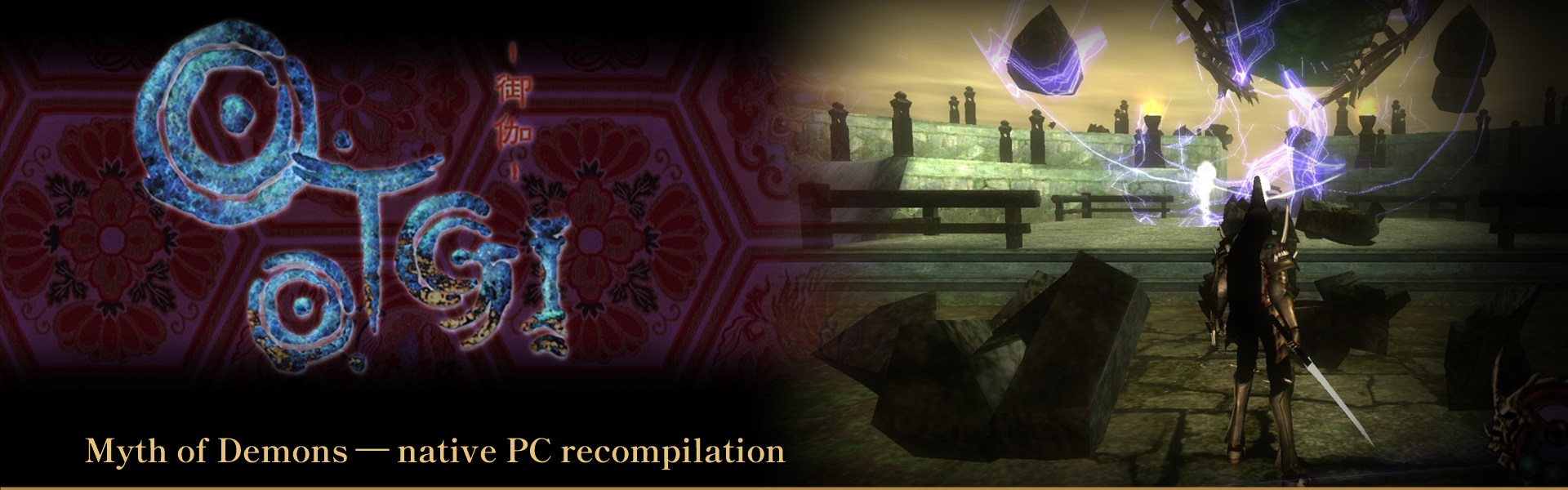
Otogi XUnchain: Otogi: Myth of Demons on PC, natively recompiled from the Xbox
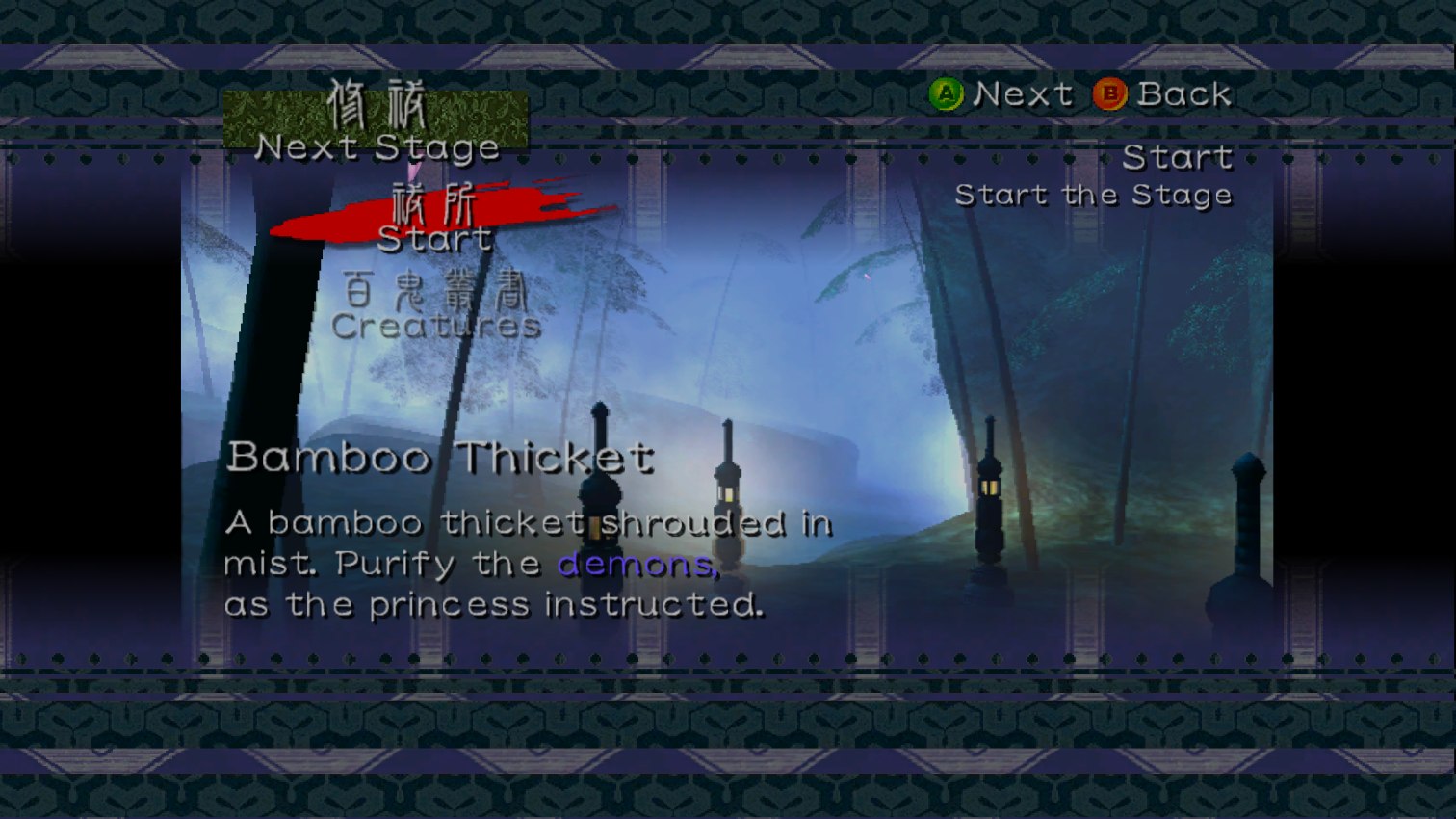
Otogi: Myth of Demons (FromSoftware, 2003) was an original Xbox exclusive that never left the console. Otogi XUnchain is a PC port made by static recompilation: it turns the game into a native Windows exe with widescreen, high frame rates and up to 4x resolution. No emulator: every function in the game's default.xbe is translated from x86 to C and compiled for your PC, with a small model of the Xbox around it. The game's Direct3D 8 calls are redrawn through OpenGL ES 3 (ANGLE on Direct3D 11, Vulkan or OpenGL).
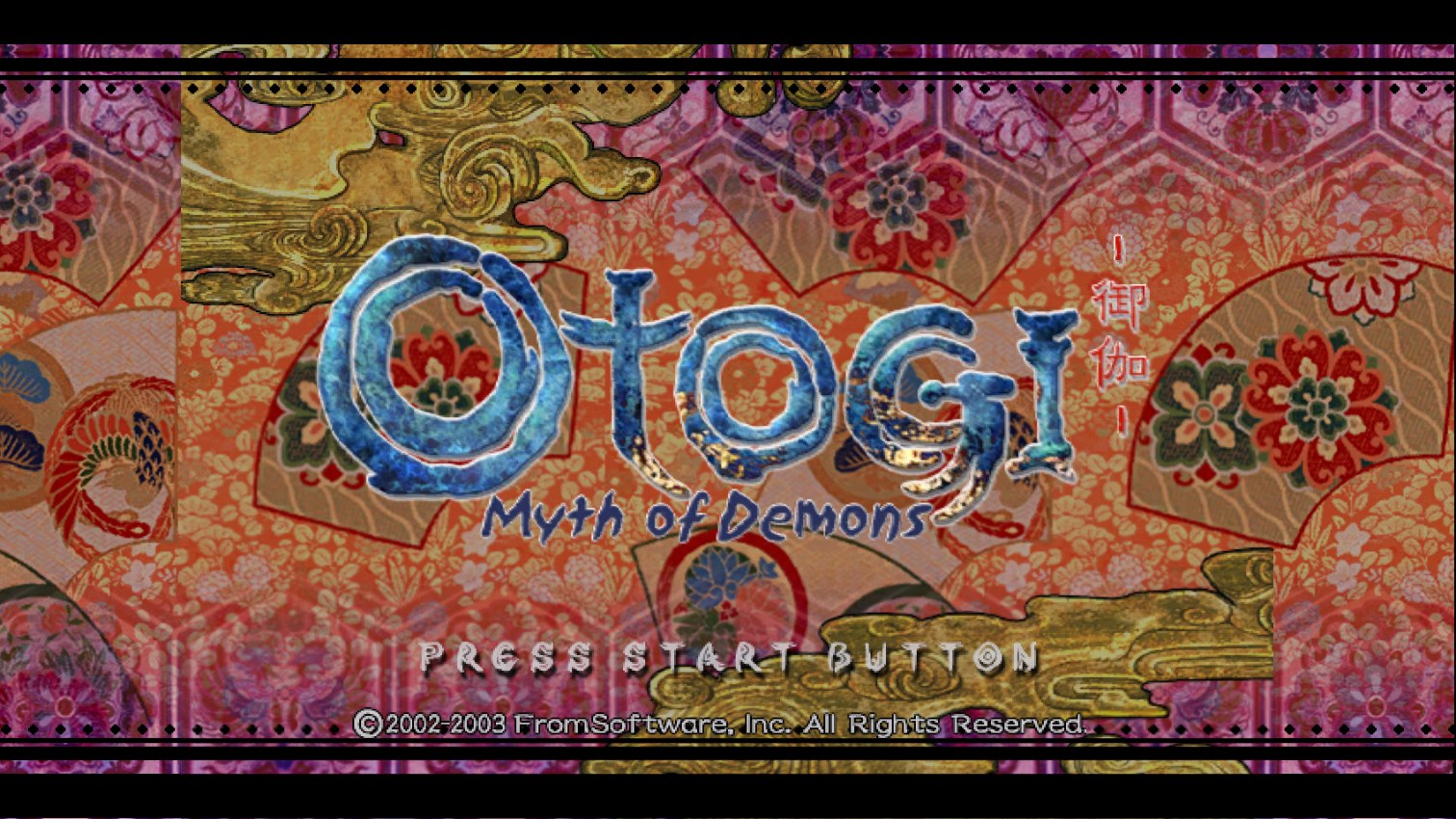
This repo and its download contain no game code. You build the game from a dump of your own disc, and otogi-xunchain-setup.exe does all of it for you. The only game content shipped is four menu images that setup uses for its own look.
Features
- Native Windows exe, no emulator
- 2x to 4x internal resolution
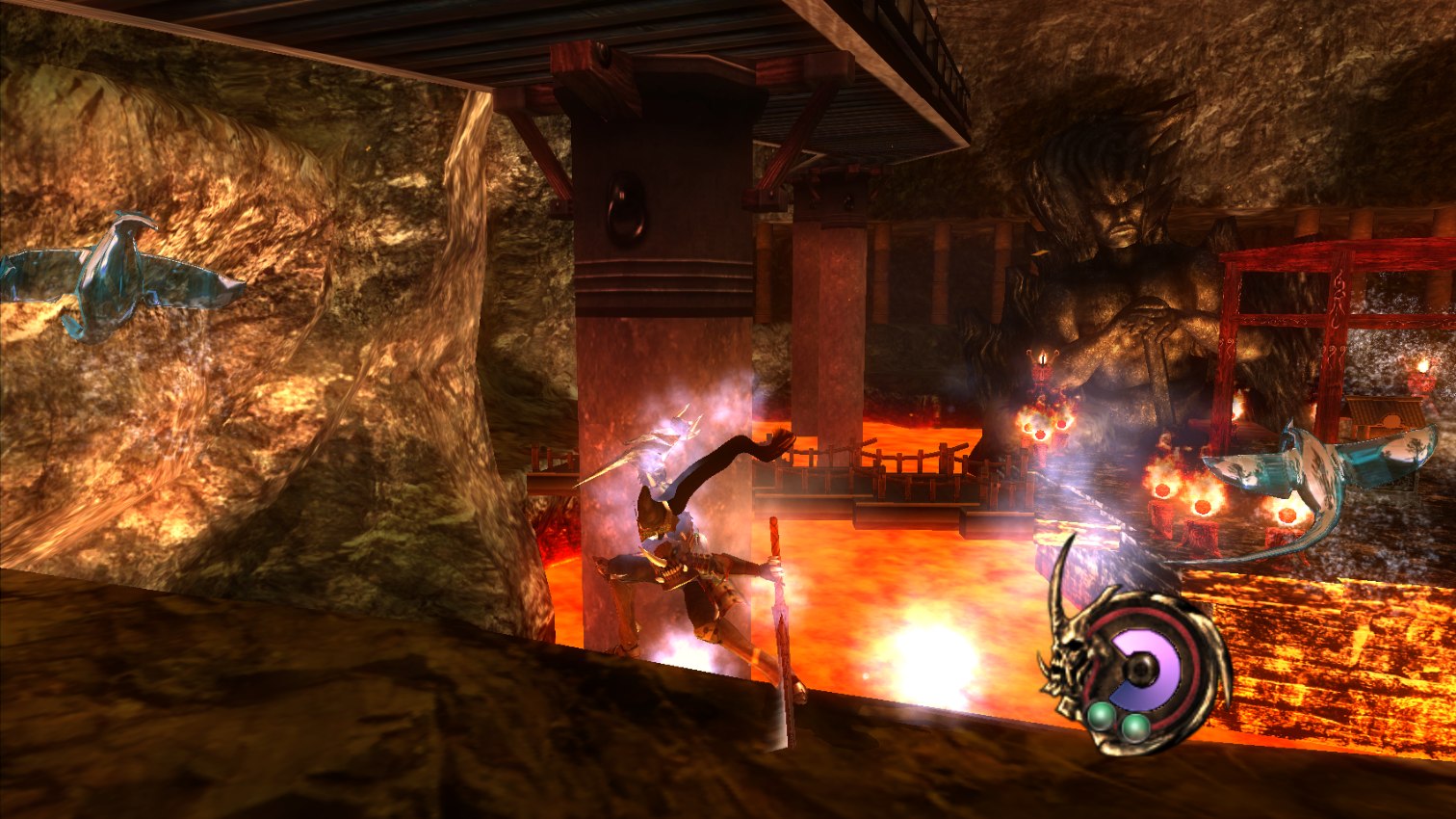
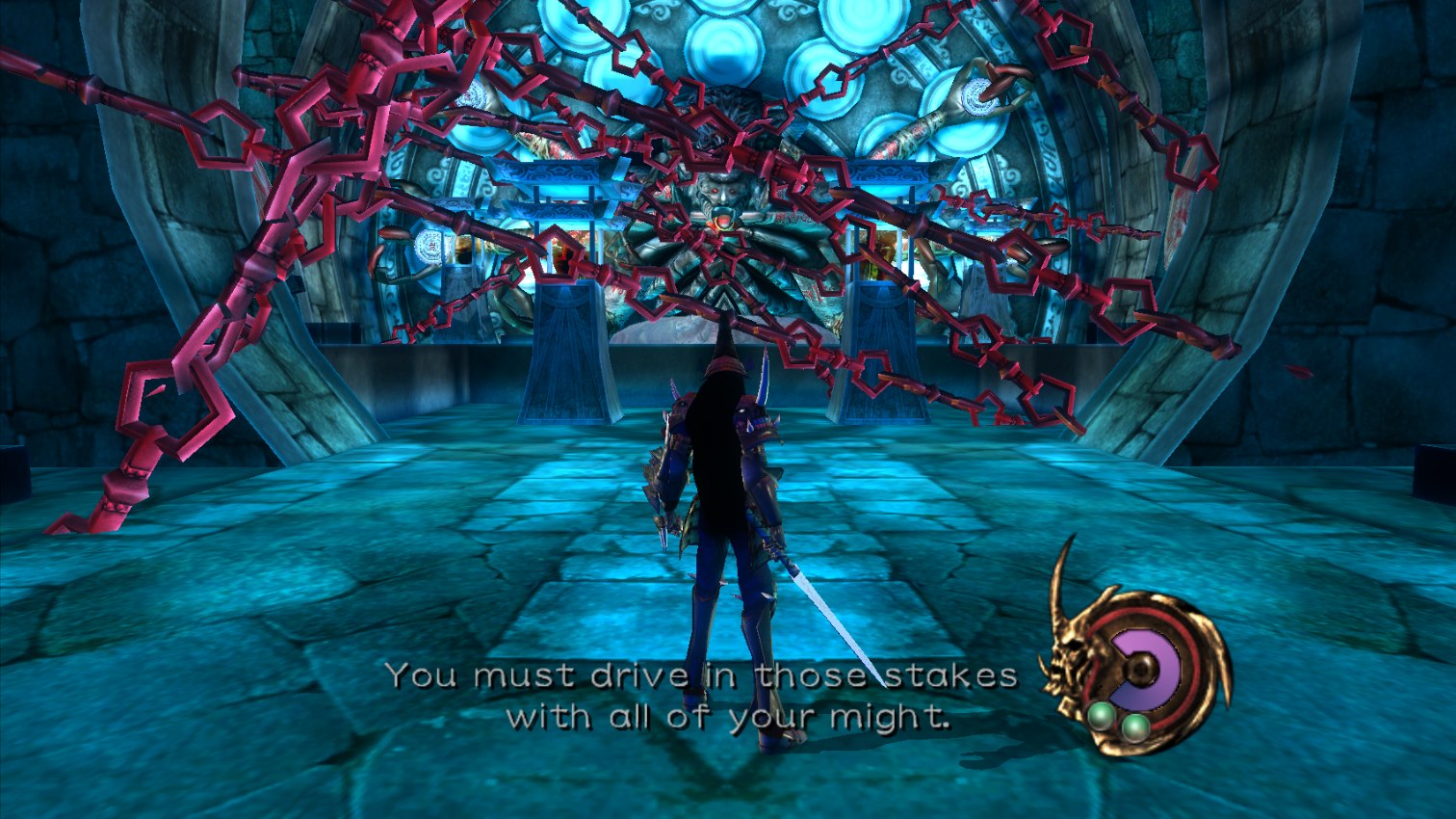
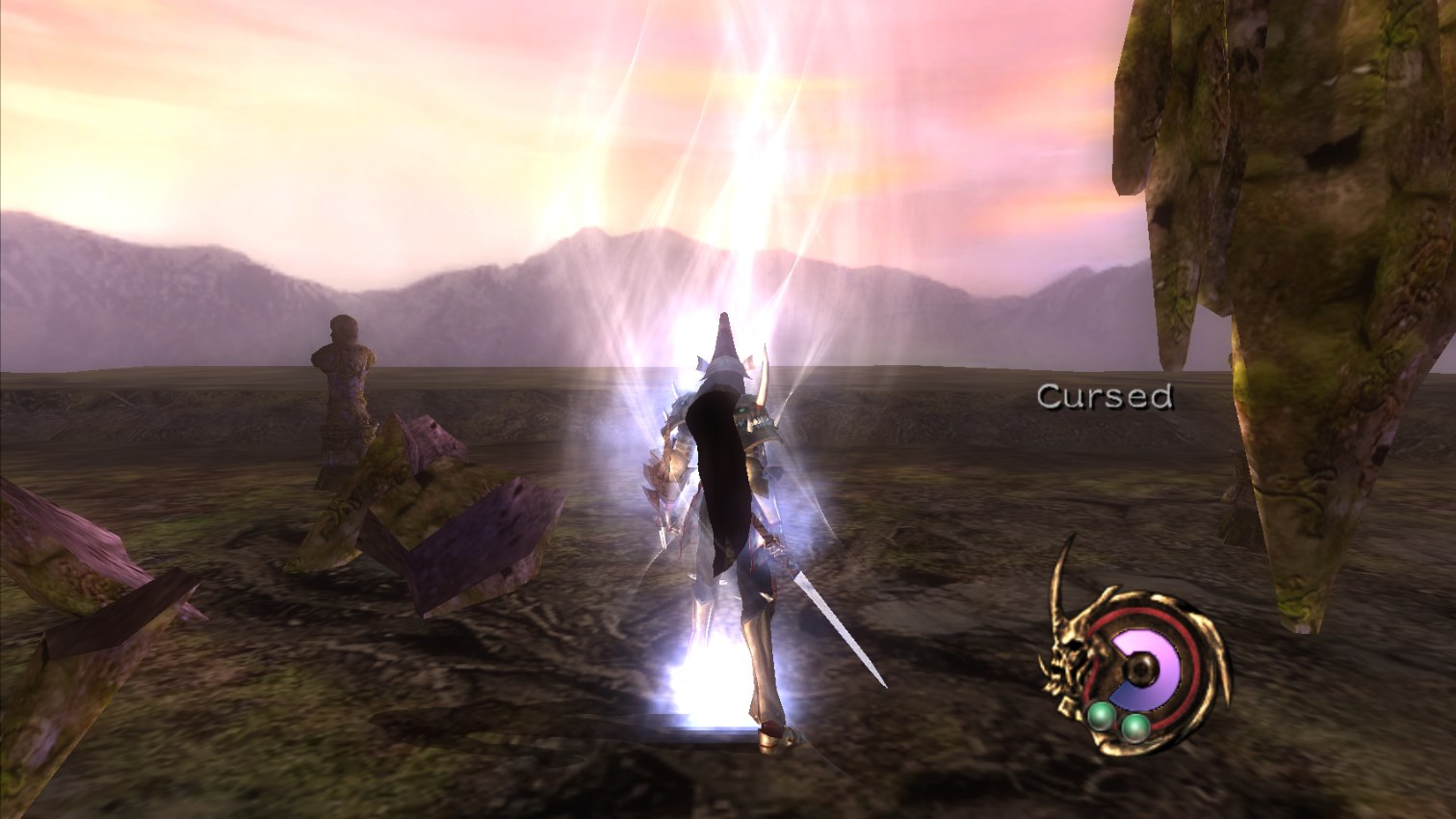
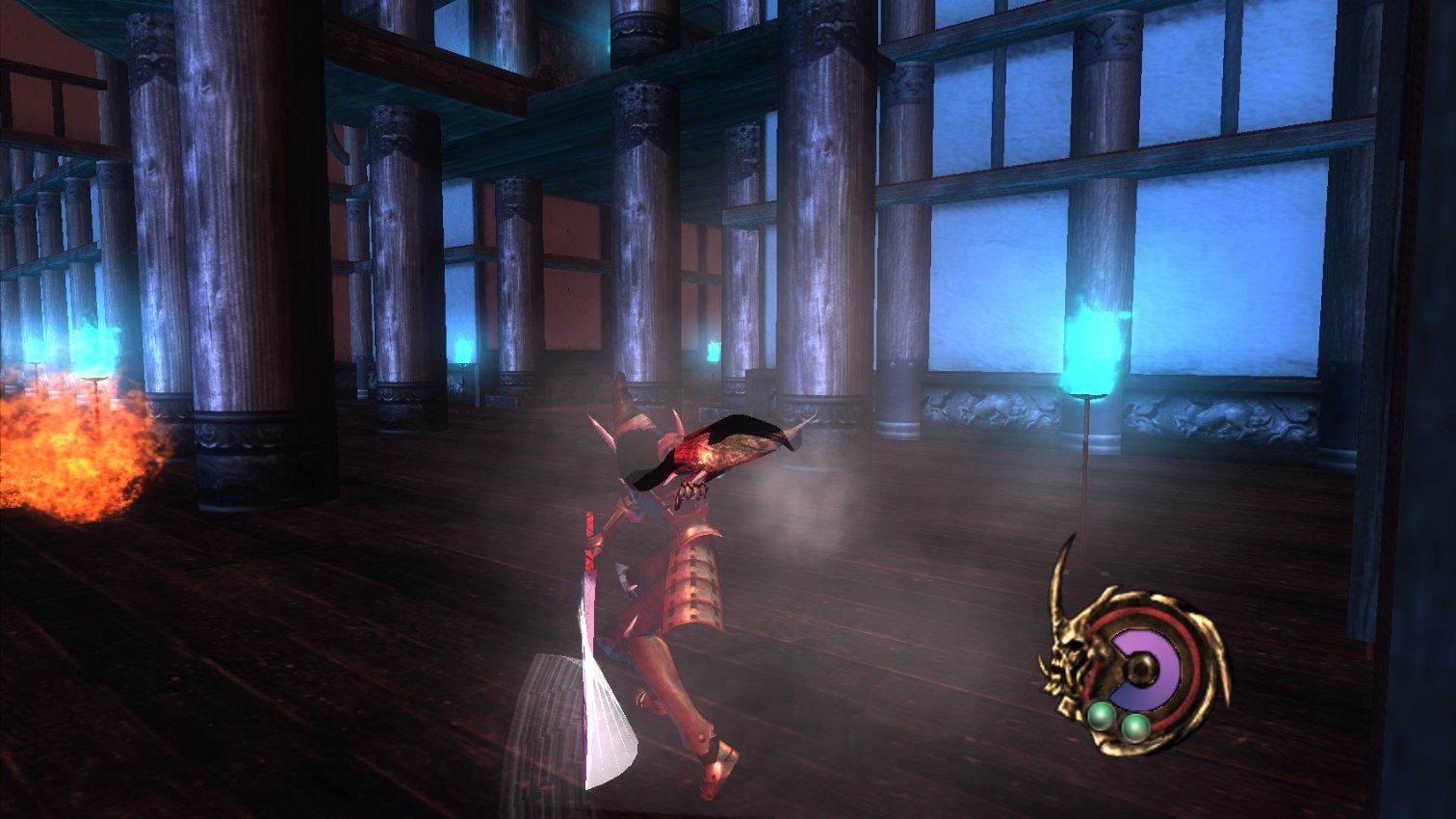
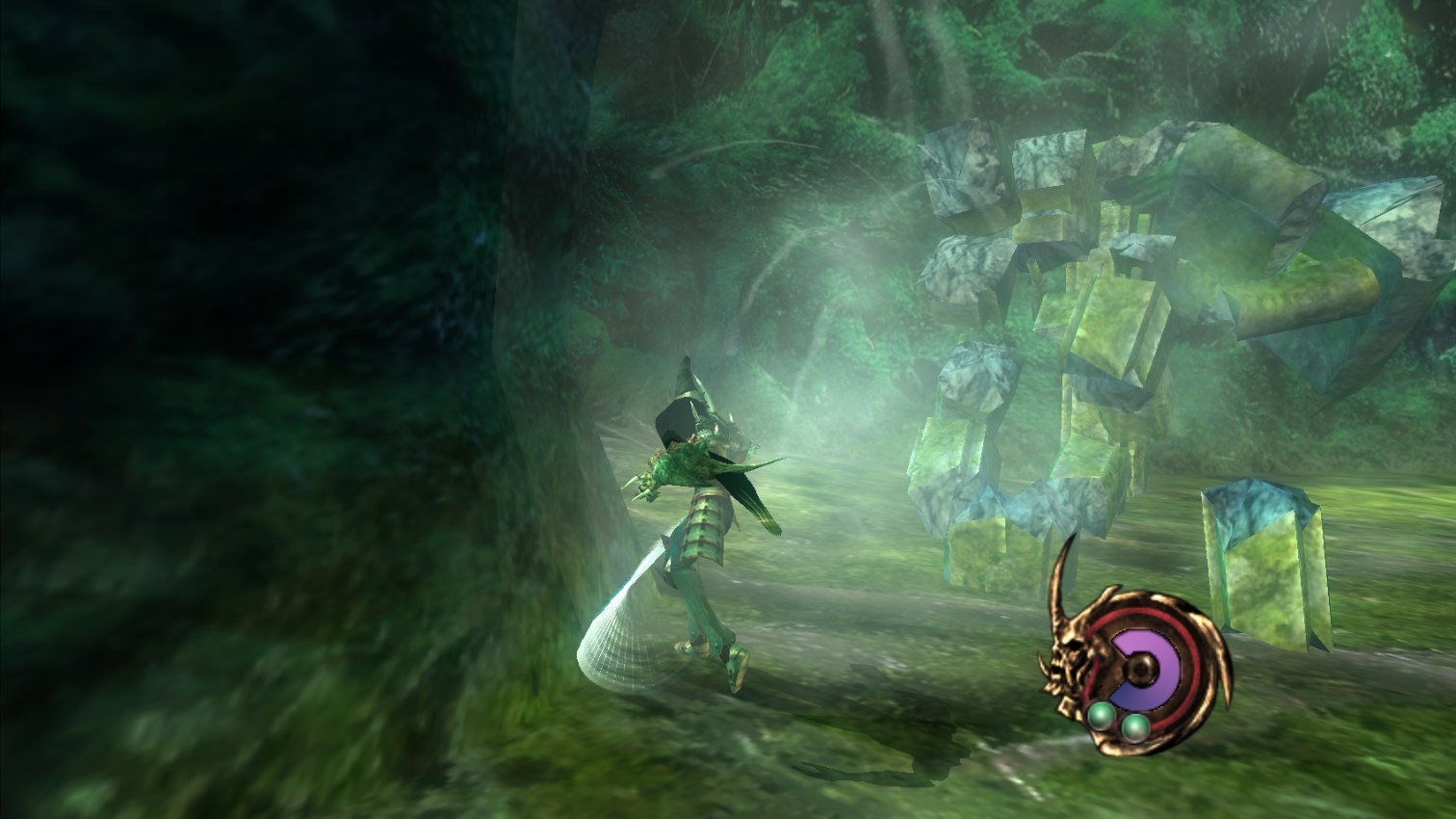
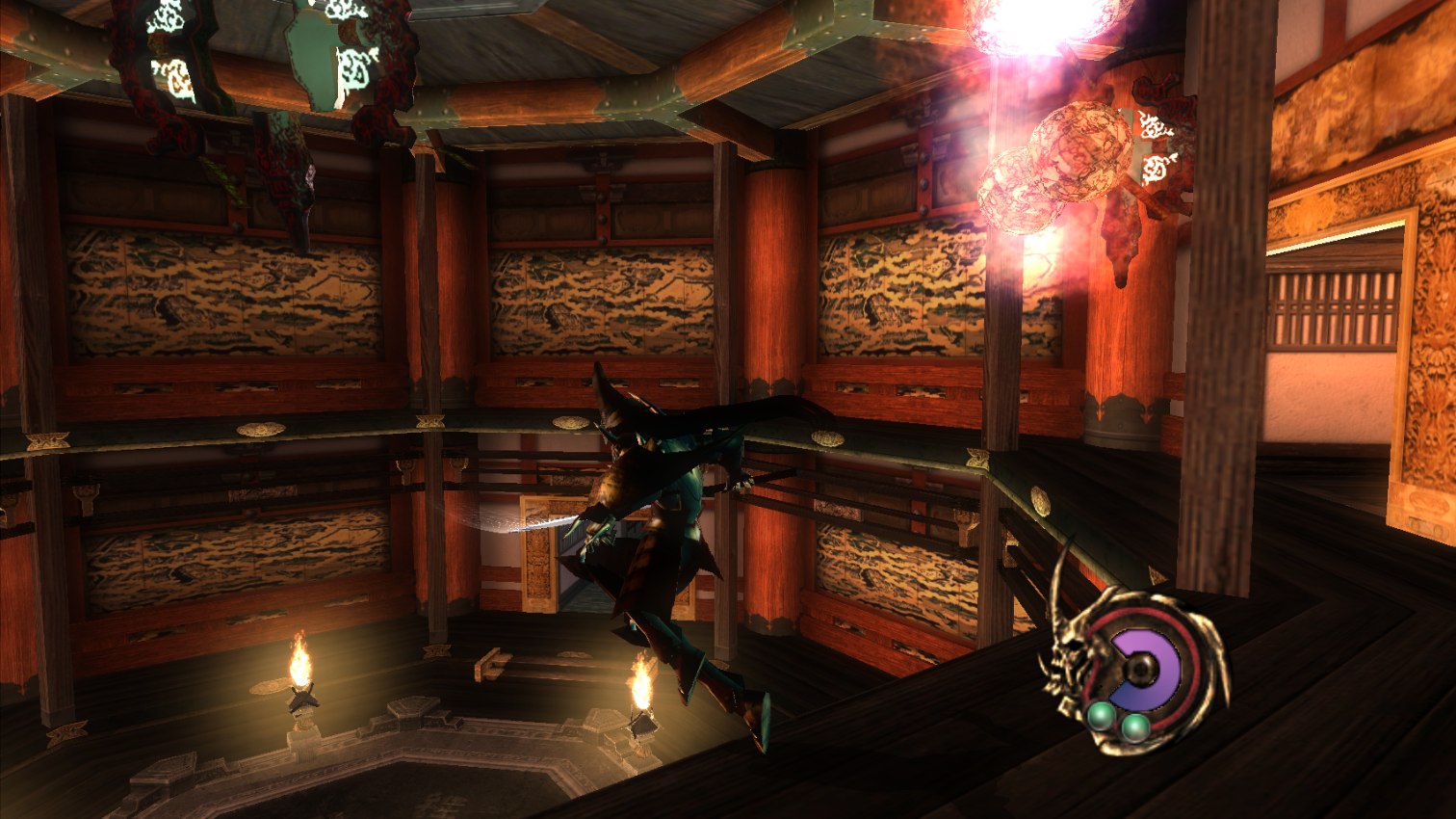
- 16:9 widescreen (hor+), with the HUD and menus kept in place
- Frame interpolation up to your monitor's refresh rate (the game logic stays at its native 30)
- Window, borderless or fullscreen (Alt+Enter switches)
- Modern controller handling: the right stick turns the view the usual way, with a smaller dead zone
- In-game debug menu (F1): frame stats, stage warp, god mode, infinite magic, all weapons
 |  |
 |  |
 |  |
 |  |
Play it
You need:
- Windows 10 or 11, 64-bit
- A disc image (
.iso) of your own Otogi: Myth of Demons, USA disc. Setup checks it, and only this version works for now. - About 5 GB of free disk space. 16 GB of RAM is best; less works, the build just takes longer.
- An Xbox-style controller is recommended. Keyboard works too.
Then:
- Download
otogi-xunchain-setup.exefrom Releases. Putting it in the same folder as your.isolets setup find the disc on its own. - Run it and press Build the game. It takes about 10 minutes.
- Press Play, or start
otogi.exein the install folder.
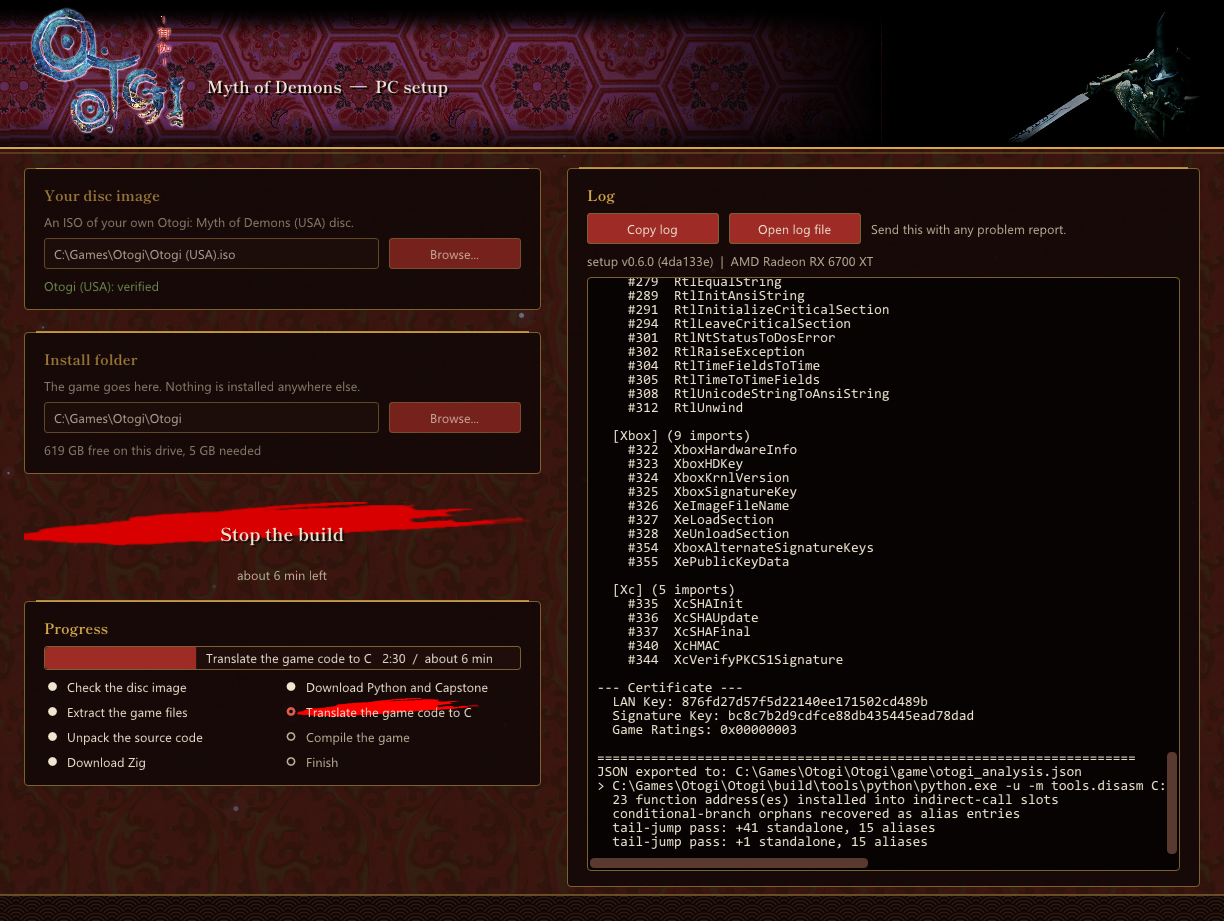
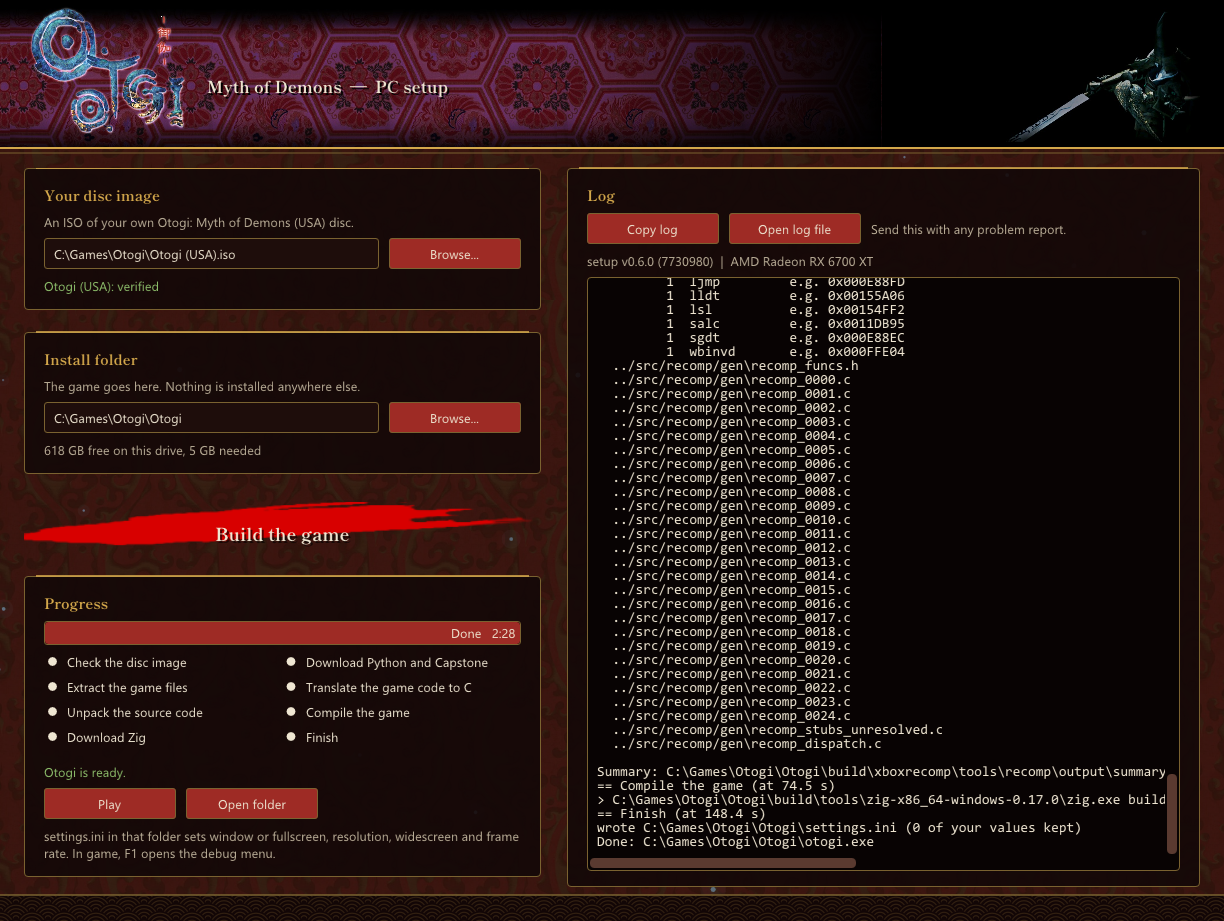
Setup checks your disc and extracts the game files. It then downloads its tools (Zig, Python and Capstone, each checked against a pinned hash), translates the game to C and compiles it. Nothing is installed anywhere else on your PC. If a step fails or you stop it, run setup again and it carries on from where it stopped.
Saves go to %LOCALAPPDATA%\Otogi.
Settings
settings.ini beside otogi.exe has a comment on every line. The main ones:
| Setting | Values |
|---|---|
window | 0 window, 1 borderless (default), 2 fullscreen |
resolution | fullscreen only, such as 1920x1080; empty keeps the desktop's |
scale | internal resolution, 1 (640x480, original) to 4 |
widescreen | 1 = 16:9, 0 = original 4:3 |
framerate | 0 = monitor refresh, 30 = original |
vsync | 1 on, 0 off |
gfx | d3d11, vulkan or gl |
cam_invert | 1 = modern right stick, 0 = original |
Each line can also be set as an environment variable with a RECOMP_ prefix (RECOMP_SCALE=4), which wins over the file.
Controls
Controller: as on the Xbox. LB and RB also work as the triggers (lock-on and dash).
Keyboard:
| Key | Pad |
|---|---|
| W A S D | Left stick (move) |
| I J K L | Right stick (camera) |
| Z X C V | A B X Y |
| 1 / 3 | Left / right trigger |
| Q / E | White / Black |
| Enter / Backspace | Start / Back |
| Arrows | D-pad |
| F1 | Debug menu |
| Alt+Enter | Window / fullscreen |
Status
All 29 stages load and play: menus, intro cutscenes, combat, magic, death and restart, saves and sound. Each stage was entered, played briefly and died in, with nothing crashing. A full playthrough start to finish has not been done yet.
Known issues:
- Only the USA disc is supported.
- Otogi 2: Immortal Warriors is a different game and is not supported.
The game has been playtested, but this recomp was built with a lot of help from AI (see How AI was used) and there are still bugs we haven't found. If you hit a crash, a graphics glitch, broken sound or anything that plays differently from the Xbox, please open an issue and attach otogi.log from the game folder (and setup.log if setup failed). The log has your GPU and Windows version at the top. Every report helps make the recomp better.
How it works
- Lift. The xboxrecomp toolkit (vendored in
xboxrecomp/) finds the game's roughly 6,200 functions and turns each into C. Guest registers become globals, and guest memory becomes one block of host memory. - Runtime. The toolkit's libraries stand in for the Xbox kernel, audio processor and USB pads.
- Graphics. The game's D3D8 calls are intercepted and replayed on OpenGL ES 3 (
src/gl_hle.zig), including the NV2A register combiners as generated GLSL. - Host and fixes. In Zig: the boot and window (
src/main.zig), function overrides (src/manual.zig), widescreen, input, and the setup tool (setup/main.zig). Everything builds withzig build; no Visual Studio needed.
docs/NOTES.md has the details and docs/ROADMAP.md the milestones.
Building from source
Needs Zig 0.17.0 and Python 3 with capstone, plus a disc image. See docs/NOTES.md for the lift pipeline; then:
zig build          # otogi.exe (needs the lifted C in src/recomp/gen)
zig build setup    # otogi-xunchain-setup.exe
zig build test
A sibling project: Sneak King recomp.
How AI was used
To be upfront: this recomp was made with heavy use of AI. Claude Code wrote most of the project's own code (the Zig host, the graphics layer, the function overrides, widescreen, input and setup) and did much of the reverse engineering and debugging, working from logs, traces and screenshots of the running game. A human directed the work, played the game, checked the results and decided what shipped.
AI makes mistakes that look right, and a recomp has thousands of places for one to hide. The game has been playtested, but expect bugs. If you find one, open an issue: that is the best way to make this recomp better.
Thank you
This project would not exist without xboxrecomp by Ned Heller (@sp00nznet) and its contributors. The toolkit does the hard part: parsing the XBE, lifting thousands of x86 functions to C, and standing in for the Xbox kernel, audio and controllers. Building on it put a full native port within reach of a small fan project, and fixes made for one game help every other game recompiled with it.
If you enjoy playing Otogi on PC, please support xboxrecomp: star the repo, report toolkit bugs there, contribute fixes, or join the sp00nznet recomp Discord.
License
The project's own code and docs are under the MIT License. The vendored toolkit (xboxrecomp/), Dear ImGui and the Shippori Mincho font (setup/assets/, SIL OFL 1.1) keep their own licenses. The screenshots in docs/img/ show FromSoftware's game.
Otogi: Myth of Demons is a trademark of FromSoftware, Inc. This is an unofficial fan preservation project, not affiliated with FromSoftware or Sega. You must own the game.