Outpost Kaloki X PC Port
Outpost Kaloki X PC Port is a native PC port of Outpost Kaloki X for Windows and Linux that supports up to 8K resolution and 240 fps.
- Type: PC port
- Game: Outpost Kaloki X
- Runs on Windows and Linux
- By TekRantGaming
- Latest release v1.1.0, 2026-10-07
- Source: https://github.com/TekRantGaming/outpost-kaloki-x-recompiled
README




Outpost Kaloki X on PC, running natively, with the launcher and options of a modern PC release.


The original Xbox 360 game code, translated to native PC code with the ReXGlue SDK. No game files included: bring your own copy of the Outpost Kaloki X Xbox Live Arcade package.
Highlights
|
Up to 8K |
60 fps and beyond |
Xbox 360 style achievements |
|
The full game, unlocked |
Your controls, your way |
Ready to play |
Why this port? Isn't there already a PC version?
There is, but it is not this game. The original Outpost Kaloki came out on PC in 2004. A year later NinjaBee released Outpost Kaloki X on Xbox 360: a bigger, better version that the PC game never received.
| PC Outpost Kaloki (2004) | Xbox 360 Outpost Kaloki X (2005) | |
|---|---|---|
| Levels | the original set | more than twice as many |
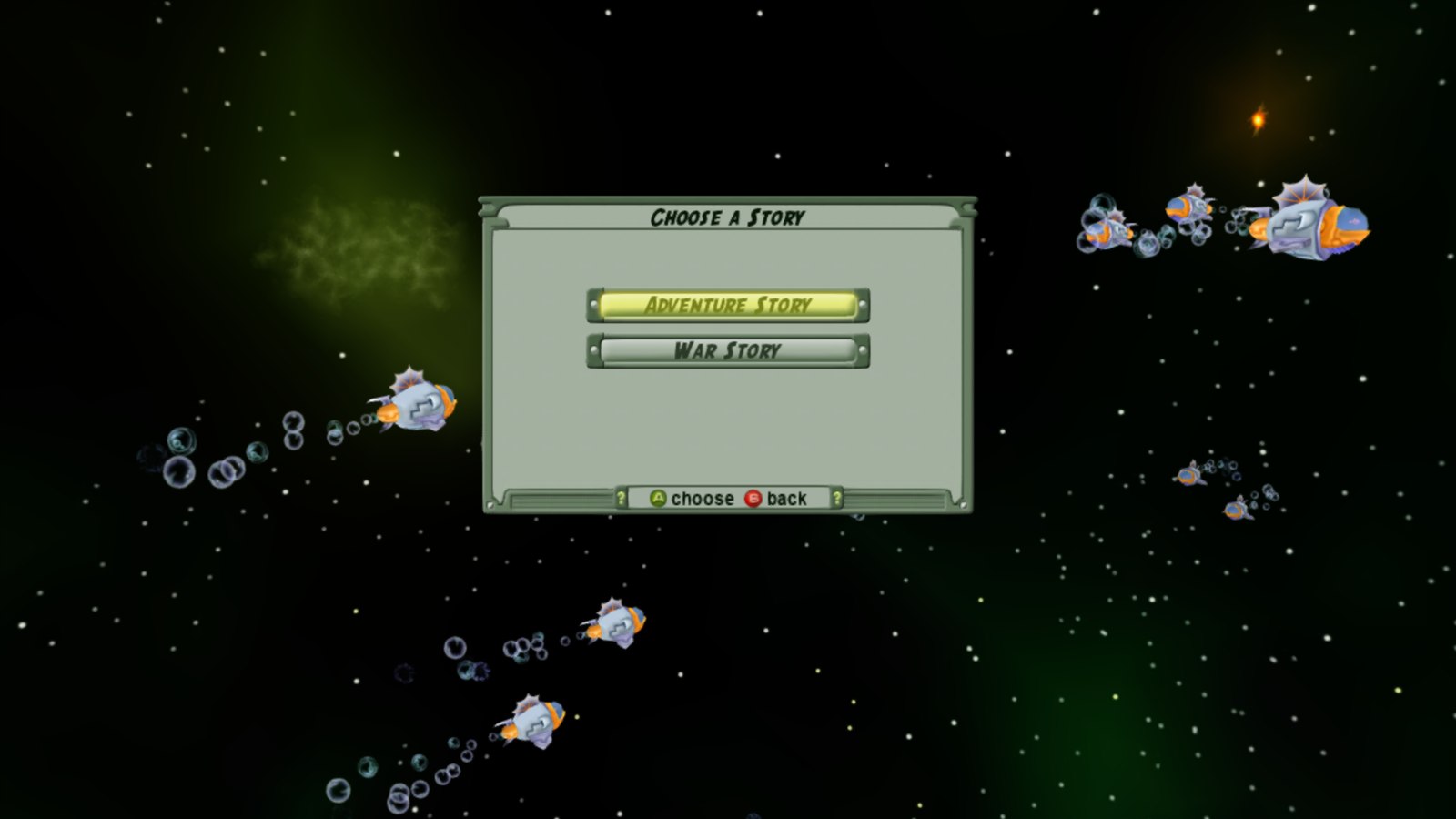
| Story campaigns | one | two: Adventure Story and War Story |
| Scenarios | fewer | 11, including The Eight-Port Challenge, The Hammer and Survival |
| Challenges | none | time challenges with gold medal times |
| Graphics | original | improved |
| Achievements | none | 12 |
| Made for | mouse and keyboard | a controller |
Until now the only way to play it was on an Xbox 360 or an emulator. This port keeps it playable on modern PCs.
The launcher
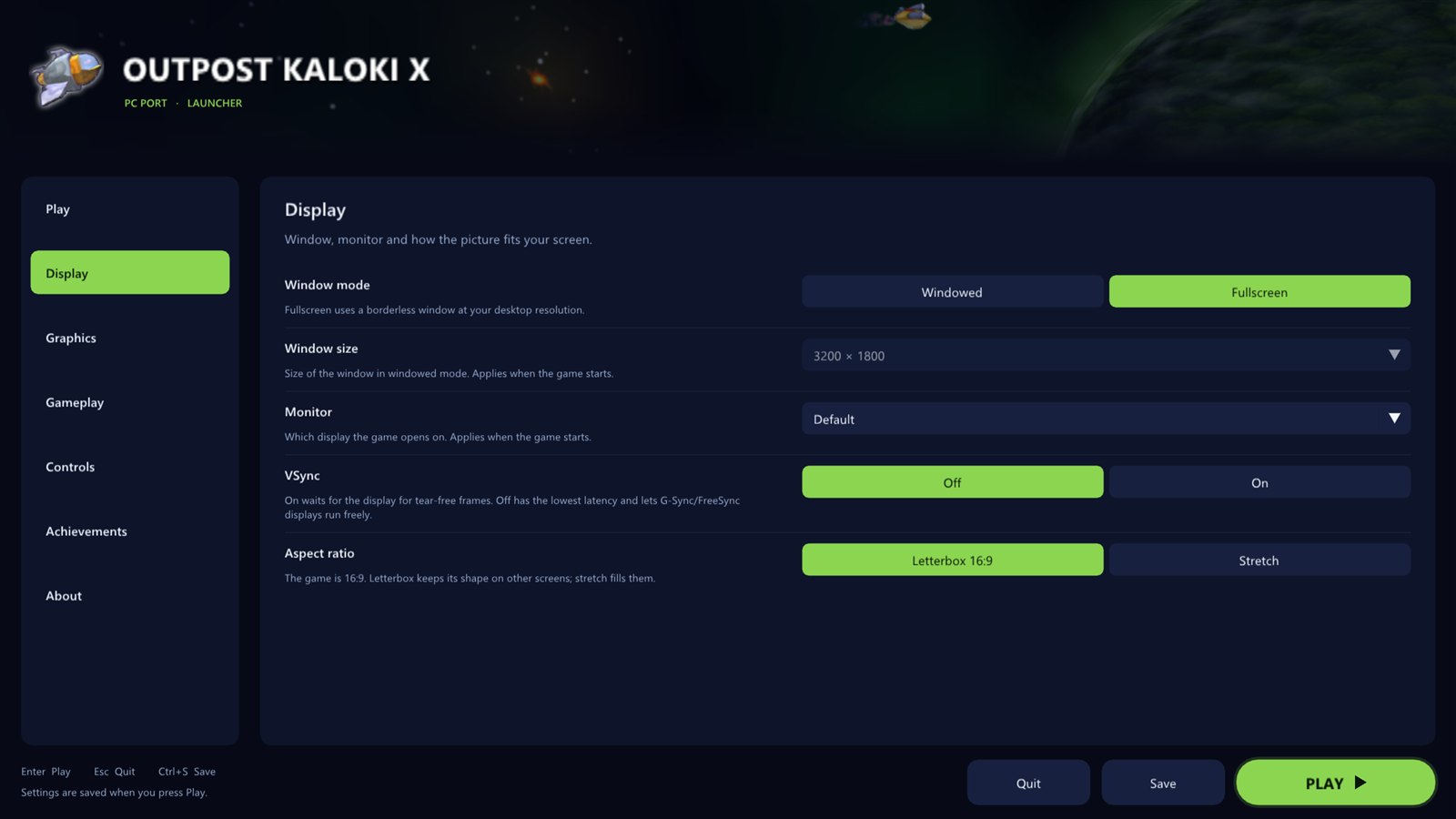
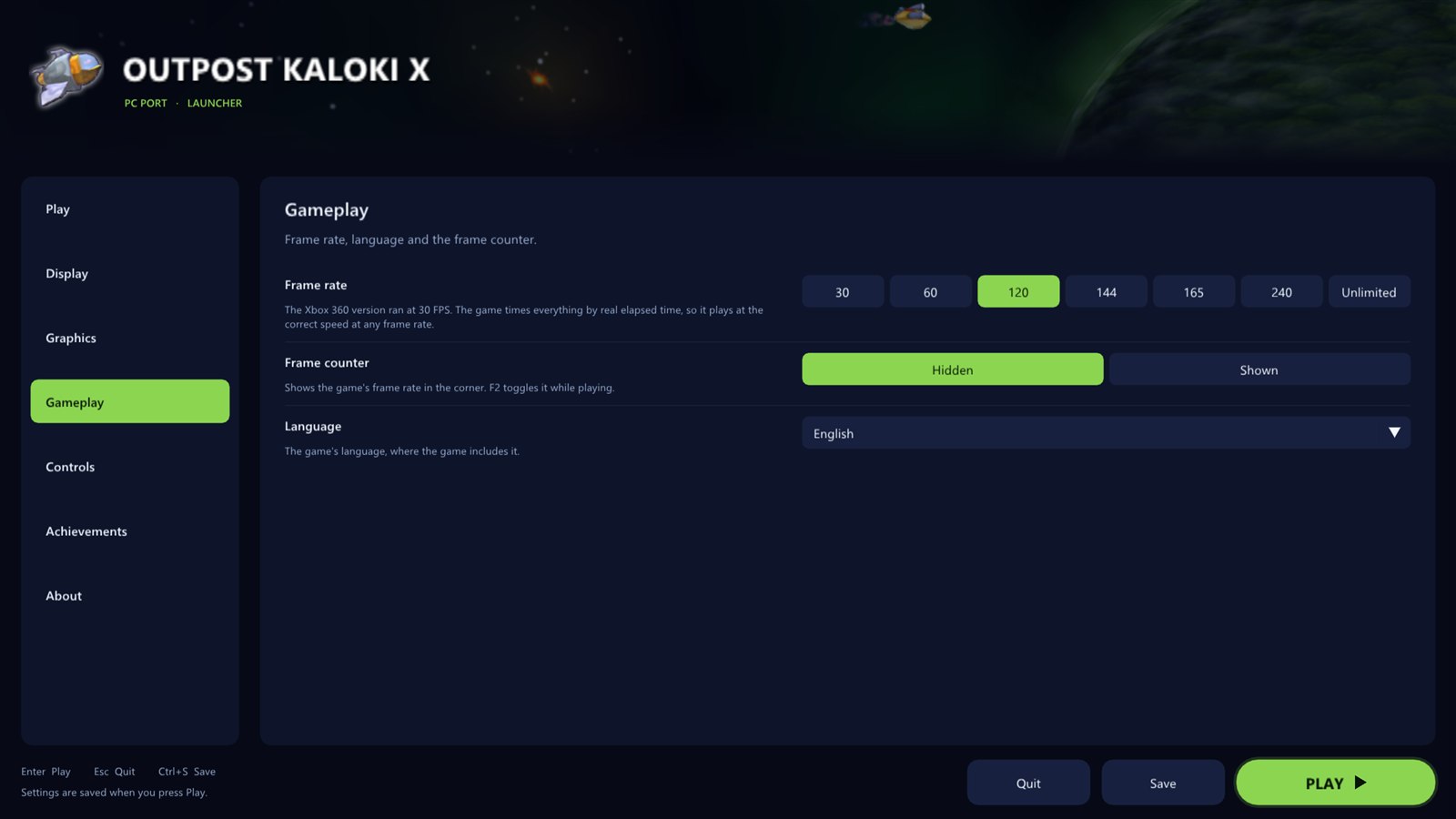
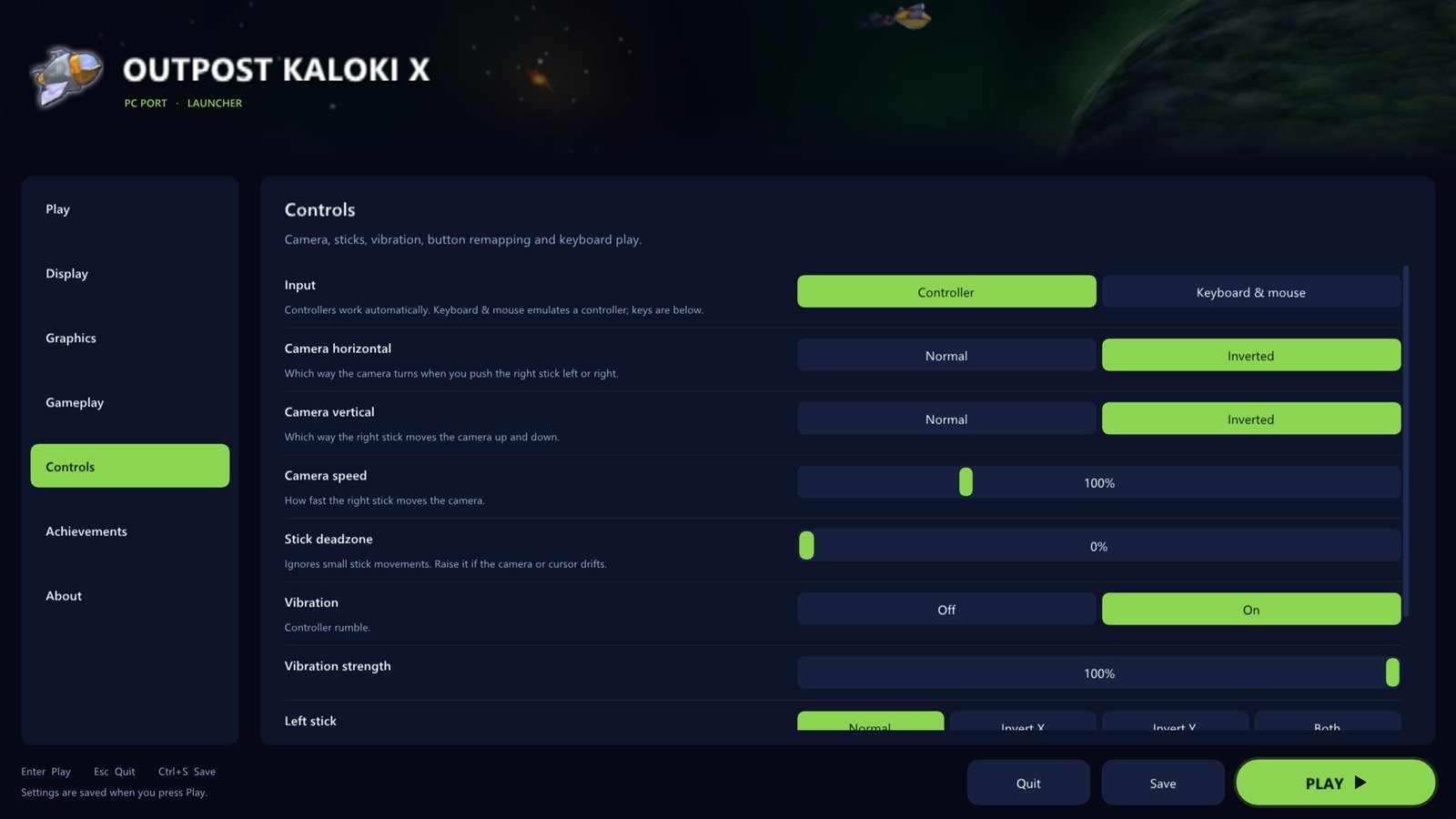
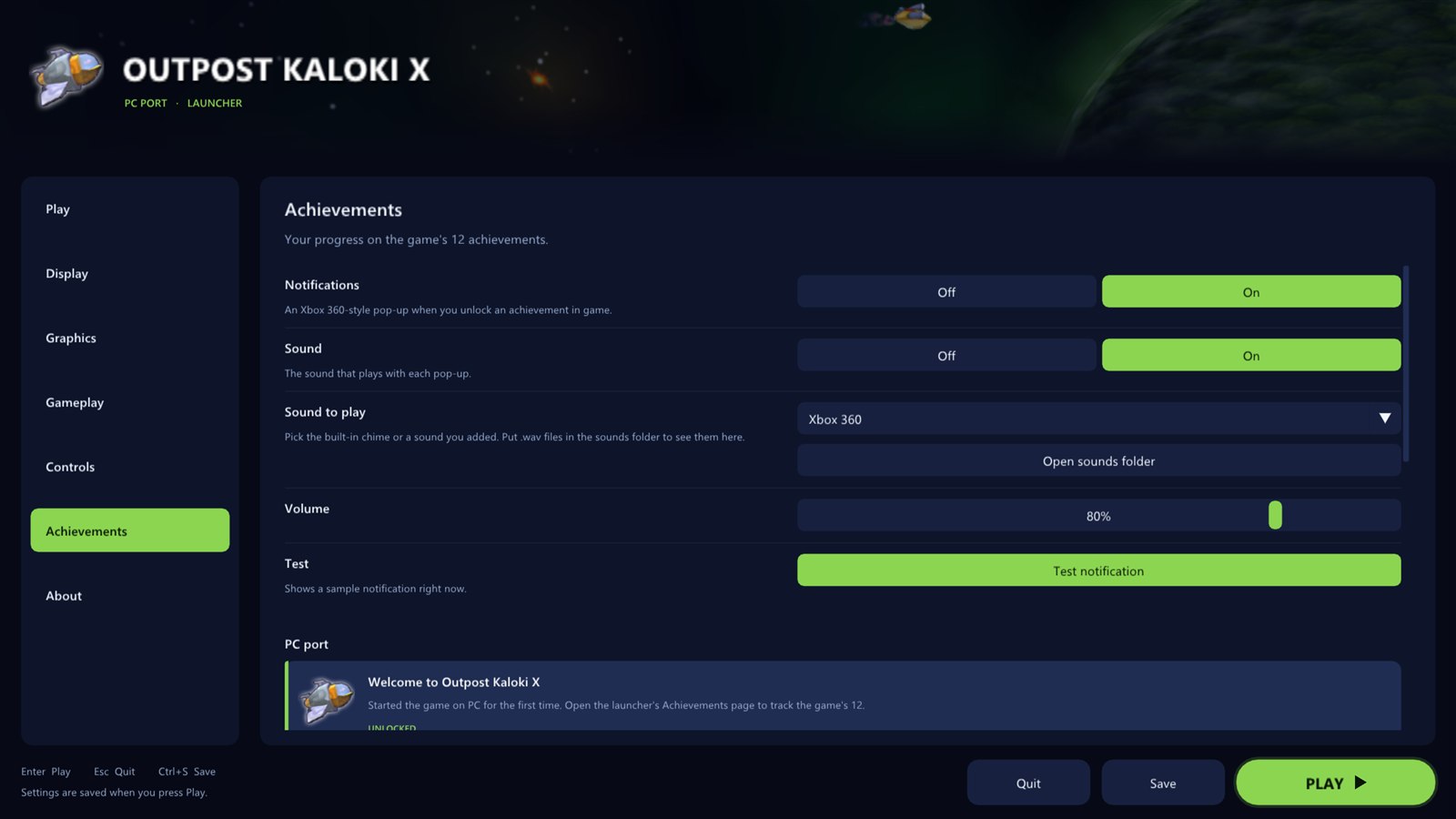
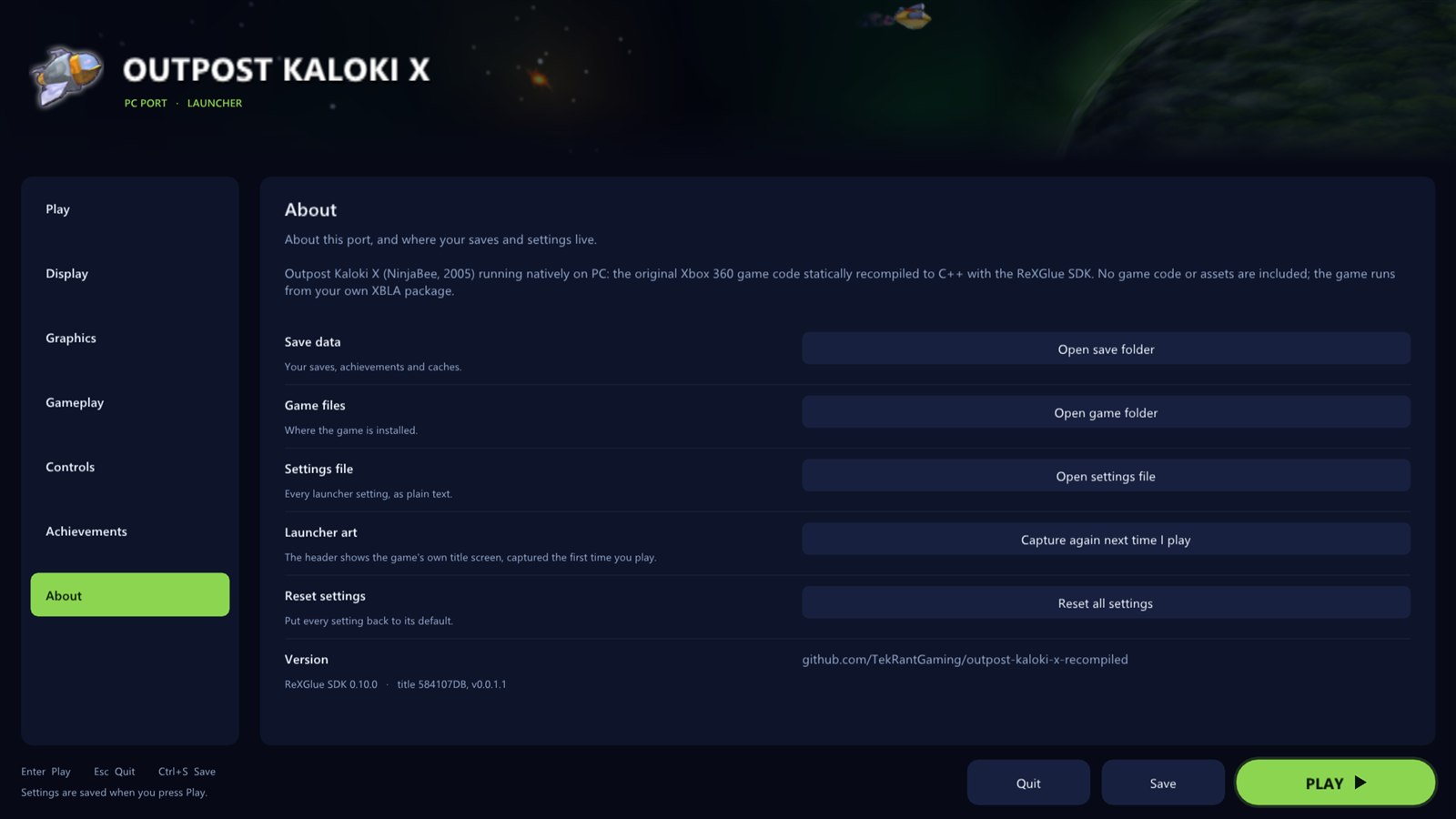
Everything is set up before the game starts. The launcher uses art from your own copy of the game: its icon, its achievement pictures and its title screen. Settings are saved to a plain text file, outpost_kaloki_x.toml, next to the game.
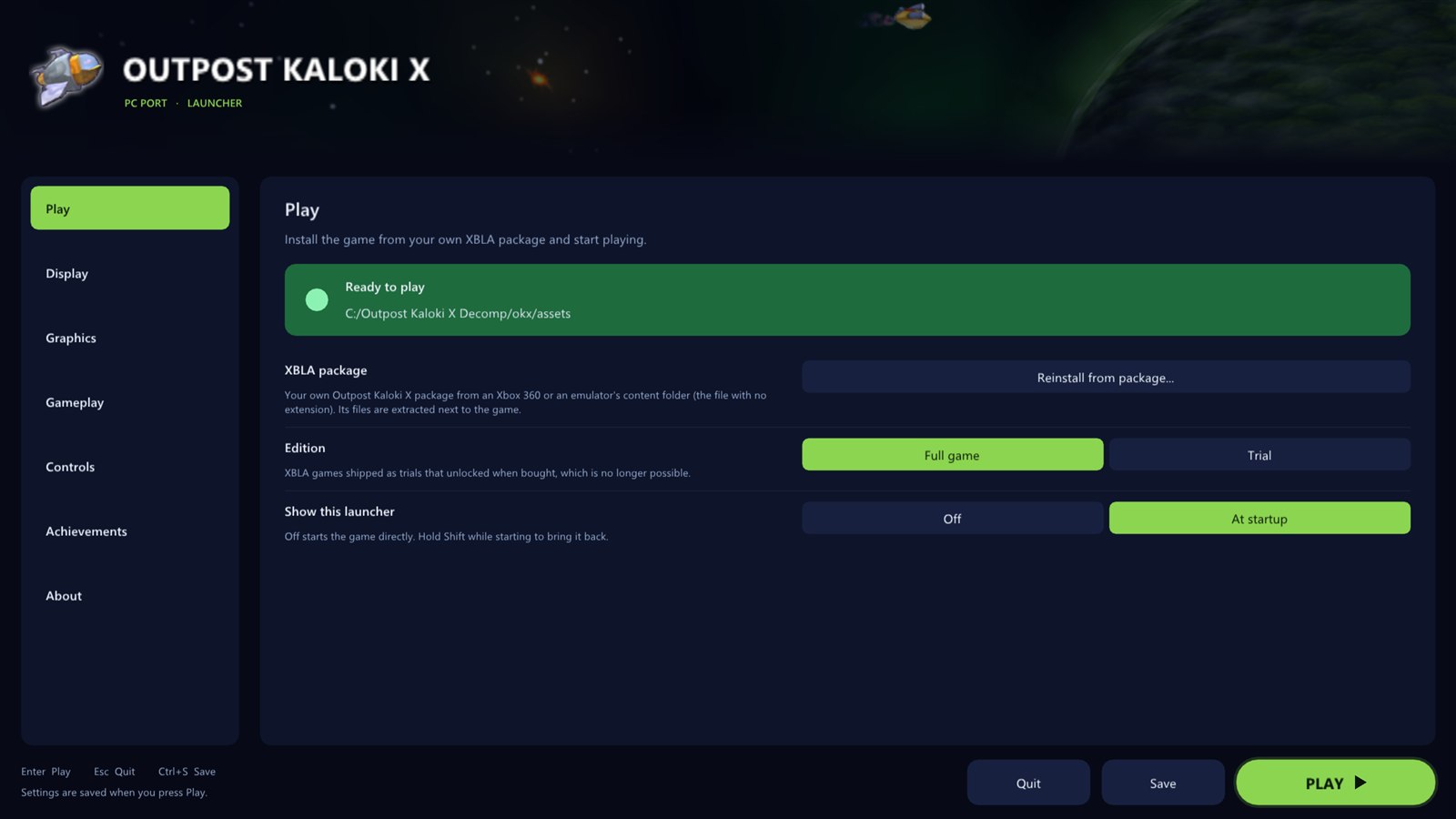 |
Play
|
Display
|  |
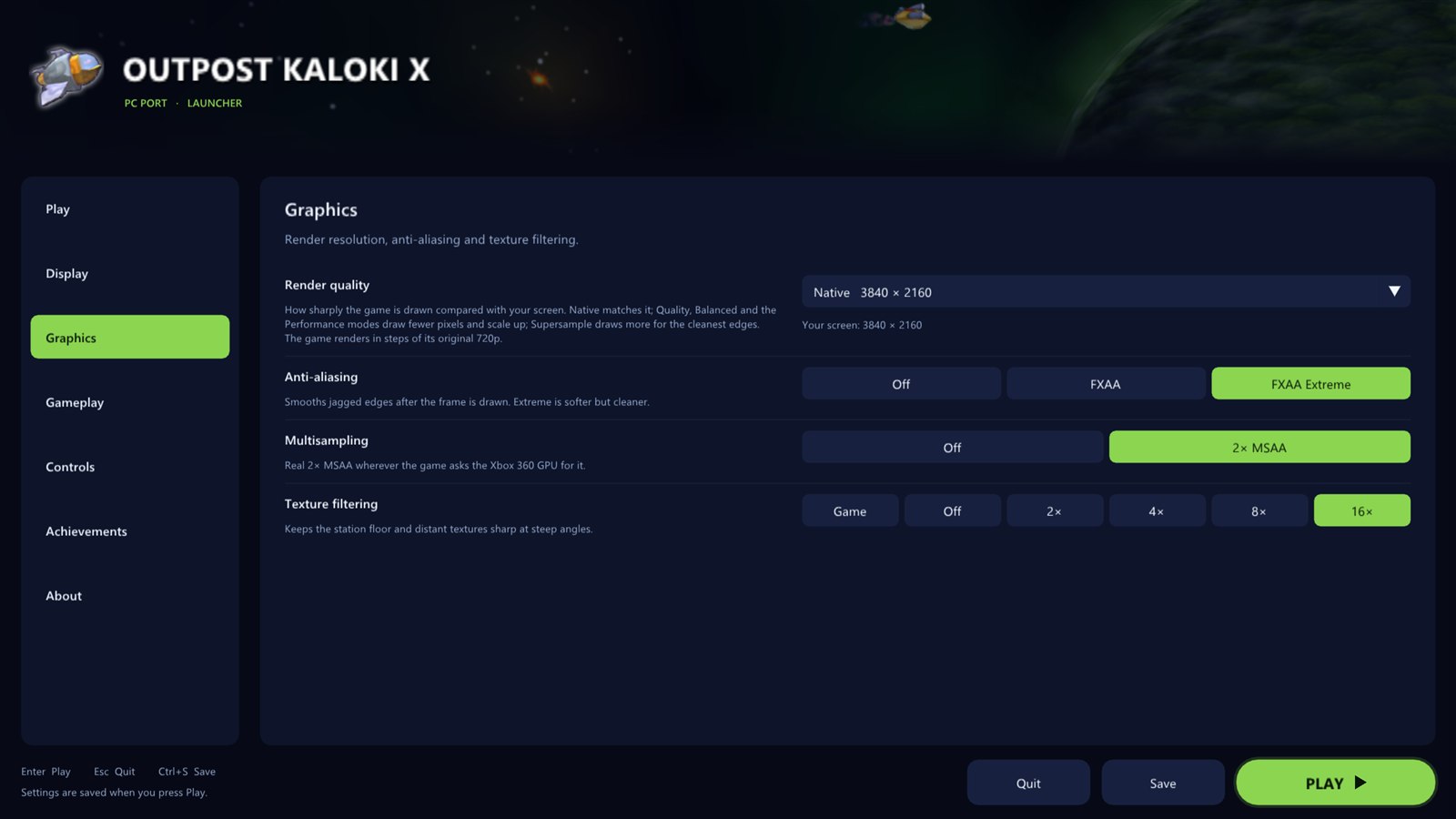 |
Graphics
|
Gameplay
|  |
 |
Controls
|
Achievements
|  |
 |
About
|
In game
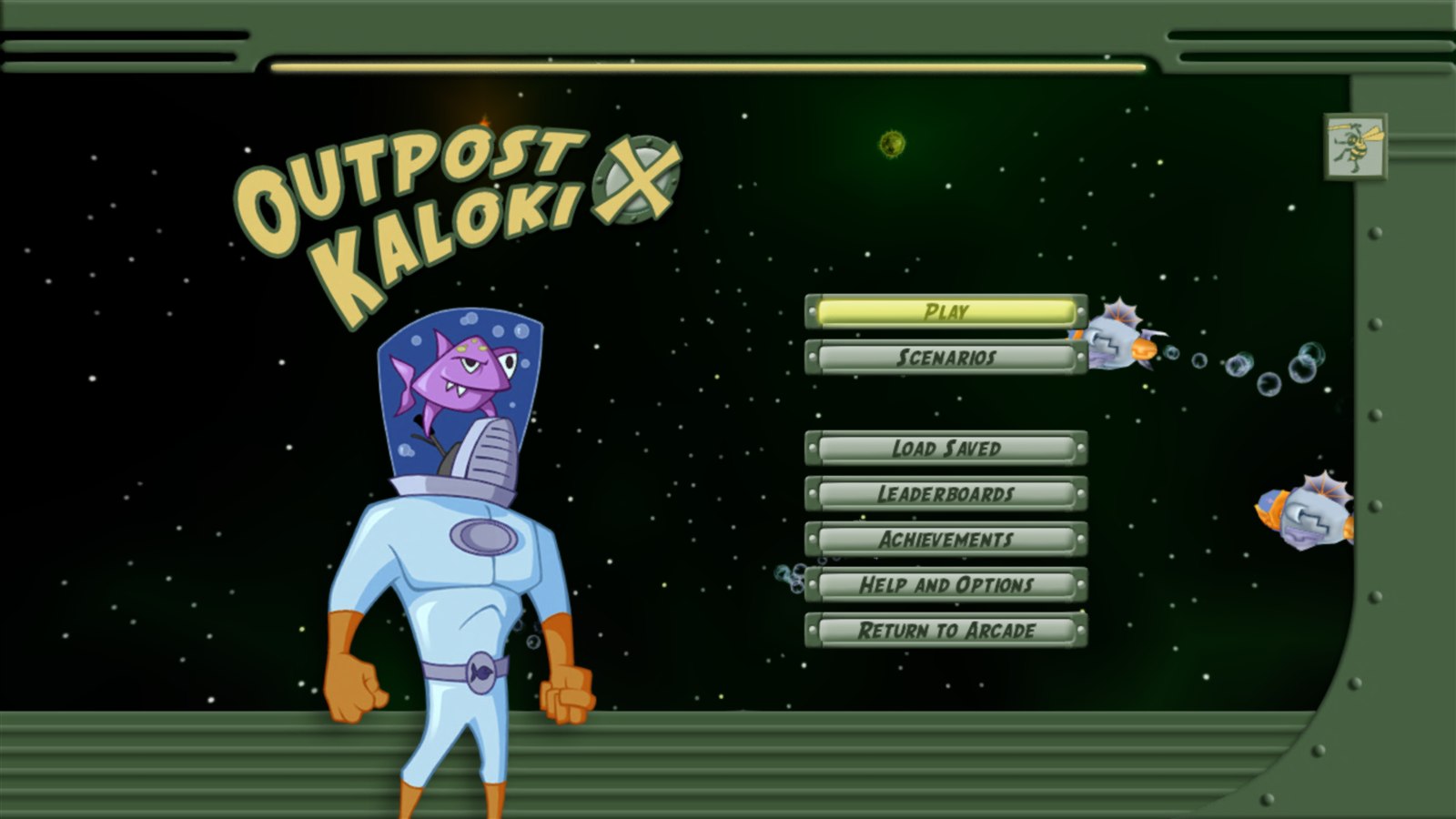 The main menu, rendered at 4K.
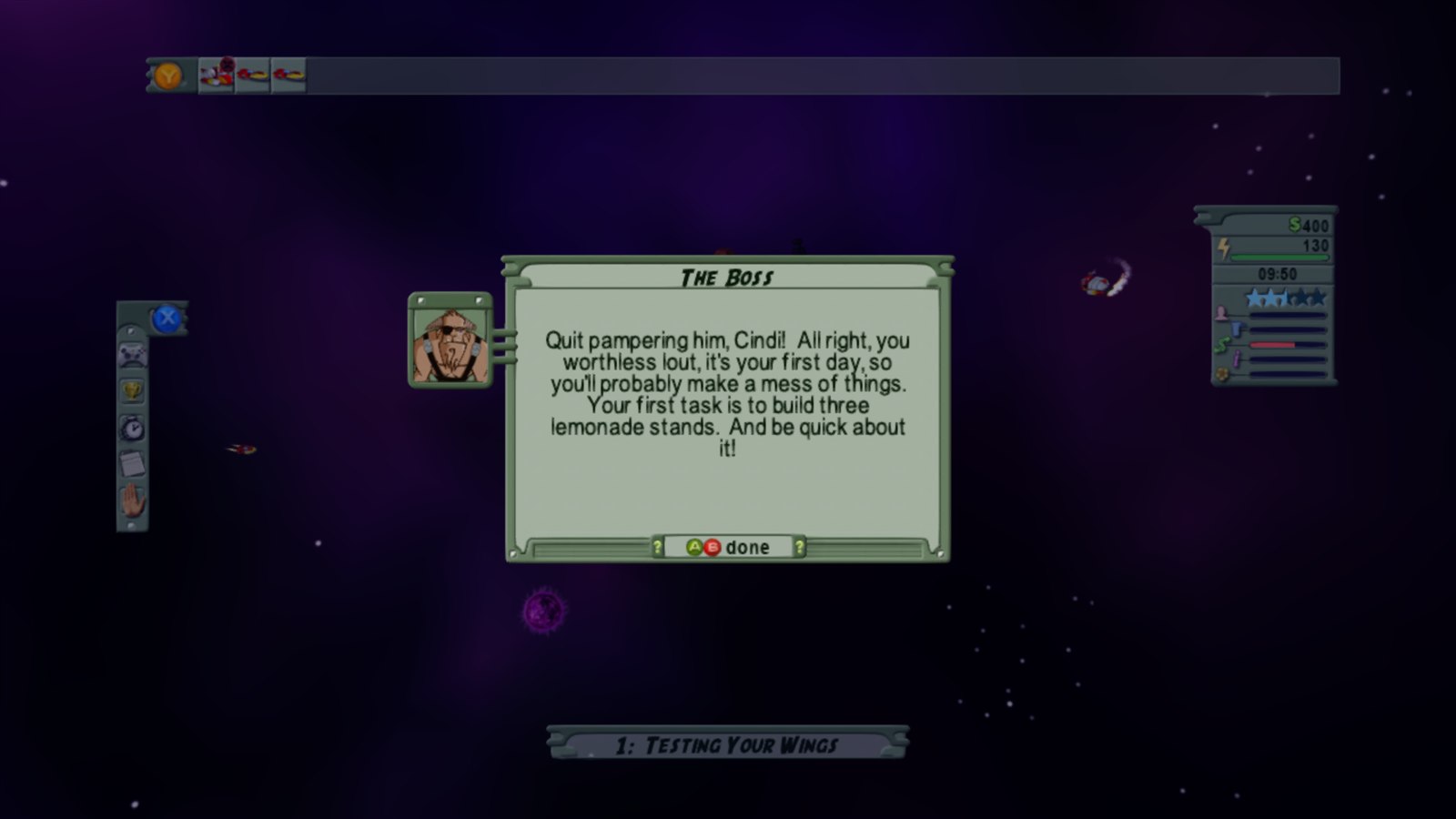
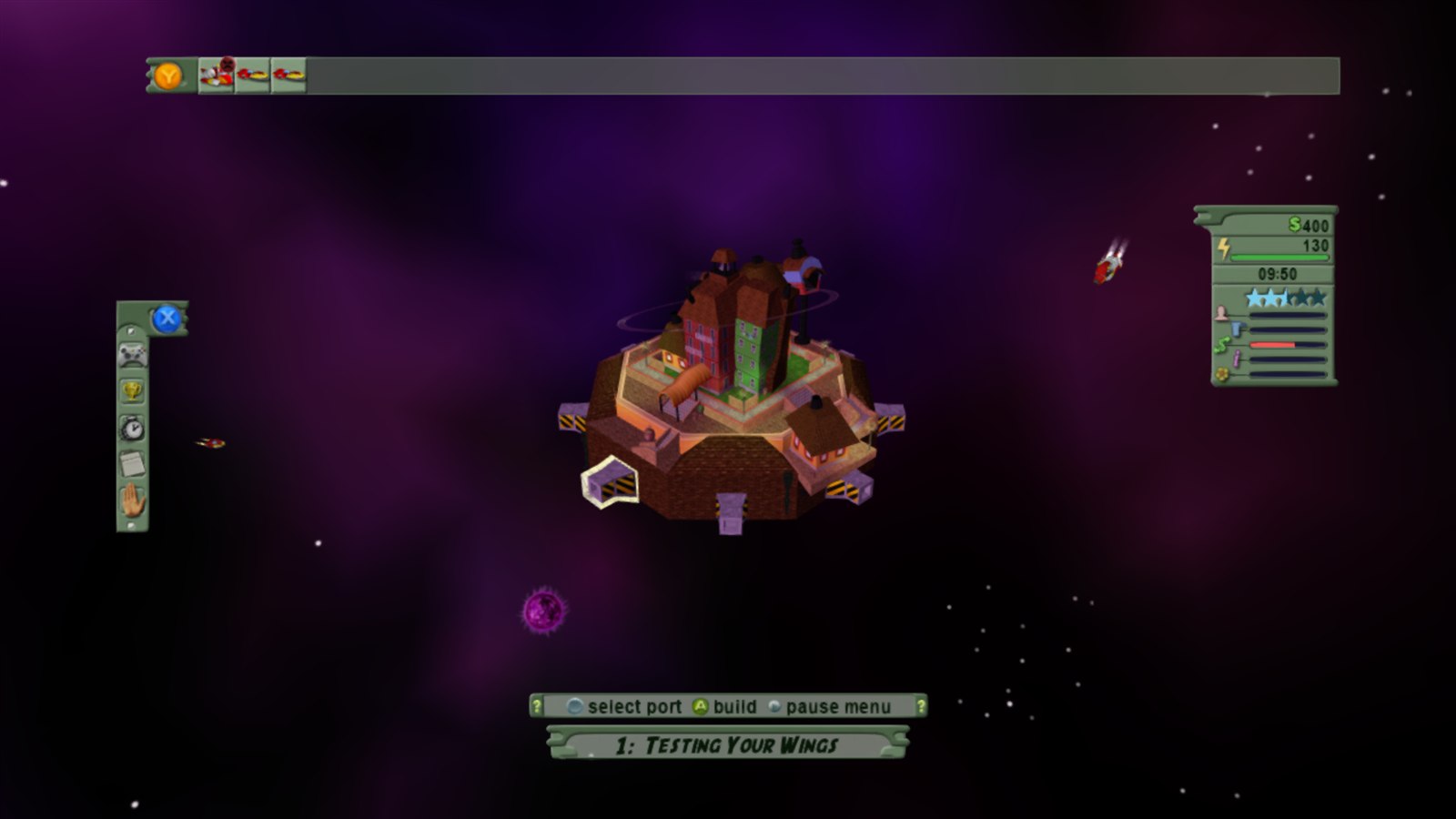 | 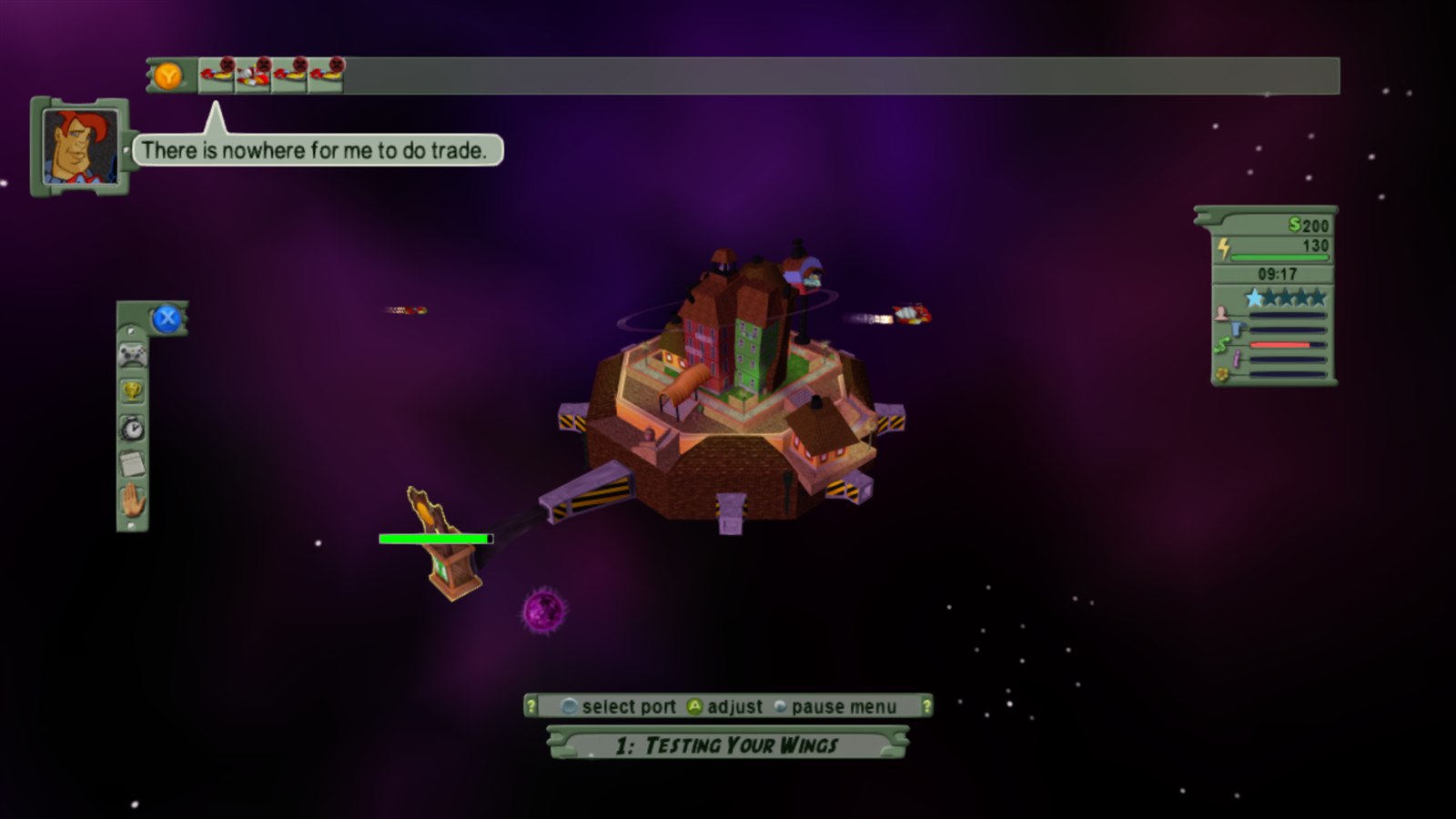 |
 |  |
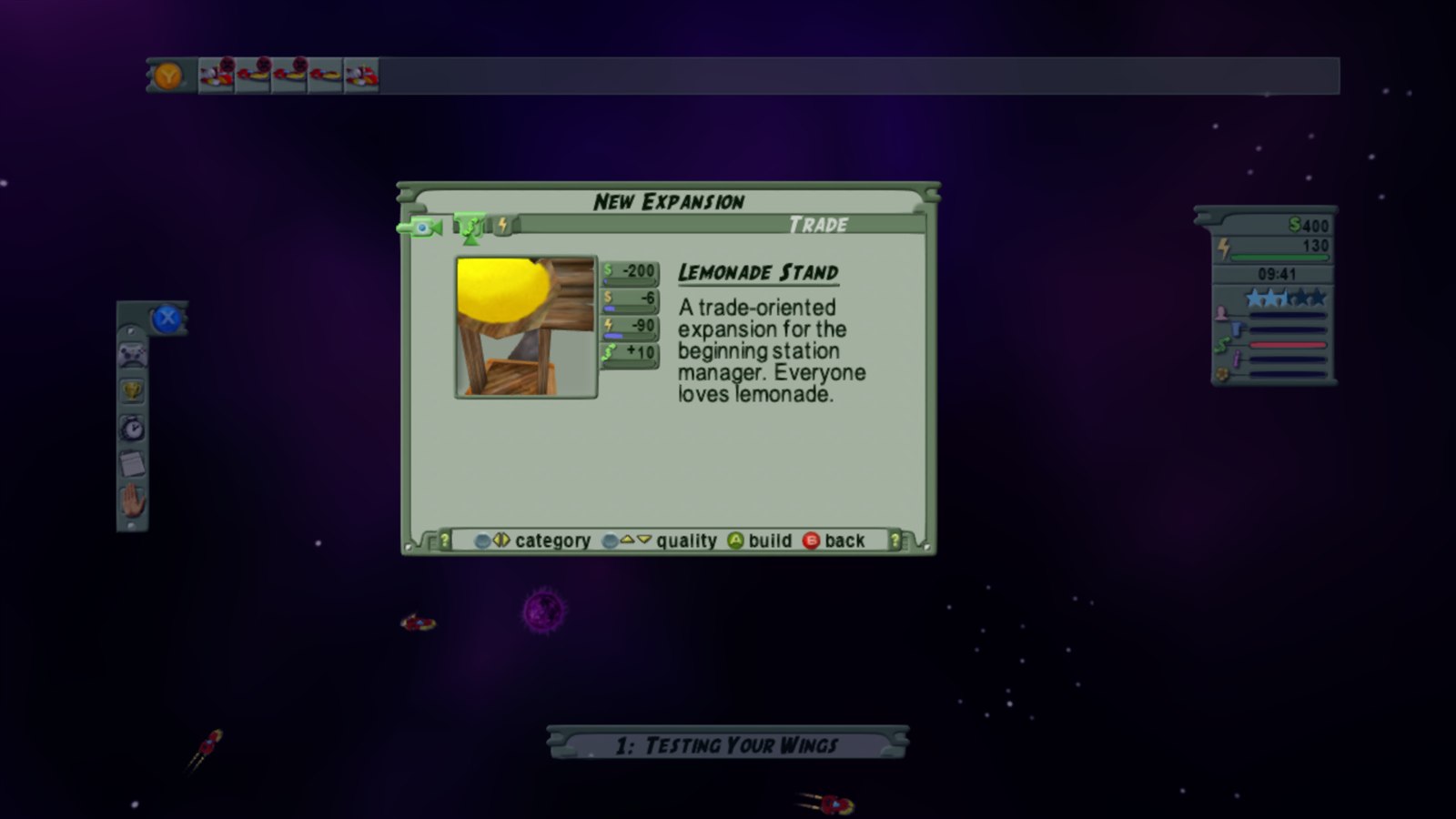 |  |
Xbox 360 vs PC port
| Xbox 360 | PC port | |
|---|---|---|
| Resolution | 1280 x 720 | up to 7680 x 4320 |
| Frame rate | 30 fps | 30 to 240 fps, or unlimited |
| Anti-aliasing | none | FXAA, 2x MSAA |
| Texture filtering | basic | up to 16x |
| Display | TV | windowed or fullscreen, any monitor |
| Controls | Xbox 360 controller | any controller, remapping, keyboard and mouse |
| Camera | fixed | inverted axes, speed, deadzone |
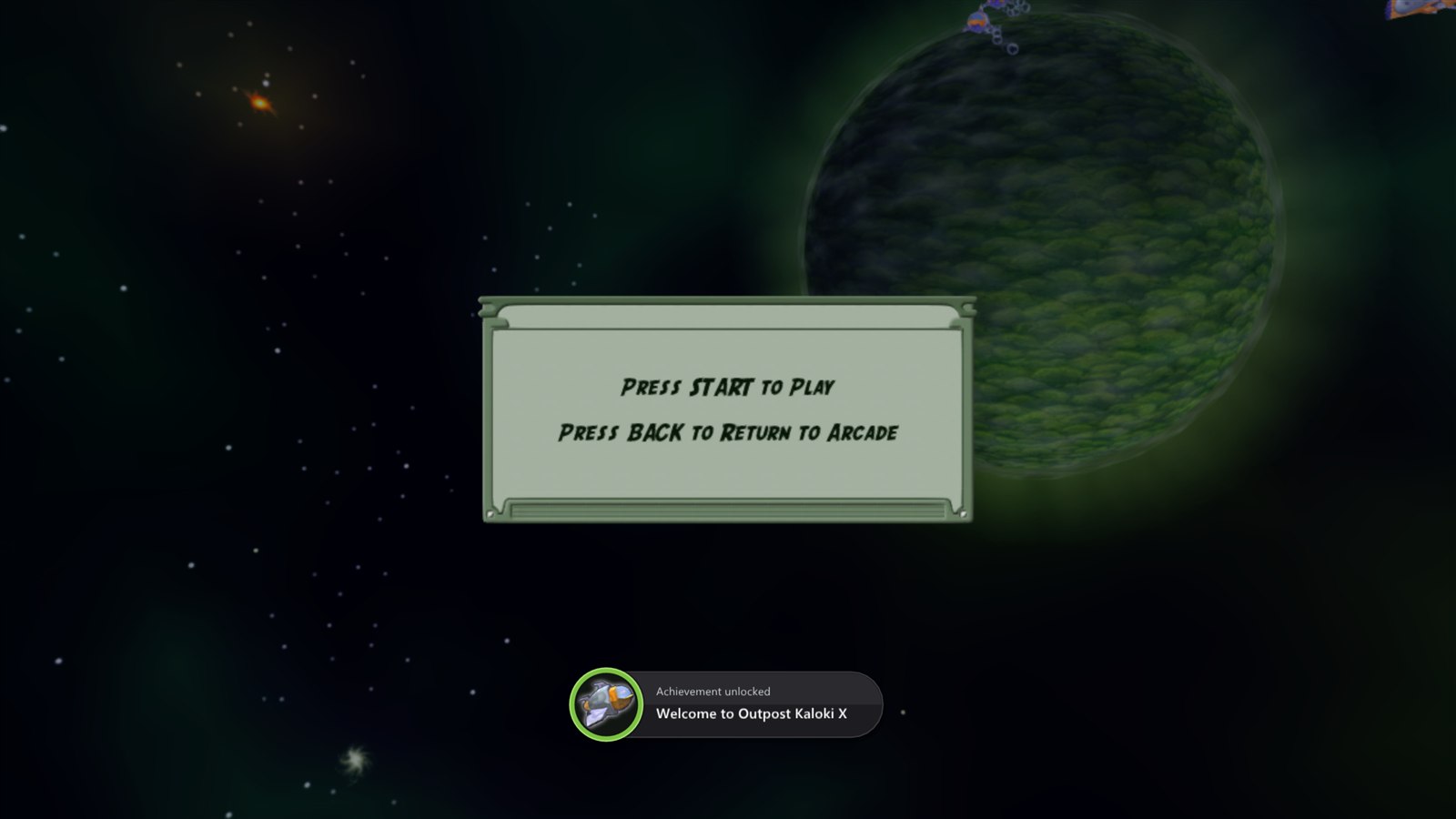
| Achievement pop-ups | console | Xbox 360 style, with your choice of sound |
| Full game | bought on Xbox Live | unlocked |
Hotkeys
| Key | Action |
|---|---|
| F2 | frame counter |
| F3 | performance overlay |
| F7 | achievements overlay |
| Shift while starting | open the launcher |
Getting started
You need: Windows 10 or 11 (64-bit) and a graphics card with DirectX 12, or 64-bit Linux with Vulkan, plus your own Outpost Kaloki X Xbox Live Arcade package, this exact release:
| Title ID | 584107DB (Xbox Live Arcade, content type 000D0000) |
| Package size | 21,557,248 bytes (the file with no extension from your Xbox 360 or emulator content folder) |
| Game version | default.xex 0.0.1.1 (2005-11-04), 3,252,224 bytes, CRC32 CCB0ACE9 |
The launcher checks both and tells you if your package is a different version.
- Download OutpostKalokiX-v...-windows-x64.zip from the latest release and unzip it anywhere.
- Run outpost_kaloki_x.exe. The launcher opens.
- On the Play page click Install from package... and pick your package. Its files are copied into a
gamefolder next to the program. - Press PLAY.
Linux: download OutpostKalokiX-v...-linux-x86_64.AppImage instead, make it executable (right-click > Properties > Permissions, or chmod +x), run it and install from your package the same way. The game files, settings and logs go next to the AppImage.
Updates: when the launcher opens it checks this repository's releases and offers new versions (About page: Updates). Your game files, saves and settings are kept.
No game files are included. The download is only the port: the game's files come from your own package.
Building by hand (for developers)
.\setup.ps1 -Package "C:\path\to\Outpost Kaloki X"   # downloads the SDK, unpacks your game, translates the code
okx\build.bat okx-release                             # compiles
.\tools\package_windows.ps1 -Version v1.1.0           # optional: the release zip in dist\
Build Outpost Kaloki X.bat does the first two steps in one go, installing the build tools if needed. For Linux, run tools/build_appimage.sh v1.1.0 in Linux or WSL after setup.ps1.
The finished game is in okx\out\build\okx-release. Point it at your game files with --game_data_root, or copy them into a game folder next to the exe. Technical notes on every fix are in NOTES.md.
Credits
- Outpost Kaloki X by NinjaBee (Wahoo Studios), published by Microsoft in 2005.
- ReXGlue SDK, which does the code translation and runs the game, built on the work of Xenia and XenonRecomp.
[!NOTE] AI disclosure: this port was made almost entirely with Claude Code (Anthropic). The repository owner directed and tested the work; the AI did the analysis, code, tools and documentation.
[!IMPORTANT] This project is not affiliated with or endorsed by NinjaBee, Wahoo Studios, Microsoft or Xbox. It contains no game code or assets. Do not open issues asking for game files.