Paper Cut
Paper Cut is a fan-made native port of Paper Mario The Thousand-Year Door for Windows, macOS, Linux, iOS and Android with co-op, versus battles, and play as Luigi Peach or Bowser.
- Type: PC port
- Game: Paper Mario The Thousand-Year Door
- Runs on Windows, Linux, macOS, Android and iOS
- By LLCOOLT
- Latest release v0.4.0, 2026-11-05
- Source: https://github.com/LLCOOLT/paper-cut
README

Paper Cut is a fan-made native port of Paper Mario: The Thousand-Year Door for Windows, macOS, Linux, iOS and Android. It is the game's own code, rebuilt from its decompilation, so there is no emulator. It plays the Japanese (G8MJ01), US (G8ME01) and European (G8MP01) releases at any screen shape and frame rate, and adds co-op for up to four players at home or online, Luigi beside Mario in Brothers mode, versus battles, an open-world randomizer, Master Quest, a Director's Cut of what the game left out, Luigi, Peach or Bowser as the hero, a title menu with modes to play without a save file, and a long list of options you can change from the game's own Start menu.
The game code is C, from the decompilation in LLCOOLT/ttyd. The GameCube platform under it (graphics, audio, input, disc, memory card) is replaced, through Aurora (WebGPU/Dawn and SDL3).
No game data is included. You need your own copy of the game: Paper Cut runs from your disc image.
Download: packages are on the Releases page. One download per platform plays every version: papercut-<version>-<platform>.zip (iPhone and Android: papercut-<version>-<us|jp|eu>-..., since a phone app can only run its own code). To build it yourself, see Building and running.
Highlights
Co-op, at home or online
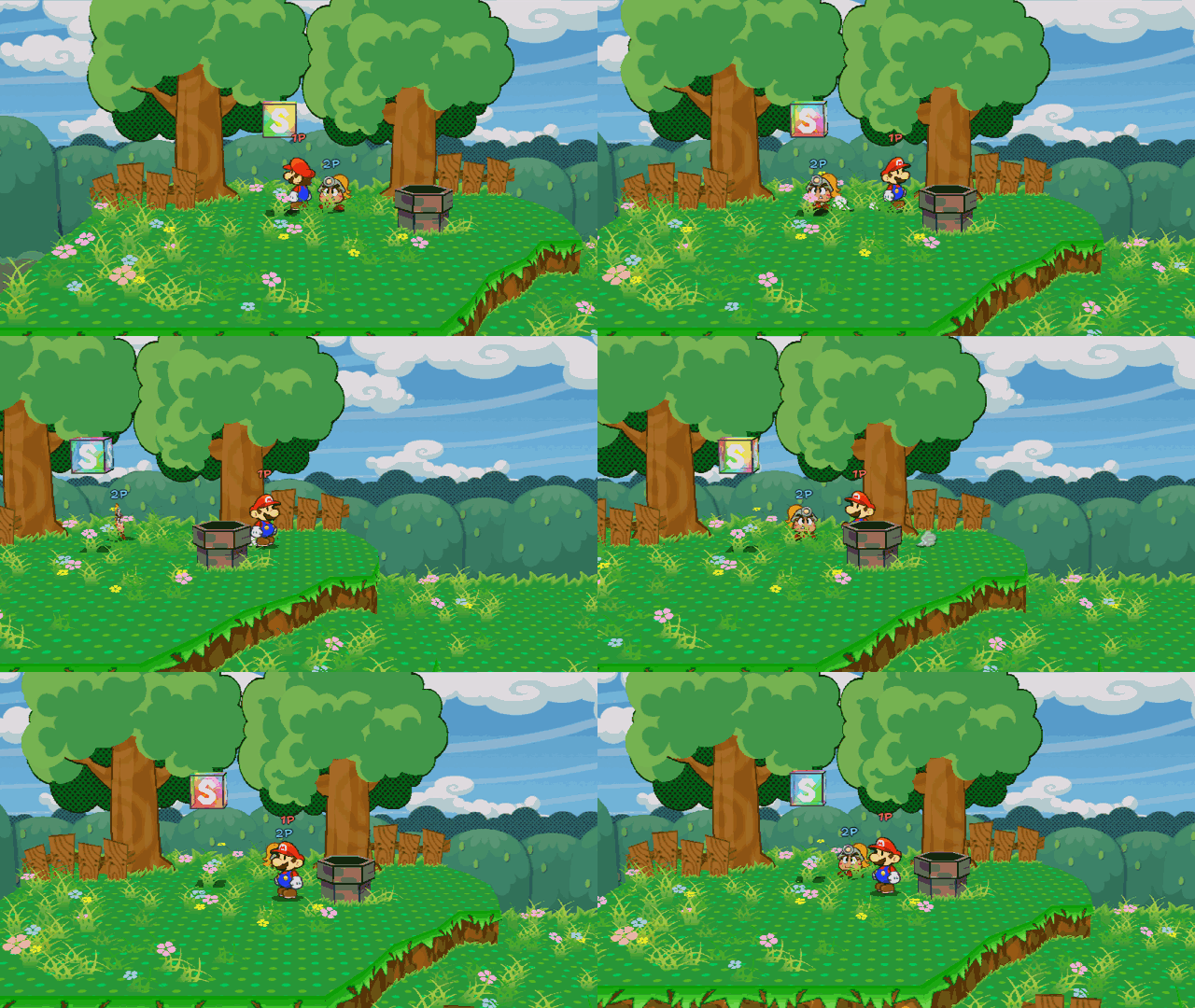
A second player plays the partner. In battle they choose its moves and do its action commands and guards; in the field they walk it around, hop, talk and use its ability. Online, one player opens a room and sends its code, and the other joins with it, with nothing to set up on the router, from the launcher or from the Start menu's Online tab. While a host waits, news of who has joined shows over the picture, and a room stays open if a friend's game can't play. Players 3 and 4 walk the follower and companions, Brothers mode brings Luigi in as a second hero, and Mario and his partners have duo moves, both action commands at once.
Versus battles
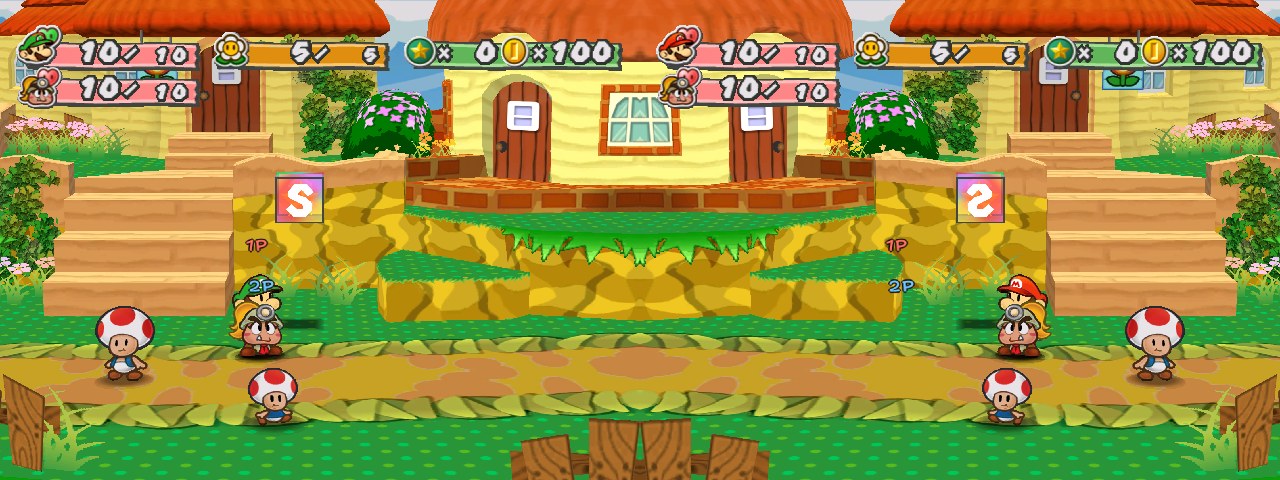
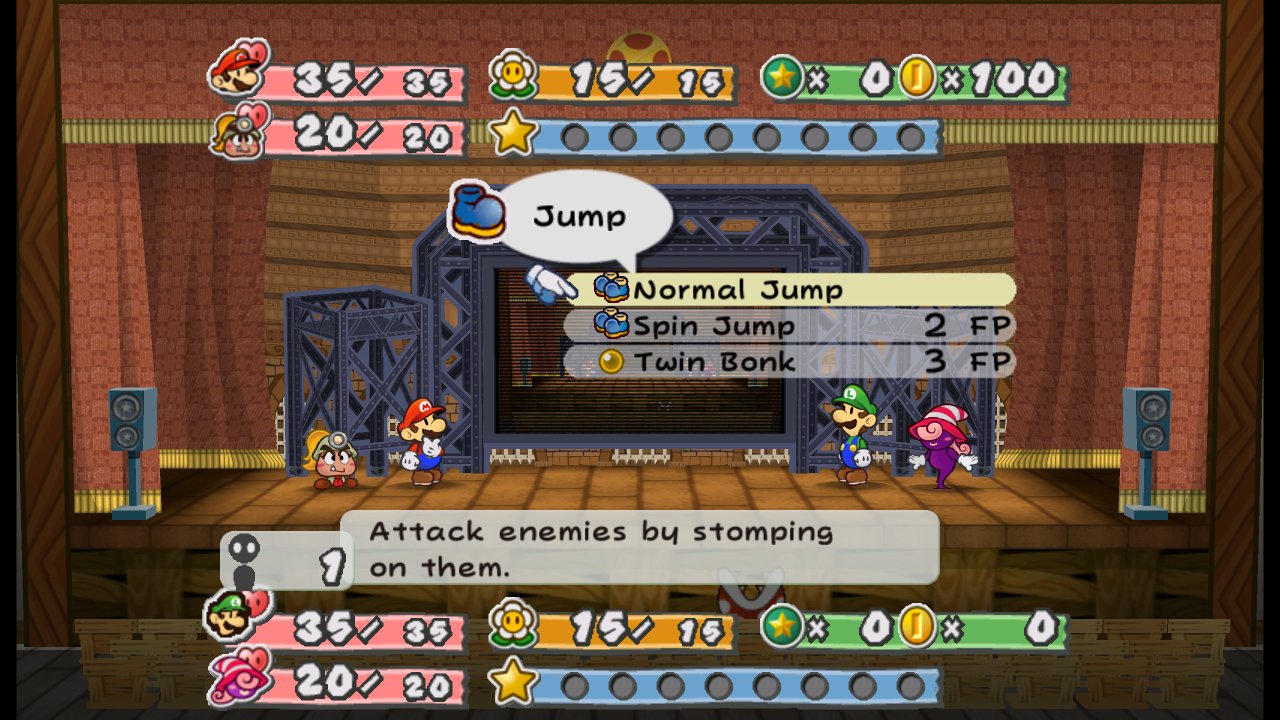
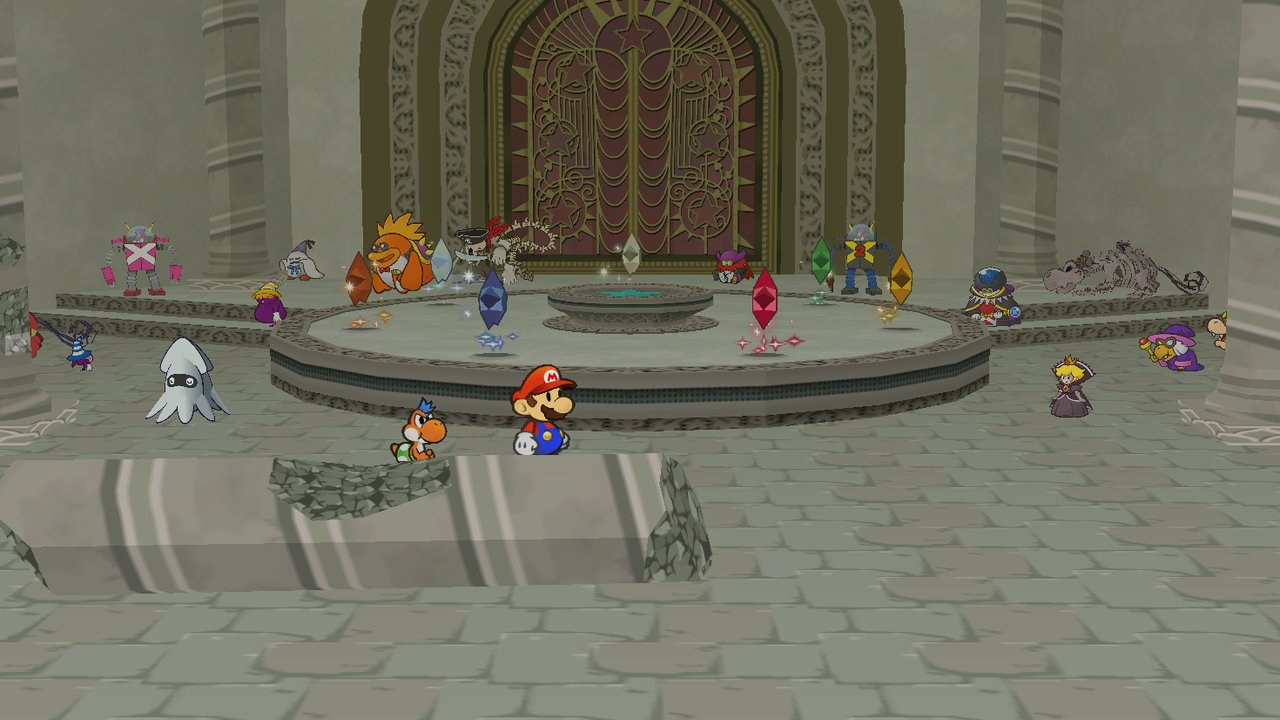
Mario and his partners against Luigi and his, on eight of the game's battle stages, with the audience watching. Each side is set up on one page (level, boots and hammer, three partners, badges, items) and acts through the game's own command menu, and the defender guards every hit on their own controller. Play on one screen, online, or against a computer Luigi that weighs its moves and plays every Star Power, then climb a ladder of ever stronger Luigis. Fair-play rules keep Showstopper and the luck badges from deciding a fight.
Play as Luigi, Peach or Bowser
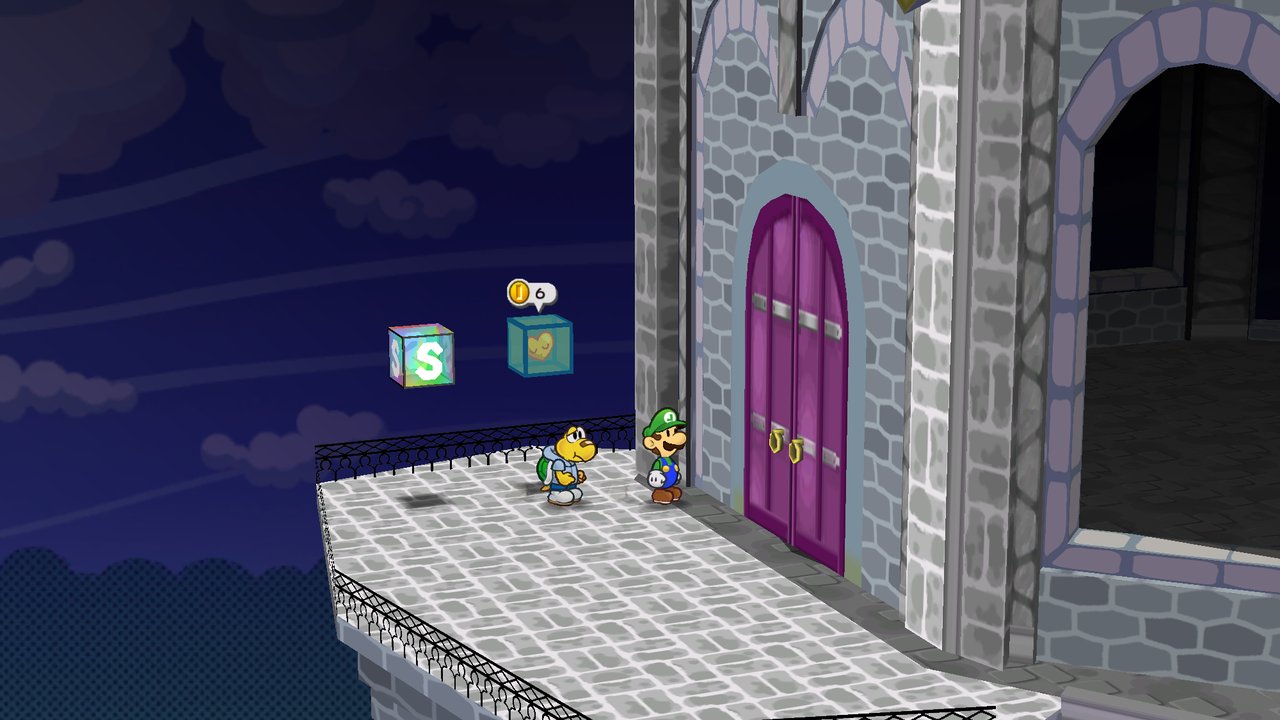
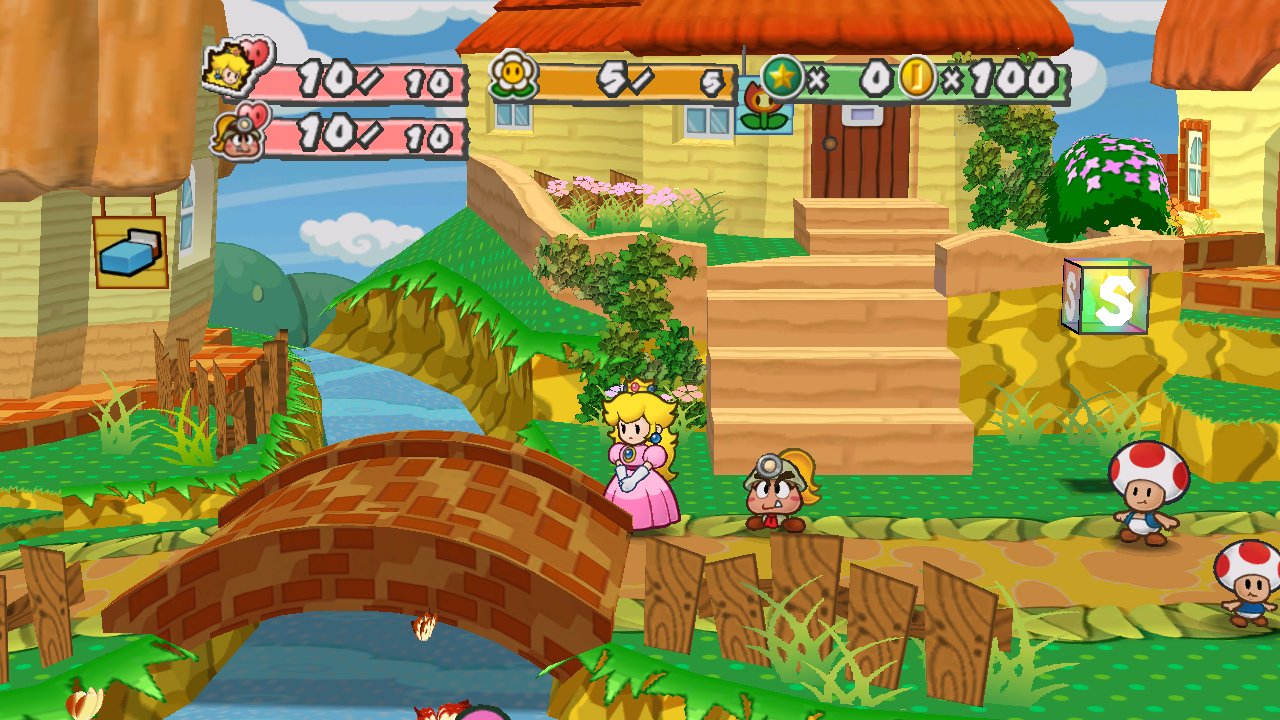
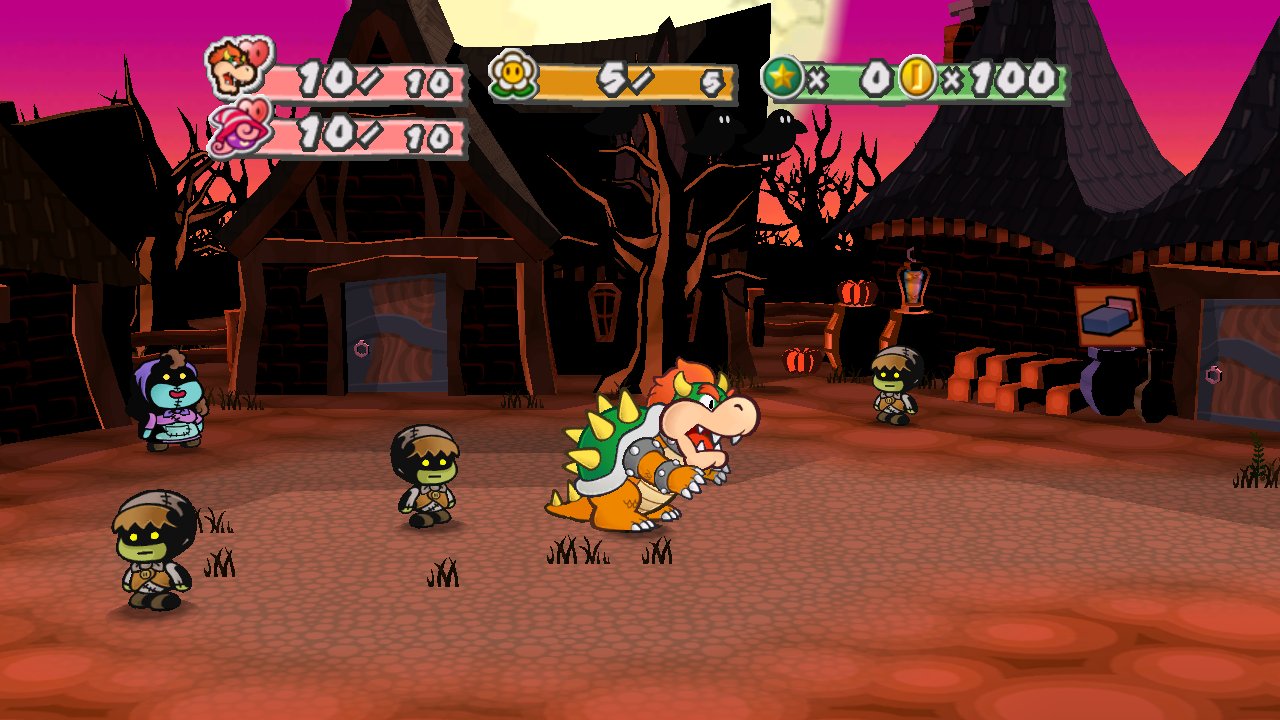
Pick one in Gameplay > Play as and they take Mario's place for the whole story: in the field, in battle, in the scenes and the credits, with their face on the HUD, their name on the pause menu's tab and in every text. Luigi has 156 animations made for him. Peach and Bowser come from their own models on your disc, with every one of Mario's moves made for them: Peach's two-handed hammer, Bowser's shell spin, Bowser riding Yoshi. The Wardrobe dresses whoever you pick, and Mario steps into their part in the story's scenes.
A title menu and Modes
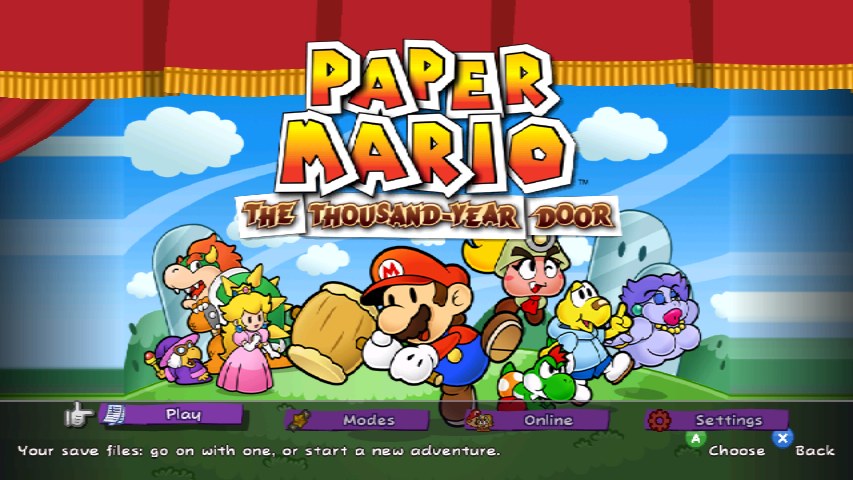
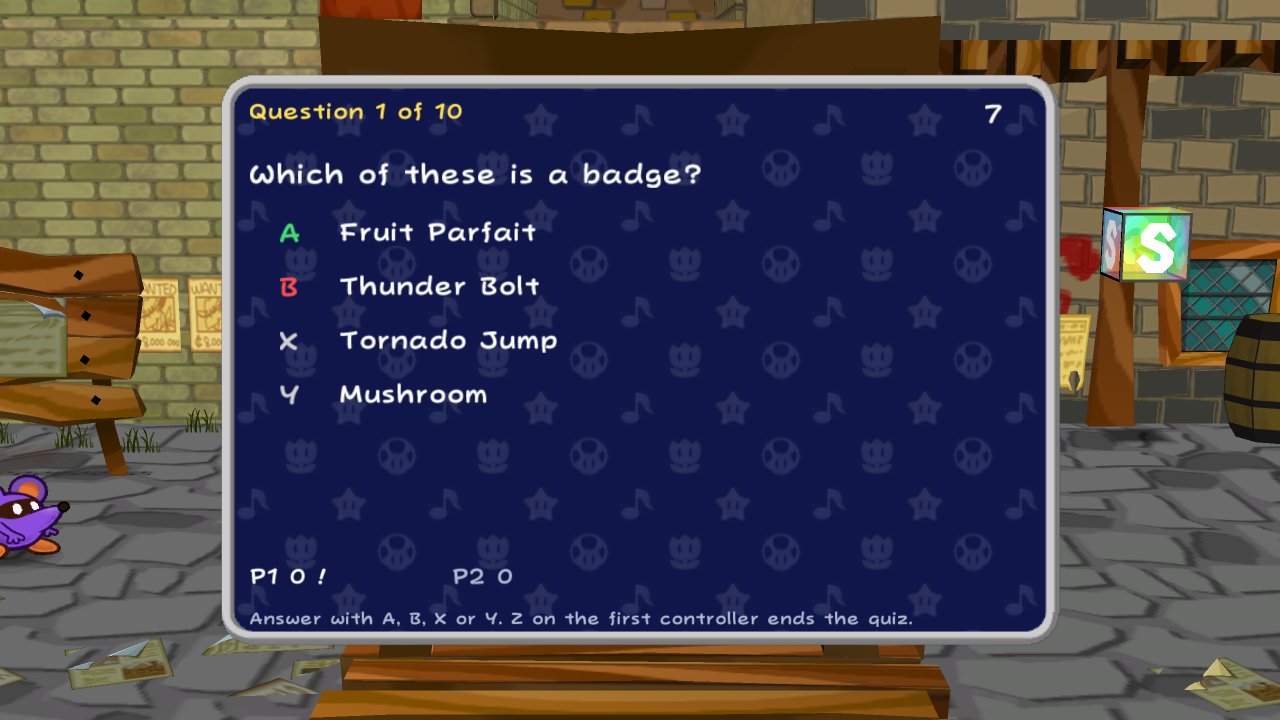
After Press Start, the title screen has four buttons: Play, Modes, Online and Settings. Modes plays party games and battles without touching your saves: versus battles, the raid boss, a quiz party for up to four, Tattle-card duels, the dungeon master (another player commands the enemies), the boss rush, battle puzzles and an action-command dojo that tells each press in frames. In a game, the Start menu's Modes page has every mode, grouped behind picture buttons, along with the Paper Tower and the trophy room after the story, bingo, the daily seed and the fun toggles.
Any screen, any refresh rate
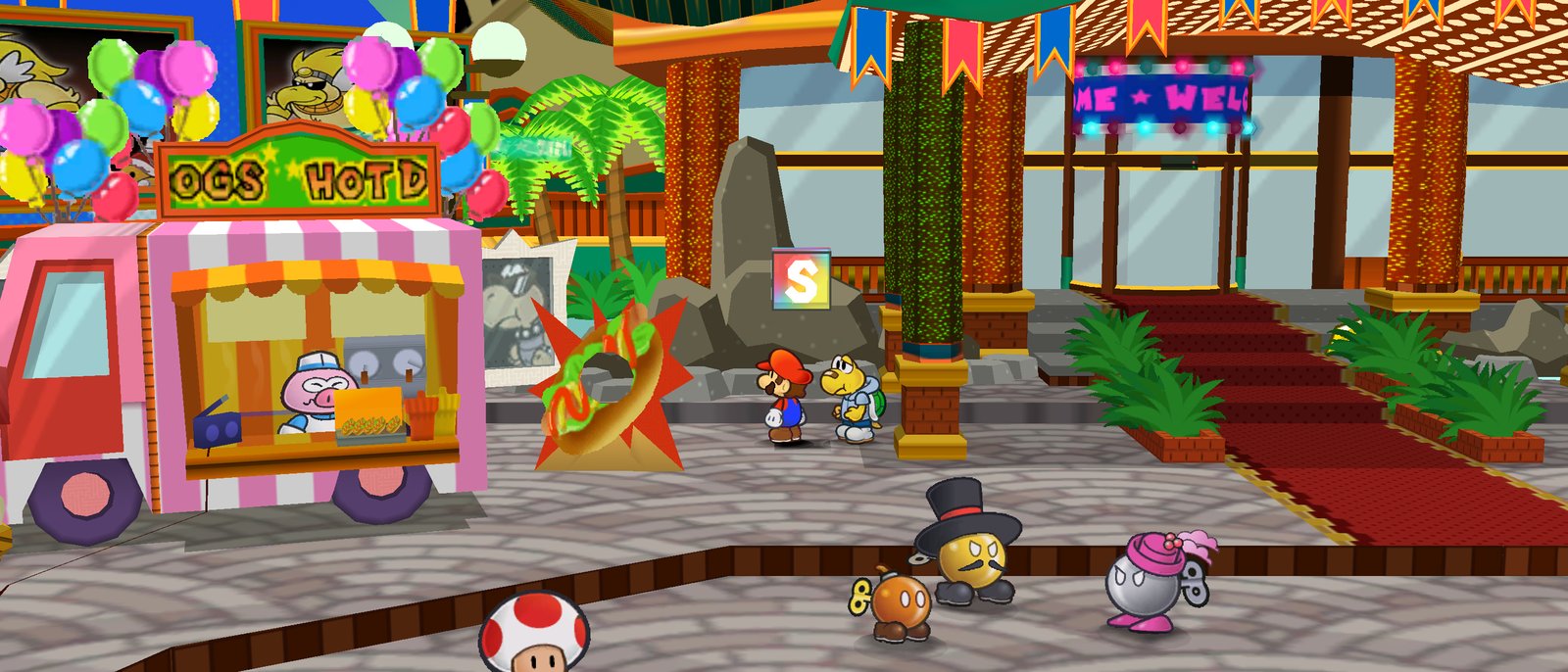
4:3, 16:9, 16:10, 21:9 or 32:9, with the HUD placed for the shape you pick. The widescreen fixes carry the Start menu, the page-flip between rooms and the title screen out to the edges. At 120 Hz and up, Paper Cut draws frames between the game's own 60, so the camera and characters move smoothly while the game plays as it always did.
The Wardrobe and mirror mode
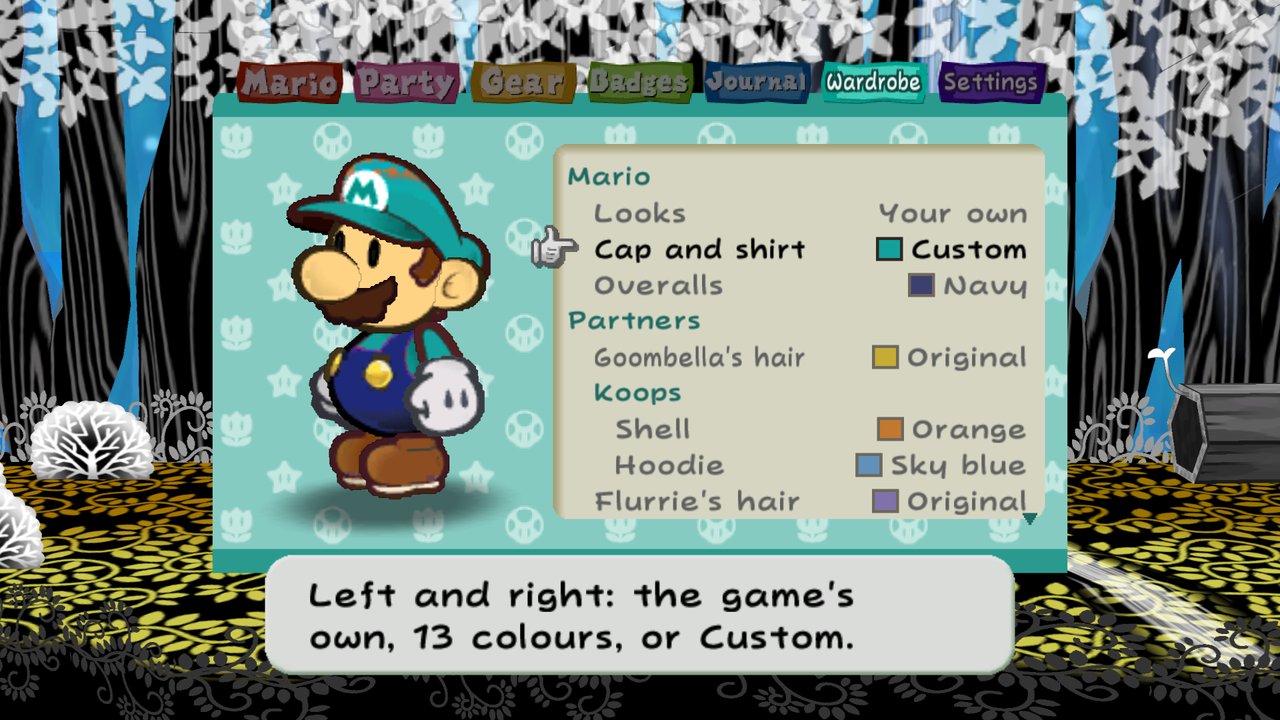
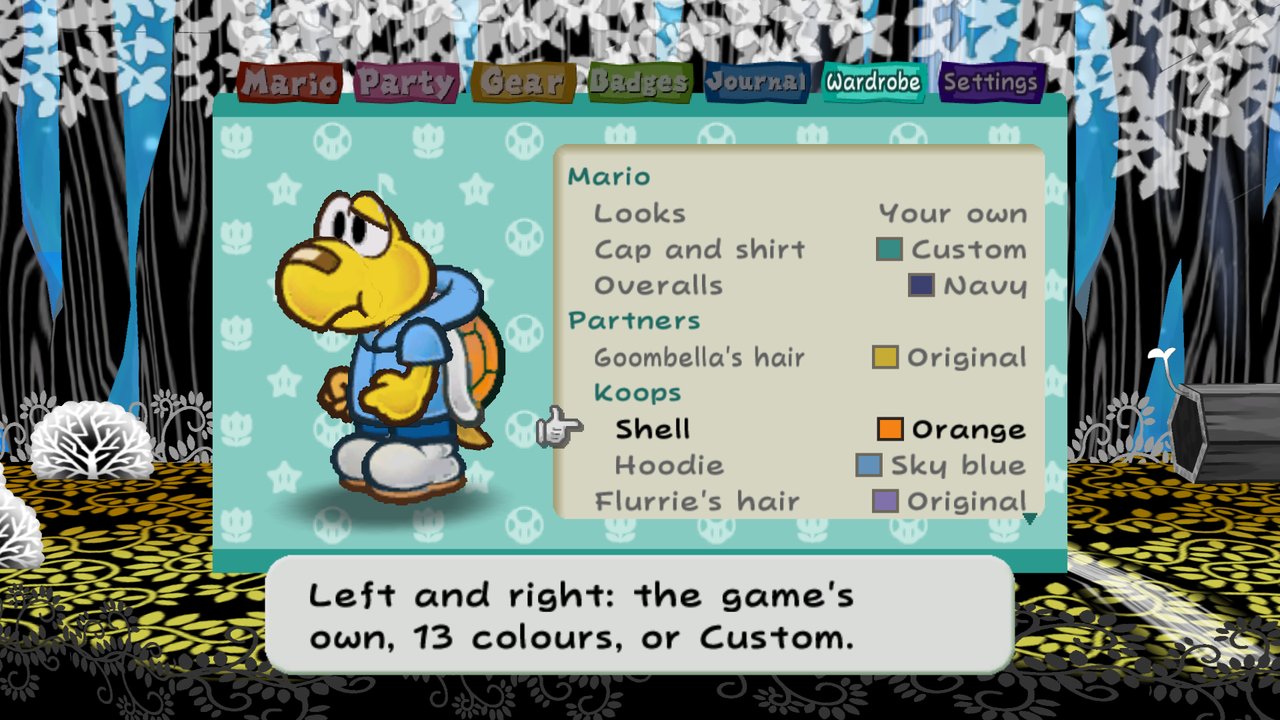
The Wardrobe is a tab of the Start menu. Mario and every partner stand on its page, and each colour shows on them as you pick it. Mario can wear one of four looks (Luigi, Wario, Waluigi, Fire Mario) or your own cap and overalls. Each partner has its own rows, such as Koops's shell and hoodie, and the HUD's bars have theirs. Mario can also wear paper versions of enemies' outfits, partners can wear skins made with the character tools, and stickers go anywhere in the world. Mirror mode flips the world left to right and turns the controls to match.
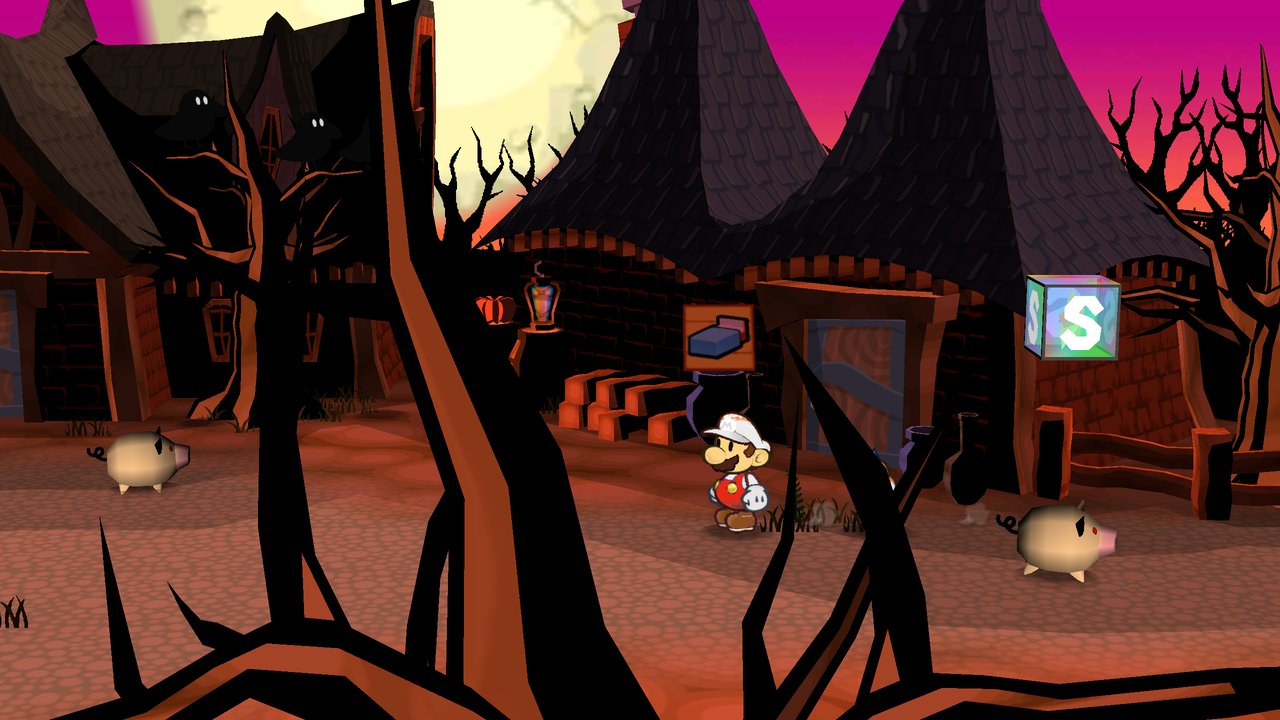
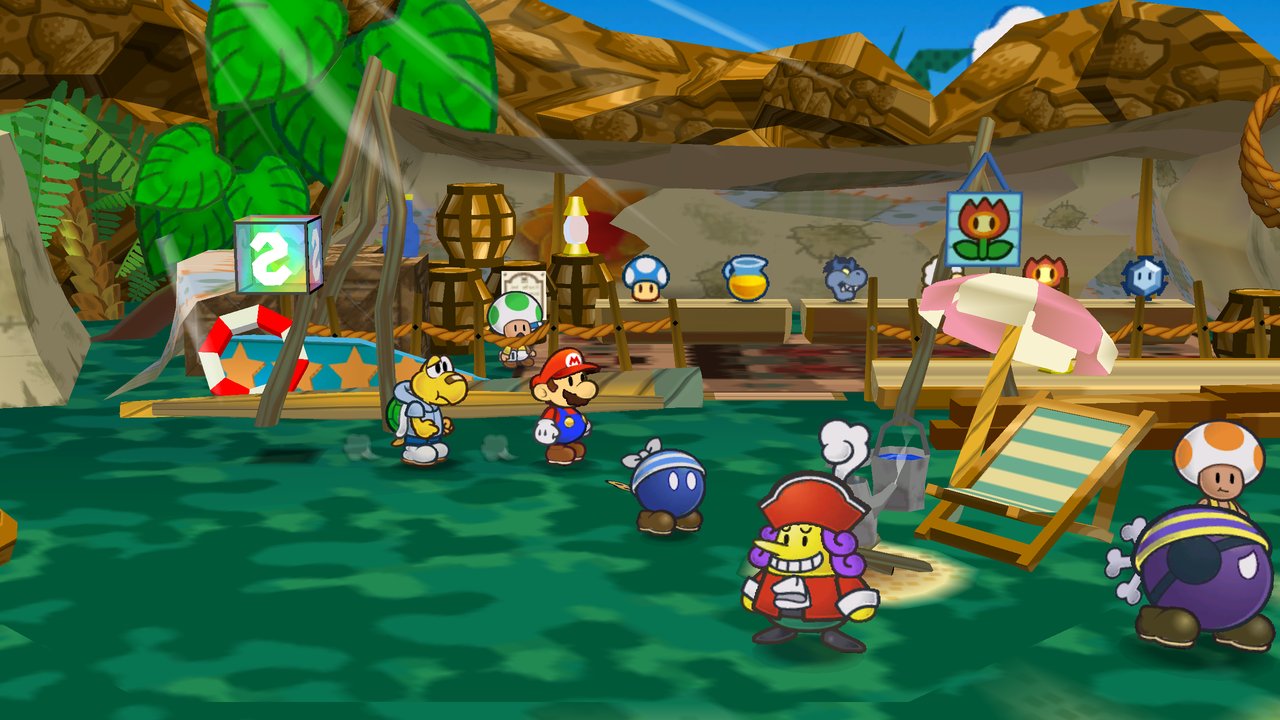
Free camera and photo mode
The right stick turns the camera a little around Mario and eases back when you let go. Photo mode stops the game and lets you take the camera all the way round, hide the HUD, add a filter, a frame or depth of field, and save the picture, which the Journal's Photos book keeps.
Sharper textures and display filters
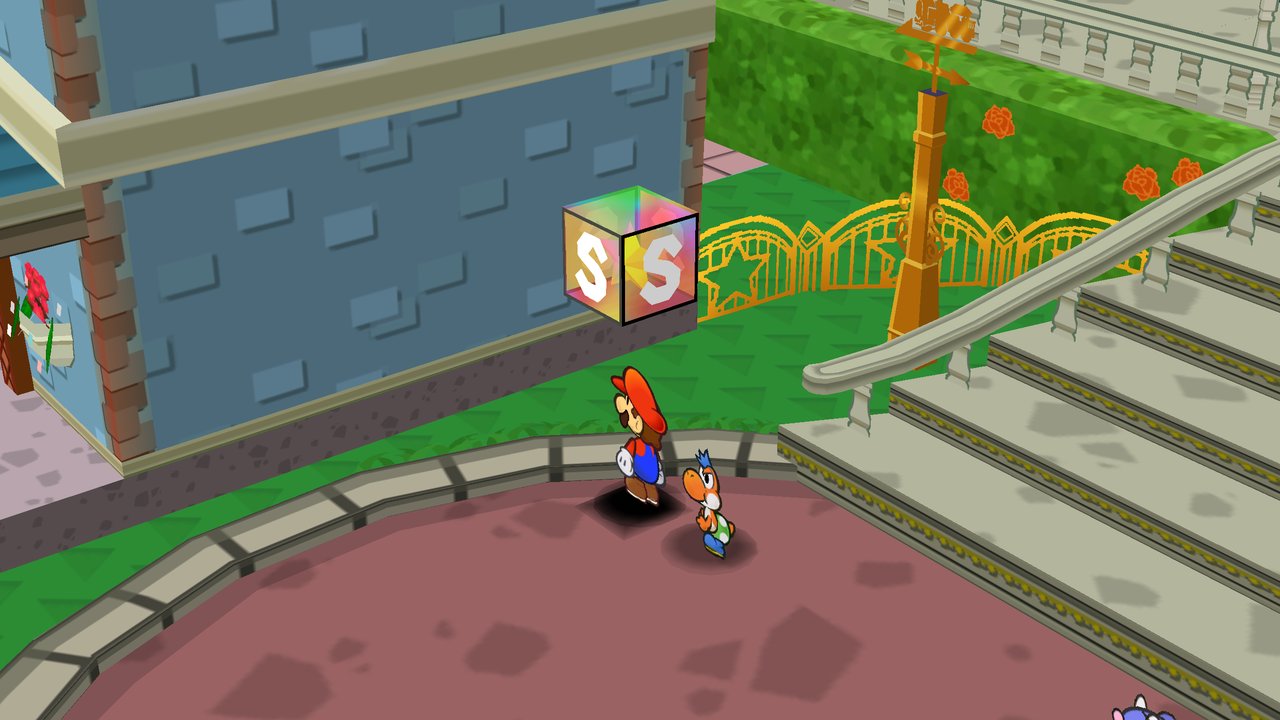
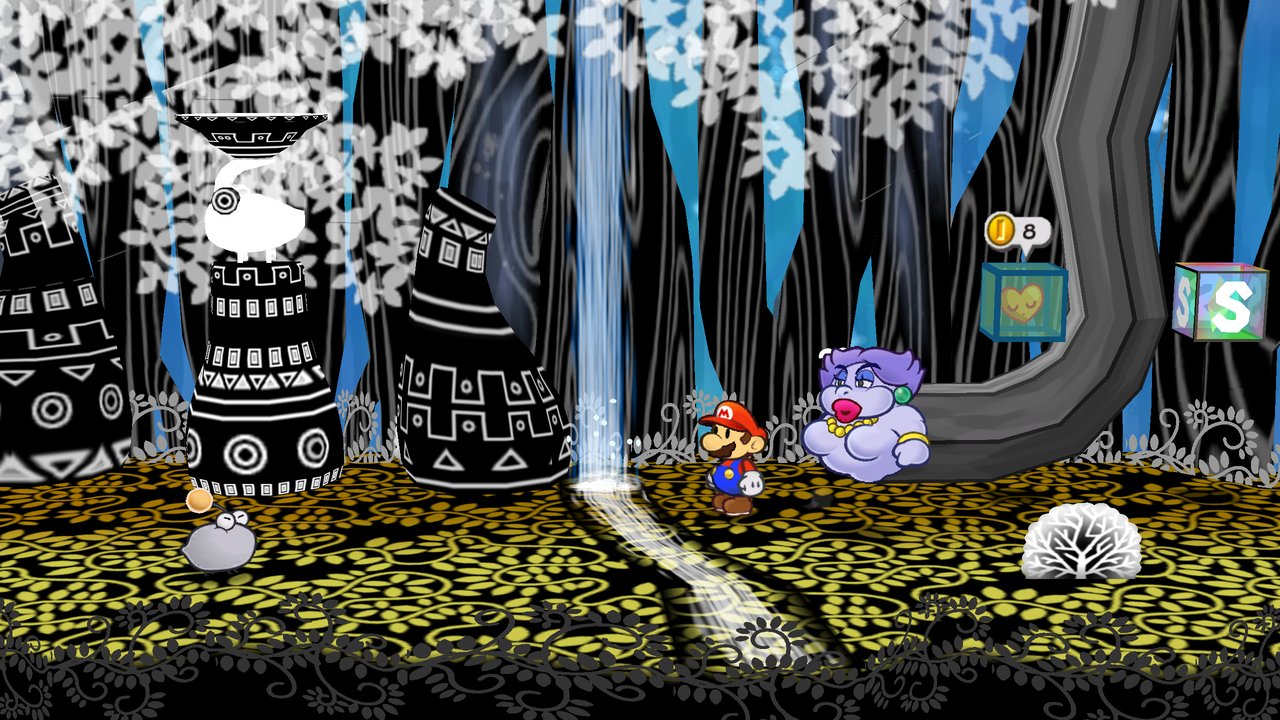
Texture upscaling makes the game's textures 2x or 4x larger with an edge-following filter, so lines on paper, bark and stone stay smooth at high resolutions. CRT, paper-grain, sharpen, cut-paper outline and folding-light filters go on top, and the paper looks give the cut-outs smooth edges, shadows of their own shape and a little paper physics.
Settings inside the game
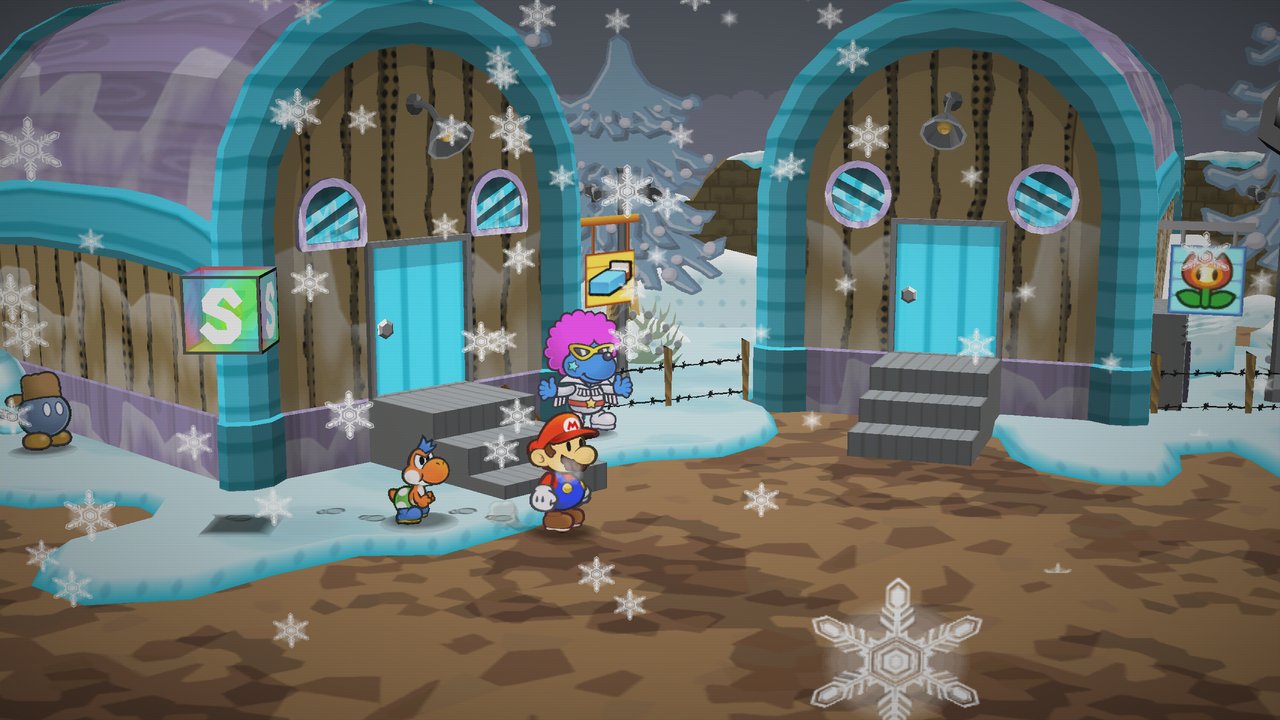
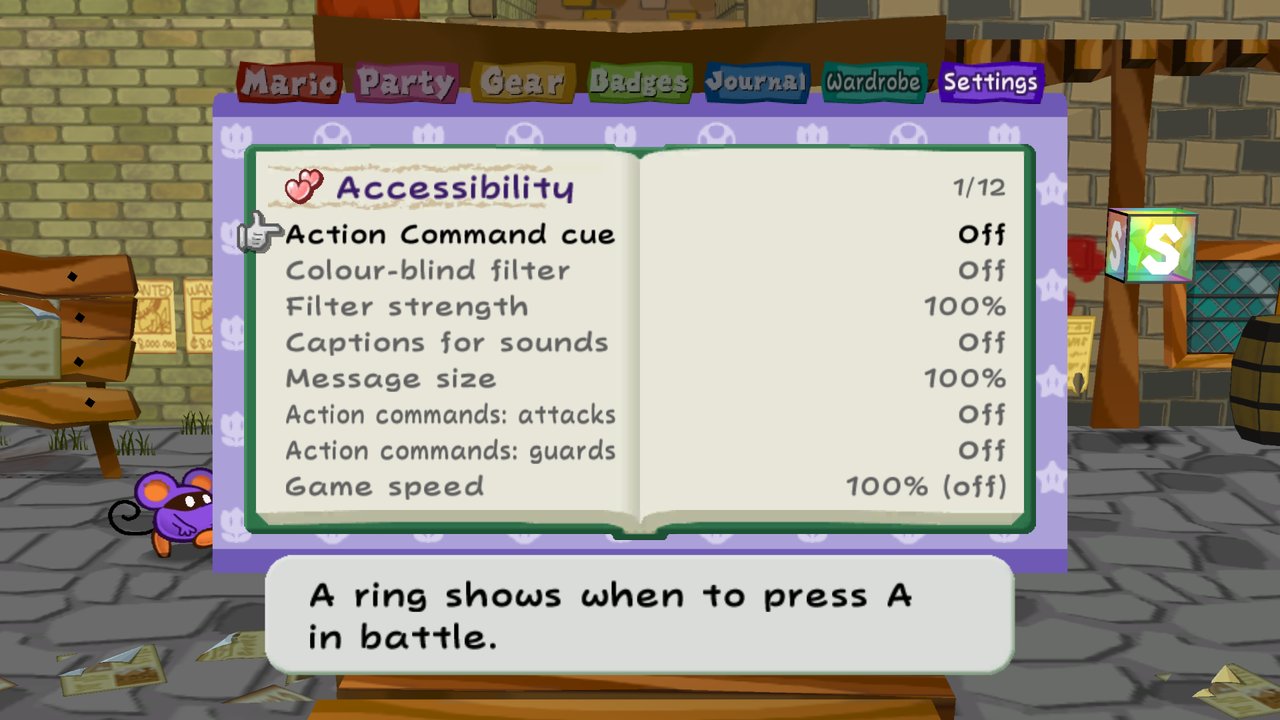
The Start menu's Settings tab works like the Journal. Its front page has a button with a picture for each category, and each one opens a book page of settings, grouped under headings with the most used first, in the same order as the full page and the launcher. You change them there, in the game's own menu and font, every section of the full page included. The full settings page, with its search, is one button away. Paper Cut's help lines show each button as its icon for the controller in your hands, or as your key. Menu speed (Interface) makes the Start menu's pages slide in at the game's speed, twice as fast, or at once. Settings that need a restart put you back where you were.
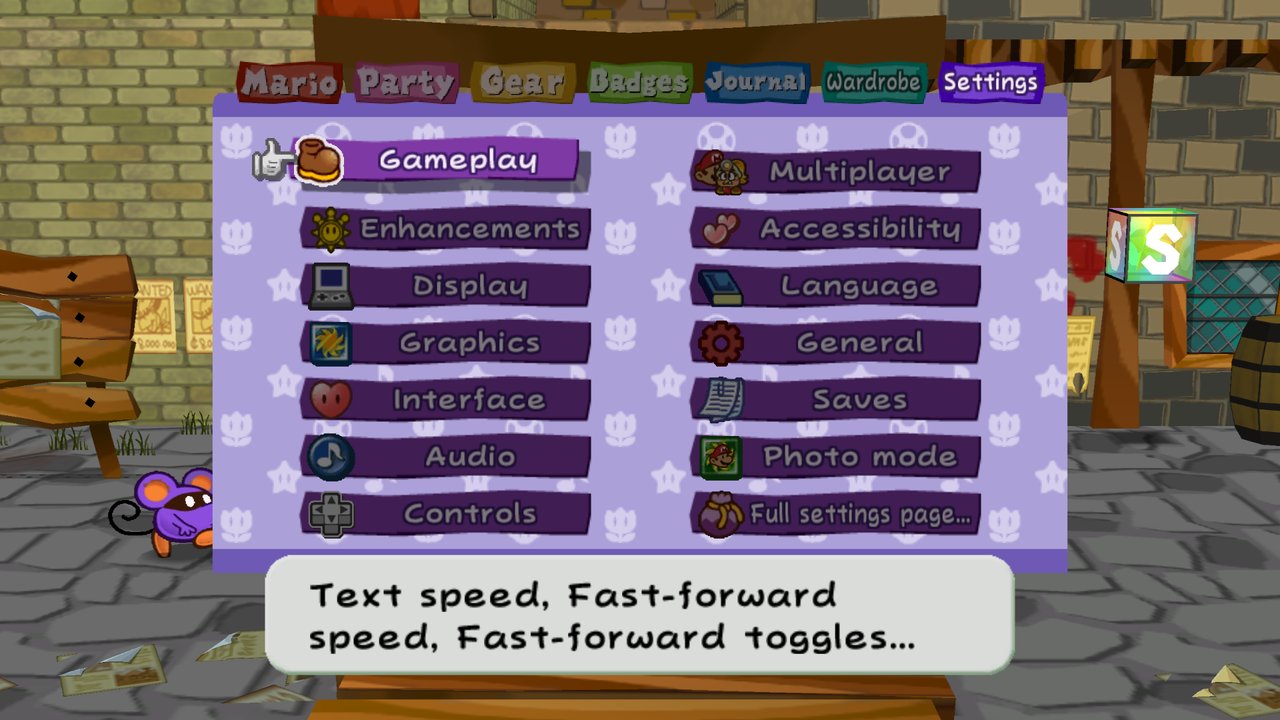
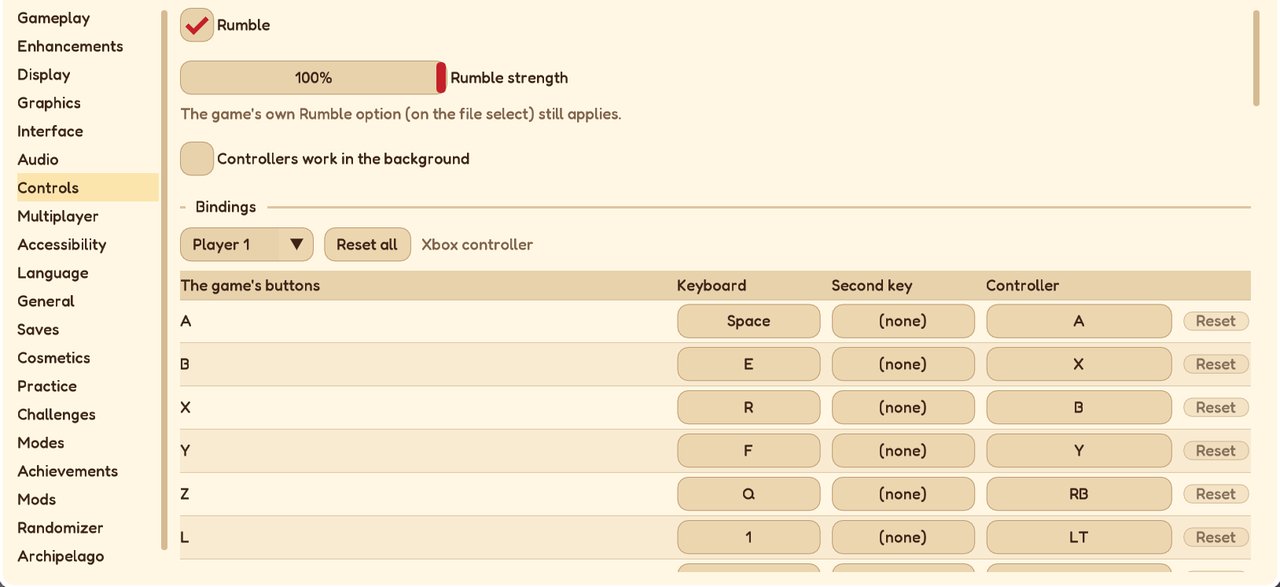
The Bindings page (Controls) sets every key and controller button, for the game's buttons and for Paper Cut's own shortcuts.
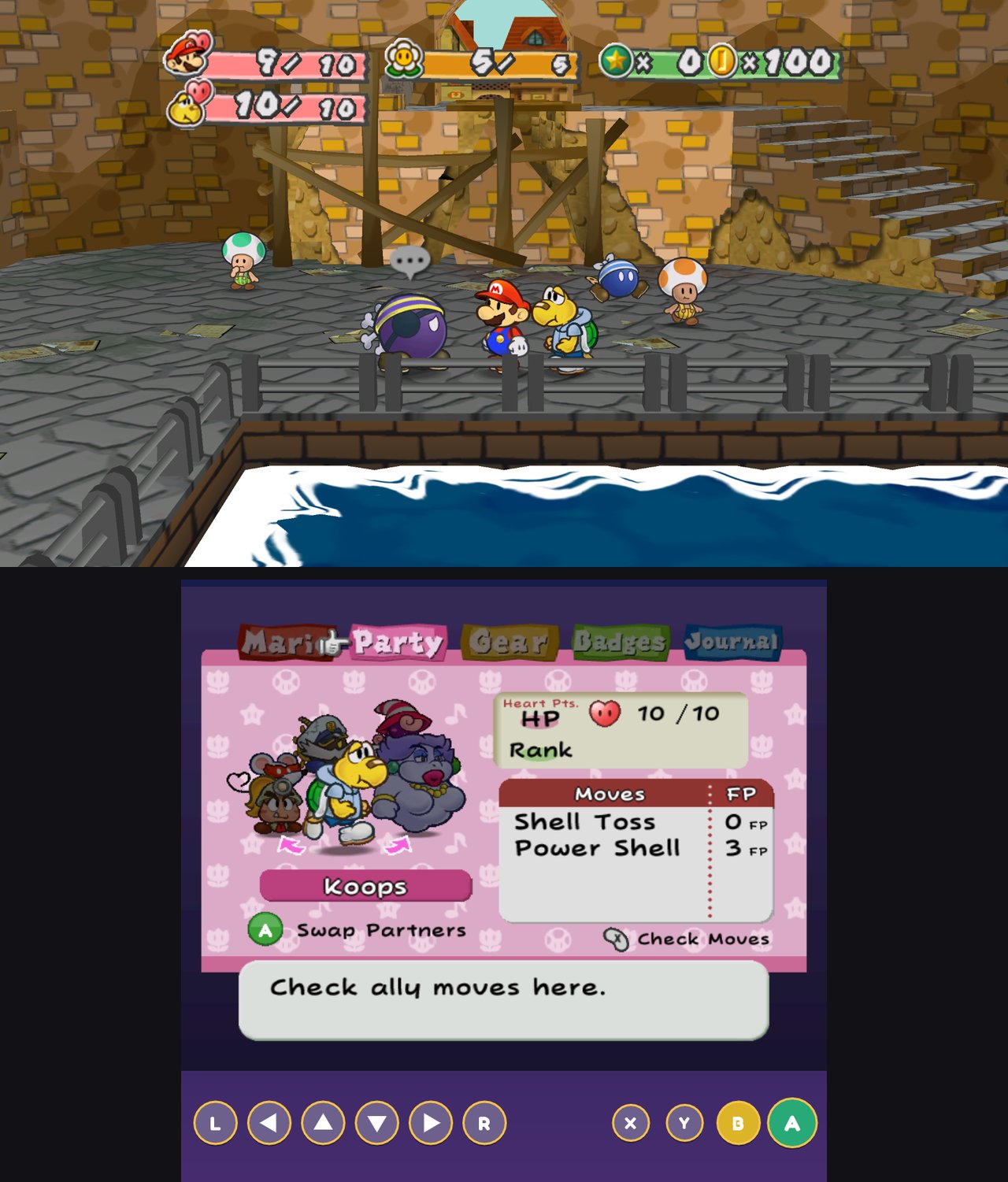
A second screen
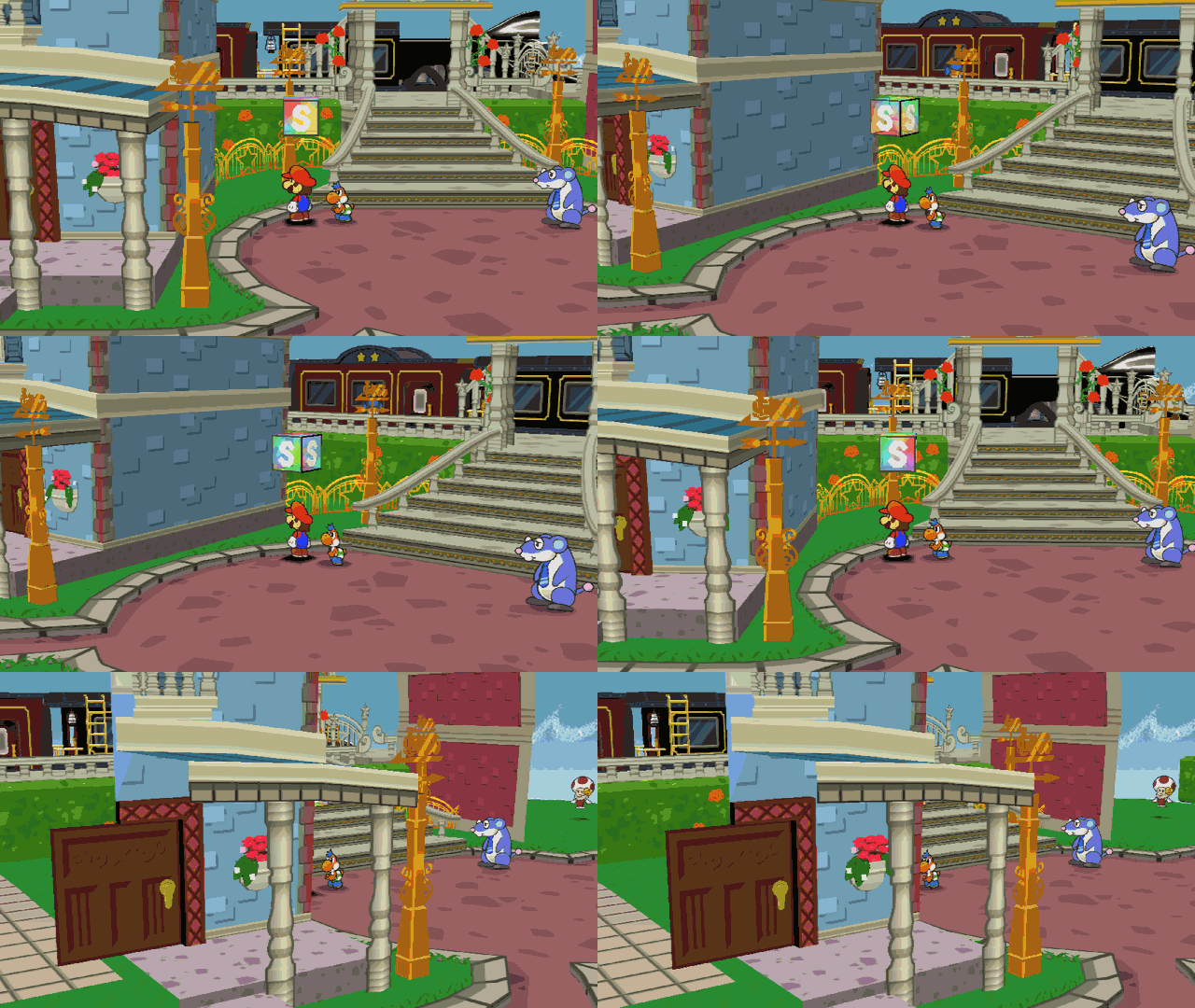
On a dual-screen handheld like the AYN Thor (Android), the lower screen shows the game's own Start menu, live, while the game plays on the main screen. You use it by touch or with its buttons: check the party, use an item, change partners, wear badges, sort. The picture below comes from a desktop test build, with its two windows stacked as a Thor's screens are.
Accessibility
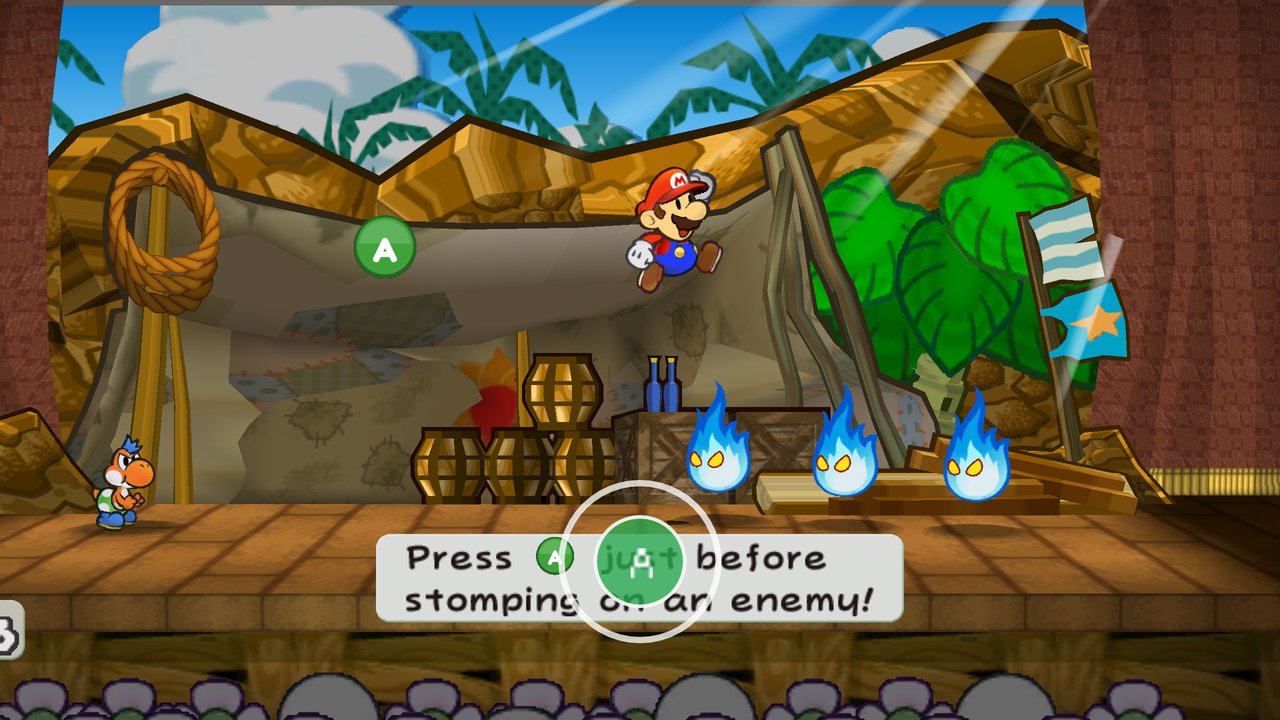
A difficulty slider, action-command assist, and a ring that closes on the A button when it is time to press it. Message windows up to 150%, text read aloud by the system's voice, colour-blind filters, and captions for sound cues.
Getting started
Start Paper Cut and add your disc image (.iso, .rvz, .gcm...) to the launcher's library. Paper Cut recognises which release it is and plays it, and shows the disc's own banner in the list. The launcher is a little paper theatre in the style of the game's menus, and works with a mouse, a keyboard, a controller or touch. It also holds the settings, so you can set things up before the game starts. With "Skip to this disc next time" turned on, the next start goes straight to the game.
Playing with a keyboard:
| Keys | Do |
|---|---|
| WASD or the arrows | move (the stick) |
| Space | A |
| E | B |
| R | X |
| F | Y |
| Q | Z |
| 1 / 3 | L / R |
| Enter | Start |
Change any of them on the Bindings page (Settings > Controls), in the Start menu or on the full settings page. Paper Cut's own keys:
- F1: settings.
- F5 / F8: save / load state.
- F6 / F7: frame advance.
- Tab: fast-forward.
- F11: fullscreen.
- F12: screenshot.
Features
Everything Paper Cut adds, by area. Each option is off unless it says otherwise, and the settings page's search finds any of them.
Versus battles: Mario and his partners against Luigi and his, in the Glitz Pit's ring or on seven battle stages from the chapters (the Modes page, Versus battle, or the title menu's Modes). A set-up page gives each side a level, boots and hammer, three partners, badges and items, with fair-play rules for Showstopper and the luck badges; both sides make their entrance as the curtain rises, each acts through the game's own command menu, and the defender guards every hit on their own controller. Two players on one screen, online (the host is Mario, and a Versus room goes straight to the set-up), or against a computer Luigi at easy, normal or hard that plays every Star Power's action command and Charges, and a ladder of ever stronger Luigis from stage to stage (docs/VERSUS.md).
The title menu and Modes: after Press Start, Play (your files), Modes, Online and Settings (General > Title menu turns it off). Modes from the title plays party games and battles on a file of its own that is never saved, and goes back to the title when it's over. In a game, the Start menu's Settings tab has a Modes page of picture buttons, one per group (Party games, Battles, After the story, Every day, Story twists, Just for fun), each mode with its options and its start (docs/MODES.md). Among them:
- The action-command dojo: a practice battle against a dummy that never falls, each action command, guard, Superguard and Stylish move told in frames, and timing assist that widens only the kinds of command you struggle with (docs/DOJO.md).
- The dungeon master: another player commands the enemies in the story's battles, picking each one's move and target (docs/DUNGEON_MASTER.md).
Co-op and online
- Second player: A on another controller joins as player 2, who plays the partner: its moves, action commands and guards in battle; in the field its own stick, a hop, talking, hitting blocks, its ability and switching partners. Mario calls it back with Y. "1P" and "2P" show over the characters, and Multiplayer > Players picks player 2's controller with a press.
- Online co-op: the launcher's Online tab. Both players need Paper Cut and a disc of the same release, on any platform. Only the controllers' input crosses the network; the games check every second that they still match. The guest plays on the host's save and settings, with their own display, sound and controls.
- Invites and watching: an invite link (
papercut://join/<code>) or a room code copied to the clipboard joins with a click. Others can join a room to watch, up to four. - Staying connected: after a network blip the two games reconnect and carry on. If they ever fall out of step, both start again together from the host's last save.
- In the Start menu: the Online tab hosts, joins, watches and starts a session from a game already running (on computers), with a keyboard of its own for codes and names. The room list shows the rooms whose hosts listed them. While you wait, the lobby's news shows over the picture (the friend is here, has left, or can't play and why), the room stays open with the same code if they leave, and any player can leave a session while the others play on. When the game waits for someone, a notice over the picture says who.
- Three or four players: player 3 walks the story's follower or a companion (another of Mario's partners), player 4 a companion of their own, and in battle the partner is played by whoever has it. On one computer with more controllers, or online with Join as player 3 or 4 (docs/PLAYERS.md).
- Brothers mode: Luigi as a second hero beside Mario, played by the second controller: in the field he walks, jumps and hammers; in battle he has his own turn, HP, FP and guards (docs/BROTHERS.md).
- Duo moves: a team attack for Mario and each partner, both action commands at once, a stronger one at Ultra rank, and Bros. moves for the brothers (docs/DUO_MOVES.md).
- The raid boss: one of the game's bosses each week, much stronger, for two to four players, in four phases that need duo moves and everyone's Superguards, with a board of the week's clears (docs/RAID.md).
- Party modes: bingo cards (lockout through a room), a quiz party for up to four, and Tattle-card duels with the Westside's townsfolk, a second controller or the other player online (docs/MODES.md).
- Pings: either player points out a spot or an enemy with a paper arrow (hold G or Share and aim, click or tap).
- Paper notes: set-phrase notes left on the ground for other players, read in their own language and rated; each room keeps its best (docs/PAPER_NOTES.md).
- Leaderboards: boss rush and Pit of 100 Trials times, each kept with its replay and checked by playing it back (docs/LEADERBOARDS.md).
- The Pit of 100 Trials in co-op: a run from the first floor with the second player on the partner (Modes tab).
Playing online, step by step
- Both players: the same Paper Cut version, and a disc of the same release (both US, both JP or both EU) in the launcher's library.
- The host: the launcher's Online tab, Host a game, then Host. The tab shows a room code like
K7P2-QX9M; send it to the other player. - The other player: Join a game, the code, then Join.
- The host: Start from the title or Continue where you left off, then Start. Both games start together.
From a game already running, the Start menu's Online tab does the same, and when the host starts, both games start again into the session.
The games connect directly when they can and through Paper Cut's relay when they can't. Everything between them is encrypted with a key that only the code's second half makes, so the relay can't read or change anything (how it works). By address instead skips the relay: the host forwards TCP port 47700, or both join one Tailscale or ZeroTier network. Save states, fast-forward, frame advance, warps and the Practice tab's editors are off while playing online.
Display
- Any screen shape: 4:3, 16:9, 16:10, 21:9 and 32:9, with the HUD at 50% to 150%. The widescreen fixes stretch the Start menu's backdrop, the page-flip between rooms, the title and the file screens to the full width, and put bars where a room's set or a battle's stage ends (Display > Bars where a scene ends). In rooms whose empty space shows past a wall only as the camera nears it, the bars slide in only then.
- 120 Hz and up: in-between frames for the camera, characters and animation; the game's logic stays at 60 Hz. The bars of the story's scenes are drawn in the in-between frames too, so they no longer flash at high refresh rates. Variable refresh rate is supported.
- Picture: internal resolution 1-8x with supersamplin