Perfect Dark XBLA PC Recomp
Perfect Dark XBLA PC Recomp is a native Windows PC port of Perfect Dark XBLA with up to 4K and 60 FPS support, keyboard and mouse controls, and enhanced graphics.
- Type: PC port
- Game: Perfect Dark
- Runs on Windows
- By CaiusCodes
- Latest release v0.9.1, 2026-11-06
- Source: https://github.com/CaiusCodes/Perfect-Dark-XBLA-PC-Recomp
README
Perfect Dark XBLA PC Recomp
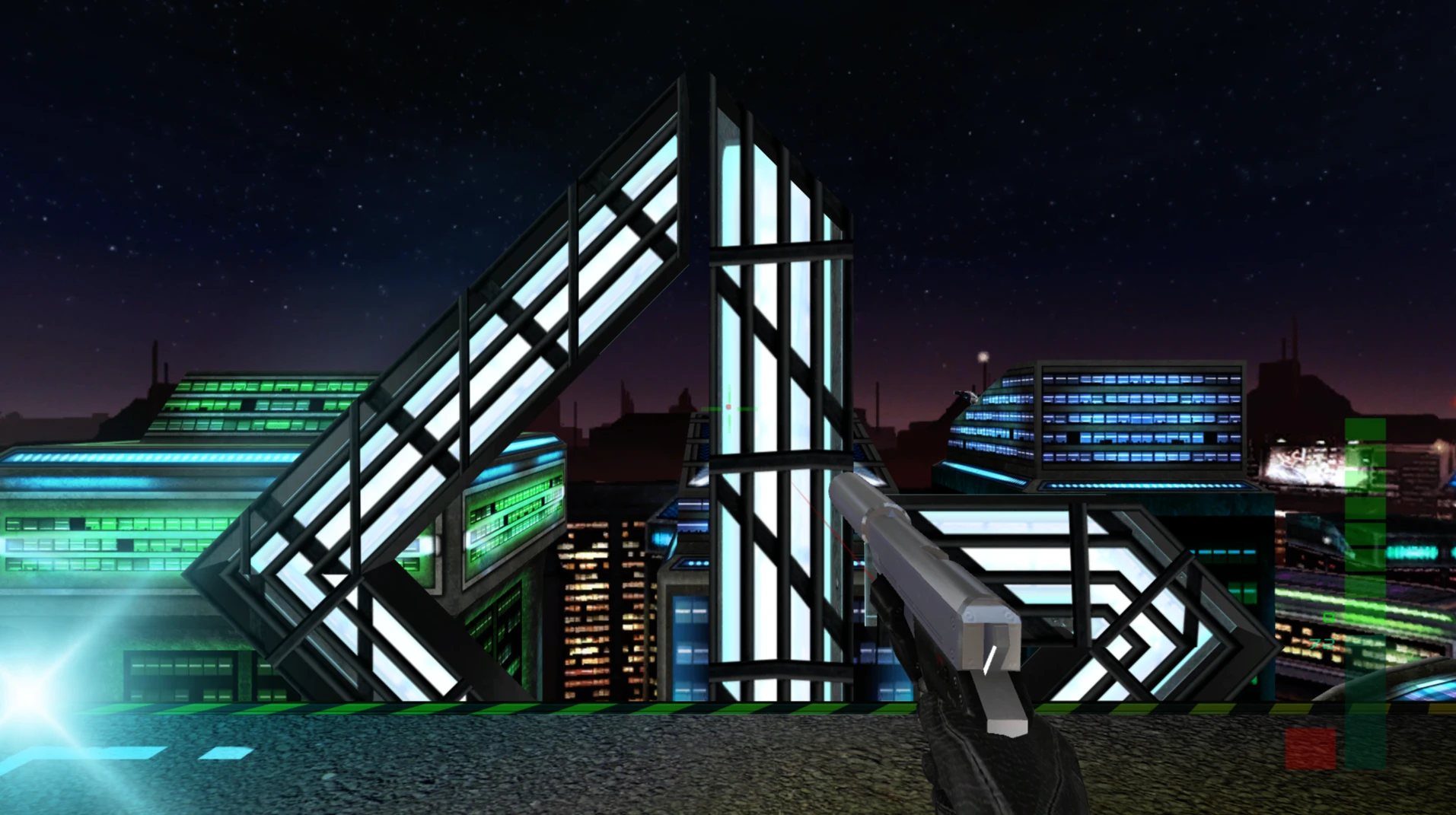
A native Windows PC port of Perfect Dark (2010), the Xbox 360 remaster by Rare and 4J Studios, built using ReXGlue static recompilation. Play at up to 4K and 60 FPS, with keyboard and mouse support, enhanced graphics, and LAN / Virtual LAN multiplayer. No emulator required.
Free and open-source.
Like the recomp and want to support future projects? You can tip me on Ko-fi.

You must provide your own copy of Perfect Dark XBLA. No copyrighted game files are distributed with this project. The launcher imports the required files from your Xbox 360 game package during first-time setup.
Download & Installation
- Download the latest ZIP and extract it to a folder of your choice.
- Run
Perfect Dark.exe. - Drag your Xbox 360 Perfect Dark package into the setup window, or select Browse Package.
- Choose your preferred options, including fullscreen, language, optional unlocks and Auto-Aim.
- Click Play once setup is complete.
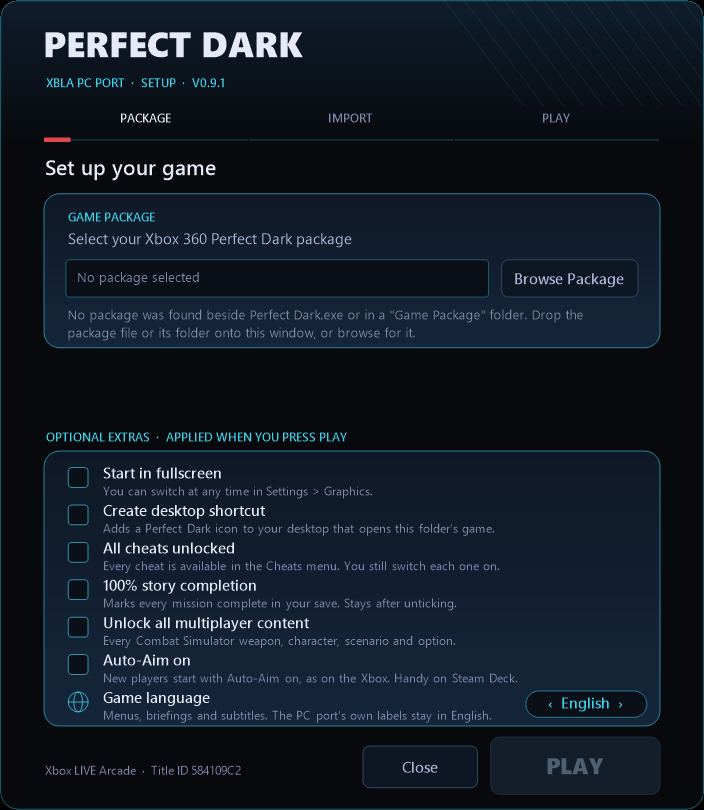
After setup, simply run Perfect Dark.exe to play. Your original game package is no longer needed.
To reopen setup: Hold Shift while launching the game.
System Requirements
- Windows 10 or 11 (64-bit)
- AVX2-compatible processor
- DirectX 12 or Vulkan-compatible graphics card
- Your own Perfect Dark XBLA package (Title ID
584109C2)
Supported packages begin with 4287CC74 (original release) or 8292DB97 (re-release).
Features
Graphics & Performance
- Native PC rendering using Plume, with DirectX 12 or Vulkan
- 60 FPS gameplay with improved frame pacing
- Up to 4K resolution with fullscreen and windowed modes
- Render Scale: 1x, 2x or 3x
- AMD FSR 1 upscaling and adjustable sharpness
- V-Sync, Vivid Colours, Black Level and Camera Bob settings
- F12 screenshots and an optional FPS counter
Most graphics settings apply instantly; Render Scale and Graphics API restart the game.
Controls & Quality of Life
- Full keyboard and mouse support, including raw mouse input and rebindable keys
- Xbox controller support
- Native PC settings menus
- Optional Auto-Aim
- Skip cutscenes using mouse or controller
- Unlock all cheats, missions and multiplayer content during setup
- Five languages: English, French, German, Italian and Spanish
- Local achievements and leaderboards
- Portable installation with local saves and settings
- Built-in update checker
Multiplayer
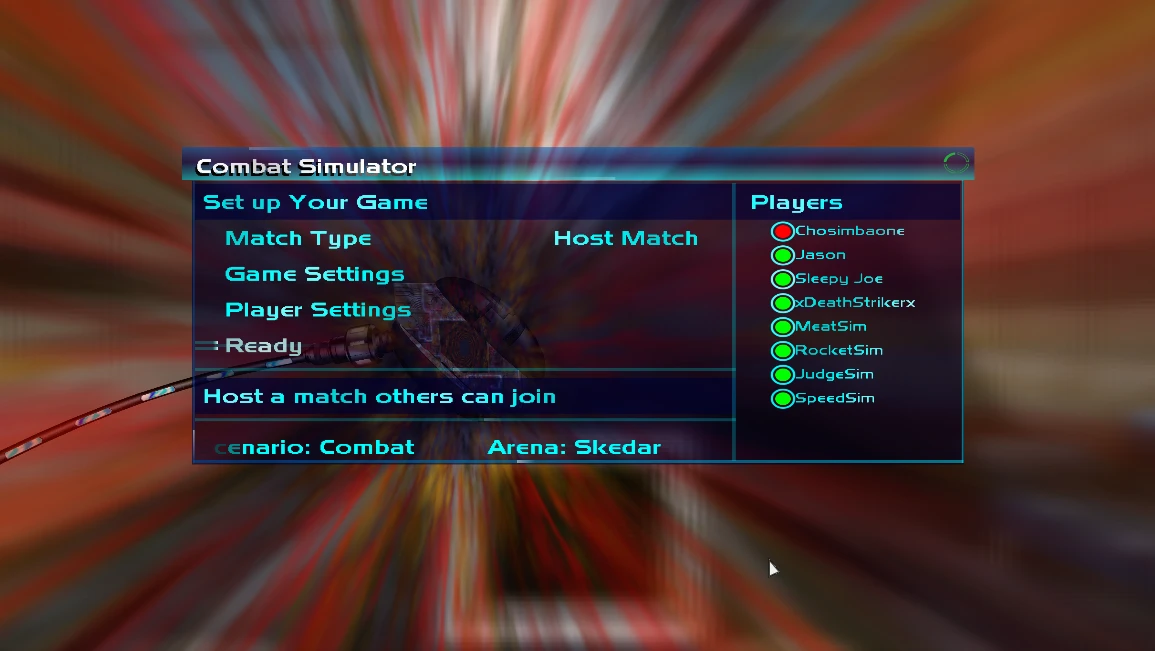
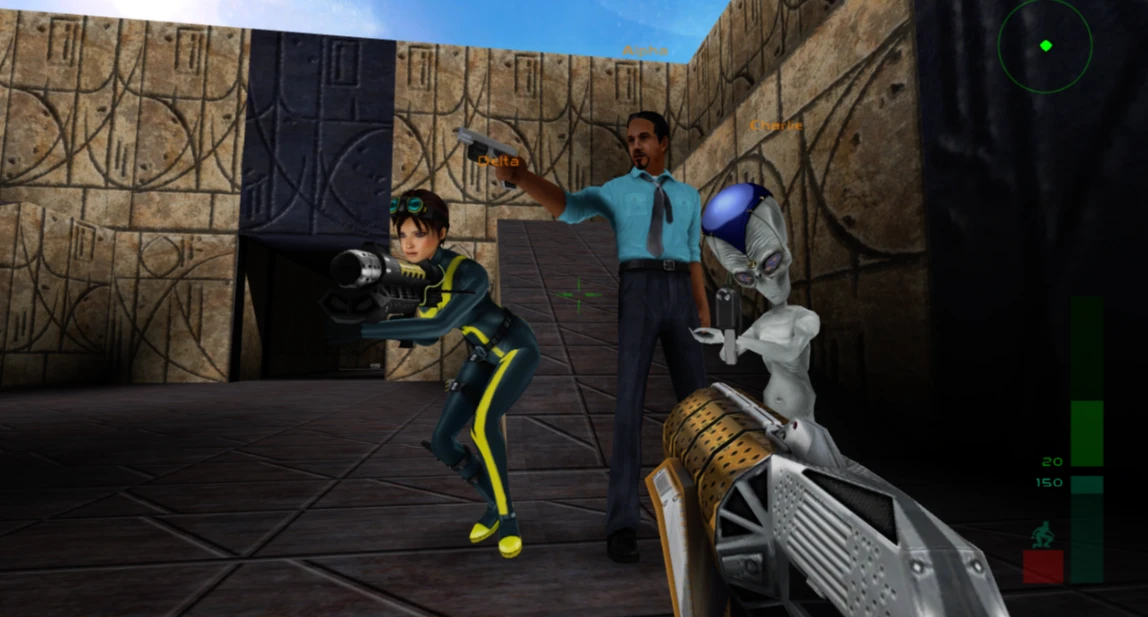
- Up to 8 players in Combat Simulator (up to 12 with Simulants)
- 2-player Co-Operative and Counter-Operative modes
- LAN and Virtual LAN connections
- Compatible with Radmin VPN, ZeroTier, Tailscale and Hamachi
- Multiplayer music synchronised across connected players
Keyboard & Mouse Controls
| Key | Action |
|---|---|
| W, A, S, D | Move |
| Mouse | Look / Aim |
| Left Click | Fire / Select |
| Right Click | Aim / Back |
| Middle Click | Zoom |
| E | Interact |
| R | Reload |
| Q (Hold) | Weapon menu |
| F | Secondary fire |
| Mouse Wheel | Switch weapons |
| Ctrl | Crouch |
| Tab | Objectives |
| Esc | Pause / Back |
All key bindings can be customised under Help & Options → Settings → Keyboard & Mouse.
Xbox controllers use the original console controls.
Updates
Check for new versions through Help & Options → Settings → Check for Updates.
If a newer version is available, choose Update now: the update is downloaded, verified against the checksum GitHub publishes and installed, without touching your imported game files, saves or settings. The game only goes online when you check.
Alternatively, download the latest ZIP from GitHub Releases and extract it over your existing installation.
For detailed changes and bug fixes, see the release notes.
Known Limitations
- Windows only.
- Some multiplayer configurations.
- Vulkan has not been fully tested on AMD and Intel GPUs.
- Windows SmartScreen may warn about the unsigned executable. Download only from the official release page.
- Windows Firewall may request permission for network multiplayer.
- Displays running at 144 or 165 Hz without variable refresh may exhibit uneven 60 FPS pacing. Use G-Sync / FreeSync or a 120 Hz refresh rate if available.
Renderer compatibility: If you encounter problems with Plume, the previous renderer can be enabled by adding gpu_native = false to resources\userdata\perfect_dark.toml.
Reporting Issues
Found a bug? Open a GitHub Issue.
Please include a description of the problem and your latest log from:
resources\runtime\logs\
For crashes, attach the corresponding crash-*.dmp file if available.
For performance, stuttering or multiplayer issues:
- Open
resources\userdata\perfect_dark.toml. - Set
diagnostics = true. - Reproduce the issue and close the game.
- Attach the latest log to your GitHub Issue.
- Set diagnostics back to
falseafterwards.
For Developers
Building from source. You need Git, CMake 3.25 or newer, Ninja, LLVM/Clang 18 or
newer (installed in C:\Program Files\LLVM), Python 3, Visual Studio 2022 or
newer with the C++ workload (for the Windows SDK and the Visual C++ runtime that
releases ship) and Windows PowerShell, plus your own Perfect Dark package.
ReXGlue is the rexglue-sdk submodule, pinned to upstream v0.9.0. This
project's changes to it are kept in patches/rexglue.patch, which CMake applies
automatically when it configures; the Plume renderer and XenosRecomp (the
thirdparty submodules) get theirs from patches/plume.patch and
patches/xenosrecomp.patch the same way. ReXGlue's dependencies are nested
deeply, so enable long paths when cloning, and keep the clone in a short folder
path:
git -c core.longpaths=true clone --recurse-submodules --shallow-submodules https://github.com/CaiusCodes/Perfect-Dark-XBLA-PC-Recomp.git
cd Perfect-Dark-XBLA-PC-Recomp
Extract your package into game/, generate the recompiled code from your own
default.xex, then build the game:
.\tools\Extract-STFS.ps1 -Path <your package> -OutputDir game
cmake --preset win-amd64-release
cmake --build --preset win-amd64-release --target perfect_dark_codegen
cmake --preset win-amd64-release
cmake --build --preset win-amd64-release
The perfect_dark_codegen step builds ReXGlue's code generator and translates
game/default.xex into C++ in generated/; the second configure picks that code
up. The generated code is derived from the game, so it is never committed (only
the SDK boilerplate generated/rexglue.cmake is). The port's changes to the
game's own code are codegen hooks: perfect_dark_config.toml lists them and
src/perfect_dark_hooks.cpp implements them. Never edit generated/ by hand.
The game is built to out/build/win-amd64-release/perfect_dark.exe. To run it
from there, link your extracted package in as its assets folder:
New-Item -ItemType Junction -Path "out\build\win-amd64-release\assets" -Target game
Developer features are off by default. In perfect_dark.toml (beside the exe
when run from the build folder):
diagnostics = truewrites the detailed log described above;enable_rexglue_menus = truebrings back ReXGlue's F-key menus (settings and network panels);pd_dev_hotkeys = trueenables the developer diagnostics hotkeys.
.\tools\Make-Release.ps1 (or Make Release.bat) builds the release ZIP,
out\release\Perfect-Dark-XBLA-PC-Recomp-v<version>.zip. It holds one
Perfect Dark folder with the launcher (Perfect Dark.exe, built from
packaging/launcher by packaging/Build-Launcher.ps1), README, licences and
resources\runtime (the game and its DLLs), and never any game data. Before
zipping it audits the folder: forbidden file types, a byte comparison against
your extracted game, and a scan for personal paths. The version comes from the
VERSION file. Keep the ZIP's name when publishing a release: Check for
Updates looks for exactly that asset.
Licence and Credits
This project's own code is released under The Unlicense (see LICENSE, which also lists what it does not cover). It is built on:
- ReXGlue by Tom Clay and contributors (BSD 3-Clause), which includes code derived from Xenia.
- Plume by renderbag and contributors (MIT), the rendering library the native renderer is built on, and XenosRecomp (MIT), which translates the game's shaders on your PC with Microsoft's DirectX Shader Compiler.
- The STFS package reader (
packaging/launcher/stfs.cppandtools/Extract-STFS.ps1), derived from Velocity and licensed under the GPL-3.0. The launcher it is compiled into (Perfect Dark.exein the release root) is therefore distributed under the GPL-3.0; the game itself is a separate program. - The Perfect Dark decompilation project, whose names and documentation of the N64 game helped find the way around this version's code (used as a reference; no code was copied).
ReXGlue, Plume, XenosRecomp and their third-party libraries keep their own licences; see packaging/licenses.
Perfect Dark is the property of its respective rights holders. This is an independent fan project and is not affiliated with or endorsed by Microsoft, Rare or 4J Studios.