Woohoo Flight School
Woohoo Flight School is a native PC port of Pilotwings Resort that translates the game's code to C and allows higher resolutions and longer draw distances.
- Type: PC port
- Game: Pilotwings Resort
- Runs on Windows
- By thefixinhixon
- Latest release v0.1.1, 2026-11-02
- Source: https://github.com/thefixinhixon/woohoo-flight-school
README
Woohoo! Flight School
Play your own copy of Pilotwings Resort (3DS, USA) as a native PC program. The tools here translate the game's code from your dump into C (static recompilation), build it with your compiler, and run it. Nothing from the game is included in this repository. How it works: docs/architecture.md.
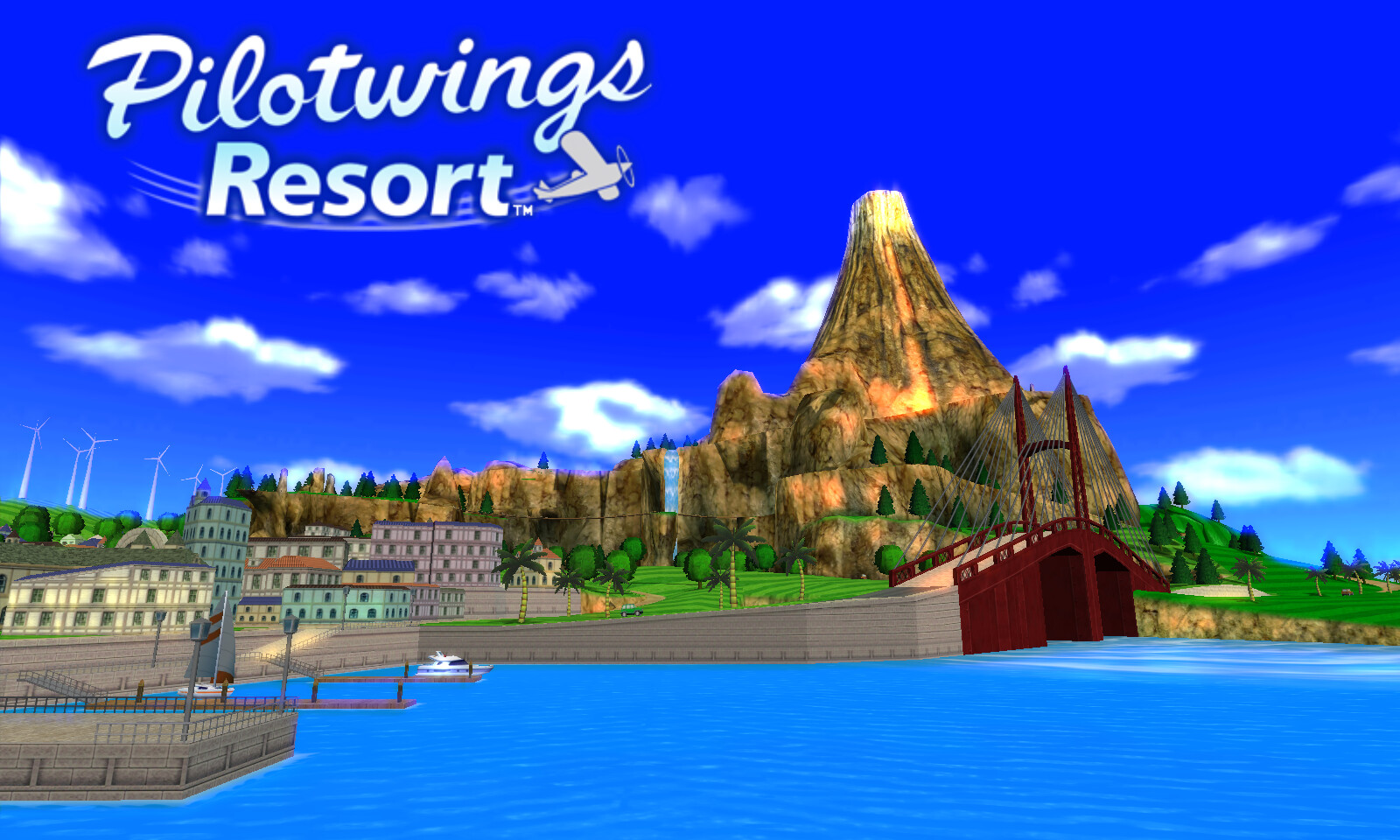
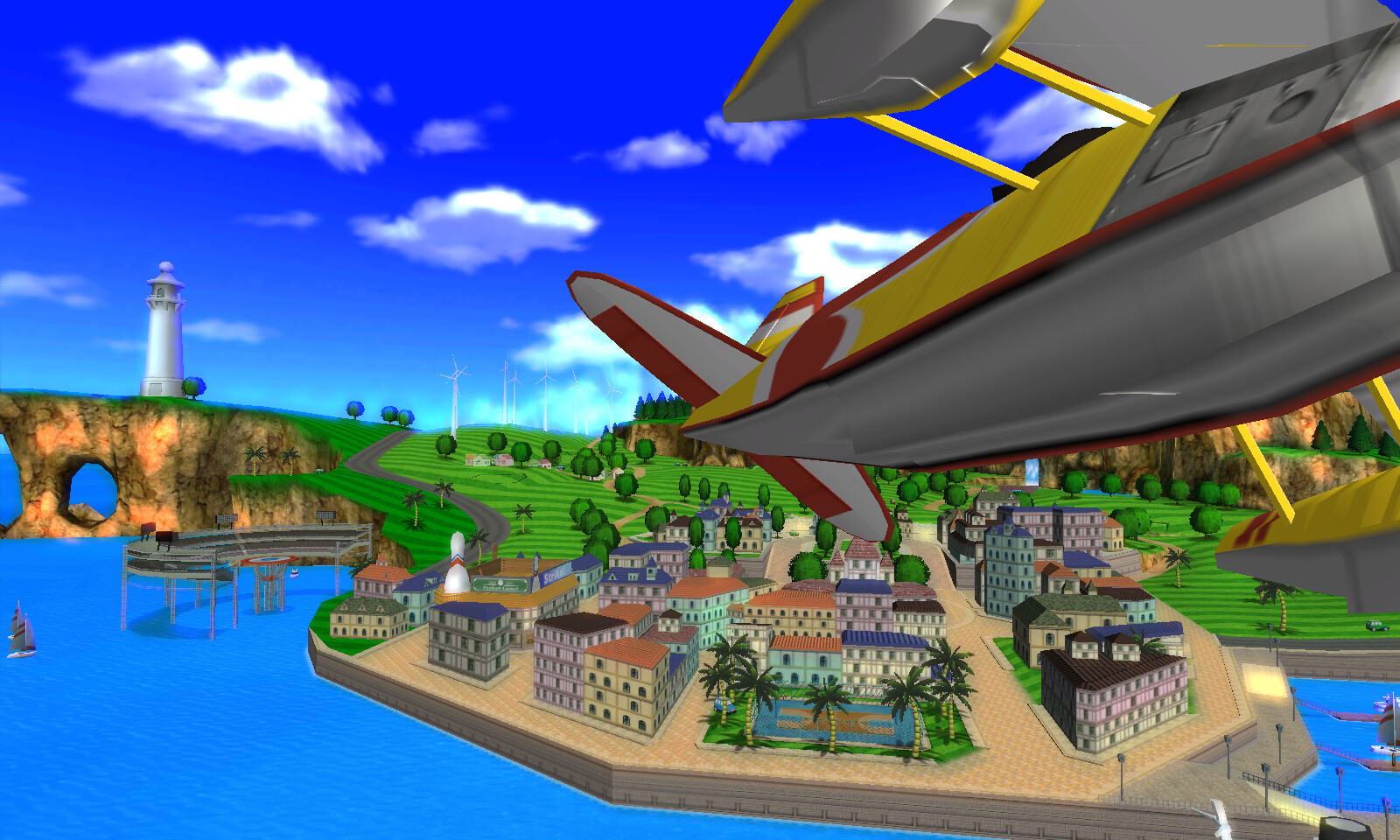 | 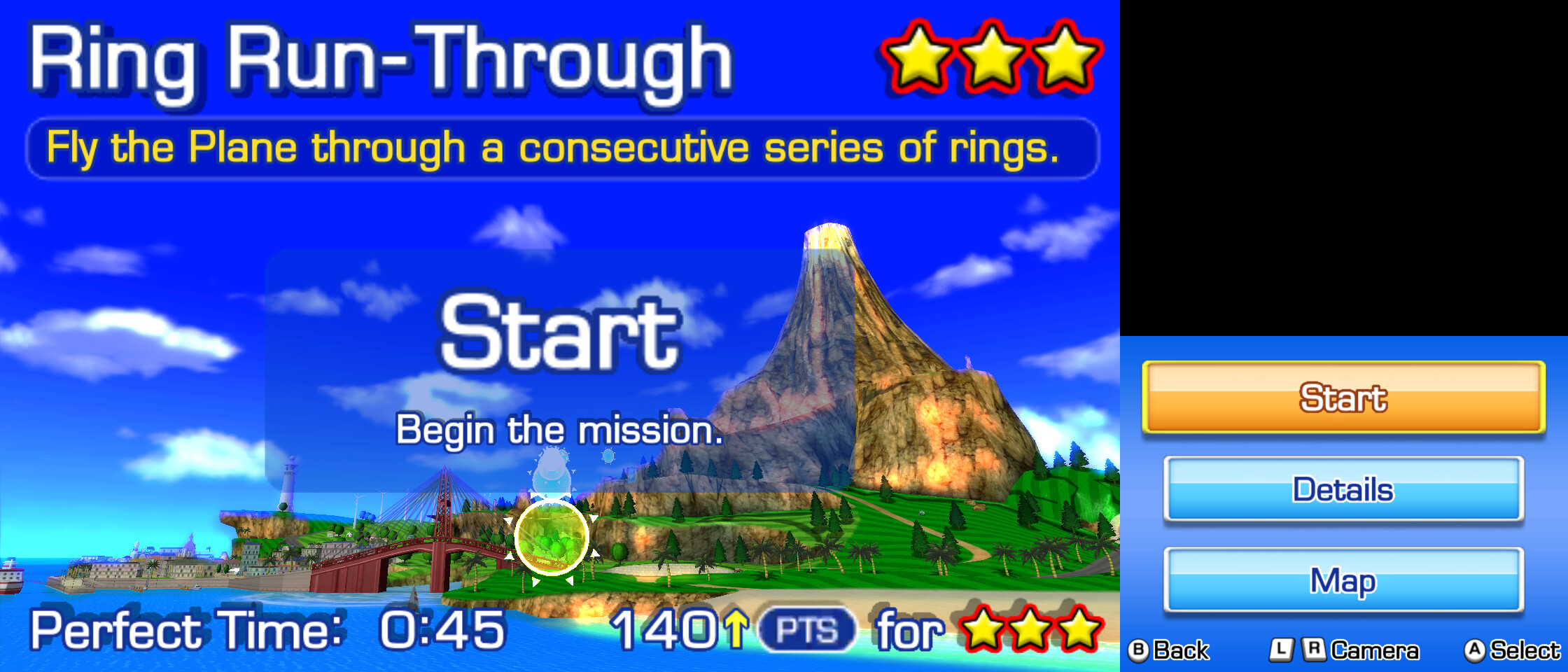 |
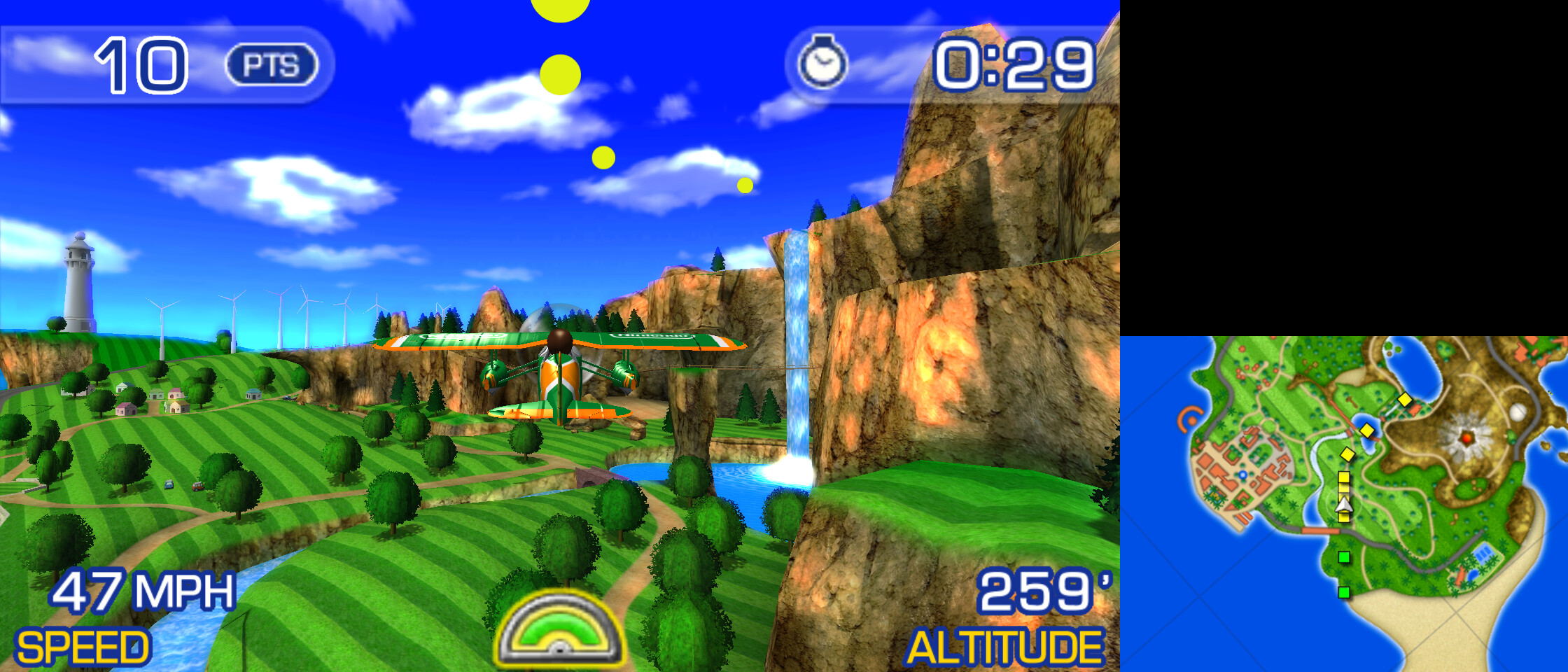
Screenshots: 4x 3D resolution, 16x anisotropic filtering, sharp bilinear scaling, large screen layout.
Disclaimer. Woohoo! Flight School is an unofficial fan project. It is not affiliated with, endorsed or sponsored by Nintendo or Monster Games. Pilotwings, Pilotwings Resort, Nintendo 3DS and Mii are trademarks of Nintendo. The repository contains no game code, graphics, sound or other game data and no decryption keys. You need your own, legally obtained copy of the game, dumped from your own console. Please don't ask for ROMs or built binaries: a built
pwrcontains code translated from the game and must not be shared.
Status
Works: the title intro, Mii sign-up, the trial flights with all three vehicles (plane, rocket belt, hang glider), Mission Flight and Free Flight as far as they have been played, saving, sound, keyboard, mouse and gamepad. Tested on Linux and Windows, at 60 fps, also at 4x resolution.
Added for the PC (all optional, see Display settings):
- 3D resolution up to 4x;
- anisotropic filtering;
- AMD FSR 1, FXAA and sharp bilinear scaling;
- screen layouts, including one that switches automatically between menus and flight;
- longer draw distance;
- free look on the right stick;
- a settings overlay (F1).
Known issues and limits:
- The whole game has not been played through yet. Later missions may still hit untested code; please report crashes with the terminal output.
- Building on Windows itself (the build kit or MSYS2) is newer than the Windows port: it has been tested under Wine and by GitHub Actions so far. Reports from Windows players are welcome.
- No macOS build.
- Touch-screen input needs the mouse, also when you play with a gamepad (the signature at sign-up, some menus).
- No stereoscopic 3D: the game is shown in 2D.
- Free look knows where the sea is, but not the island's ground: flying low over land, the camera can go through a hillside.
- The first run of a scene compiles shaders, which can cause a short hitch. They are kept for the next run.
What you need
-
A decrypted dump of Pilotwings Resort (USA), title
0004000000031C00, as.cia,.3ds/.ccior.cxi. Encrypted dumps are refused. -
Linux on x86-64, or Windows 10/11 on x86-64 (see Windows).
-
A GPU with Vulkan 1.3 and the build tools:
- Python 3.8+ with Tk (
python3-tk); - CMake 3.16+;
- GCC or Clang;
glslc(shaderc or the Vulkan SDK);- SDL2 and Vulkan development files;
- optionally Ninja.
On Debian/Ubuntu:
sudo apt install python3-tk cmake gcc ninja-build glslc libsdl2-dev libvulkan-dev. - Python 3.8+ with Tk (
Quick start
Easiest on Linux: the build kit AppImage. Download WoohooFlightSchool-Linux-kit-x86_64.AppImage from the
latest release, make it executable and start it
(chmod +x WoohooFlightSchool-Linux-kit-x86_64.AppImage, then double-click it or run it). It holds the launcher, Python,
a C compiler and the build tools (about 140 MB), so you only need a Vulkan driver and SDL2, which most desktop and gaming
systems already have (glibc 2.29 or newer: Ubuntu 20.04+, Debian 11+, Fedora, Arch, SteamOS). The game it builds goes to
the same install folder as below. Windows players: see Windows.
From the source (with the build tools listed above):
python3 launcher/pwr_launcher.py
- Game ROM: Browse to your dump. It is verified straight away (title, encryption, game-code hash).
- Build: recompiles and compiles into the install folder (default
~/.local/share/pwr-port). One to two minutes on a multi-core machine. - Play: pick or create a profile (each has its own saves and settings), adjust the display settings, Launch.
Without the GUI:
python3 tools/pipeline.py check                      # build tools present?
python3 tools/pipeline.py verify "My Dump.cia"
python3 tools/pipeline.py build "My Dump.cia"
python3 tools/pipeline.py run --profile default
python3 tools/pipeline.py profiles create alice
Saving
The game saves nothing during the first trial flights. To keep your pilot, end the trial-flight period: pause, choose Return to Office, answer No to trying another aircraft and Yes to ending the trial-flight period. The instructor then explains the save icon and your profile is saved. If you quit before that, you sign up again next time, as on the console.
Saves and settings belong to the launcher profile:
| Linux | Windows | |
|---|---|---|
| Save data | ~/.local/share/pwr-port/profiles/<name>/save/ | %LOCALAPPDATA%\pwr-port\profiles\<name>\save\ |
| Settings | ~/.local/share/pwr-port/profiles/<name>/settings.json | %LOCALAPPDATA%\pwr-port\profiles\<name>\settings.json |
Copy the save folder to back up your progress.
Windows
Easiest: the Windows build kit. Download WoohooFlightSchool-Windows-kit.zip from the
latest release, unzip it and double-click
Woohoo! Flight School.bat. The kit holds the launcher, Python, a C compiler and the libraries (about 200 MB to
download), so there is nothing to install. Then continue with the Quick start steps: pick your dump, Build,
Launch. The kit contains no game code or data. It is assembled and tested on Windows by GitHub Actions for every release
(tools/make_windows_kit.py).
Or with MSYS2. Build and play from an MSYS2 MINGW64 shell, which supplies the compiler and libraries:
pacman -S --needed mingw-w64-x86_64-gcc mingw-w64-x86_64-cmake mingw-w64-x86_64-ninja mingw-w64-x86_64-SDL2 \
    mingw-w64-x86_64-vulkan-headers mingw-w64-x86_64-vulkan-loader mingw-w64-x86_64-shaderc \
    mingw-w64-x86_64-python mingw-w64-x86_64-tk git
python launcher/pwr_launcher.py
- The install folder is
%LOCALAPPDATA%\pwr-port.bin\holdspwr.exeand the DLLs it needs, so after building you can startpwr.exewithout MSYS2. - The GPU driver provides Vulkan (
vulkan-1.dll). Keep the driver up to date. - Started from the launcher, the game opens no console window; its messages go to
pwr.login the profile folder (as on Linux). - Visual Studio's compiler cannot build the generated code. Ninja is required so that CMake does not pick it.
Controls
| 3DS | Keyboard | Gamepad |
|---|---|---|
| Circle pad | Arrow keys | Left stick |
| D-pad | I / J / K / L | D-pad |
| A / B / X / Y | X / Z / S / A | East / South / North / West (position) |
| L / R | Q / W | Shoulders or triggers |
| Start | Return | Start |
| Select | Backspace | Back/Select, if set to "3DS Select" (see below) |
| Touch screen | Left mouse button on the bottom screen | (use the mouse) |
| Free look (optional) | Right stick |
The gamepad's buttons follow their position, as on the 3DS: the right-hand button is A, the bottom one B.
By default the gamepad's Back/Select button switches the screen layout instead of pressing the 3DS Select button, because the game hardly uses Select. To give it back to the game, turn off "Pad Back/Select: next layout" in the launcher or set "Pad Back/Select" to "3DS Select" in the F1 overlay. Backspace on the keyboard is always 3DS Select.
| Hotkey | |
|---|---|
| F1 | Settings overlay (arrows or D-pad to change, Escape/B/F1 to close; saved to the profile) |
| F11 or Alt+Enter | Fullscreen on/off |
| F9 (or the gamepad's Back/Select, see above) | Next screen layout |
Display settings
All of these are in the launcher's profile settings and the F1 overlay:
| Setting | Values |
|---|---|
| Screen layout | stacked, side, large (big top + small bottom), top, bottom, auto (stacked in menus, large top while flying) |
| Auto layout in flight | large (bottom screen small) or top (bottom screen hidden) |
| Aspect ratio | keep, integer, stretch |
| Fullscreen | off, borderless, exclusive |
| Scaling filter | nearest, linear, sharp (sharp bilinear), fsr (AMD FSR 1), fxaa |
| FSR sharpness | 0 (sharpest) to 2 |
| 3D resolution | 1x (native 400x240) to 4x |
| Anisotropic filter | off, 2x, 4x, 8x, 16x |
| Frame counter | on / off |
| Pad Back/Select | next screen layout (default) or 3DS Select |
| Draw distance | 1x (original) to 4x: the island's cars and boats are shown from further away, and information points, rings and their labels fade in from further away (these from the next flight). |
| Free look | off / on: the gamepad's right stick orbits the camera around your vehicle; let go and it eases back. Not in the original game; flight chase camera only. |
Sound can be muted in the launcher.
Troubleshooting
- "the NCCH is encrypted": decrypt your dump first. This tool does not decrypt.
- "the game code differs from the supported version": another revision or region, or a modified dump. Only the USA release with the listed code hash is supported.
- Build fails in the compile stage: run
python3 tools/pipeline.py check; CMake reports missing SDL2/Vulkan development files. - It asks me to sign up every time: see Saving.
- The gamepad's Select button does nothing in the game: it switches the screen layout by default; see Controls.
- The terminal prints
pwr: audio ring fill ..., underruns N: a rising N means audio dropouts; please report it. - Reporting a crash: every run writes the game's messages to
pwr.login the profile folder (the launcher's Open log folder button opens it; see Saving for where profiles live). The run before is kept aspwr.log.1, so the log of a crash survives starting the game again. Attach the log, or its last 30 lines, to your report.
Licence
This project is free software under the GNU General Public License, version 3 or later (GPL-3.0-or-later). The licence covers the project's own files: the translator, runtime, tools and launcher. It does not cover Pilotwings Resort, its data or the C code generated from it. Those stay the property of their owners, are not part of this repository and must not be distributed.
Third-party parts keep their own licences (details in docs/architecture.md):
- AMD FidelityFX FSR 1 (MIT,
recomp/runtime/shaders/fsr/); - a font rendered from DejaVu Sans Mono (Bitstream Vera licence).
The screenshots show the game running in this port; the game's graphics in them are © Nintendo.