Point Blank PC Port
Point Blank PC Port is a native PC port of Point Blank for PlayStation that lets you aim with your mouse or an Xbox controller.
- Type: PC port
- Game: Point Blank
- Runs on Windows
- By TekRantGaming
- Latest release v1.1.0, 2026-10-04
- Source: https://github.com/TekRantGaming/point-blank-recompiled
README




Namco's Point Blank on PC, running natively. Shoot with your mouse or an Xbox controller, no light gun needed.

The original PlayStation game code, translated to native PC code with PSXRecomp. No game files included: bring your own disc image of Point Blank (PlayStation, North America, SLUS-00481).
Highlights
|
Aim with your mouse |
Or with a controller |
Two players |
|
Straight to the action |
Native, not emulated |
PC graphics options |
In game
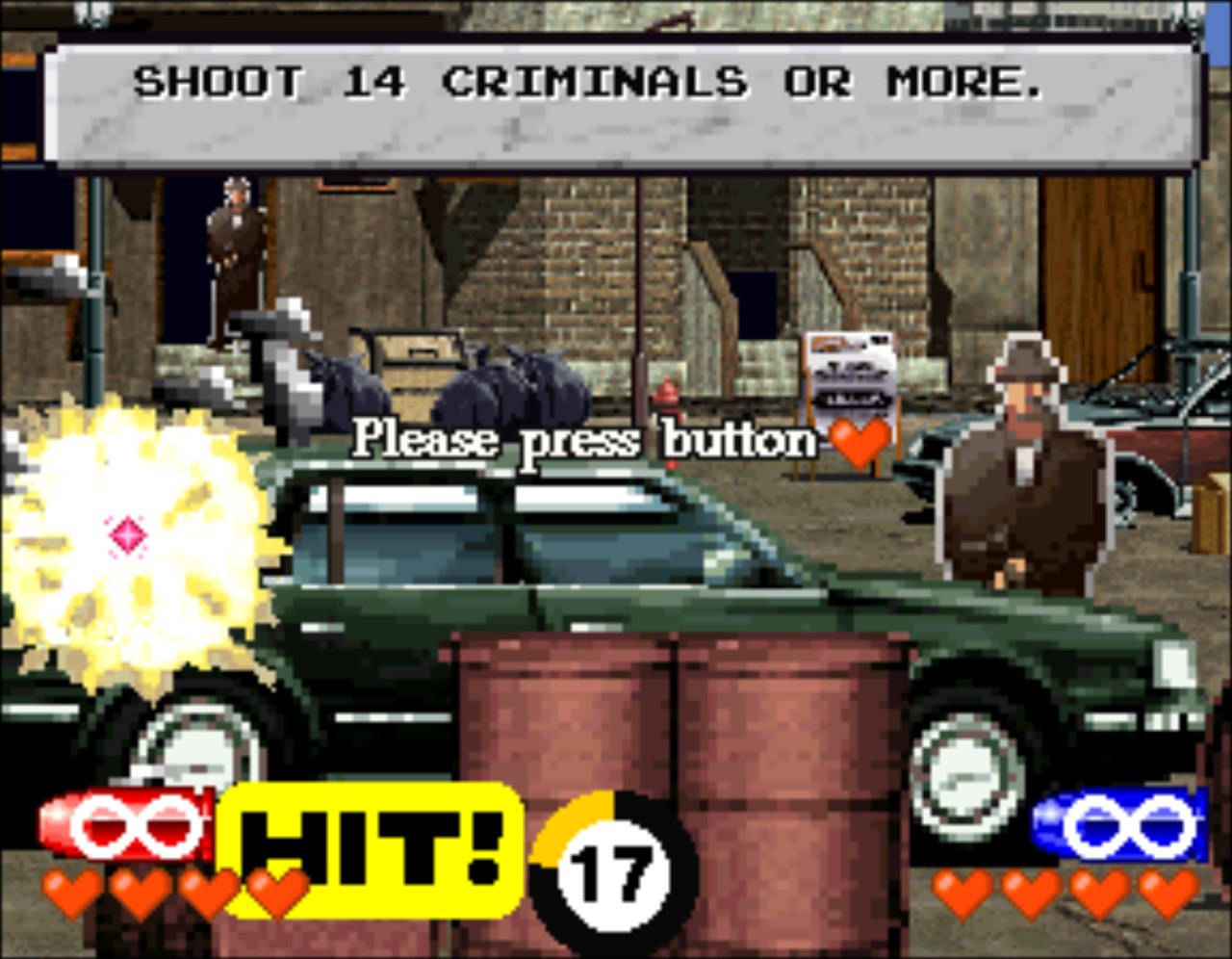
 | 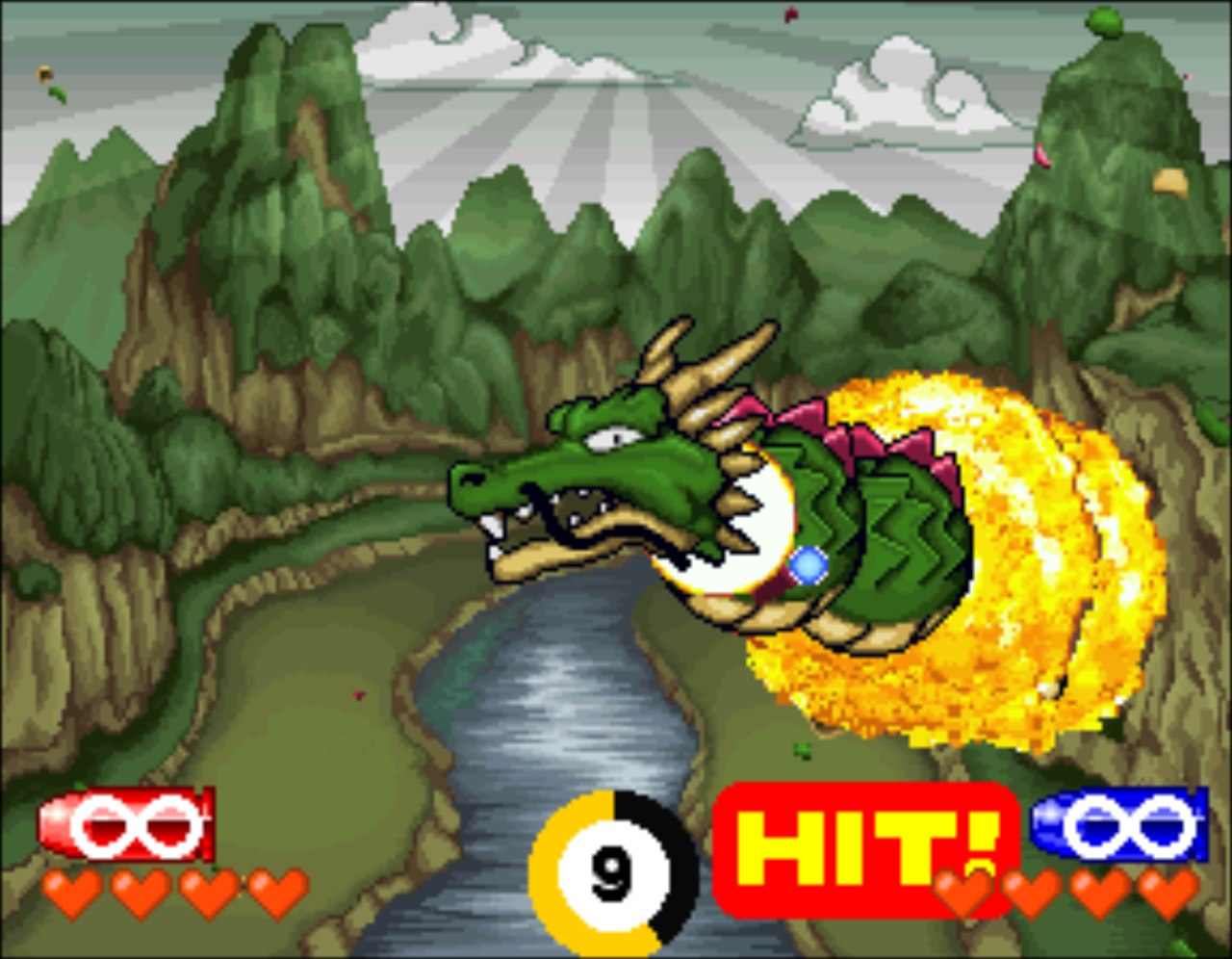 |
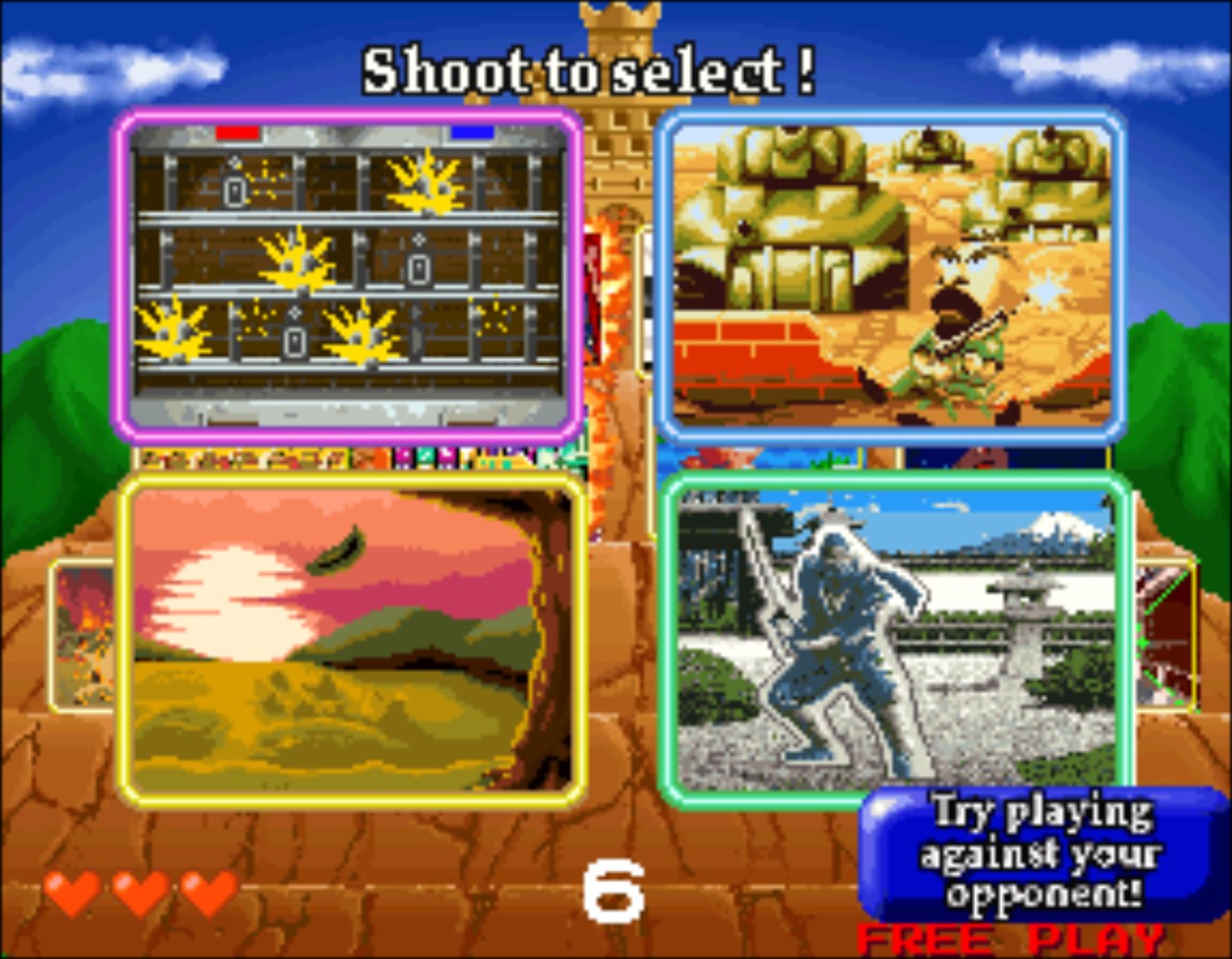 |  |
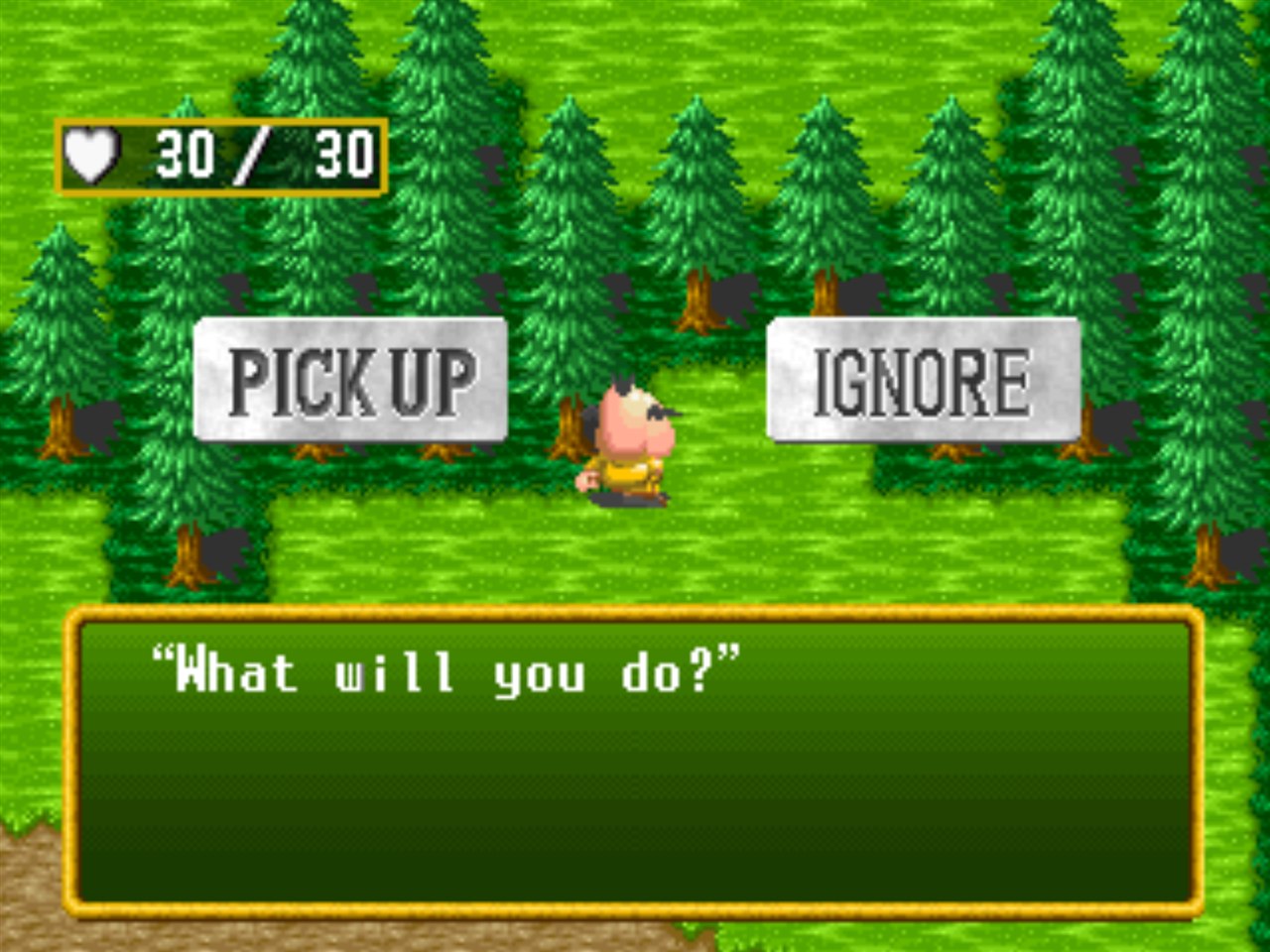 |
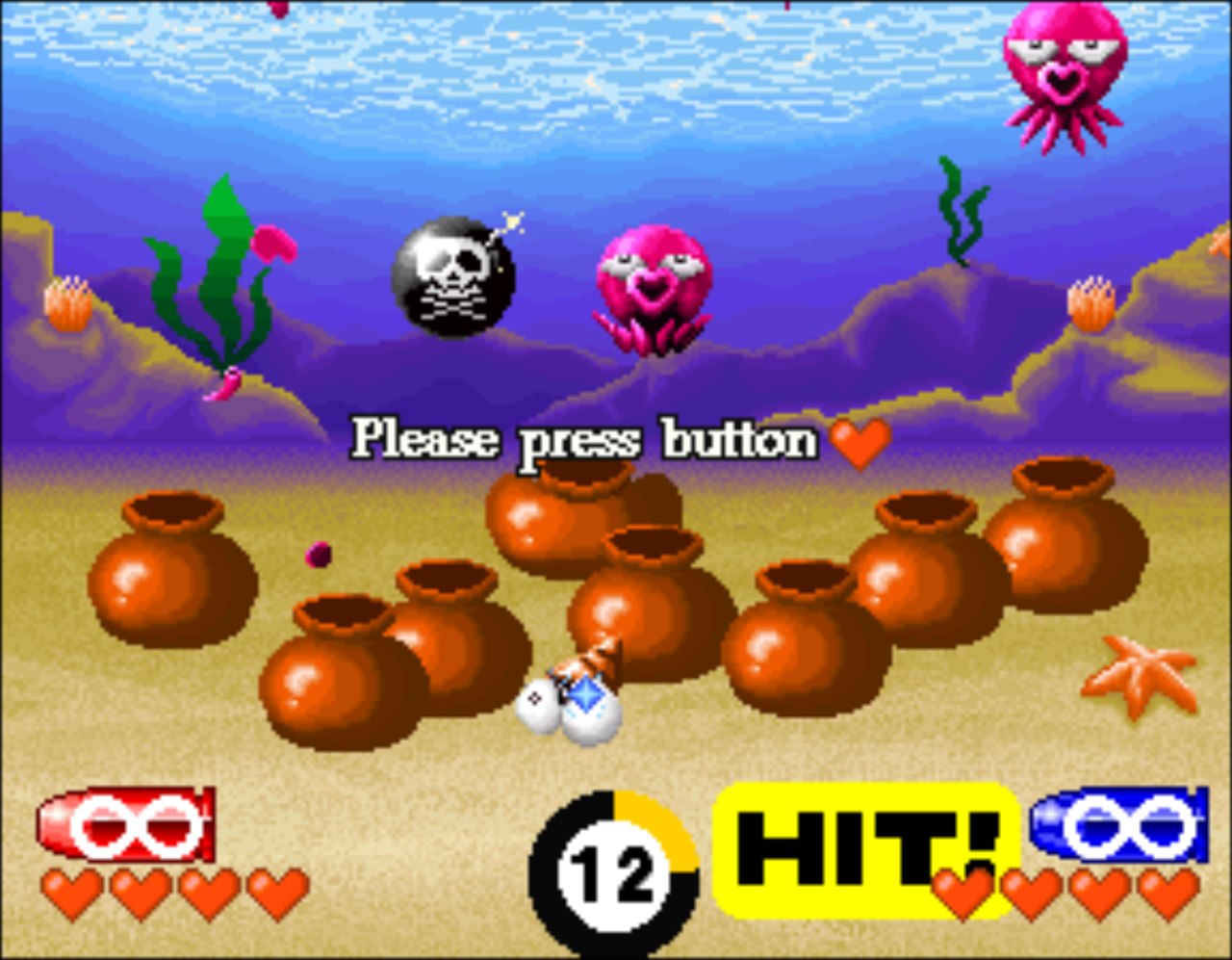
Every mode is here: Arcade, the console-only Arrange mode with its adventure board and side quests, Training, Beginner and Expert stages, and two-player versus. |
Light gun, without the light gun
Point Blank was made for Namco's GunCon light gun, which only works on old CRT televisions. This port emulates the GunCon itself: wherever your mouse cursor or controller sight points on the picture becomes the spot the "gun" reports to the game. The game's own gun calibration and menus work as they did on the console.
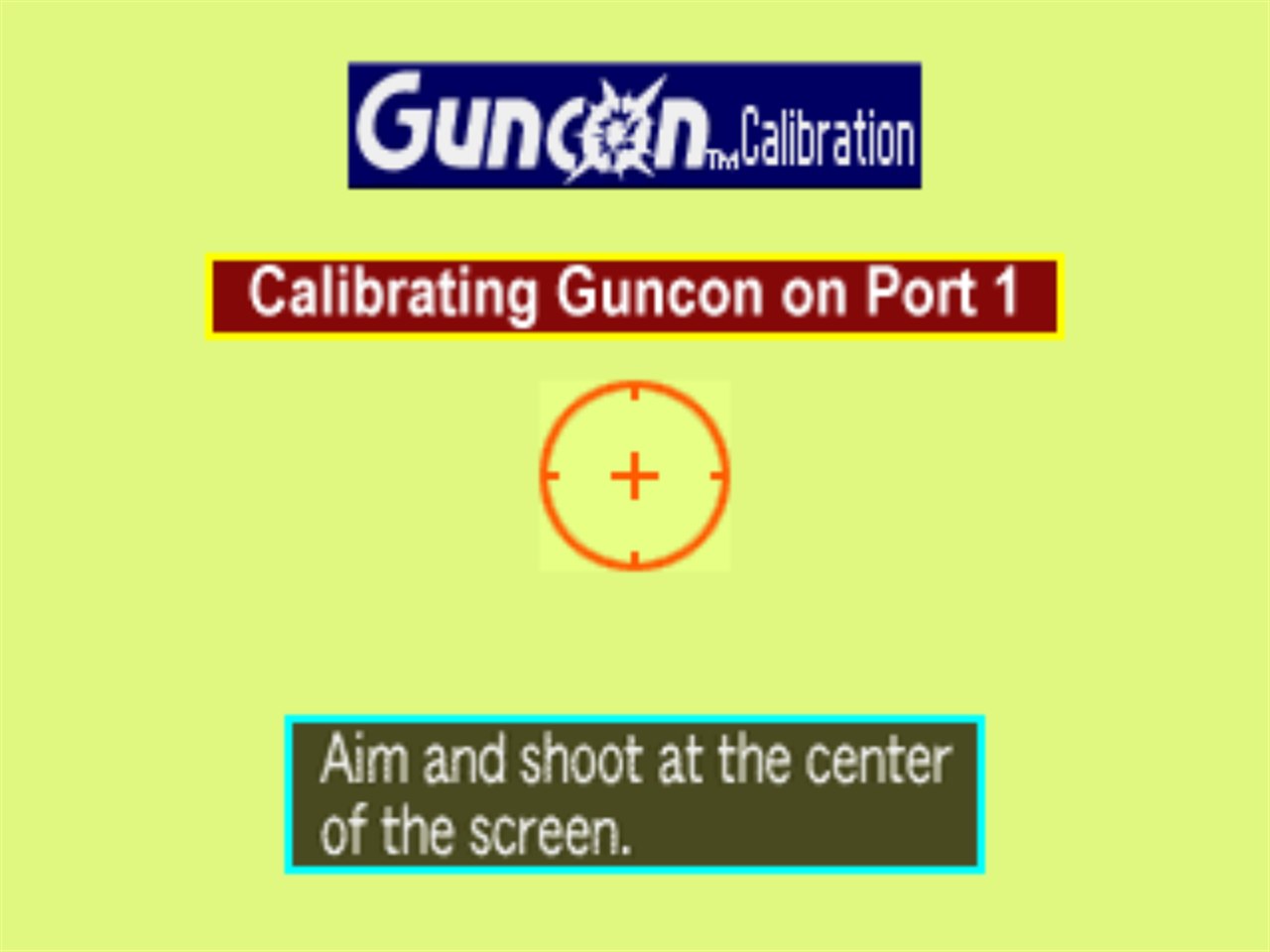 |
CalibrationThe first time you play, the game asks you to shoot the centre of the screen. Click the middle of the target (or aim the sight there and pull the trigger), then press A to finish. |
Controller sightWith a controller, a crosshair is drawn over the game so you can see where you are aiming: red for Player 1, blue for Player 2. Move the mouse and it hands aiming straight back to the cursor. | 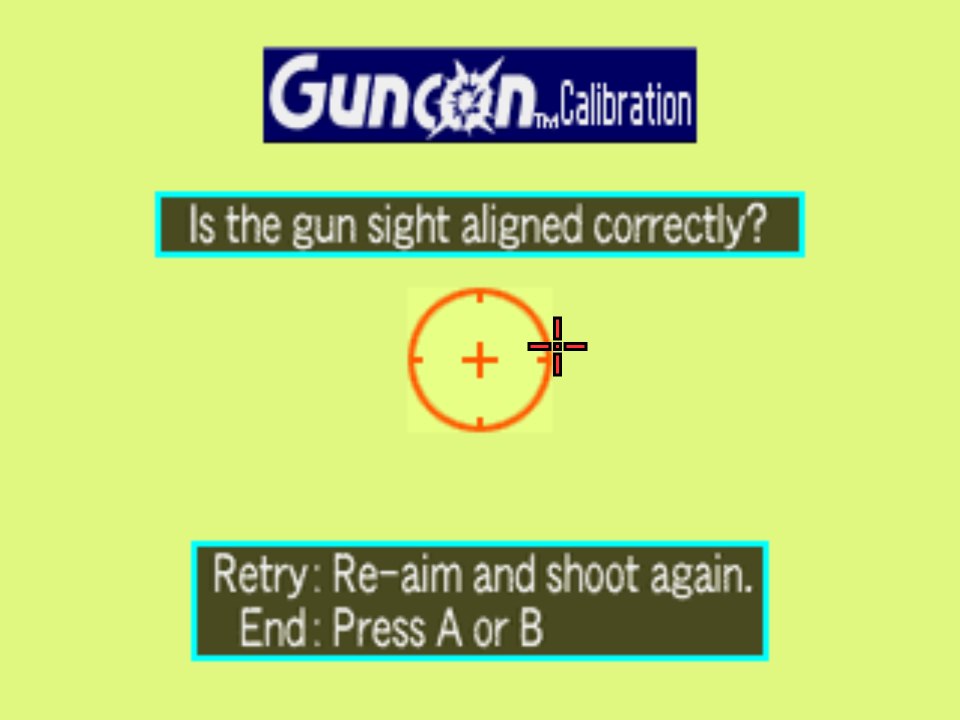 |
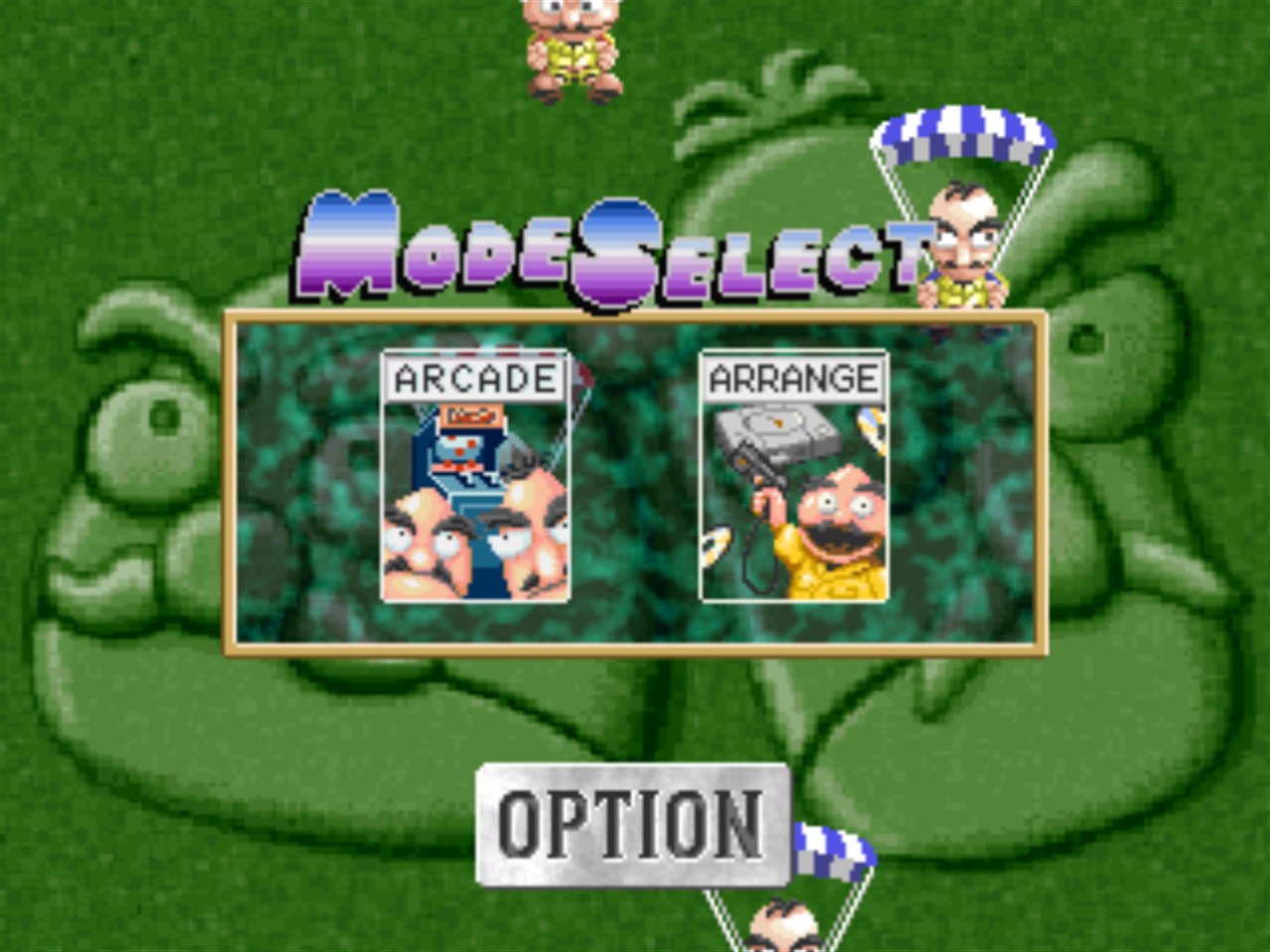 |
MenusEverything is chosen by shooting it, like the original. Shoot NO to skip loading a memory card, then Arcade or Arrange, and pick a difficulty and stage the same way. |
The launcher
Everything is set up before the game starts. Install your disc, pick your controls and choose the PC graphics options, then press Play.
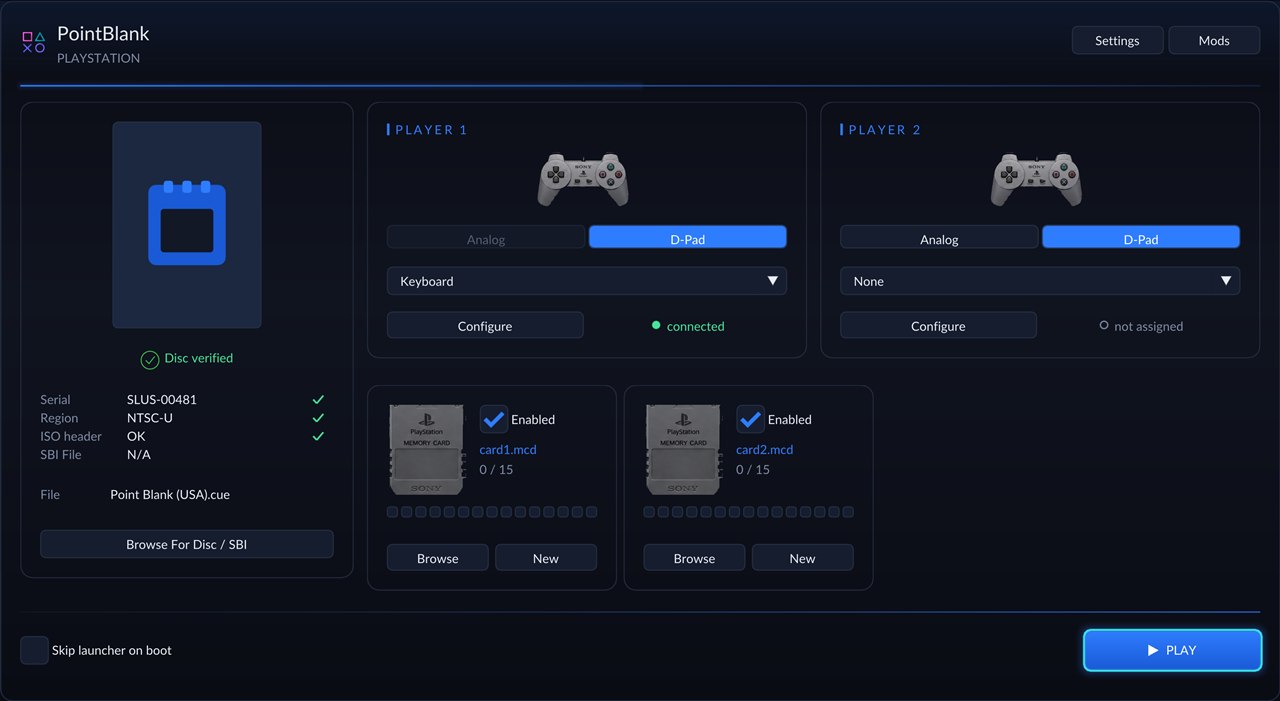 |
Install your disc
|
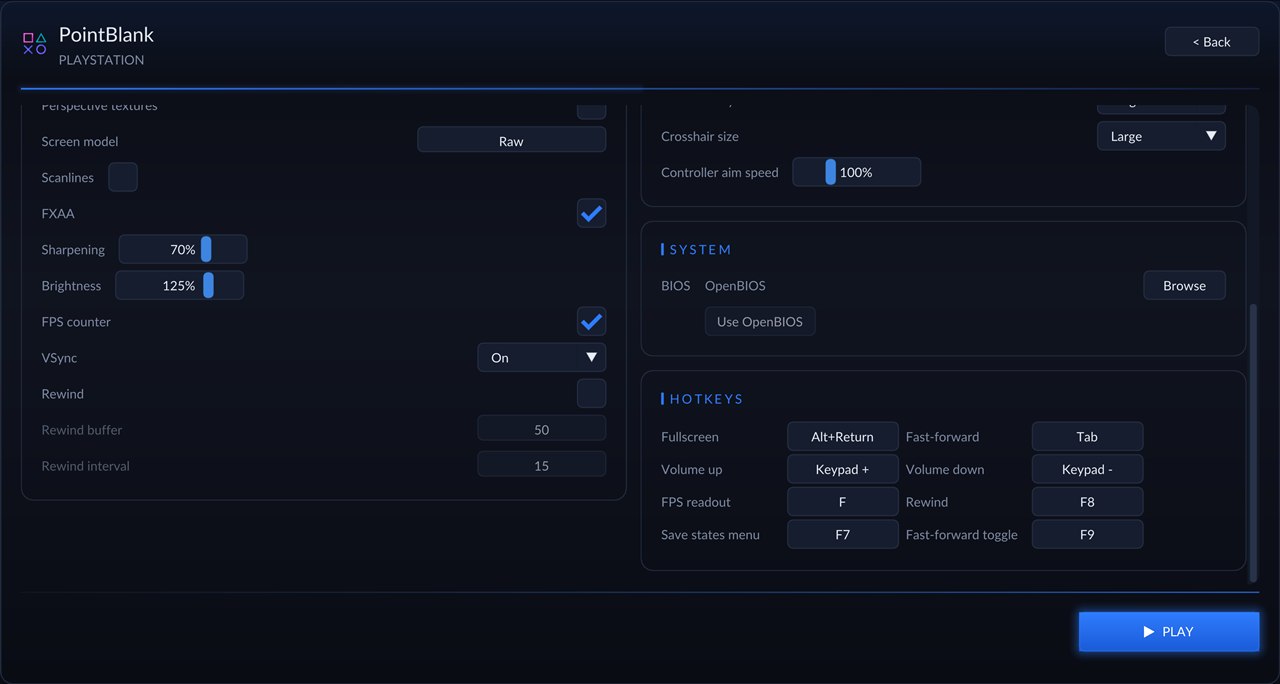
Display and graphics
|  |
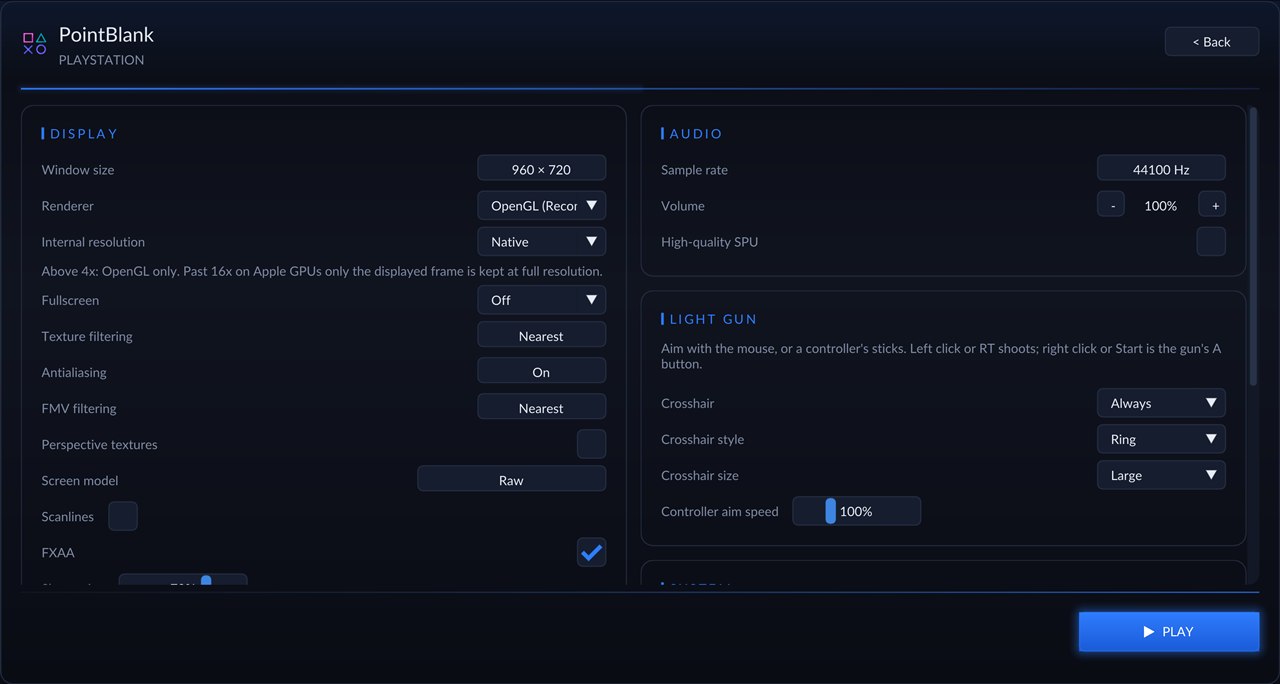 |
Light gun
|
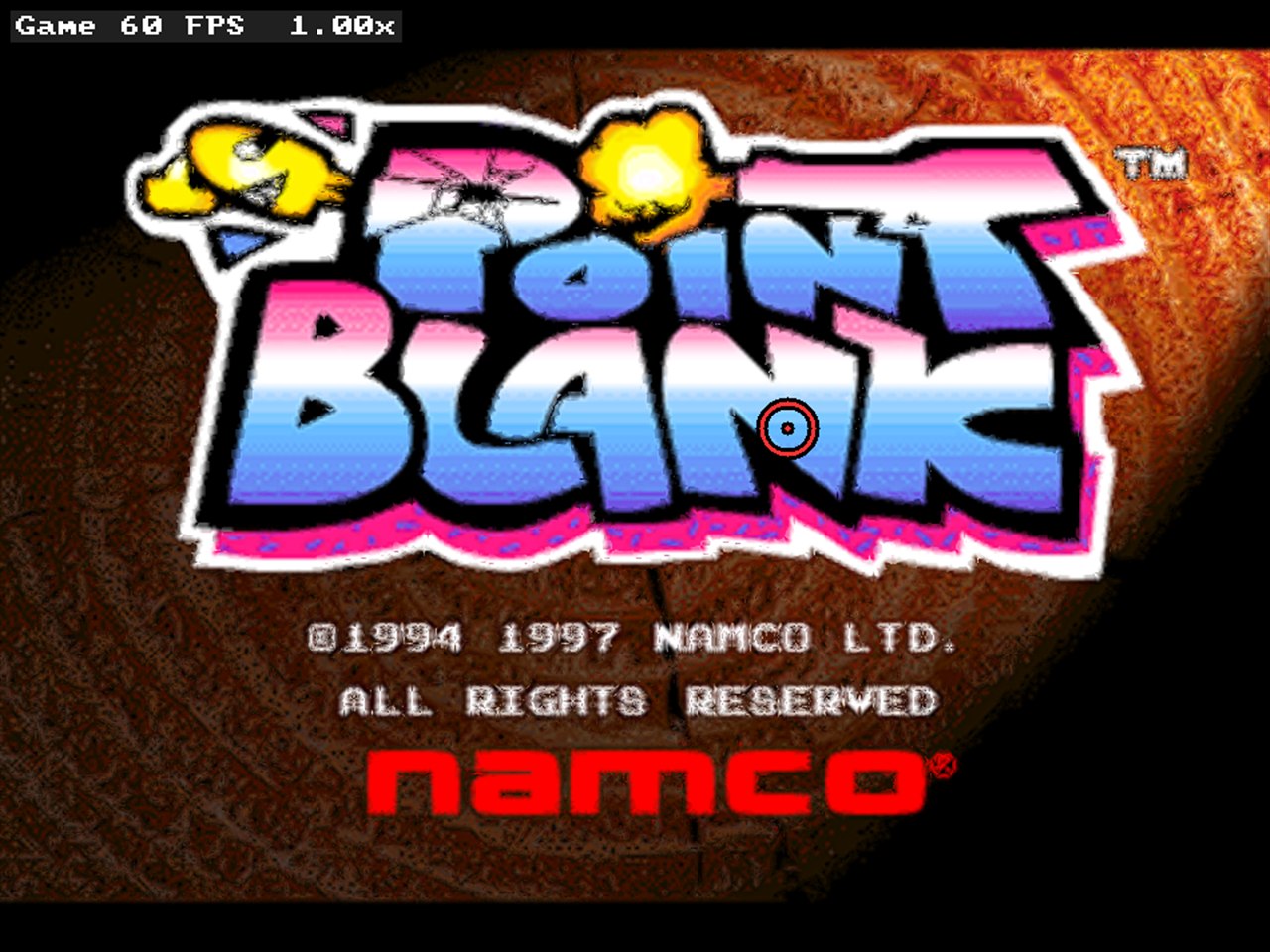
In game with FXAA, sharpening, raised brightness, the FPS counter and the large ring crosshair.
Controls
| Action | Mouse | Controller |
|---|---|---|
| Aim | move the cursor | left stick (fast) or right stick (fine) |
| Shoot | left button | right trigger, A or RB |
| Shoot off-screen | back side button, or point outside the picture | left trigger or B |
| GunCon A (start, skip, confirm) | right button | Start or X |
| GunCon B | middle button | Back or Y |
The first controller plays as Player 1 alongside the mouse; a second controller becomes Player 2. Screens that say Press the button, such as the rules, want A.
Getting started
You need: Windows 10 or 11 (64-bit), a graphics card with OpenGL 3.3, and your own disc image of Point Blank (USA) as a .cue with its .bin (Redump Point Blank (USA), serial SLUS-00481).
- Download
PointBlank-PC-Port-*-windows-x64.zipfrom the latest release and unzip it anywhere. - Run PointBlank_Recompiled.exe.
- In the launcher, press Browse For Disc and pick your
Point Blank (USA).cue. When it says Disc verified, press Install To Game Folder (optional, but recommended). - Choose your settings and press Play. The first time, the game asks you to calibrate the gun: shoot the centre of the target, then press A (right click or Start).
The download contains no game data. The game's pictures, sounds and stages all come from your own disc. Windows SmartScreen may warn about an unrecognised app because the program is not code-signed; choose More info, then Run anyway.
Settings are saved next to the game in settings.toml, and saves in saves/. Run PointBlank_Recompiled.exe --no-launcher to go straight into the game.
Building from source (for developers)
git clone --recursive https://github.com/TekRantGaming/point-blank-recompiled.git
cd point-blank-recompiled
.\Build-PointBlank.ps1 -Cue "C:\path\to\Point Blank (USA).cue"
The script loads the Visual Studio environment and then:
- builds the recompiler:
cmake -S psxrecomp/recompiler -B build-recompiler -G Ninja, targetpsxrecomp-game psxrecomp-bios - translates the game:
python psxrecomp/psxrecomp_cli.py generate --config game.toml --project-root . --disc <cue>(writesgenerated/, which is never committed) - compiles the runtime with
clang-clintobuild/(plain MSVCclcannot build the runtime's C11 atomics); after that,build.batrebuilds
Game settings live in game.toml; [controller] guncon_ports = [1, 2] is what plugs in the guns.
How it works
- PSXRecomp reads the game's PlayStation executable and translates its MIPS R3000 machine code into C, about 2,600 functions. That C is compiled into a normal Windows program and linked with a runtime that behaves like the PlayStation hardware (graphics, sound, CD drive, controllers), with the open-source OpenBIOS in place of Sony's BIOS.
- PSXRecomp had no light-gun support, so this port adds a Namco GunCon (NPC-103) to its controller emulation. The gun answers the game with its ID and the screen position where it "saw" the TV's electron beam. The port works that position out from your cursor or sight and the game's own video timing, the same way the DuckStation emulator does.
- Port 2's gun only plugs itself in while a second controller is connected, so the game never waits on a calibration screen for a player who isn't there.
- The framework changes are on the
pointblankbranch of TekRantGaming/psxrecomp.
Credits
- Point Blank (Gunbullet in Japan) by Namco, PlayStation version 1997.
- PSXRecomp by Matthew Stanley and the RetroPortingToolkit team, which does the code translation and runs the game, with recomp-ui for the launcher.
- OpenBIOS from the PCSX-Redux project, SDL and Dear ImGui.
- psx-spx for documenting the GunCon.
PSXRecomp is under the PolyForm Noncommercial License 1.0.0, so this port is for non-commercial use only.
[!NOTE] AI disclosure: this port was made almost entirely with Claude Code (Anthropic). The repository owner directed and tested the work; the AI did the analysis, code, tools and documentation.
[!IMPORTANT] This project is not affiliated with or endorsed by Bandai Namco Entertainment or Sony. It contains no game code or assets. Do not open issues asking for game files.