SwSh Recomp
SwSh Recomp is a native Windows port of Pokémon Sword and Shield made by static recompilation, translating ARM64 code to C and compiling it for PC.
- Type: PC port
- Game: Pokémon Sword, Pokémon Shield
- Runs on Windows
- By raulzrrs
- Latest release v0.1.0, 2026-10-22
- Source: https://github.com/raulzrrs/swsh-recomp
README
SwSh Recomp
A native Windows port of Pokémon Sword and Pokémon Shield (Nintendo Switch), made by static recompilation: the game's ARM64 code is translated into C and compiled for your PC, and a runtime stands in for the Switch (system services, NVN graphics on Vulkan, audio, controllers). It is not an emulator. Built on Let's Go Recomp, itself built on LAS Recomp by Peiikai.
Important
No game files are included. You need your own legally obtained copy of Pokémon Sword or Shield, extracted
(the exefs and romfs folders). This repository does not provide the game, its keys, or instructions on how to
obtain them. A fan project, not affiliated with Nintendo, The Pokémon Company, Game Freak or Creatures.
Note
Work in progress. Tested with Sword 1.3.2 and its Expansion Pass on one PC; Shield has not been tested yet, and the game hasn't been played from start to finish on this port. Bug reports, fixes and test results from other PCs are very welcome (CONTRIBUTING.md).
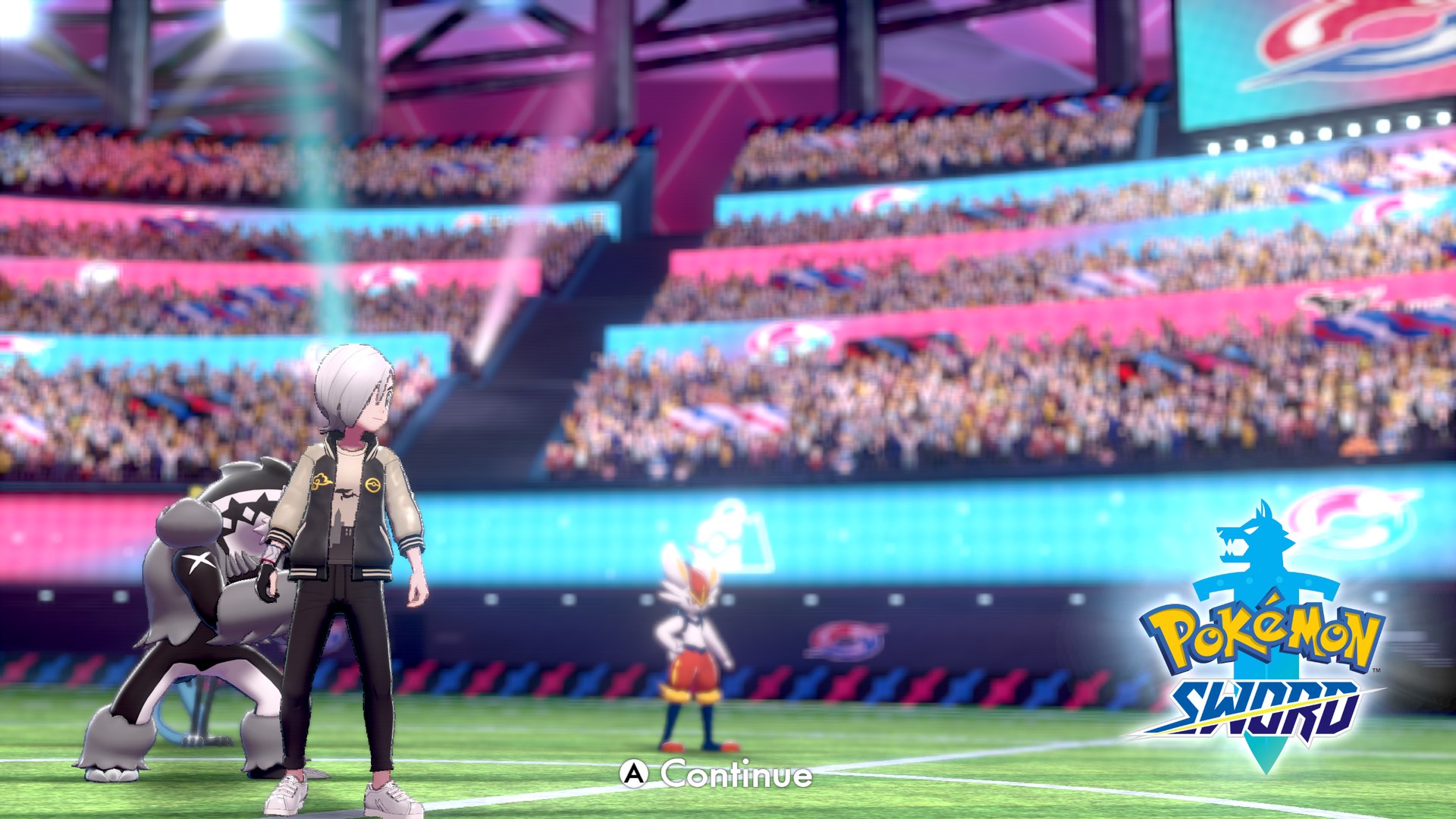 | 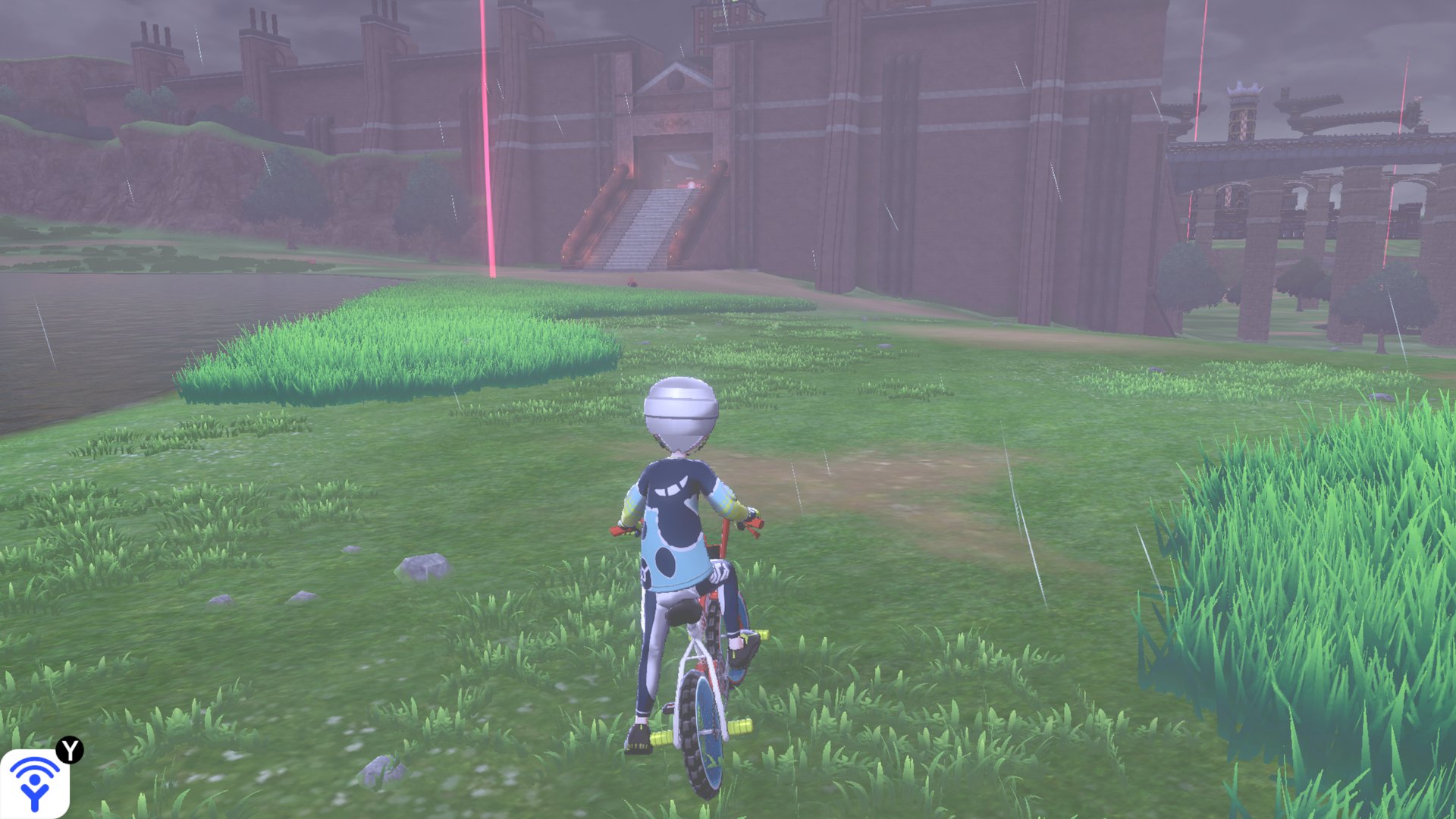 |
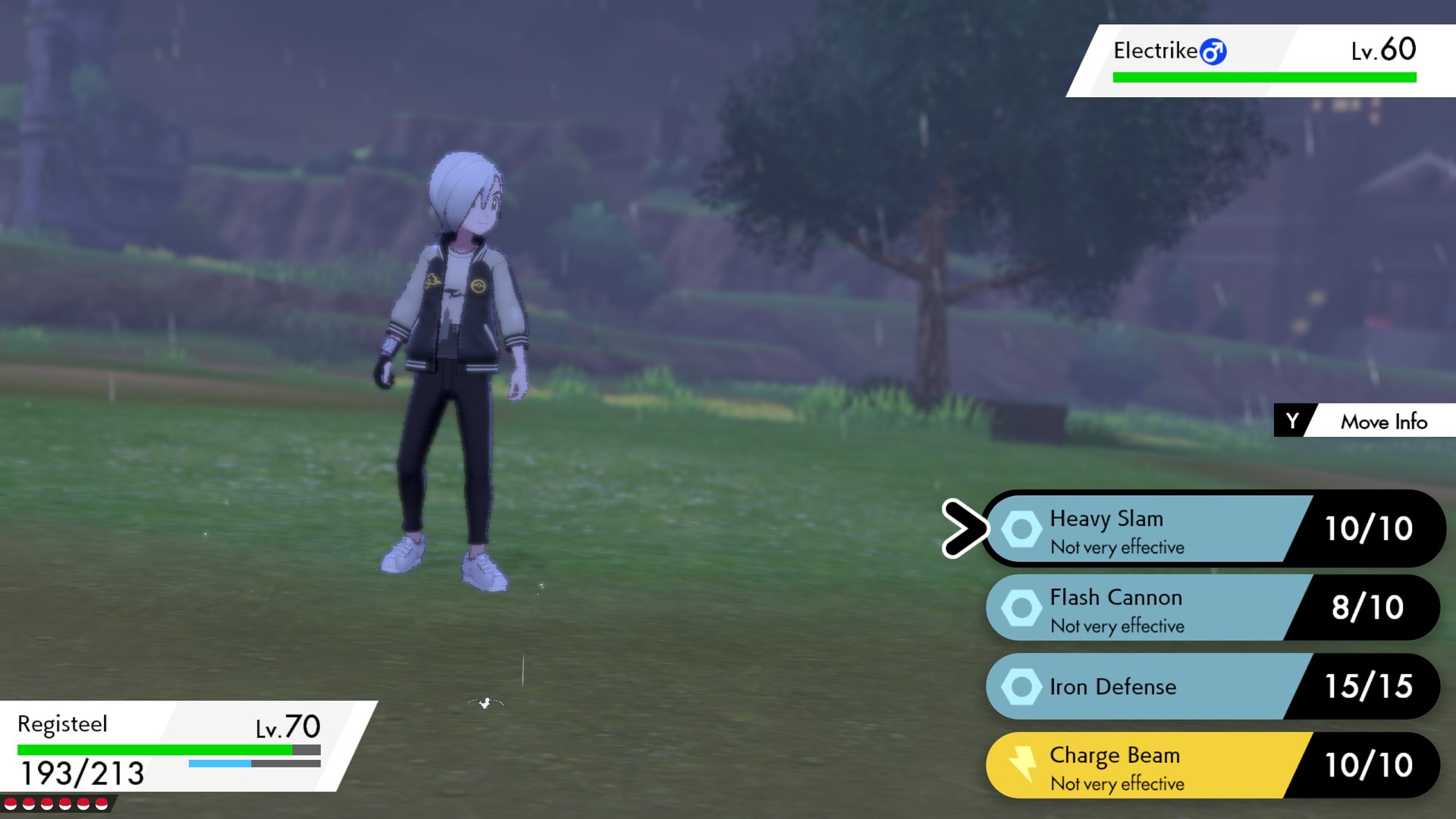 | 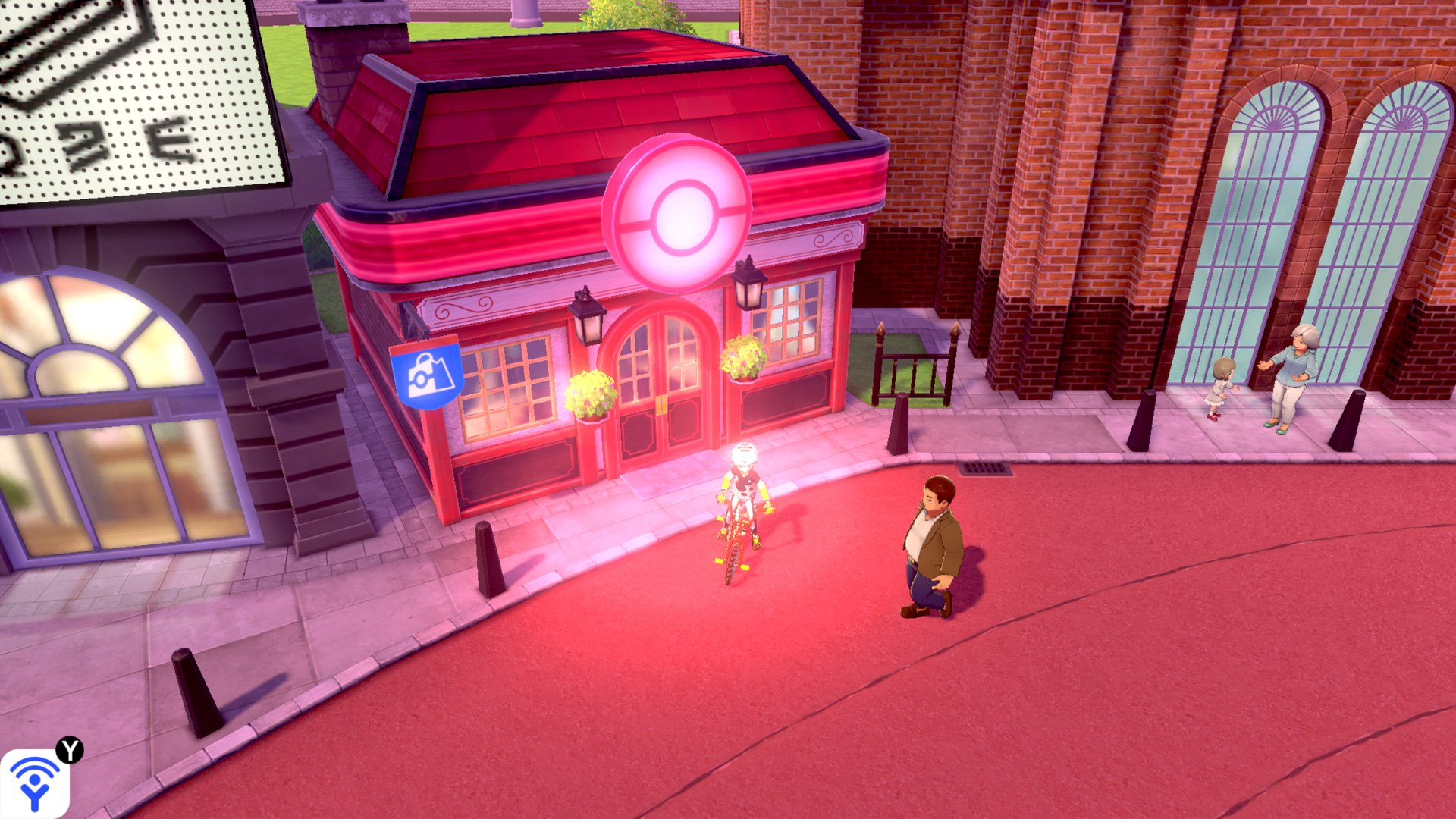 |
Rendered by this port at 2560x1440 (not Switch captures).
Features
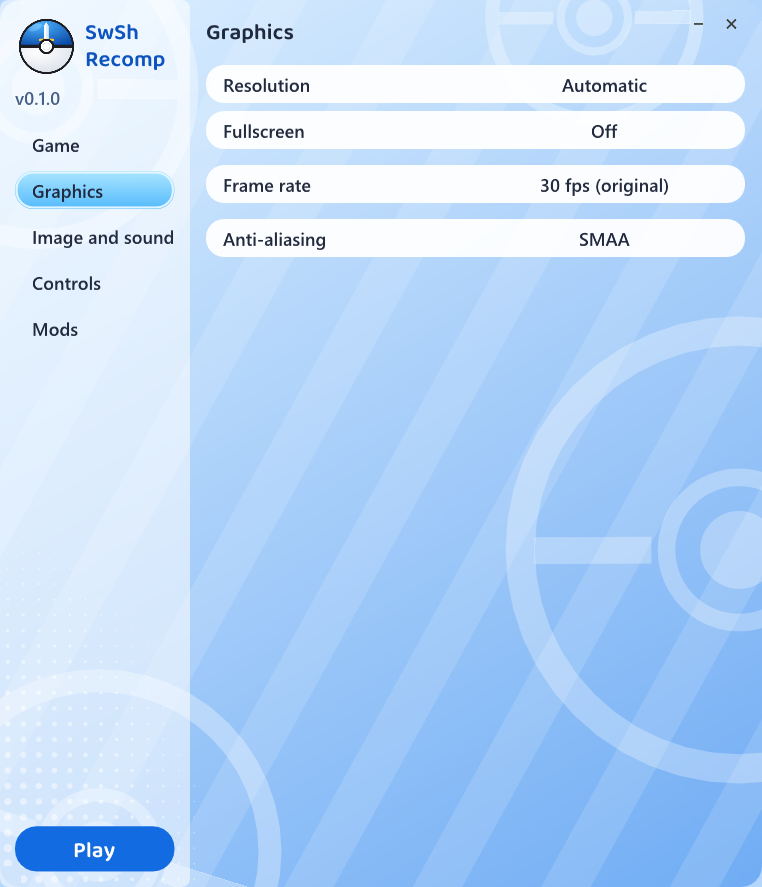
- Native code; any internal resolution (2560x1440 and up, supersampled on smaller screens), any window size, fullscreen
- SMAA anti-aliasing, 16x anisotropic filtering, FSR 1 to render below the window size
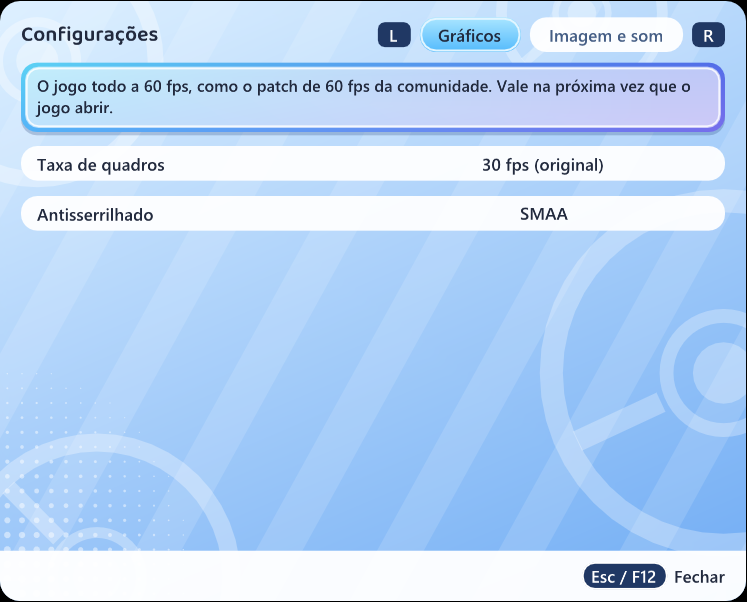
- The game's 30 fps, or 60 fps for the whole game (like the community's 60 fps patch; experimental)
- Keyboard and any controller (Nintendo or Xbox button layout), keys rebindable
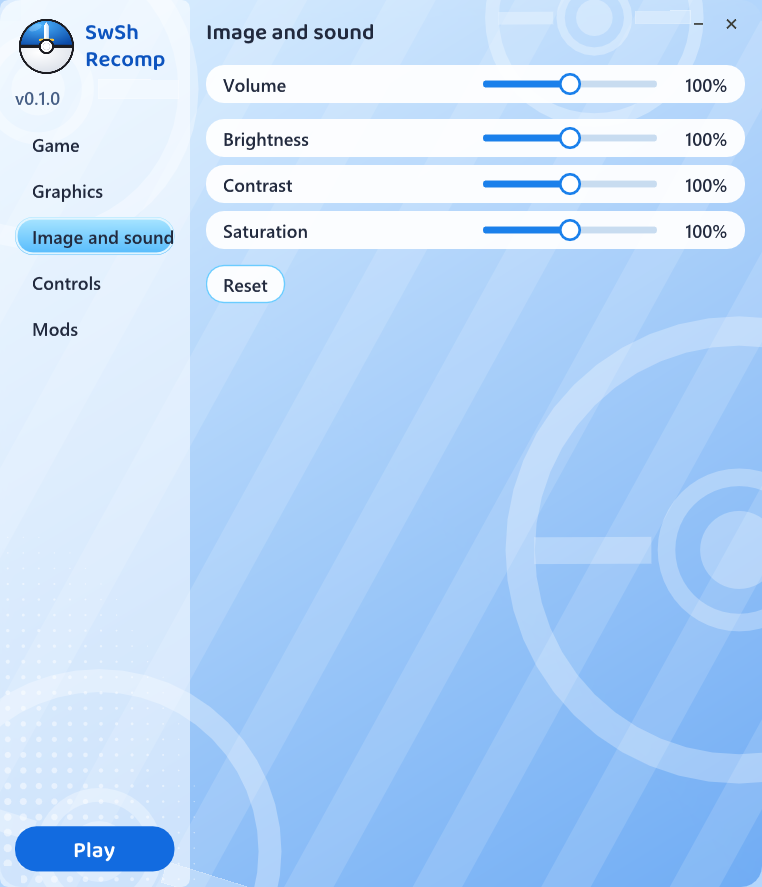
- Brightness, contrast and saturation; several mods at once (romfs, as LayeredFS: translations, textures)
- The Expansion Pass (The Isle of Armor, The Crown Tundra) from your own DLC data
- Every shader of the game prepared for your GPU on the first start, then kept on disk; the vertex data of static models kept in video memory
Measured on a Core i5-14600KF with an RTX 3080 at 2560x1440 (the reports are in docs/engineering): the open world and towns hold 60 fps once their shaders are built, with room to spare (75-100 fps when measured without the cap; the game itself runs at 30 or 60, its speed is tied to the frame rate).
Launcher
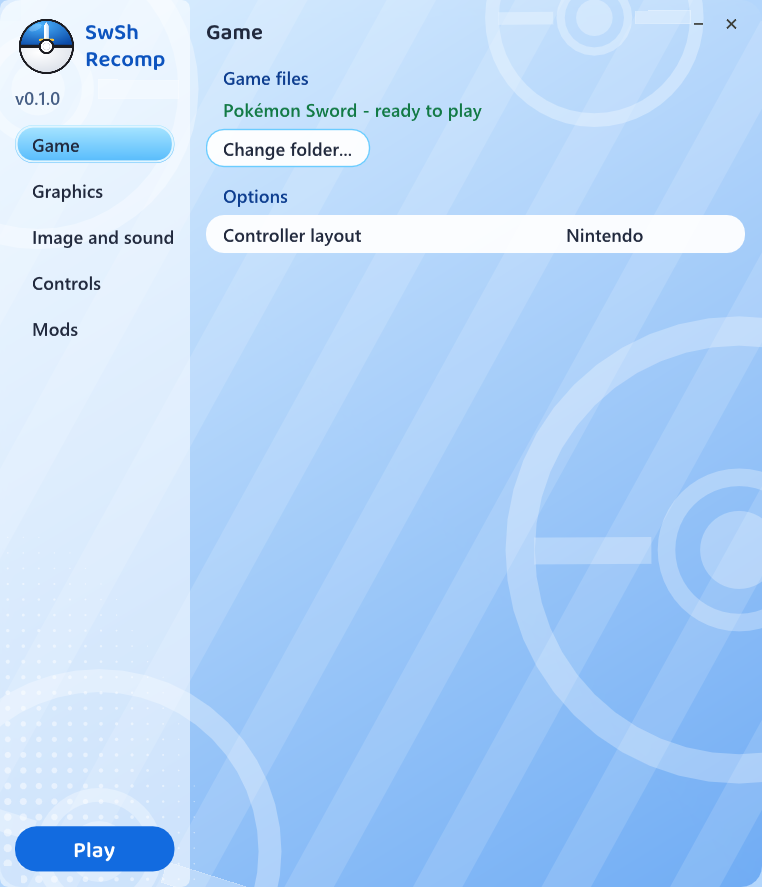
The start screen and the in-game settings (F12) are Let's Go Recomp 0.6.0's, in Sword's colours, with the options this port has:
 |  |  |
Requirements
| OS | Windows 10 or 11, 64-bit |
| CPU | x86-64 with AVX2, FMA and BMI2 (Intel Haswell / AMD Zen or newer) |
| GPU | Vulkan 1.3 |
| RAM | about 5 GB while playing |
| Disk | about 18 GB free (3 GB of it for the prepared shaders) |
Supported games
- Pokémon Sword 1.3.2 (with the 1.3.2 update applied to the extracted files): the most tested
- the Expansion Pass DLC data (optional; set up by hand for now, see Known issues)
- Pokémon Shield: recognized, not tested (no dump available here)
.xci/.nspfiles must be extracted first
How to play
- Download
SwShRecomp-<version>-windows.zipfrom Releases and unzip it into a folder you can write to (not inside Program Files). - Open
SwShRecomp.exe(if Windows warns, More info → Run anyway). - Click Select game folder... and pick the folder with your extracted game (
exefsandromfs). - Wait while it copies the files and recompiles the game for your PC. This happens only once and takes a while (about 40 minutes on a 20-thread CPU, measured on a fresh install; longer with fewer threads).
- Click Play.
Everything stays in that folder (settings in larecomp.ini, saves in save-sword / save-shield, shader caches, the
log lasrecomp.log). To
update, unzip a new release over it.
On the first start the game's shaders are prepared for your GPU in the background (about 6 minutes on an 8-core CPU; the title screen runs slower meanwhile, and the game is playable). After that a first visit to a place mostly just links what was prepared; what isn't in the game files is still compiled when first seen, which can hitch for a moment.
Known issues
- During the first start's shader preparation the game runs slower, and a few shaders (those not in the game files) still hitch the first time they are seen
- At 60 fps the crowd on the title screen flickers (an animation counted in frames)
- The Expansion Pass is not set up by the launcher yet: each DLC's RomFS has to be packed by hand into
extracted/aoc/<data id>.bin(docs/DIAGNOSTICO-SWSH.md) - Memory use grows slowly over long sessions (being investigated)
- Only tested on an NVIDIA GPU (RTX 3080): AMD, Intel and integrated GPUs are not tested yet; reports are welcome
- Online features (raids with other players, trades, Y-Comm) are not supported
Crashes: please open an issue with lasrecomp.log (CONTRIBUTING.md). What changed in each
release: CHANGELOG.md.
Building from source
Step by step in docs/COMPILAR-WINDOWS.md (in Portuguese). The technical documentation is in docs/engineering (architecture, runtime and graphics audits, performance baseline, known issues, the study of how other Switch recomp ports handle shaders); how each problem was solved is in docs/HISTORICO.md. The history of the Let's Go port this one grew from is kept in docs/letsgo.
Credits
- LAS Recomp by Peiikai: the recompiler and runtime this port is built on
- Let's Go Recomp: the Pokémon port this one was forked from, and its 0.6.0 launcher and F12 menu (the F12 menu by Iván Serrano, @Vancete)
- Techniques studied in the other Switch recomp projects (OpenSmash, mk8-recomp, SuperMarioWonderRecomp, SkyRecomp, WindowSmash, HWDER, EoWRecomp): see docs/engineering
- Libraries: SDL 3, FFmpeg (LGPL), Dear ImGui, Vulkan Memory Allocator, shaderc, SMAA, AMD FidelityFX FSR 1, the Baloo 2 font (OFL), Capstone, Unicorn, PyInstaller, Zig
License
The code in this repository is under the MIT license, like LAS Recomp; third-party components keep their own licenses. It grants no rights to the game. Pokémon, Pokémon Sword and Pokémon Shield are trademarks of their respective owners.