Project Gotham Racing 2 - XBE Recomp
Project Gotham Racing 2 - XBE Recomp is a native PC port of Project Gotham Racing 2 with extended graphics options and controller support.
- Type: PC port
- Game: Project Gotham Racing 2
- Runs on Windows
- By hk21x
- Latest release v1.0.3, 2026-10-25
- Source: https://github.com/hk21x/pgr2-recomp
README
Project Gotham Racing 2 - XBE Recomp
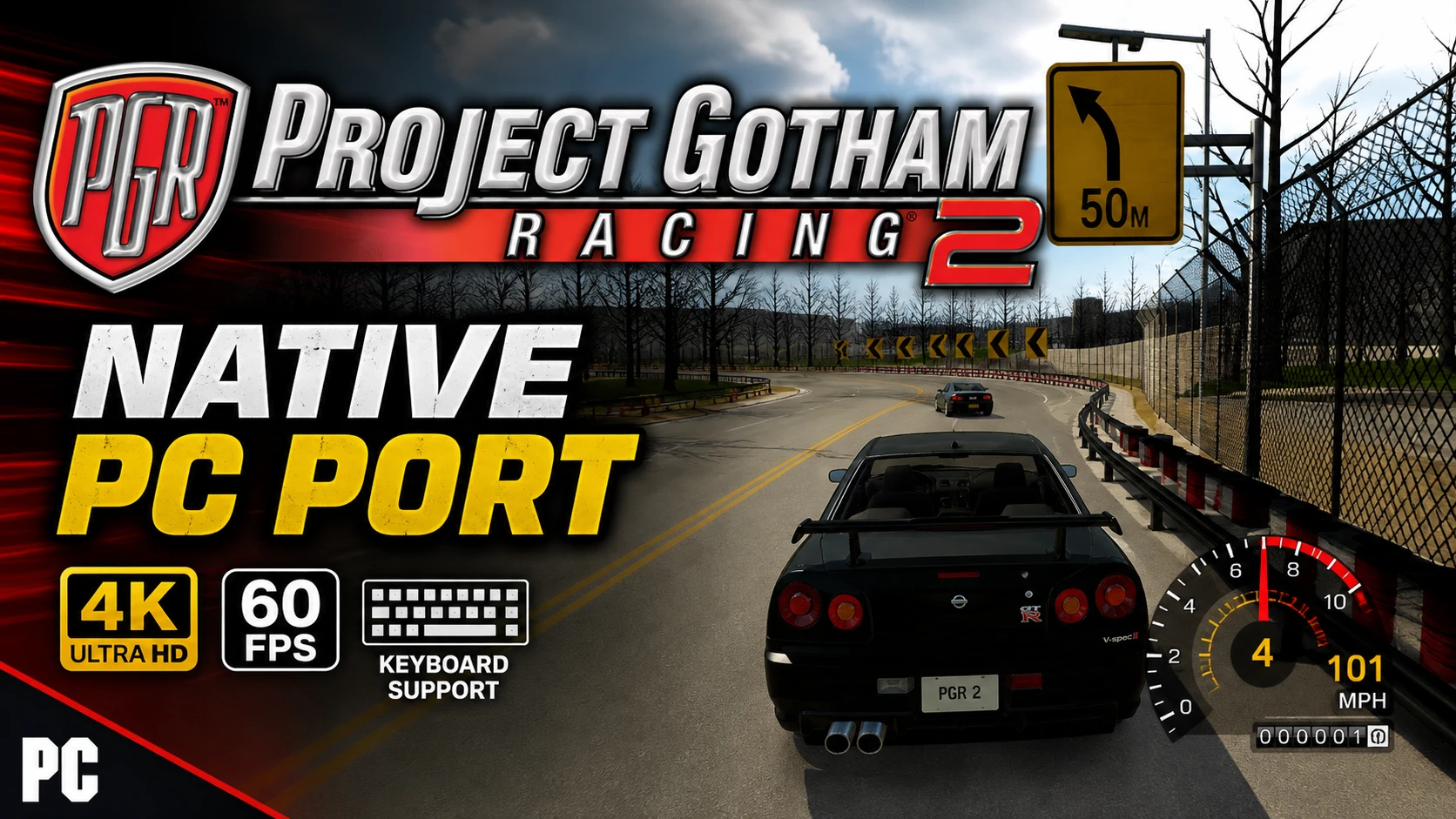
An unofficial native PC port of the original Xbox version of Project Gotham Racing 2, with extended graphics options and other enhancements. The game's own x86 code is statically recompiled into a Windows executable with the Xbox XBE Recomp tool; the Xbox's graphics, sound and system libraries are reimplemented for Windows (Direct3D 12 or 11, XAudio2, SDL). It is not an emulator.
Note
This project does not include any game assets. You must provide the files from your own legally acquired copy of the game to build and play.
Supported Version
The European (PAL) and North American (NTSC) Xbox releases of Project Gotham Racing 2 (title id 4D53004B):
| Release | default.xbe SHA-1 |
|---|---|
| Europe (PAL), version 2 | 676895b86f01938804c5f1cdcad8b44044295cb4 |
| North America (NTSC), version 5 | ec6e902fc167de349f1dc1838a7441dfff932c62 |
| Europe (PAL), media patched | acd776330a9b903fd567b544cf7ece0f612f6c7d |
| North America (NTSC), media patched | 702b79fd3bc844a413cbc26404718b1bf7e44e87 |
The executable is recompiled from the PAL file. The North American default.xbe differs from it only in its signature
and certificate (region, version, signing keys); every byte of code and data is the same, so the same executable runs
it. A media patched copy (made to run from a modded console's hard disk) changes one byte of start-up code that the
port replaces anyway, so it runs too. The log (logs\pgr2.log) names the SHA-1 of the default.xbe it found. Any other release (the Japanese one, for
example) has not been checked and the game asks before starting it.
Getting Started
There are two ways to get the game running. Both build it on your own PC from your own disc: the game's code is never downloaded, only the tools and this project's source.
The launcher (recommended)
PGR2Launcher.exe does everything for you: no Visual Studio, no Git, no command line, nothing installed in Windows
and no admin rights needed.
You need:
- Windows 10 or 11, 64 bit, and a GPU with Direct3D 12 or 11.
- Your own copy of the game (PAL or NTSC): an
.isoimage of your disc, or a folder with the disc's files. - About 15 GB free, and an internet connection for about 1.4 GB of build tools.
Steps:
- Download
PGR2Launcher.exefrom the latest release. - Put it in a folder of its own (for example
C:\Games\PGR2) and run it. Everything it makes goes in aPGR2folder beside it. Windows may warn about an unrecognised app: choose More info, then Run anyway. - Your game: choose your disc image or the folder with the disc's files. The launcher checks that it is a supported release.
- Build: accept the license terms for Microsoft's C++ libraries and Windows SDK (the build uses them), then press Build. It downloads portable build tools (Clang, CMake, Ninja, Git and Microsoft's libraries), this project's source, and builds the game. The first build takes 30 to 90 minutes. You can stop it at any time; it carries on where it left off.
- Play: press Play. The first start sets up the emulated hard disk and copies the game's cache while the intro movies play (about two minutes); later starts are quick.
When this project is updated the launcher shows Update: press it, then Play. Remove the build files frees about 10 GB once the game is built (an update then builds everything again).
Files, all under the PGR2 folder beside the launcher:
play\the game:PGR2.exe,pgr2.toml(settings),hdd\(profiles, saves and caches),logs\pgr2.log(the game's log),achievements.tomllauncher.logthe launcher's log (send it with any problem building)tools\andsource\the build tools and the source
To remove everything, delete the launcher and its PGR2 folder (keep play\hdd if you want your saves).
Building from source (developers)
You need: Windows 10 or 11 (64 bit), Git, Visual Studio 2022 (Community is
fine) with Desktop development with C++ (build.bat offers to add C++ Clang tools for Windows and C++ CMake
tools for Windows), about 15 GB free, and your disc's files: default.xbe and its folders (Cache, CarDynamics,
data, Frontend, Game, media, ...), or an .iso image of the disc.
- Clone the repository with its SDK:
Cloned withoutgit clone --recurse-submodules https://github.com/hk21x/pgr2-recomp.git cd pgr2-recomp--recurse-submodules? Rungit submodule update --init. - Put your game files in the
assetsfolder:assets\default.xbewith the game's folders beside it. With an.iso, put the.isoinassetsand also copydefault.xbeout of it intoassets(the build recompiles from that file). - Run
build.batfrom Explorer or a command prompt. The first build takes 30 to 90 minutes; later builds are quicker. Do not runxbe_symbolsor editconfig\game.toml: the committed configuration is the one for the supported release. - Answer Y to "Play now?", or run
out\build\release\PGR2.exe. It finds theassetsfolder beside itself or in any folder above it.
launcher.bat builds PGR2Launcher.exe itself. Files the game writes beside the exe: pgr2.toml (settings), hdd\
(saves and caches; delete it to start again from a first boot), logs\pgr2.log, achievements.toml, and
CrashDumps\ if it crashes.
Controls and Settings
Settings window: press F1, or Back + Start on a controller, or choose Options > General Options > PC Settings in the game's menus. Tabs: Display, Graphics, Game, Achievements, General and Controls. Changes are saved at once. Quit game (top right) closes the game, as does Alt+F4.
Keyboard (plays as controller 1 while the window has the focus; remap in Controls, two keys per input):
| Console input | Keys |
|---|---|
| Steer / menus (left stick) | Arrow keys, or A / D |
| Accelerate / brake | W / S |
| A / B / X / Y | Enter or Space / Backspace / Q / E |
| Black / White | R / F |
| Start / Back | Escape or P / Tab |
| D-pad | Numpad 8 / 2 / 4 / 6 |
| Right stick, stick clicks | I J K L, C and V |
Controllers: Xbox, PlayStation and Switch controllers, with hot plugging and rumble; any console input can be mapped to any controller input in Controls.
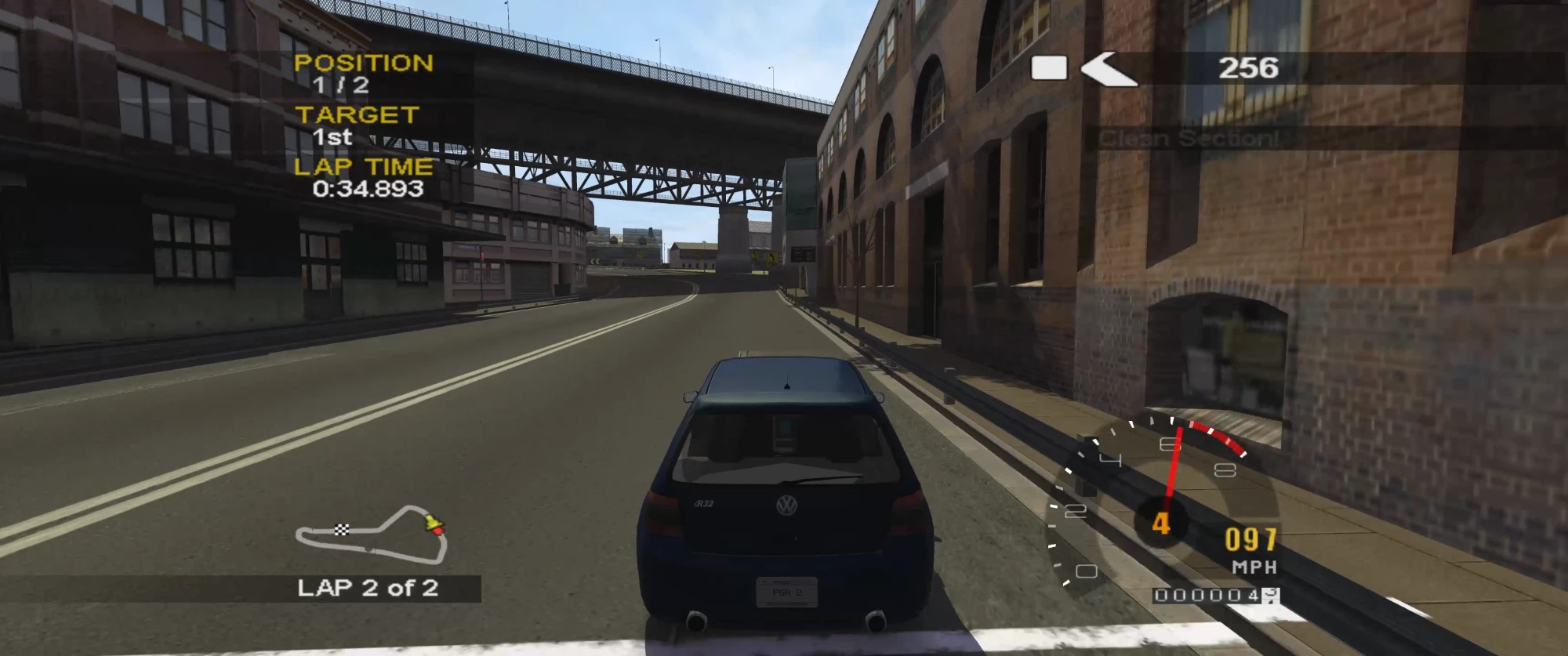
Features
Display
- Display Modes - Fullscreen, borderless window or window, at any resolution the monitor offers, applied at once.
- Widescreen - The game's own 16:9 mode (wider field of view, HUD at the edges), chosen from the screen's shape or set to 4:3 or 16:9.
- Ultrawide - Aspect ratio "Fill the screen": 21:9 and wider, the 3D views widened to the screen's shape at full sharpness, the HUD and menus kept in a centred 16:9 area.
- Frame Pacing - Runs at the game's own rate, menus at 60 and races at 30 as on the console, with vsync and a frame rate cap.
- Monitor - Chooses which display the game uses.
- FPS Counter - Shows the frame rate in a corner.
Graphics
- Render Scale - Renders at a percentage of the screen, from 25% to 200%.
- Renderer - Direct3D 12 (default) or Direct3D 11, at the next start; 11 for GPUs or drivers where 12 runs badly. Without Direct3D 12 the game starts on 11 by itself.
- Anisotropic Filtering - Up to 16x.
- Antialiasing - MSAA 2x, 4x or 8x on the 3D scene, or FXAA on the finished frame; render scale above 100% supersamples.
- Field of View - Widens or narrows the race cameras, 50% to 200% of the console's.
- Console Accurate Depth - W-buffered depth as the Xbox does it, keeping car bodies, showroom cars and street lights right.
- Reflections - Car paint and glass reflections from the game's environment cube.
Controller
Supports Xbox, PlayStation and Switch controllers, with hot plugging and rumble. Any console input can be mapped to any controller input.
Steering wheels and rigs - any DirectInput wheel, pedal box, button box or shifter, also spread over several USB devices; each control bound in F1 > Wheel by moving or pressing it, force feedback on the steering's device, and H-pattern shifters with a manual gearbox.
Keyboard
Plays as controller 1, with two keys for each console input, remappable in the settings window.
General
- Launcher -
PGR2Launcher.exe: choose your disc, Build, Play, Update; portable build tools, nothing installed. - Xbox Live DLC (experimental) - Paris, Long Beach and the 16 DLC cars from your own booster pack and title update files (F1 > Game); see WINDOWS.md.
- Settings Window - Press F1, Back + Start on a controller, or choose Options > General Options > PC Settings in the game's menus, for display, graphics, game options and controls. Changes are saved to
pgr2.toml. - Skip Intro - Goes straight to the title screen.
- Hide HUD - Clears the race HUD for screenshots and replays.
- Pause On Focus Loss - The game and its sound stop while another window is in front.
- Saves - Profiles, options and career progress are kept on an emulated hard disk beside the exe.
- System Link - Plays over the LAN, or by connecting straight to a friend's IP address (
join_ip). - Achievements - 64 achievements (Kudos World Series and class medals, Arcade, Kudos ranks, the garage, speed, wins, Geometry Wars) with pop-ups and a list in the settings window, written in RetroAchievements' condition format; the set and its memory map are in ACHIEVEMENTS.md.
- 60 FPS Races - "Races at 60 frames a second" in the settings window, with unchanged physics (experimental: the busiest streets need a fast CPU to hold 60).
- Draw Distance - 25% to 400% of the console's (experimental: most streets end before the console's distance).
Miscellaneous
- Boot Splash - Place a
splash.png(or.bmp) beside the exe to display a splash screen at launch. - Diagnostics - Logs to
logs\pgr2.log, and offers frame captures (F3) and frame logs (F4). See WINDOWS.md.
Status
Boots, plays the movies and menus, races in every mode tried, saves and plays system link; flicker fixed, ultrawide, MSAA and the settings window in. Open: sound effects (reverb, filters) are not modelled, and races at 60 can dip below 60 in the busiest streets. Progress is in PROGRESS.md, and technical findings in FINDINGS.md.
Troubleshooting
- Something wrong: the first lines of
logs\pgr2.loglist the settings, the GPU and anyXBE_*orPGR2_*environment variables; leftover ones from experiments change how the game draws. WINDOWS.md lists the diagnostic switches (frame captures with F3, frame logs with F4,XBE_PERFtimings). - The launcher's build failing: send
PGR2\launcher.log(its Details section shows the same). Press Build again after a network problem: it carries on where it stopped. - "Another release" in the log, or the game not starting: the
default.xbeis not one of the supported releases. - A first boot again (the cache, the intro movies): delete the
hddfolder besidePGR2.exe(PGR2\play\hddwith the launcher,out\build\release\hddwhen built from source). - Races at 60 frames a second dipping below 60: it is experimental; the console's 30 is the default.
Credits
- Xbox XBE Recomp, the recompiler and runtime this is built on.
- XenonRecomp for the overridable function layout and instruction hooks.
- Zydis for decoding x86 instructions, toml++ for the configs, Dear ImGui for the settings overlay and SDL for the window, input and controllers.