Ratchet & Clank: Tools of Destruction Recompiled
Ratchet & Clank: Tools of Destruction Recompiled is a native Windows port of the PlayStation 3 game built by static recompilation with Direct3D 12 support.
- Type: PC port
- Game: Ratchet & Clank: Tools of Destruction
- Runs on Windows
- By Re-TeRo17
- Latest release v1.0, 2026-11-02
- Source: https://github.com/Re-TeRo17/ratchet-tod-recomp
README
Ratchet & Clank: Tools of Destruction for PC (Ratchet & Clank Future: Tools of Destruction): a native Windows port of the PlayStation 3 game, built by static recompilation. No emulator, Direct3D 12, up to 4K and 60 fps.













A native PC port of Ratchet & Clank: Tools of Destruction (Ratchet & Clank Future: Tools of Destruction, PlayStation 3, European release BCES00052) for Windows, made by static recompilation of the game's code on the ps3recomp toolkit.
The game's PowerPC (PPU) and SPU code is translated to C/C++ ahead of time and built into a normal executable, with the PS3's system libraries replaced by native implementations and the RSX graphics by Direct3D 12. There is no emulation at run time.
Version 1.0 is the first public release (2 November 2026; development started on 20 October 2026). It is playable from the first planet onwards, but it is not finished: see Status and Known issues before you start.
Nothing of the game is in this download. You need your own copy of the game (the disc). The installer takes it from there.
Highlights
- Native, not emulated. The game's code is recompiled ahead of time into a Windows executable.
- Any resolution, and the 3D scene really is 4K. The internal resolution is a free multiple of the game's 1280x720: 1080p, 1440p, 4K and beyond, with MSAA or FXAA and 16x anisotropic filtering. The game renders its 3D scene at 960x704 and stretches it afterwards; in 1.0 that stretch is undone, so the scene is sharp at 4K instead of being enlarged by a third in width.
- Character ground shadows are back, with reworked shadow bias.
- A 60 fps target (the original runs at 30 fps in many places), helped by native fast paths for the game's animation and collision code. On a Ryzen 5 3600 + RTX 3070 at 4K with MSAA x8, Cobalia holds 60 fps, Pirate Base went from about 52 to 58, the Imperial Fight Fest arena from 49 to 54 and the opening of Metropolis from 24 to 31. The heaviest areas are still below 60: see Known issues.
- Optional ray-traced ambient occlusion on DXR 1.1 graphics cards.
- In-game settings page (F1, or hold SELECT on a controller): resolution, window mode, VSync, FPS limit, anti-aliasing, game language, button prompts, and a Controls tab to rebind every key and mouse button.
- DualSense adaptive triggers that follow the weapon in Ratchet's hands (click, heavy pull, rattle, flamethrower drag), with a kick at every shot; on by default, adjustable in F1.
- In-game Cheats tab (F1): god mode, infinite ammo, bolts, all weapons, the game's own cheats; off at every start.
- One-click installer that builds the game folder from your own decrypted disc dump and checks that it is the right disc. Nothing of the game is shipped.
- Game language of your choice (text, voices and subtitles that the disc offers), and button prompts that follow your controller: PlayStation 3/4/5, Xbox, Switch or keyboard.
- Shader cache that remembers what it has compiled, so stutter goes away after the first pass through a level. About 23% fewer shader pipelines have to be compiled than before, so there is less stutter on the first visit.
- Discord Rich Presence: the planet you are on and the time played, while Discord is running.
- Experimental, off by default: ultrawide (21:9 / 32:9, in
tod.ini) and mouse camera (F1 > Controls); see Experimental options. - Free and open source (MIT). The repository holds the port's own code and the scripts to build it from your own disc.
Screenshots
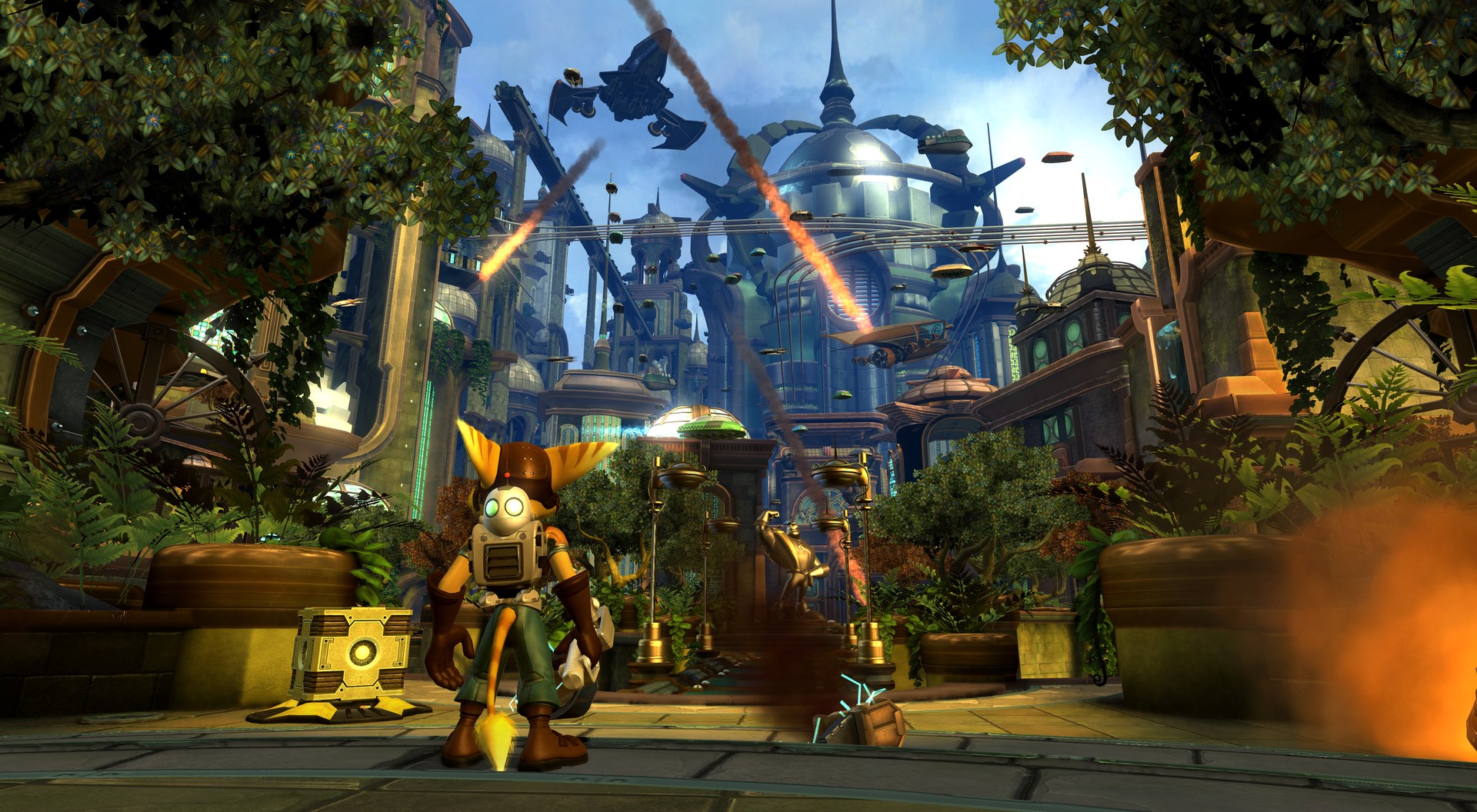
Metropolis (Kerwan) - the opening city, under attack | 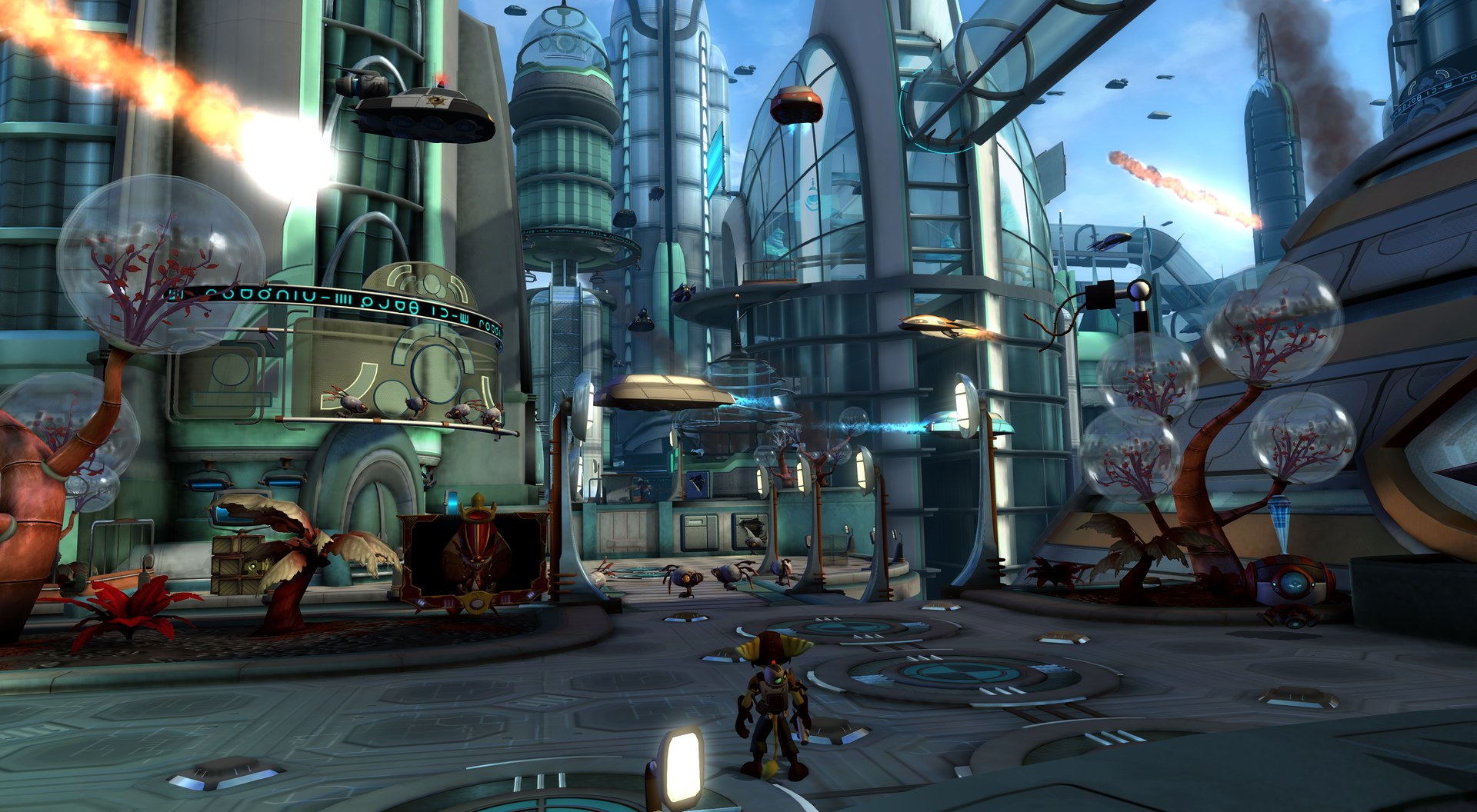 Meridian City - meteors over the capital |
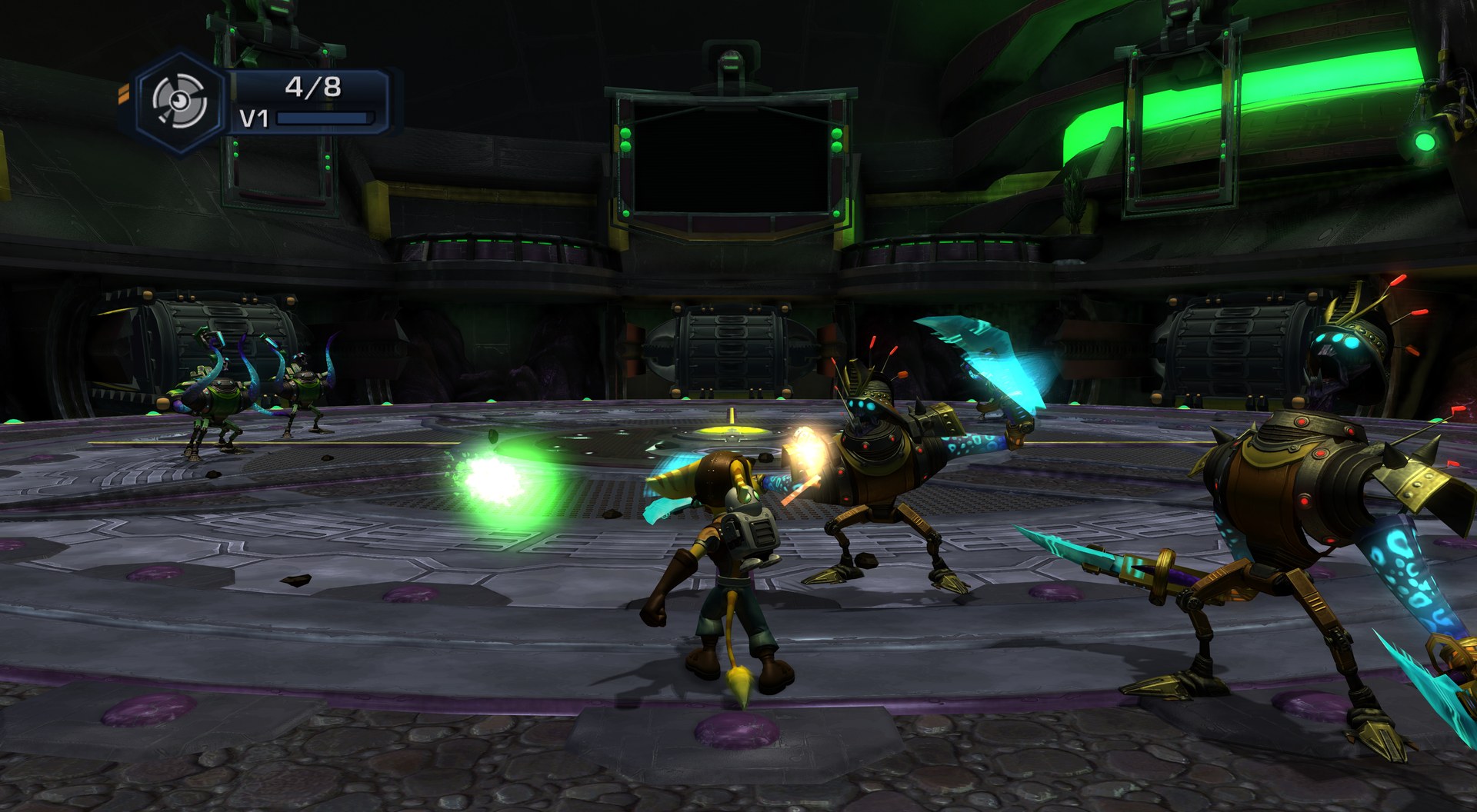 Imperial Fight Fest - close combat in the arena | 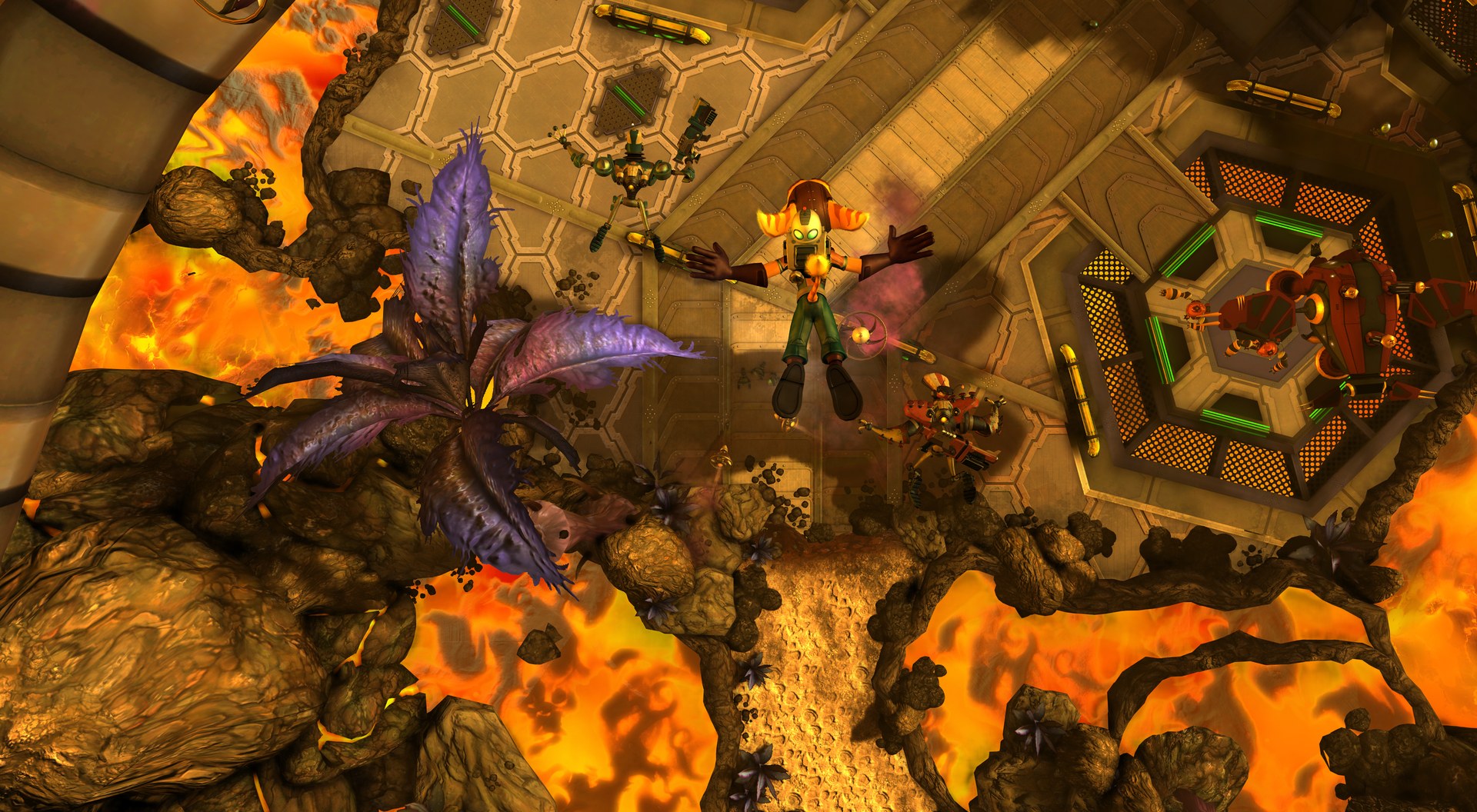 Rykan V - the planet's fiery depths |
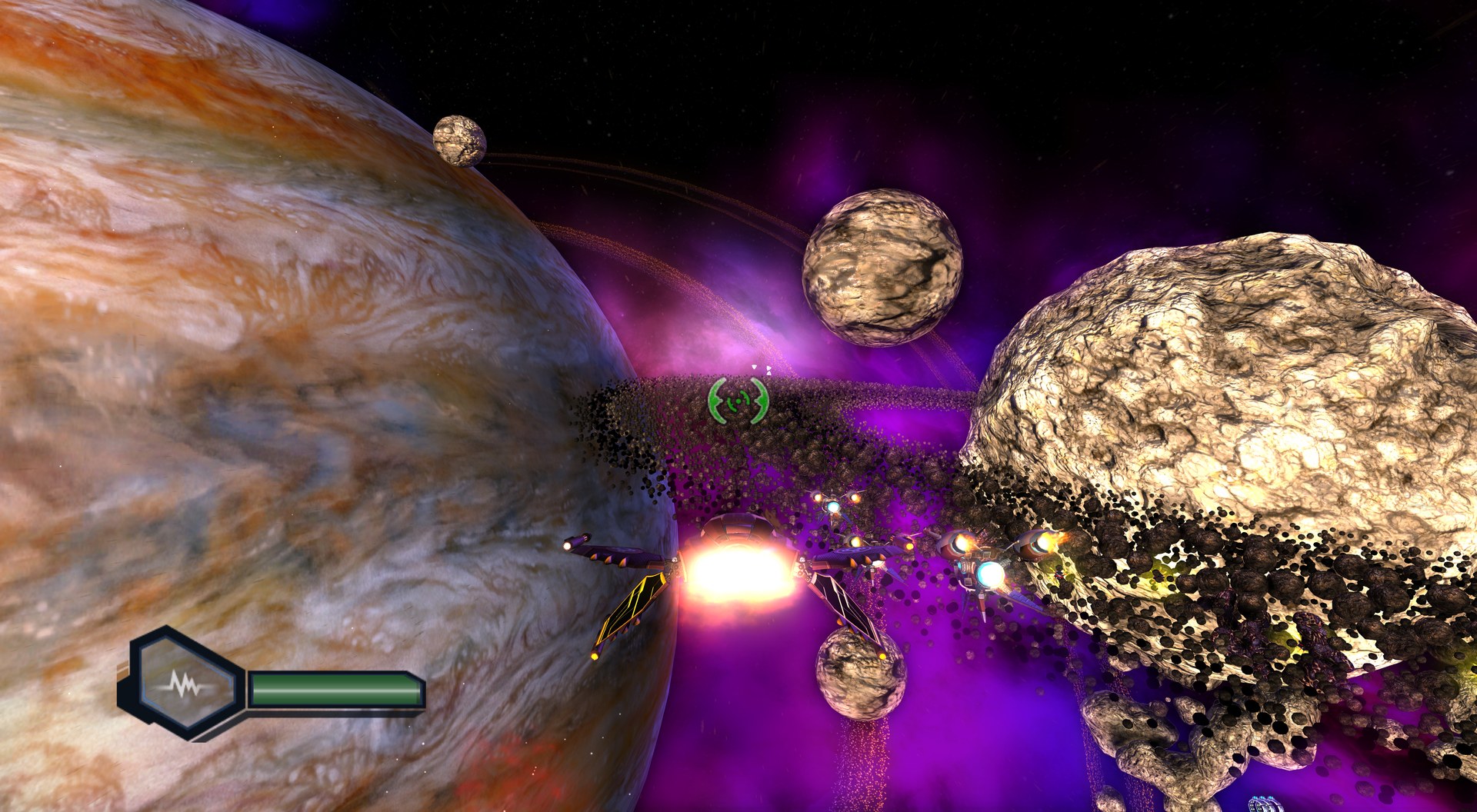 Space combat - a ringed gas giant and nebula | 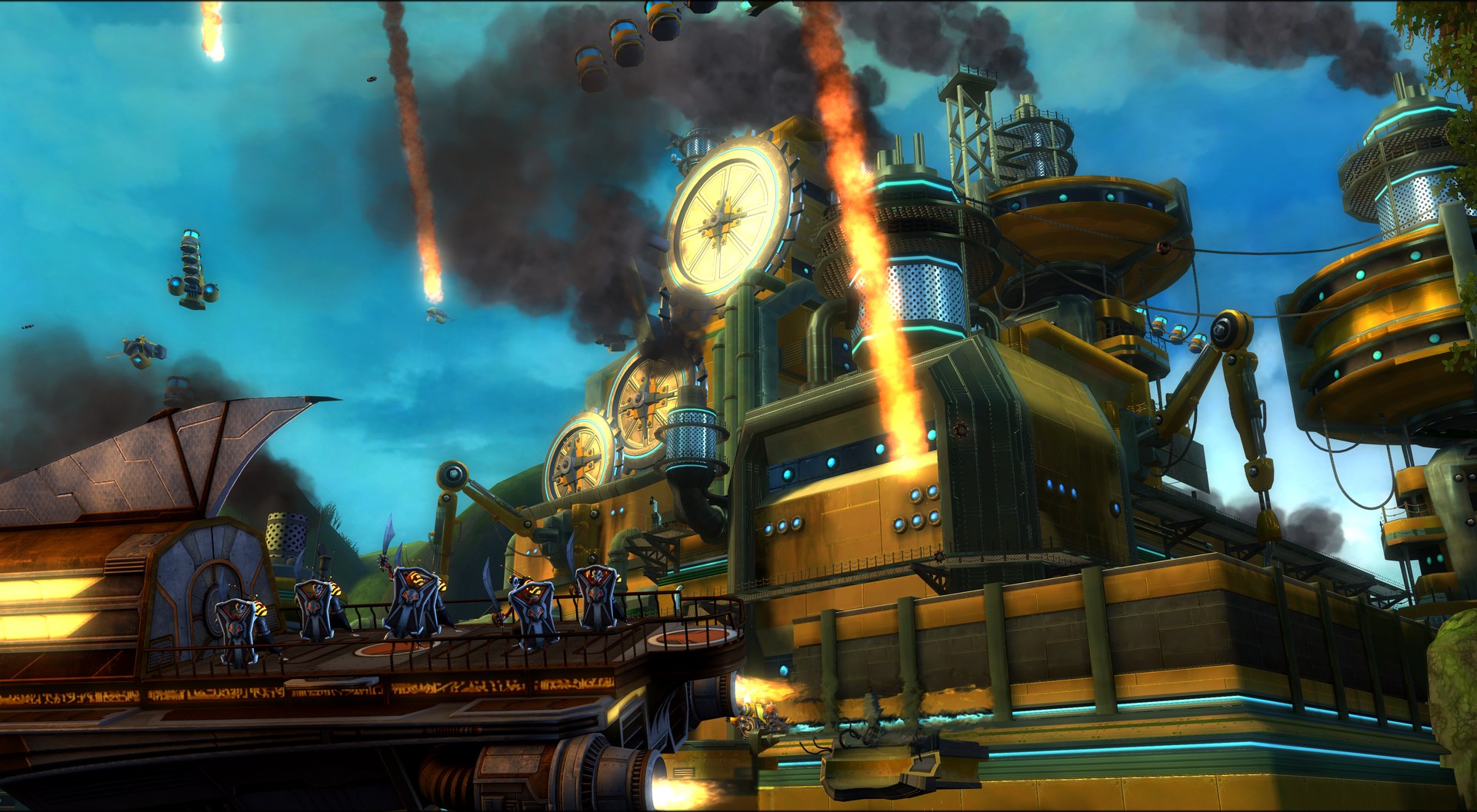 Kerchu City - the pirate-raided city under fire |
Captured at 3840x2160 internal 4K (RSX_SCALE=3), MSAA x8, 16x anisotropic filtering, then downscaled and saved as JPEG for this page.
Features
Graphics
- Direct3D 12 renderer (feature level 12_0) driven by the console's RSX command stream.
- Internal resolution from 0.5x to 8x the game's 1280x720 (
RSX_SCALE): 720p, 1080p, 1440p, 4K and beyond. It is independent of the window size. - Anti-aliasing: FXAA or MSAA x2 / x4 / x8. Anisotropic filtering up to 16x.
- Display modes: windowed (any size), borderless window or exclusive fullscreen; VSync on or off.
- Optional ray-traced ambient occlusion (DXR 1.1: RTX 20 / RX 6000 series or newer), with three quality levels.
- Optional screen-space reflections (off by default, expensive at 4K).
- True 4K for the 3D scene: the game's 960x704 scene render is no longer stretched 4/3 in width
(
RSX_HSTRETCH_FIX, on by default), so Ratchet and the world are as sharp as the rest of the image. - Character ground shadows restored and the shadow bias reworked (polygon offset in the vertex epilogue and a faithful border for lookups outside the shadow map).
- Rendering fixes made along the way for the bloom chain (the bloom halos are fixed), shadows and fog (see the changelog and Known issues for what is still open).
- A frame counter (FPS, or FPS with frame time and 1% low) that you can switch on.
Performance
-
A 60 fps target (
TOD_FPS), with an optional cap above it. -
Native fast paths for two of the game's heaviest SPU jobs (skeletal animation and collision queries), so they run as plain native code instead of the lifted SPU version. In 1.0 the animation evaluator and the collision code are faster, and 17 graphics job modules use a round-toward-zero fast float path.
-
Reference numbers (Ryzen 5 3600 + RTX 3070, 4K, MSAA x8), before and after the 1.0 work:
Area Before 1.0 Cobalia 60 60 Pirate Base ~52 ~58 Imperial Fight Fest (arena) ~49 ~54 Metropolis (opening) ~24 ~31 The heaviest areas are limited by the CPU, so lowering the resolution helps them little; see Known issues.
-
In 1.0 the graphics command list is recorded on its own thread, and the vertex cache is large enough for the busiest scenes (in Metropolis it used to be emptied every few frames, a hitch of about 35 ms each time).
-
A pipeline (PSO) and shader cache in
cache\: pipelines seen before are pre-built at start, to avoid compile stutter. About 23% fewer shader pipelines need compiling in 1.0, so the first visit to an area stutters less. -
The hitch when the game autosaves is shorter (about 620 ms before, about 400 ms now).
-
The game's SPU code runs on your CPU cores, so a fast 6+ core CPU matters most.
Audio and video
- Audio with a safety margin against crackle; an experimental low-latency output is optional. The music streaming threads now get enough priority, so the music no longer starves.
- The output follows Windows' default audio device when it changes (optional, on by default).
- Cutscenes and movies play through the game's own video decoder.
Input
- Controllers through SDL2 and XInput: Xbox, DualShock 4, DualSense, Switch Pro and others.
- The button icons in the game follow the pad you use (PlayStation 3/4/5, Xbox, Switch) or the keyboard.
- Keyboard and mouse: every key is rebindable in F1 > Controls (written to
tod.iniasKEY_*), including keys for the camera (the right stick), unbound by default; the experimental mouse camera below is the other way to steer it. See Controls. - DualSense adaptive triggers: the right trigger follows the equipped weapon (a click for single
shots, a hard pull for heavy weapons, a rattle for automatic fire, a steady drag for the
flamethrower and the beams) with a kick at every shot, and goes slack in menus, in pause, in
cutscenes and when the weapon is out of ammo. On a DualSense the right trigger (R2) fires and R1
takes R2's role, so you fire with the trigger that has the motor (
TOD_DS_FIRE_R2 = 0restores the PS3 layout).TOD_DS_TRIGGERS,TOD_DS_TRIGGER_STRENGTHandTOD_DS_FIRE_R2are also in F1 > System. The trigger effects are from RACiT (MIT).
Experimental options (off by default)
Both are switched on in tod.ini (next to tod.exe): remove the # at the start of the line and
set the value, then restart the game (the mouse camera also from F1 > Controls, at once). They are new in 1.0 and not as well tested as the rest.
- Ultrawide:
TOD_ASPECT = 21:9(or32:9, orautoto take the shape of the window). The 3D view widens (same vertical field of view, you see more at the sides). Set the window to the same shape, e.g.RSX_WINDOW = 3440x1440, and useRSX_SCALE2-3. Limits: the HUD and the 2D menus are stretched with the image, and cutscenes stay 16:9 with bars. - Mouse camera:
TOD_MOUSE = 1, or F1 > Controls > Mouse camera. The mouse drives the right stick (camera and aim); left button = R1 (fire), right button = L1 (strafe / lock-on), middle button = Triangle (quick select), wheel = D-pad left/right,Esc= Start.TOD_MOUSE_SENS(default 1.0),TOD_MOUSE_INVERT_YandTOD_MOUSE_WHEEL = offfine-tune it (the mouse buttons can be reassigned in F1 > Controls). Because it feeds the right stick, the top turning speed is the game's own Camera Speed option: raise it in the game's Options. F1 releases the cursor.
Saves, language and installation
- Saves are kept next to the game, in
gamedata\dev_hdd0\home\00000001\savedata, and are written by the game's own save code. F1 > System > Saves folder opens the folder;PS3_SAVEDATA_ROOTintod.inimoves it. OneBCES00052_SAVE_<n>folder per save, the same layout RPCS3 uses, so copying saves between the two should work (not tested yet). - The game language (text, voices, subtitles) can be changed from the settings page.
Install.bat/tod_setup.exeinstalls from a decrypted.isoor a disc folder;Play.batstarts the game and keeps the last two logs (log\tod.log,log\tod.previous.log).- Shows Discord Rich Presence (current level and time played, with a GitHub button) while the Discord app is running; hide it in Discord's Settings > Activity Privacy.
- Mods folder (on by default,
TOD_MODS = 0turns it off): a file inmods\next totod.exeis read instead of the game file at the same path undergame\disc\, e.g.mods\PS3_GAME\USRDIR\built\movies\l01_s01_ntro_fmv\l01_s01_ntro_fmv.bikreplaces the intro movie (thePS3_GAME\level is optional). Reads only: saves and the game's own files are never touched, and deleting the mod file restores the original. Mods are your own files; the project ships none.
Requirements
| OS | Windows 10 or 11, 64-bit |
| CPU | AVX2 and FMA (Intel Haswell / 4th gen Core or newer, any AMD Ryzen). Older CPUs crash at start with an "illegal instruction" error. A fast 6+ core CPU matters most: the game's SPU code runs on your CPU cores. |
| GPU | Direct3D 12 (feature level 12_0). Optional ray-traced ambient occlusion needs DXR 1.1 (RTX 20 / RX 6000 or newer). 8 GB of video memory is comfortable at 1080p-1440p. |
| RAM | 16 GB recommended |
| Disk | About 24 GB free for the installed game files, plus a little for shader caches and saves |
| Software | Microsoft Visual C++ Redistributable 2015-2022 (x64) (most PCs already have it) |
| A controller | Recommended. Any XInput or SDL2-supported pad works (Xbox, DualShock 4, DualSense, Switch Pro...). Keyboard and mouse work too: every key is rebindable in F1 > Controls, camera keys included. |
| The game | Your own copy of the European disc, BCES00052, version 1.00, see below |
Not tested: Intel 12th gen and newer hybrid (P/E core) CPUs, AMD GPUs and Intel GPUs. The port was developed on a Ryzen 5 3600 with an RTX 3070. Reports from other hardware are very welcome.
Which game files work
- Ratchet & Clank: Tools of Destruction, European release, Title ID
BCES00052, disc version01.00. The disc is the multi-language one (English, Japanese, French, German, Spanish, Italian, Dutch, Portuguese, Swedish, Norwegian, Danish, Finnish, Chinese, Korean). - Other regions (the US, Japanese and Asian releases) and the digital (PSN) versions are
not supported: the port is built from the European executable. The installer checks the Title
ID and the SHA-256 of
EBOOT.BINand refuses anything else. - No game update is needed or used. Only the disc.
The installer needs the disc decrypted, either as
- a decrypted
.iso, or - the folder that contains
PS3_GAME(a disc dump copied to a folder).
How to get one from your own disc and a Blu-ray drive that can read PS3 discs:
PS3 Disc Dumper produces a decrypted dump. A raw
redump-style .iso is still disc-encrypted: decrypt it first with the disc's key (for example with
ps3dec and the .dkey file) and then use the result. If you pick
an encrypted image, the installer tells you so and refuses it.
Installing
- Download
tod-recomp-1.0-win64.zipfrom the Releases page and unzip it anywhere you like exceptProgram Files(the game writes its saves and shader cache next totod.exe). About 24 GB must be free on that drive. - Run
Install.bat. (You can also drag the.isoor the disc folder ontoInstall.bat.)- Choose your decrypted
.iso(button ".iso...") or the disc folder ("Folder..."). - The installer checks that it is the right disc and says so in green.
- Choose the game language (default English; you can change it later in the game with F1).
- Press Install. It copies the disc into the
gamefolder and makeself\EBOOT.ELFfrom the disc'sEBOOT.BIN. It takes a few minutes. Nothing leaves your PC.
- Choose your decrypted
- Press Play (or run
Play.batany time later).
Windows SmartScreen may warn the first time because the program is not signed: "More info", then "Run anyway". Some antivirus programs flag unsigned freshly built executables; the source code is public if you want to check or build it yourself.
The installer can be run again at any time (it replaces only the game files it installed). With the game already installed, it can also just change the language.
Command-line equivalent: tod_setup.exe --install --base <folder> <iso or disc folder> (and
tod_setup.exe --check <file> to see what the installer makes of a file).
What is installed where
tod.exe, SDL2.dll, z.dll   the port (released with this download)
tod.ini                    your settings (also written by the F1 menu)
game\disc\                 a copy of your disc (PS3_GAME, PS3_DISC.SFB)   <- from your disc
elf\EBOOT.ELF              the decrypted game executable                  <- from your disc
cache\                     shader cache, built by the game while you play
gamedata\                  your saves
mods\                      optional, yours: files the game reads instead of its own (see Features)
log\tod.log                the log of the last run (Play.bat), tod.previous.log the one before
The game executable is decrypted on your PC from your own disc. This download contains no part of the game: no executable, no data, no shaders, no saves.
Settings
Edit tod.ini (every line is explained inside), or press F1 in the game (on a controller: hold
SELECT for two seconds) to open the settings page: internal resolution, window mode, VSync, FPS
limit, anti-aliasing, anisotropic filtering, FPS counter, ray-traced ambient occlusion, the game
language, and the button prompts (PlayStation 3/4/5, Xbox, Switch, keyboard). "Apply and save"
writes tod.ini; some rows apply at once, others ("requires restart") at the next start.
Defaults of this release: 1080p internal resolution (RSX_SCALE = 1.5), MSAA x4, anisotropic x16,
borderless window, VSync on, 60 fps target, English.
| Key | Meaning |
|---|---|
RSX_SCALE | Internal resolution as a multiple of 1280x720: 1 = 720p, 1.5 = 1080p, 2 = 1440p, 3 = 4K (range 0.5 to 8). This is the biggest performance lever. |
RSX_AA | off, fxaa, msaa2, msaa4, msaa8. MSAA x8 at 4K is heavy and not recommended below an RTX 3080. |
RSX_ANISO | Anisotropic filtering, 1 to 16 (default 16). |
RSX_DISPLAY, RSX_WINDOW | windowed (with a size such as 1920x1080), borderless, fullscreen. |
RSX_VSYNC | 1 = sync to the monitor (default), 0 = off. |
TOD_FPS | A cap (30, 60, 120...) or lock60. Above 60 VSync is switched off by itself and the physics uses a smaller time step. 60 is what the port is tuned for. |
TOD_FPS_COUNTER | 0 = off, 1 = FPS, 2 = detailed (FPS, frame time, 1% low of the last 5 s). |
RT_AO, RT_AO_QUALITY | Optional ray-traced ambient occlusion (DXR 1.1 GPU), off by default; quality 0 (low), 1 (medium, default) or 2 (high). |
RSX_SSR | Optional screen-space reflections, off by default (costs a lot at 4K). |
TOD_PROMPTS | Button icons: auto (follows the last used device), ps3, ps4, ps5, xbox, switch, keyboard. |
PS3_LANG | Game language, see below. |
AUDIO_LATENCY_MS, AUDIO_LOWLAT | Audio safety margin (default 32 ms) and the experimental low-latency output (default off, the stable choice). |
Language
The language is what the console would report: it selects the text, the voices and the subtitles the disc offers for