FrightWorks: Night of 100 Frights
FrightWorks is a PC port of Scooby-Doo! Night of 100 Frights for Windows with support for up to 4K resolution and 60 fps.
- Type: PC port
- Game: Scooby-Doo! Night of 100 Frights
- Runs on Windows
- By Loneranger419
- Latest release v1.0.3, 2026-11-01
- Source: https://github.com/FrightWorks/FrightWorks-no100f
README
FrightWorks: Night of 100 Frights
A statically recompiled PC port of Scooby-Doo! Night of 100 Frights (GameCube, 2002). The game's PowerPC code is translated ahead of time to C++ with WiiCompiled and compiled into a Windows program, so there is no CPU emulator; the console's graphics, audio and system calls are reimplemented underneath.
FrightWorks continues Scooby-Doo: Refrightened by JosiahG, from which it split off on October 31, 2026. This repository is the GameCube version; ports of the other console versions may follow.
Artists wanted: the launcher needs new art in the style of the original show. Details below.
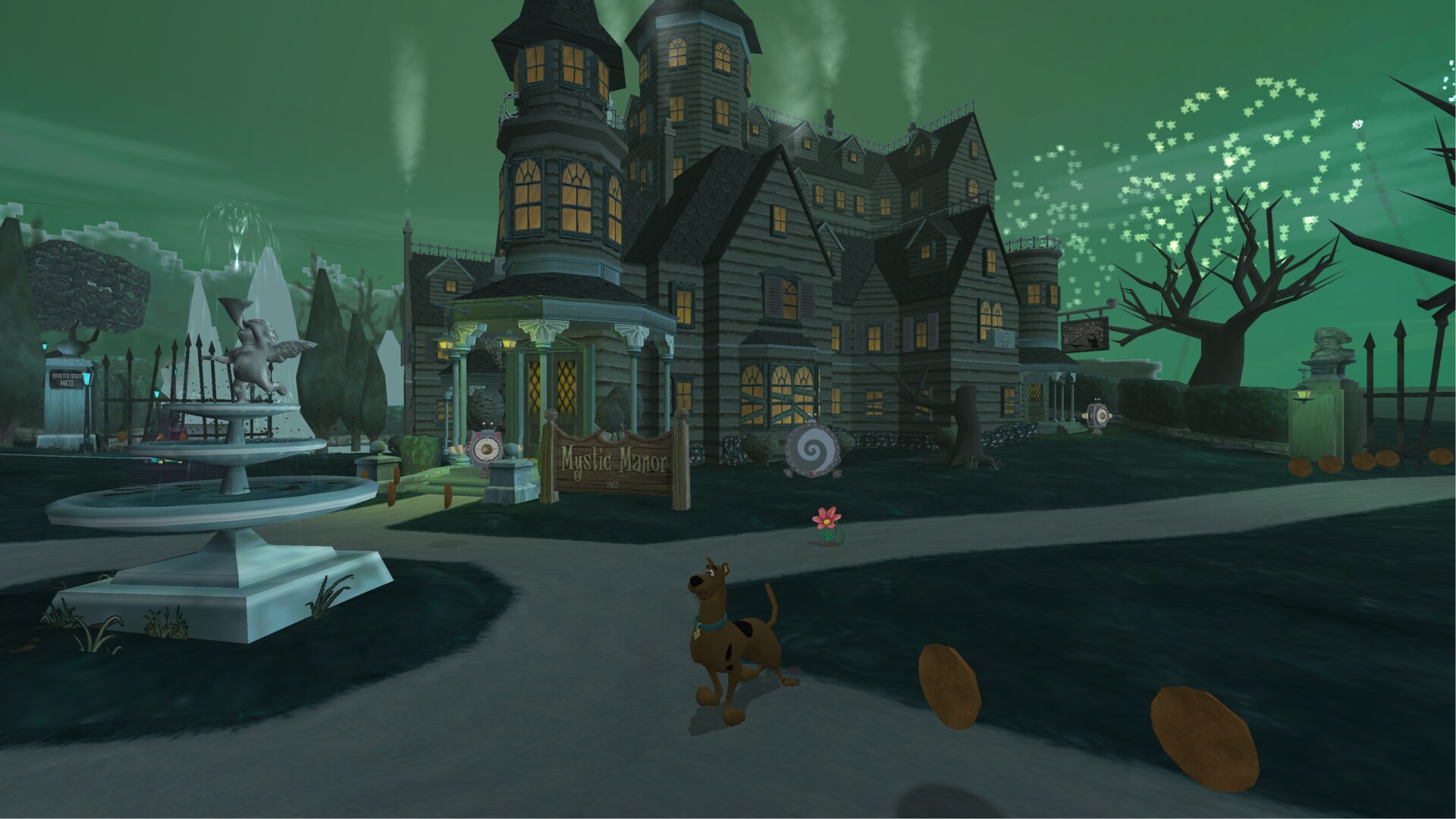
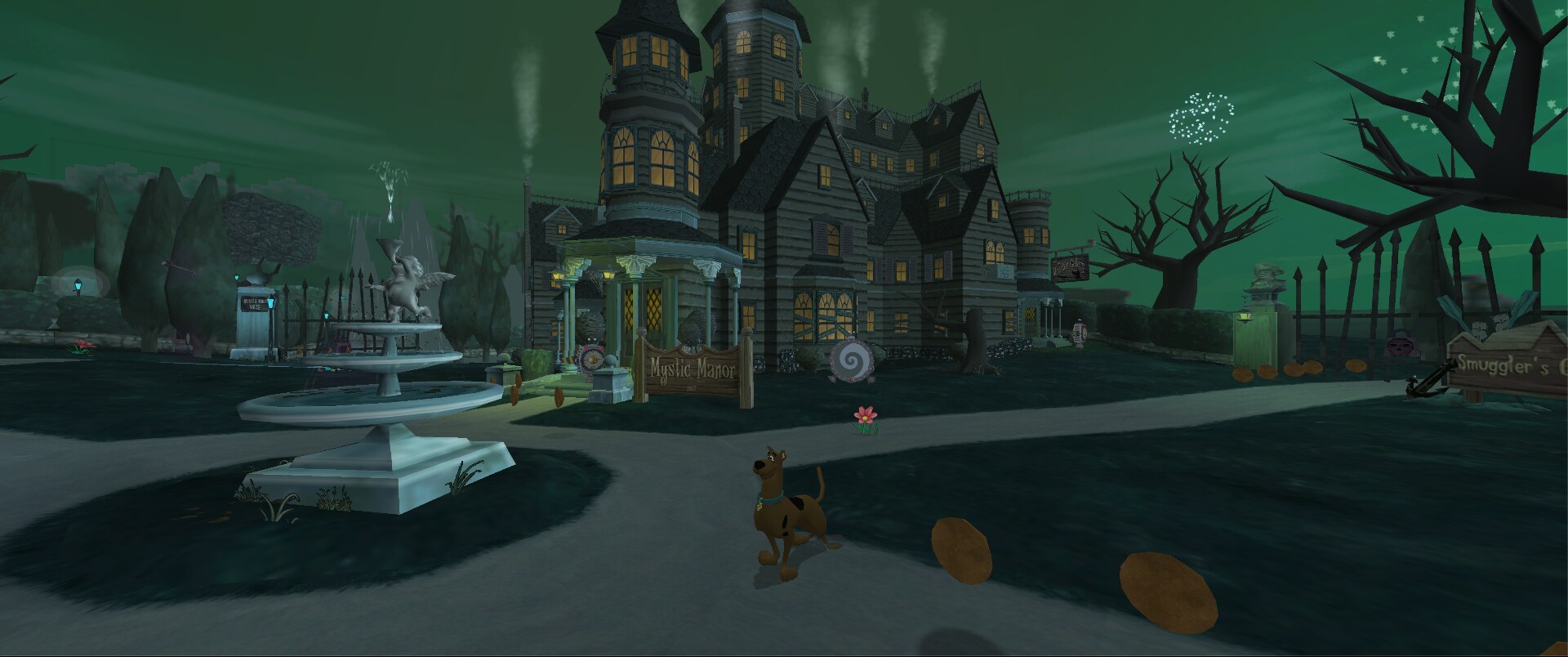
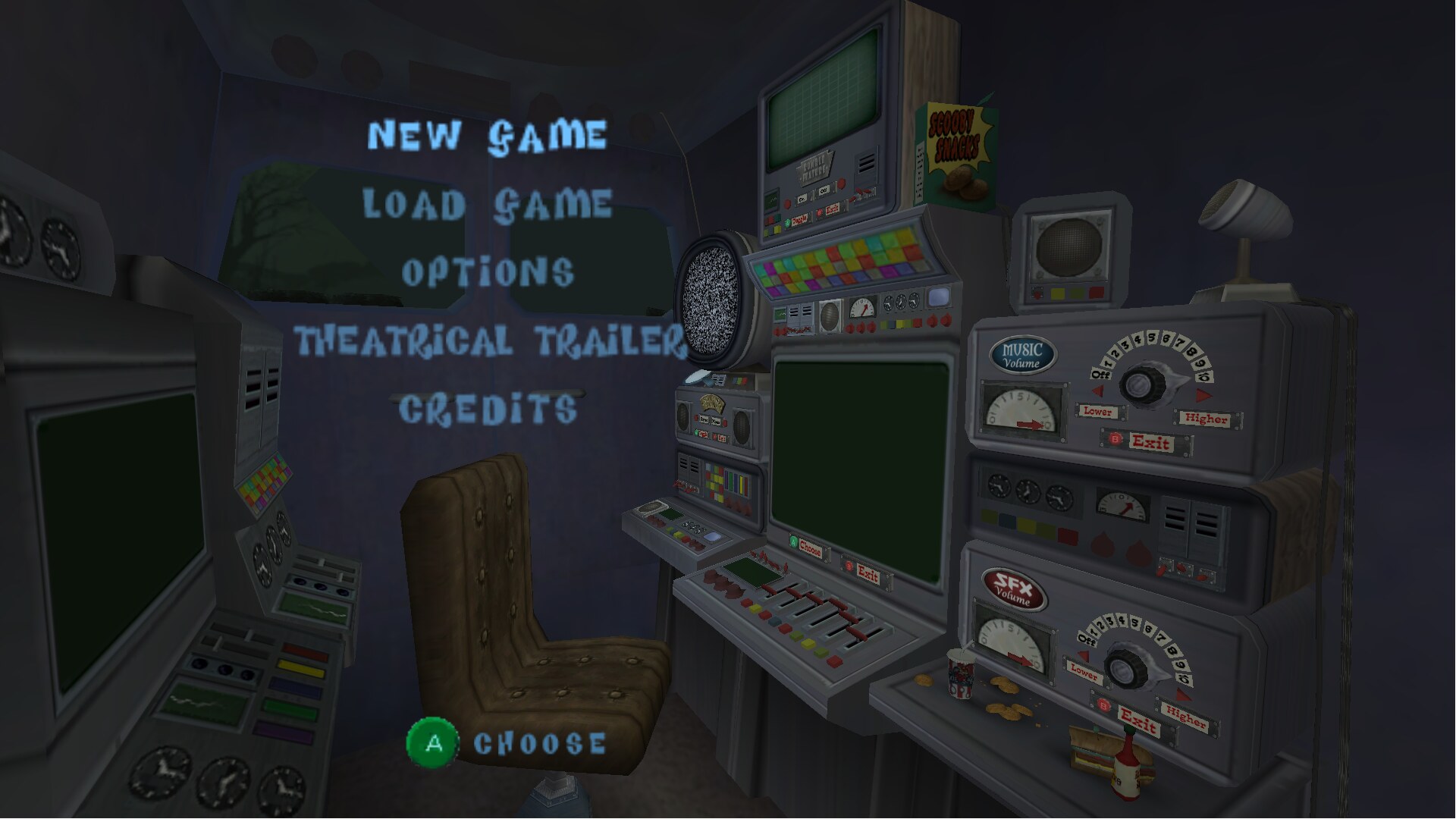
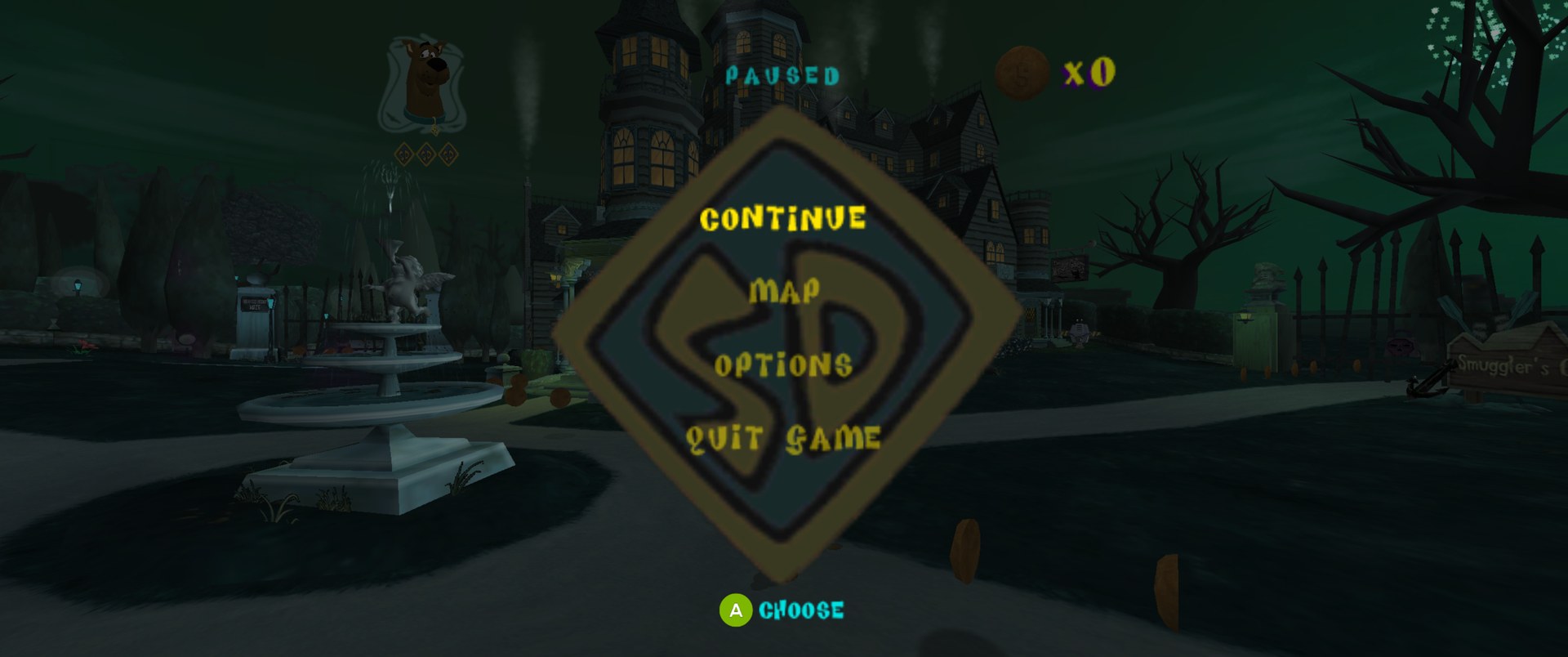
Features
- Up to 4K, true widescreen (16:9, fill, cinematic 2.39:1) or original 4:3
- 30 or 60 fps, MSAA anti-aliasing, HDR
- Restored Creeper window animation in Mystic Manor's Mystery Machine courtyard
- Built-in HD texture pack (can be switched off)
- Gamepads and keyboard, remappable in the launcher (Settings > Controls) or in game (F10 > Controls); button prompts match your Xbox, PlayStation or Nintendo controller and follow remapped face buttons
- Optional original Xbox controls: X head smash, B dig / talk and back in menus, LB soap bubble, RB sneak (together with the triggers, as on the Xbox); the button prompts and tutorial hints follow. Black and White can also go on other buttons. The launcher detects an Xbox controller and asks once which layout to use
- GameCube memory-card saves
- Option to skip the intro movies; mods that replace game files or textures
- The game's holiday events follow the real date, or pick a holiday or turn them off on the launcher's Extras page
No game data is included. You need your own disc image.
The courtyard animation reuses the retained GameCube textures and their original timing, keeping the GameCube window colors. No Xbox image or imported assets are needed; existing nonempty material-map mods are left unchanged.
Playing
Requires Windows 10/11 (64-bit) and Night of 100 Frights, GameCube USA v1.01 (GIHE78, revision 1) as .iso,
.gcm or .ciso.
- Unzip the latest release.
- Open
FrightWorks.exeand press Play. The first time, it asks for your disc image (Extras).
Settings are in the launcher (Settings) and in game (F10, or the controller's Back / Select button, as
long as no mapping uses it). F11 toggles fullscreen, F2 saves a
screenshot to the Screenshots folder and F1 opens this page in your browser. The title screen and main menu list
these keys in the corner. Saves, settings
and mods live in data\UserData; unzip a new release over the old folder to update.
For testing: Extras > Developer tools in the launcher turns on the F8 dev menu (go to any level, saved spots,
free camera, god mode, power-ups on/off, texture finder), F3 video recording of the game (needs
ffmpeg: the launcher offers to download it when you turn the tools on) and a DEV mark with the
build in the corner of the game. The build (version,
branch and commit of a test build) is also on the F10 About page and at the top of console.log.
Coming from Scooby-Doo: Refrightened? Unzip FrightWorks next to your old folder. On first start, the launcher offers to copy your saves, settings, controls, mods and game files over; the old folder is left as it is.
Version numbers continue from Scooby-Doo: Refrightened. Its last release, v1.0.2, is the commit FrightWorks split off from, so FrightWorks starts at v1.0.3.
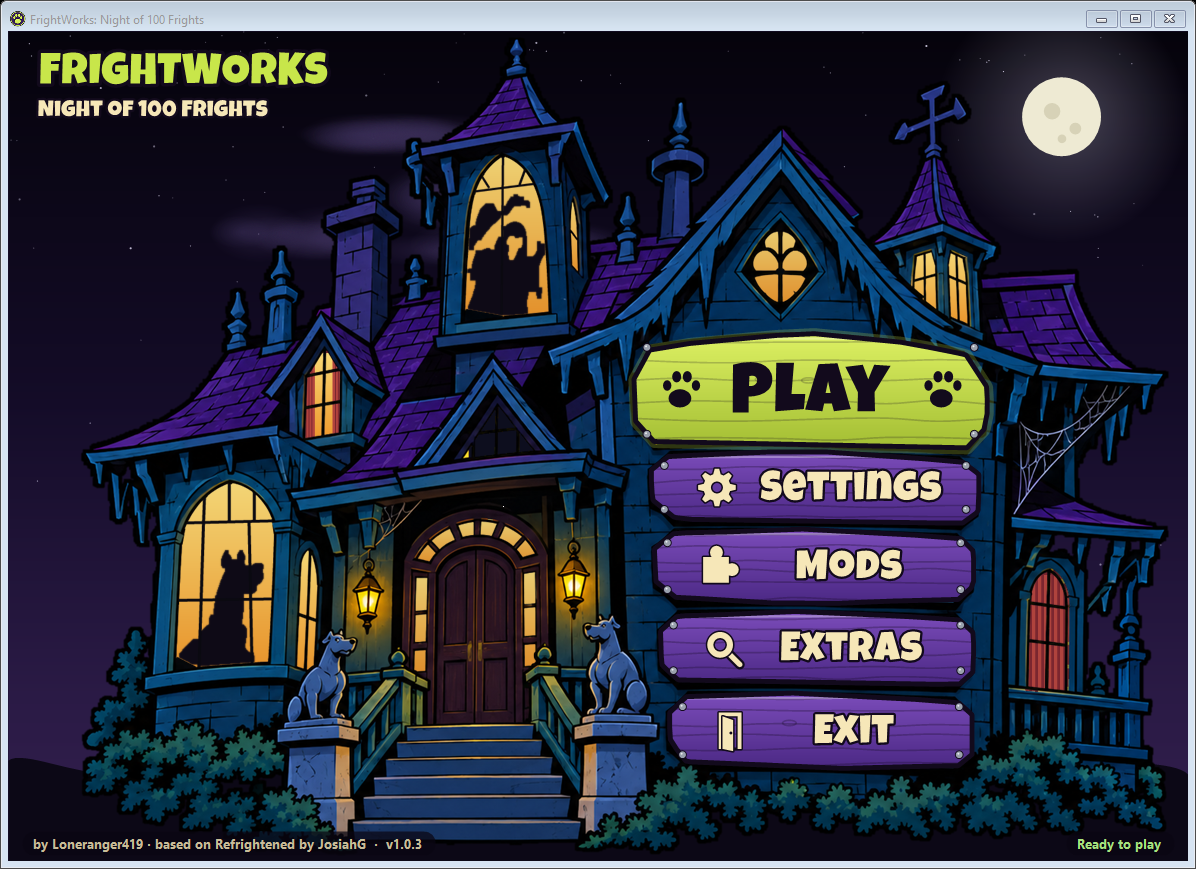
Wanted: an artist for the launcher
The launcher's haunted-mansion art is a placeholder. It was made with AI to work out how the launcher should look and behave: the signs are the menu, the windows light up, curtains move and silhouettes pass by. It does the job, but the goal is to have a real artist redraw it, closer to the look of the original Scooby-Doo, Where Are You!: painted backgrounds, spooky colors, a creepy old mansion on a stormy night.
What's needed:
- The mansion on a transparent background, with the window glass cut out (the launcher draws the lights, curtains and silhouettes behind the house)
- Five signs for the menu
- Silhouettes for the windows. They shouldn't show the characters directly, but should look a bit like them: mainly Scooby and Shaggy, and the rest of the gang is welcome too. One that looks like the Mastermind would be great, and any of the monsters are welcome.
The current pieces are in launcher/art, so you can see the sizes and layout.
The artist will be credited here, on the launcher's About page, on the in-game credits screen and in the release notes. If you're interested, email therider@unmarkedrider.com.
Building
Windows 10/11 x64 with Python 3 and Git. The build downloads its own toolchain into the repo.
powershell -ExecutionPolicy Bypass -File tools\build-launcher.ps1
& "launcher\publish\FrightWorks.exe" --extract "C:\path\to\game.iso" Disc\DATA
powershell -ExecutionPolicy Bypass -File tools\build-no100f.ps1
powershell -ExecutionPolicy Bypass -File tools\package-scooby.ps1 -Zip
The game builds to Play\; the package goes to dist\. The first build downloads dogerki's HD texture pack
(604 MB, from the Internet Archive)
into texture_pack\ScoobyHD (not in git) and adds the HD Creeper frames from tools\hd-pack-additions. Every build
copies the pack and the button prompt icons into Play\UserData; the icons need Python and ImageMagick.
Tests, playtest sessions and the debug tools (dev menu, logs, scripted input): docs/testing.md.
Credits
- FrightWorks: Loneranger419
- Fright Wrangler, Master of Mysteries, and Scooby Snack Technician - BitsofBitsofBits
- Original port, Scooby-Doo: Refrightened: JosiahG
- WiiCompiled by patchzyy and contributors (GPLv3); Aurora by Luke Street
(MIT); other components in
wiicompiled/THIRD-PARTY-NOTICES.md - HD texture pack by dogerki (Dolphin forums)
- Button prompts from Kenney's Input Prompts (CC0)
- Launcher and in-game menu lettering: Luckiest Guy by Astigmatic (Apache 2.0); in-game menu text: Roboto by Christian Robertson (Apache 2.0)
License
GPLv3 (LICENSE); bundled components keep their own licenses. FrightWorks is a modified version of
Scooby-Doo: Refrightened by JosiahG, changed by Loneranger419 from 2026-10-31 on (the git history lists every change).
Not covered by the GPL (these stay under their owners' terms):
launcher/fonts/LuckiestGuy-Regular.ttfandwiicompiled/runtime/assets/fonts/LuckiestGuy-Regular.ttf: the Luckiest Guy font by Astigmatic, Apache License 2.0 (launcher/fonts/LuckiestGuy-LICENSE.txt)wiicompiled/runtime/assets/fonts/Roboto-Medium.ttf: the Roboto font by Christian Robertson, Apache License 2.0docs/: screenshots of the game and the launcher
Scooby-Doo ™ & © Hanna-Barbera / Warner Bros. Night of 100 Frights © THQ / Warner Bros. Interactive, developed by Heavy Iron Studios. Unofficial fan project, not affiliated with or endorsed by them. The repository contains no game code or assets; the game's data is read from your own copy.