SafeHouse
SafeHouse is a native PC port of the Sly Cooper games for Windows, Linux, and macOS, allowing play from disc images.
- Type: PC port
- Game: Sly Cooper and the Thievius Raccoonus, Sly 2: Band of Thieves, Sly 3: Honor Among Thieves
- Runs on Windows, Linux and macOS
- By FridiNaTor1
- Latest release v0.1.3, 2026-11-05
- Source: https://github.com/FridiNaTor1/SafeHouse
README

SafeHouse
A launcher and native PC ports of the Sly Cooper games.
Play from your own disc images, on Windows, Linux (including the Steam Deck) and macOS.
Download · Features · Debug menu · Modding · Building · FAQ · Discord
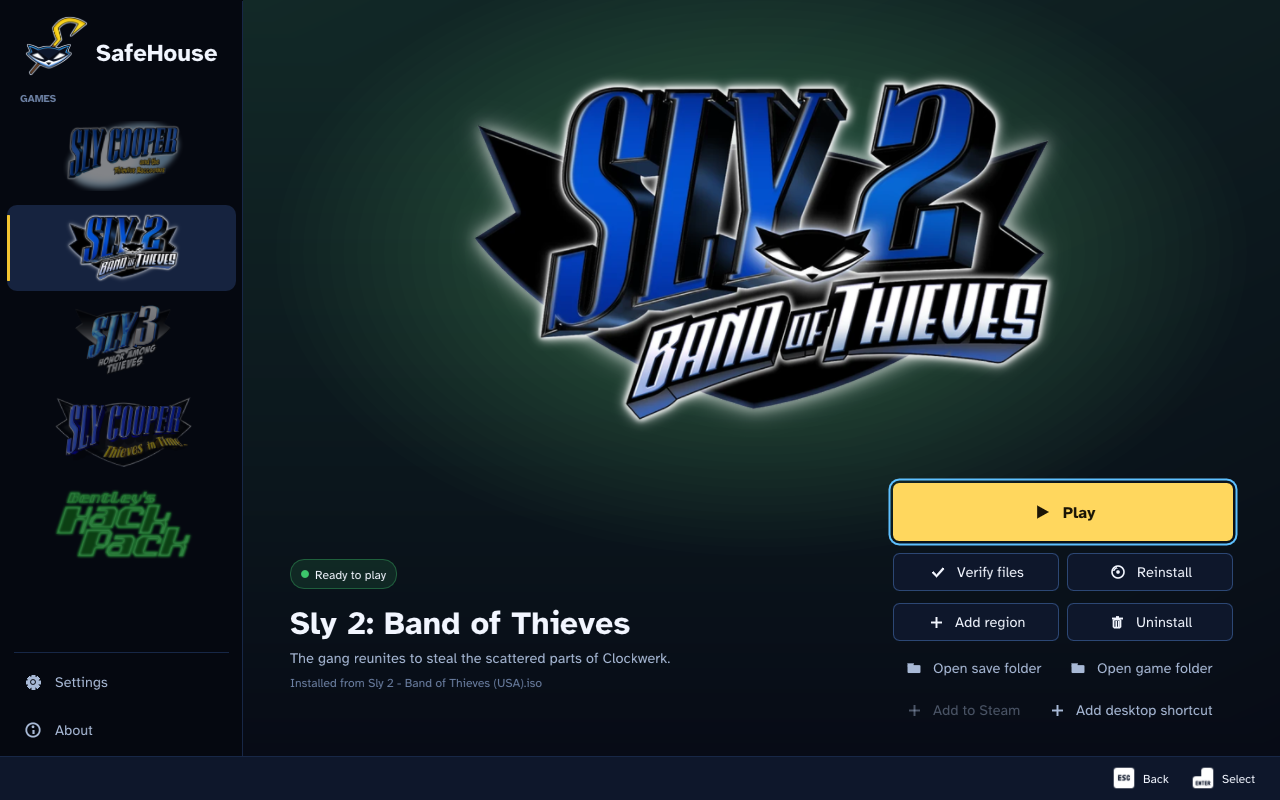
What it is
SafeHouse installs each game from your own PlayStation 2 disc image and runs it as a native PC program: no emulator, no BIOS. SafeHouse includes no game data.
| Game | Status |
|---|---|
| Sly Cooper and the Thievius Raccoonus | Playable. Built on ProjectCane by theclub654, the native PC port of Sly 1 that made SafeHouse possible. |
| Sly 2: Band of Thieves | A native port, fully playable from start to finish. |
| Sly 3: Honor Among Thieves | Early in development, not fully playable. It installs, plays the opening movies and loads its worlds, but most of the game does not work yet. |
Supported discs: Sly 1 from the USA, Europe, Japan and Korea; Sly 2 from the USA, Europe (v1.00 and v2.01) and Japan. On macOS the packages carry the launcher and Sly 2.
Download and play
-
Get the latest package from the Releases page:
System Package Windows SafeHouse-Launcher-Windows-x86_64-Setup.exe(installer) or...-Portable.zip(unzip and openSafeHouse.exe)Linux / Steam Deck SafeHouse-Launcher-Linux-x86_64.AppImage(make it executable and open it) or...-Linux-x86_64.tar.gzmacOS SafeHouse.appin a.dmgor.zip(Apple Silicon and Intel) -
Open SafeHouse, pick a game, choose Install and select (or drag in) your disc image (
.iso). The image is checked first: the game, the region, the free space and whether the image is complete. -
Choose Play.
The launcher keeps itself up to date: it checks for a new release at startup and updates in place, leaving your saves and games alone (details). On the Steam Deck, install in Desktop Mode, then use Add to Steam on the game's page. More help: FAQ and troubleshooting.
PC features


Super ultrawide: the full 32:9 picture, with the HUD kept at its original 4:3 proportions.
- Full keyboard and mouse support: remappable keys and buttons, mouse camera and aim, and separate invert options for the camera, the binocucom and the turrets, for the controller and the mouse.
- Controller button icons for Xbox, Steam Controller, Steam Deck, Nintendo Switch, PS5, PS4 and PS3, or the original PS2 icons if you prefer them.
- Dynamic input icons that switch instantly to whatever you're playing with.
- Windows, Linux, SteamOS and macOS.
- High refresh rates: 30, 60, 90, 120, 144, 240 FPS, uncapped or your monitor's refresh rate; the game speed stays the same.
- Super ultrawide (up to 32:9): the HUD stays at its original 4:3 proportions, with improvements to the binocucom, effects and cutscene bars at wider aspect ratios.
- A debug menu with PC extras: play as Carmelita, guards and bosses, fly Bentley's RC chopper anywhere, noclip, a free camera and warps.
- Replay Jobs: jump back into your favourite jobs.
- Every region: USA (NTSC), both PAL versions in every language, and the Japanese Kaitou Sly Cooper 2.
- Mod support: texture, music, dialog, text and movie replacements, texture packs, and a built-in import of the HD textures from the PS3 Sly Collection.
- And more: long shadows, 30 save slots, Add to Steam and desktop shortcuts.
 Input icons switch instantly to what you're using |  Icons for every major controller, or the original PS2 ones |
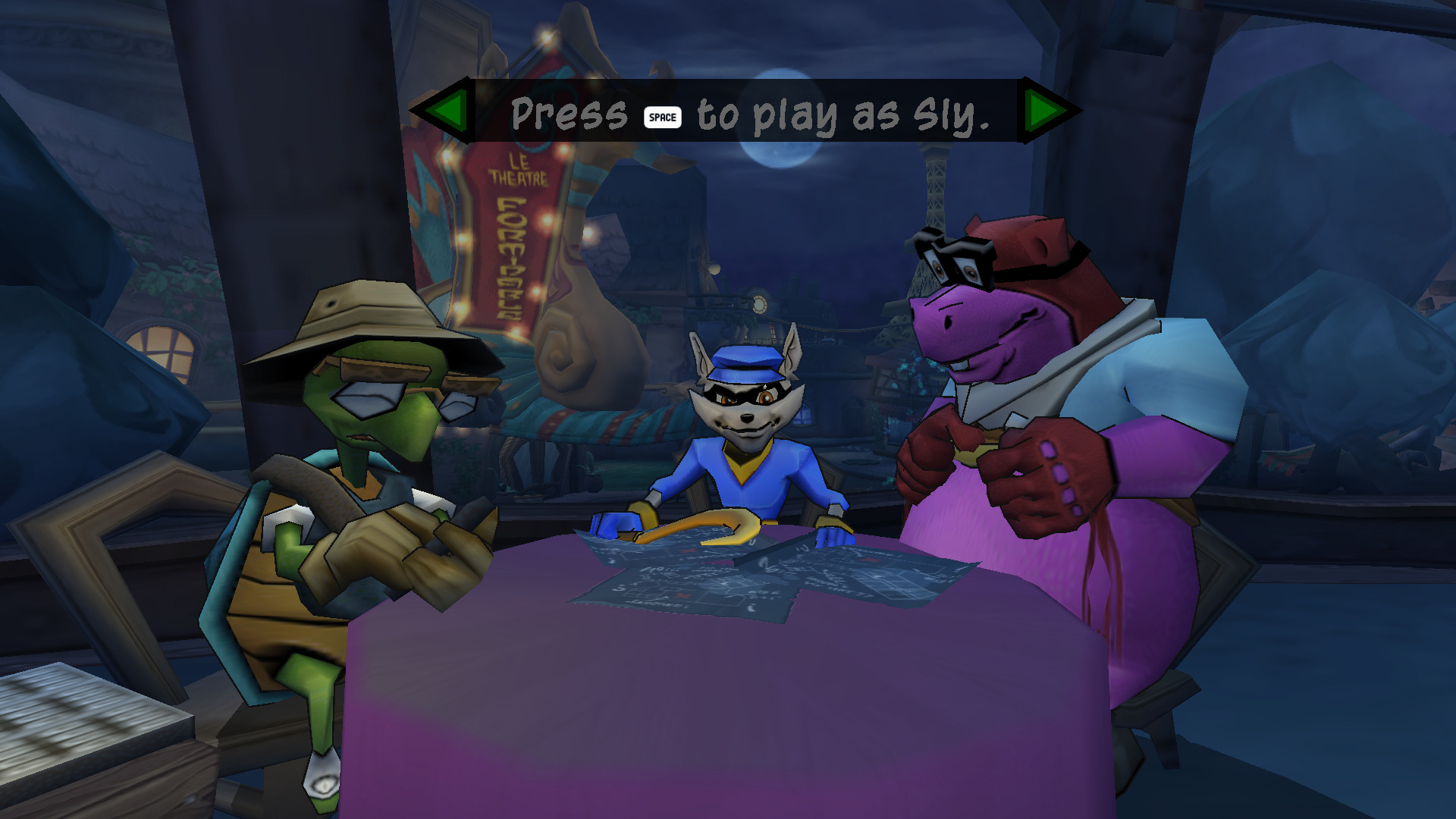 Full keyboard and mouse support | 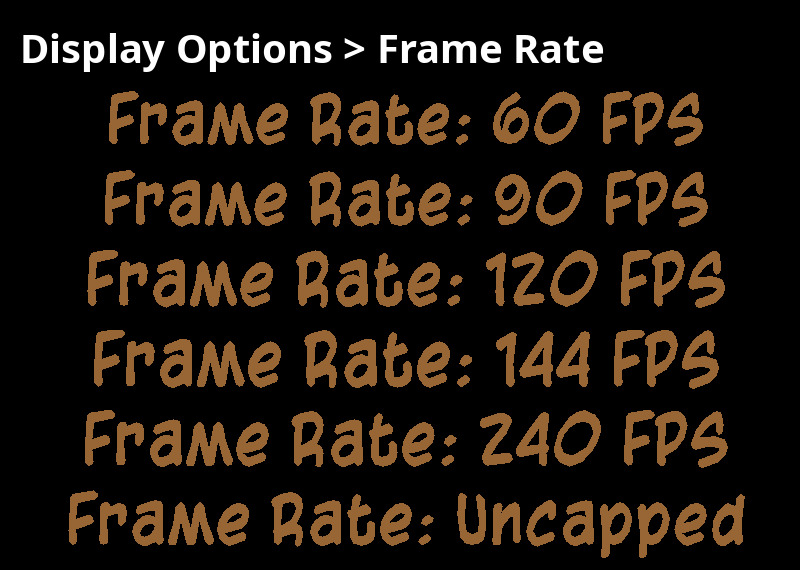 High refresh rates, up to uncapped |
 PC Extras: play as Carmelita | 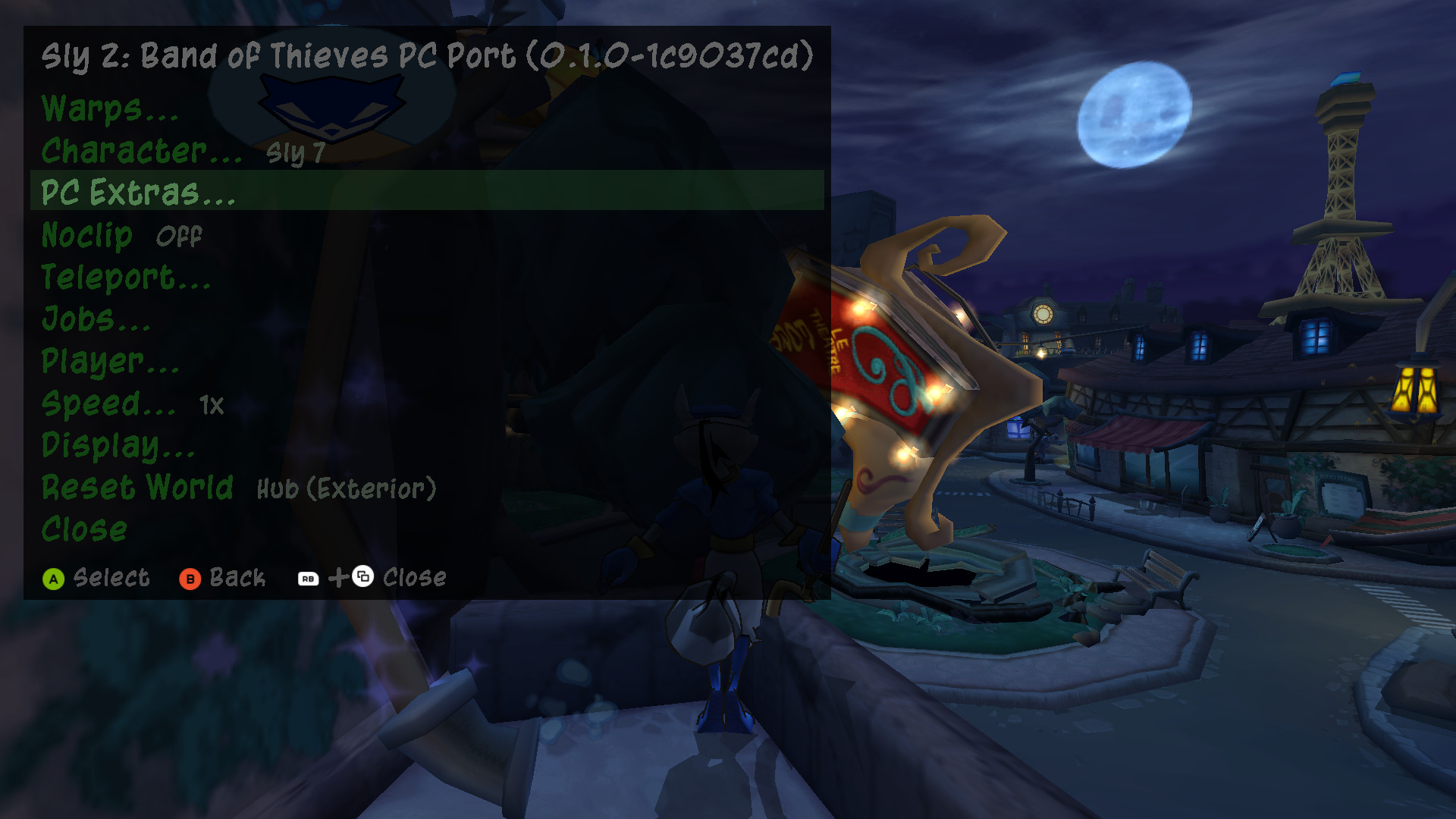 The debug menu (F10) |
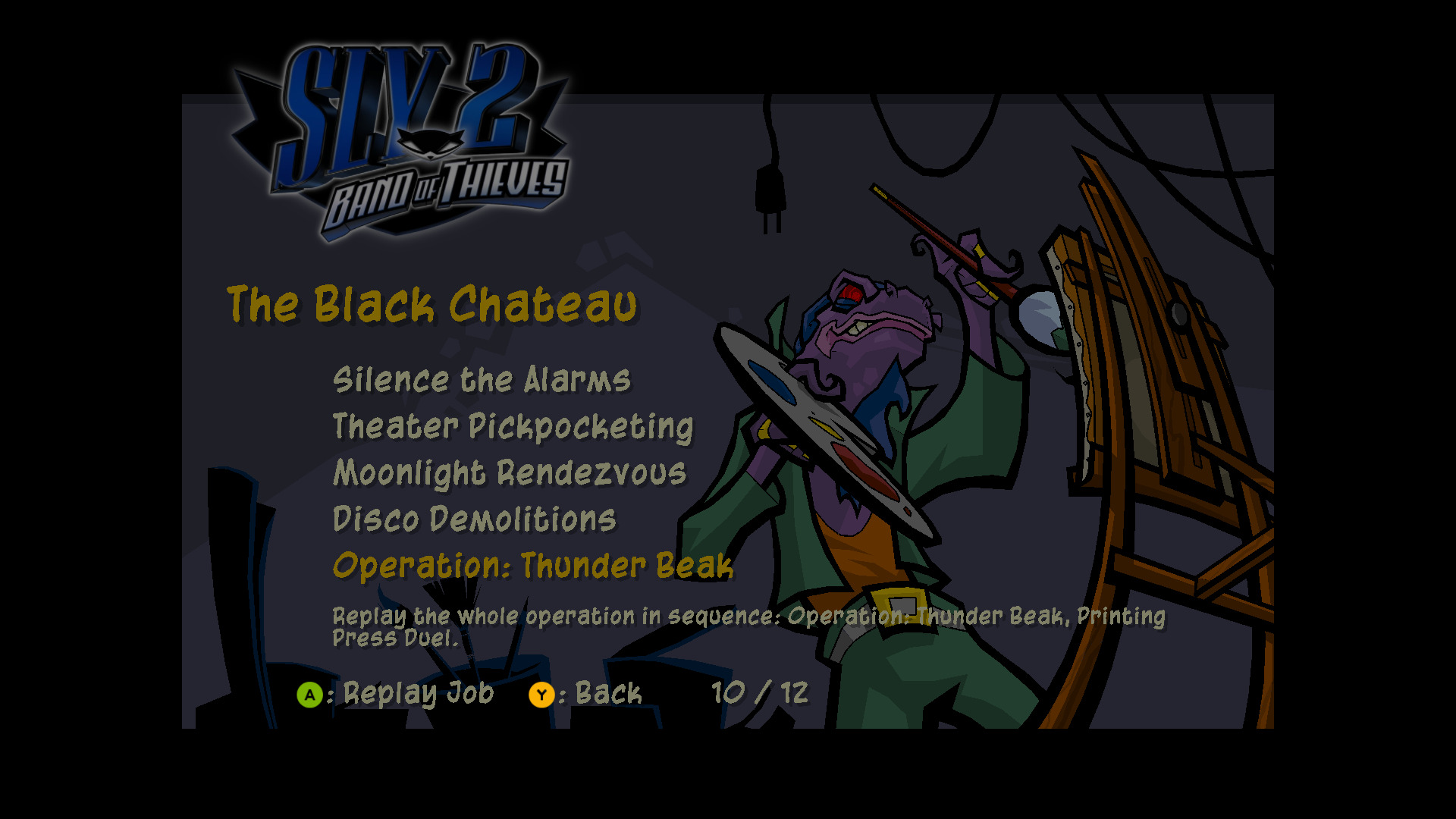 Replay Jobs, with operations | 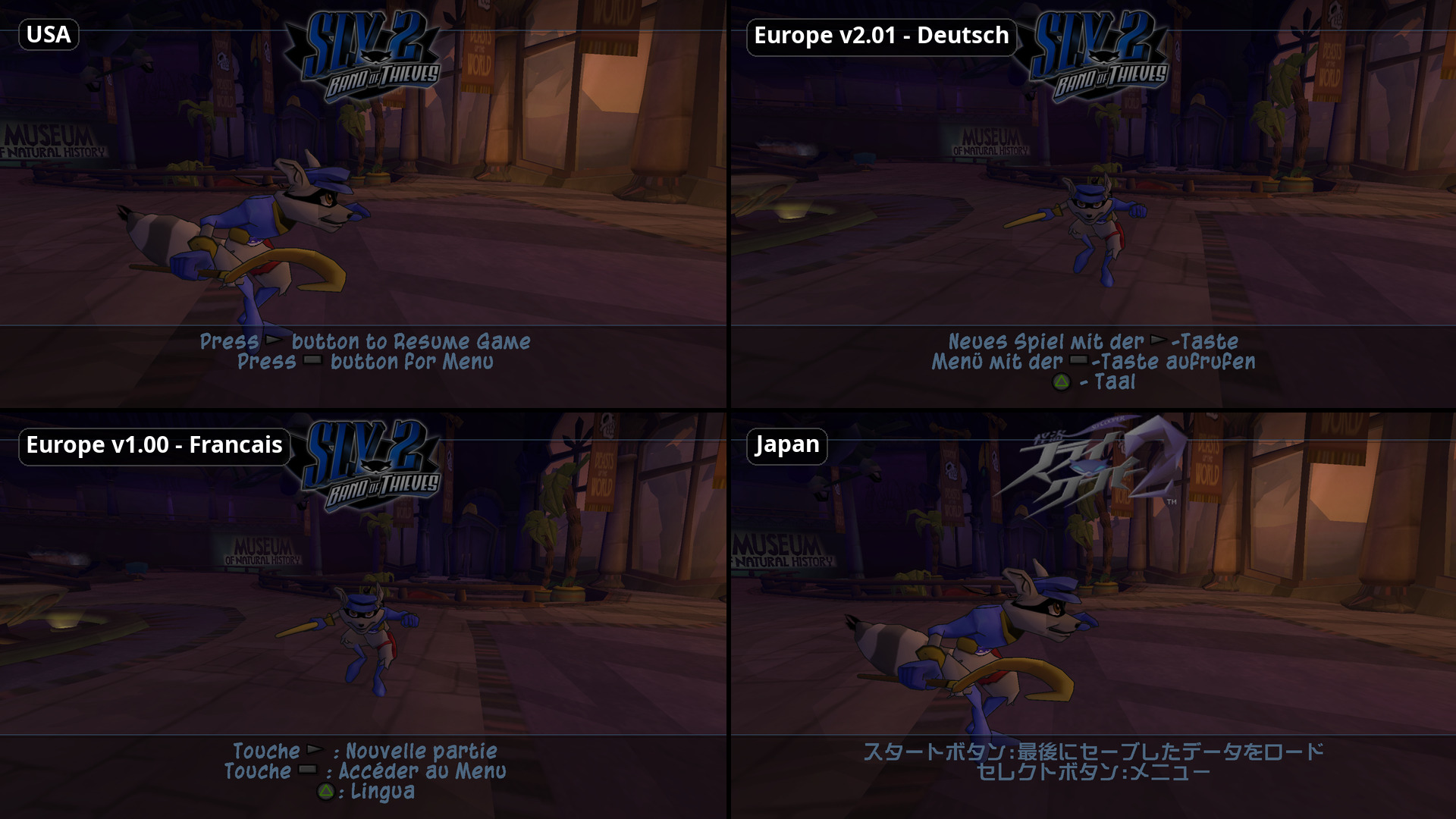 Every region and language |
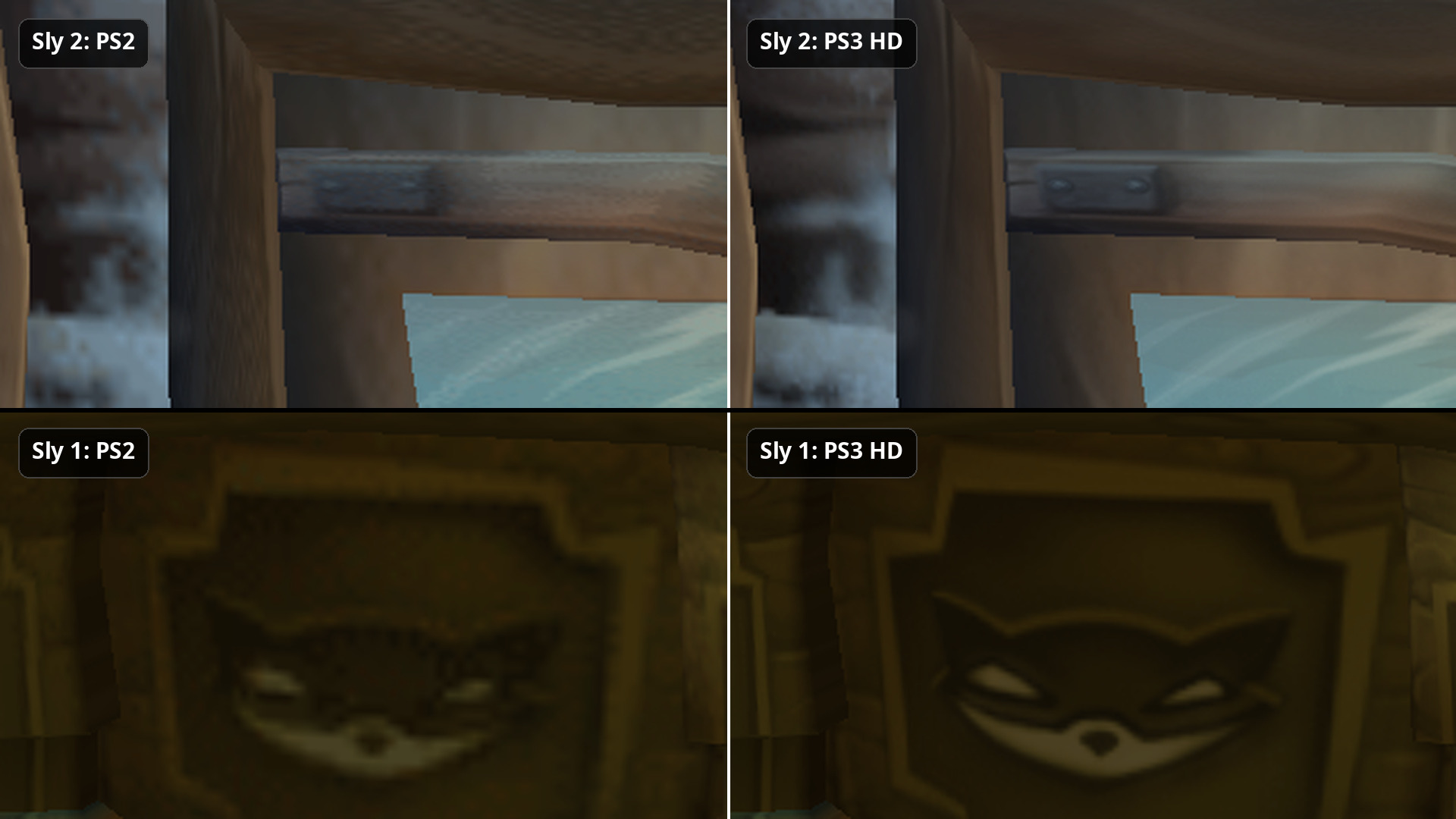 PS3 HD texture import (Sly 2 and Sly 1) | 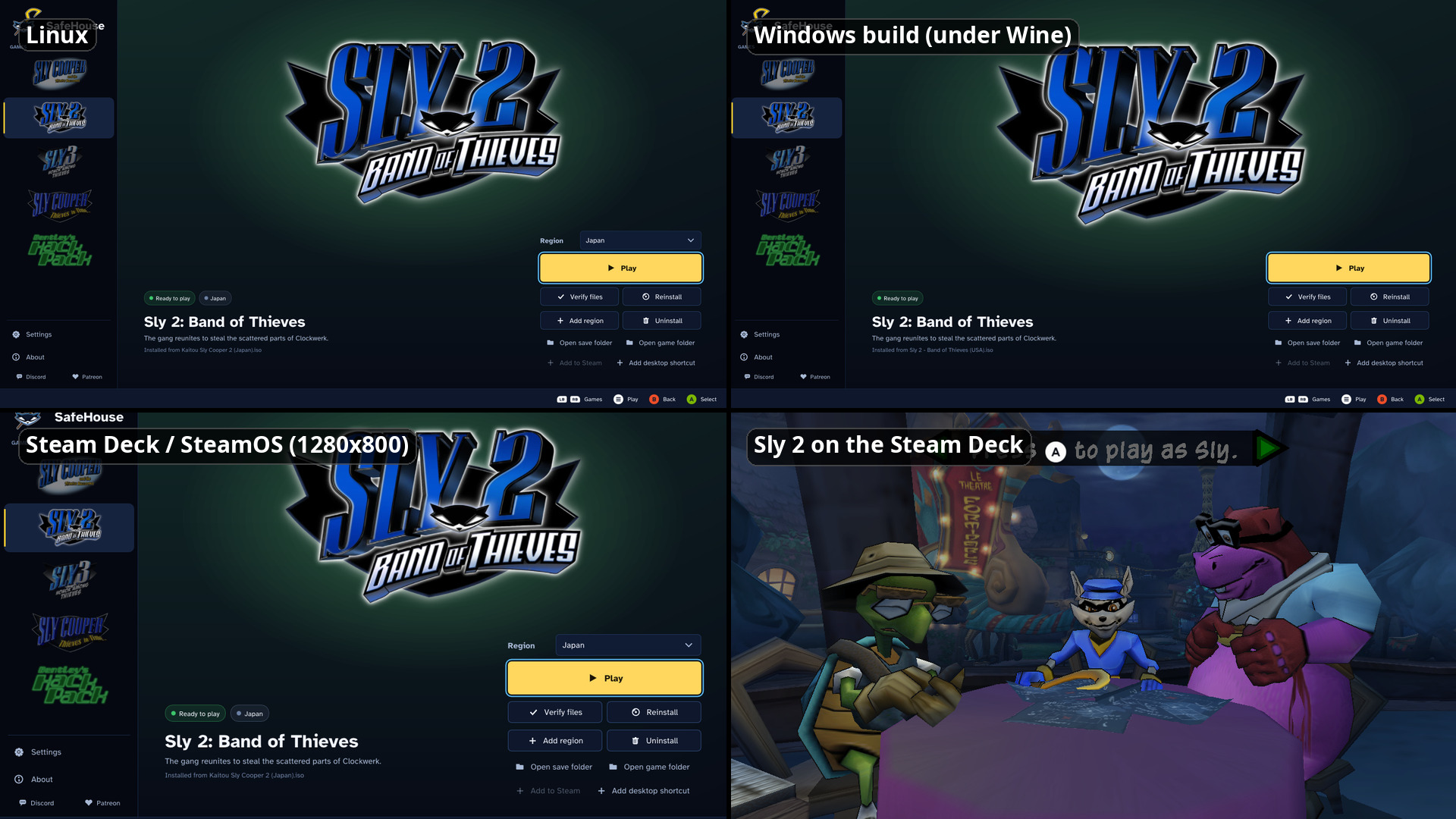 Windows, Linux and the Steam Deck |
The full list is in docs/FEATURES.md, the debug menu in docs/DEBUG-MENU.md and modding in docs/MODDING.md.
Community
- Discord: join us on the ThiefRush Discord. ThiefRush is also the name of the multiplayer fork that is on its way.
- Patreon: Support us on Patreon.
Bug reports are welcome in the issues. Turn on Save logs in
Settings > Advanced, reproduce the problem, and attach launcher.log from Log folder.
Building from source
See docs/BUILDING.md. In short, on Ubuntu 22.04 or newer:
cmake --preset linux-release
cmake --build --preset linux-release --parallel 4
Credits
- ProjectCane by theclub654: the native PC port of Sly 1. SafeHouse grew out of it; without it none of this would exist.
- Antonio Mena: work on the Sly 2 port and the macOS port.
- HoshiYumeHime (DeviantArt): the SafeHouse logo and the app icon.
- SteamGridDB artists (ctwoafiveb, Benuno, AnimeFan69, Spaghetti Overlord, Pedrogon18, RealSayakaMaizono, Nuke,
simenfje, FrostWolf): the Steam library artwork (
launcher/assets/steam/CREDITS.md). - Kenney (kenney.nl): Input Prompts (CC0), the controller button icons.
- SDL_GameControllerDB: the controller mappings.
- The Braille Institute: the Atkinson Hyperlegible typeface.
- The libraries SafeHouse uses: GLFW, SDL2, FAudio, Dear ImGui, GLAD, GLM, stb, nlohmann/json, miniz, PicoSHA2
and FFmpeg. Their licences are in
THIRD_PARTY_NOTICES.mdandlicenses/.
And at the root of the Sly 2 port: the Sly 2 decompilation.
Legal
SafeHouse is an unofficial fan project. It is not affiliated with or endorsed by Sony Interactive Entertainment, Sucker Punch Productions or Sanzaru Games. Sly Cooper and the related names, logos and characters are their trademarks, used here only to identify the games.
SafeHouse contains no game data. You must own the games and use your own disc images.