Whopping Recompilation Collection
Whopping Recompilation Collection is a native PC port of Sneak King, Big Bumpin', and PocketBike Racer with a couch-friendly launcher and up to 4K resolution.
- Type: PC port
- Game: Sneak King, Big Bumpin', PocketBike Racer
- Runs on Windows
- By TekRantGaming
- Latest release v1.0.4, 2026-10-26
- Source: https://github.com/TekRantGaming/whopping-recompilation-collection
README
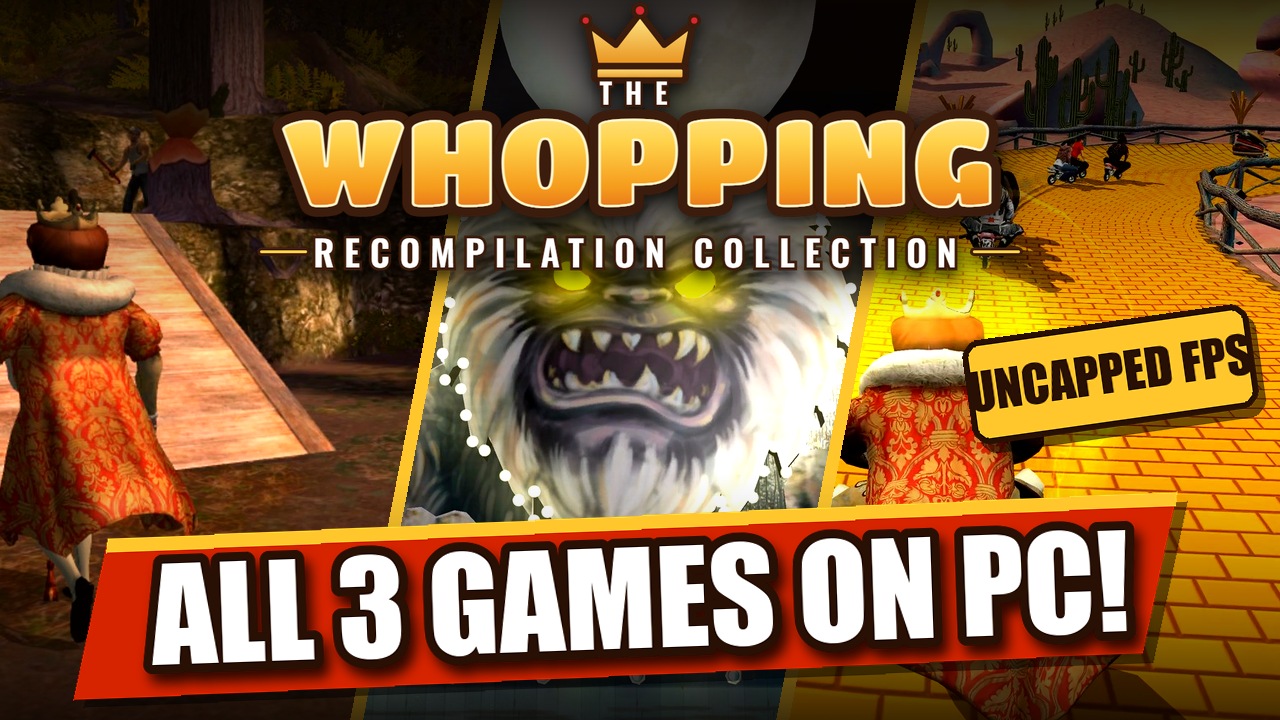
Sneak King, Big Bumpin' and PocketBike Racer on PC, running natively, in one launcher made for the couch.




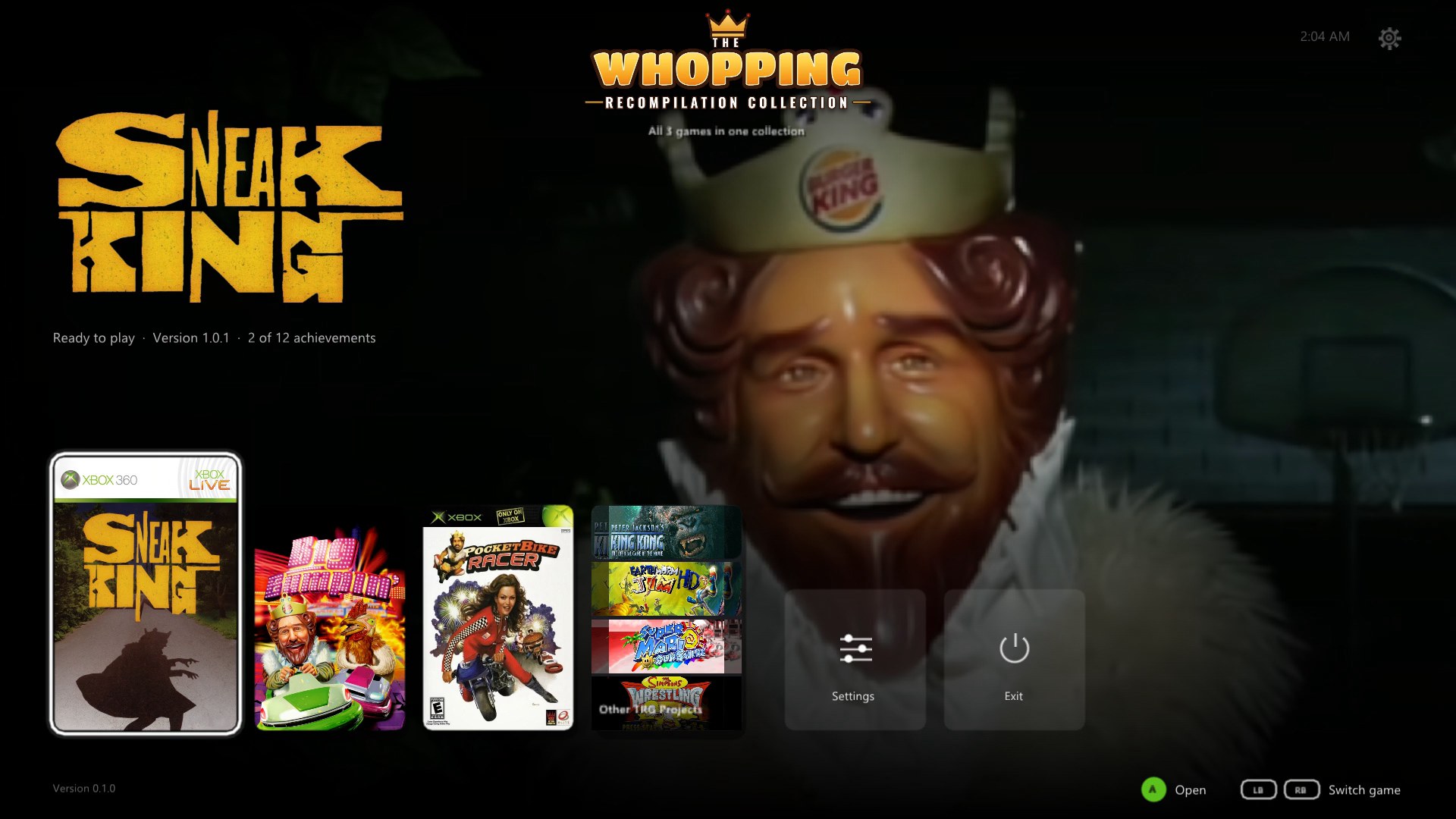
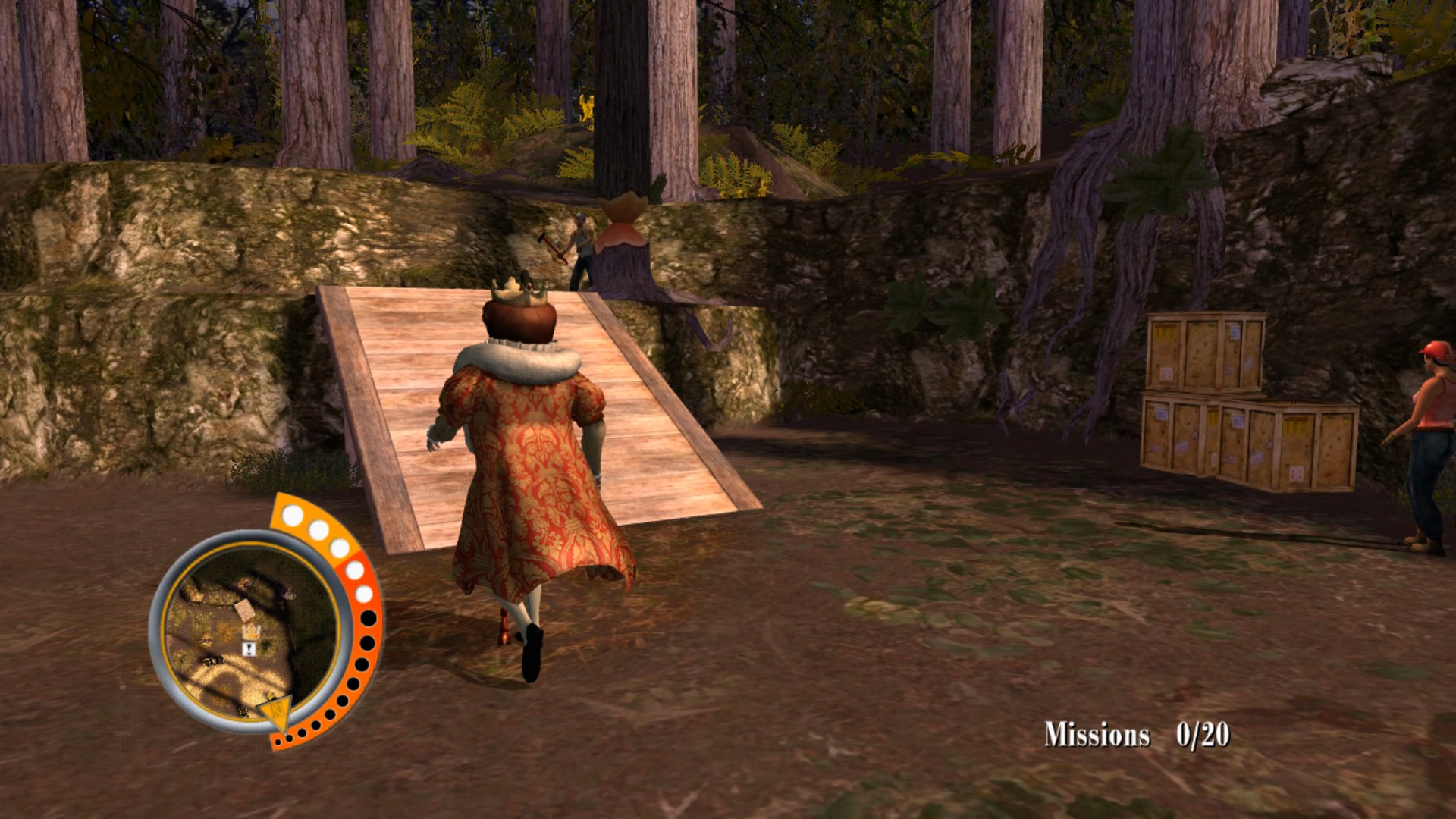
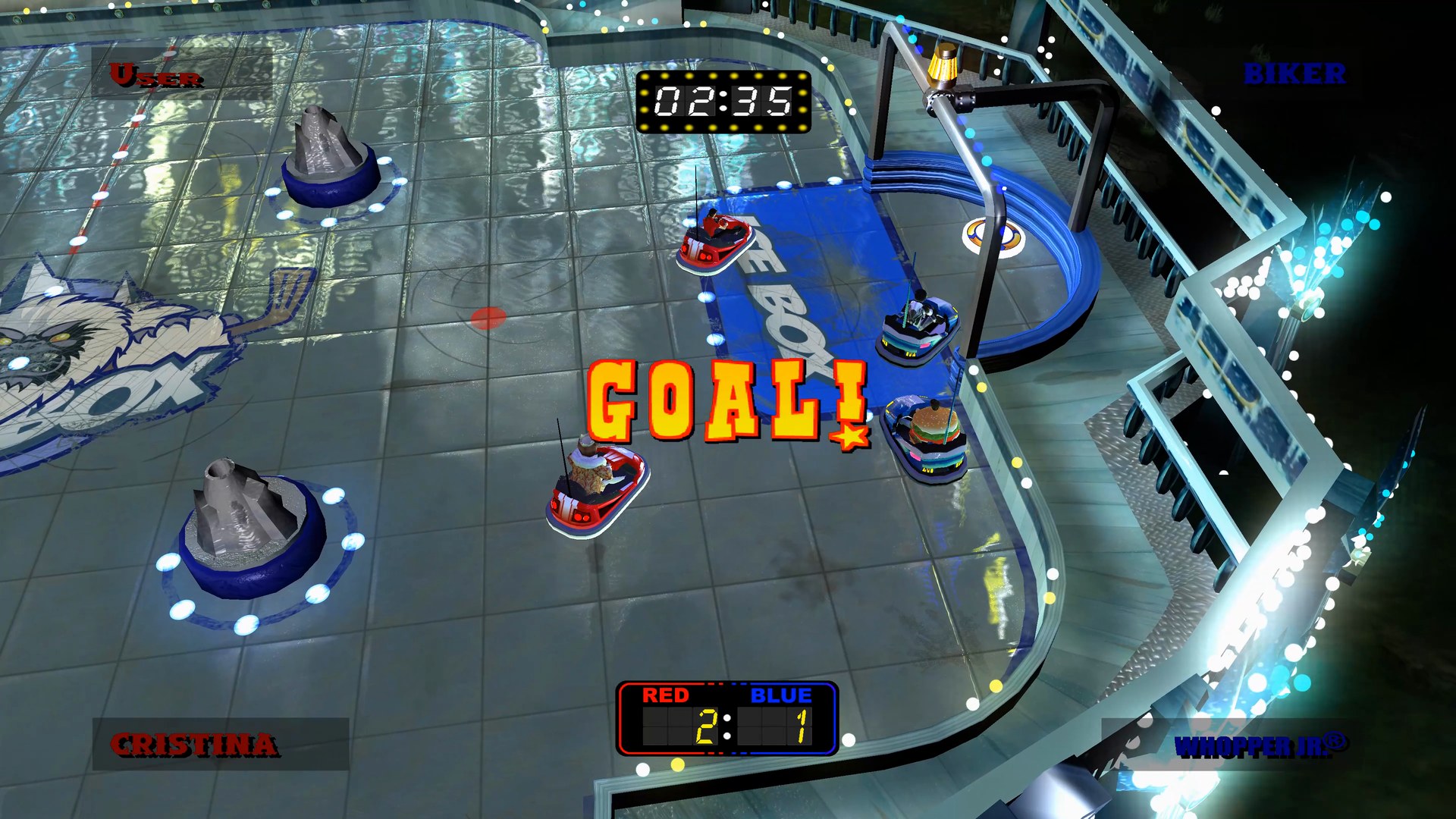
The original Xbox 360 game code, translated to native PC code with the ReXGlue SDK. No game files included: bring your own copy of each Xbox 360 disc.
At a glance
| 🍔 All 3 games in one launcher | 🖥️ Up to 4K and beyond, at 60, 120 or an unlimited frame rate | ✨ AMD FSR 1 and NVIDIA NIS upscaling |
| 🎮 Any controller, or keyboard and mouse with your own keys | 🏆 Achievements with notifications in game, 12 per game | ↩️ Back to the launcher any time: hold Back + Start, or Esc |
| 💿 Install from your own discs, found on your PC by themselves | 🔄 Updates itself and every game | 💾 Save backups and restore in one click |
| 🛋️ A console style dashboard with sounds, made for a controller | 🪟 Borderless fullscreen, windowed, any monitor | 🦍 Other TRG Projects, with King Kong Recompiled ready to install |
| 🚂 Add to Steam with its own artwork, ready for Big Picture and the Steam Deck | 💬 Join the Discord right from Home |
The trailer
The games
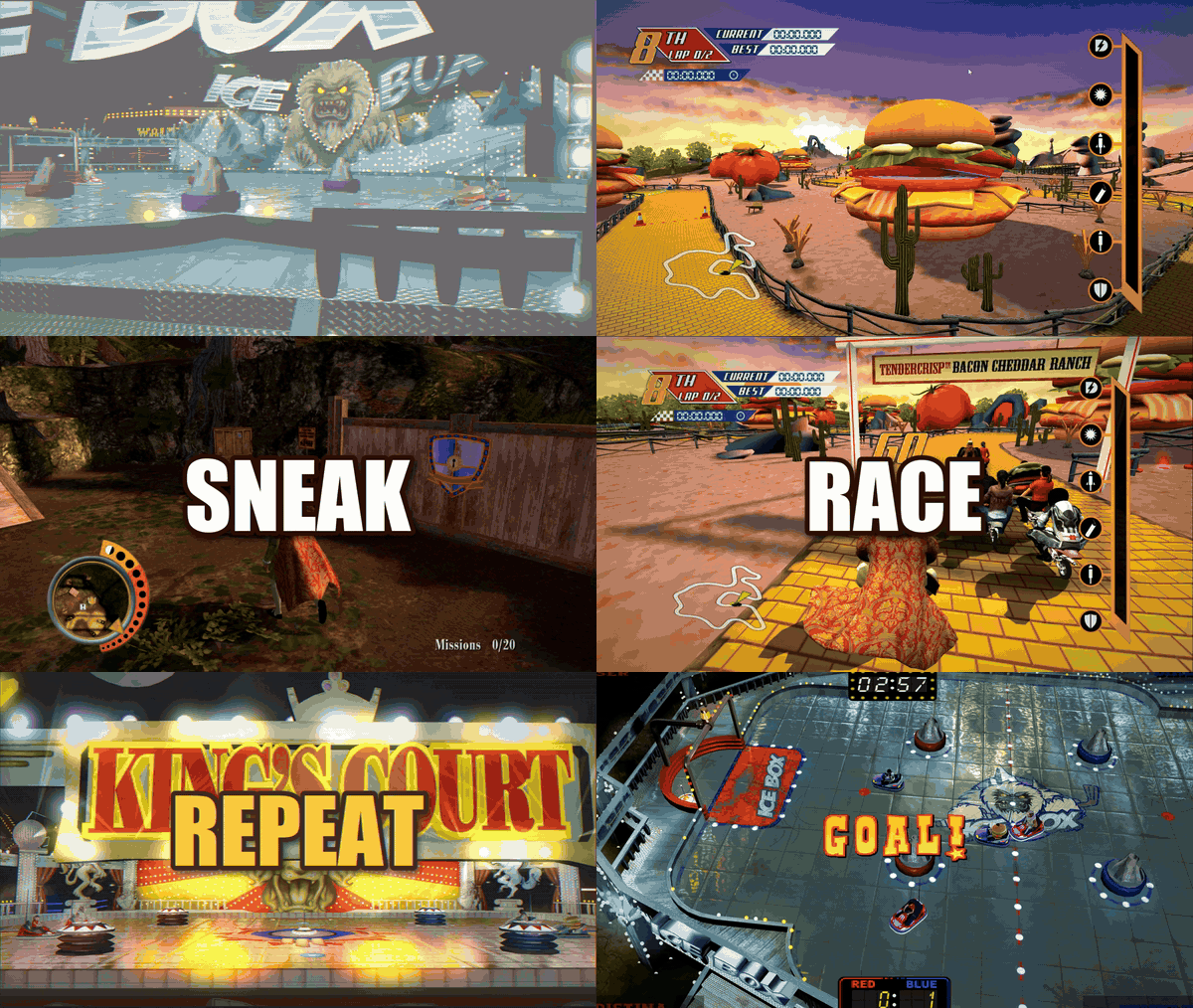
Sneak King
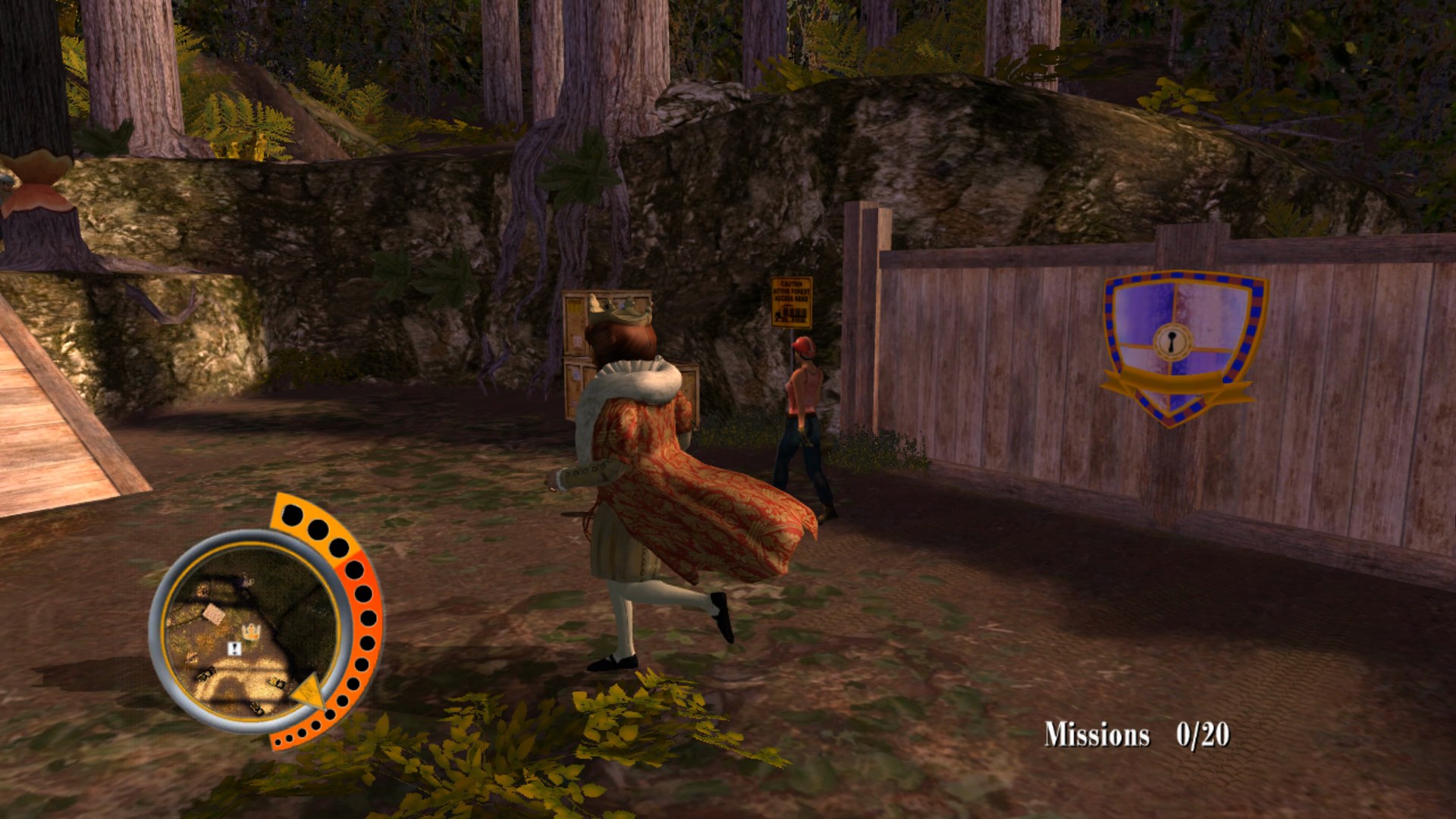
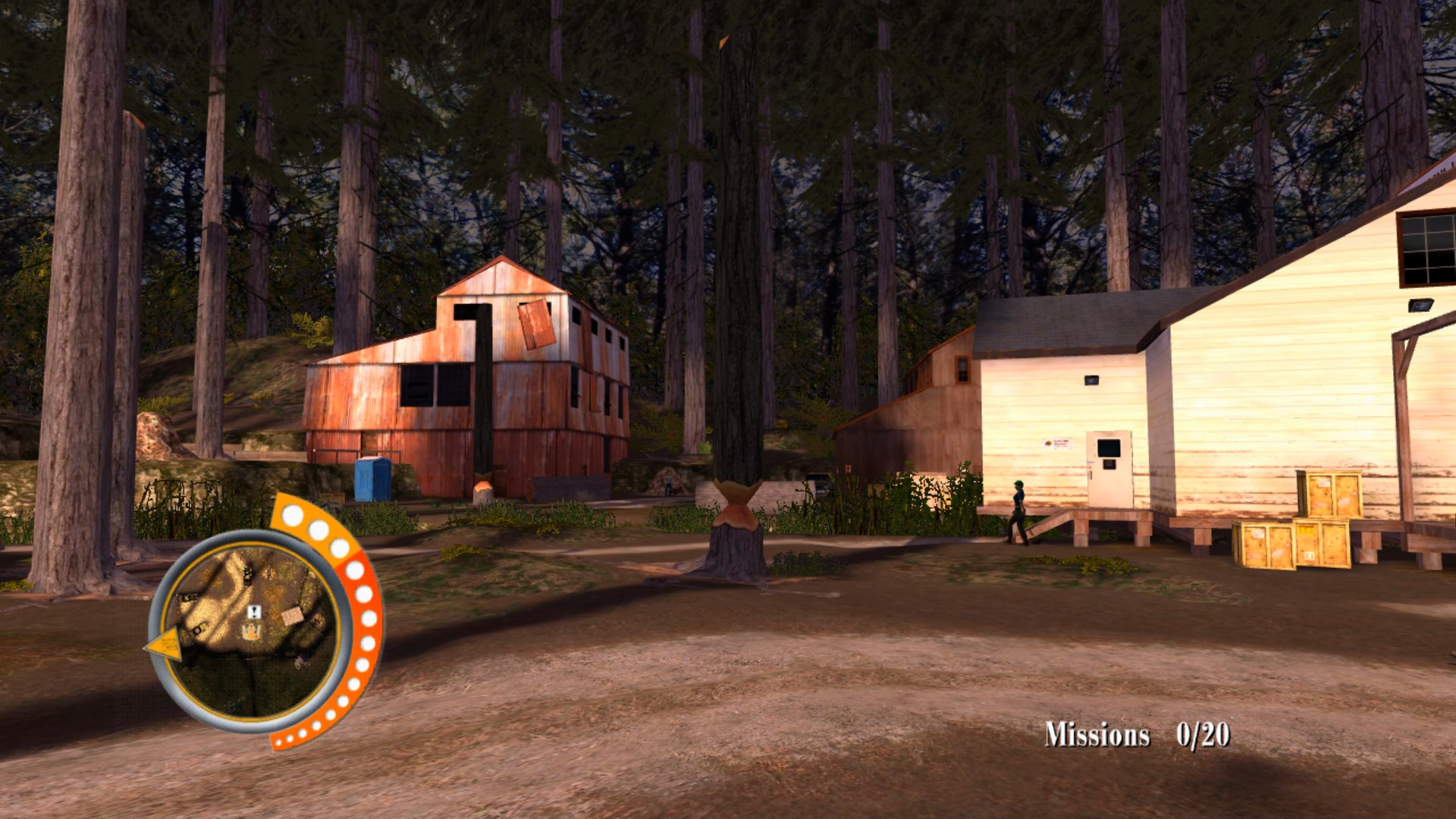 Deliver the goods. Don't get caught. Sneak up on hungry people and surprise them with food, without being seen.
Big Bumpin'
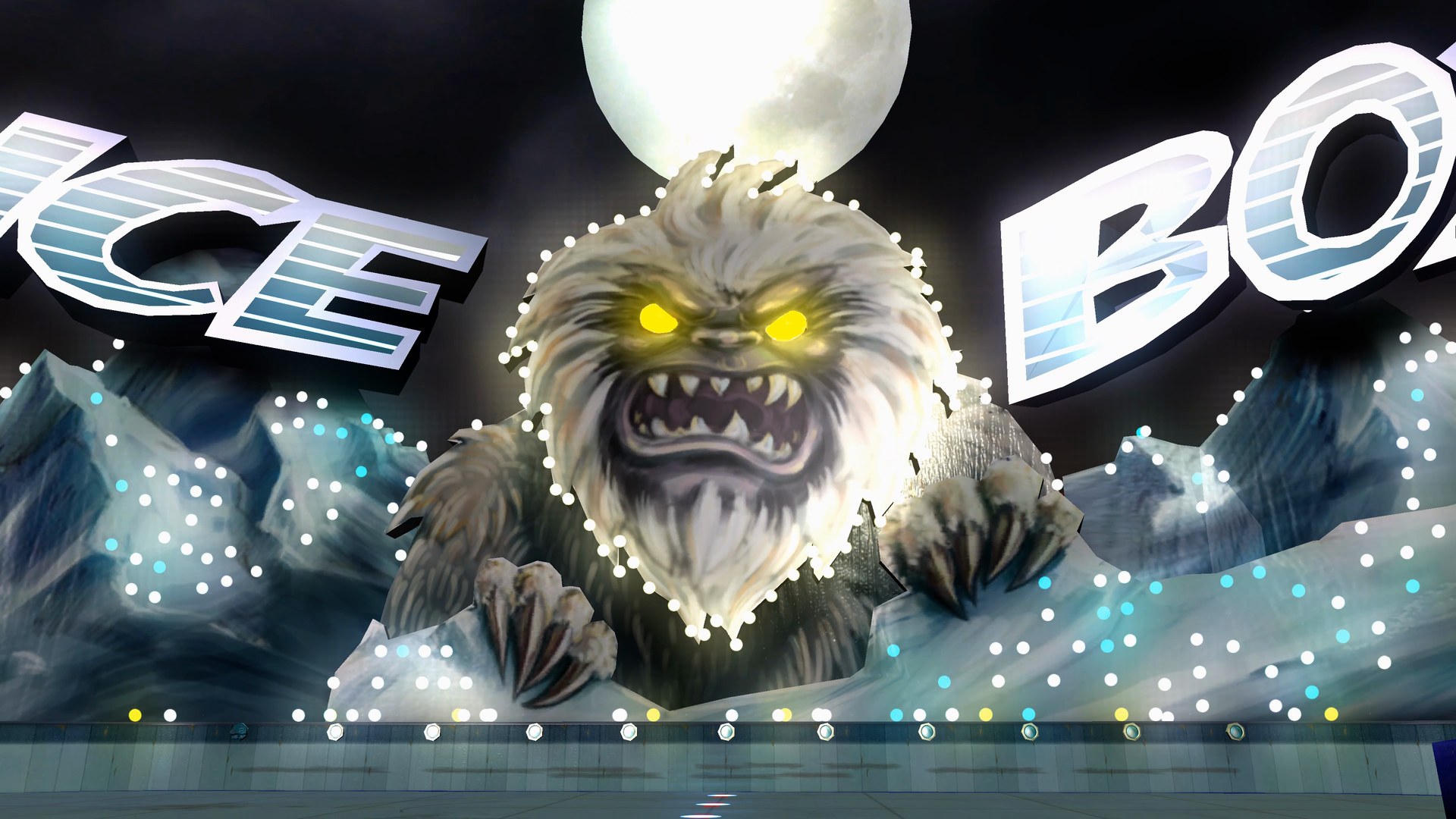
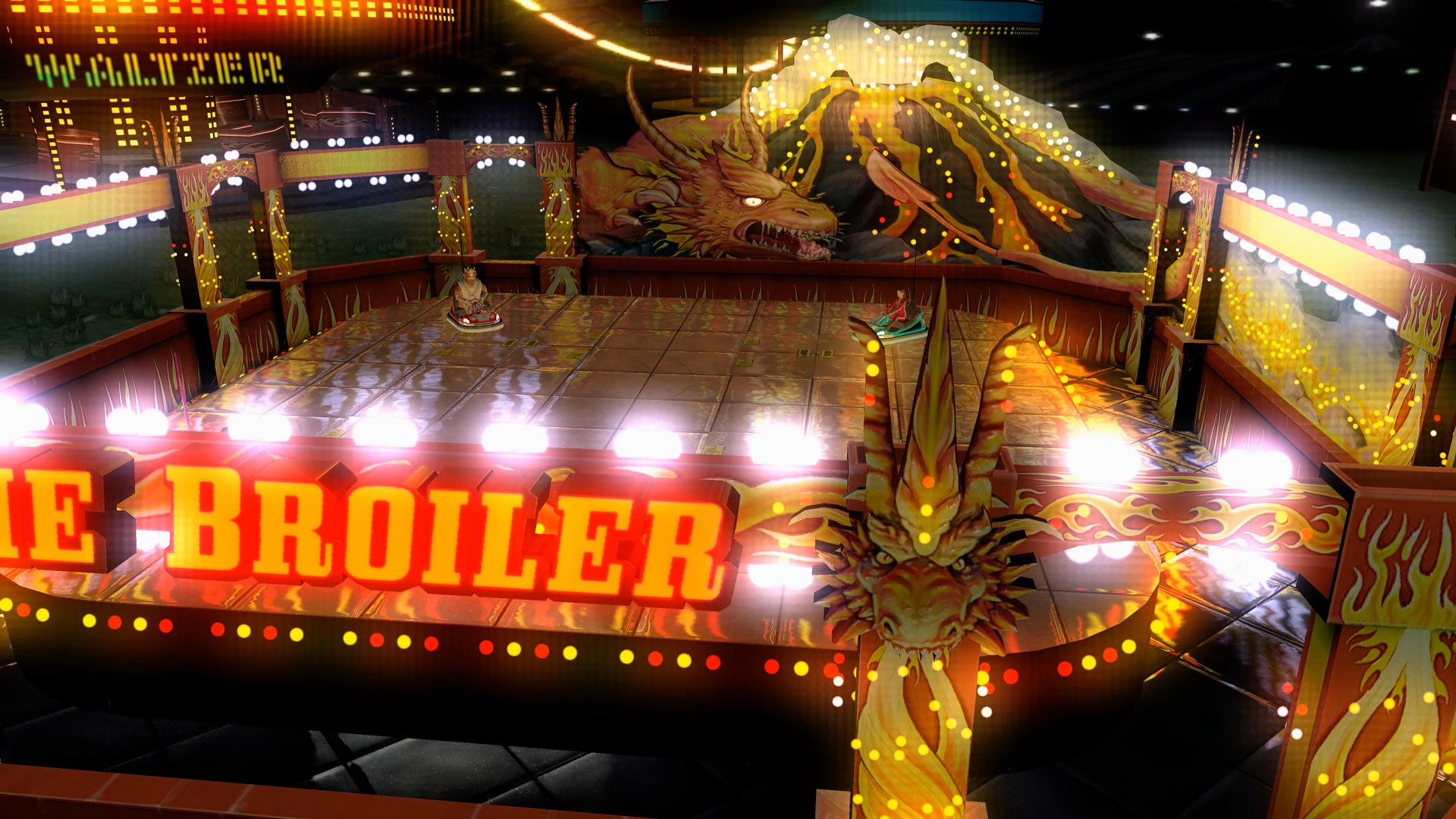
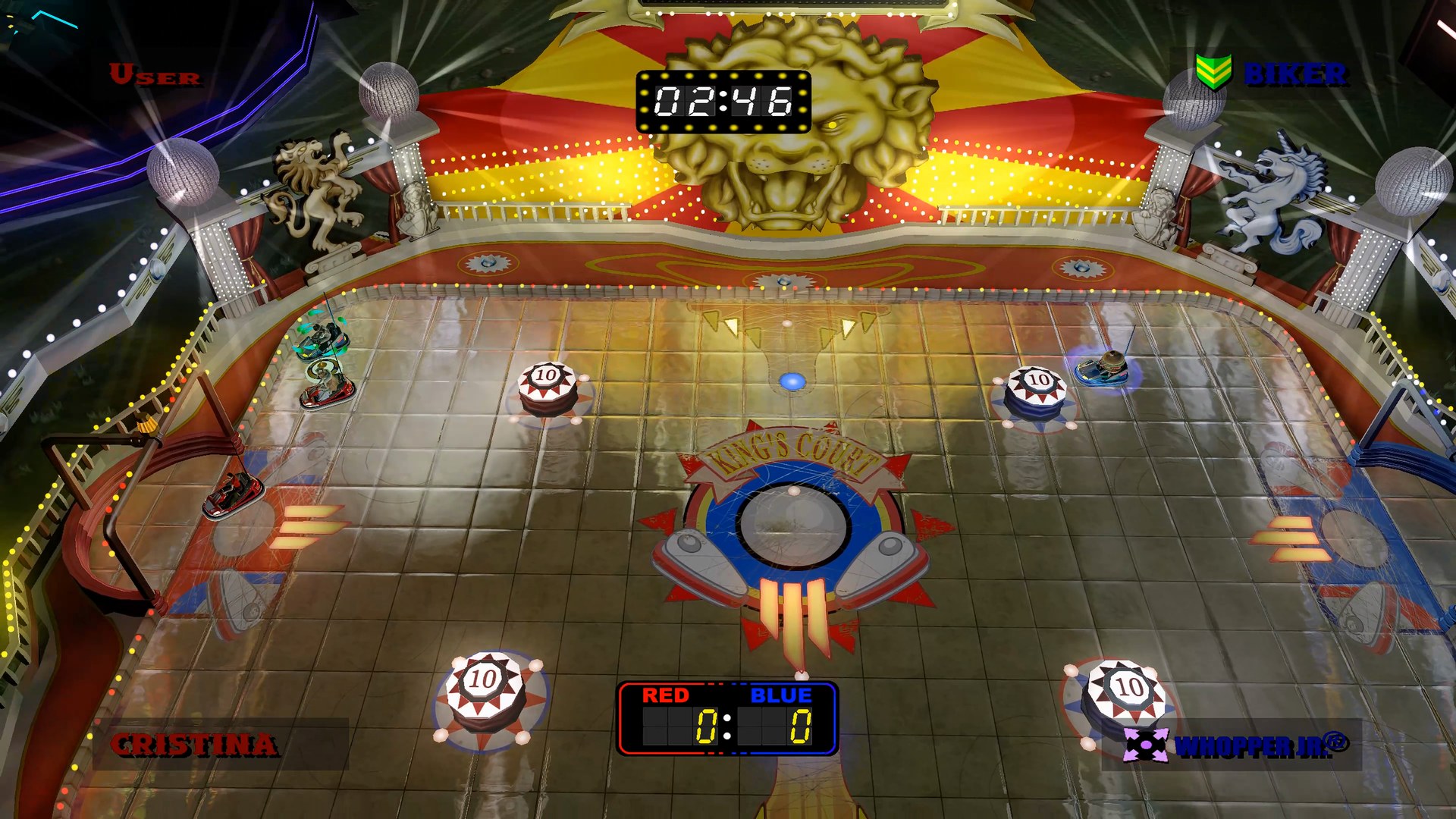 Bump like you mean it. Bumper car battles at the fair, from the Ice Box to The Broiler and King's Court.
PocketBike Racer
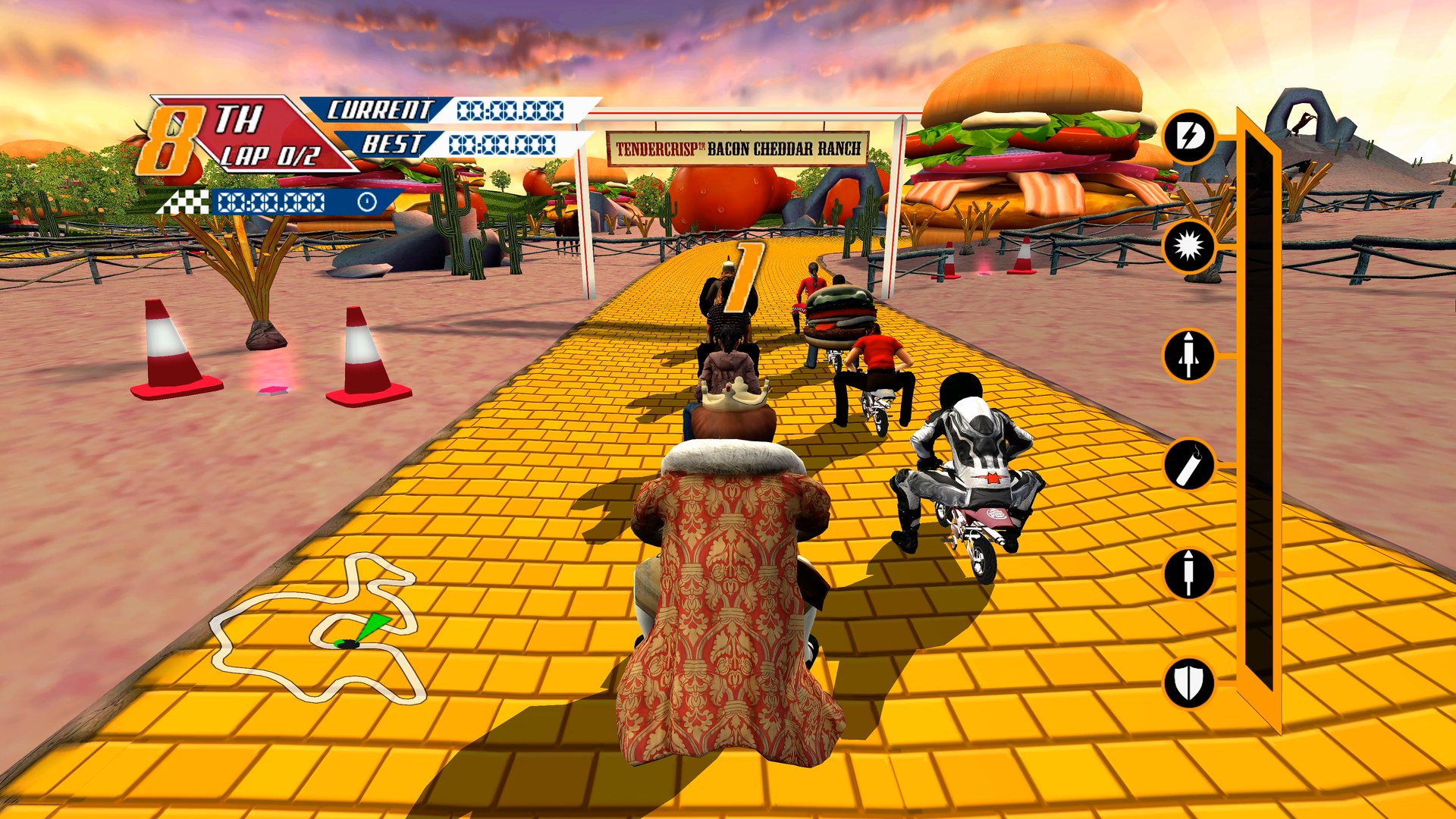
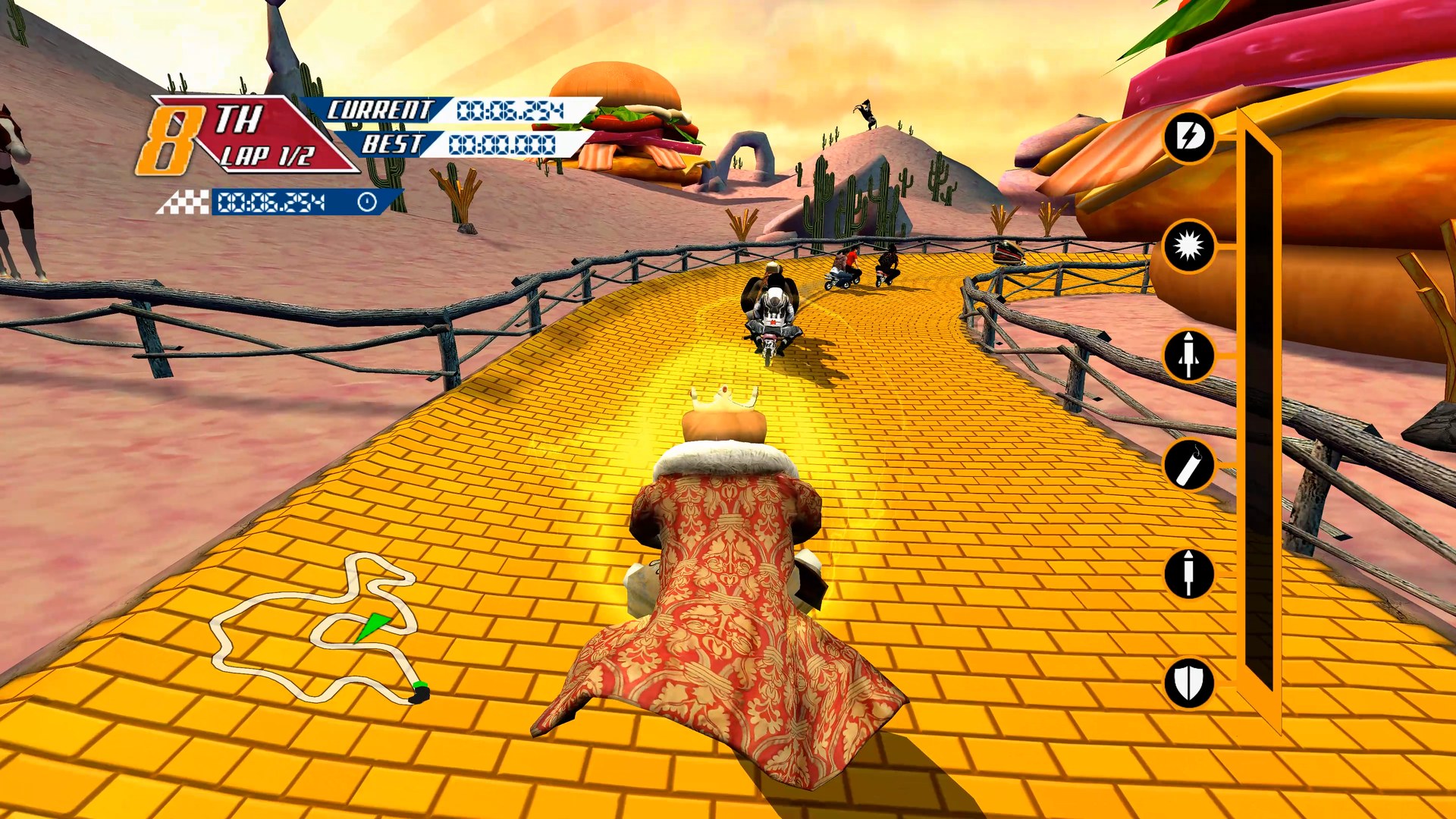
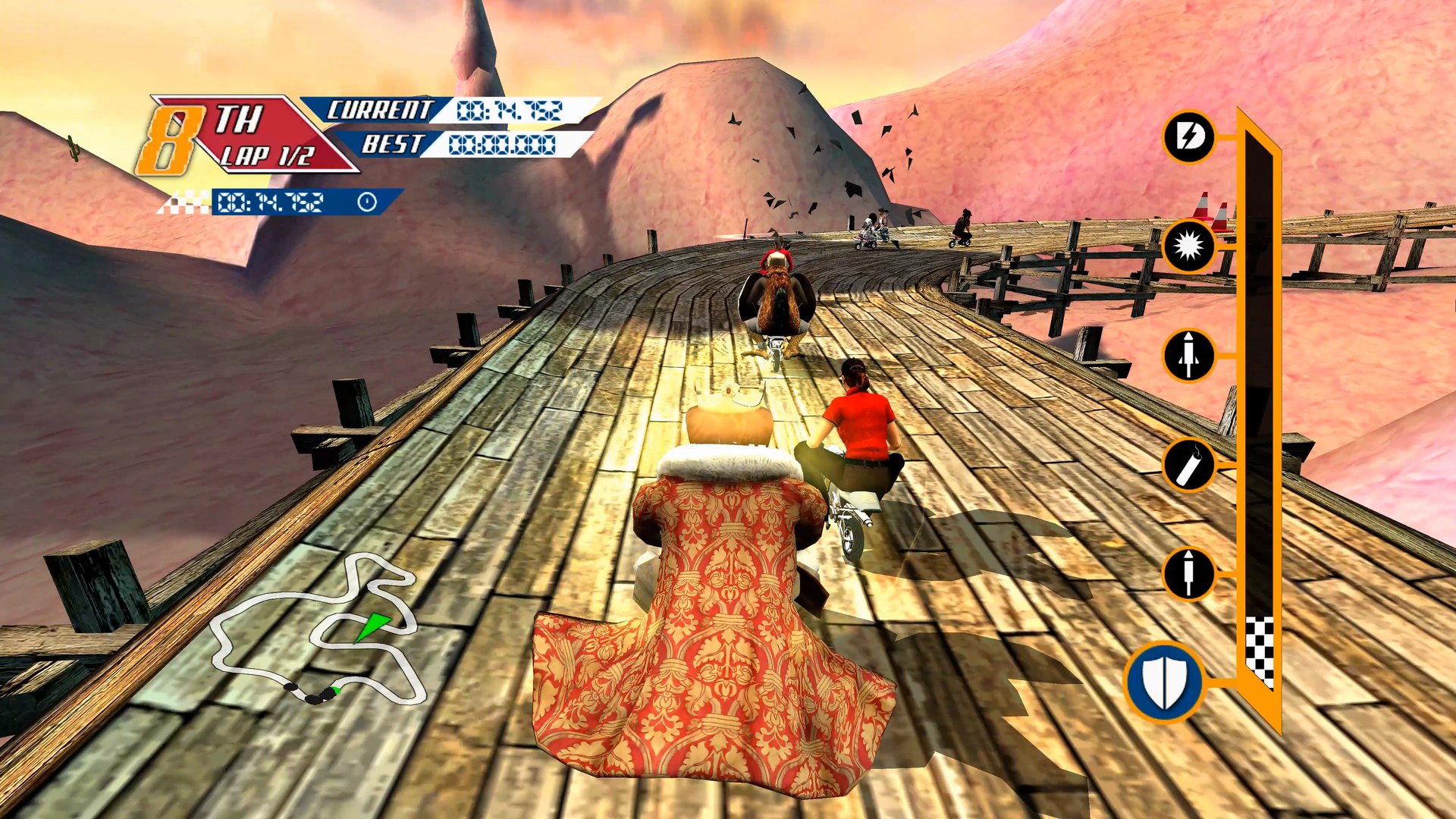 Small. Tiny. Minuscule. Pocket bike races with boosts and giant burgers along the track.
Getting started
You need: Windows 10 or 11 (64 bit), a graphics card with DirectX 12, and a disc image you made from your own disc for each game you want to play (see Which discs you need).
- Download WhoppingCollection-...-windows-x64.zip from the latest release and unzip it anywhere. It holds the launcher and all three games, and everything stays in that folder, so it's portable.
- Run whopping_launcher.exe. It opens in fullscreen on Home. Windows may warn about an unknown publisher the first time: choose More info, then Run anyway.
- Pick a game and press Play. The first time, the launcher asks for your disc image of that game: it finds disc images on your PC by itself (or choose the file), checks the disc and copies the game files next to the game.
- Press Play again, and from then on it starts straight away.
While you play, hold Back and Start on the controller, or hold Esc, to come back to the launcher. No game files are included: they come from your own discs. Your saves are kept in Documents\sneak_king, Documents\big_bumpin and Documents\pocketbike_racer.
Which discs you need
Only the title ID is checked, so any good dump of these discs works. These are the images the ports were made and tested with:
| Game | Title ID | Media ID | Version | Disc image | SHA1 | Installed |
|---|---|---|---|---|---|---|
| Sneak King | 4D538802 | 5D787B9D | 0.0.0.70 | 7,027,228,672 bytes | BDE18507EBF74060D43625BE8CE2B20C604DAF3E | about 1.6 GB |
| Big Bumpin' | 4D538801 | 56F9F46F | 0.0.0.70 | 7,825,162,240 bytes | 51FBF8E78A25D466295568FBE9752C7070961779 | about 2.0 GB |
| PocketBike Racer | 4D538803 | 346E875D | 0.0.0.70 | 7,825,162,240 bytes | 6A801254B1691717445253A1F4E068115F16F7B9 | about 1.2 GB |
The launcher's install screen shows every detail for each disc, MD5 and CRC32 too. To check a disc image yourself, run this in PowerShell and compare the result with the SHA1 above:
Get-FileHash "C:\Games\Burger King Sneak King.iso" -Algorithm SHA1
The launcher
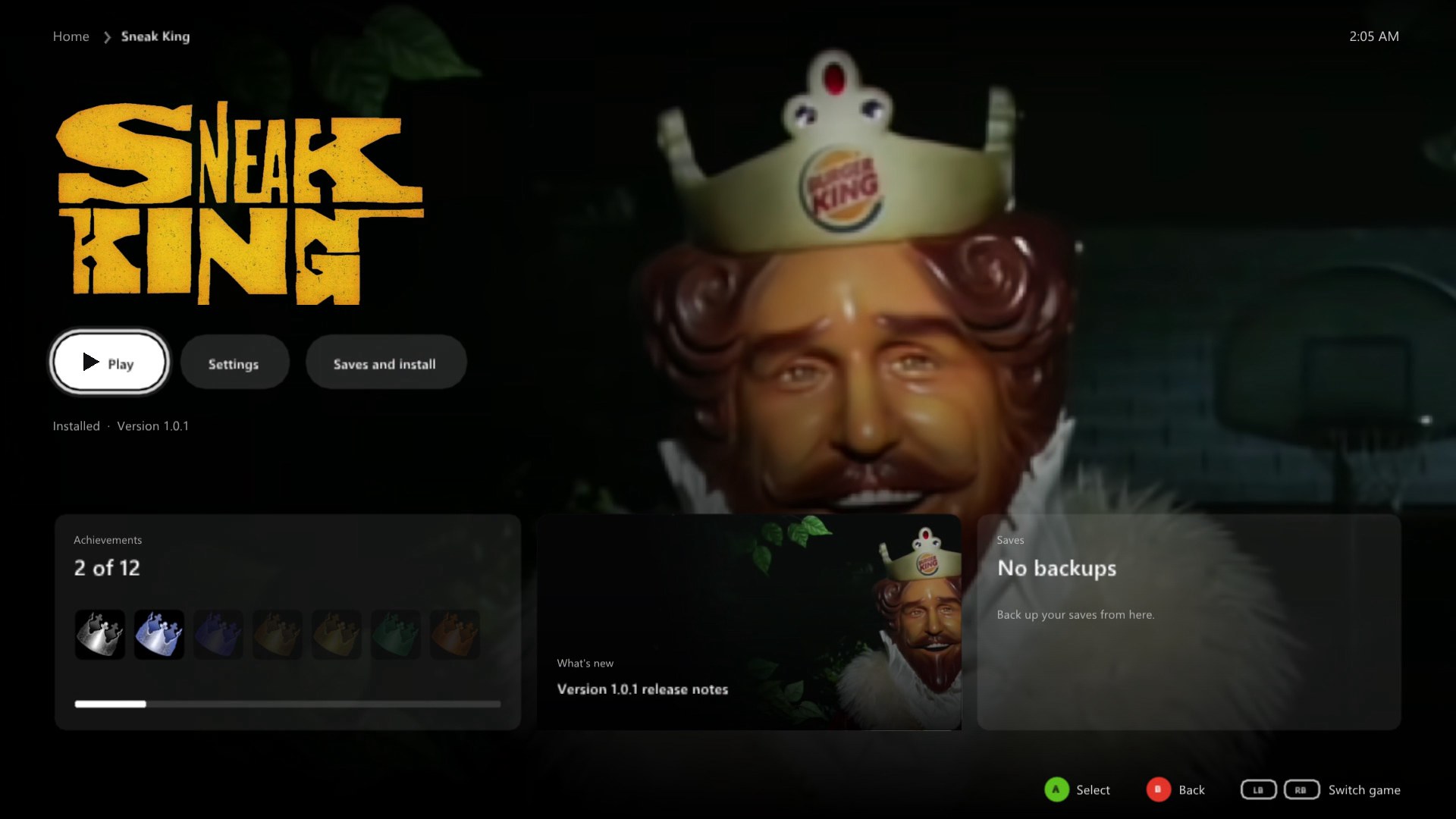
Everything is set up before a game starts, with a controller, the keyboard or the mouse. Each game has its own page and its own settings.
|
Home
|
Game page
|  |
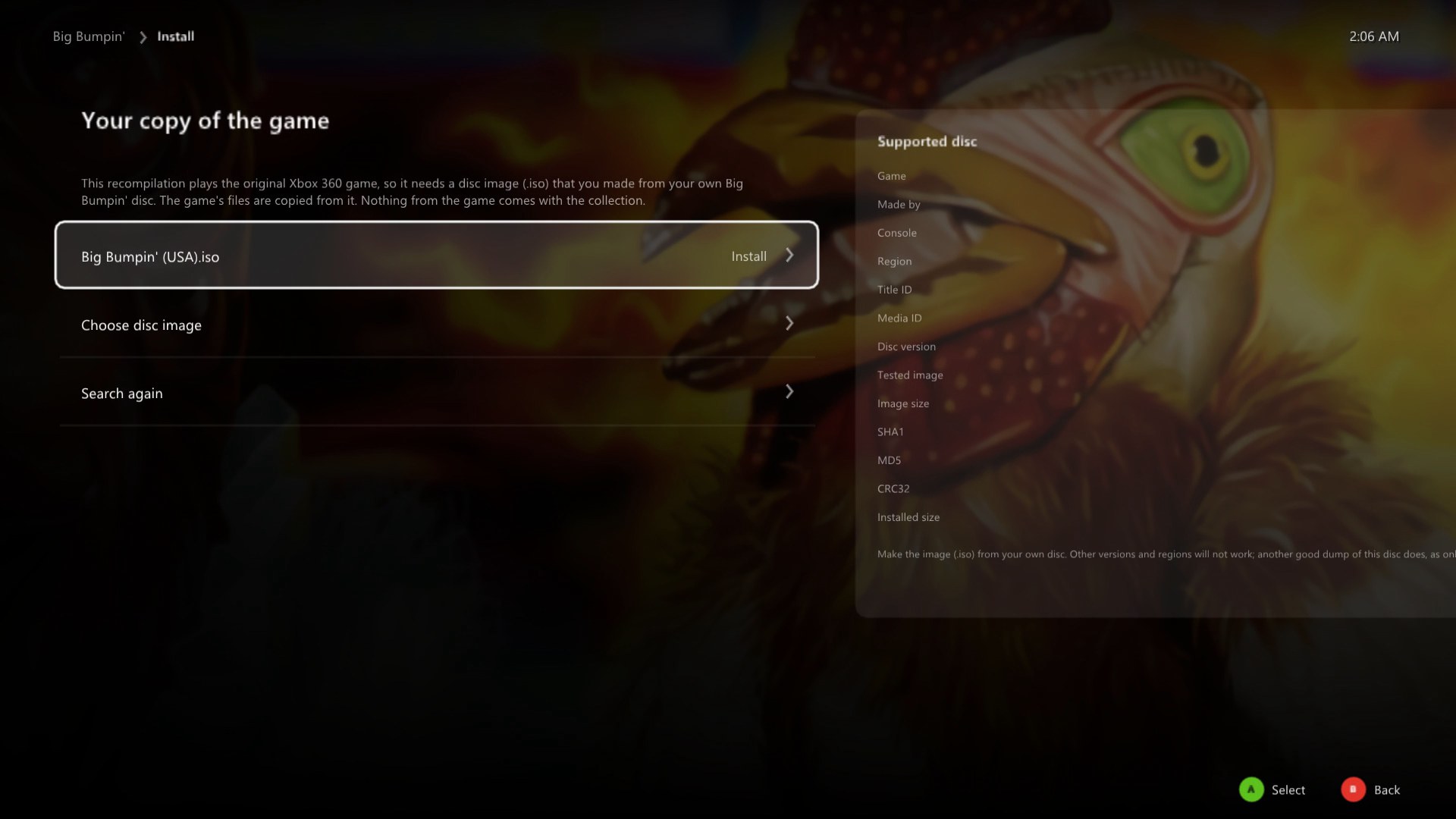 |
Install from your own disc
|
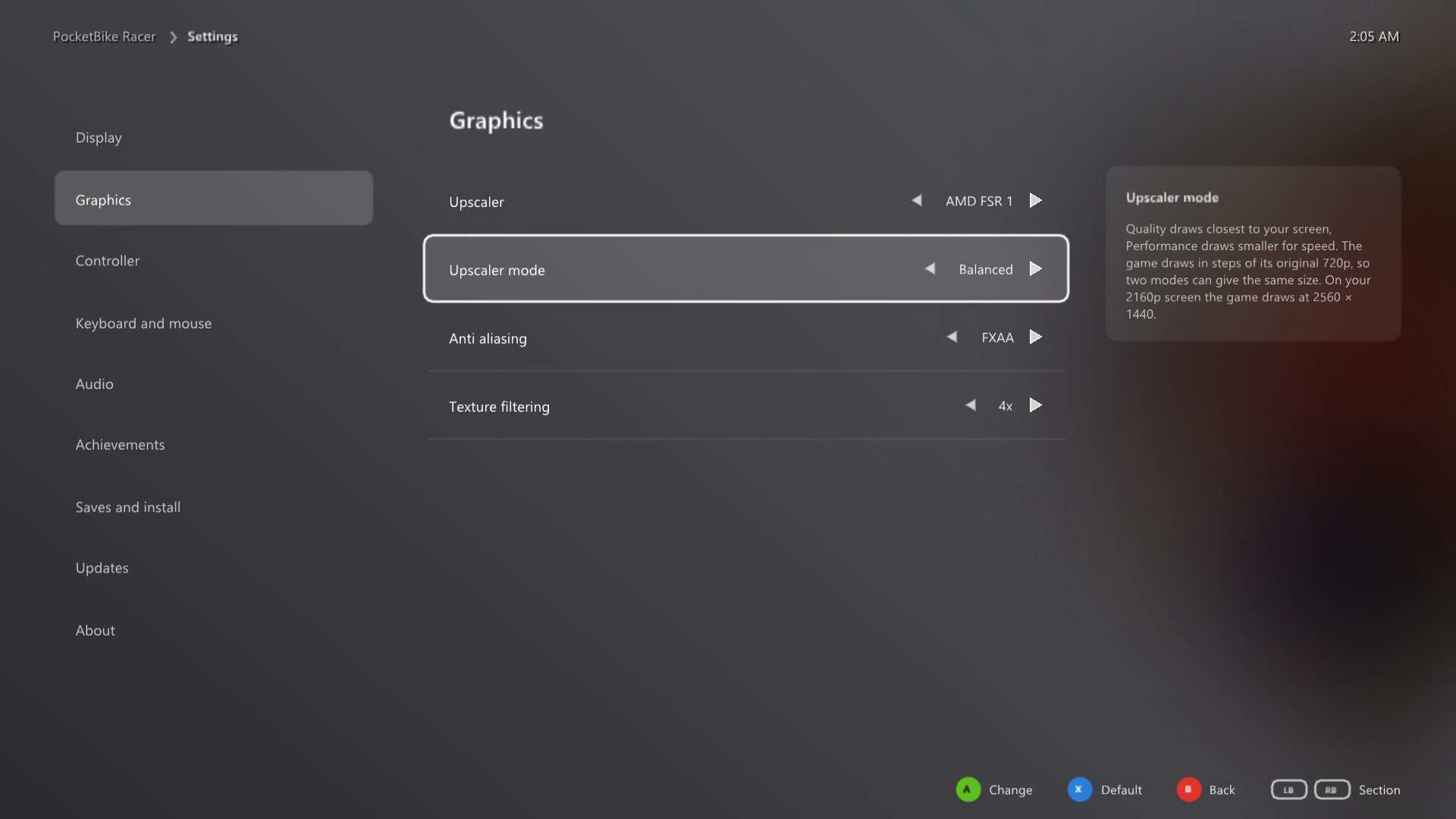
Display and Graphics
|  |
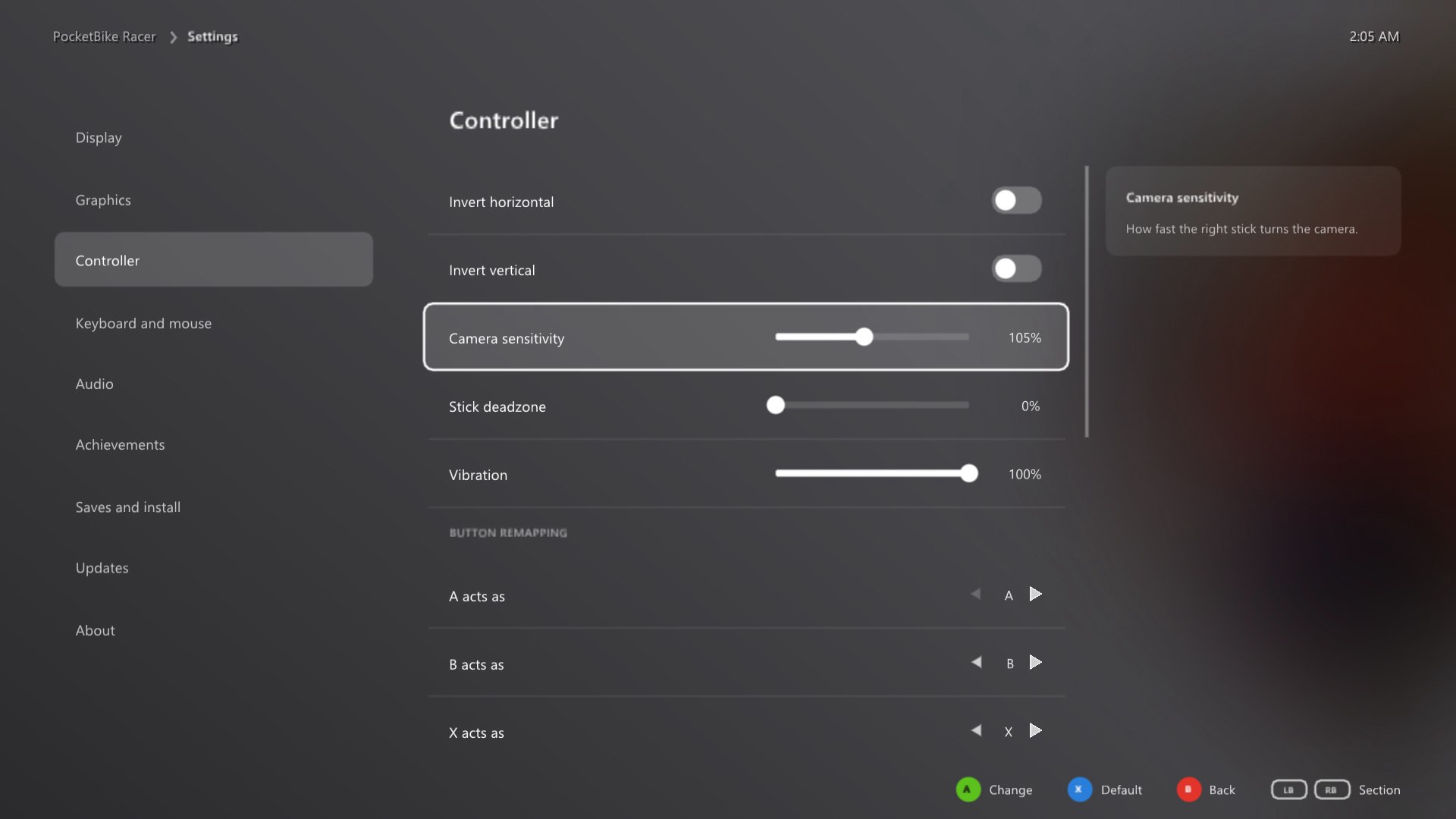 |
Controller, keyboard and mouse
|
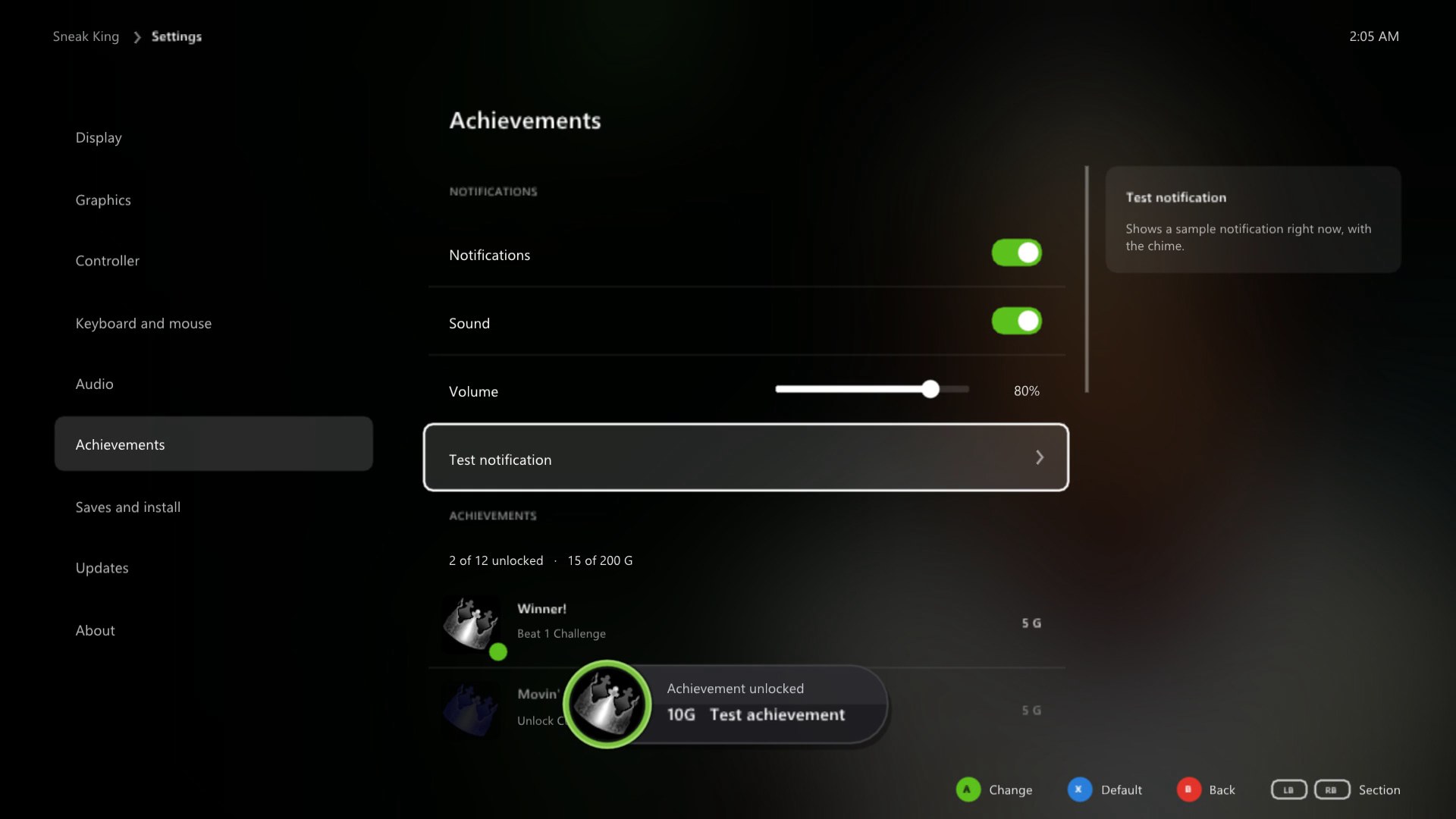
Achievements
|  |
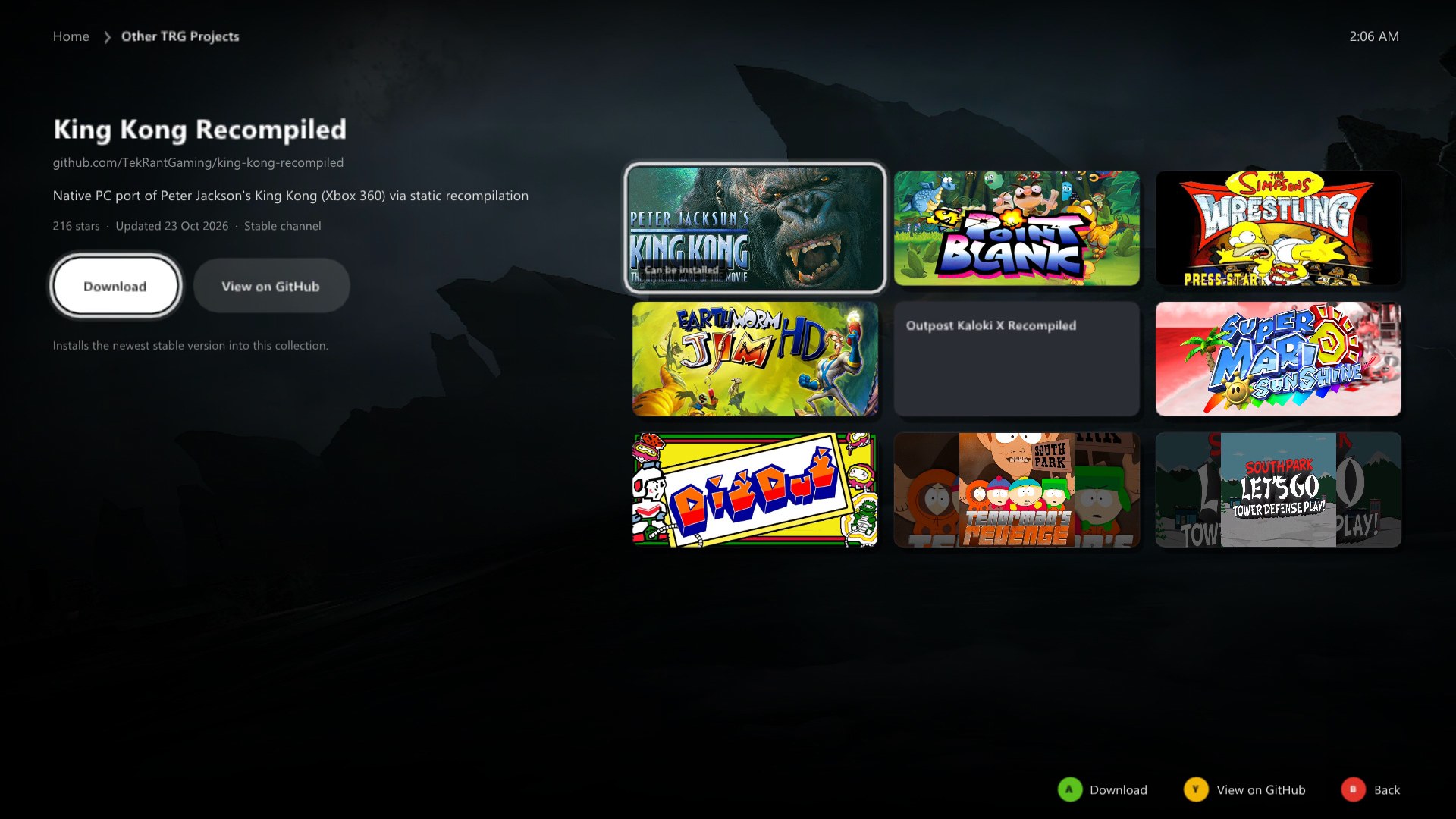 |
Other TRG Projects
|
Saves and updates
Each game's Saves and install page backs up your saves and restores them, opens the save, backup and game folders, reinstalls from your disc or removes the game. When the launcher opens it checks GitHub for new versions of itself and of each game and installs them by themselves, restarting into a new launcher once nothing else is going on; your games, saves and settings stay as they are. Turn that off in the launcher's own Settings.
Xbox 360 vs PC
| Xbox 360 | PC | |
|---|---|---|
| Resolution | 1280 x 720 | up to 6x (7680 x 4320) |
| Frame rate | 30 fps | 30, 60, 120, 144, 165, 240 or no limit |
| Upscaling | none | AMD FSR 1 or NVIDIA NIS, four modes each |
| Anti aliasing | console | FXAA, or higher resolutions |
| Texture filtering | console | up to 16x |
| Display | TV | borderless fullscreen or windowed, any monitor |
| Controls | Xbox 360 controller | any controller, remapping, keyboard and mouse |
| Achievements | console | notifications in game, with sound |
| Three games | three discs | one launcher |
Good to know
Hotkeys
| Key | Action |
|---|---|
| Hold Back + Start, or hold Esc | back to the launcher while playing |
| F11 | the launcher fullscreen or windowed |
Reporting a problem
Please open an issue with the game, what happened, your CPU, graphics card and the resolution and frame rate you play at, or ask on the Discord.
About the games
Sneak King, Big Bumpin' and PocketBike Racer were made by the Arcade division of Blitz Games and published by King Games in 2006. They were sold at Burger King restaurants from late November to Christmas Eve 2006, played on both the original Xbox and the Xbox 360, and more than 2 million copies were sold in their first four weeks.
Until now the only way to play them was on a console. This collection runs all three natively on Windows and adds the options you would expect from a PC release.
Building from source (for developers)
See BUILDING.md. The game code is generated from each game's own default.xex, so building a game needs your own disc too.
Credits
- Sneak King, Big Bumpin' and PocketBike Racer by Blitz Games (Blitz Arcade), published by King Games in 2006.
- ReXGlue SDK, which does the code translation and runs the games, built on the work of Xenia and XenonRecomp.
- Dear ImGui, SDL and stb for the launcher.
- The TRG Launcher (updater and settings), shared by the TekRant Gaming ports.
- Game artwork in the launcher from SteamGridDB, downloaded when the launcher runs.
- The Discord and Steam marks from Simple Icons (CC0). Discord and Steam are trademarks of their owners.
- Upscaling: AMD FidelityFX Super Resolution 1 and the NVIDIA Image Scaling SDK, both MIT licensed.
Note
AI disclosure: this collection was made almost entirely with Claude Code (Anthropic). The repository owner directed and tested the work; the AI did the analysis, code, tools and documentation.
Important
This project is not affiliated with or endorsed by Burger King, Blitz Games, King Games, Microsoft, Valve or Discord. All trademarks belong to their owners. It contains no game code or assets. Do not open issues asking for game files.