SpongeBobRecomp
SpongeBobRecomp is a standalone PC port of SpongeBob SquarePants Revenge of the Flying Dutchman for Windows.
- Type: PC port
- Game: SpongeBob SquarePants: Revenge of the Flying Dutchman
- Runs on Windows
- By Spaced1127
- Latest release v0.1.4, 2026-11-10
- Source: https://github.com/Spaced1127/SpongeBobRecomp
README
SpongeBobRecomp
Standalone PC port of SpongeBob SquarePants: Revenge of the Flying Dutchman
(GameCube, NTSC-U, GSQE78).
The playable path uses Dolphin's JIT core at 60 FPS. The DolRecomp static recompilation module is included as the static-recompilation artifact and can be selected in PERFORMANCE (or the RecompLauncher settings).
No game data is included. You supply your own disc image.


Download
v0.1.4 - latest release (about 28 MB)
SpongeBobRecomp-v0.1.4-Windows-x64.zip
SHA-256  6F22280B185ADC580A048A7DE5B5E80A3236175BE4C3080EAF7A41A69EFAEA37
Requirements
- Windows 10/11 x64
- A Vulkan-capable GPU (OpenGL is also available)
- Your own NTSC-U ISO or RVZ of
GSQE78
Quick start
- Extract the zip to a writable folder - not Program Files. The extracted game is written next to the executable.
- Run
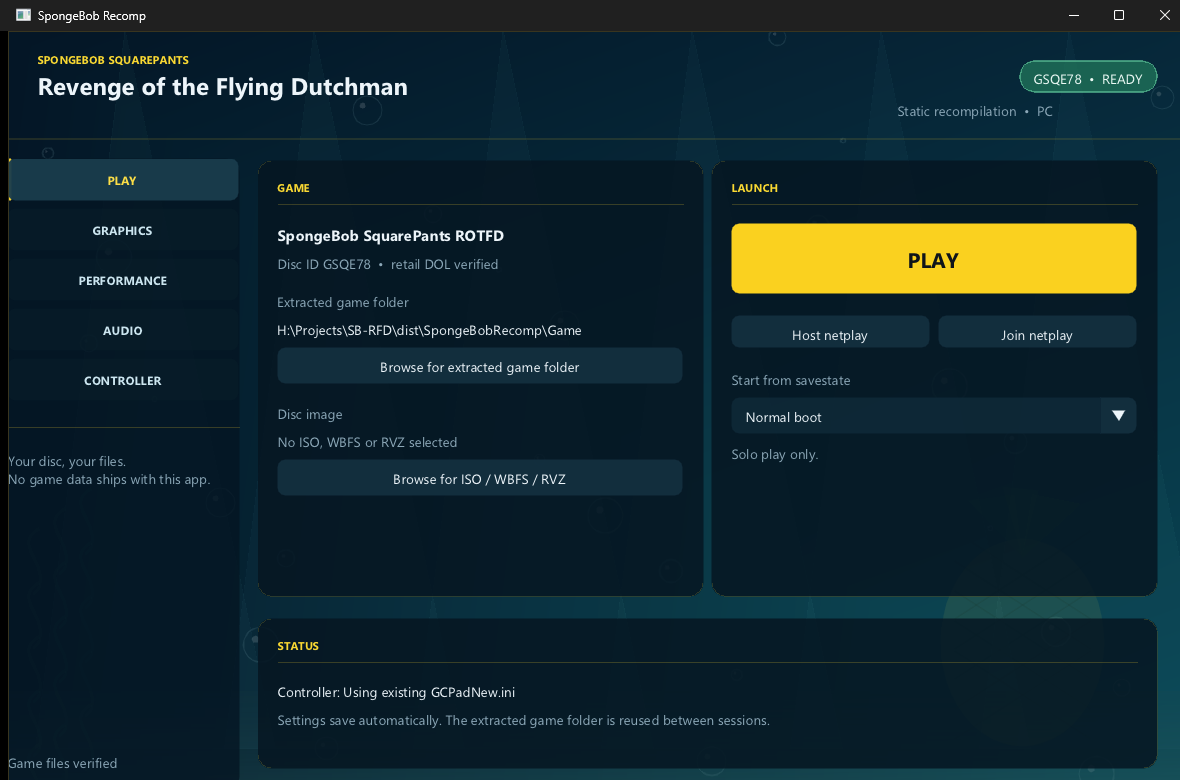
SpongeBobRecomp.exe. - On PLAY, choose Browse for ISO / WBFS / RVZ, select your disc image, then Extract and play.
- Press PLAY.
The extracted Game/ folder is reused on later launches. Settings live in
%LOCALAPPDATA%\SpongeBobRecomp\config.ini and save automatically.
RecompLauncher
Works with RecompLauncher. Install the release from RecompLauncher, pick your USA ISO on its setup screen, and press Play. RecompLauncher extracts the disc and starts the game directly; the same settings, saves and logs are used. The custom launcher remains available for RVZ files and manual imports.
CPU core
- JIT (default) - Dolphin's JIT core. Holds 60 FPS, including Bikini Bottom outside SpongeBob's house.
- Static recomp - runs
gGSQE78_recomp.dll, the static-recompilation build. Faithful, but heavy 3D scenes can dip to around 40 FPS.
Pick it on PERFORMANCE in the custom launcher, or under CPU core on the RecompLauncher game page.
Screenshots
| Launcher | Title screen |
|---|---|
 |  |
Features
- JIT playable path by default; the static recompilation module
gGSQE78_recomp.dllis included and selectable. No disc data is embedded. - ISO and RVZ import with disc-ID and retail-DOL verification.
- Launcher pages: PLAY, GRAPHICS, PERFORMANCE, AUDIO, CONTROLLER.
- Vulkan/OpenGL, 1x-12x internal resolution, MSAA, SSAA, anisotropic filtering, VSync, aspect ratio and widescreen hack.
- 2D compatibility (EFB reads) on by default for the legal, title and menu screens.
- Native 60 FPS timing, capped at the console's speed. The old frame-rate uncap option has been removed.
- Fullscreen with no window border; F11 or Alt+Enter toggles it.
- Audio mute and master volume.
- Controller profiles, netplay, savestates and memory-card saves.
- RecompLauncher setup, settings and verified-disc support.
Status
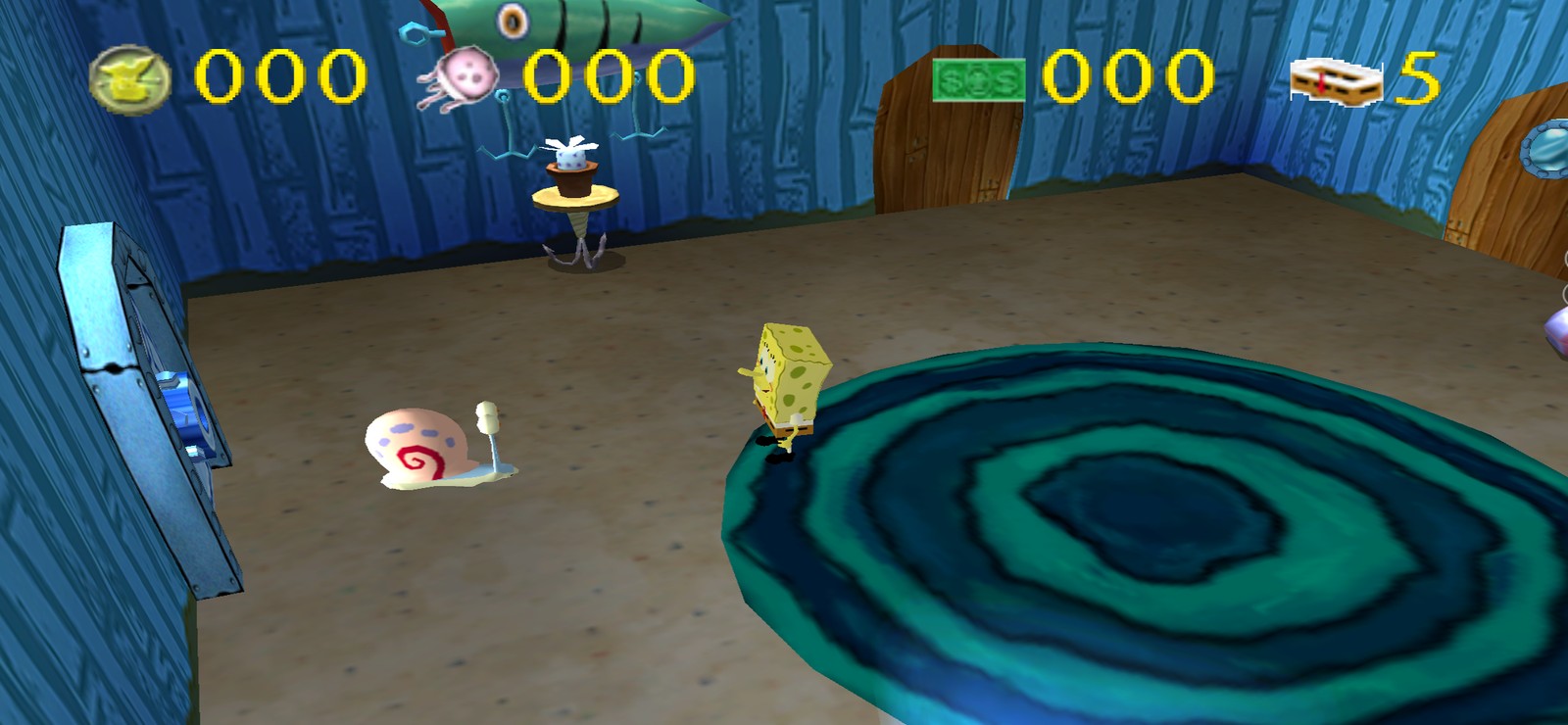
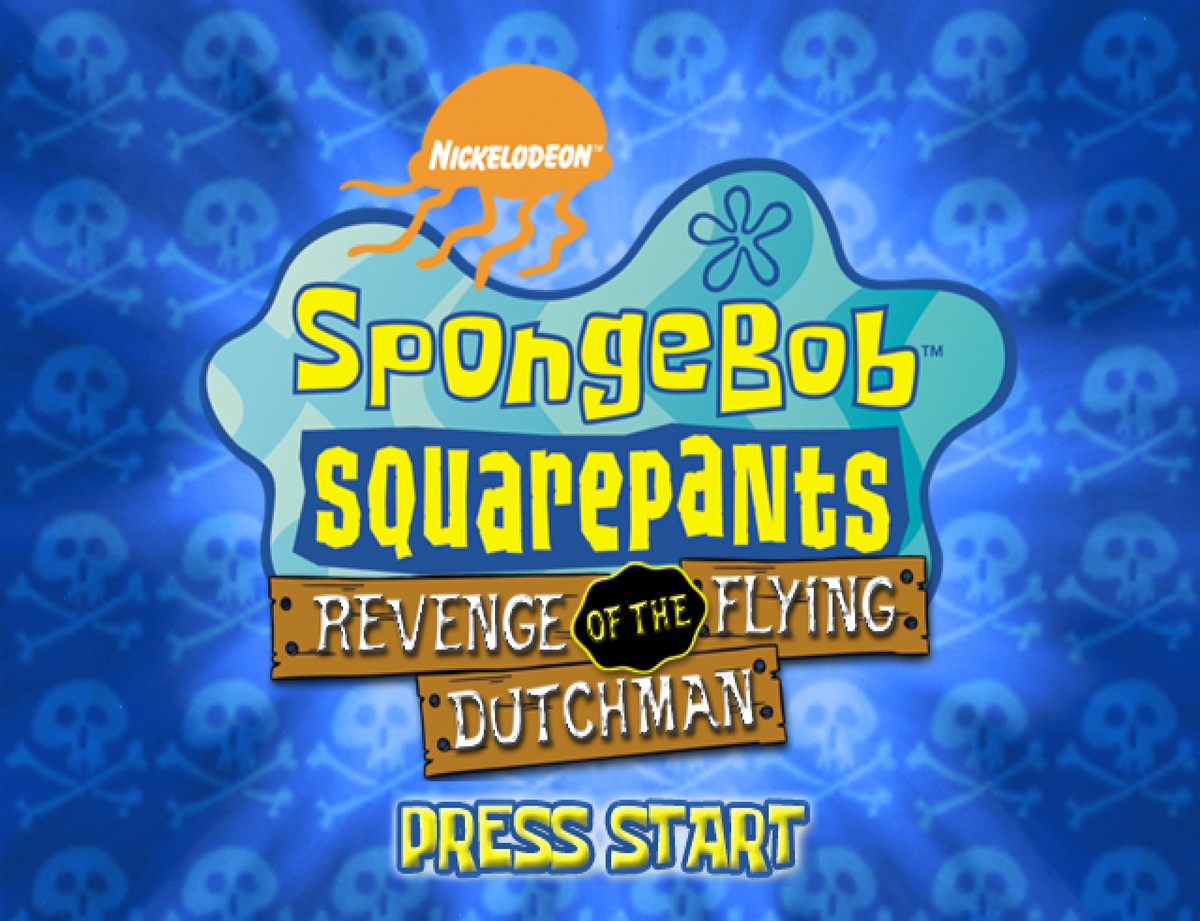
Tested: ISO/RVZ import, legal and title screens, intro/logo movies at full speed with clean audio, bedroom intro, pants pickup, bedroom -> living room transition, HUD and NPCs, pause menu, Options, Save Game, Load Game, the memory card, fullscreen, and launcher settings.
Still needs a person: a full story playthrough from the main menu to the end. Automated input did not cover the main-menu flower-mat interaction, so that path and the full game should be verified by playing it.
Known limitations:
- In-game pause-menu volume sliders were not verified. Use the launcher's AUDIO page for mute and volume.
- Very high MSAA + SSAA at 4x internal resolution can take a while to compile shaders. Wait for the Compiling shaders bar before closing.
Controls
- F11 / Alt+Enter - toggle fullscreen
- F1 - save state
- Esc - leave fullscreen; when windowed, closes the game
- Space - hold for fast-forward
Controller mapping is on the launcher's CONTROLLER page. See
docs/PLAYERS.md.
Graphics settings
Graphics options are applied when you press PLAY; they do not change a running session. The runner logs the values it applied at startup:
[video] backend=Vulkan scale=4 msaa=4 ssaa=0 af=4 vsync=1 aspect=1 widescreen=0 fullscreen=1
Logs are in %LOCALAPPDATA%\SpongeBobRecomp\Logs\ModernGekko.log. The
resolution dropdown is Dolphin's internal EFB scale, not the window size.
Building
The included module was generated from a retail main.dol with DolRecomp and
the ModernGekko/Dolphin-derived runtime. Rebuilding requires the retail DOL,
MSVC/Clang, CMake and Ninja; helper scripts are in tools/.
License
The launcher, tools and documentation are distributed under the GNU General
Public License v3.0 (see COPYING). The runtime is built from
Dolphin (GPLv2+, aggregate GPLv3) and DolRecomp (GPLv3); see
THIRD_PARTY.md and
LICENSES-DolRecomp.txt.
Legal
SpongeBob SquarePants and Revenge of the Flying Dutchman are trademarks of Nickelodeon and their respective owners. This project is not affiliated with or endorsed by Nickelodeon, THQ or the original developers. No game data is distributed; use your own legally owned disc image.