Star Ocean Integrity and Faithlessness PS4RT
Star Ocean Integrity and Faithlessness PS4RT is an experimental Windows port of Star Ocean: Integrity and Faithlessness for PlayStation 4.
- Type: PC port
- Game: Star Ocean: Integrity and Faithlessness
- Runs on Windows
- By Hoverbike51
- Latest release v0.4.0, 2026-11-01
- Source: https://github.com/Hoverbike51/Star-Ocean-Integrity-and-Faithlessness-PS4RT
README
Important
The Windows version is experimental and still requires extensive testing, particularly by playing through the entire game and verifying its compatibility with a wider range of drivers and hardware.
Tested with Ryzen 9 9950X3D2 CPU with Radeon RX 9070 XT GPU running Windows 11 x64
Tested with Intel i5 7th Gen CPU with Nvidia GTX 1050 GPU running Windows 10 x64 (laptop)
Star Ocean 5 — experimental Windows port
Version 0.4.0, for Windows 10/11 x64. This branch adapts the game-specific PS4RT compatibility runtime for Star Ocean: Integrity and Faithlessness (PS4). It is experimental and has not been validated across a complete playthrough or every PC.
No PS4 game data or firmware is included. Supply your own supported, decrypted game files. CUSA03219 is the tested PS4 edition. CUSA03246, CUSA01722 and CUSA03567 are recognized but marked as untested; unrelated titles and PS3 editions are rejected.
Guides and changes
- Illustrated launcher guide: setup, saves, video, input, updates and diagnostics.
- Illustrated in-game menu guide: the five tabs, live settings and preset limits.
- Complete Windows changelog: current changes, earlier development stages and known limits.
Playing
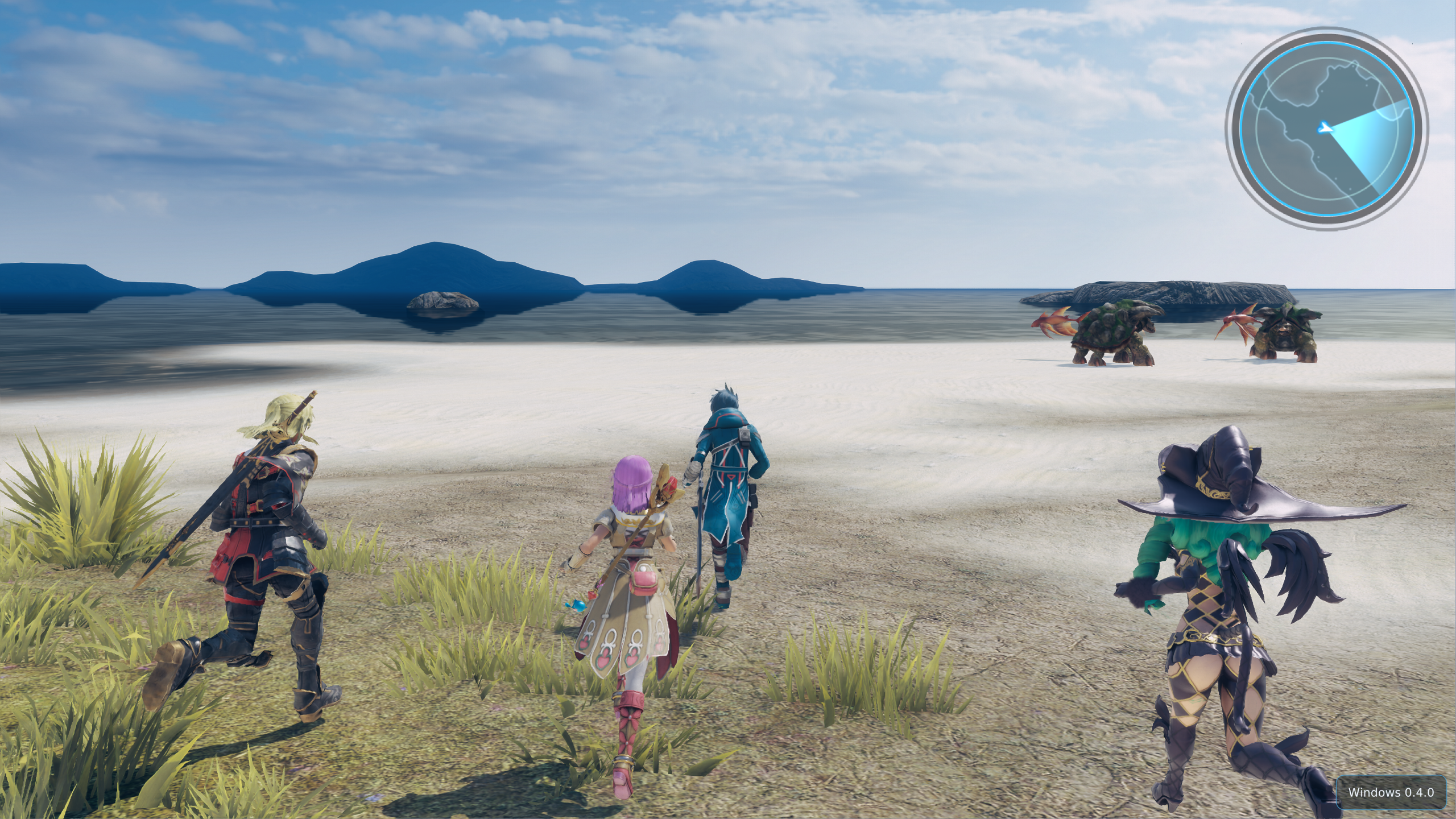
For a player package, extract the entire folder and double-click Star Ocean 5 Launcher.exe.
The root executable starts the real launcher in bin/. Keep the complete folder together;
all application DLLs and internal executables are in bin/. Assets and player data remain outside it.
Follow README-Windows.txt, included in the player package.
Players do not need to install Python, MSYS2, a Linux subsystem, PowerShell or .NET. A Vulkan 1.3-capable graphics driver and a supported x86-64 CPU are required. The launcher checks the environment and selects the game directory or imports a supported PKG. PKG import uses the independent native PkgExtractor.exe. It needs a known creation passcode; the launcher supports the standard all-zero passcode. See format limits.
The Windows launcher provides game/save management, input mapping, video settings, diagnostics, optional performance capture and a native GitHub updater. Console diagnostics remain English; the launcher supports 12 interface languages.
Graphics settings can also be opened in game with Insert or L2 + R3 click. The launcher offers a Target monitor selector when multiple displays are connected, with remembered display identity and automatic fallback if that monitor is disconnected. Aspect ratio filters output choices by All, 4:3, 16:9, 16:10, 21:9 or 32:9; unavailable families are omitted. Windowed/borderless outputs fit the physical monitor bounds, while exclusive fullscreen choices also require an exact Windows display mode. The runtime independently validates the selected monitor and output. See the supported catalog and limits in window presentation. The default game scene input stays at 1080p. Experimental rendering presets can request different scene inputs with FSR 3.1 or FSR 4 v07; unsupported scene passes are refused and safe rendering is restored. See current test limits. This does not claim native 4K scene rendering. The launcher initially uses 84% of the work area, capped at 1580 x 940, with scrolling for long settings pages. Anisotropic filtering changes require a game restart. In windowed mode, Image fitting selects Original (fit with bars) or Stretch to window. Stretch affects final presentation, including the HUD; it does not change scene resolution. The selected output resolution sets the initial client size; mouse resizing remains available. Ultrawide windows use bars or stretching; a native ultrawide field-of-view patch is not included. See window presentation and GPU checks for details. The experimental renderer has been reported stable in local 4K/FSR 4/16x AF tests and OBS recording; these observations do not establish compatibility on other hardware.
Saves and backups
Prepared files and runtime user data live under out/CUSA03219/.
Save files use user/savedata/<user-id>/<title-id>/; a custom title save directory is supported.
The Game tab's Automatic save backups switch controls the runtime's existing
sceSaveDataUmountWithBackup mechanism. It controls snapshots at launch and when the game requests backup after supported saves.
Both use the same runtime backup engine.
Backups use user/savedata-backups/<user-id>/<title-id>/<save-slot>/backup-.../,
including when saves use a custom directory. Each completed snapshot contains data/ and
optional sce_sys/ metadata. Open backups opens the detected edition's backup directory.
Switch changes apply on the next game launch. Disabling backups preserves normal save/load.
Legacy save-backups copies are left untouched, but the launcher no longer creates them.
The optional native performance probe is disabled by default in a fresh player installation. Enable it only for a diagnostic session; reports stay local and are excluded from packages. Enable Performance capture tools in Advanced to show the two controls in Logs & diagnostics. Enabling the tools alone does not start a recording.
Building from source on Windows
These instructions apply to the source checkout, not to a player package.
Install the MSYS2 CLANG64 dependencies listed in packaging/windows/README.md.
The project uses CMake + Ninja + clang/MinGW-w64, because the PS4 guest boundary needs
System V ABI support and GNU assembly. MSVC is not supported for that boundary.
From a terminal in the checkout:
.\build-windows.cmd
& '.\dist\ps4rt-star-ocean-5-windows-x64-v0.4.0-latest\Star Ocean 5 Launcher.exe'
The CMD build creates a separate, clean player folder without a ZIP by default. The explicit form remains available:
.\build-windows.cmd -PlayerFolder
The folder is created under dist/ps4rt-star-ocean-5-windows-x64-v0.4.0-latest/.
The name is read from VERSION; no user-specific absolute path is stored in the build scripts.
Keep that entire folder for playing; source files and build intermediates stay in the checkout.
The root launcher is a small native bootstrap, with no application DLLs at the root.
If an earlier player folder contains saves/settings/cache, move or rename it before rebuilding;
packaging refuses to overwrite player data. For developer output only, run
./build-windows.ps1 -PlayerFolder:$false in PowerShell.
Only an approved release workflow should create and publish the distributable ZIP.
Developer tests use build-windows.cmd -Test. Python is a developer test/reference tool only.
The build detects relocated CMake caches so a copied source checkout can be rebuilt elsewhere.
Updates and project credits
The launcher queries published Windows player releases from the Hoverbike51 fork. A Git tag or GitHub source archive is not an installable player update. See Native Windows updates for package verification and recovery. No update should replace game data, settings, saves, shader caches or external mods.
The original PS4RT project, adapted shadPS4 renderer and third-party components retain their licenses and attribution. See Upstream credits and the included license files. The Windows work does not claim ownership of the game or its assets.