Shadows of the Empire Recompiled
Shadows of the Empire Recompiled brings Star Wars: Shadows of the Empire to PC.
- Type: PC port
- Game: Star Wars: Shadows of the Empire
- By GTTeancum
- Source: https://github.com/GTTeancum/SotE-Recomp
README
Shadows of the Empire: Recompiled
Report bugs / request features
Download 0.9.2 for Windows · Release notes
This repository contains a playable Windows static recompilation of the Nintendo 64 version of Star Wars: Shadows of the Empire using N64Recomp.
Screenshots
| Main menu | On-foot level |
|---|---|
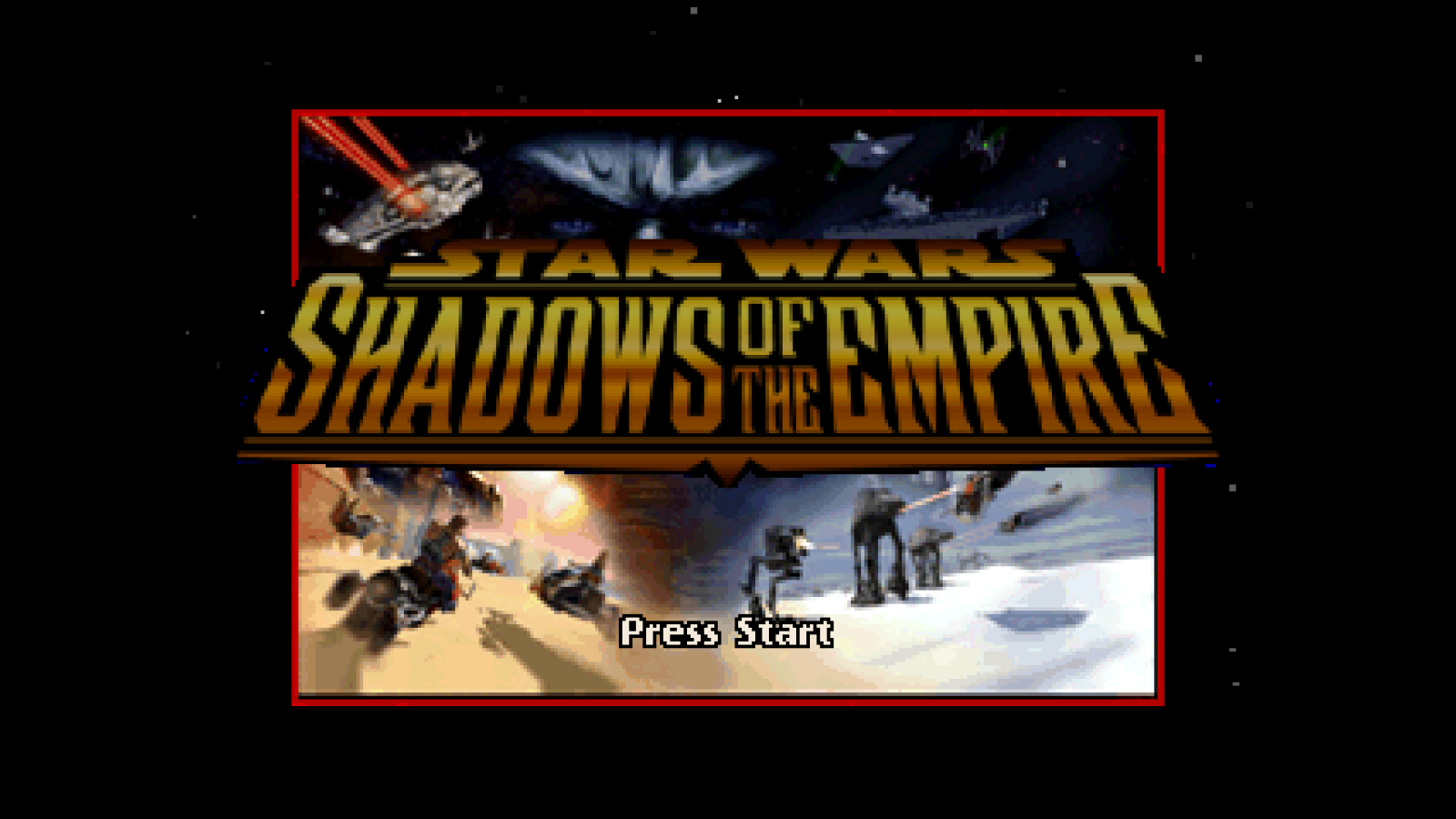 | 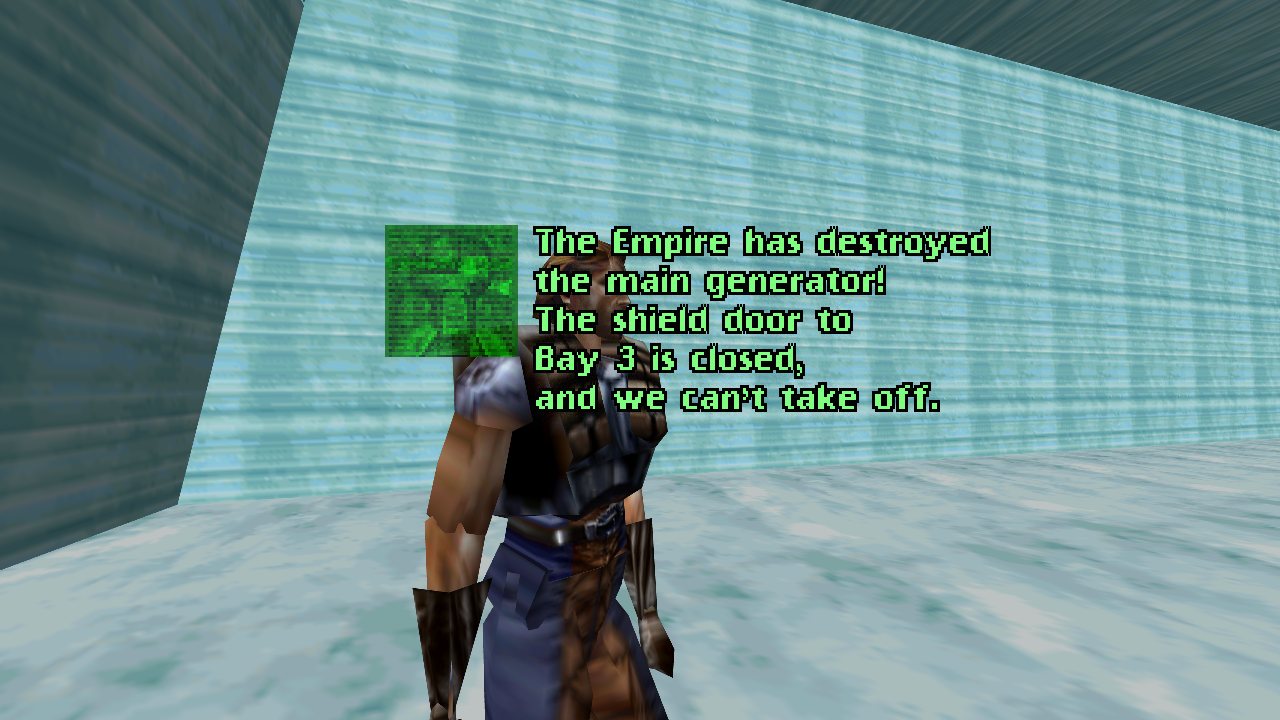 |
| Space level | Speeder bike level |
|---|---|
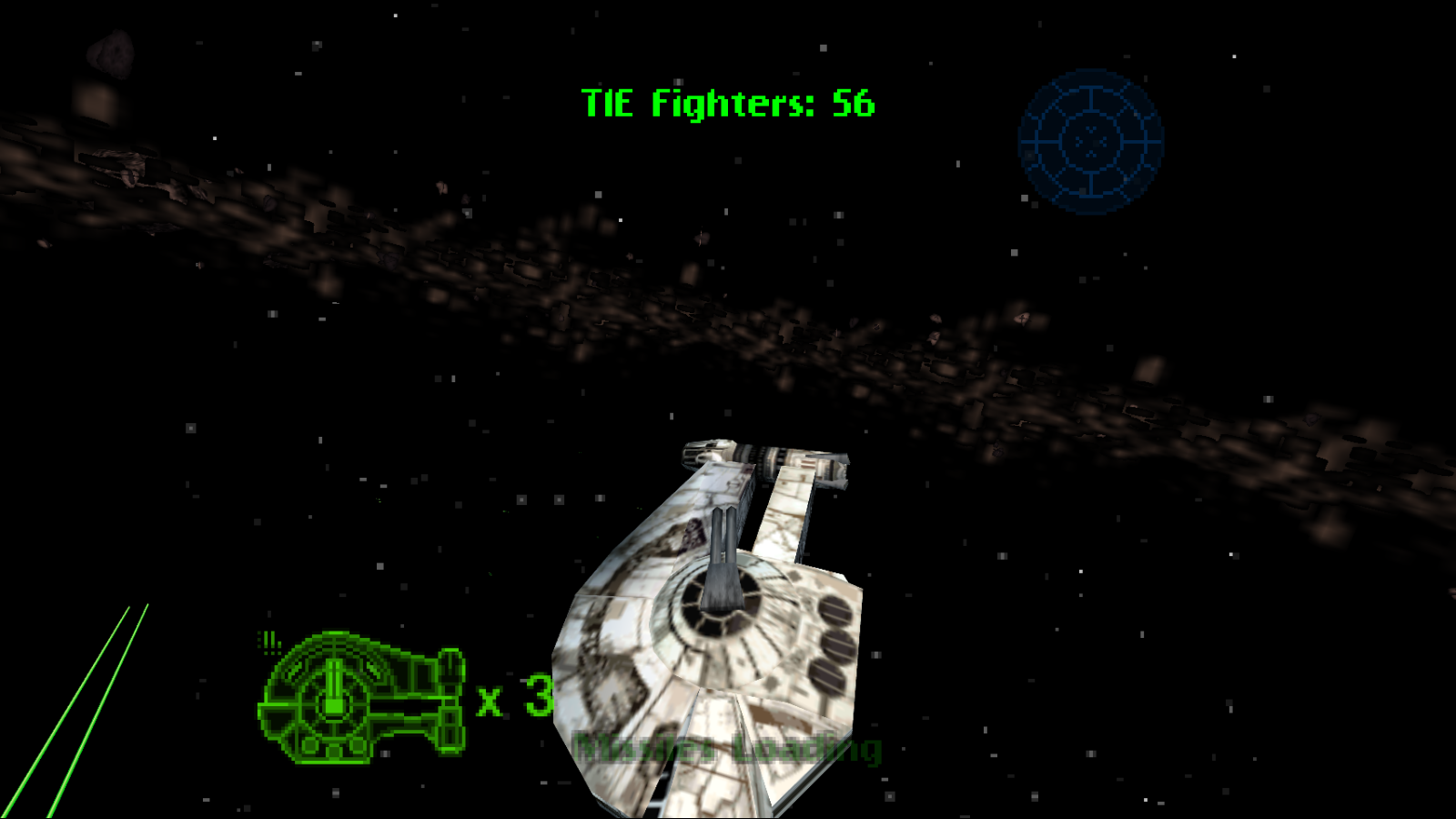 | 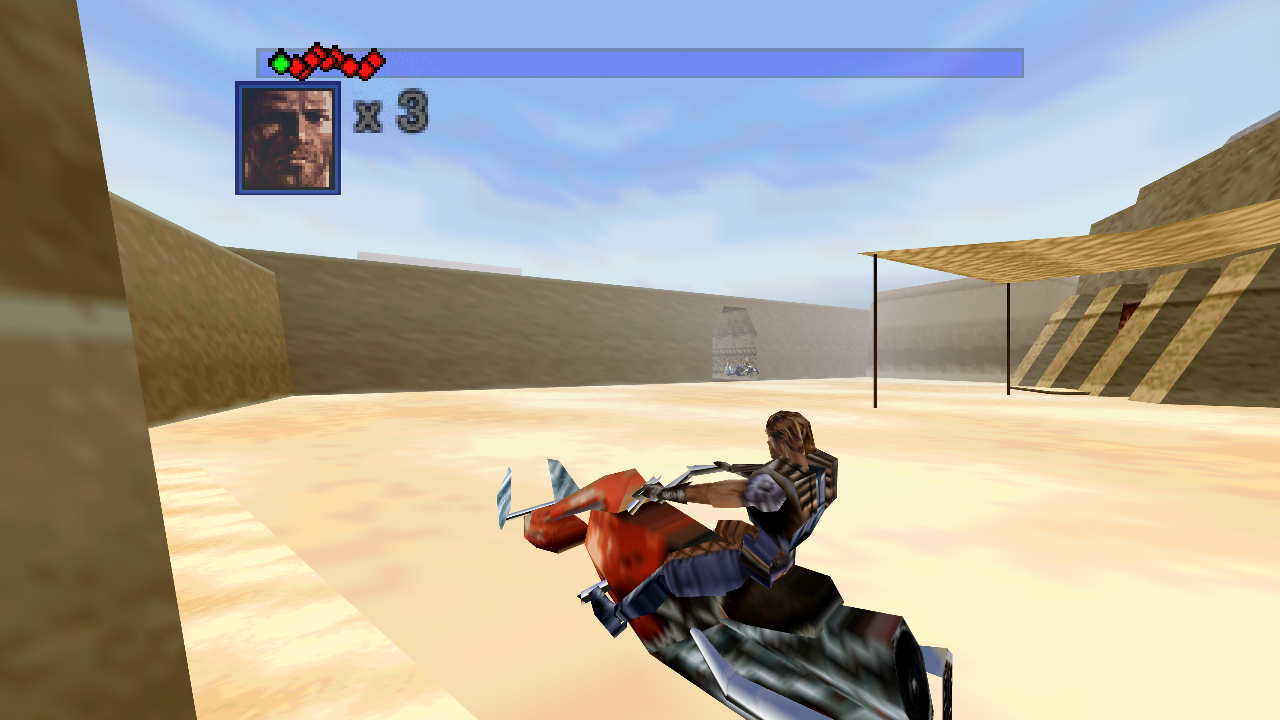 |
Target
- Region: USA
- Retail revision: 1.2
- ROM byte order: big-endian (
.z64); byteswapped.v64/.n64dumps are converted automatically - Internal ROM name:
Shadow of the Empire - Accepted ROM SHA-256, either of:
e7085e013123537f34e0edec8801318016da4dbac424172d6dc5f3b67d98642c(No-IntroStar Wars - Shadows of the Empire (USA) (Rev 2), CRC32E8727549- the normal cartridge dump)2802bf4135842f7c8d254349ed7ac2641f6d7ff45e9d2d01304e1455706dd103(a widely mirrored pack copy; differs from the dump above only at ROM offset0x3B7B6E, which falls outside every recompiled code section, the texture pool and all 32 packed segments, so it runs identically)
No game ROMs or extracted copyrighted assets belong in version control. A legally obtained matching ROM is required locally to build and run the port.
Modern blaster convergence and optional INI magnetism are documented in Modern aiming.
Leebo's PC voices
0.9.2 maps 32 distinct Leebo communicator messages to PC recordings and starts
them when their text appears. Copy ILB*.WAV from the Sdata folder in your
own PC installation into Sdata beside Shadows of the Empire.exe, then
restart. The path should be Sdata/ILB01.WAV; original PCM WAV files need no
conversion. These optional recordings are not bundled. See the
installation guide.
Texture packs
Stock textures are the default. Optional replacement packs support higher-resolution
PNG artwork, transparency and runtime source-slot matching. The portable folder
includes 4,244 editable stock PNG references under texture_upgrade,
Build-HD-Pack.ps1, texture_tools and TEXTURE_PACKS.md. Edit the bundled
sources to create your own HD pack; the basic workflow needs no Python. See the
authoring and installation guide or
developer workflow and validation.
Before / after texture comparison
Hoth with stock textures and the experimental 4× RealisticRescaler texture pack. These renderer captures use the same scripted route, capture point and graphics settings; separate runs can have small differences in scene timing. Click either image to inspect the full-resolution capture.
| Before: stock textures | After: experimental 4× texture pack |
|---|---|
 |  |
Snowspeeder detail, with both crops enlarged 2× using nearest-neighbor scaling and no sharpening:
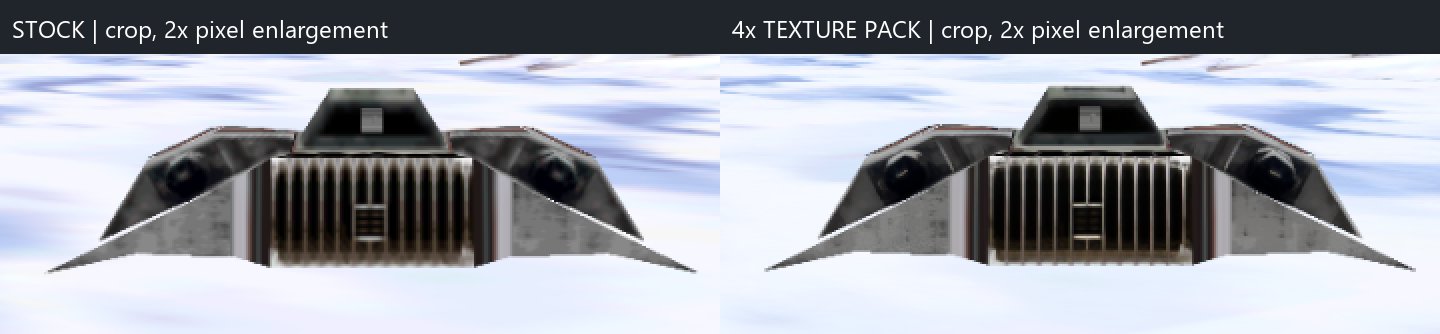
The enhanced pack shown here is a proof of concept. The 0.9.2 download includes stock source textures and authoring tools; this experimental enhanced artwork is not bundled. You can use the included sources to build your own HD pack.
Status
The 0.9.2 open beta is playable on Windows. Graphics, music and sound effects, keyboard and controller input, rumble, EEPROM saves, widescreen rendering, MSAA, and the in-game graphics/options hooks are connected. Automated crash testing navigates the in-game Change Level menu and has exercised all ten levels. Longer input-driven runs cover on-foot, speeder bike, spacecraft, turret, and jetpack gameplay paths.
The 0.9.2 release contains the executable, required runtime DLLs, configuration,
documentation, texture tools and editable stock texture sources. Sources stay
outside the active textures folder so native rendering remains the default.
It does not include a ROM, main.bin, saves or PC audio.
At runtime, the executable validates the user's local USA v1.2 big-endian ROM
and reconstructs the retail executable image in memory.
The renderer includes the game's F3DBETA microcode identification and perspective-normalization behavior. It also avoids RT64's early-present path, which caused alternating black frames and severe flicker in this game. Consecutive synchronized offscreen captures of menus and Hoth gameplay no longer contain those black frames.
The retail loader also restores libultra's 46.875 MHz CPU-counter clock rate.
The generic runtime replacement for osInitialize does not perform that
guest-memory write; leaving the ROM's 62.5 MHz initializer unchanged made
SOTE's audio scheduler run 25 percent late and repeatedly underrun.
Gameplay is paced at one update per 60 Hz VI while the N64 VI and host presentation remain at 60 Hz. Without this guard, HLE graphics tasks finish much faster than the original RSP/RDP work and let the main loop run about 120 gameplay updates per second. That made movement, collision, and mission timers several times too fast even though presentation itself was properly synchronized.
Requirements
For the release zip:
- Windows 10 or 11
- A legally obtained ROM matching the SHA-256 above
For building from source:
- Windows 10 or 11
- Visual Studio 2022 with Desktop development with C++
- CMake and Git on
PATH - Python 3
- A legally obtained ROM matching the SHA-256 above
Install the Python dependencies into the repository:
python -m pip install --target .tools/python -r tools/requirements.txt
Build
Place the ROM in the repository root with this name:
Star Wars - Shadows of the Empire (U) (V1.2) [!].z64
Then run:
powershell -ExecutionPolicy Bypass -File .\build.ps1
Use -RomPath C:\path\to\rom.z64 for a ROM stored elsewhere. The first build
extracts and recompiles the game. Later builds reuse those generated sources;
pass -Regenerate to recreate them or -Clean to recreate both CMake build
trees.
Run
For the release zip, extract the archive and place the matching ROM next to
Shadows of the Empire.exe with either of these names:
sote.us.v1.2.z64
Star Wars - Shadows of the Empire (U) (V1.2) [!].z64
For local builds, the build script creates the same self-contained play folder:
SotE_Recompiled\
Double-click:
SotE_Recompiled\Shadows of the Empire.exe
The executable resolves the ROM, retail image, DLLs, and saves from its own directory, so it does not depend on the current working directory or the repository layout. The portable folder can be moved as a unit. Saves are written under:
SotE_Recompiled\saves\sote.us.v1.2.bin
Normal double-click launches also keep diagnostics for the most recent run:
SotE_Recompiled\logs\sote-latest.log
SotE_Recompiled\logs\sote-latest-errors.log
The first file includes bike-stage timers, lives, and mission-failure transitions. The second captures runtime errors and native crash stacks. Both files are replaced on the next launch instead of accumulating indefinitely.
Normal launches use Direct3D and sound. --muted suppresses the host audio
device while leaving guest audio generation active. Automation uses both
--headless-smoke and --muted, so it opens neither a Direct3D window nor a
sound device.
Graphics
Normal launches default to a resizable 1280x720 widescreen window, automatic integer-scaled internal resolution, and 4x MSAA. Maximizing the window or moving it to a higher-resolution display automatically raises the internal rendering resolution. RT64 expands supported 3D projections to the window's aspect ratio while retaining the game's original 2D framebuffer behavior.
Graphics configuration is part of the original game UI. Open
Options -> Graphics to select:
- An actual output resolution supported by the current display
- Native, 2x, 4x, or 8x render scale, or automatic Scale to Fit
- Original 4:3 or Widescreen presentation
- Off, 2x, 4x, or 8x MSAA
- Windowed or Borderless display mode
Changes are staged until Apply is selected. Reset restores 1280x720,
Scale to Fit, Widescreen, 4x MSAA, and Windowed mode. Renderer options are
saved in SotE_Recompiled\rt64.json; output resolution and display mode are
saved in SotE_Recompiled\sote_options.json. Both files are created
automatically.
Pressing F11 or Alt+Enter also toggles borderless mode and keeps the
in-game setting synchronized.
The bundled RT64 revision provides multisample antialiasing rather than FXAA. The port defaults to 4x MSAA because it smooths polygon edges without applying a full-screen blur to HUD text and textures.
On an Xbox controller, Y is a digital alias for N64 C-left. In the jetpack levels, press Y to toggle the jetpack and hold A for thrust. The right-stick left direction continues to provide the original C-left input as well.
Automated crash smoke
Run the four mode-focused tests:
powershell -ExecutionPolicy Bypass -File .\tools\smoke_levels.ps1
Run every Change Level entry:
powershell -ExecutionPolicy Bypass -File .\tools\smoke_levels.ps1 -AllLevels
Each level test spends three minutes in its gameplay observation window by
default. It records life loss, result transitions, and game-over state along
with periodic level heartbeats. Use -DurationMinutes to request a different
duration. Unless -Passive is supplied, the harness rotates through all four
analog directions while holding fire and pulses A, B, R, L, and each C button.
The combined-input test fails if any of those action classes is absent from
the captured runtime log. Pass -NoRefillLives to exercise natural life
depletion instead of the default long-smoke refill. Add
-ExpectNaturalGameOver to require the exact four-death sequence
3→2→1→0→-1 and a result-4 return to the level menu.
These tests use the headless renderer so they can run without taking window
focus. They also pass --muted, while still exercising game audio tasks,
overlay code, and display-list submission paths; rendered offscreen capture
remains a separate validation step. Every run starts from an isolated copy of
the known-good Change Level save under build\diagnostics and does not modify
the normal save.
Controls
An SDL-compatible controller uses the expected N64 layout:
- Left stick: N64 analog stick
- A / B: N64 A / B
- Left trigger: Z
- Left and right shoulder buttons: L and R
- Right stick: C buttons
- D-pad and Start: N64 D-pad and Start
Keyboard controls:
WASD: analog stickZor Space: AX: BC: ZQ/E: L / R- Arrow keys: D-pad
IJKL: C buttons- Enter: Start
Physical keyboard and controller input is accepted only while the game window has focus. This prevents normal desktop typing from steering an unattended game.
Control scheme
The injected Options entry cycles between Graphics and Controls with Left
and Right. The Controls submenu offers a single player-facing choice:
Classic- the original N64 mapping described above.Modern- controller-focused aiming, movement, and vehicle tuning. On foot, LS moves and strafes while RS continuously turns and aims. There is no LT aim mode. A jumps, RT fires, X opens doors, Y toggles the jetpack, B crouches, and LB/RB cycles weapons. Modern uses a right-shoulder camera looking along the weapon direction, with native camera collision checks. Stick release stops turning and holds vertical aim. Speeder-bike stages use right trigger for throttle, left trigger for brake, left stick steering, and right shoulder fire. Bike steering uses a progressive curve, can lose sensitivity as throttle rises, and is lightly stabilized.
Highlight Apply to persist the choice to sote_controls.json next to the
executable.
Modern-control tuning is kept in CONTROLS_MODERN.INI next to the
executable. The file is written with defaults on first run and re-read when it
changes on disk. Each setting has comments describing its valid range and what
higher or lower values do. Tunables include movement deadzone and sensitivity,
aim deadzone and sensitivity, trigger deadzone and sensitivity, optional
look-forward snap back, and speeder-bike steering curve, high-speed falloff,
minimum steering scale, stabilization, camera smoothing, and fire binding.
The [OnFoot] settings are independent of the older General/Bike tuning:
on_foot_movement_deadzone and on_foot_aim_deadzone ship at 0.18 in the 0.9.2
INI (the fallback when keys are absent is 0.12),
on_foot_aim_curve to 1.7, on_foot_yaw_speed to 180 degrees/second, and
on_foot_pitch_speed to 90 degrees/second. on_foot_invert_y reverses vertical
look. Larger aim exponents give finer center control; 1.0 is linear. Both
sticks use circular deadzones, preserving shallow diagonals. Existing INIs
without these keys use the defaults; add the [OnFoot] block from
config/CONTROLS_MODERN.INI to expose them. Classic retains its original path.
Beta testers are encouraged to tune CONTROLS_MODERN.INI for real controllers
and submit the best-feeling setups with controller model details.
Control-scheme harness
The scheme selection, the CONTROLS_MODERN.INI reader, and the Modern input
math run outside the recompiled guest, so they are covered by a host-side
harness that needs neither a ROM nor a graphics device:
.\build\runtime\Release\controls_harness.exe
.\build\runtime\Release\modern_controls_harness.exe
The second harness checks radial response, pitch timing, guest movement/aim
hooks, native action bindings, and Classic/death/disconnect isolation. For
process-local gameplay diagnostics, SOTE_TEST_MODERN_INPUT=1 exercises a
repeating sequence of fine/full turns, pitch, and diagonal movement;
SOTE_TRACE_MODERN_CONTROLS=1 logs the requested and native output angles.
These checks do not substitute for a hands-on controller feel pass.
Repository notes
Generated game code and ROM-derived data are deliberately ignored. The
dependency changes needed by this port are kept as patch files under
patches\ and are applied automatically by build.ps1.