Mareshine
Mareshine is an Android port of Super Mario Sunshine that includes a modern UI, customizable touch controls, and support for HD texture packs.
- Type: PC port
- Game: Super Mario Sunshine
- Runs on Android
- By TheM3dium
- Latest release v2.1.0-beta.2, 2026-10-26
- Source: https://github.com/TheM3dium/mareshine
README
Mareshine
Mareshine is an Android app for Super Mario Sunshine (GameCube), built for phones, tablets and TVs. Since version 2.0 it runs on the Android branch of chasem-dev's PC port, which is built natively from the Super Mario Sunshine decompilation. Mareshine adds its own launcher, touch controls, menus and features on top. Versions 1.x were based on jbcgames/sms-android.
No game data is included. You need your own copy of the game: the North American disc
(GMSE01, revision 0) as an .iso. To play in a language other than English, you also need your
own copy of the European release (GMSP01) as an .iso.
Features
Mareshine
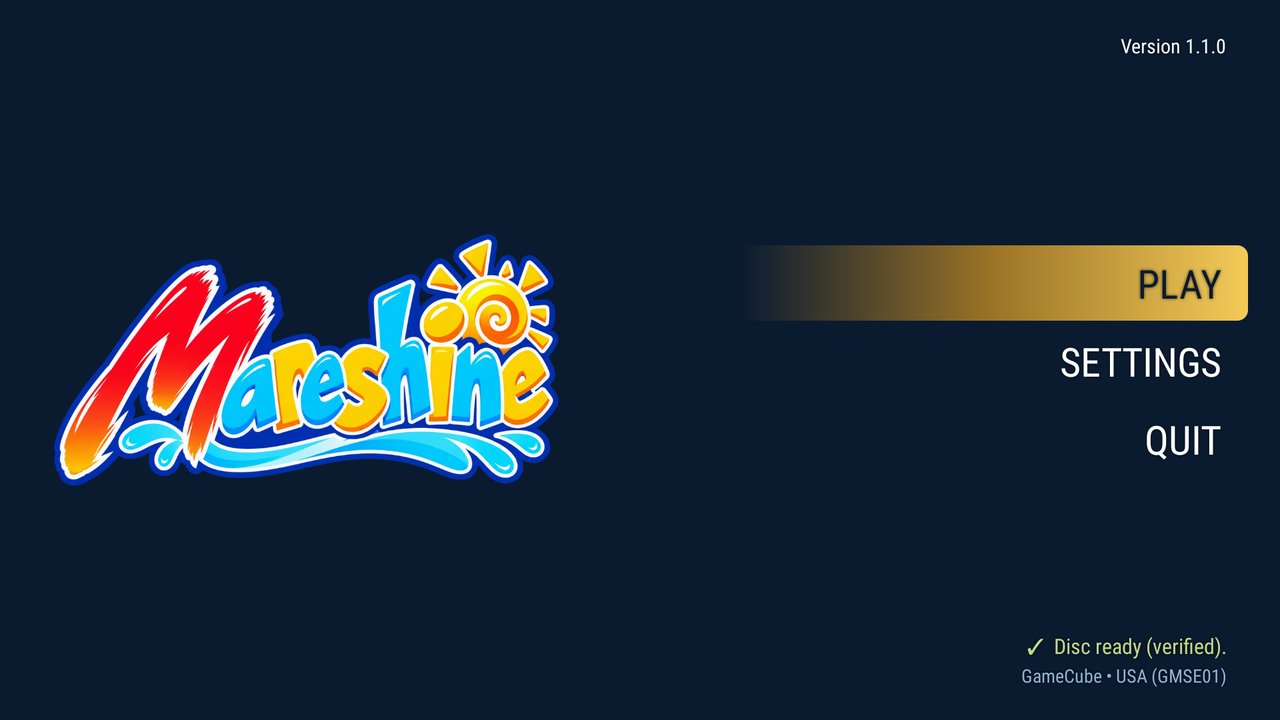
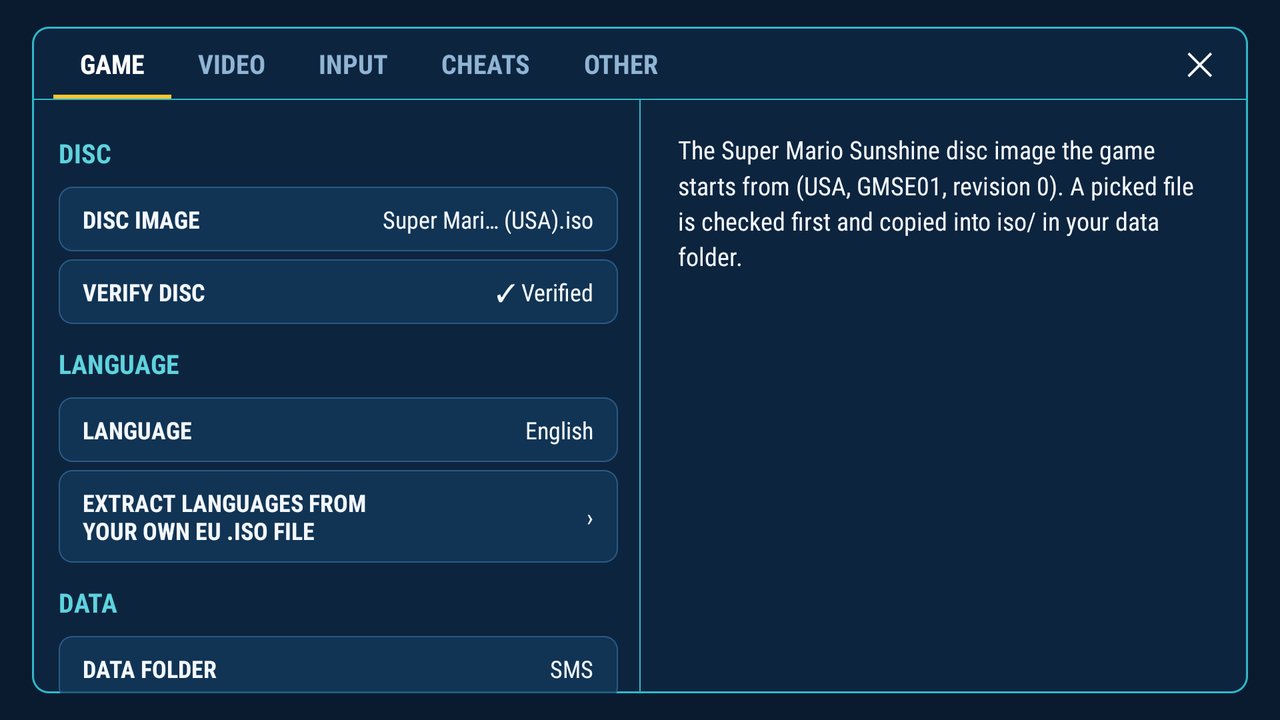
- Modern UI inspired by Dusklight: a launcher, tabbed settings (Game, Video, Input, Cheats, Achievements, Other) with a description for every option, usable with a remote, a controller or touch, and an in-game quick menu (resume, save states, achievements, sound, settings, restart, quit), opened with Select pressed twice
- Data folder (as in Dusklight): one folder of your choice holds your settings, saves, disc image, texture packs, cutscenes, language packs and logs, and stays when the app is reinstalled
- Adaptive layout: the menus adapt to the display, clear of camera cutouts, system bars and rounded corners, on phones, tablets and TVs alike
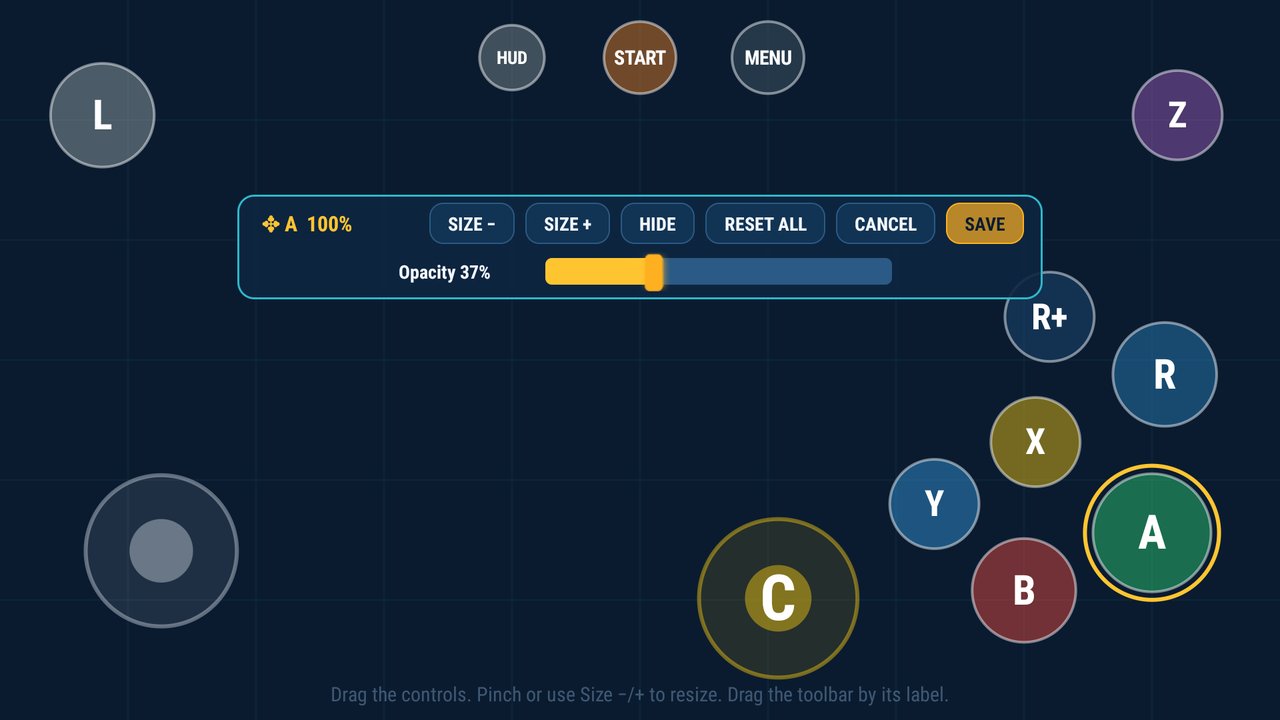
- Customizable touch controls: a touch layout editor (position and size of every button, opacity, hide when idle), and a GameCube button style in the controller's own shapes
- Controller settings: controller choice, button mapping, dead zone, sensitivity and stick calibration, applied at once, also while playing
- Vibration: graded strength for the phone and the controller (a controller vibrates where Android offers its motor; over Bluetooth some phones do not)
- Save states: five slots in the quick menu (save, load, delete, with a picture of the moment), exact even after a restart, with a loading indicator; quick save and quick load with the SAVE and LOAD touch buttons or, on a controller, the hotkey (Select + R1 saves, Select + L1 loads, all freely mappable)
- Skip movies with START or A twice: also movies you have not seen yet; the first press shows a small hint
- MP4 cutscenes: the HD cutscenes can be converted to MP4 on the device and played with the hardware video decoder, for devices too weak for the game's own THP format
- Cutscene frame: an image fills the bars beside the 4:3 movies, with its own frame for movies that need one, faded in and out; wide movies keep their shape (can be turned off)
- HD texture packs in the app: download the Super Mario Sunshine UHD texture pack in HD or Ultra HD and its HD extras, turn them on or off, or use your own (Dolphin texture packs for the North American version work)
- HD cutscenes in the app: download the PC port's HD cutscene pack, rebuilt from your own disc and checked
- Game languages on the device: French, German, Spanish and Italian, built on the device from your own European disc; nothing is downloaded. Subtitles in cutscenes follow the game's own option
- Achievements: 101 of Mareshine's own, offline and without an account, unlocked retroactively for existing saves, with their own page; kept in an open format (docs/ACHIEVEMENTS-FORMAT.md) that other programs can share
- Options for weaker devices: draw distance, shadows, reflections, water animation, heat shimmer and copy write-back can be turned down or off
- Separate music and sound effect volume
- Cheats: god mode, infinite lives, infinite FLUDD, movement speed, jump height, moon jump, coin multiplier
- Updates: Mareshine checks GitHub for a new release when it starts and offers it; it is downloaded and installed only after you confirm
- Safety and help: a disc check before the game starts, saves written safely, logs and crash reports, and a Recommended (HD) graphics preset
- App languages: English, German, Spanish, French and Italian
From chasem-dev's PC port
- The game itself: built from the decompilation, with its OpenGL ES graphics layer, widescreen, internal resolution, MSAA, anisotropic filtering, FXAA, upscaling and texture pack support
- Fixes and improvements that keep coming in the PC port, for example the return from Delfino Plaza's buildings
- HD cutscene pack, shader warm-up while a stage loads, 30/60/120 FPS, the save state system, cheats and the game language support
Requirements
- Android 8.0 or newer, 64-bit ARM (
arm64-v8a), OpenGL ES 3.0 - Your own Super Mario Sunshine disc image: North America, GMSE01, revision 0
Tested on a Galaxy S25, a Galaxy Z Flip7 FE, a Redmi K40, a Pixel 9 Pro and an NVIDIA Shield TV.
Getting started
- Install the APK.
- Open Mareshine and pick your disc image (Settings → Game → Disc image), or place it in
iso/inside the data folder. It is checked first. - Optionally choose a data folder (Settings → Game → Data folder) and download a texture pack or the HD cutscenes (Settings → Video).
- Press Play.
Building
The Android app is built with Gradle from the android/ folder; the game code comes from the
decomp/ submodule and is compiled by CMake through the Android NDK. SDL2's source (2.32.10) is
expected in build/deps/SDL2-2.32.10 (or pass -DSMS_SDL2_SOURCE=...).
git submodule update --init --recursive
cd android
./gradlew assembleRelease
You need JDK 17 and the Android SDK with NDK and CMake. The APK ends up in
android/app/build/outputs/apk/release/. The PC port's own README and build notes are in
docs/SMS-PORT-README.md and BUILD.md.
Credits
- chasem-dev: the PC port and its Android branch that Mareshine runs on, its graphics layer, HD cutscene pack, shader warm-up, save states, cheats and framerate patches
- jbcgames: the Android port Mareshine 1.x was based on
- doldecomp: the Super Mario Sunshine decompilation
- TwilitRealm: Dusklight, whose launcher and data folder inspired Mareshine's
- qashto and razius: the Super Mario Sunshine UHD texture pack
- Bkacjios: m-overlay, whose controller pictures the GameCube touch button style is traced from
- Libraries: SDL2, stb, bcdec
- TheM3dium: Mareshine
About how it was made
Mareshine was developed with the help of an AI assistant (Claude by Anthropic) and tested by hand on real devices. The logo, the app icon and the cutscene frames were created with the help of ChatGPT (OpenAI) and then edited by hand. Bug reports are welcome.
License
Mareshine's own changes are under the MIT License; the parts that come from other projects keep their own terms (the PC port is MIT, the decompilation CC0). See LICENSE.md and LICENSE.
Disclaimer
Mareshine is an unofficial fan project and is not affiliated with, endorsed or sponsored by Nintendo. Super Mario Sunshine and all related names and characters are trademarks and property of Nintendo. This project contains no game data, assets or copyrighted material from the game; you must own the game and use your own disc image. Please do not ask for or share game files. Provided as is, without any warranty.