New Super Paper Bros.
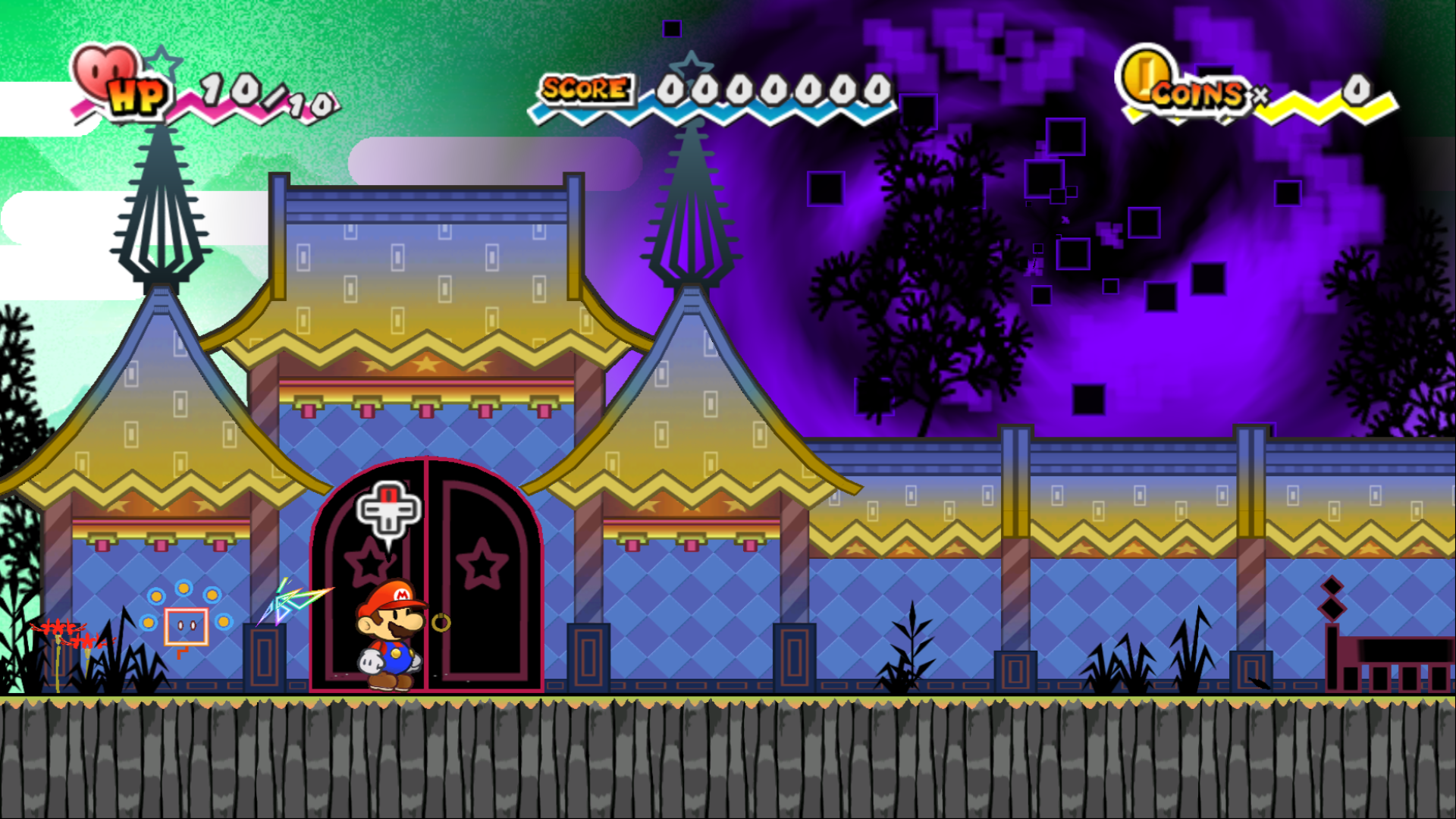
New Super Paper Bros. is a native PC port of Super Paper Mario that supports up to 4K resolution and 120 fps frame interpolation.
- Type: PC port
- Game: Super Paper Mario
- Runs on Windows
- By josiahg2502-glitch
- Latest release v1.0.2, 2026-10-18
- Source: https://github.com/josiahg2502-glitch/NewSuperPaperBros
README
New Super Paper Bros.
A native PC port of Super Paper Mario (Wii, 2007), made by statically recompiling the game's PowerPC code to C++ with WiiCompiled. No emulator: the game runs as a Windows or Linux program.
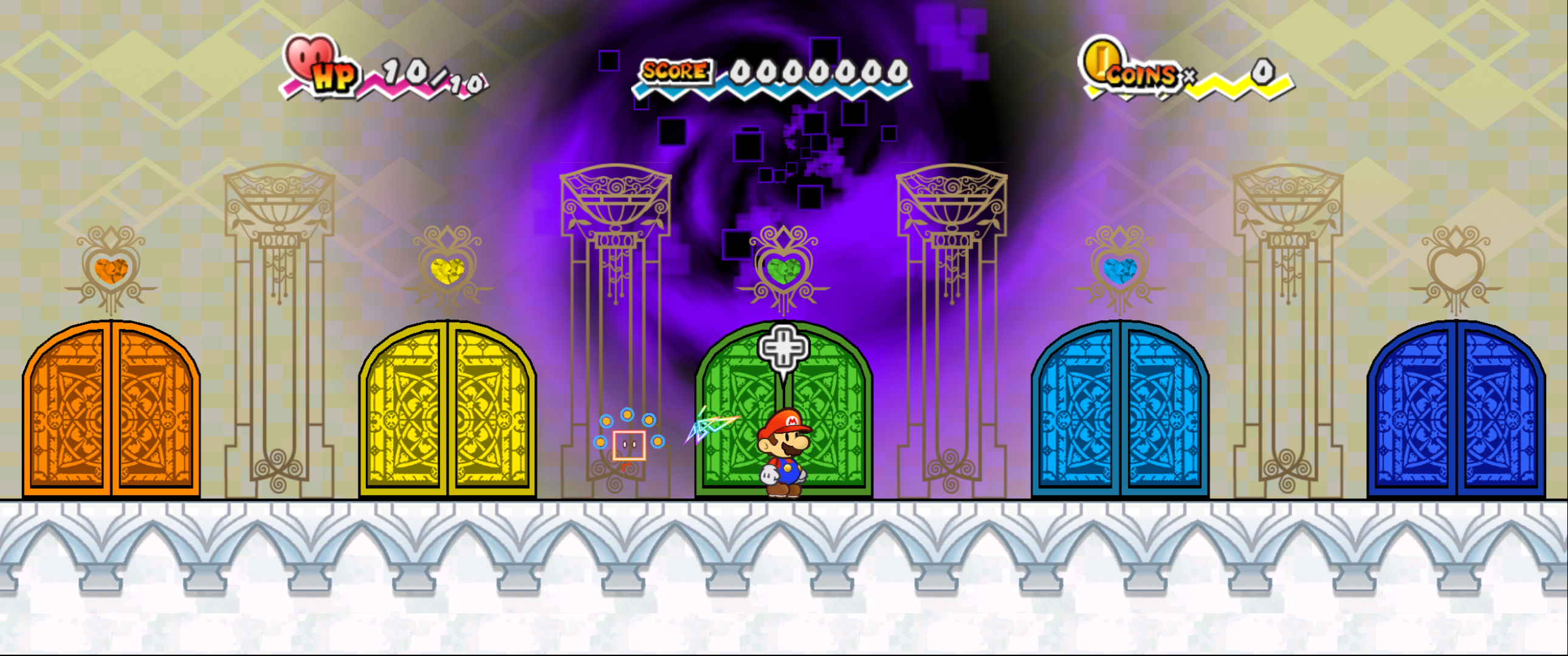
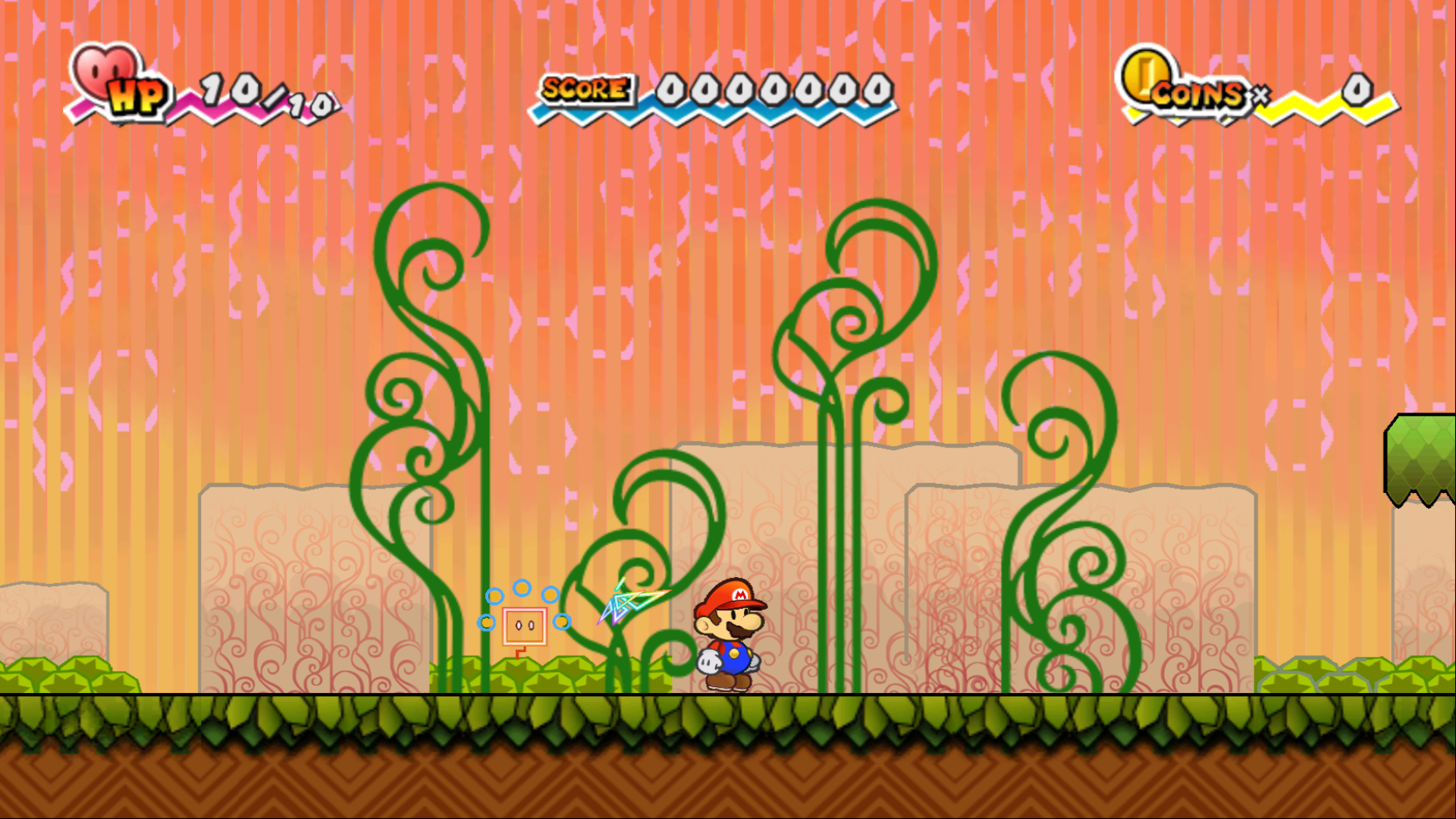 | 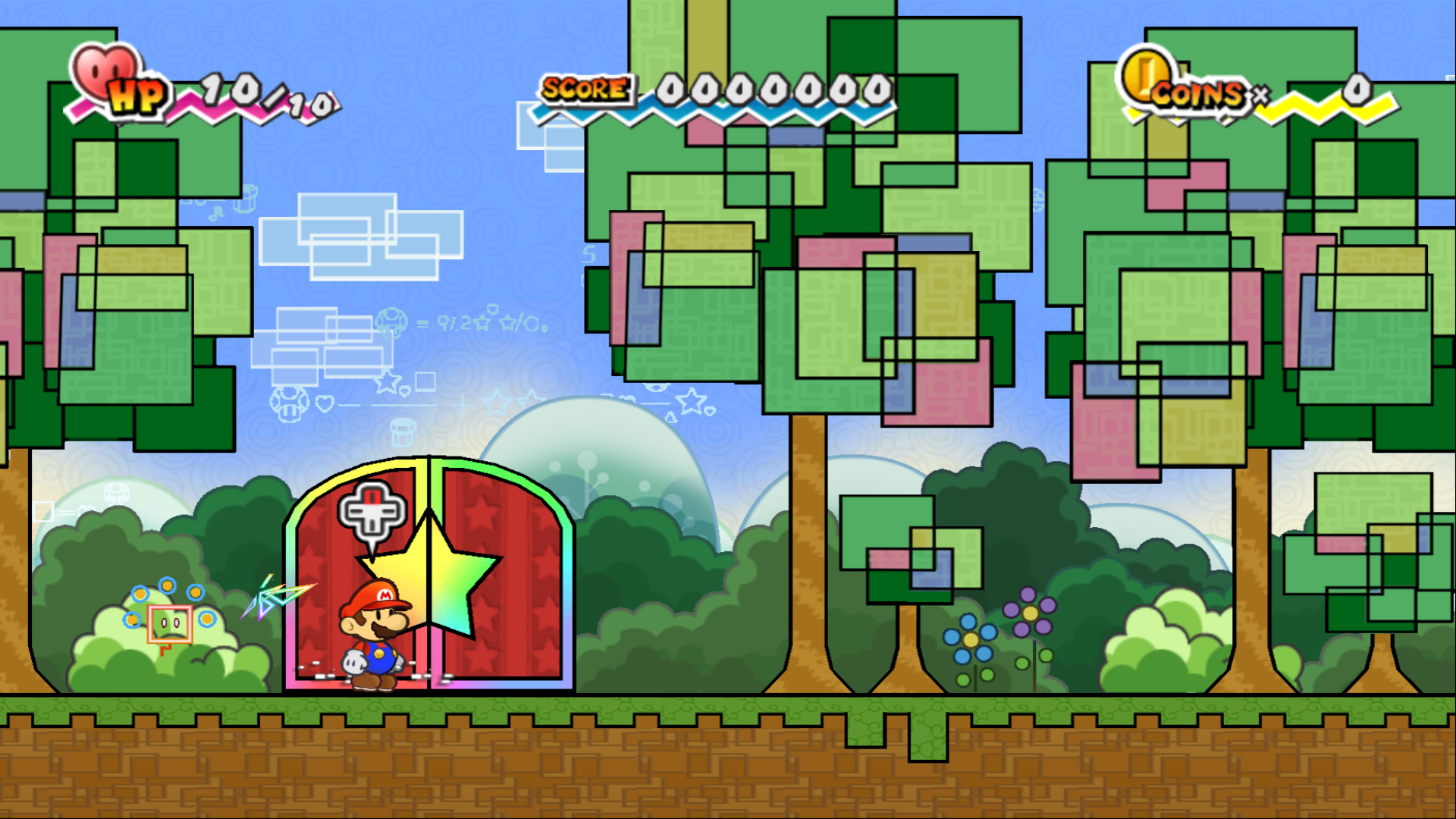 |
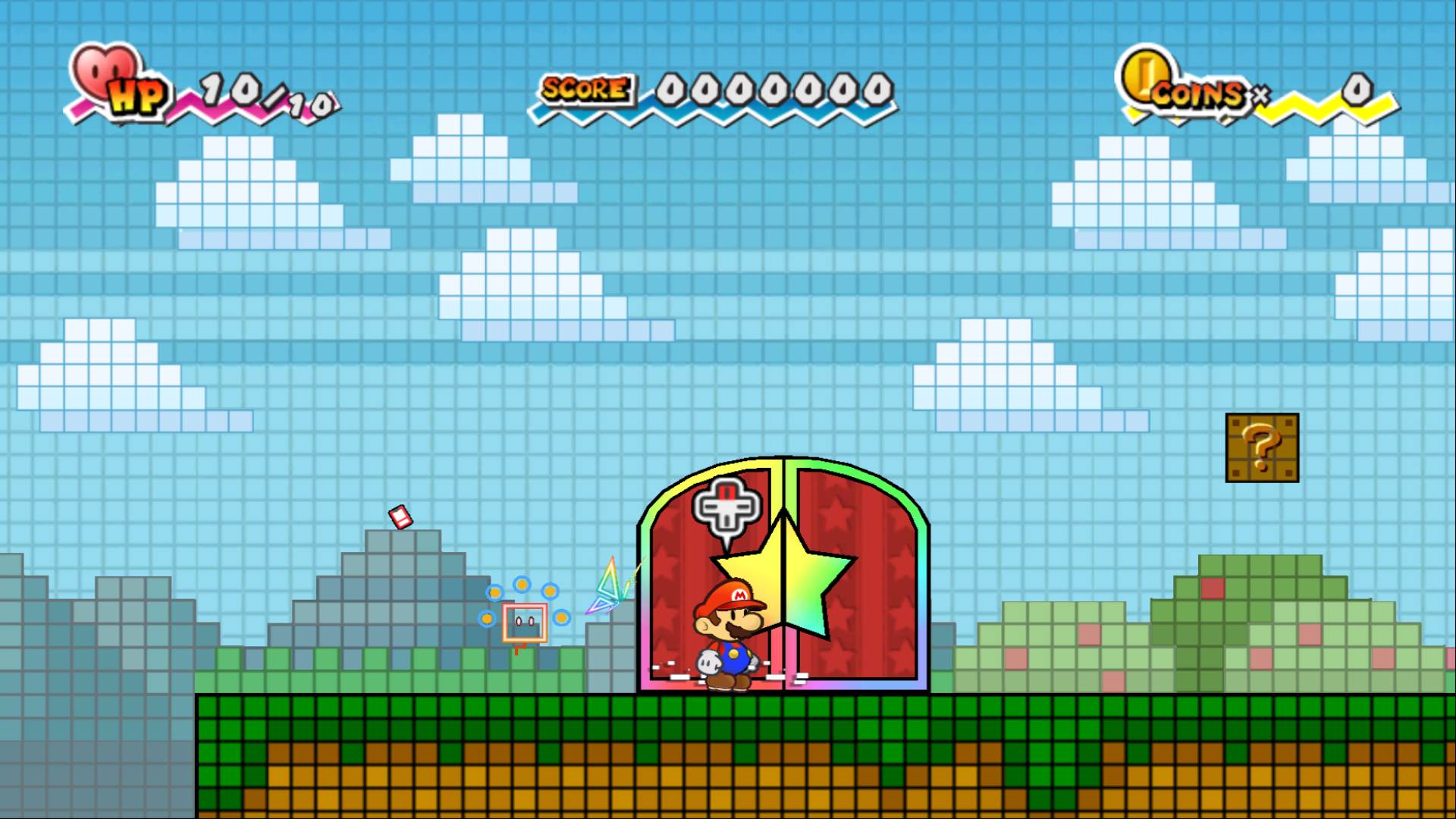 |  |
Features
- Up to 4K, borderless 1080p by default
- Widescreen: 16:9, fill or cinematic 2.39:1, or the original 4:3
- 120 fps frame interpolation
- Built-in higher-quality music and HD textures (community mods, see Credits)
- Xbox, PlayStation and Nintendo gamepads plus keyboard, with press-to-bind remapping
- The Wii Remote pointer (Tippi, the HOME menu) on the right stick or the mouse
- On-screen buttons match your controller (Xbox, PlayStation or Nintendo), with a controls screen for it
- Mods: drop-in folders that replace game files or textures
- A launcher that installs the game from your own disc image
No game data is included: the game's files are read from your own copy of the game.
How to play
You need Windows 10/11 (64-bit), a graphics card with DirectX 12 or Vulkan, and your own dump of
Super Paper Mario, USA Wii disc (R8PE01, revision 0) or European disc (R8PP01: English, French, German, Spanish, Italian) as .iso, .ciso or .wbfs.
- Download
NewSuperPaperBros.zipfrom Releases and unzip it. - Open
New Super Paper Bros.exe. Windows may show "Windows protected your PC" because the exe isn't signed: click More info, then Run anyway. - On the Play page choose your disc image. The game files are copied into the
Discfolder once; the image isn't needed after that. - Press PLAY.
In the game, F10 opens the settings menu and F11 switches between fullscreen and a window.
Controls (Xbox layout): left stick or D-pad = Wii Remote D-pad, A = 2 (jump), B or X = 1, Y = A, RB or RT = shake, Start = +, Back or LB = -, right stick = pointer. Keyboard and mouse work too. Change them on the launcher's Controls page.
Mods: on the launcher's Mods page, click Open mods folder and put each mod in its own folder:
files\ mirrors the disc (replacing game files) and/or textures\ holds texture replacements. Tick or untick mods
to switch them on and off.
Saves from a Wii or Dolphin: on the launcher's Play page click Import Wii / Dolphin save... and pick
data.bin (copied to an SD card from the Wii Menu's Data Management) or wiimario00 in Dolphin's
Wii\title\00010000\52385045\data folder. Your current save is kept as a backup.
Updating: unzip a new release over the old folder. Your disc, saves, settings and mods are kept.
Linux: download NewSuperPaperBros-linux.tar.gz instead, unpack it and open New Super Paper Bros (the same
launcher). You need 64-bit Linux from 2022 or newer (glibc 2.35) with Vulkan graphics drivers. Linux support is new:
please report problems in Issues.
Building from source
You need Windows, Python 3 and your own disc image. The toolchain (LLVM/MinGW, CMake, the .NET 8 SDK) is downloaded
into the repository's toolchain\ and wiicompiled\Dependencies\ folders on the first build; nothing is installed
system-wide.
powershell -ExecutionPolicy Bypass -File tools\build-launcher.ps1
# Extract your disc image to Disc\DATA (the translation reads the game's code from it):
& "launcher\publish\New Super Paper Bros.exe" --extract "C:\path\to\Super Paper Mario.wbfs" Disc\DATA
# The game's code inputs in game\: the disc's main.dol (with the HQ music mod's two code patches; recomp.yml pins
# its hash) and relF.bin pre-linked at its boot address:
copy Disc\DATA\sys\main.dol game\main.dol
python wiicompiled\projects\spm\tools\prelink_spm_rel.py Disc\DATA\files\rel\relF.bin game\spm_linked.rel game\spm_rel_layout.json
powershell -ExecutionPolicy Bypass -File tools\build-spm.ps1
powershell -ExecutionPolicy Bypass -File tools\package-spm.ps1 -Zip
The packager also expects the HQ music mod in Disc\DATA\files\sound (originals in Disc\sound_original) and the
HD texture pack in Play\UserData\texture_replacements\SPM_HD_4x_BC3.
For Linux, after those steps run bash tools/build-linux.sh and bash tools/build-linux.sh --pal in WSL (Ubuntu
22.04) or on Linux, then bash tools/package-linux.sh for dist/NewSuperPaperBros-linux.tar.gz.
build-spm.ps1 translates the game and compiles it into Play\SuperPaperMario.exe; package-spm.ps1 assembles the
release folder in dist\ (-Zip also writes the zip). tools\sweep-spm-maps.py loads every map and screenshots it
for regression checks.
| Folder | What it is |
|---|---|
wiicompiled/translator | PowerPC to C++ static recompiler (C#) |
wiicompiled/runtime | Runtime and Wii SDK HLE (OS, DVD, NAND, WPAD/KPAD, AX audio, VI, GX) |
wiicompiled/aurora-main | Aurora: Wii GX on WebGPU (Dawn / Direct3D 12) |
wiicompiled/projects/spm | This game's project: symbols and function map |
launcher | The launcher (C# WinForms): disc setup, display options, controls, mods |
launcher/linux | The same launcher for Linux (C# Avalonia) |
tools | Build, package and test scripts |
Credits
- Port: JosiahG
- WiiCompiled (the recompiler and runtime) by patchzyy and contributors, GPLv3
- Aurora by Luke Street, MIT; Dawn, SDL3 and the other components listed in
wiicompiled/THIRD-PARTY-NOTICES.md - Higher-quality music: the "SPM High Definition Audio" mod by Toadette Hack Fan and PaperToadette, with game patches by JohnP55
- HD textures: converted from the "SPM Textures v1.0" HD texture pack
- Controller button icons and pictures: "Input Prompts" by Kenney, CC0
- Dolphin Emulator data files (DSP coefficients, Wii system files), GPL-2.0-or-later
- Symbol names from the Super Paper Mario decompilation community (spm-decomp)
Full credits and licenses ship in the release as CREDITS.txt, LICENSE.txt and engine\licenses\.
License
GPLv3, see wiicompiled/LICENSE. Bundled third-party components keep their own licenses.
Super Paper Mario and all related characters are trademarks and copyrights of Nintendo. This is an unofficial fan project, not affiliated with or endorsed by Nintendo. This repository contains no game code or data; the release contains the recompiled program, the community mods credited above and Nintendo character artwork used by the launcher, but none of the game's disc data, which is read from your own copy of the game.