Smash 4 PC
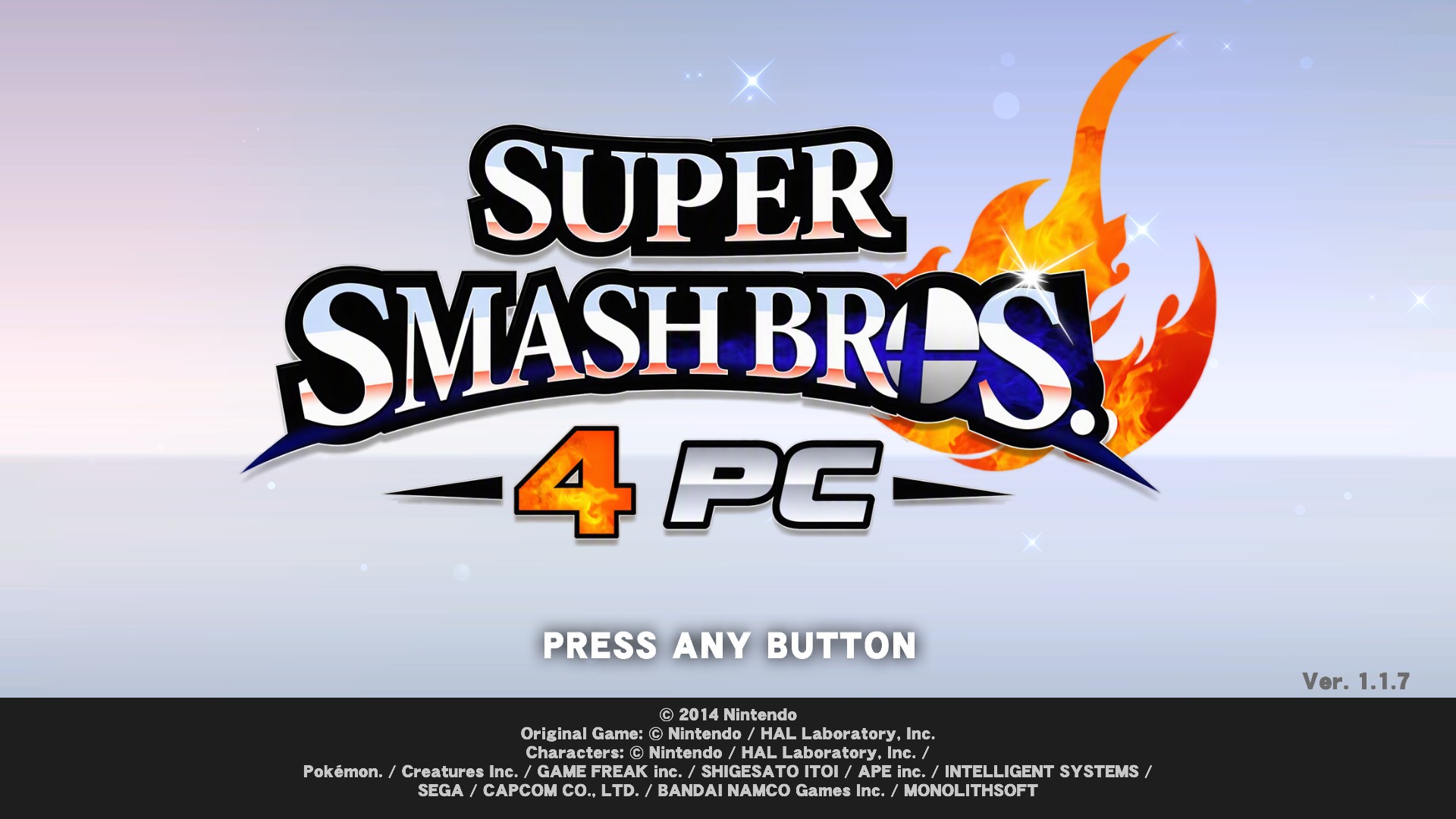
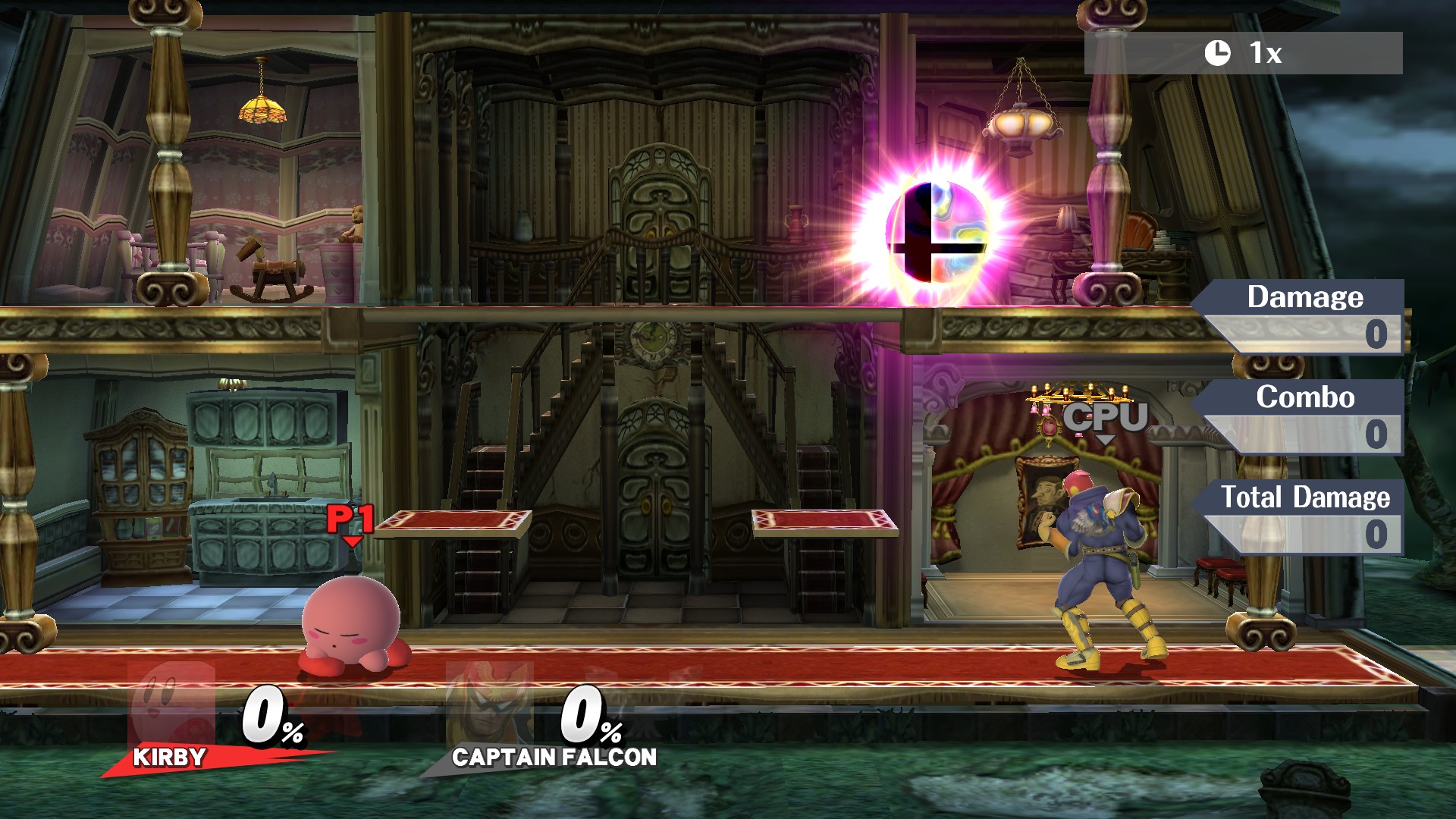
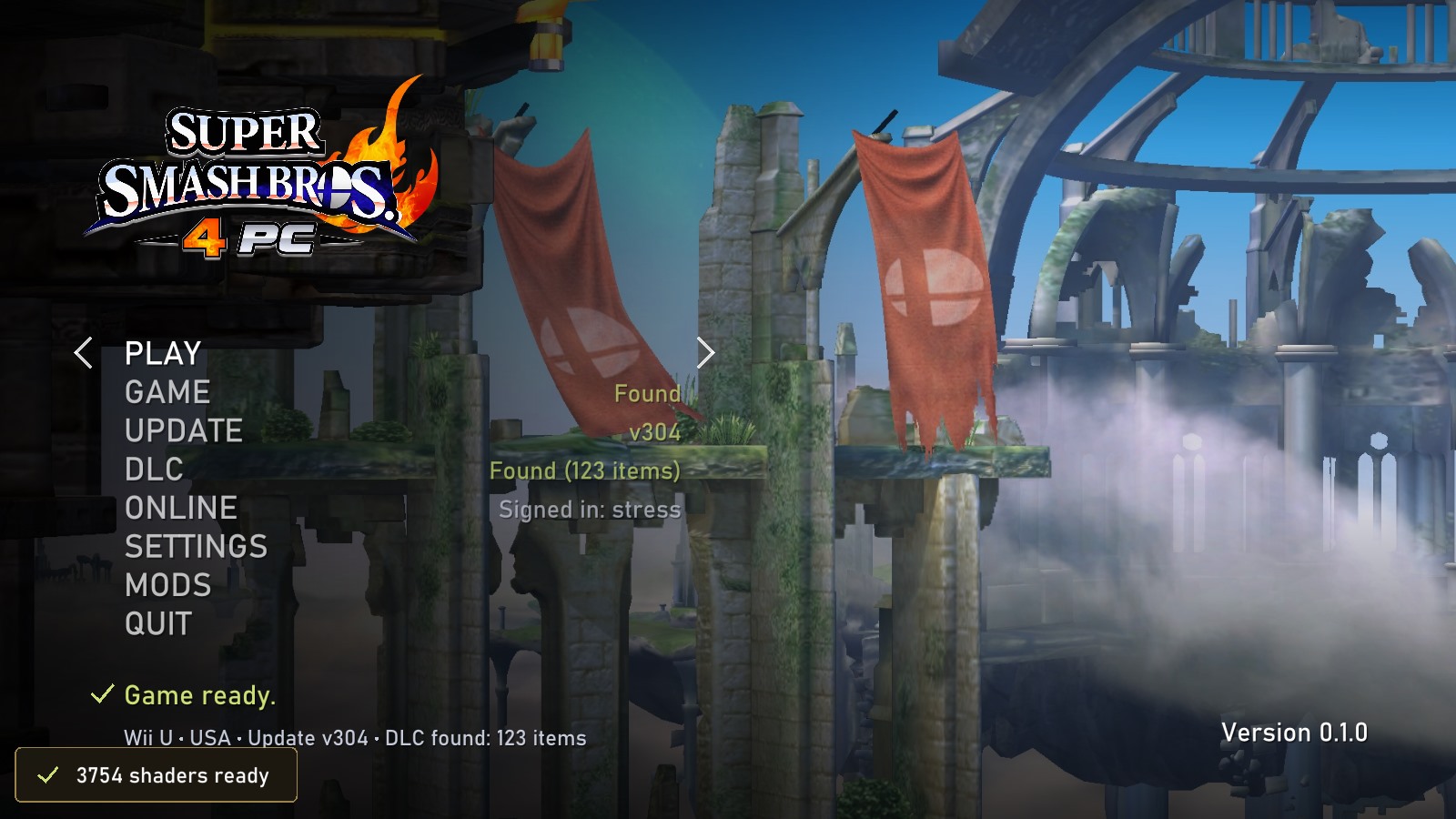
Smash 4 PC is a native Windows port of Super Smash Bros. for Wii U that supports up to 4K resolution and online play on Pretendo Network.
- Type: PC port
- Game: Super Smash Bros. for Wii U
- Runs on Windows
- By josiahg2502-glitch
- Latest release v0.1.0, 2026-10-25
- Source: https://github.com/josiahg2502-glitch/Smash4PC
README
Smash 4 PC
A native Windows port of Super Smash Bros. for Wii U, statically recompiled from the game's PowerPC code: the game's code is translated to C++ ahead of time and runs as native x86-64 code on a reimplementation of the Wii U's system libraries, with its GPU commands and shaders translated to Vulkan. No emulator.
Important
No game files are included. You need your own dump of Super Smash Bros. for Wii U (USA) from your own Wii U. This project is not affiliated with or endorsed by Nintendo, Bandai Namco or Sora Ltd.
 |  |
 |  |
Features
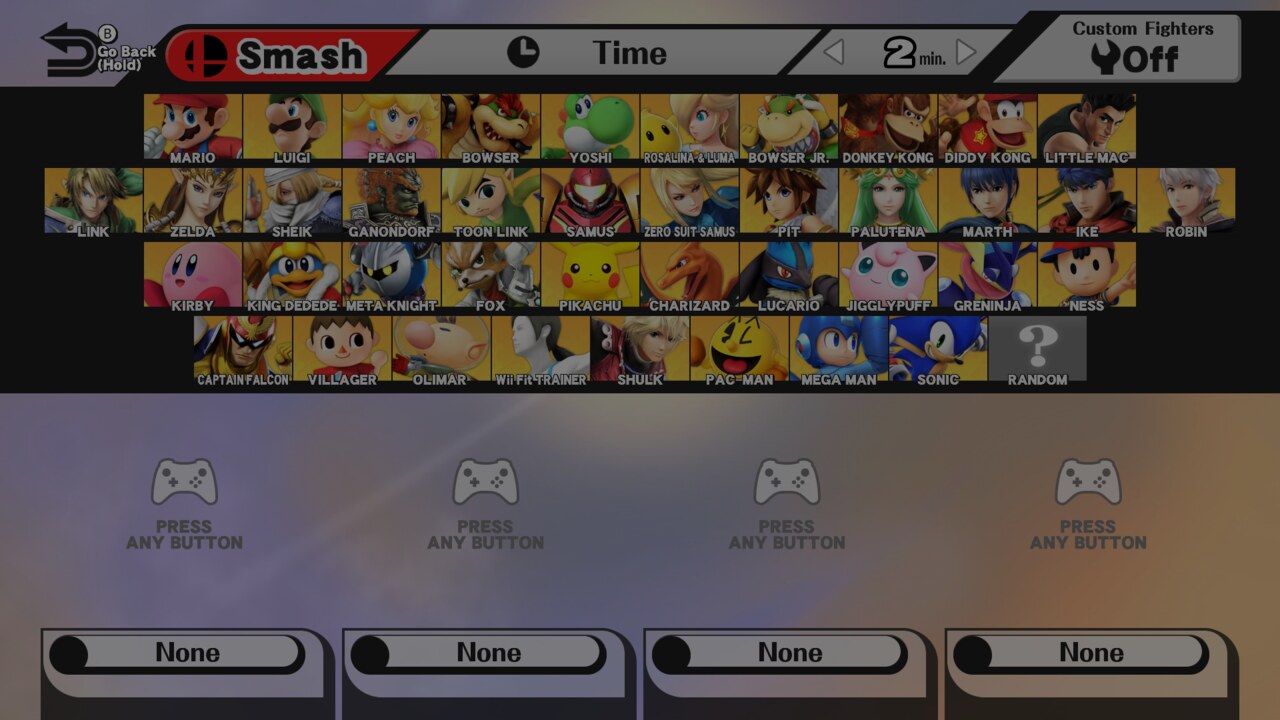
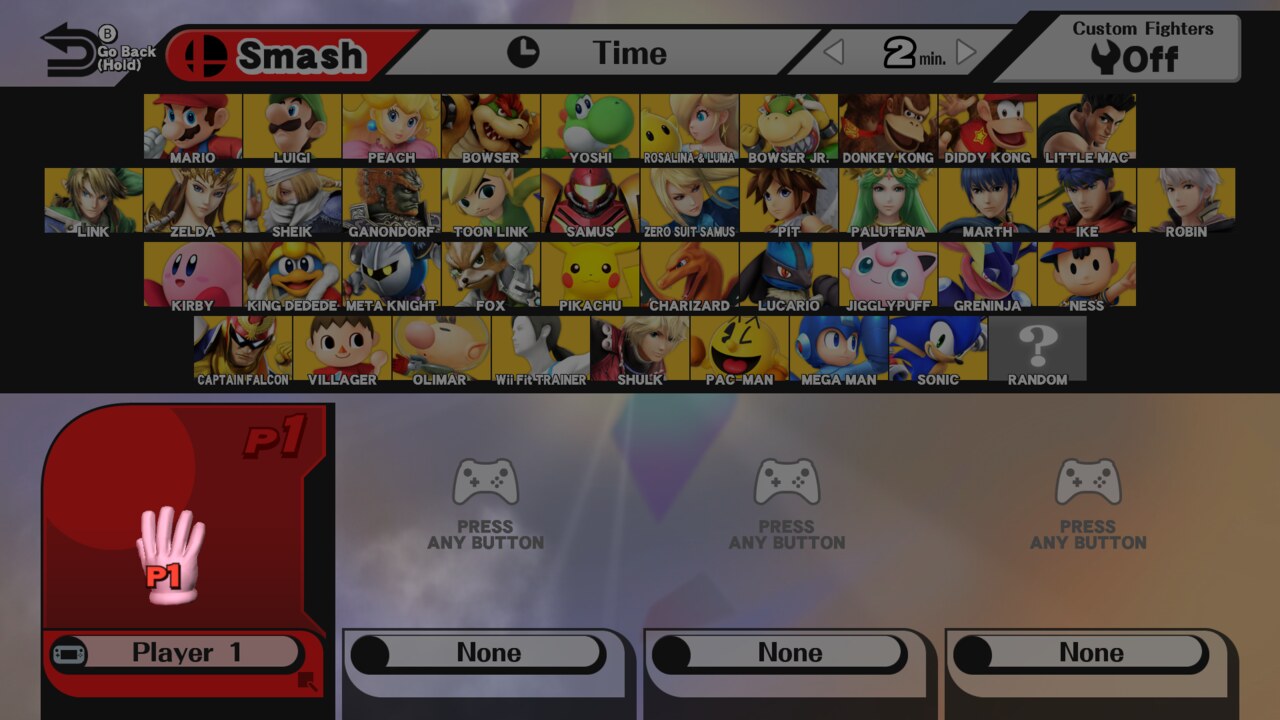
- Plays the game natively, from the update (v304, all fighters and stages) or the game's own v1.0, with DLC from your own DLC dump: Smash, 8-Player Smash and the game's other modes.
- Up to 4K and 5K, drawn at that resolution rather than upscaled, fullscreen or in a window.
- 60, 120 or uncapped frame rates: above 60 the game's frames are interpolated; the game itself runs at 60.
- Controllers: XInput, PlayStation, Switch Pro and other SDL pads, plus the keyboard. The first pad (and the keyboard) is the GamePad; every further pad is a Wii U Pro Controller, so 8-Player Smash works locally.
- Online on Pretendo Network: Smash's own online modes, with your Wii U's console files and your Pretendo ID, signed in from the launcher.
- Mods:
content\mods (Sm4shExplorer packs, SDCafiine mods, Cemu graphic packs), installed from a .zip, .7z or .rar in the launcher and switched on or off there. - A launcher for the game, update and DLC folders, display settings, mods and online, and an in-game menu (Esc or a pad's Home button) for the frame counter, fullscreen and frame rate.
Install
- Download
Smash4PC-v0.1.0-Windows.zipfrom Releases and unzip it anywhere. - Run Smash 4 PC.exe and choose PLAY. It asks for your game folder (
0005000010144F00), then the update (0005000E10144F00, recommended) and the DLC (0005000C10144F00, optional): the folders Cemu uses, dumped with Dumpling. - Play. Shaders compile the first time each is seen, then load from
cache\at start-up.
Needs Windows 10 or 11 (64-bit) and a GPU with Vulkan 1.3. The full guide (controls, mods, online, troubleshooting) is assets/smash/README.txt, also in the release zip.
Building from source
You need Windows, Python 3, Git, about 16 GB of RAM, and a folder holding this repository and a toolchain\
folder beside it with llvm-mingw, Ninja and CMake:
Smash4PC\
  toolchain\llvm-mingw\  toolchain\Ninja\  toolchain\CMake\
  upstream\              (this repository)
# Fetches and builds the dependencies once, builds the recompiler, translates your cross_f.rpx files and builds
# smash.exe (the update's code), smash-base.exe (the game's own) and the launcher into ..\Play.
.\upstream\tools\windows\build-smash.ps1 -Rpx '<update>\code\cross_f.rpx' -BaseRpx '<game>\code\cross_f.rpx'
# The release zip, in ..\dist.
.\upstream\tools\windows\package-release.ps1
The translated code (..\generated) and the programs built from it contain the game's code: don't upload them
or attach them to issues.
Credits
- Built on Tekken Tag 2 Ultimate Edition's cafe-recomp and Wii U runtime by Petexy (MIT).
- Nintendo Network code from Cemu (MPL 2.0), and the Pretendo Network team for keeping Wii U online alive.
- SDL3, shaderc, glslang, SPIRV-Tools, the Vulkan headers, zlib, zstd, ZArchive, AMD's addrlib and stb.
Smash 4 PC's code is under the MIT license (LICENSE); third-party code keeps its own license.