Supermodel Sinden
model3emu-code-sinden is a Sega Model 3 emulator for Windows, Linux, and macOS with native Sinden light gun support and two-player mouse input.
- Type: emulator
- Runs on Windows, Linux and macOS
- By The Supermodel Team
- Latest release 3547a32, 2026-11-10
- Source: https://github.com/DirtBagXon/model3emu-code-sinden
- Website: https://ko-fi.com/dirtbagxon
README
Supermodel: Sega Model Series Emulator (Sinden)
Copyright 2003-2026 The Supermodel Team
This is a fork of Supermodel to add native Sinden light gun support.
This fork uses ManyMouse to provide 2 player gun support in Linux and MacOSX.
Two player mouse input in Windows is currently unchanged (supported in the official release) via
the Windows Raw Input system.
Support for MAME multi ROM sets and an InputUIExit config parameter have also been added.
This repo will attempt to track the official git repo commits.
Additional arguments:
-game=<name>      Specific game to start in multi-romset
-sinden=<n>       Sinden border configuration for gun games:
                  0=none [Default], 1=standard, 2=wide
-abs-mice-only    Linux [evdev] absolute mouse movement filtering [lightguns]
ManyMouse Notes:
Compile Linux/MacOSX with INPUT_CFLAGS = -DSUPERMODEL_MANYMOUSE in Makefile
Linux/MacOSX: Update Supermodel.ini singular MOUSE_ definitions to MOUSEx_ index definitions.
MacOSX launcher, possibly Terminal, will require "Input Monitoring" permissions.
For arm based systems, clone the arm branch:
git clone --single-branch --branch arm https://github.com/DirtBagXon/model3emu-code-sinden.git
Overview
Supermodel emulates Sega's Model 3 arcade platform, allowing you to relive state-of-the-art 3D arcade gaming as it existed from 1996 through 1999. It uses OpenGL, SDL2, and can run on Windows, Linux, and macOS. It also supports network play on low-latency network connections. The source code is freely available under the terms of the GNU General Public License.
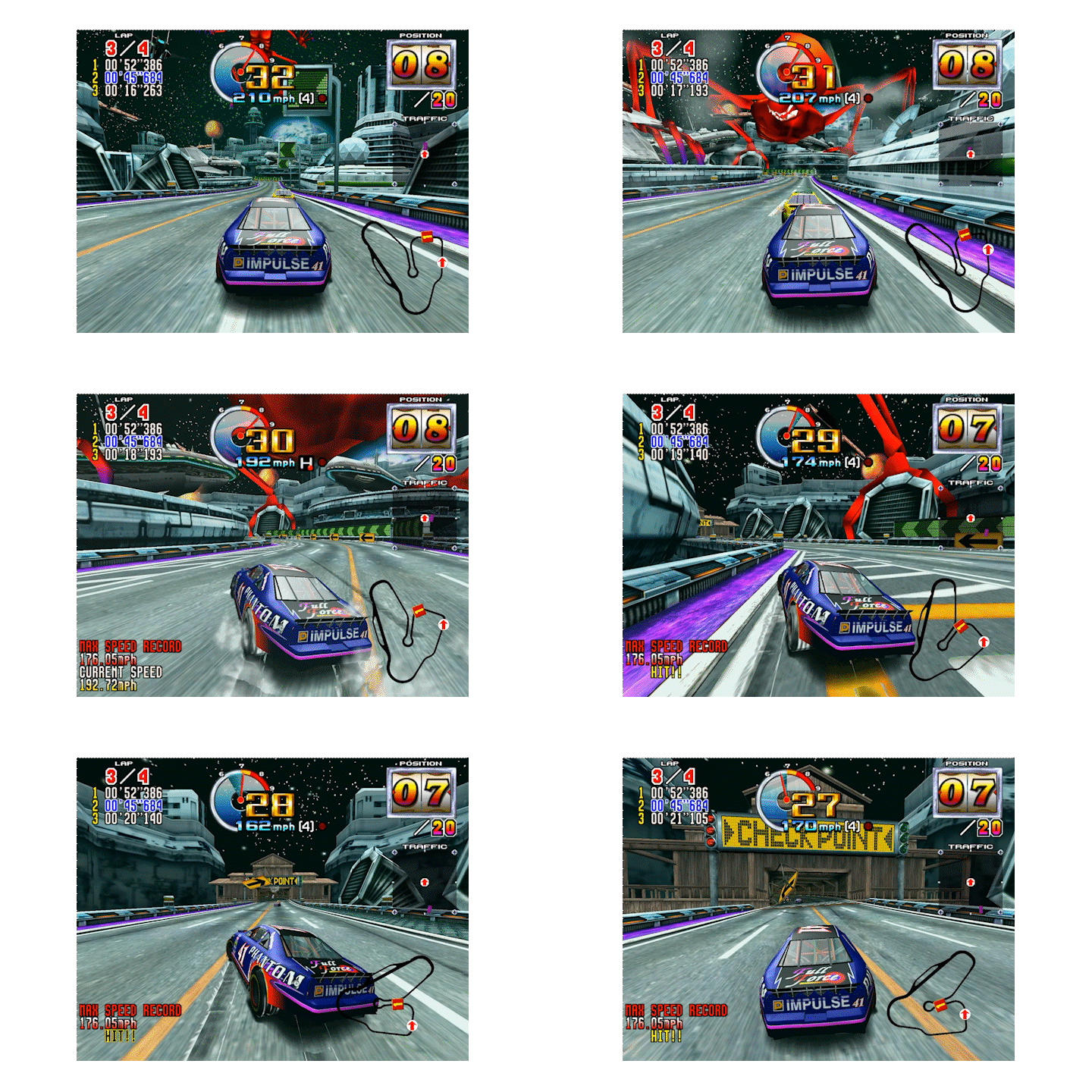
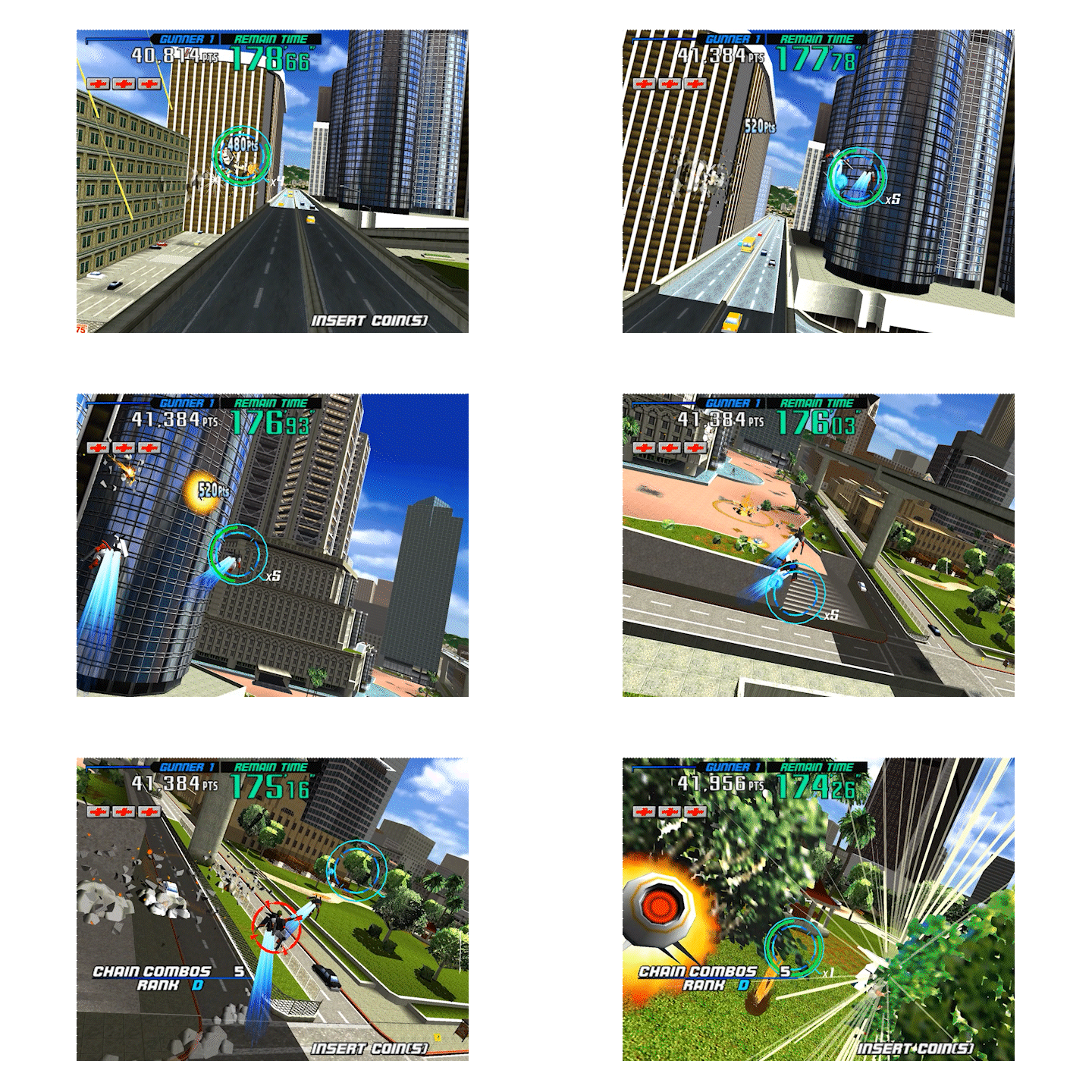
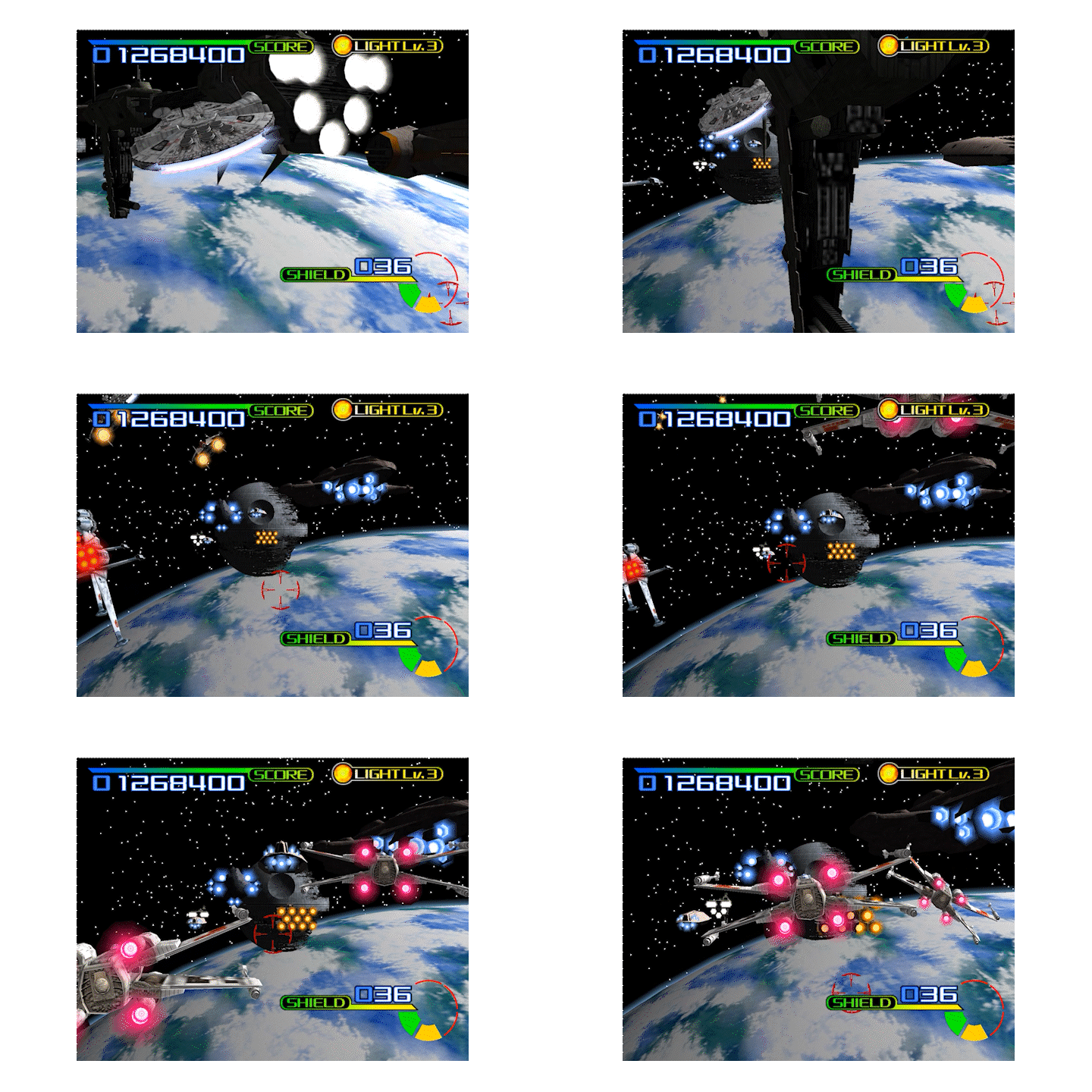
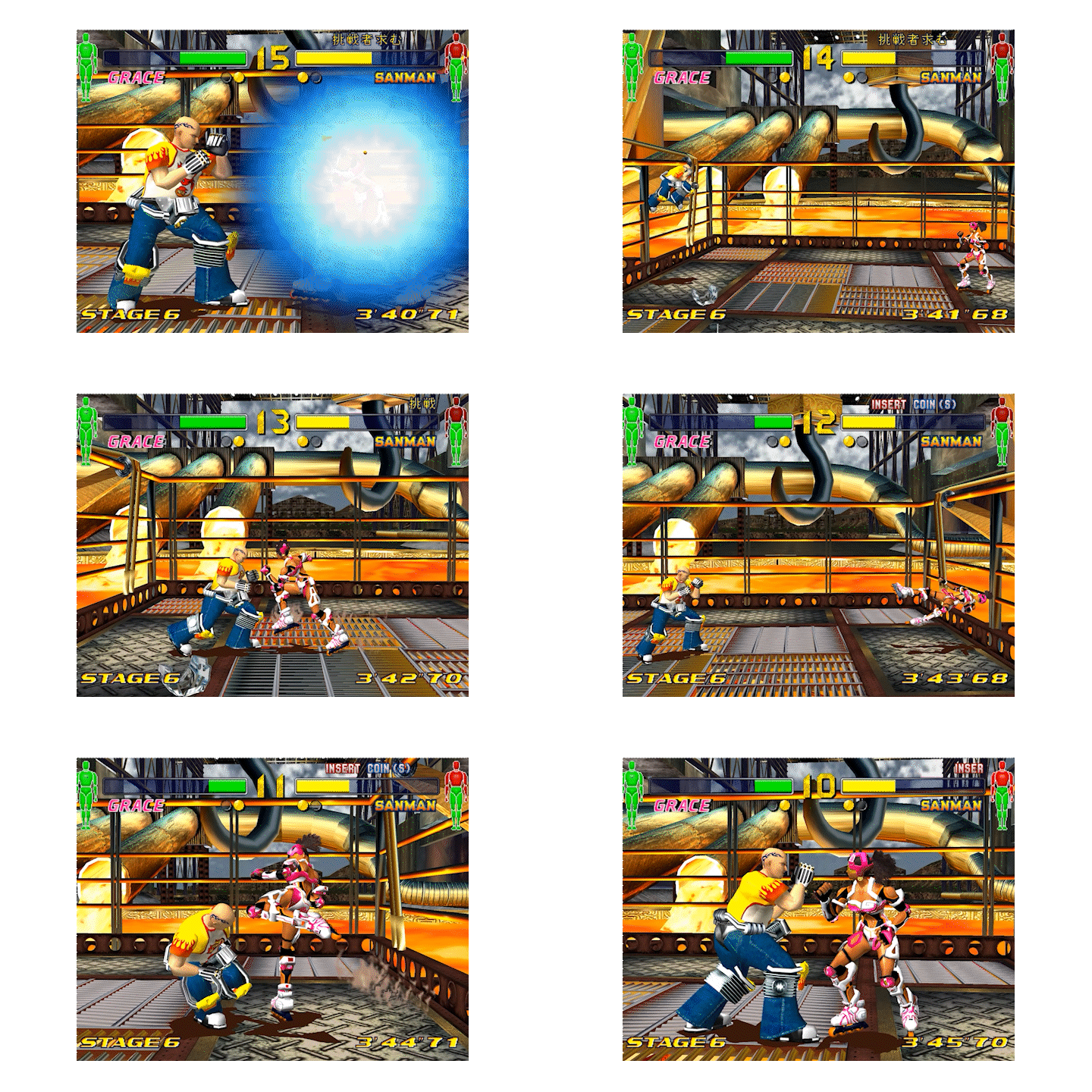
 Model 3 first made its debut in 1996 with Virtua Fighter 3 and Scud Race, and for the subsequent three years boasted the most powerful 3D hardware of any gaming platform. Developed by Real3D, then a Lockheed Martin company, and with a heritage rooted in advanced flight simulator technology, Model 3 featured capabilities that would not appear on PCs for several years. Using an on-board scene graph and geometry processor, it could store, transform, light, and rasterize tens of thousands of polygons per frame at a fluid 57.524 frames per second.
The aim of the Supermodel project is to develop an emulator that is both accurate and playable. As with virtually all arcade hardware, no public documentation for the Model 3 platform exists. What is known so far has been painstakingly reverse engineered from scratch.
How To Get It
Builds from this repository are updated automatically and available on the Github release page.
Build Instructions
Windows
The preferred method for building Supermodel is to use GCC and MSYS2. After installing MSYS2, open the MSYS2 shell and install the required dependencies using the pacman package manager:
- GCC (
mingw64/mingw-w64-x86_64-gcc) - Make (
mingw64/mingw-w64-x86_64-make) - SDL2 (
mingw64/mingw-w64-x86_64-SDL2,mingw64/mingw-w64-x86_64-SDL2_net)
This can be done using the following commands:
pacman -S mingw64/mingw-w64-x86_64-gcc
pacman -S mingw64/mingw-w64-x86_64-make
pacman -S mingw64/mingw-w64-x86_64-SDL2
pacman -S mingw64/mingw-w64-x86_64-SDL2_net
At this point, you can continue using either the MSYS2 shell or Windows Command Prompt but ensure that both gcc and mingw32-make are in your path. In MSYS2, the location of these binaries will be /mingw64/bin and for Command Prompt, assuming MSYS2 was installed in the default location, add C:\msys64\mingw64\bin to your Windows PATH variable.
To build Supermodel use (Network support built in by default now, no need to specify anymore):
mingw32-make -f Makefiles/Makefile.Win32
If you wish to build via Visual Studio 2026, Make sure to run the Get_Libs.cmd files in the libraries directory. It will automatically pull in the required dependencies. Then either build inside the GUI or use the Build.cmd file in the MSVC folder.
Linux
Ensure SDL2 is installed. Most package managers ought to have this available. For example, on Ubuntu, it should be sufficient to run:
sudo apt install libsdl2-dev
sudo apt install libsdl2-net-dev
sudo apt install libglu1-mesa-dev
And then build Supermodel:
make -f Makefiles/Makefile.UNIX
macOS
Ensure Apple's Xcode Command Line Tools are installed:
From a terminal:
xcode-select --install
Ensure SDL2 is installed. Download the latest *.dmg files from both of the links below, and install per the READMEs in the .dmgs (i.e. in "/Library/Frameworks")
And then build Supermodel:
make -f Makefiles/Makefile.OSX
Note: running on macOS
If you try and run a macOS binary that was downloaded from the internet and/or built on a different machine, you need to grant macOS permission to execute the binary (just 1-time):
-
Open the folder containing the binary in Finder, and right (or ctrl) click on it:
-
Click "Open" when the following dialogue box appears : "macOS cannot verify the developer of “supermodel-git-xxxx”. Are you sure you want to open it?"
-
Close the terminal window that opens (after clicking open)
Details: https://support.apple.com/guide/mac-help/open-a-mac-app-from-an-unidentified-developer-mh40616/mac
License
Supermodel is distributed under the terms of the GNU General Public License.
Parts of it, mainly the Sega Model 1 and Model 2 support, are based on code from MAME by Aaron Giles, Andreas Naive, Angelo Salese, Ariane Fugmann, David Haywood, ElSemi, Ernesto Corvi, Farfetch'd, Matthew Daniels, Miguel Angel Horna, Morten Shearman Kirkegaard, Olivier Galibert, Peter Wilhelmsen, R. Belmont, Robbbert, Samuel Neves, smf and Ville Linde. Their code was made available under the BSD 3-Clause License: the full notice is in the Acknowledgments section of Docs/README.txt.