melee-pc
melee-pc brings Super Smash Bros. Melee to PC.
- Type: PC port
- Game: Super Smash Bros. Melee
- By 999sian
- Source: https://github.com/999sian/melee-pc
README
melee-pc
Beta, for testing only. "melee-pc" is a working name. Online play with rollback netcode is in development. This branch includes LAN, internet friend codes, Unranked matchmaking and ranked best-of-three sets. See Netplay for setup and verification limits.
A native PC port of Super Smash Bros. Melee (NTSC-U 1.02), built from doldecomp/melee on top of aurora (GX/OS/PAD/DVD/CARD/THP compatibility layer with a WebGPU backend) and SDL3. Same approach as dusklight.
You need your own disc image. No game data ships here. The decompiled game code is not licensed and is not relicensed by this project; only the port code is GPL-3.0-or-later. Details under License.
New here? The project site has the five-step setup, the FAQ (supported disc, Windows first run, older Intel GPUs, first-use shader stutter, Android requirements, where the log and settings live) and the per-platform known-issues list. Bugs go through the bug report form; questions on Discord.
Features
- Native builds for Linux (x86-64, aarch64), Windows (x86-64, ARM64), macOS, Android and iOS, rendered through Dawn/WebGPU (Vulkan, D3D12, D3D11, Metal) and SDL3.
- RmlUi launcher with disc selection and SHA-1 verification against the Redump database before boot.
- In-game settings overlay on F1, with the game paused underneath.
- Internal resolution from Auto to 10x native (6400x4800).
- Post-processing shaders: area sampling, CRT scanlines, vibrant.
- 4x MSAA and anisotropic filtering up to 16x.
- Gamepad remapping, including C-stick directions, saved per device.
- Software AX audio mixer with Master, Music and SFX volume controls.
- User
.ogg/.wavtracks replace stage BGM. - Dolphin-compatible
.gcimemory cards and Dolphin-format HD texture packs. - Cheats: Unlock Everything, hazardless (Frozen) Pokémon Stadium, free pause camera, Wide 16:9 HUD.
- UCF 0.8x dashback and shield drop, and a raw 1000 Hz read path for the official GameCube controller adapter.
What each of those actually covers, including the parts that are unfinished, is in the status table below.
Screenshots
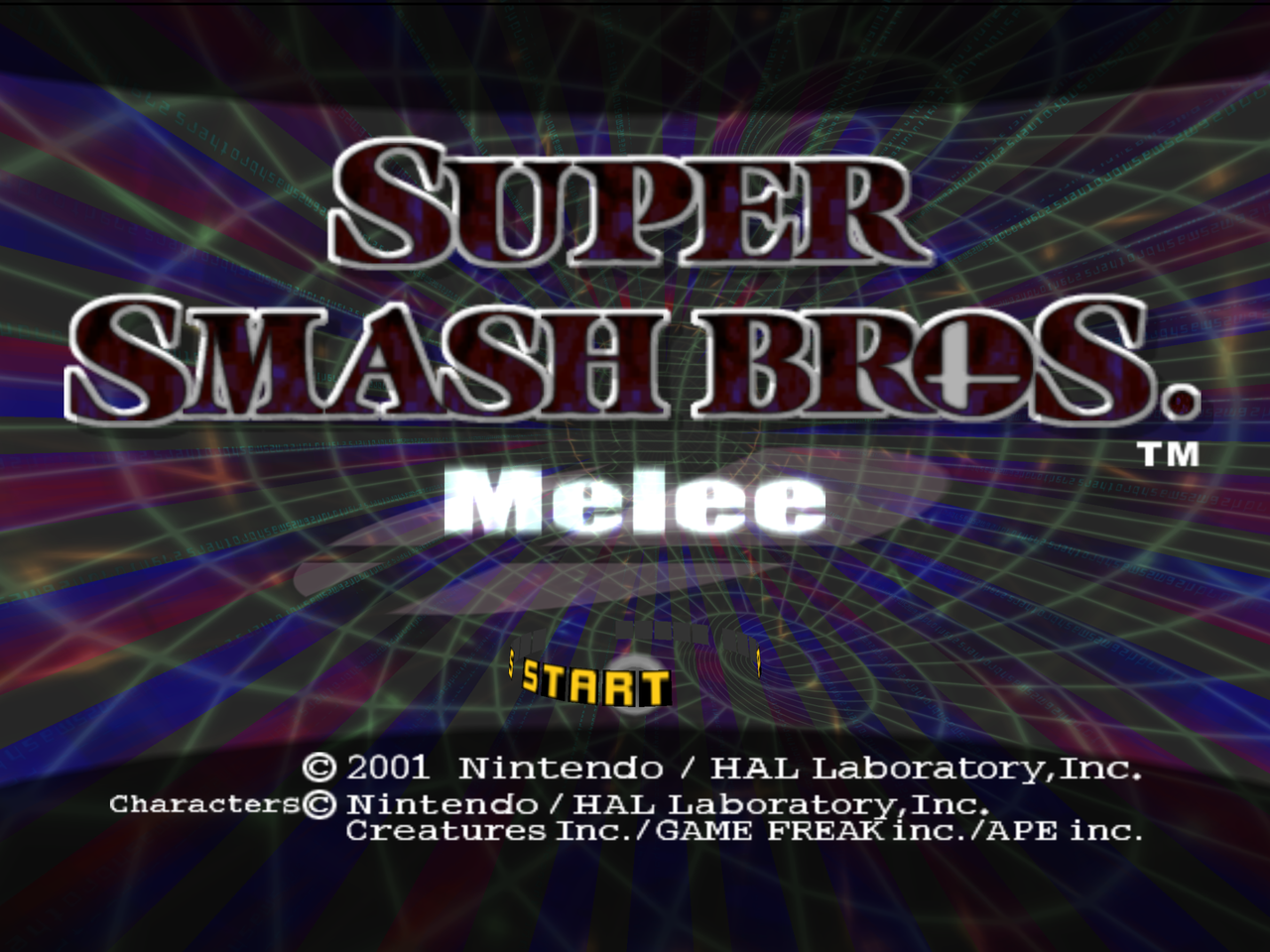
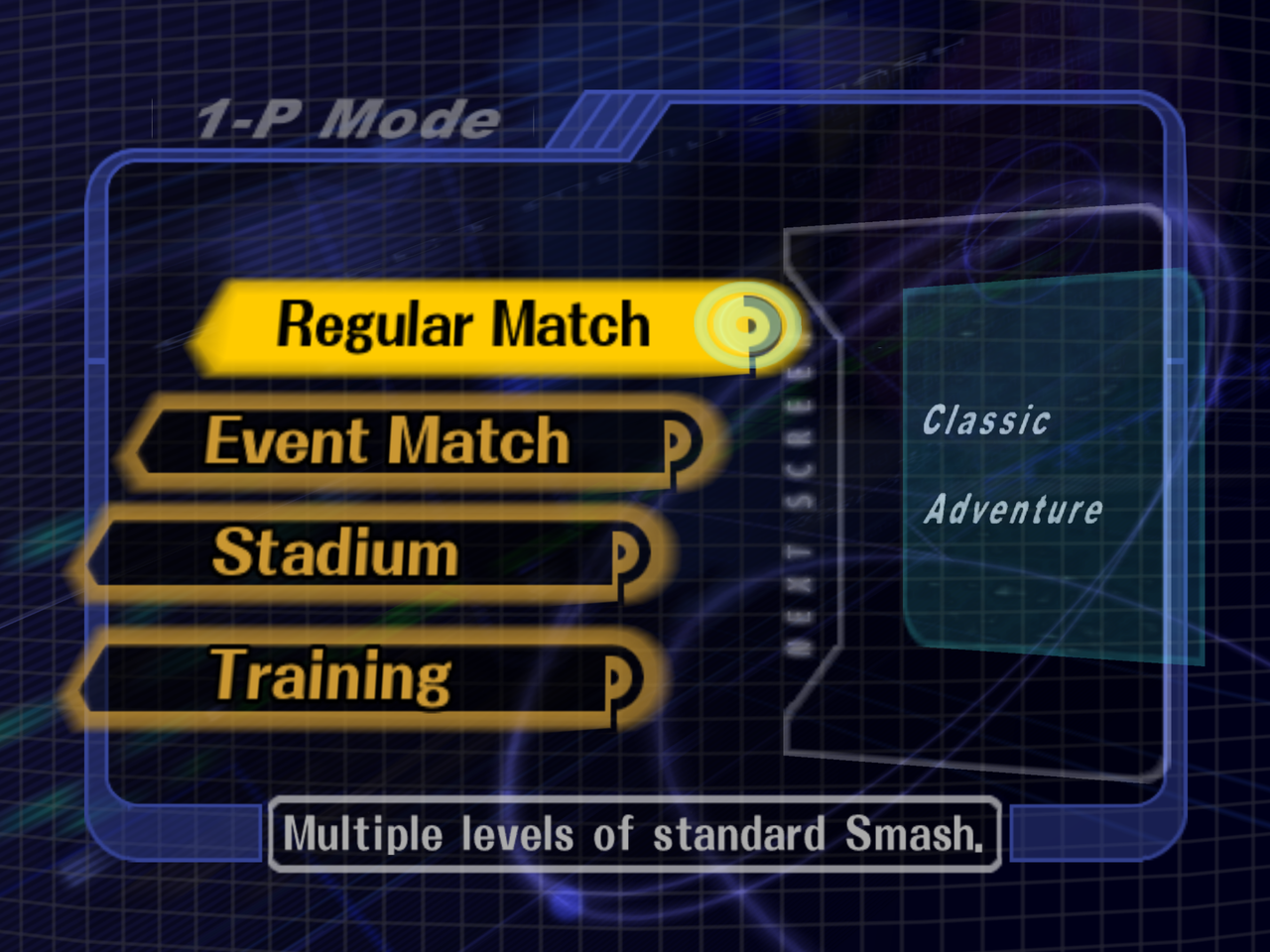 | 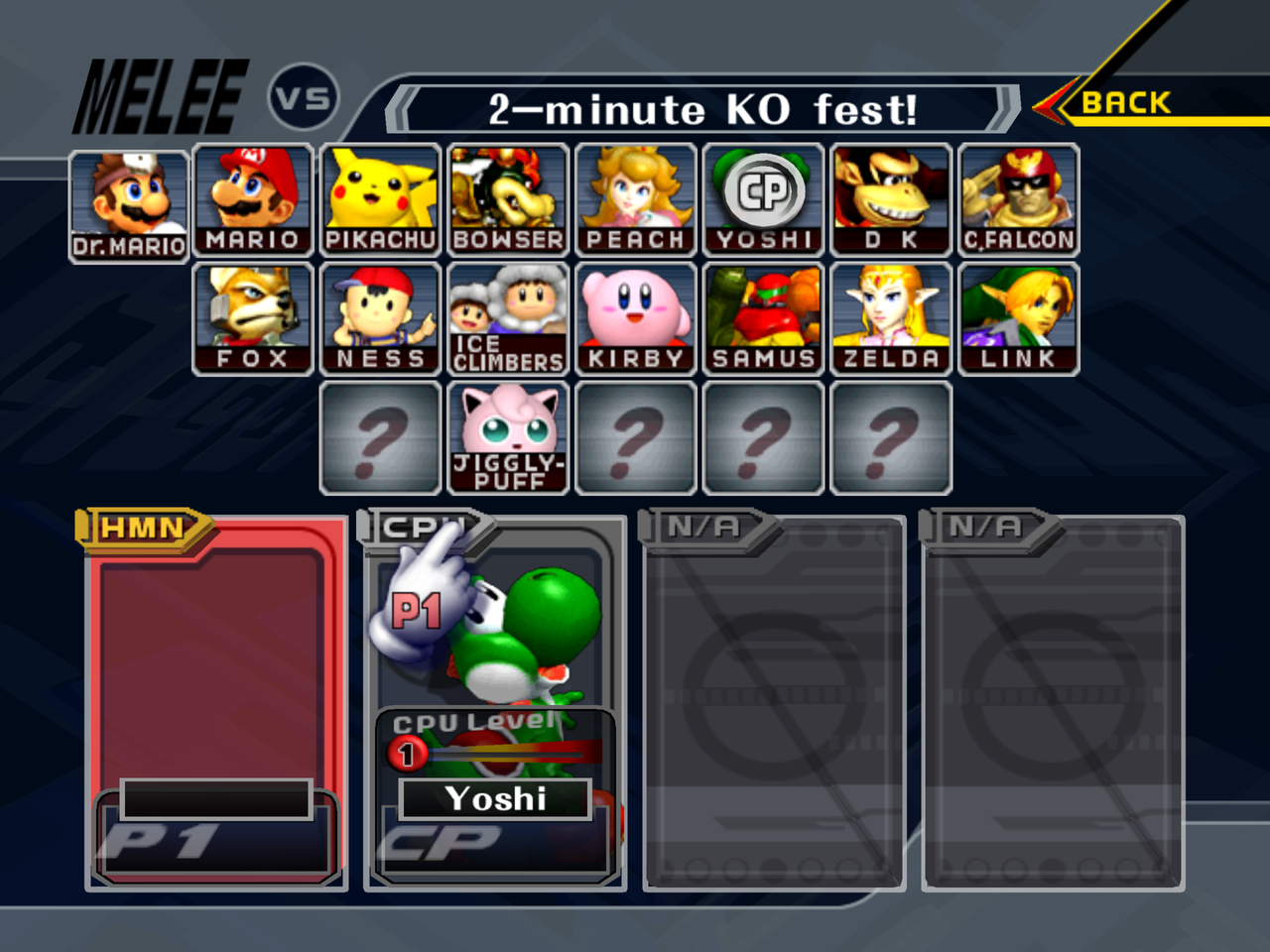 |
| Main menu | Character select |
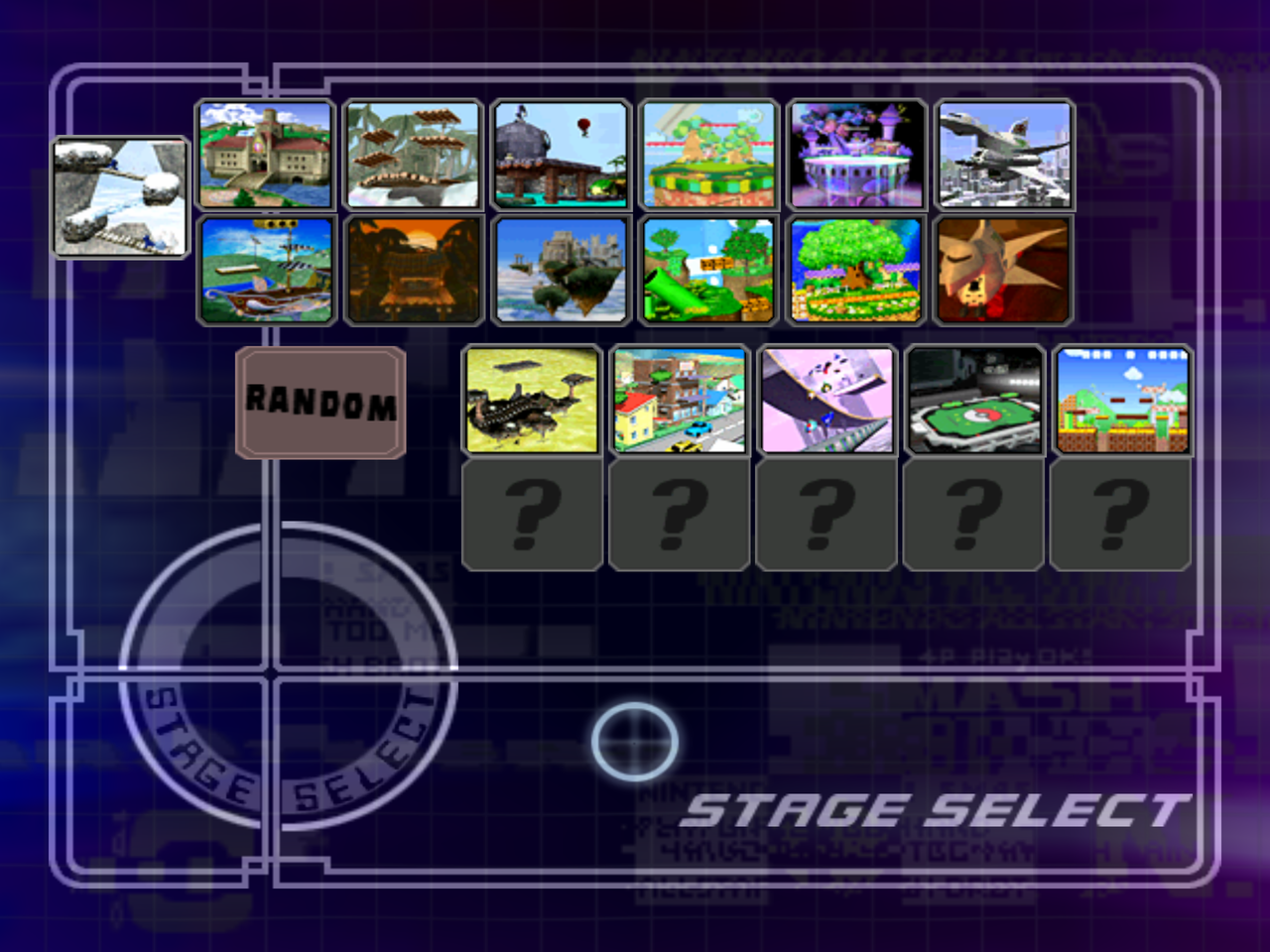 | 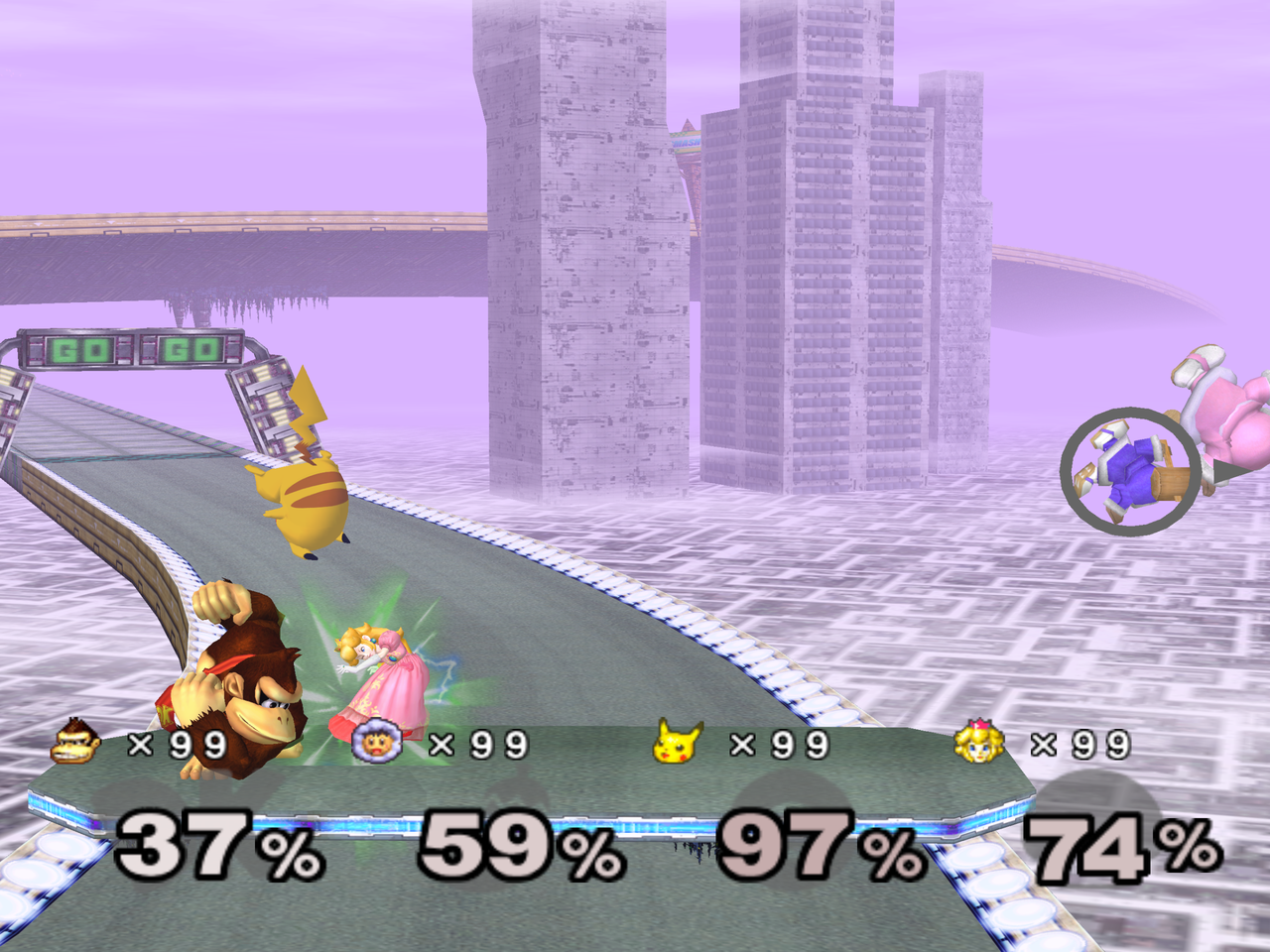 |
| Stage select | Four-player match |
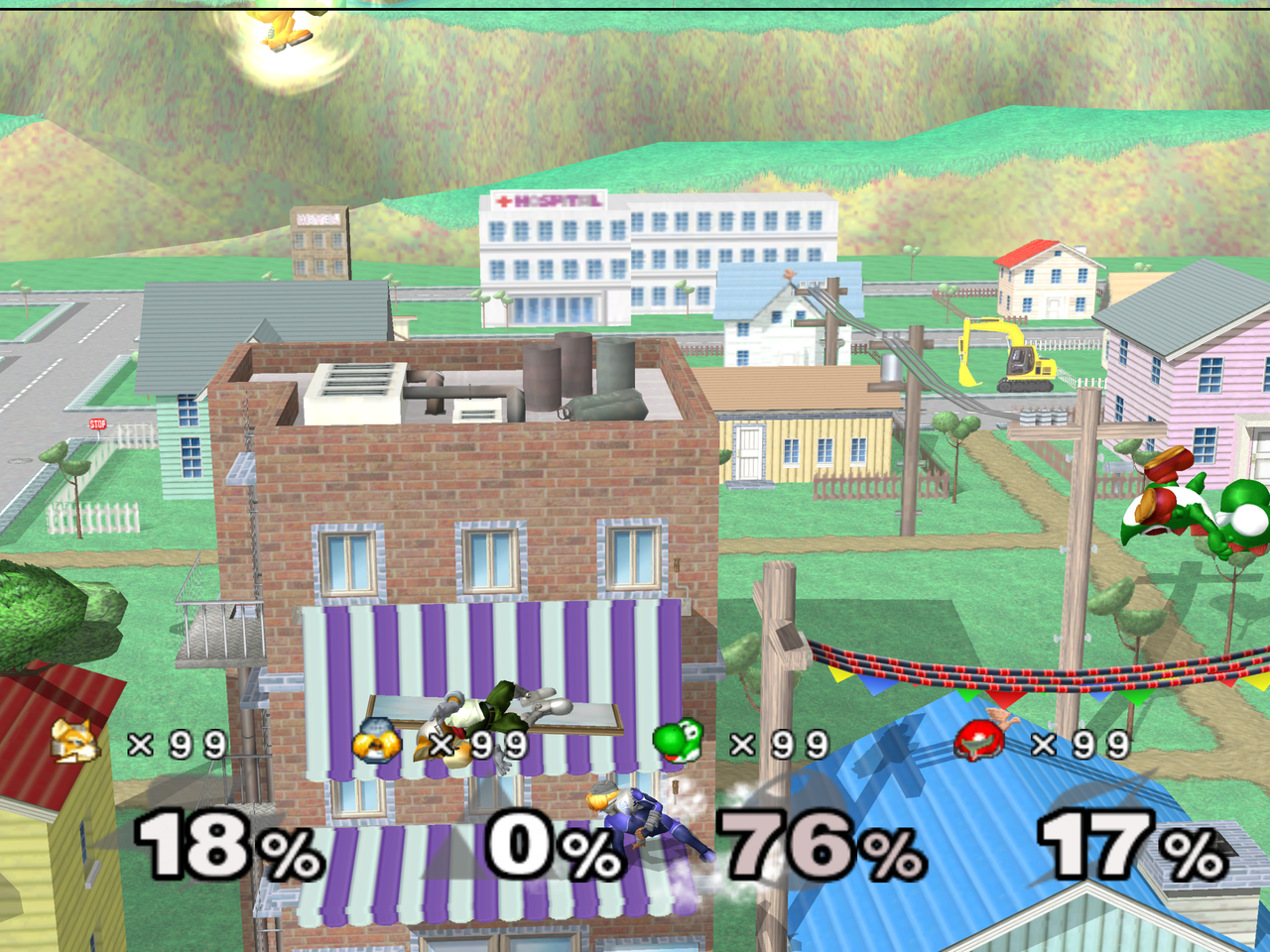 | 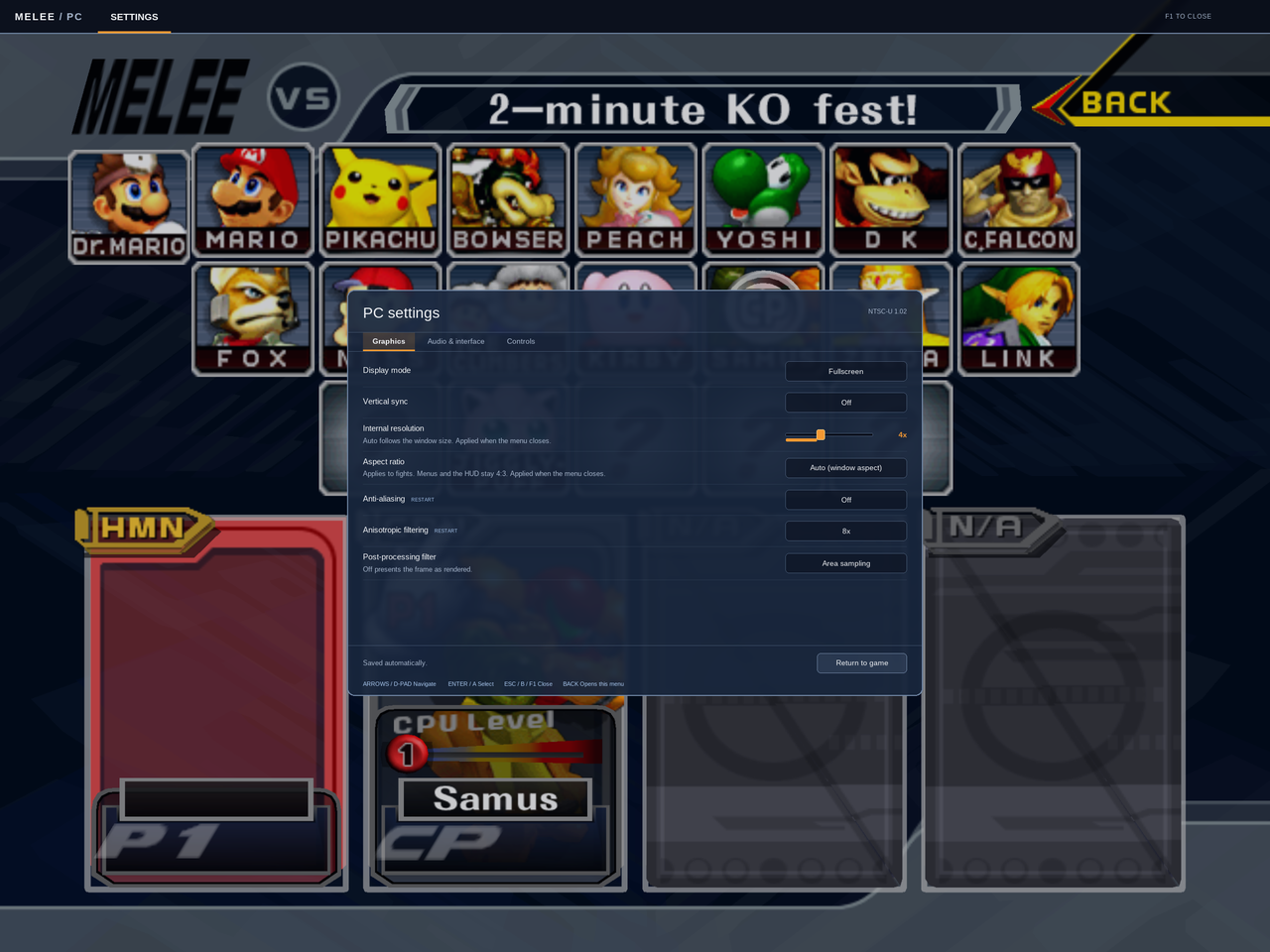 |
| Onett | F1 settings overlay |
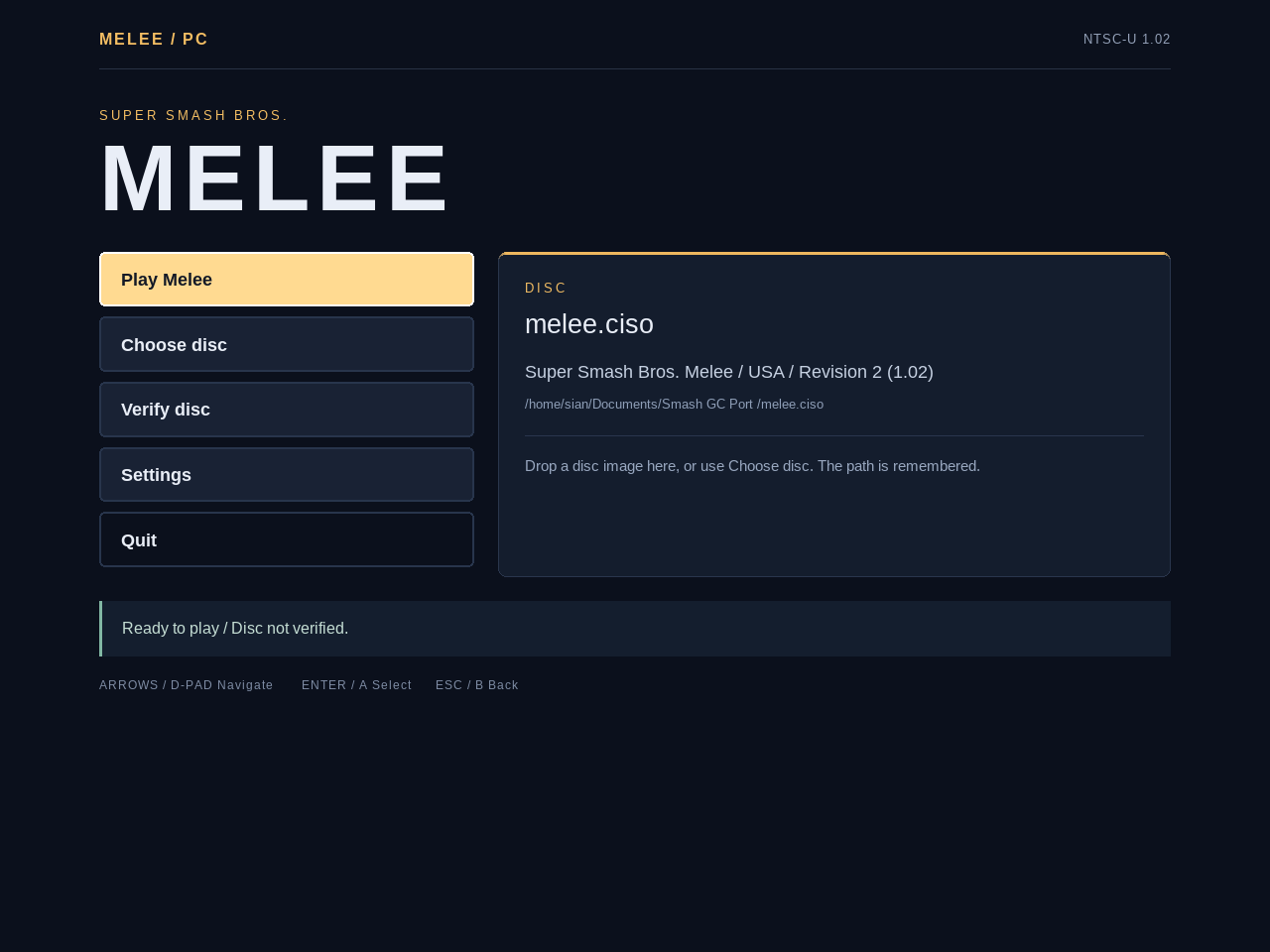
Status
Every mode boots and plays: VS, 1-P Classic / Adventure / All-Star to completion with results and score saved, Training, Stadium (Target Test, Home-Run Contest, 10-Man Melee), Event Match, Trophy gallery, memory card create / load, opening movie and attract demos.
This table is the single source of truth for feature status. The release
notes, the project site and ROADMAP.md defer to it; when they disagree, this
table is right and the other one is stale.
| Feature | Status | Note |
|---|---|---|
| Linux x86-64 / aarch64 | done | AppImage and tarball, both built in CI. |
| Windows x86-64 / ARM64 | done | D3D12 or Vulkan; ARM64 via llvm-mingw. |
| Direct3D 11 backend (Windows) | partial | Compiled into the shipped Dawn for both architectures, ordered after D3D12 and selectable as MELEE_BACKEND=d3d11. The adapter enumerates and the fail-over to D3D12 is proven, but no working D3D11 device has been observed; Wine/Proton cannot create one (CreateDeviceContextState returns E_INVALIDARG), so it is unverified on real Windows and on the Intel Gen7 hardware it exists for. |
| Android arm64 | done | Drawn on-screen GameCube overlay with opacity, deadzone and haptics settings; hides itself when a physical gamepad is connected. |
| iOS arm64 | partial | Sideloadable IPA on Metal, cross-built from Linux. Touch input is fixed invisible screen regions (stick on the left half, face buttons bottom right) with no drawn overlay, no calibration and no gamepad auto-hide -- the Android overlay is Android-only. |
| macOS Apple Silicon / Intel | partial | Apple Silicon tested; the Intel job is continue-on-error in CI, so a release can ship without an Intel build and none has been run on Intel hardware. |
| Browser (WebGPU) | partial | Play in the browser with your own raw GALE01 rev 2 image; tested in Chrome. No online play, no gamepad remapping. Build: tools/browser/build.py. |
| PAL disc (GALP01) | partial | Experimental: USA game code on PAL data, English (UK) text, NTSC 60 Hz. Trophy tables are stubbed out rather than read, and there is no reference hash, so PAL images always verify as unknown. |
| Widescreen 16:9 / window aspect | partial | VS, Sudden Death and Training only; menus, results and cutscenes stay at the original 73:60. |
| Wide HUD anchoring | done | Separate on/off toggle from the aspect setting, and only moves anything while widescreen is on. Anchors the timer and the 2-4 player HUD groups (damage, stocks, tags); a 1-player HUD keeps its original placement. No configurable margins. |
| Custom texture packs (Dolphin format) | done | tex1_* .dds / .png including sidecar mips and TLUT hashes, scanned recursively, reloadable from the F1 menu. |
Custom soundtrack (.ogg / .wav) | done | Replaces any track the game streams, not just stage BGM. Files are decoded whole into RAM (not streamed) and loop end to end, so a track's own loop point is ignored. |
| Unlock Everything / Frozen Stadium / Free camera | done | Cheats tab in the launcher and the F1 menu. |
| Multi-bus audio (Master / Music / SFX) | done | Three sliders; Master is the output stream gain, Music and SFX are per-voice. |
| In-app update check | done | Polls GitHub releases, downloads with progress. |
| Controller rumble | done | SDL gamepads through the game's own PADControlMotor calls, and the Android device vibrator when the pad has no rumble. Controller LED / port-colour sync is not implemented. |
| 1000 Hz GameCube adapter (WUP-028) | partial | Implemented and wired, not yet confirmed against a physical adapter. Raw 0x21 reports are read through SDL's hidapi on the 1000 Hz input thread, so the game would see the controller's real 8-bit values instead of SDL's rescaled ones; adapter slot N is PAD port N, and the slot motors are driven from the game's rumble state. MELEE_GC_ADAPTER=0 hands the device back to SDL's driver. Linux needs a udev rule; the log prints it. |
| UCF (dashback, shield drop) | done | UCF 0.8x rules; launcher Gameplay page / F1 port menu, default off, MELEE_UCF=1. Reads the octagon-clamped stick rather than UCF's pre-clamp raw queue, which only differs past the 80-unit rim. |
| Discord Rich Presence | planned | Deferred until API credentials are available. |
| Extended hazardless stages | planned | Whispy, Randall, FoD platforms. Only Pokémon Stadium is implemented. |
| 2-player keyboard remapping | planned | The keyboard is port 1 on a fixed layout. |
| High-refresh interpolation | planned | |
| Training tools (hitboxes, savestates, frame advance) | planned | |
Replay recording (.slp) | done | Set MELEE_SLP_DIR to record offline or online VS matches; off by default. |
| Online play (LAN / direct IP) | partial | LAN/direct-IP plus signed internet Direct, Unranked and Ranked implemented. Every datagram is authenticated (protocol 9), so both peers must run the same build, and a connect code is 8 characters after the #. Phone VPN to home broadband Direct Connect reached results; broader two-NAT and live ranked acceptance remain pending. See platform matrix below. |
| RetroAchievements | planned |
The phases behind the planned rows, and why they are ordered that way, are in ROADMAP.md.
Download
Builds for every platform are on the releases page. Release notes list the per-platform files, known issues and requirements.
./Melee-x86_64.AppImage                  # open the launcher
./Melee-x86_64.AppImage /path/to/melee.iso
Melee USA revision 2 (NTSC-U 1.02, GALE01) is the supported disc. A
Europe (PAL, GALP01) image also boots, with the limits listed in the
status table and the mechanics in
porting-notes.md. .iso,
.gcm, .ciso and .rvz images are accepted. A valid disc path on the
command line boots straight in; a missing or invalid one returns to the
launcher. Settings and the selected path live in launcher.cfg in SDL's
melee-pc preference directory (usually ~/.local/share/melee-pc,
%APPDATA%\melee-pc on Windows, or ~/Library/Application Support/melee-pc
on macOS).
Verification reads the disc through nod, compressed images included, and compares
SHA-1 against the
Redump DAT:
d4e70c064cc714ba8400a849cf299dbd1aa326fc, 1,459,978,240 bytes. It supports
progress and cancellation, and is not cached between launches. Unverified images
still play; PAL images have no reference hash and always report as unverified.
Building from source: docs/building.md.
Requirements
The renderer is WebGPU (Dawn) at its compatibility level, so the floor is Dawn's per-backend floor:
| Platform | API tried, in order | Floor |
|---|---|---|
| Windows 10/11 (x86-64, ARM64) | Direct3D 12 → Direct3D 11 → Vulkan | Feature level 11_0. Dawn refuses D3D12 on Intel Gen7 (HD 4000/4400/4600, Ivy Bridge/Haswell); the intended fallback for those is Direct3D 11, which is untested on that hardware (see the status table). Vulkan 1.1 with a vendor ICD. |
| Linux (x86-64, aarch64) | Vulkan | Vulkan 1.1 (Mesa radv/anv/hasvk, NVIDIA proprietary or NVK). |
| macOS / iOS | Metal | Any Metal GPU; Apple Silicon tested, iOS 14+. |
| Android | Vulkan | Vulkan 1.1, arm64. |
On Windows that means any Intel Gen8 (Broadwell, 2014) or newer, AMD GCN or
newer, NVIDIA Fermi or newer runs on Direct3D 12. Direct3D 11 is a
compatibility path, not a performance one (FXC shaders, no DXC). OpenGL is
never picked automatically: MELEE_BACKEND=opengl exists, but Dawn needs
desktop GL 4.4 for it, it draws with wrong (washed-out) colours on X11 and
cannot create a surface on Wayland. The log records every backend that was
skipped and why, then one summary line with the adapter and driver.
The CPU side is light: any x86-64 (SSE2) or arm64 CPU. A VS match holds a steady 60 fps with the whole game pinned to two 2.5 GHz Meteor Lake low-power E-cores, using about a third of one core in total.
- Keep
resources/(and on Windows the DLLs:webgpu_dawn.dll,dxcompiler.dll,dxil.dll,SDL3.dll, the VC++ runtime) beside the executable.dxcompiler.dllanddxil.dllare the D3D12 shader compiler; D3D11 needs no extra DLL, sinced3d11.dll,dxgi.dlland the FXC compiler are Windows components. - Settings, memory cards,
music/andtextures/live in themelee-pcpreference directory above.
Controls
Keyboard: arrows or WASD = stick, IJKL = C-stick, X = A, Z = B, C = X, V = Y, Q/E = L/R, Tab = Z, Enter = Start, TFGH = D-pad. Gamepads work through SDL; an official GameCube adapter is read directly instead (see the status table).
| Keyboard | Gamepad | |
|---|---|---|
| Navigate | Up/Down, Tab | D-pad or left stick |
| Adjust | Left/Right | D-pad left/right |
| Change tab | Left/Right on the tab strip | L/R shoulders |
| Select | Enter | A |
| Close overlay | Escape, F1 | B, Start, Back |
Settings overlay
F1, or Back/Select on a gamepad, opens the overlay. The game pauses while it is open.
- Display: fullscreen/windowed and VSync apply immediately.
MELEE_VSYNCoverrides the saved preference. - Internal resolution and UI scale are sliders. UI scale covers 75% to 150%.
- Post-processing picks the presentation shader and applies immediately.
- Anti-aliasing and anisotropic filtering apply on the next launch. MSAA offers only off and 4x because WebGPU guarantees sample counts 1 and 4.
- Audio: master volume, mute, FPS counter, all immediate.
- Controls remaps a gamepad. Pick the port, select a GameCube button, then press the physical button. Escape cancels, Restore resets the port. Back cannot be bound since it opens the menu. Sticks and triggers remap the same way, and a direction accepts either a stick axis or a button.
Melee's own menu sounds play in the overlay. Bindings are stored in aurora's
per-device .controller files; everything else shares launcher.cfg.
Environment variables
| Variable | Effect |
|---|---|
MELEE_BACKEND=<name> | Pin the graphics backend (vulkan, d3d12, d3d11, metal, ...) instead of the platform's preferred order; an unknown name lists the valid ones. |
MELEE_VSYNC=0|1 | Override the saved VSync preference. |
MELEE_LOG_FILE=<path> | Write the log to a file (default melee-pc.log beside melee.exe on Windows; empty disables). |
MELEE_WINDOW_TITLE=<t> | Window title. |
MELEE_FILES_DIR=<dir> | Loose-file overlay: files here (or in ./files/) replace the disc's. |
MELEE_CACHE_MAX_MB=<n> | In-memory archive cache budget (default picked from installed RAM). |
MELEE_PREWARM=0 | Skip the background asset pre-warm after boot. |
MELEE_FAST_FADES=1 | Clamp scene fade delays. |
MELEE_PIPELINE_JOBS=<n> | Background shader-pipeline compile threads (default half the hardware threads, 1..8). |
MELEE_UCF=1 | Universal Controller Fix (UCF 0.8x dashback and shield-drop rules); overrides the ucf launcher.cfg pref. |
MELEE_GC_ADAPTER=0 | Hand the GameCube adapter (WUP-028) back to SDL's gamepad driver instead of reading it raw. |
MELEE_SLP_DIR=<dir> | Record every VS match, offline or netplay, as a Slippi replay <dir>/Game_YYYYMMDDTHHMMSS.slp (replay format 3.18.0) that Slippi Launcher, slippi-js stats, Clippi and overlays read. Only frames no rollback can change are written, so both netplay peers' files hold the same frames. Off by default. |
--no-card | Boot without a memory card. |
--dvd <image> | Explicit form of the positional disc argument. |
--version | Print the build version and exit. |
Diagnostic knobs (MELEE_DEBUG, MELEE_FPS, MELEE_HEAP_CHECK, the
AURORA_* draw filters, ...) are listed in
docs/debugging.md.
Community
- Discord for questions and testing.
- Project site for setup, FAQ and known issues.
- Bug report form;
attach the log (
melee-pc.logon Windows, see docs/debugging.md).
Netplay (LAN and direct IP, prototype)
Two copies of the game play a rollback match over UDP (src/pc/net.c;
design and current state in docs/netcode-plan.md).
Both must run the same build and the same game image, with no memory card
(--no-card). The LAN lobby announces a 32-bit id of the disc it booted
(region, revision, file-table shape and the DOL, so a code mod counts), and a
peer on a different image is listed as incompatible before a single game
packet is exchanged — same as a different build version. Internet friend-code
pairing also binds build and disc identity; the legacy direct-IP environment
path retains its older protocol-version-only check.
In the menus: VS Mode → ONLINE → LAN PLAY finds other
copies on the local network by mDNS and the first Start elects a host
(lowest install id wins a tie). DIRECT CONNECT opens an in-game hub where
either player can call a friend's NAME#XXXXXXXX code, enter its eight-character
suffix, or choose a clipboard code or recent opponent. UNRANKED searches for
an opponent; RANKED runs a rated best-of-three set. PROFILE shows your code
and locally verified rating. Internet discovery may take about 30 seconds to
bootstrap and some NATs cannot support a direct peer connection. Legacy
MELEE_LAN_DIRECT=ip:port remains available for direct-IP sessions. The game port is UDP 41000 by default and discovery uses UDP
5353 multicast; allow both through the firewall (Windows asks on first
launch). The install id used for the election is install_id in
launcher.cfg.
If the link drops mid-match, the session no longer dies with it: after 7 s of silence it enters a reconnect phase and resumes where it left off if the peer comes back within 15 s and neither side's 64-frame input ring has been outrun. The lobby shows "reconnecting"; a failure that cannot be resumed says "Could not resume" instead of "Connection timed out".
A peer that is loading is not a peer that is gone. Silence is measured from the last datagram the peer sent, not from how long this side has been waiting: a machine whose game thread is inside a stage load, a character load or a first-time shader compile keeps its sender running, so the link carries it however long it takes and the transition screen simply waits. Before that distinction existed, any load over 7 s froze both games on "NOW LOADING" and one over ~22 s ended the session outright, which is what a phone's first match cost.
What works where. Only Linux x86-64 has played real matches, but a Linux recording now replays bit-identical on Windows, so the two builds compute the same game.
| Platform | Netplay | Rollback | Notes |
|---|---|---|---|
| Linux x86-64 | yes | yes | the configuration everything below was measured on; longest run 36 minutes and 126k frames of match |
| Windows x86-64 / ARM64 | implemented | enabled | PE ranges cover both supported toolchains. x86-64 restore runs under Wine; ARM64 compiler-bridge and linked-range checks pass. Full Windows rollback gameplay remains unverified |
| macOS / iOS | builds; online gameplay unverified | enabled | Mach-O simulation sections support Intel/Apple Silicon macOS and ARM64 iOS. Cross-link/bridge checks pass; native restore is a macOS CI check. Device gameplay remains unverified |
| Android | runs on a device; found and joined a PC over LAN | enabled; gameplay unverified | Measured on a Pixel 8 Pro against Linux x86-64: mDNS discovery, election, handshake and 1800+ frames of synced menus at 10-16 ms ping and 0 % loss, both peers entering the CSS on the same frame. Full matches have since been played to the end phone-to-PC over LAN and over mobile data. New ARM64/x86-64 NDK-linked restore fixtures pass (ARM64 under QEMU), but device rollback gameplay is still unproven. The lobby holds the Wi-Fi multicast lock while it is open |
All supported builds require simulation snapshot sections and verify their boundaries after linking. Audio/worker state remains excluded. Menus and scene loading still synchronize without prediction; matches use rollback by default. Allocation failure and the explicit debugging switch can still fall back to lockstep. Unsupported compilers are rejected rather than producing a silently lockstep-only platform build.
| Variable | Effect |
|---|---|
MELEE_NET=<host:port> | Connect to that peer at boot, no lobby (MELEE_NET_PLAYER on both sides). The session runs the same RULES/READY handshake a lobby one does, hosted by MELEE_NET_PLAYER=0, so the seed, rules and unlock state are agreed rather than assumed and a disagreement refuses the session instead of desyncing later. MELEE_SEED is optional, and only the host's is used. |
MELEE_NET_PORT=<n> | Local UDP game port (d |