tekken-tag-tournament-2-pc
Tekken Tag Tournament 2 PC is a native Windows port of the Xbox 360 fighting game that supports up to 4K resolution at 60 fps and online play.
- Type: PC port
- Game: Tekken Tag Tournament 2
- Runs on Windows
- By shihabal3amri
- Latest release v0.1.6, 2026-10-18
- Source: https://github.com/shihabal3amri/tekken-tag-tournament-2-pc
README
The Xbox 360 tag-team fighter, rebuilt to run natively on Windows.
59 fighters • Tag battles • Up to 4K at 60 fps • Online with your friends




-1b2838?style=flat-square&logo=steam&logoColor=white)

Why you'll love it
🎮 Native, not emulatedThe whole game was translated to run directly on your PC. No emulator to set up, no settings to tweak: install it and play. |
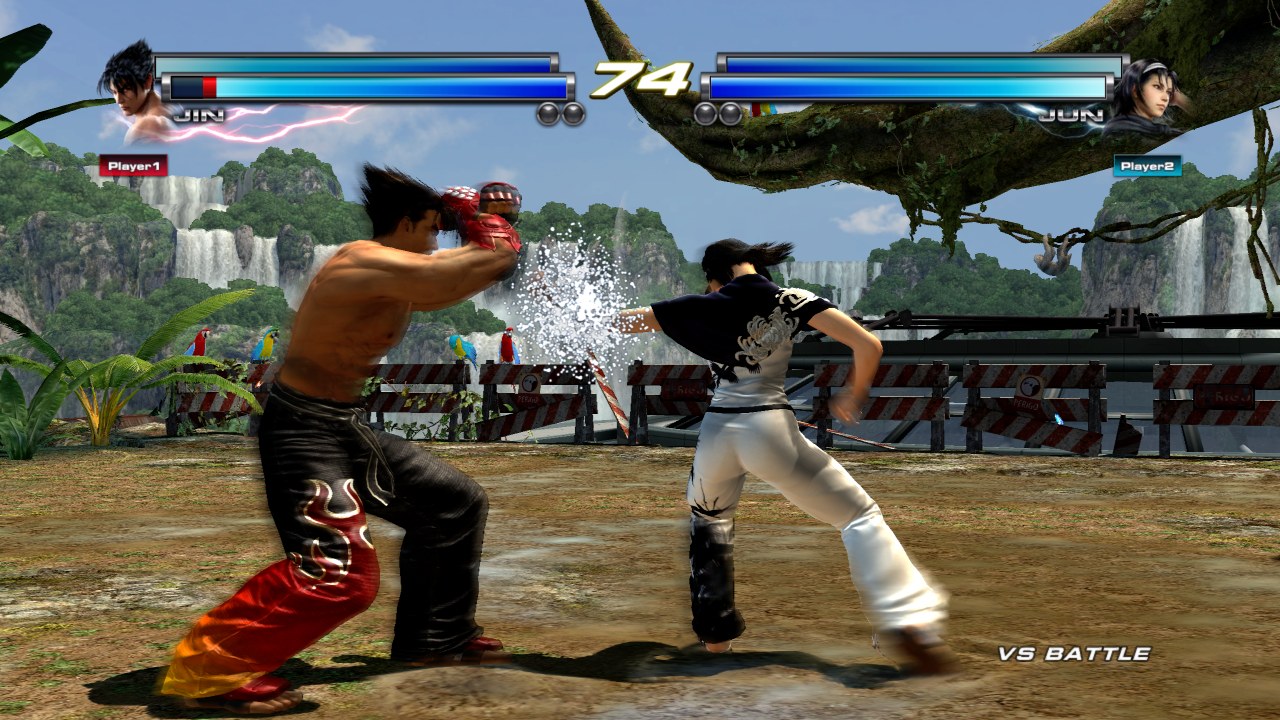
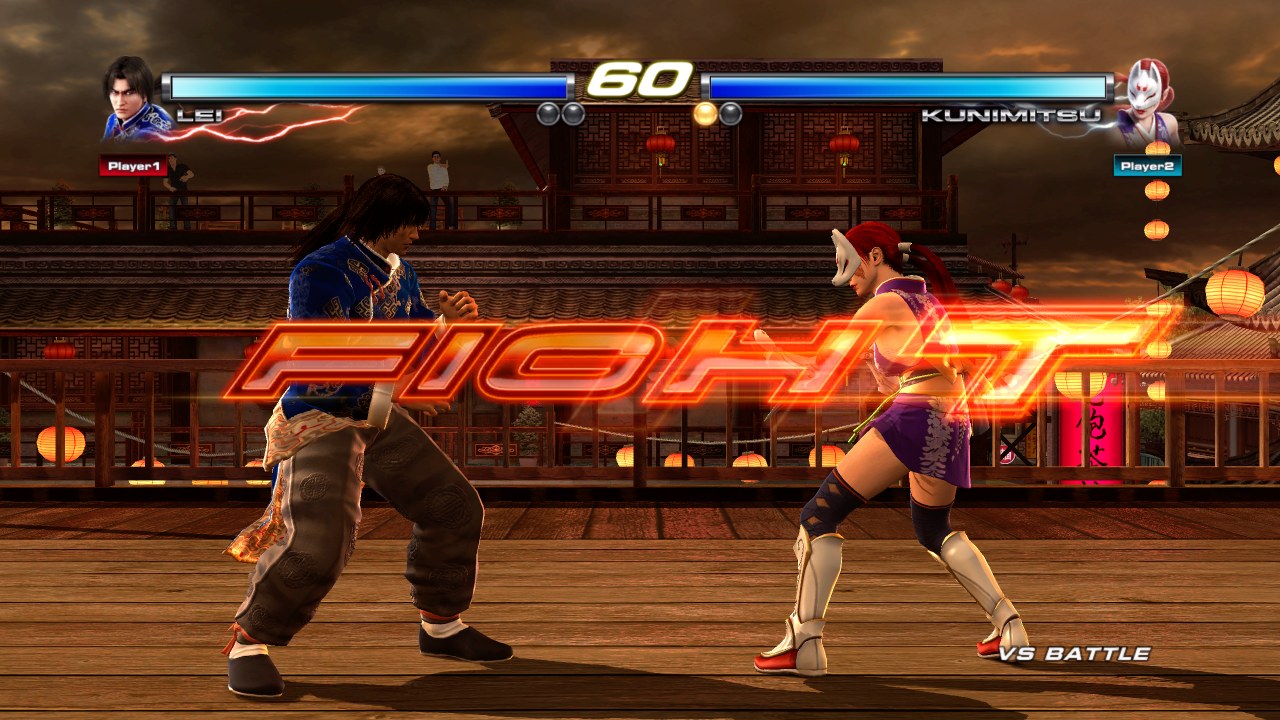
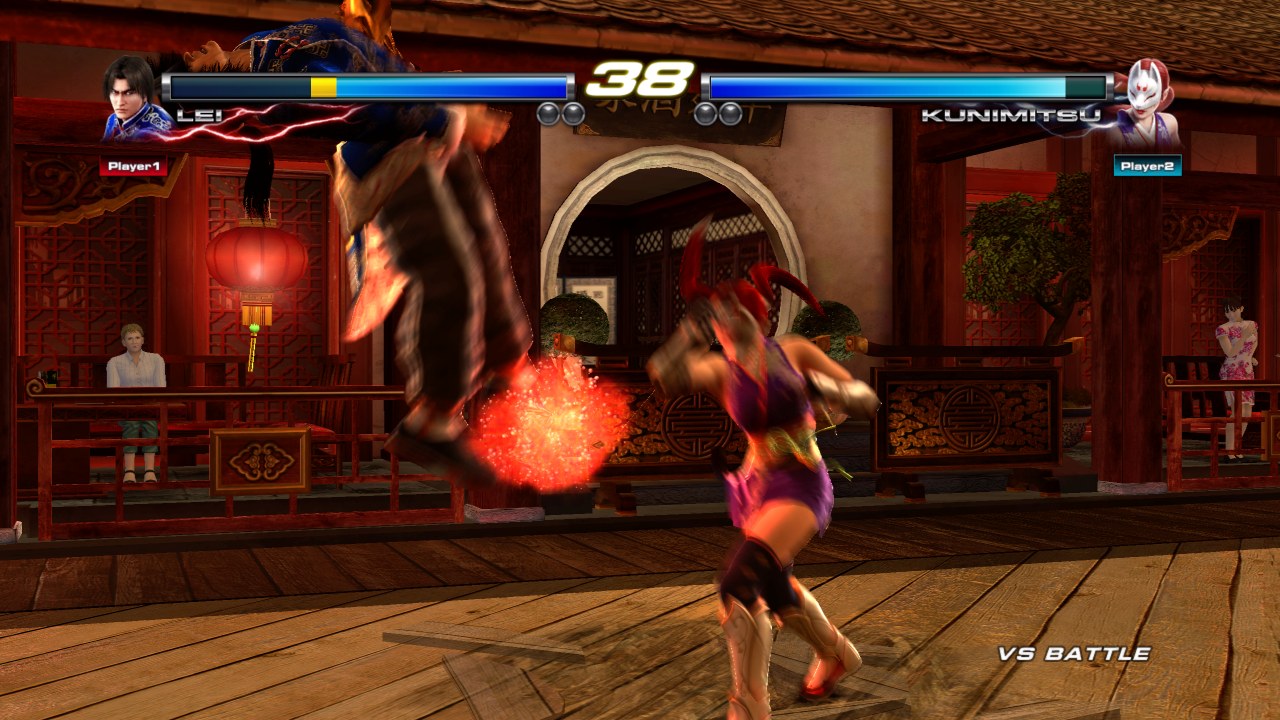
🖥️ Sharp at any sizeTrue HD rendering from 720p all the way up to 4K, at a smooth 60 fps. Play in a window, borderless, or full screen. |
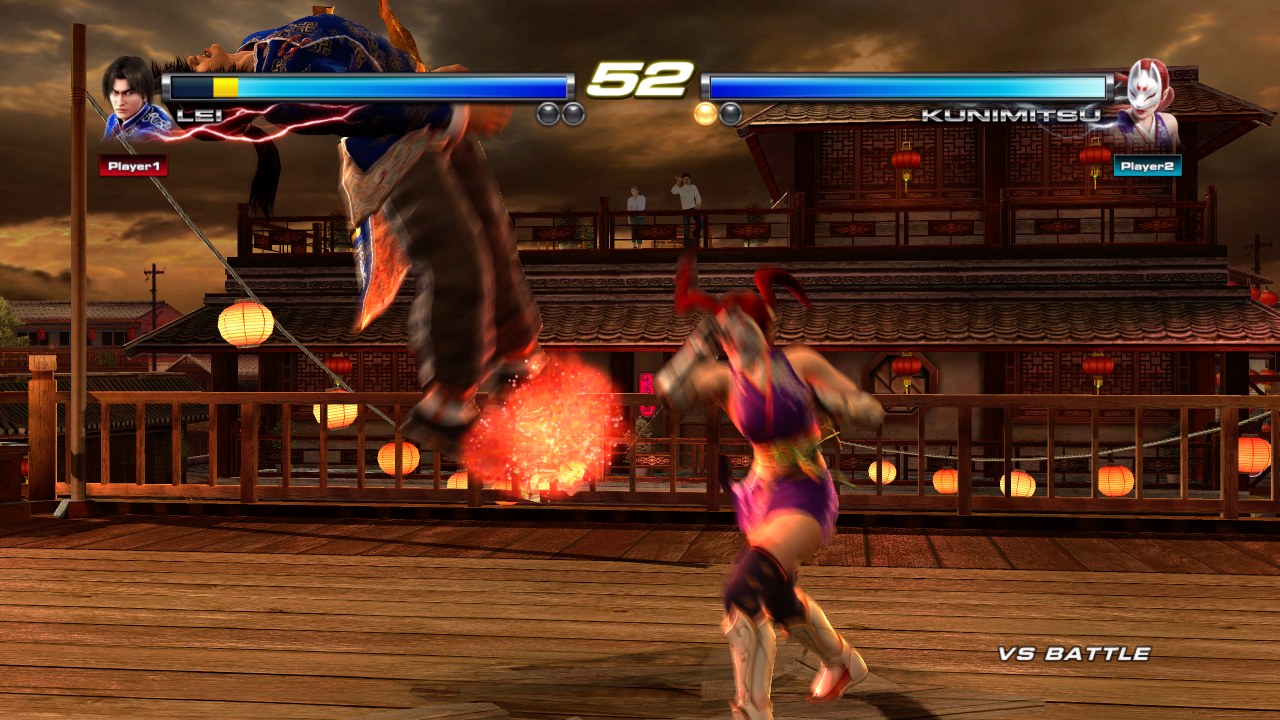
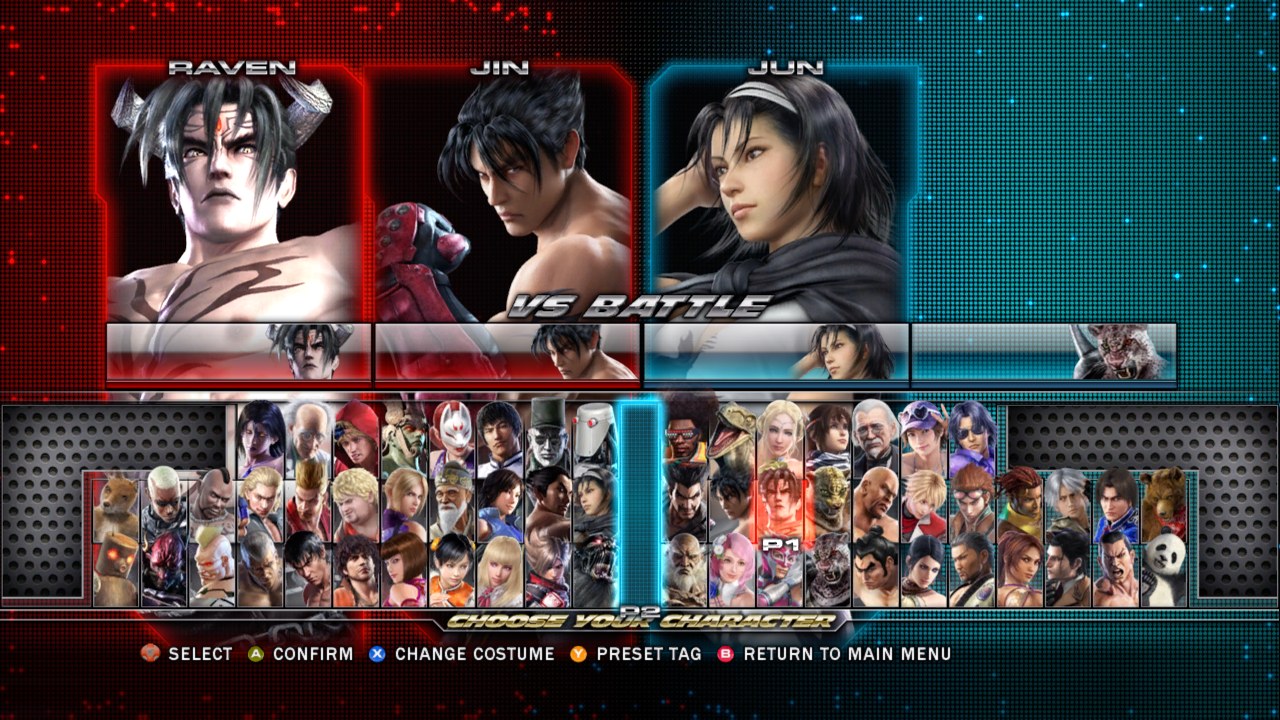
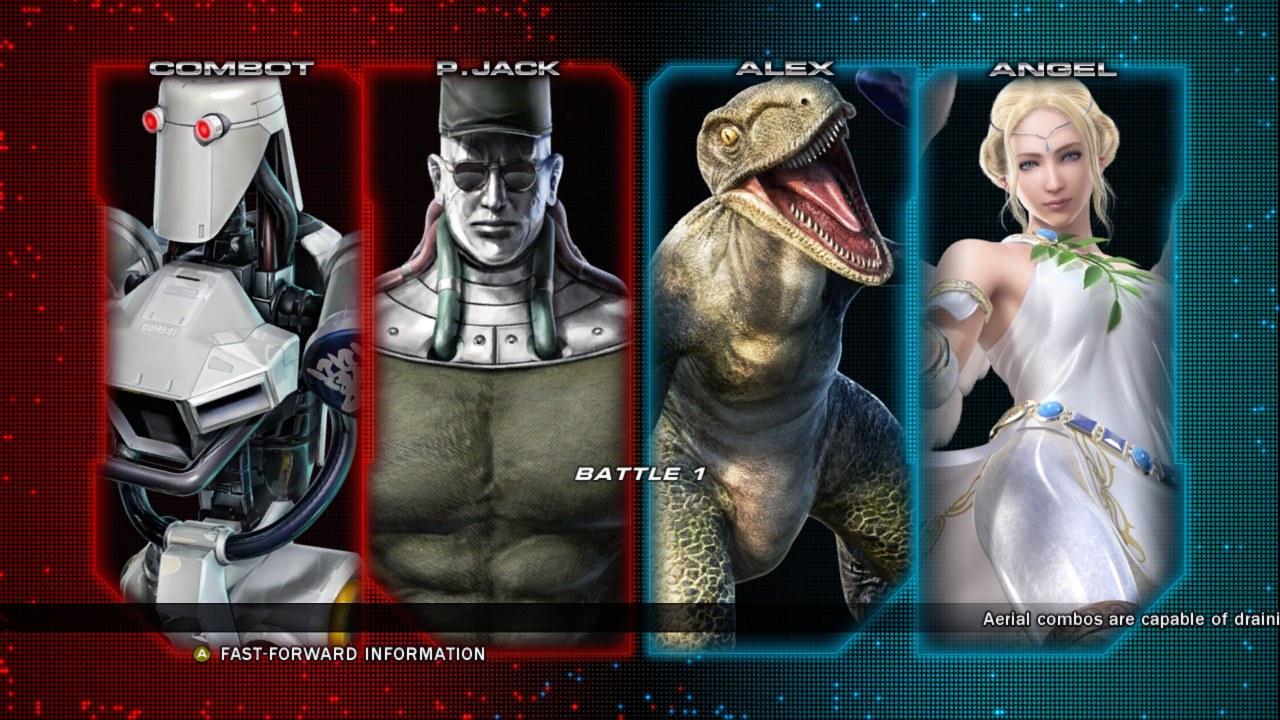
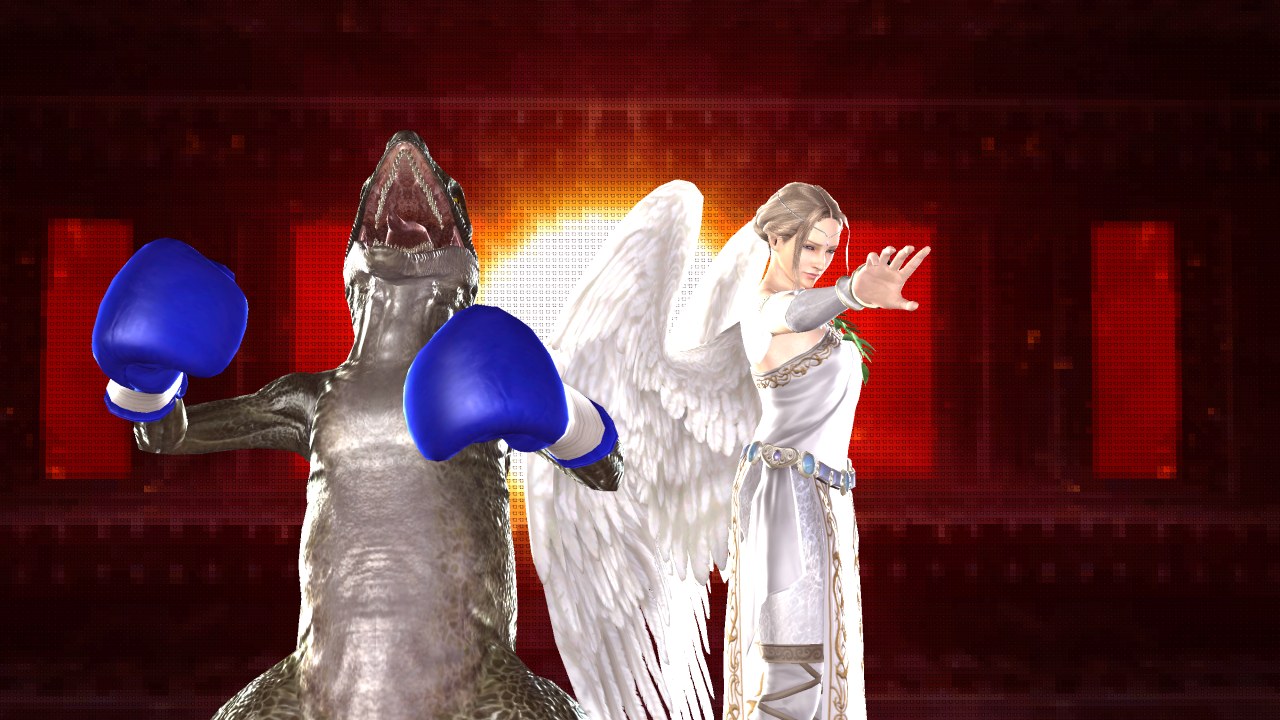
👊 Every fighter unlockedAll 59 fighters are yours from the start, including the 10 that used to need Namco's servers, along with the game's final balance update. |
🌐 Fight your friends onlinePlayer Match over Steam. No port forwarding, no Xbox LIVE: host a session and your friend finds it. (Beta) |
🕹️ Grab a controllerPlug in an Xbox controller (or any Xbox-compatible pad) and go. The keyboard works too. |
💾 Your progress, kept safeProfiles and saves live in your Windows user folder, so they survive reinstalls and updates. |
Screenshots
|
|
|
|
|
|
Get playing in 3 steps
1. Download Get ttt2_setup.exe from the latest release.
2. Point it at your game Choose your disc image of Tekken Tag Tournament 2 (USA, Europe) and its Title Update 3. The installer checks them and builds the PC version for you, usually in a few minutes.
3. Play Launch Tekken Tag Tournament 2 from your Desktop or Start menu.
[!NOTE] Windows may say "Windows protected your PC" because the installer isn't code-signed. Click More info, then Run anyway.
[!IMPORTANT] You need your own copy of the game. This download contains no game files: the art, sound, stages and movies are all built on your PC from your disc image and title update. They are never included here.
What you need
| System | Windows 10 or 11, 64-bit |
| Graphics | Any DirectX 11 graphics card |
| Storage | About 13 GB free |
| Your game | Tekken Tag Tournament 2 (USA, Europe) Xbox 360 disc image (.iso) + Title Update 3 |
| For online | The free Steam app, running and signed in |
Play online with friends
- Both of you install the same version of the port and keep Steam running.
- Host:
ONLINE MODE→PLAYER MATCH→CREATE SESSION - Your friend:
ONLINE MODE→PLAYER MATCH→SEARCH SESSION, then pick your session. - Fight!
The first time you open Online Mode, the game shows Namco's online terms; accept them to continue. Steam will show you as playing Spacewar. That's normal: it's the free Steam test app the port uses to connect players.
Controls
Controller: works just like on Xbox 360. Whoever presses a button first is Player 1.
Keyboard (Player 1):
| Key | Does | Key | Does |
|---|---|---|---|
| Arrow keys | Move / D-pad | A S Z X | A / B / X / Y |
Enter or Space | START | Q W | LB / RB |
Backspace | BACK | E R | LT / RT |
Alt + Enter | Window ↔ full screen | D F | Left / right stick click |
Change the keys in the game: OPTIONS → CONTROLLER SETUP → on BUTTON SETTINGS press
left/right to switch it to KEYBOARD, then A to edit. Pick a button, press A, then press the
new key. LB / RB show the movement, START and BACK keys, plus DEFAULTS to undo everything.
Display mode and resolution are in the game's own menu: OPTIONS → DISPLAY SETTINGS.
Input delay: the original game adds 2 frames of delay to every button press in offline modes.
This port removes them by default; turn them back on in OPTIONS → GAME OPTIONS → INPUT DELAY.
Online matches always use the game's own delay, the same for both players.
Questions
Is this an emulator?
No. The game's original Xbox 360 program was translated ("recompiled") into a real Windows program, with new graphics, audio and online code written for PC. That's why it runs smoothly, at high resolution, without an emulator.
Why do I need my own copy of the game?
The port doesn't include the game's files. The installer builds them from your disc image and title update, so you need to own the game to play.
Where do I find Title Update 3?
On your own Xbox 360, title updates are stored in
Content\0000000000000000\4E4D0859\000B0000\. The one you need is
TU_174Q22P_0000008000000.00000000000O2 (it ends in the letter O, then 2).
You can also point the installer at the whole folder; it picks the right file by itself.
Which version of the game works?
The retail Tekken Tag Tournament 2 (USA, Europe) disc. The installer checks your disc image and tells you if it's a different version or damaged.
The first fight stutters for a moment.
The game prepares its graphics the first time you see them. After that they're cached and it stays smooth.
My PlayStation (or other) controller doesn't work.
The game reads Xbox-compatible controllers. Other controllers need a tool that makes them show up as an Xbox controller, such as DS4Windows for PlayStation pads.
Why are there two "Tekken Tag Tournament 2" in Task Manager?
The second one is a small helper that talks to Steam for online play. It closes together with the game.
Where are my saves? How do I uninstall?
Saves, profiles and settings are in
%LOCALAPPDATA%\TTT2Recomp. To uninstall, use
Settings → Apps → Installed apps. Your saves are kept unless you tick the box to remove
them.
Something went wrong.
Open an issue and attach
%LOCALAPPDATA%\TTT2Recomp\log.txt. It tells us what happened.
Not available (yet)
Online leaderboards, World Arena, replays and ghost downloads relied on Namco's servers, which are gone. Voice chat isn't supported. Ranked matches and Steam invites ("Invite to Game") haven't been tested yet.
Ready to fight?
For developers: Building from source • How the installer works
Built with XenonRecomp (MIT), with Unleashed Recompiled and Xenia as references. FFmpeg (LGPL) for XMA audio, libmspack (LGPL) for LZX, tiny-AES-c, and Steamworks for online play.Unofficial fan project, not affiliated with or endorsed by Bandai Namco or Microsoft. You must own the game. Tekken and all related characters and content are the property of their respective owners.
steam_api64.dll is © Valve Corporation, redistributed under the
Steamworks SDK licence.