cyrus
Cyrus is a PC port of The Elder Scrolls Adventures: Redguard built in Rust and Bevy.
- Type: PC port
- Game: The Elder Scrolls Adventures: Redguard
- Runs on Windows, Linux and macOS
- By michidk
- Latest release v1.6.0, 2026-11-18
- Source: https://github.com/michidk/cyrus
- Website: https://michidk.github.io/cyrus/
README
cyrus
A faithful rebuild of The Elder Scrolls Adventures: Redguard in Rust and Bevy.
Bring your own GOG install. cyrus ships no game data.
Get started · Browser game · Asset viewer · Playing guide · Contributing



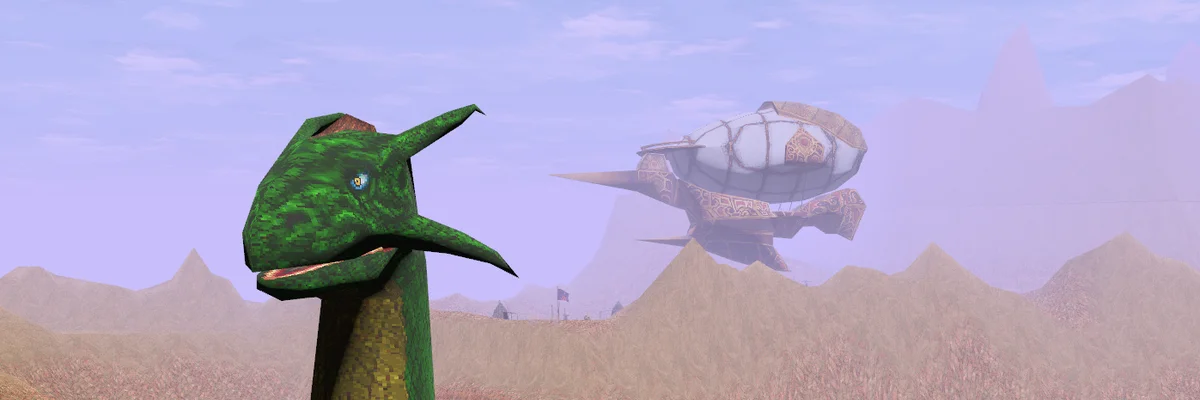
Important
cyrus is early in development. You can start a new game, play in its worlds and save and resume, but a complete gameplay and fidelity playthrough has not been accepted.
What works today
- Play the installed splash and title, then browse the data-driven book menu.
- Play unlocked movies, edit persistent settings, and start New Game with its introduction.
- Move, fight and interact in Redguard's worlds with the implemented controls.
- Save and load cyrus sessions through the book, with gameplay thumbnails, in the native and browser builds.
- Jump to any world and inspect it with a free camera (Backtick menu).
- Browse every asset in the separate asset viewer.
See Playing and controls for controls, saving and current limitations. See the delivery issues for remaining work and acceptance evidence.
Join the Discord and discuss cyrus in
#redguard-cyrus-rust.
Run cyrus
Buy and install or extract the GOG release of The Elder Scrolls Adventures: Redguard. Then:
- Download the
cyruspackage for Windows, Linux or macOS from the latest release. - Extract the archive and start
cyrus.exeon Windows orcyruson Linux and macOS. - Choose the inner
Redguardfolder containingRGFX.EXE,mapsandfxart. Keep the surrounding GOG folder intact so companion CD media remains available. - Choose New Game in the book menu. Use the in-game options to configure display, sound and controls.
See Playing and controls for saving, resuming and key bindings. To build from source or select an install on the command line, see Advanced use.
Web version
Open the browser build and click
Choose game folder. Select your main GOG folder, such as
D:\Games\GOG Galaxy\Redguard, containing both DOSBOX and the inner
Redguard folder. Files stay on your computer. Select the folder again after
reloading. The browser guide covers the bundled
game-file server, URL options and building from source.
Videos
| ▶ Watch cyrus v0.5.0 | ▶ Watch the cyrus editor |
|---|---|
 |  |
Asset viewer
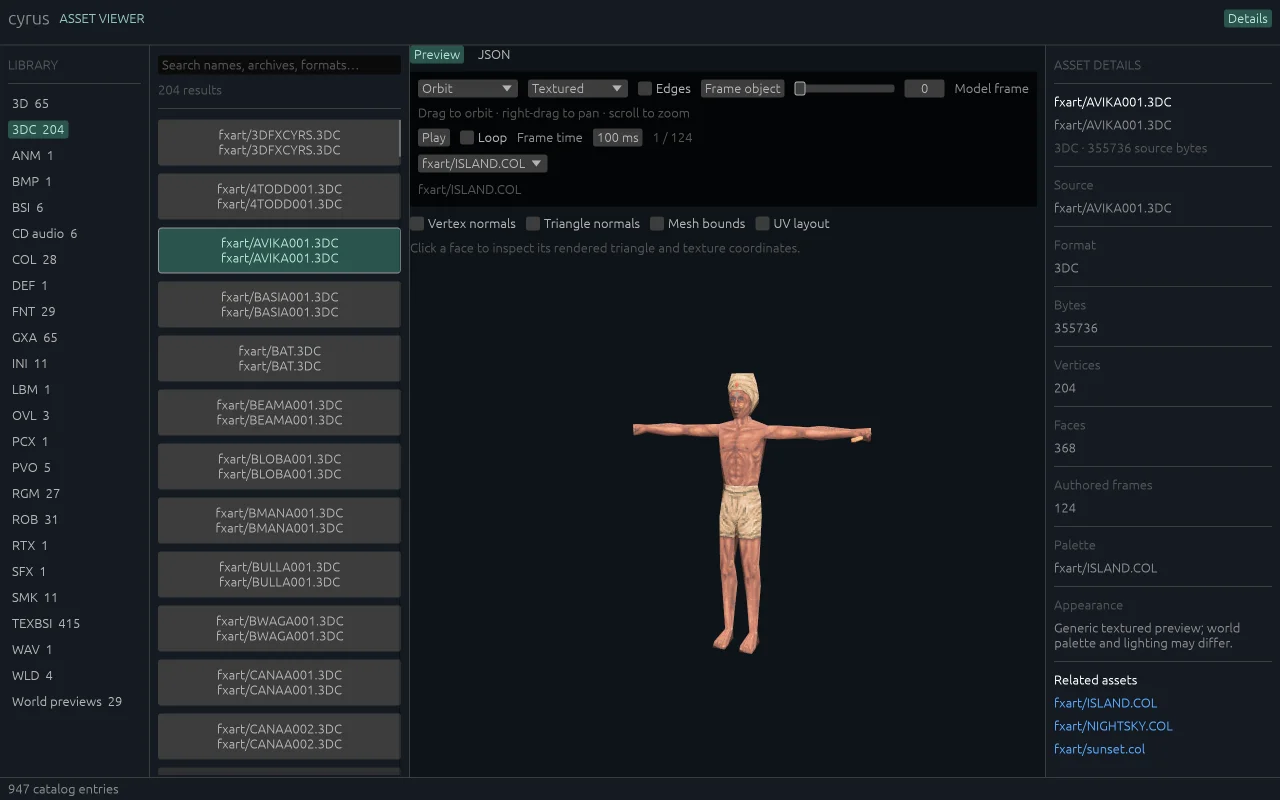
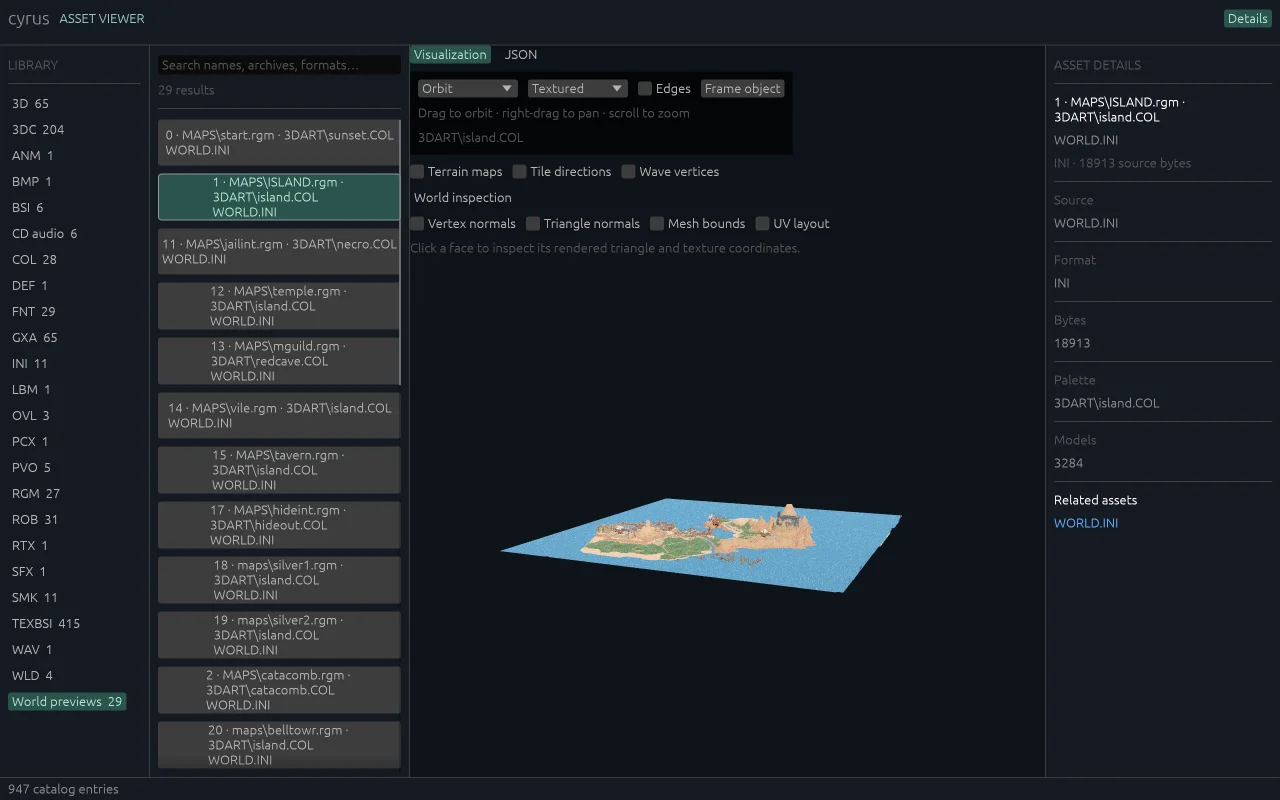
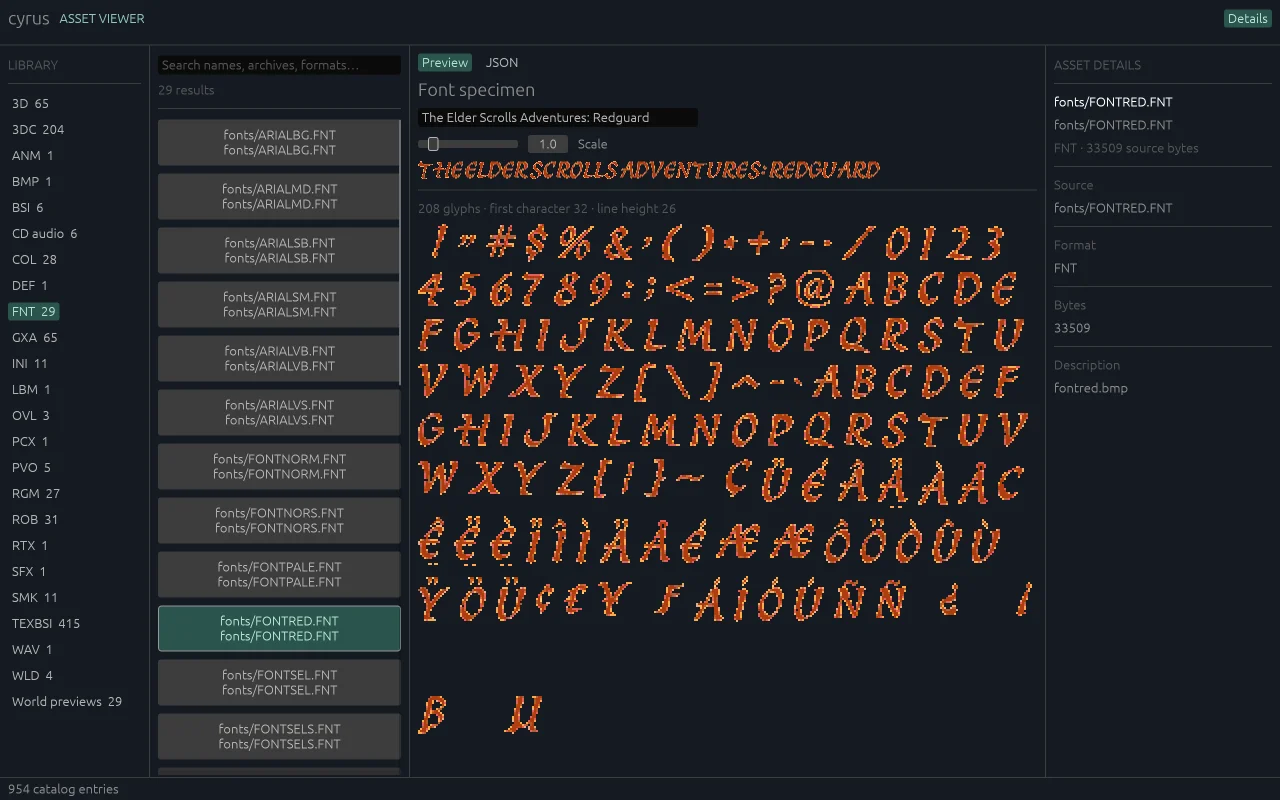
cyrus ships a separate asset viewer for Redguard's files: models, worlds,
textures, fonts, animations, scripts, audio and movies. Download a
prebuilt cyrus-viewer archive from the
latest release or open the
browser viewer directly. See the
viewer guide for previews, controls, and browser
setup. The viewer uses a modern inspection interface and generic rendering.
| Model | World | Font |
|---|---|---|
 |  |  |
Related projects
cyrus is two applications, the game and the asset viewer, and sits beside two other Redguard projects:
- Redguard Preservation (docs): the file format, engine and configuration documentation cyrus is built from, and the
redguard-preservationcrate that parses the game's files. - Maiko (site): runs the original game natively on Windows, Linux and macOS, without DOSBox, by translating the original executable.
Faithful by default
Faithful mode aims to reproduce what the player experiences: visuals, audio,
controls, camera behavior, script and animation timing, and game outcomes.
Modern mode is an opt-in setting that changes only graphics and sound; modern controls and camera
behavior come from the bundled movement mod.
Technical limits are not part of that goal. cyrus can use current hardware, load faster, and run at a higher frame rate without changing game behavior.
File formats and engine documentation come from redguard-preservation. cyrus publishes recovered format and engine facts through redguard-preservation. No original code or game data is part of this repository.
Acknowledgements
RGUnity inspired cyrus and provided foundational Redguard research used by this project. RGUnity is a human-developed Unity reimplementation built without AI assistance. Its contributors focus on meticulous fidelity and the small details that make the original game behave correctly.
cyrus uses AI-assisted development to reach broad working coverage quickly. This complements RGUnity's detail-first work. We are grateful to its contributors for their research, implementation, and continued care for Redguard.
Project documentation
- How cyrus is built explains how evidence and fidelity guide each change.
- Setup covers native, browser, and original-game runs.
- Delivery issues track remaining game support and acceptance.
- Contributing covers bug reports and pull requests.
- Agent contract defines the rules for coding agents.
Each crate also has its own README.md.
cyrus is written entirely by LLM coding agents (Codex and Claude Code), directed and reviewed by the maintainer against the original game.
Advanced use
Building from source requires Rust and just, plus the platform dependencies in the setup guide. From the repository root:
just run --install /path/to/GOG/extracted/app/Redguard
Without --install, both native applications use REDGUARD_DIR, a remembered location, or the default local/GOG folders, including a redguard symlink in the working directory. If no usable install is found, the folder picker remembers your selection for both the game and viewer.
For the asset viewer, run cargo run -p cyrus-viewer -- --install /path/to/Redguard.
Use just run --scene START to open a world directly. The setup guide covers the browser build, the original game runner and all available commands.
cyrus stores settings, saves, caches and logs in CYRUS_CONFIG_DIR when set, otherwise in an existing game-config/ folder in the working directory, or in your user profile's standard folders. On Linux these are ~/.config/cyrus, ~/.cache/cyrus and ~/.local/state/cyrus.
Name
cyrus is named after Cyrus, the main character of Redguard.
License
cyrus is released under the MIT license.
cyrus is not affiliated with Bethesda Softworks.