ReNFS
ReNFS is a PC port of The Need for Speed Special Edition that runs at 60 frames per second with smooth motion and rumble and force feedback support.
- Type: PC port
- Game: The Need for Speed Special Edition
- Runs on Windows and Linux
- By ItsDanik
- Latest release v0.6.11b, 2026-10-29
- Source: https://github.com/ItsDanik/ReNFS
README
ReNFS
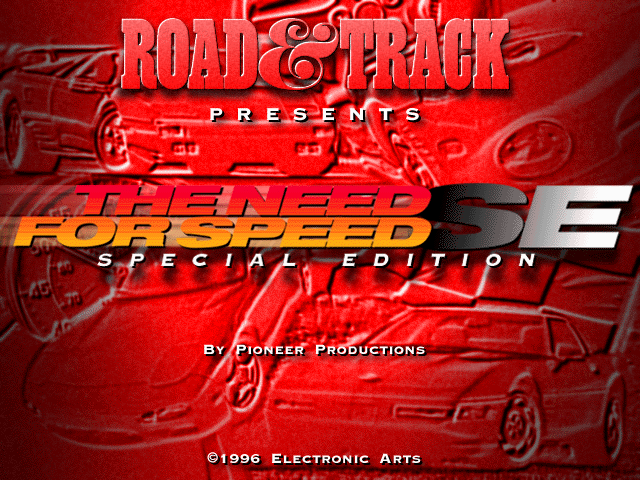
The Need for Speed Special Edition (Electronic Arts Canada, 1996, MS-DOS), written again for Linux, Windows and macOS by reading the original program. A MiSTer version is next.
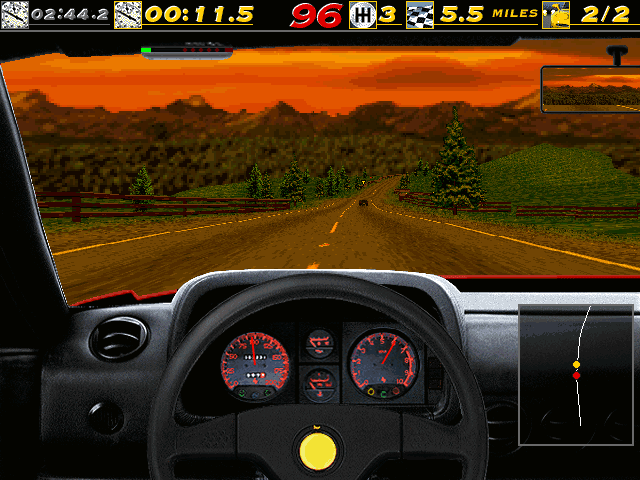
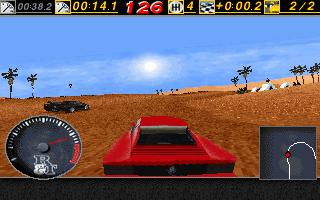
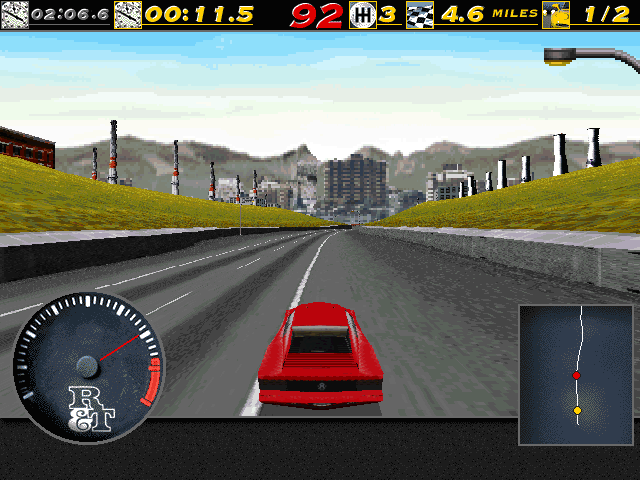
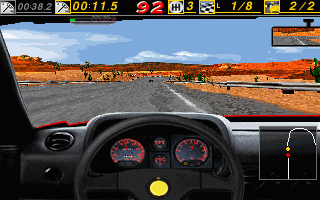
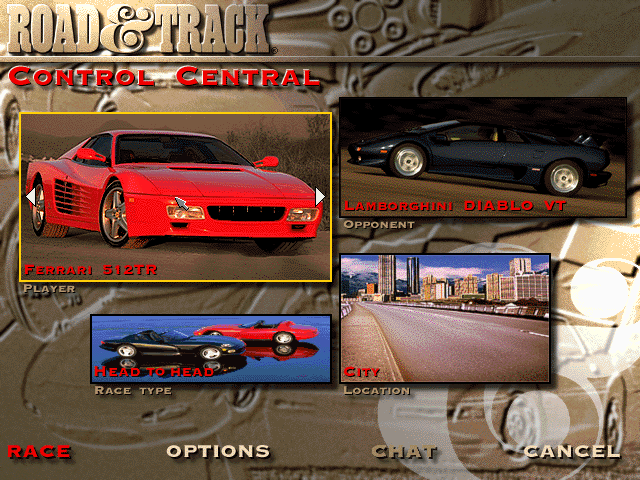
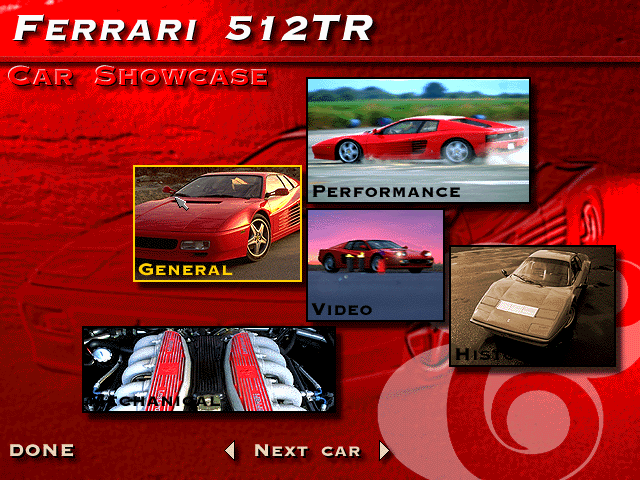
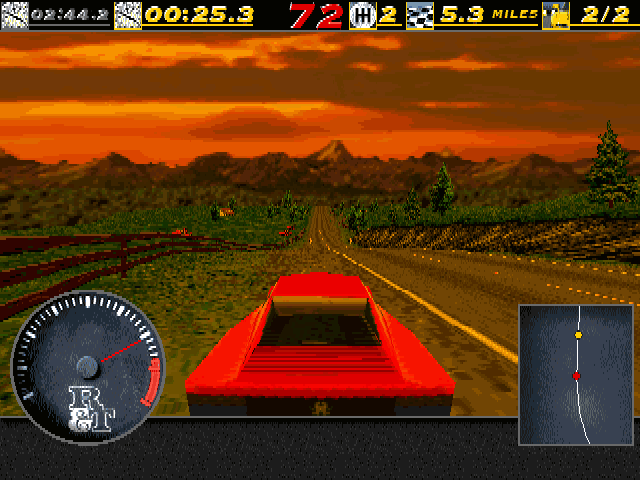
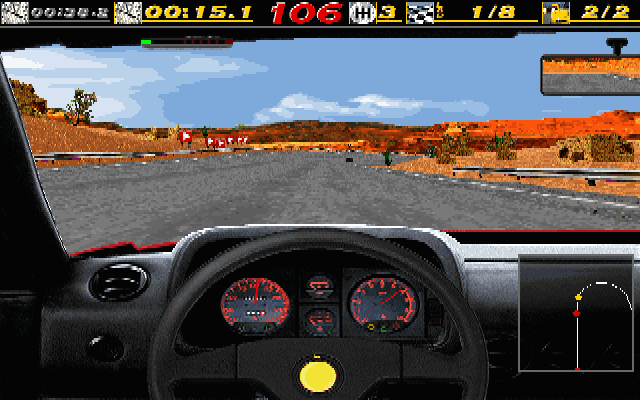
The whole single-player game is in: every car and track, head to head, single race, time trial, tournaments, the rally, the police, the traffic, replays and highlights, the cars' showcase with its films, the records, saved tournaments, the original's typed codes, its music and speech, English and German. Races run at 640x480 or 320x200, as the original's two settings, and smoothly at 60 frames a second. Keyboard, game pad, joystick and mouse; a pad rumbles and a force-feedback wheel gets the original's effects.
Not in it: the network and modem race (greyed out in the menu).
 |  |
 |  |
 |  |
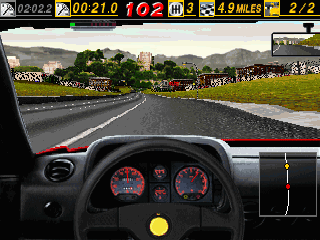
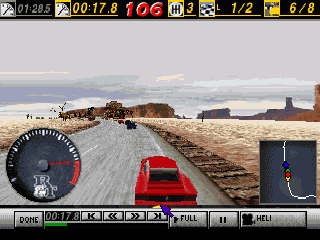
On the MiSTer, races can also be 320x240, 640x240 and 640x200, made for 15 kHz screens:
 |  |
 |  |
Beta: the latest version is on the releases page. Please report problems on the issues page.
You need the game's CD
ReNFS contains no part of the game: it reads the files of your own copy of The Need for Speed SE CD, as they are.
-
Download ReNFS for your system (below) and unpack it.
-
Copy everything on the CD (or in an image of it) into a folder named
NFSSEnext to the program:renfs (renfs.exe on Windows, ReNFS.app on macOS) NFSSE/NFS_DOS.EXE NFSSE/FRONTEND/... NFSSE/GAMEDATA/... NFSSE/SIMDATA/...Or keep the files anywhere and start the program with
-data <that folder>. Upper or lower case in the names does not matter. Nothing has to be installed or unpacked. -
Start the program. If the files are not found, a message says what is missing.
It needs the Special Edition CD (the DOS program NFS_DOS.EXE on it); the first
Need for Speed CD of 1995 is a different program.
Download
Built programs are on the releases page:
- Windows (10 or 11, 64-bit):
renfs-<version>-windows-x86_64.zip. Unpack it, put theNFSSEfolder next torenfs.exe, double-clickrenfs.exe. - Linux (x86-64):
renfs-<version>-linux-x86_64.tar.gz. It needs SDL2, which most systems have (sudo apt install libsdl2-2.0-0on Debian, Ubuntu and Mint,sudo dnf install SDL2on Fedora,sudo pacman -S sdl2on Arch). Unpack it, put theNFSSEfolder next torenfs, run./renfs. - macOS (10.13 or later, Apple silicon or Intel):
renfs-<version>-macos.zip. Unpack it, moveReNFS.appout of Downloads (to Applications or a folder of your own), put theNFSSEfolder next to it (or in~/Library/Application Support/renfs/), double-clickReNFS.app. It is not signed by Apple: the first time, macOS refuses it; open it with System Settings → Privacy & Security → Open Anyway (on macOS 14 and older: right-click → Open), or runxattr -dr com.apple.quarantine ReNFS.apponce.
Playing
The menus work with the mouse, or the arrows, Enter and Esc. Alt+Enter switches between a window and the whole screen (on a Mac Option+Return or Cmd+Return; F1..F11 may need fn, End is fn+→).
Driving (as the original; every key can be changed in Options → Controls):
| Key | |
|---|---|
| ← → | steer |
| ↑ ↓ | accelerate, brake |
| A, Z | gear up, gear down (the automatic starts in neutral: one gear up to drive) |
| Space | handbrake |
| H | horn |
| C | next camera |
| M | the map |
During a race:
| Key | |
|---|---|
| Esc | the pause menu (continue, replay, options, quit) |
| P | pause; P again goes on |
| F1 | the view's size (from outside) |
| F2 | the picture's detail |
| F3 | how far the road is drawn |
| F4 | the sky |
| F5 | sound on or off |
| F6 | the markers over the other racers |
| F7, F8 | the bar at the top: shown or not, which figures |
| F9 | the view from the bumper instead of the cockpit |
| F11 | smooth motion on or off (below) |
| Shift+End | give up the race |
| Ctrl+Alt+1..8 | watch another car |
A game pad is found when the game starts; the first time, the original's calibration screen appears (move the stick round its corners, let go, press a button; Esc skips it). Options → Controls → Calibrate joystick does it again.
| Pad | |
|---|---|
| Left stick (or the d-pad) | steer; the menus' arrows |
| Right / left trigger | accelerate / brake |
| Right / left shoulder | gear up / down |
| A | horn; Space in the menus |
| B | the map; Enter in the menus |
| X | next camera |
| Y | handbrake |
| Start | Esc: the pause menu, back in the menus |
For analogue steering, accelerator and brake, choose Joystick in Options → Controls (Steering "Joystick Left/Right", Accelerate/brake "Joystick Up/Down"), as in the original. With the controls left on Keyboard the pad still drives, but all or nothing, like keys. The mouse can steer too (Controls: Mouse): move it left and right, its buttons accelerate and brake.
Typed codes: the original's codes work, typed in Control Central (the main menu).
Smooth motion
The original moves the cars 33 times a second. ReNFS draws the race at every refresh of the screen (60 times a second at 640x480, 70 at 320x200) with the cars and the camera between those moves, so the motion is smooth. The race itself is the original's: the same steps, the same physics, the same replays. F11 switches it off and on.
Races are at 640x480 by default, as the original's own setting; Options → Graphics → the first row gives 320x200.
Rumble and force feedback
The original could drive a force-feedback wheel. ReNFS sends the same effects to what you have: a pad rumbles (hits, walls and crashes on the strong motor, the road's surface and speed on the weak one), and a wheel or stick with force feedback gets the kicks, the road's shaking and the steady pull of the car's forces.
Settings and saves
They go to ~/.config/renfs on Linux, %APPDATA%\renfs on Windows and
~/Library/Application Support/renfs on macOS (or -home <folder>), never into the game's folder: the game's settings and records, saved
tournaments (<name>.sav), replays, the joystick's calibration, and renfs.cfg, ReNFS's
own settings:
smooth 1            smooth motion (F11); 0 as the original
fullscreen 0        1 the whole screen (Alt+Enter)
forcefeedback 100   the strength of rumble and force feedback, 0 to 100; 0 none
Language
English, as the CD starts. For German start it with -lang de (the CD holds both; on
Windows, a shortcut to renfs.exe with -lang de after it; on macOS open ReNFS.app --args -lang de in Terminal).
Building from source
SDL2 (the development package), CMake and a C compiler (on macOS: Xcode's command line
tools and brew install sdl2 cmake pkg-config):
cmake -S port -B port/build && cmake --build port/build
port/build/renfs -data <the CD's folder>
renfs --help lists the options. tools/release_linux.sh, tools/release_windows.sh and
tools/release_macos.sh make the release packages (a Debian 11 container, MinGW-w64, and
on a Mac a universal ReNFS.app with SDL2 inside).
How it was made
ReNFS is not an emulator and not a machine translation: the original program was taken
apart (Ghidra, with the tools in tools/), and each routine written again by hand in C.
The game's fixed tables are read from the player's own NFS_DOS.EXE at run time, so
nothing of the game is in this repository. The races, the physics, the computer's
drivers, the drawing, the dashboard, the sounds and the force feedback were checked
against the original's own code, run in an emulator beside the port's, until they agree
to the bit; the CD's four replays play back exactly as recorded.
docs/NOTES.md is the full record (the program's map, the file formats, each routine and
how it was checked), docs/HANDOVER.md where the work stands, CLAUDE.md the summary
and the switches for testing.
Licence
GPL-3.0 (LICENSE). The Need for Speed is a trademark of Electronic Arts; ReNFS is not
connected with Electronic Arts, and the game itself remains theirs.